
Apple’s Passwords app debuted in iOS 18 as a one-stop hub for all your password needs. But the app also, interestingly, has a feature that can replace one of Apple’s best existing Wi-Fi tools.
Passwords app’s QR code lets friends connect to Wi-Fi instantly
When Apple launched its new Passwords app, much of its functionality was simply carried over from existing iOS features.
For example, iCloud Keychain has offered password management features for years as part of the Settings app.
But one unique addition to Passwords is its Wi-Fi section.
Here, you’ll find stored credentials for all of your iPhone’s known networks—plus a new feature that’s ideal for parties and other large gatherings.
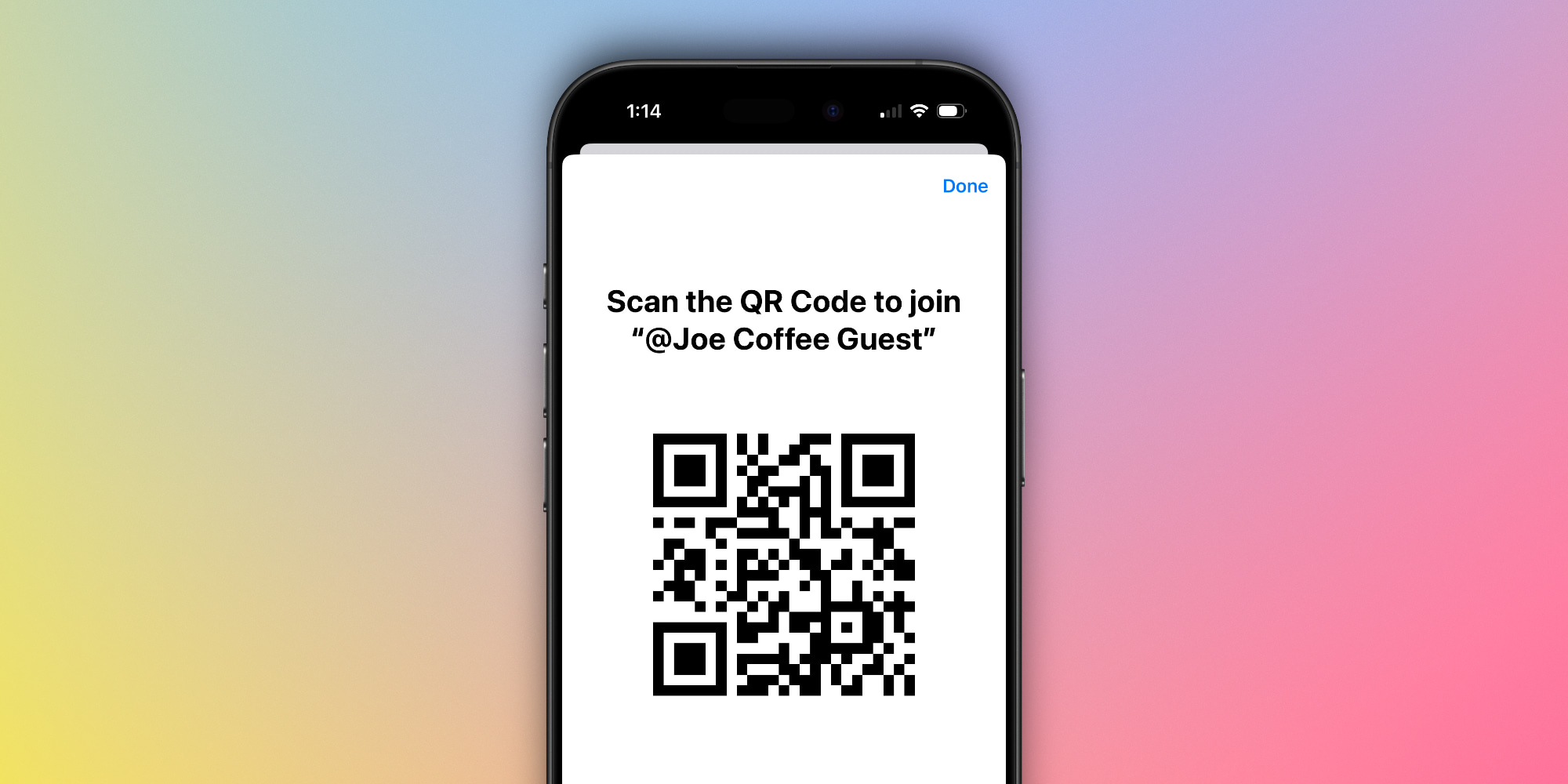
Tap to open a Wi-Fi network inside the Passwords app, and you’ll see a button that reads, ‘Show Network QR Code.’
This QR code can then be scanned by anyone nearby to instantly connect them to your network.
They won’t need to enter a password or configure anything at all—just scan, and they’ll see the prompt to instantly join the network.
Why Passwords’ solution can outdo Apple’s existing feature
Most readers will know that Apple already has a popular solution for sharing your Wi-Fi password with others: its pop-up prompt that sometimes feels like magic.
When someone nearby is trying to connect to the Wi-Fi network you’re on, this prompt lets you quickly share your password wirelessly.
It’s an all-time great feature.
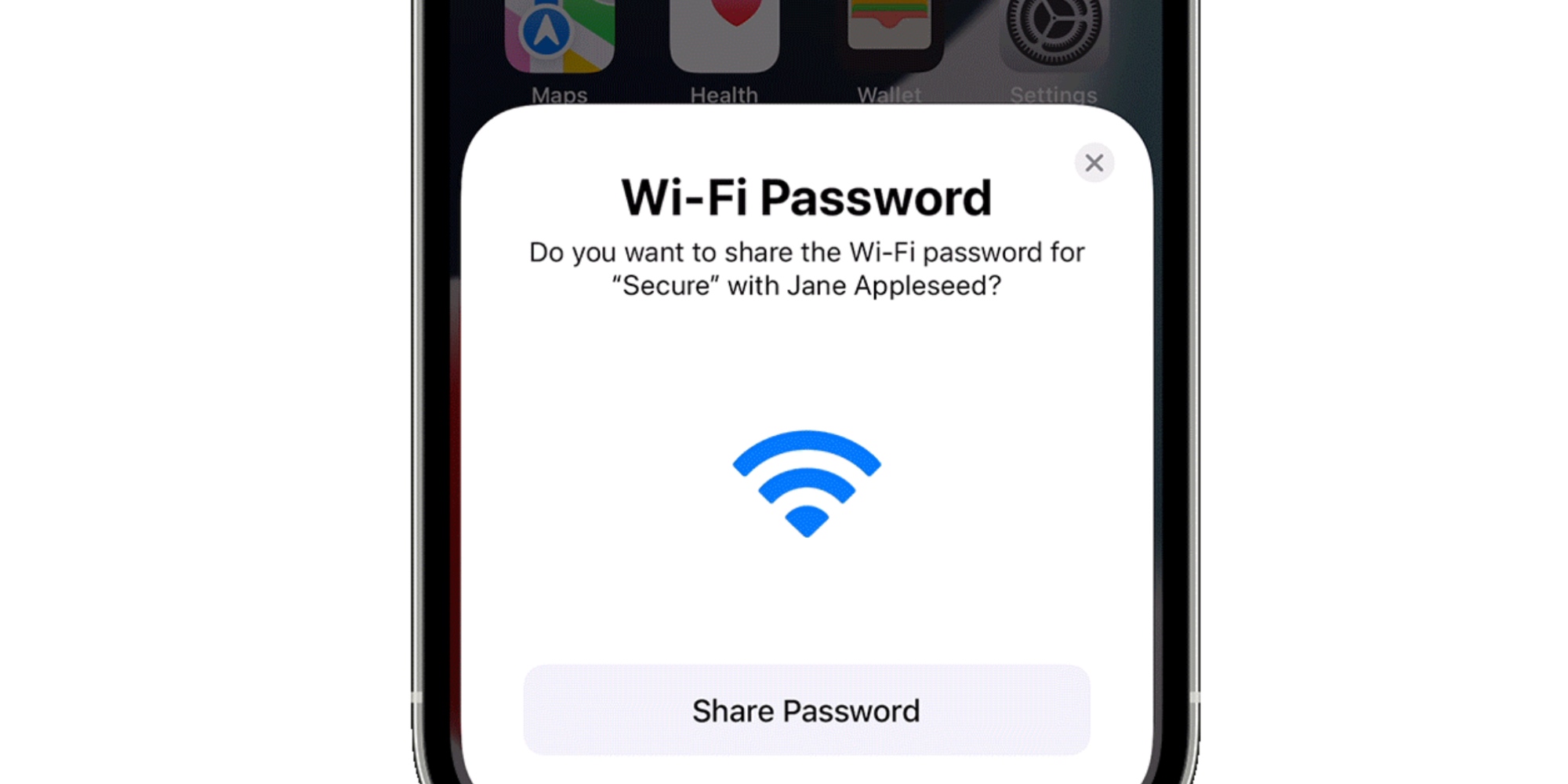
But sharing that way has some limitations:
- it’s fine for individuals, but not so great with a large group
- it requires the person joining to choose the right network first
- also, iPhone users at times experience reliability issues with the feature
Consider Passwords’ QR code alternative.
Particularly when there’s a large group present, it’s much faster to open Passwords, load the QR code, and let everyone scan who wants to.
That way, guests won’t need to know first which network to join, and they also won’t need to wait as you grant access one by one.
The next time you’re throwing a party, hosting a large group gathering, or simply having reliability issues with the existing Wi-Fi sharing feature—pull out the Passwords app.
Who knew Apple’s Passwords app could prove such an asset for parties?
Have you used Passwords’ Wi-Fi sharing feature? Let us know in the comments.
Best iPhone accessories
- AirPods Pro 2 (now only $169, down from $249)
- 10-year AirTag battery case
- Anker 100W charging brick for fast charging
- MagSafe Car Mount for iPhone
- HomeKit smart plug 4-pack


FTC: We use income earning auto affiliate links. More.


Comments