
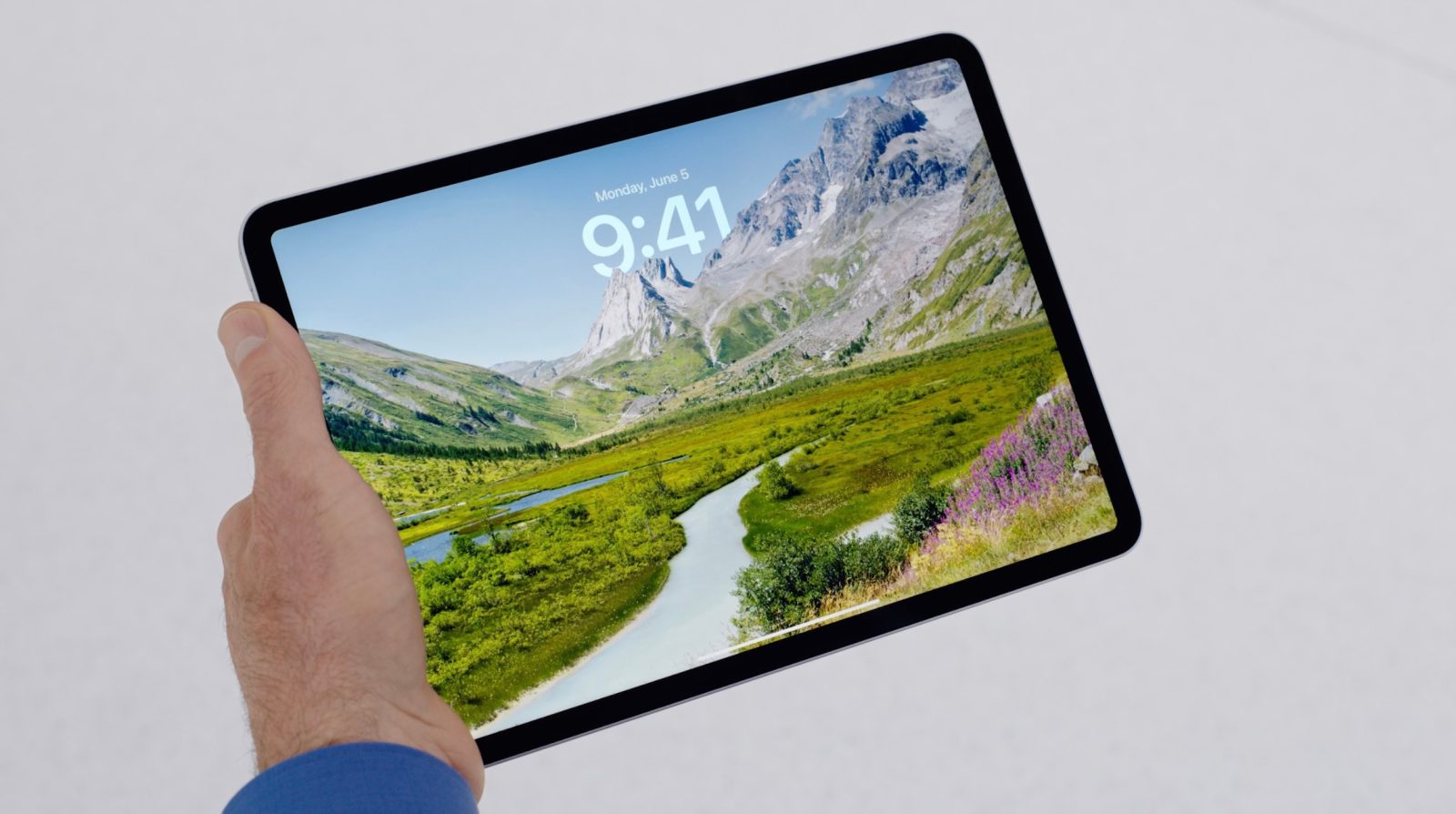
Working from an M4 iPad Pro has its shortcomings, but it also comes with a lot of strengths. Here are some key iPadOS features that have made full-time iPad productivity serve me so well.
#1: iPadOS Home Screen
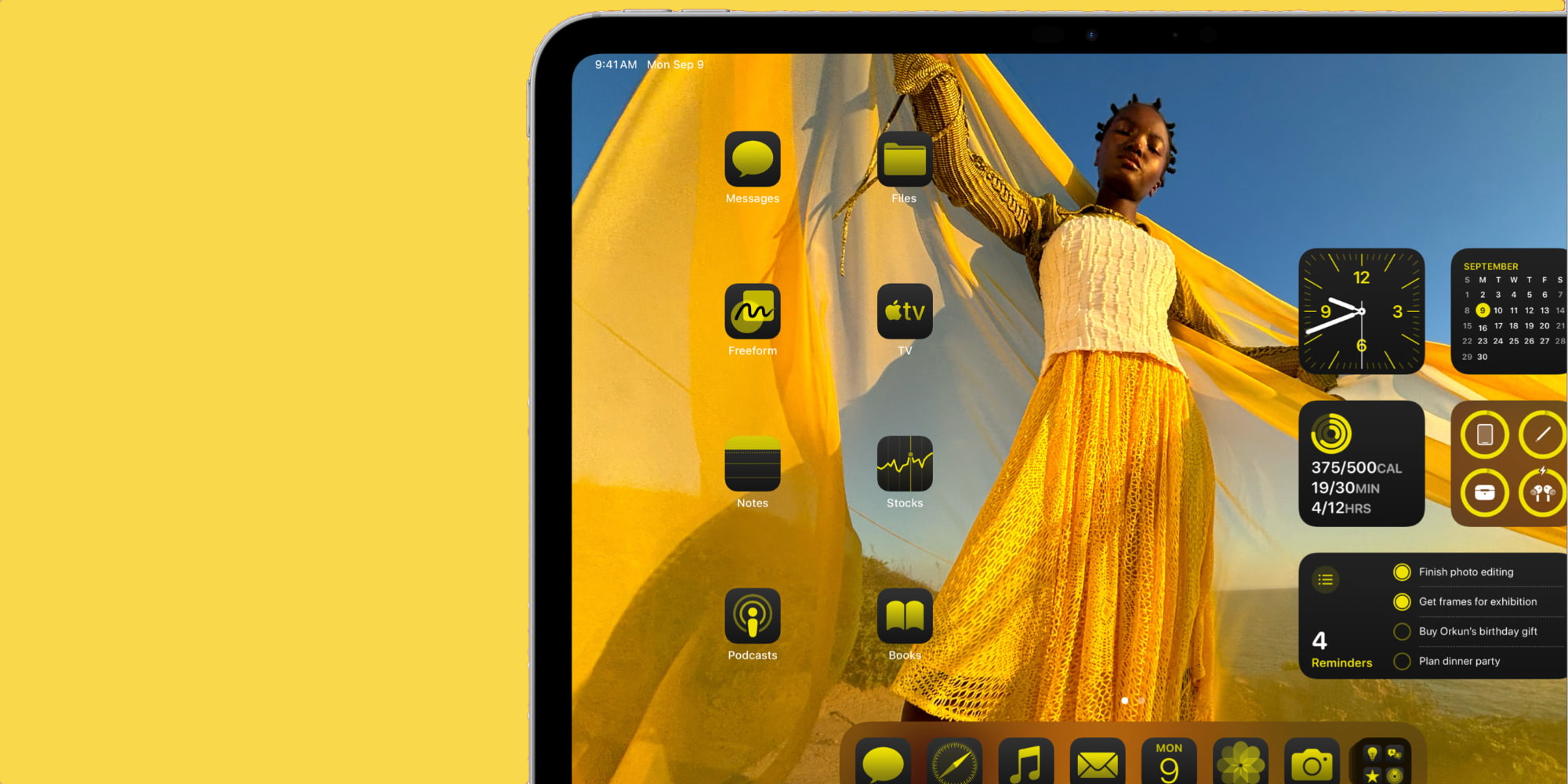
The iPad’s Home Screen has long moved past being just a hub for apps.
Ever since iPadOS 13 in 2019, the Home Screen has been a versatile dashboard thanks to the addition of widgets. Not long after, those widgets became even more powerful with resizing tools and freeform placement. Today, you can also modify the look of app icons, place objects anywhere on screen, and more.
I love filling my iPad Home Screen with exactly the right tools for me: apps I launch often, widgets of varying sizes that provide important data, shortcuts from Apple’s Shortcuts app, all together in a central hub.
This used to be a big advantage of the iPad over the Mac, but fortunately macOS not long ago enabled desktop widgets too. I still prefer iPadOS’s greater versatility and customization tools. Also, I love just swiping up from the bottom of the screen to go Home.
#2: One app by default
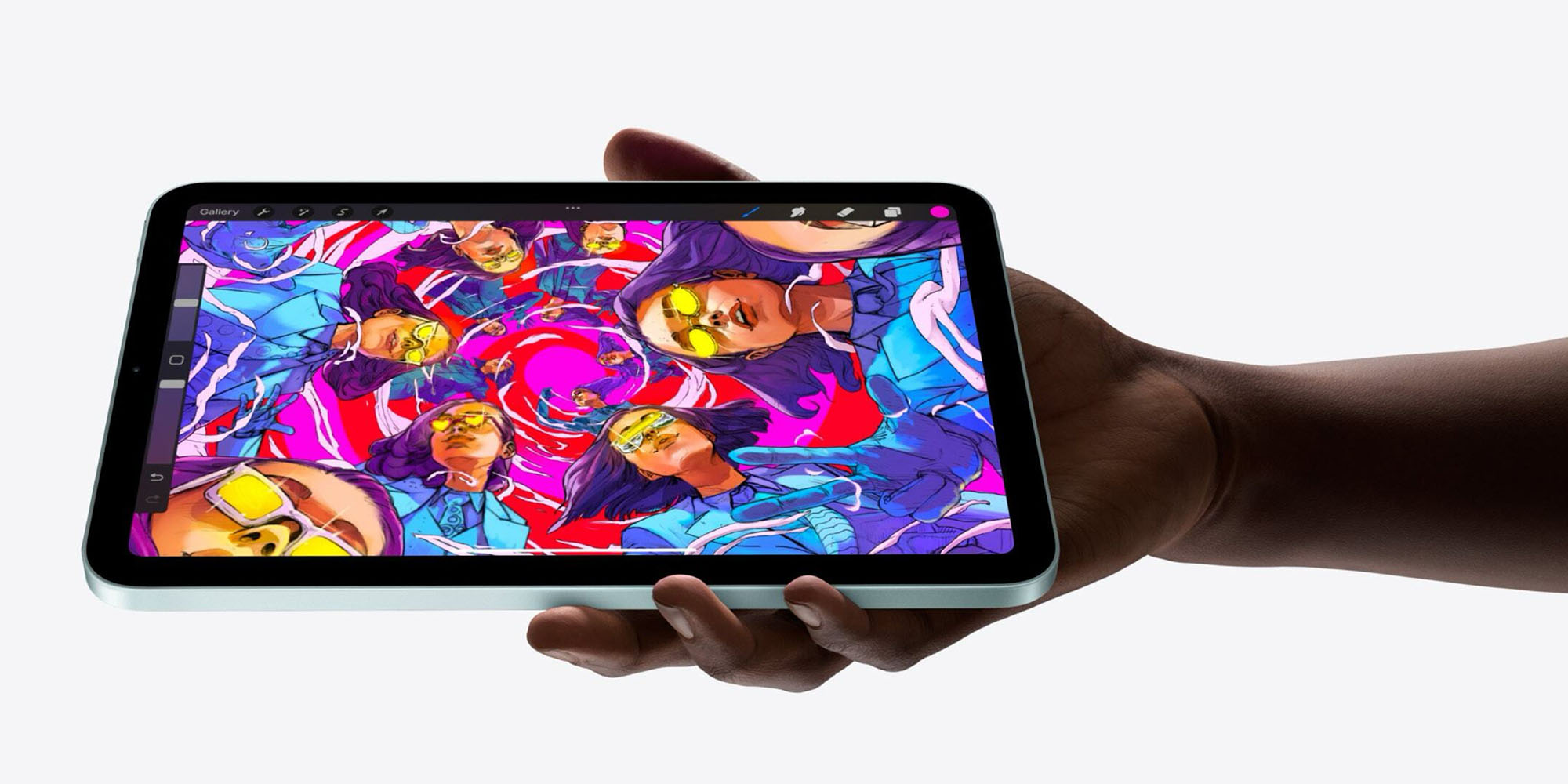
I understand this can be a negative for some who prefer the Mac. But I absolutely love the iPad’s one-app-at-a-time design.
In iPadOS, opening an app by default fills the whole screen. You work in a single app at a time, and see nothing else.
This feature has been a big part of why I’ve spent the last 10 years working from an iPad.
The mental focus and clarity provided by the iPad’s app model is something that gets completely lost when I use a Mac. Having various resizable windows filling the screen, or even just the desktop in the background, ruins my ability to focus.
#3: Slide Over multitasking
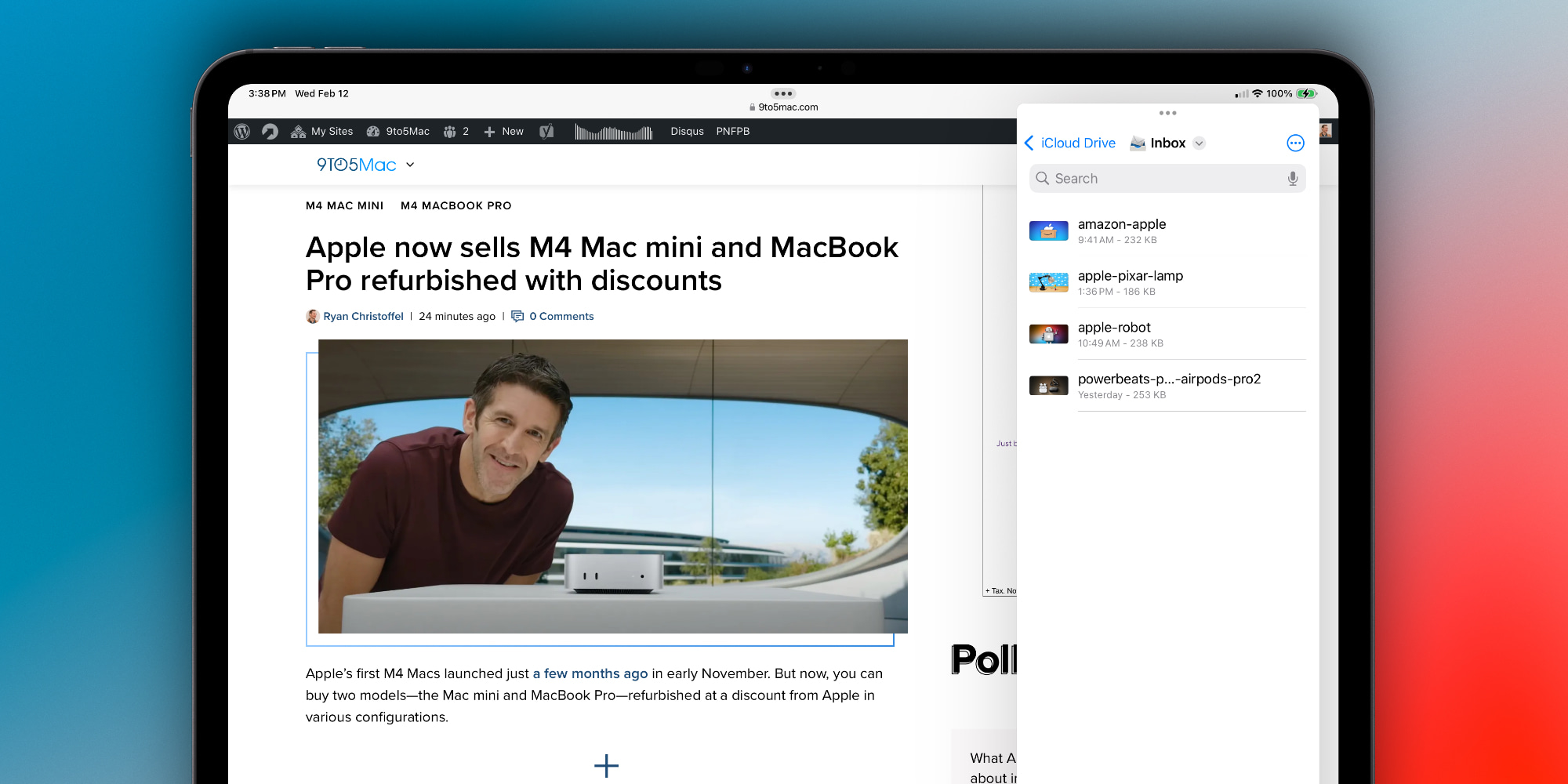
As much as I prefer keeping one app on screen at a time, the feature only works so well because I also use Slide Over frequently.
Slide Over allows me to quickly bring a compact app into view from the edge of the iPad’s display. It’s essentially a mini-iPhone app window that can sit above the main iPad app.
Like the iPhone’s app switcher, Slide Over also lets you quickly switch between a stack of multiple apps, which has made it one of my most prized iPadOS features.
Top comment by Cerberus
I think Steve Job’s analogy of PCs being trucks and iPads being cars is still mostly accurate to this day. Yes the Mac can still technically do more things, but I still find myself reaching for my iPad over my macbook the vast majority of the time. It really is plenty enough computer for the majority of people, plus other creative use cases the Mac book can’t do, like handwritten notes or drawing art, logos, etc.
Most of my day I have Safari, Ulysses, or NetNewsWire on screen as my main iPad app. Then in Slide Over, I’ll bounce between Slack, Messages, Files, Photos, and Reminders.
Thanks to Slide Over I can quickly pull another app in as needed without replacing my main workspace, then push it off to the side when I don’t need it.
iPadOS features for getting things done: wrap-up
iPadOS isn’t the best platform for everyone to get work done, but it’s been my go-to for a long time. If you’re weighing replacing your laptop with an M4 iPad Pro, I go into more details about why that works for me here.
What are your favorite iPadOS features for getting things done? Let us know in the comments.
Best iPad accessories
- Apple Pencil Pro (now $99, down from $129)
- 100W USB-C power adapter for fast charging
- tomtoc Tablet sleeve bag for protection and style
- 10ft USB-C cable for extended reach
- AirPods Pro 2 (now $169, down from $249)


FTC: We use income earning auto affiliate links. More.


Comments