
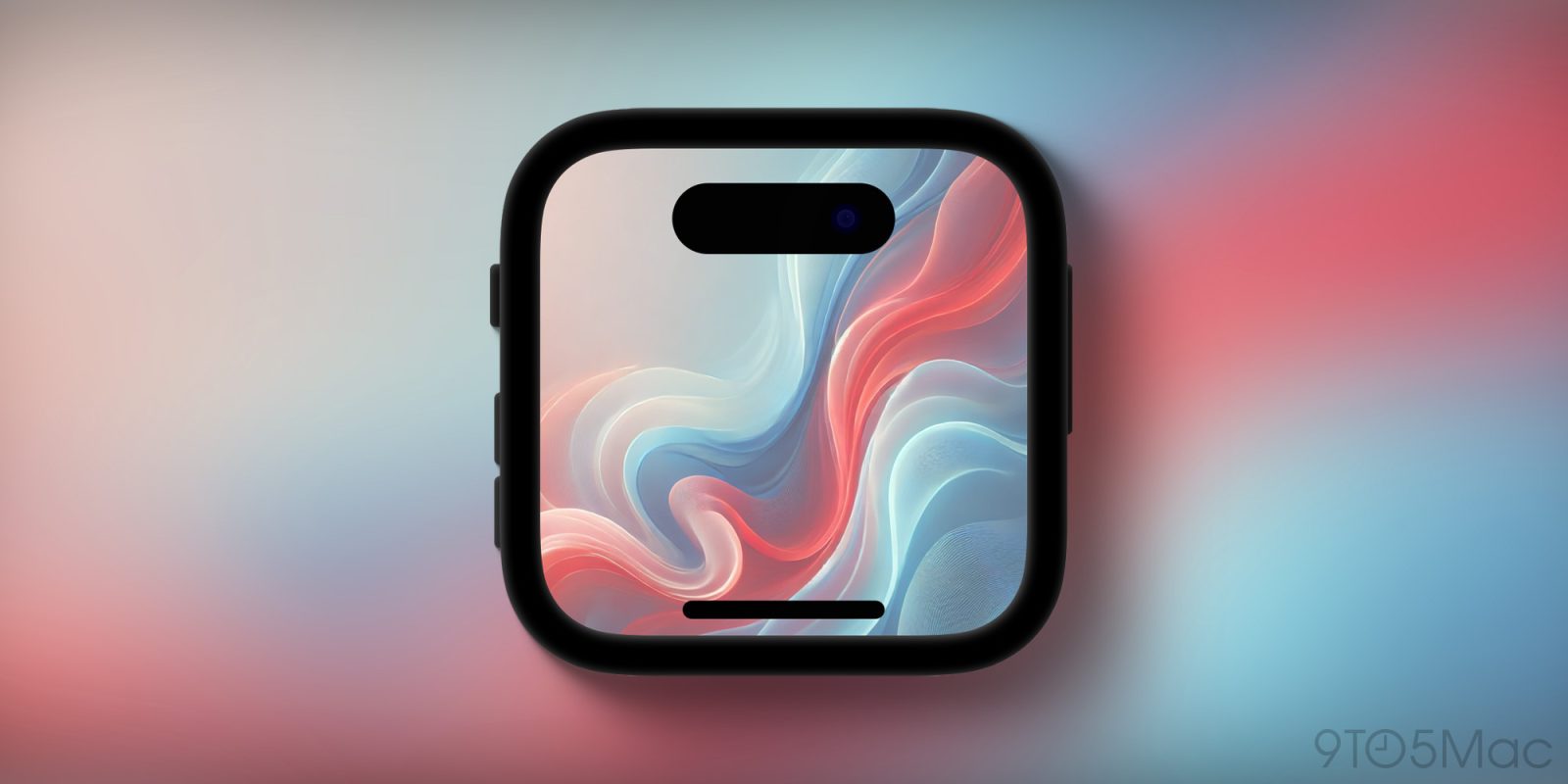
Dark Noise developer Charlie Chapman is out with a new Mac utility called “Framous.” The app aims to be the best way to add device frames to screenshots.
Here’s how Charlie describes Framous:
Framous 1.0, the easiest way to quickly add device frames around your screenshots on the Mac, just released to the Mac App Store today.
Drag and drop or copy and paste to throw your screenshots in and yank them back out perfectly set into device frames to make them look great. And with Shortcuts support you can even automate the process to make framing your screenshots even easier!
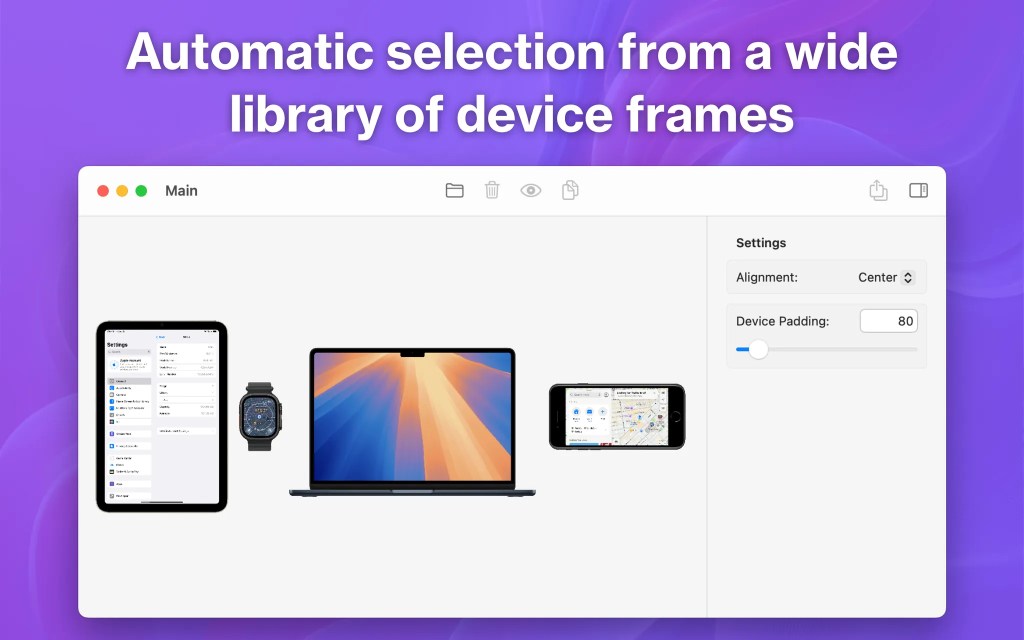
Here are the ways Framous aims to streamline this process:
- Auto-detect your device based on your screenshot to pick the right frame from a growing library of devices
- Combine multiple devices into a single image, or bulk export multiple separate images at once
- Quick customization options to change frame colors and more
- Automate your screenshot framing with Shortcuts support for even more efficient workflows
Whether you’re a developer, journalist, or just looking to make your screenshots look fancier before posting them on social media, Framous is a must-have app for your Mac.
You can download Framous from the Mac App Store for free and use generic device frames. To unlock all current frames and additional frames released in 2025, there’s a one-time purchase of $19.99. Alternatively, there’s a $9.99 yearly subscription to unlock all frames as they are released.
Here’s a video of the app in action:


FTC: We use income earning auto affiliate links. More.


Comments