
Siri’s big AI upgrades may still be a long way off, but some changes to the Shortcuts app in iOS 18.4 offer the first major hints in Apple’s software of what’s to come. Shortcuts has gained new actions for Apple apps, with super fine-grained controls available for building shortcuts that change apps’ settings in various ways.
iOS 18.4 Shortcuts actions provide glimpse into coming Siri powers
Apple’s Shortcuts app hasn’t received as many noteworthy updates recently as it once did. But that appears to be changing.
Shortcuts’ App Intents system is the foundation of Apple’s upcoming Siri upgrades that enable the assistant to perform hundreds of new in-app and cross-app actions.
Originally these changes were expected to arrive in iOS 18.4, but they’ve been indefinitely delayed by Apple amid recent Siri team shake-ups.
However, iOS 18.4 users still get to benefit from a variety of new Shortcuts app actions now available that were likely added in preparation for those Siri changes.
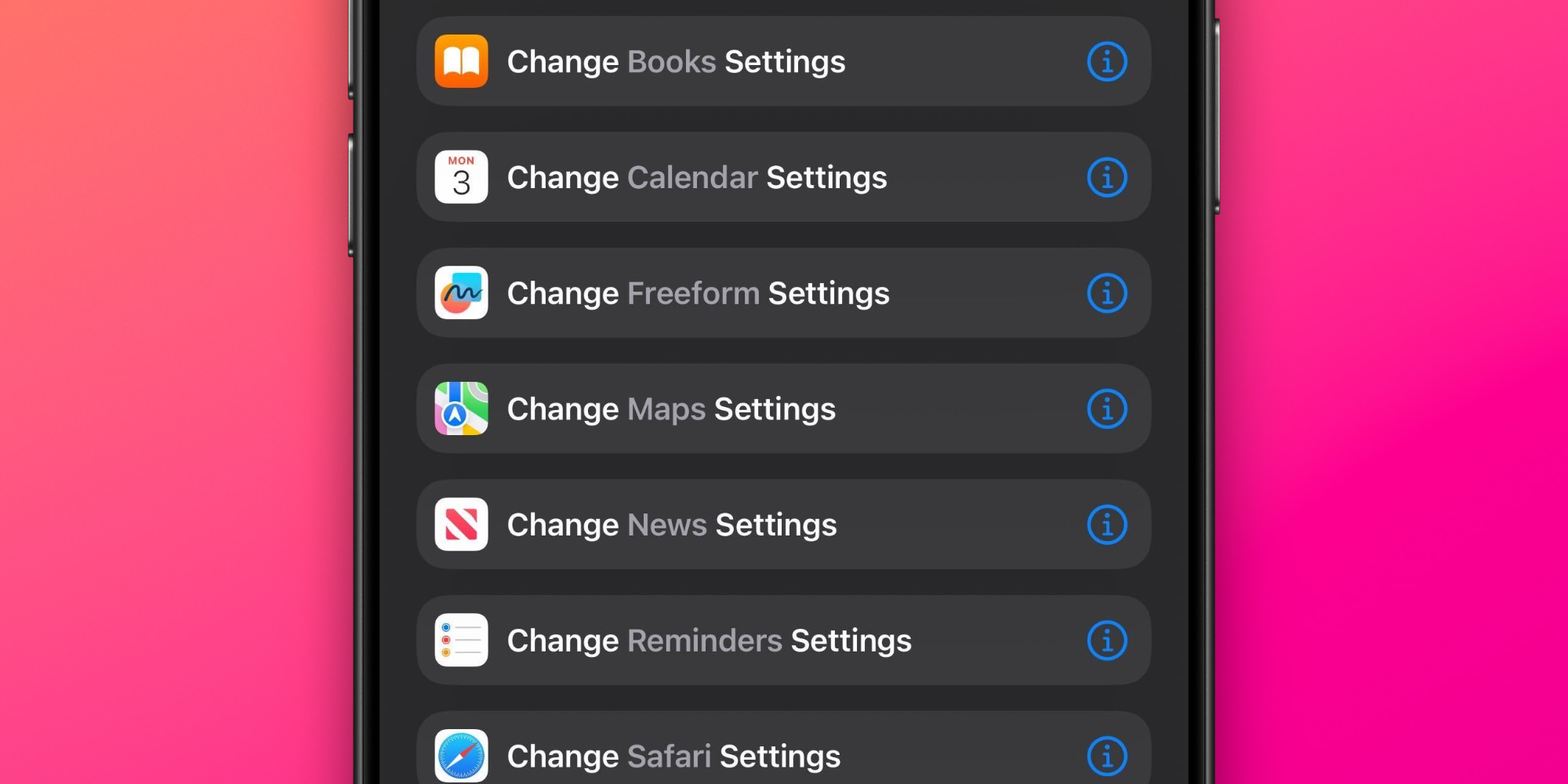
Inside the updated Shortcuts app, you’ll find new actions to change settings for various Apple apps. And within each action there’s an extremely granular deeper layer of actions you can perform.
Though some app actions present in the beta period were removed before iOS 18.4’s public launch, there’s still plenty to explore here.
For example, Safari’s shortcut for changing Safari settings lets you update the following:
- AutoFill Use Contact Info
- AutoFill Use Credit Cards
- Block Pop-Ups
- Close Tabs
- Landscape Tab Bar
- Open Links
- Private Search Engine
- Safari Suggestions
- Search Engine
- Search Engine Suggestions
- Tab Bar Configuration
- Tab Layout
All of this clearly isn’t here just to benefit the Shortcuts app.
Rather, these more fine-grained actions lay the groundwork for new powers Siri will gain in a future update.
Are you interested in using the new Shortcuts actions in iOS 18.4? Which new shortcuts have you set up? Let us know in the comments.
Best iPhone accessories
- AirPods Pro 2 (now only $199, down from $249)
- 10-year AirTag battery case 2-pack
- Anker 100W charging brick for fast charging
- MagSafe Car Mount for iPhone
- HomeKit smart plug 4-pack


FTC: We use income earning auto affiliate links. More.




Comments