
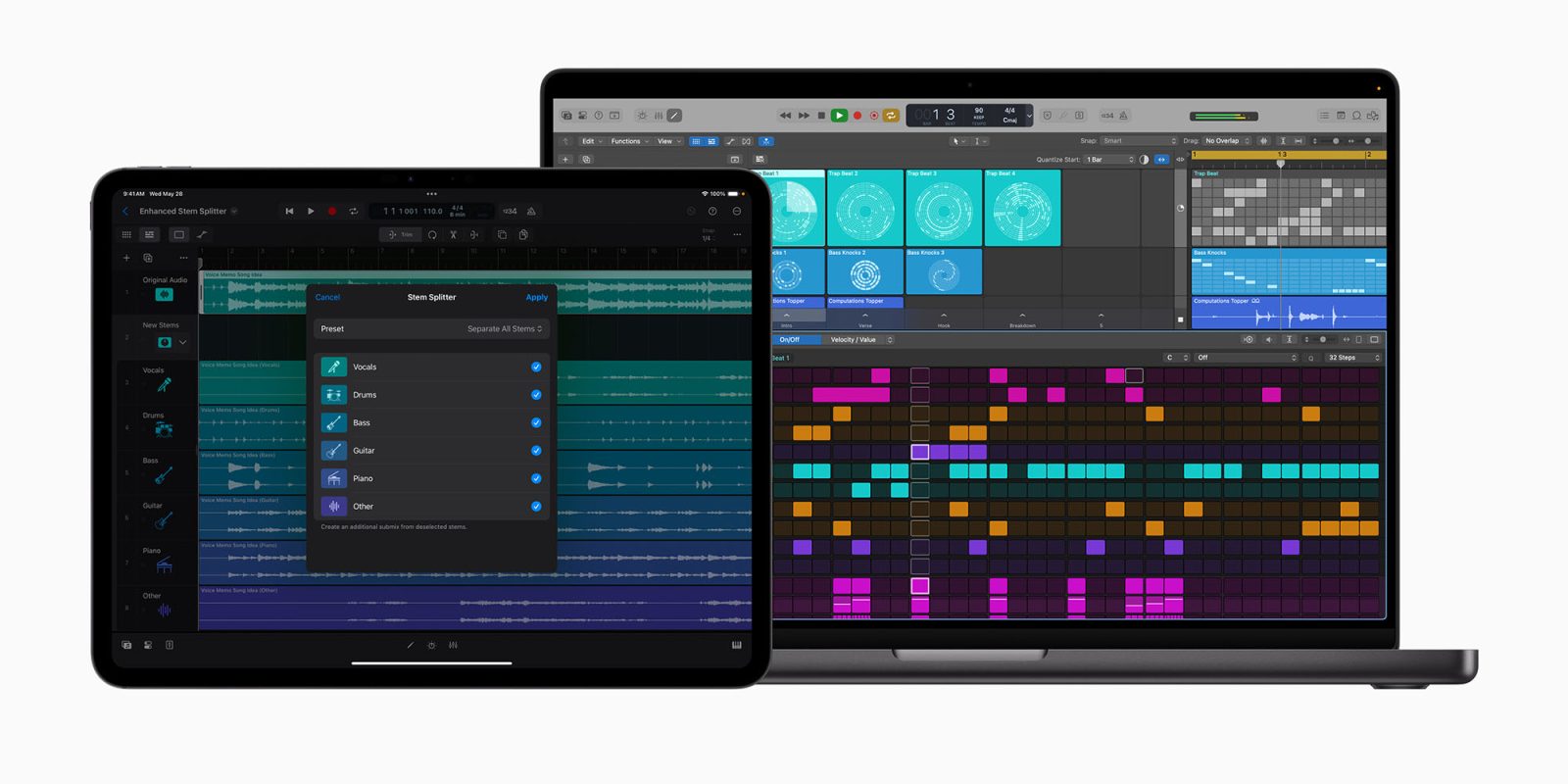
Apple has today updated Logic Pro for both Mac and iPad, with an improved stem splitter now able to separate guitar and piano tracks from existing recordings, new sound packs, and even the ability to rescue you if you forgot to save a track.
The Learn MIDI feature has also come to iPad for the first time, letting you easily assign functions to knobs, faders, and buttons on MIDI devices …
Apple says the improved Stem Splitter now offers even greater audio fidelity.
The updated Stem Splitter extracts greater detail from old recordings and demos, and now offers added support for guitar and piano stems. Producers can easily select common stem variations, such as acapella, instrumental, or instrumental with vocals using presets. Additionally, a new submix feature makes it easy for users to export just the parts of audio they want — for example, removing vocals to create an instrumental track, or pulling out the drums and bass for a custom remix.
(The feature is not supported by Intel Macs, or pre-M1 iPads.)
Dancefloor Rush headlines the new sound packs provided.
Logic Pro adds new sound packs to amplify music production. Dancefloor Rush — the latest sound pack for Mac and iPad — features a world of expertly crafted drum-and-bass sounds with over 400 dynamic loops, punchy drum kits, and a custom Live Loops grid. Today’s update also introduces two new sound packs to Logic Pro for Mac: Magnetic Imperfections and Tosin Abasi. Magnetic Imperfections brings an original texture that captures the raw, unpolished essence of analog tape, while the Tosin Abasi sound pack showcases progressive metal guitar with boutique amps, unique effects, distinctive picking techniques, and the artist’s signature riffs.
Flashback Capture can save you when you forgot to save a track.
Flashback Capture allows artists to recover unforgettable performances, even if they forgot to hit record. Users can quickly restore MIDI and audio performances using a key command or a custom control bar button. By enabling Cycle mode, musicians can improvise multiple takes, and Flashback Capture will automatically organize each pass into a take folder.
The company does note that this feature is only available when Logic Pro is in active play mode.
Finally, Learn MIDI on iPad provides a new way to assign functionality to your favorite MIDI controls.
Learn MIDI is now available on iPad, allowing users to get hands-on control by easily assigning their favorite knobs, faders, and buttons on MIDI devices to control plug-ins, instruments, and other automatable parameters within Logic Pro. With Learn MIDI’s intuitive interface and real-time visual feedback, users can quickly create custom assignments, view available controls, and stay in their creative flow.
Highlighted accessories
- Anker 511 Nano Pro ultra-compact iPhone charger
- Spigen MagFit case for iPhone 16e – adds MagSafe support
- Apple MagSafe Charger with 25w power for iPhone 16 models
- Apple 30W charger for above
- Anker 240W braided USB-C to USB-C cable
Image: Apple


FTC: We use income earning auto affiliate links. More.



Comments