

Apple’s WWDC25 developer sessions are packed with interesting tidbits that didn’t get stage time on the keynote or the State of the Union presentation. One in particular, highlighted briefly during What’s new in SwiftUI, could offer the first real hint at where visionOS is heading next.
A couple of months ago, Bloomberg’s Mark Gurman reported that Apple was readying two new Vision Pro headsets. One aims to be lighter and more affordable than the current version, while the other is said to be a tethered device:
The other headset in development could be even more intriguing. In January, I reported that Apple had scrapped work on augmented reality glasses that would tether to a Mac. Instead, it’s now working on a Vision Pro that plugs into a Mac. The difference between the two ideas is the level of immersion. The canceled device had transparent lenses; the product still in the works will use the same approach as the Vision Pro.
While there is no official word on when or if those products will launch, Apple might already be laying the groundwork for that tethered version.
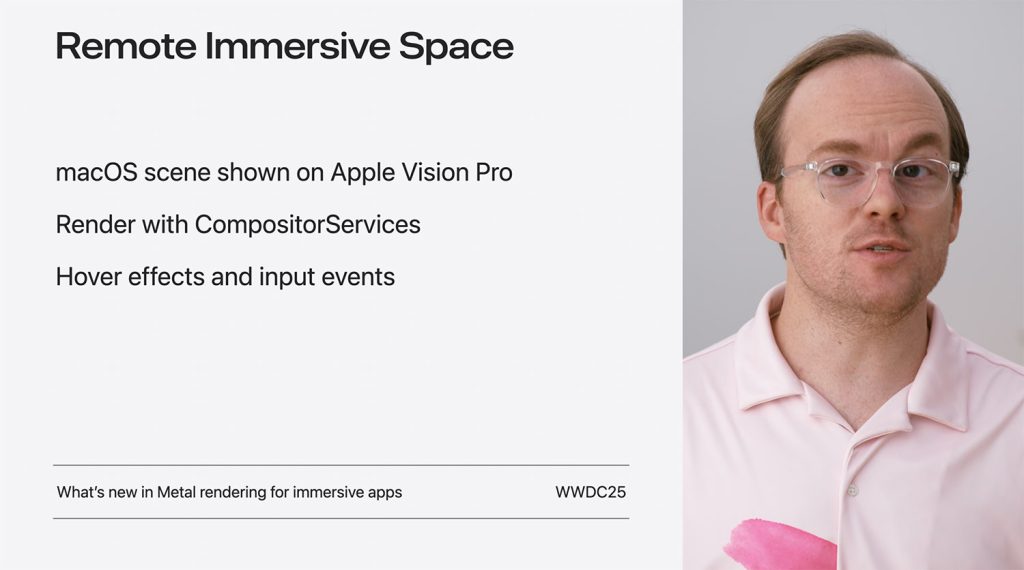
That’s because for the first time, macOS Tahoe 26 apps will be able to render 3D immersive content directly on Apple Vision Pro, using a brand-new scene type called RemoteImmersiveSpace.
From macOS directly to visionOS
This new capability was mentioned as part of SwiftUI’s evolving support for spatial computing, and it takes advantage of the fact that Apple is bringing the CompositorServices framework to macOS Tahoe 26.
This framework enables Mac apps running on macOS Tahoe 26 to project stereo 3D content straight into Vision Pro environments, without needing a separate visionOS build.
Using RemoteImmersiveSpace, developers can now create immersive visuals that support input events, like taps and gestures, and hover effects for spatial interaction, effectively allowing their desktop apps to extend into a fully immersive environment. This can all be done in SwiftUI, with deeper integration into Metal for those who want full control over rendering.
What’s more, the SwiftUI team also introduced powerful spatial layout and interaction APIs, letting developers compose volumetric UIs, enable object manipulation, like picking up a virtual water bottle, and use scene snapping behavior for more dynamic interfaces.
In practice, this means a macOS app could simulate entire 3D experiences, from architectural walkthroughs to scientific visualizations, and run them live on Vision Pro, powered by the Mac.
The result? A much lower barrier to entry for macOS developers who want to experiment with Vision Pro, or start building for a future where spatial computing might become mainstream.
To dig into the technical details, check out Apple’s “What’s New in SwiftUI” session and the documentation on the Apple Developer website.


FTC: We use income earning auto affiliate links. More.


Comments