
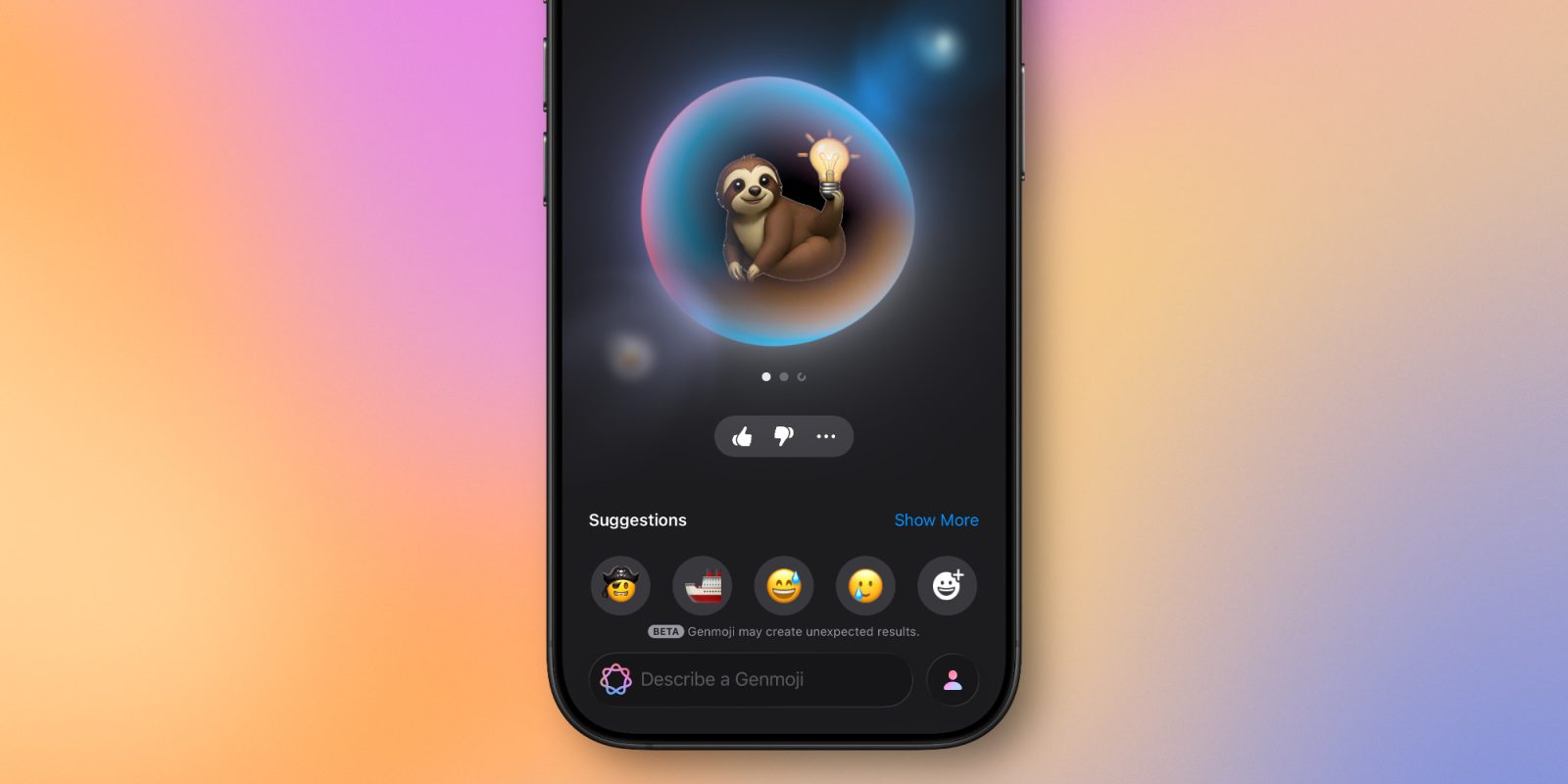
Genmoji launched last December in iOS 18.2 as a new Apple Intelligence feature for creating custom emoji. And in iOS 26, Apple has upgraded Genmoji with several new capabilities that will hit your iPhone soon. Here’s what’s new.
New Genmoji upgrades are on the way in iOS 26
If you’ve used Genmoji much in iOS 18, you’ll know that the feature is both very freeing, but also has its limits.
On one hand, Genmoji can expand the number of emoji options on your iPhone almost infinitely.
But when it comes to the specifics of how a Genmoji is crafted, it can take a little work to create exactly what you’re looking for—and sometimes you can’t fully achieve your vision.
iOS 26 should make that much easier, though.
New Genmoji features include:
- adding custom expressions to people
- changing physical attributes like hairstyle
- mixing existing emoji to create a new one
- Image Playground support
The first two offer a deeper level of customization than Genmoji have offered before—specifically for Genmoji based on people.
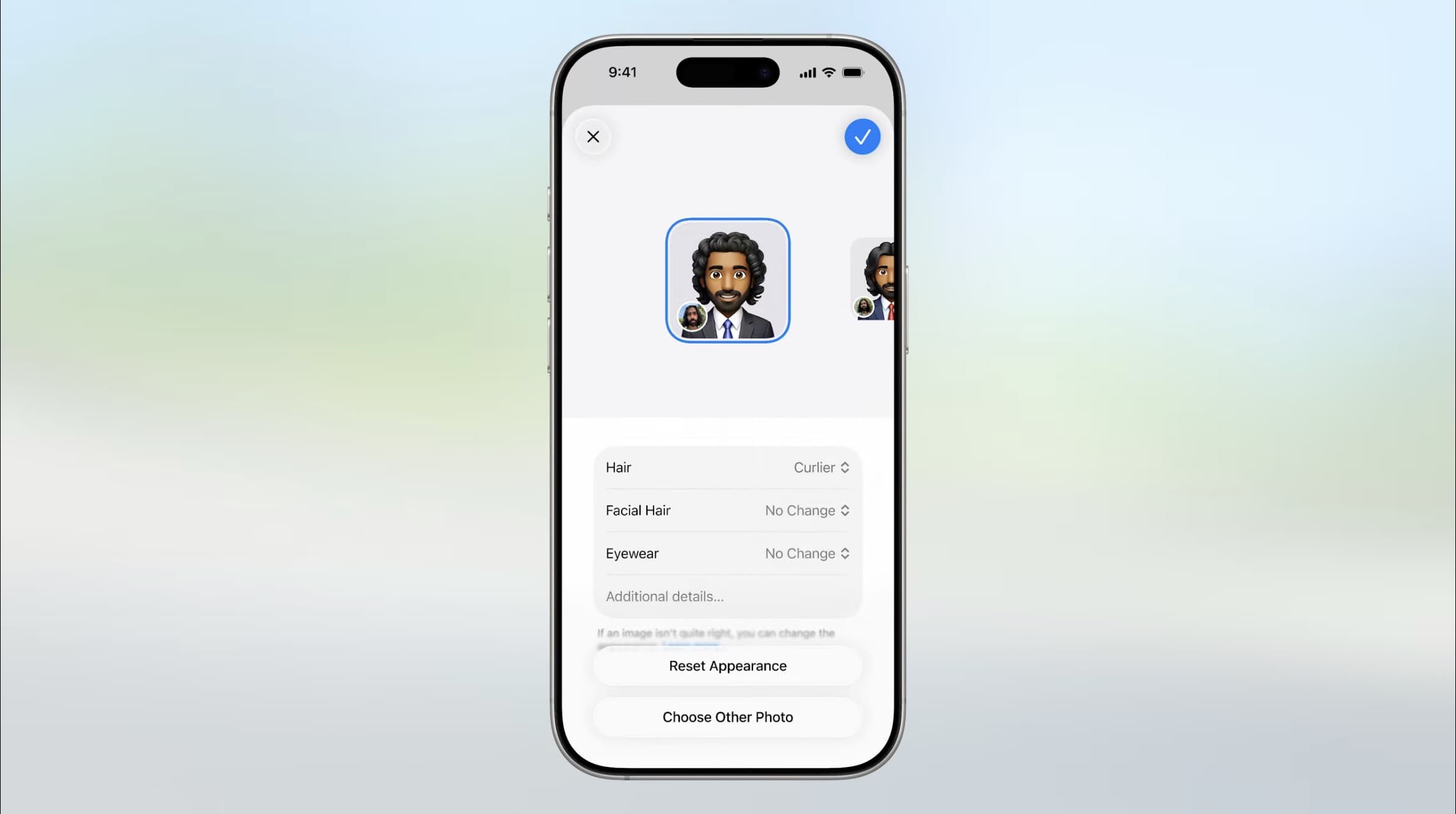
Now, custom expressions let you decide whether a Genmoji should look surprised, happy, exhausted, and so on. Previously, for Genmoji based on people from your Photos library, this level of personalization wasn’t possible.
Similarly, you can now change a Genmoji person’s physical attributes, like hairstyle, facial hair, eyewear, and more.
My biggest issues with Genmoji in iOS 18 had to do with creations based on real people, and these changes should definitely help.
To make Genmoji creation simpler than before, you can tap existing emoji that you want to mix together in a new creation. Apple gives the example of a sloth and lightbulb for when you’re slow to get a joke.
Genmoji mixing can also be part of a typed description, or be supplemented by it. So you can first select two emoji to mix, then type a description to further dial in the perfect creation.
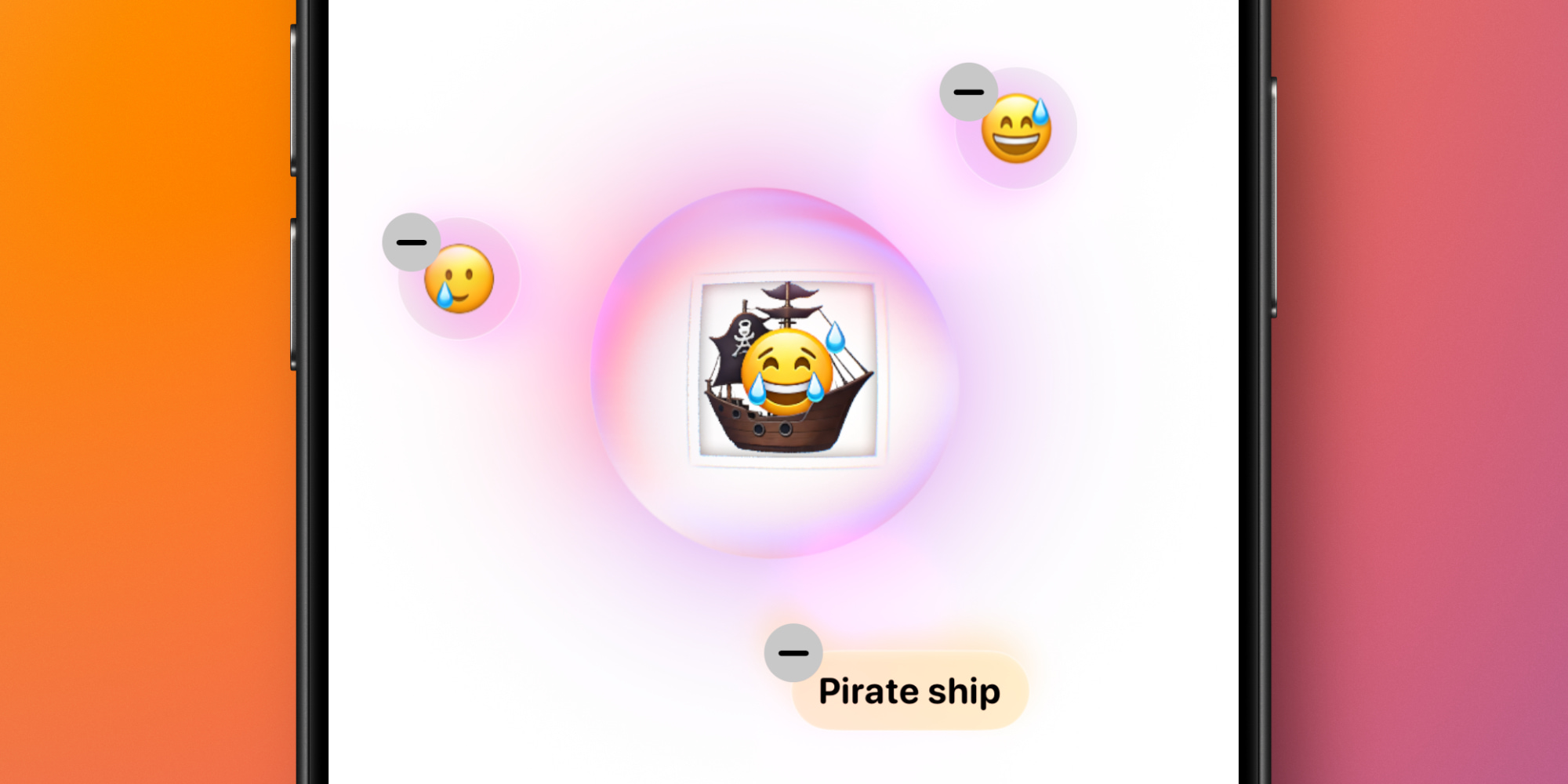
One last change is that Genmoji are now built into Apple’s Image Playground app.
Joining the existing image style options of Animation, Illustration, and Sketch, you can choose to create Genmoji right inside that dedicated app. It’s one of two new additions, with ChatGPT being the second.
Genmoji in iOS 26: wrap-up
If you’ve been a big user of Genmoji in iOS 18, you’ll no doubt find a lot to like about iOS 26’s changes. The new features build on last year’s foundation and expand the possibilities for new Genmoji.
This isn’t a major revamp of the feature though. So if Genmoji never interested you before, you likely won’t be motivated to try it out in iOS 26. Genmoji remain, however, a fun Apple Intelligence addition, and you can now get more creative with them than ever.
How often do you use Genmoji, and are you interested in the iOS 26 changes? Let us know in the comments.
Best iPhone accessories
- AirPods Pro 2 (now only $169, down from $249)
- MagSafe Car Mount for iPhone
- HomeKit smart plug 4-pack
- 10-year AirTag battery case 2-pack
- 100W USB-C fast charging power adapter


FTC: We use income earning auto affiliate links. More.



Comments