
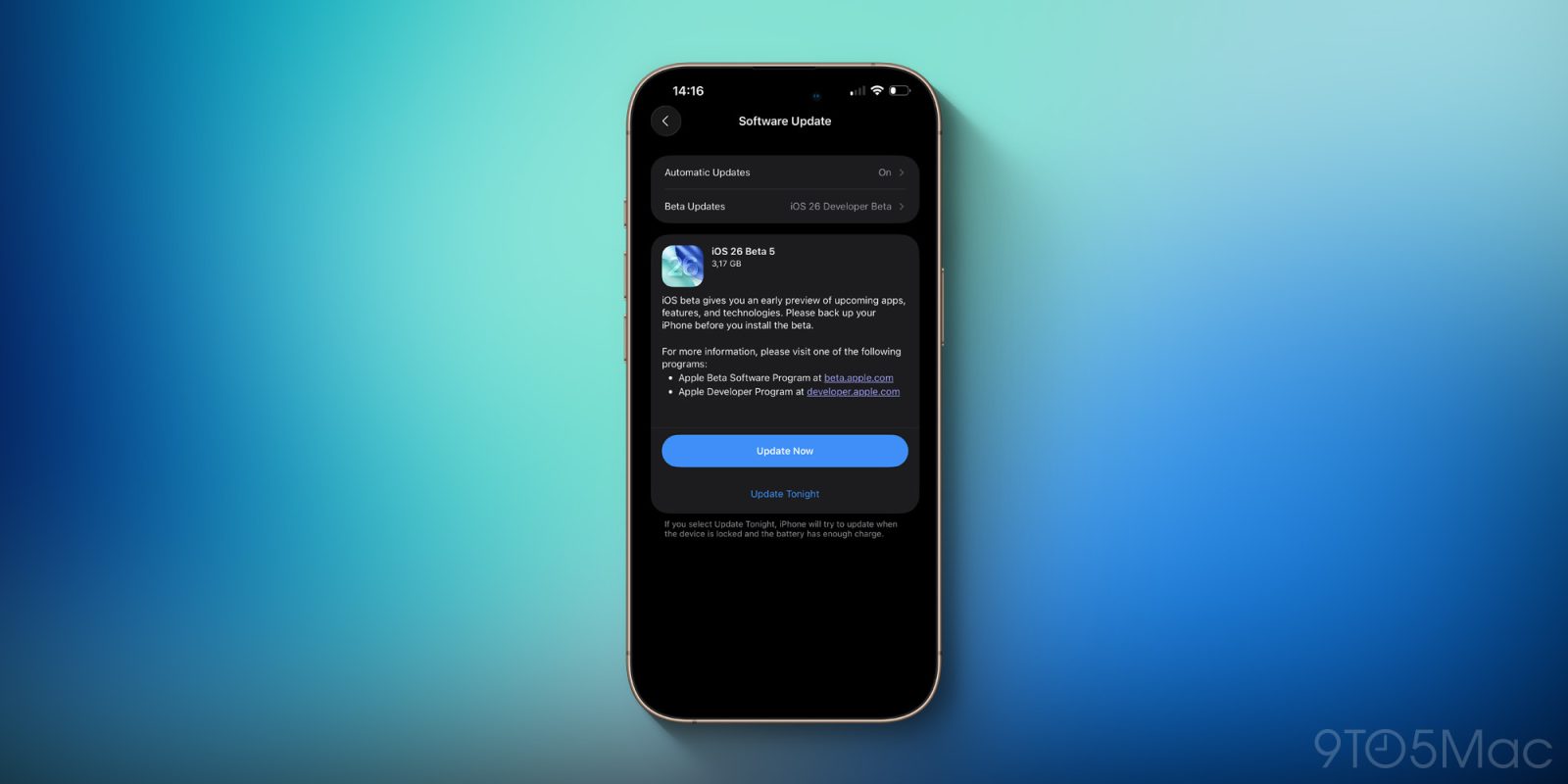
iOS 26 beta 5 is out now for iPhones on the developer beta release cycle. Below we’re collecting all of the iOS 26 beta 5 changes compared to the previous version.
iOS 26 beta 5 changes
The first thing we noticed in iOS 26 beta 5 is a bouncy new animation when the Lock Screen before entering your passcode or unlocking with Face ID or Touch ID. The new beta also introduces a lot of splash screens for Apple’s built-in apps that will appear upon first launch after updating to iOS 26.
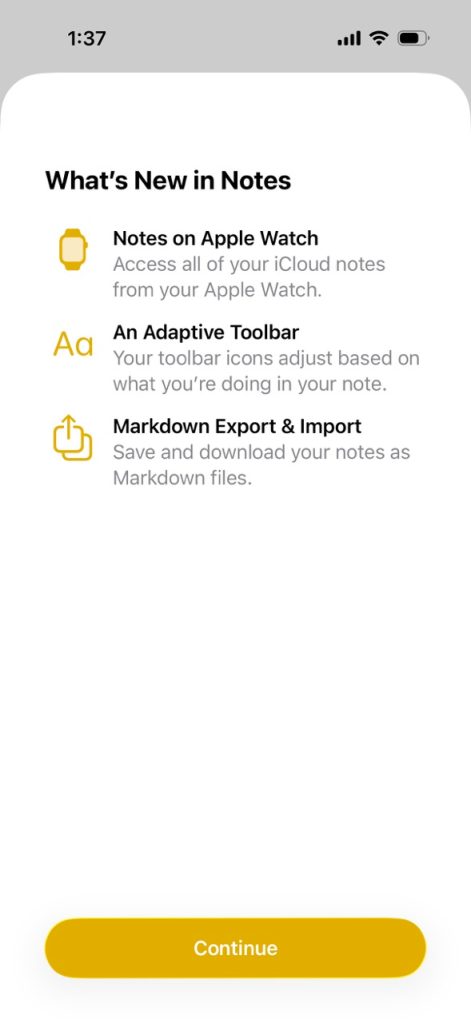
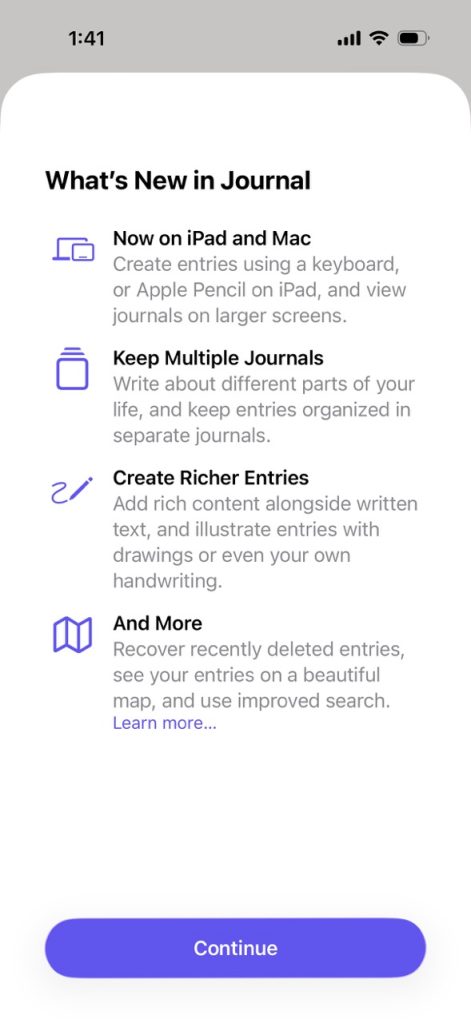
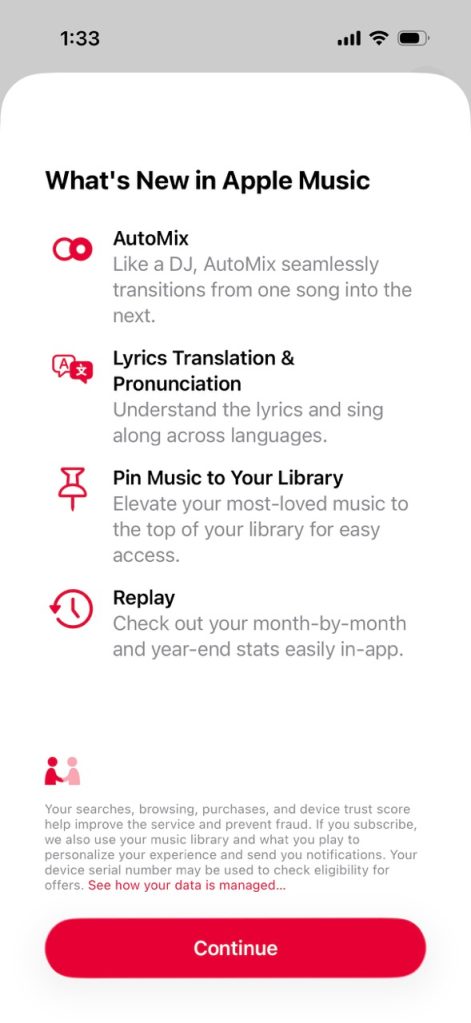
Unlike iOS 26 beta 3, Liquid Glass appears to have stayed the course with beta 5. No surprise there considering Liquid Glass is a key design element of the iOS 26 redesign (even if legibility edge cases remain).
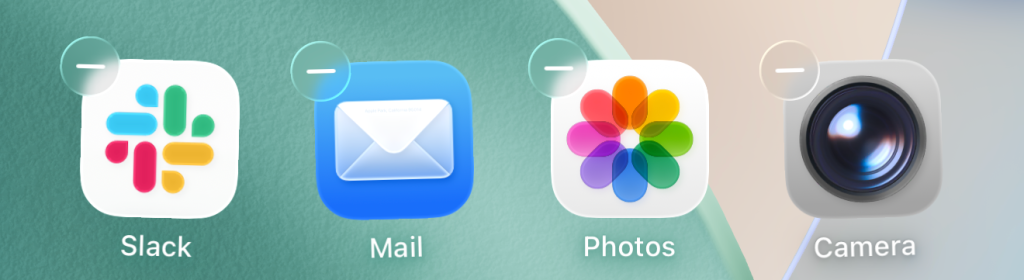
When editing your Home Screen layout, the – buttons now use Liquid Glass texture instead of the more opaque background from iOS 18.
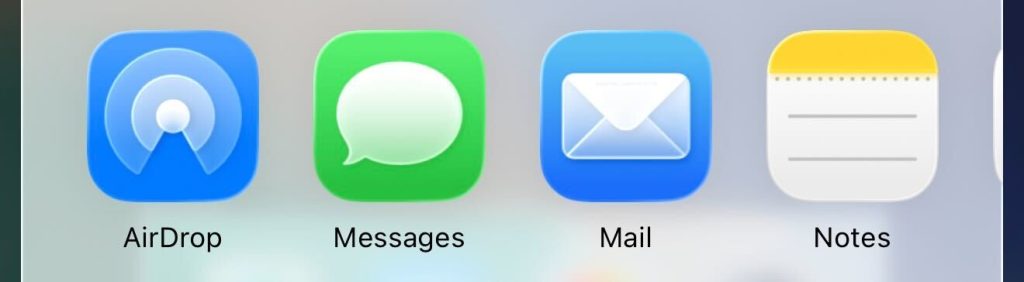
There’s also a nice new AirDrop icon in the share sheet:
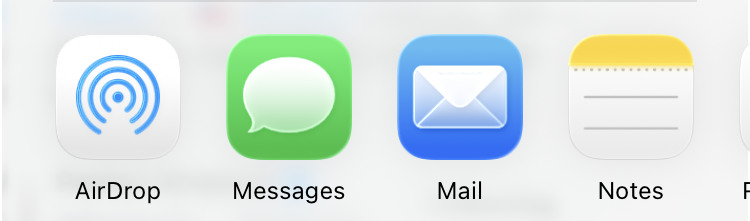
This was the previous version:
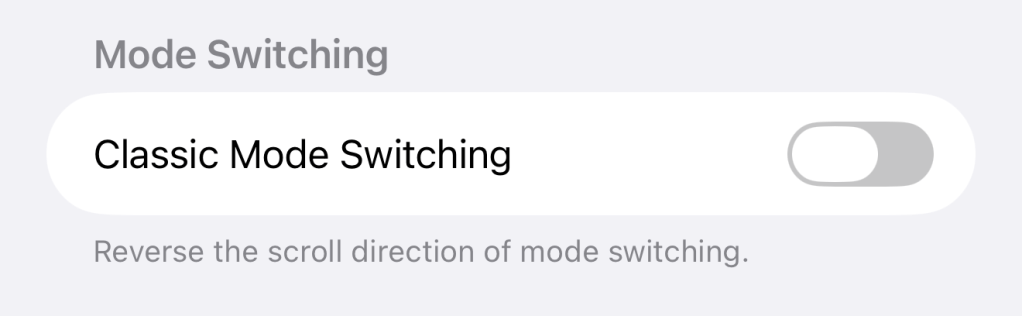
Camera now has a toggle to revert the swipe direction for switching shooting modes.
Meanwhile, Mail has restored the Select button used when selecting multiple messages to mark as read or archive. Both were big complaints in previous betas.
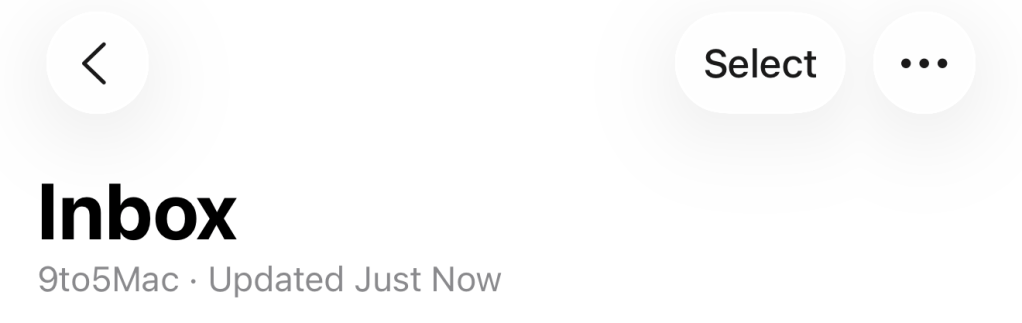
Over on the iPad, Apple now keeps the new menu bar visible in apps when viewed on an external display.
Top comment by DJ
There is a new battery animation when the battery hits 10% (guess it’s also the same for 20%)
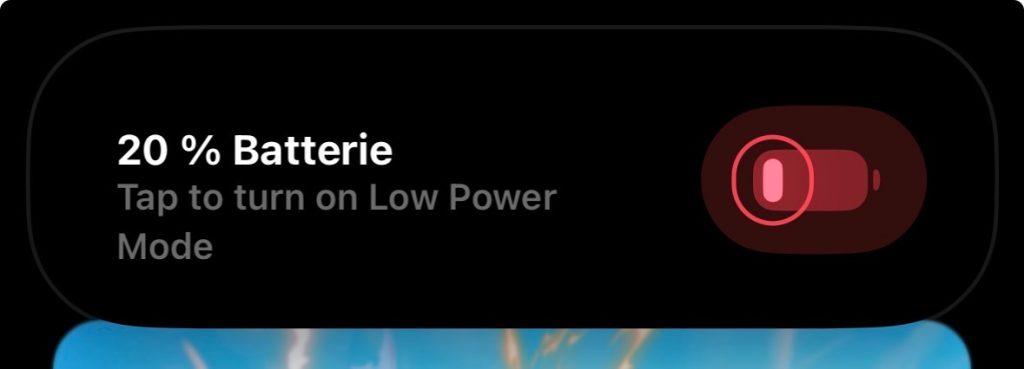
Readers have also pointed out that there’s a new notification style that appears when your iPhone reaches 20% battery:
Notification Center is still completely clear when being pulled down. iOS 26 beta 4 improved legibility by adding a darker version when notifications are present.
As a reminder, Apple is currently running two iOS 26 beta programs. The developer beta gives you access to the latest build, while the public beta tends to be a version behind (or at least a week) for fewer surprises.
Stay tuned for updates. See anything we missed? Drop us a line at tips@9to5mac.com!
Do more with your iPhone
Apple AirTag 2 | Add Find My tracking to anything
Beats USB-A to USB-C Cable | The official CarPlay cable


FTC: We use income earning auto affiliate links. More.


Comments