
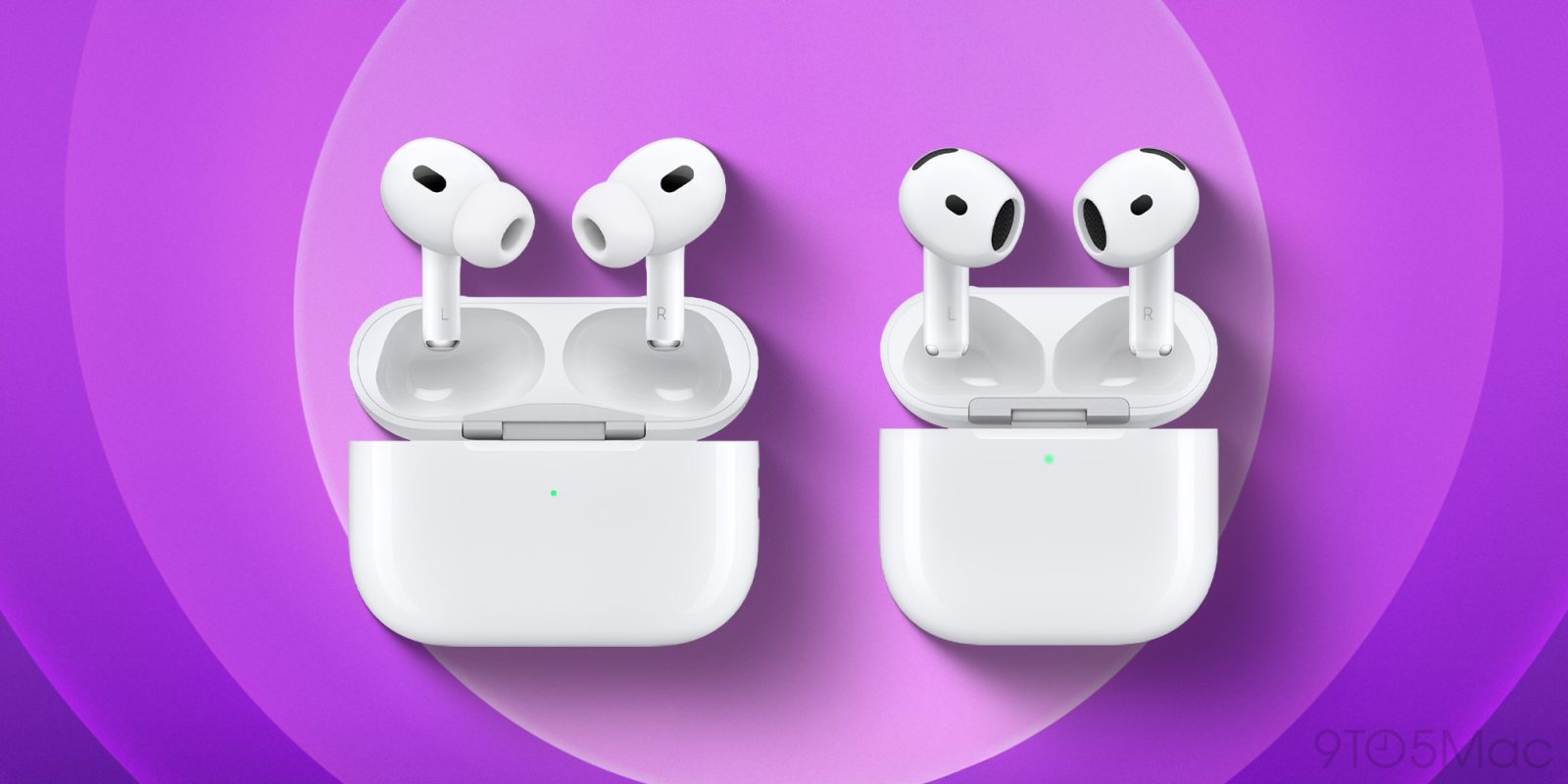
If you’re running the AirPods firmware public beta, Apple has a new update rolling out now for AirPods Pro 2 and AirPods 4. Here’s what you should know.
iOS 26 features for AirPods get another firmware update
Apple’s big iOS 26-led software launches are coming very soon, including an update for AirPods users.
The majority of new features are exclusive to AirPods Pro 2 and AirPods 4—models with an H2 chip.
But if you own one of those models, Apple just shipped new public beta firmware as a way to preview the new features that are coming.
The new AirPods firmware is build 8A5343a.
This means it’s identical to the developer firmware that rolled out earlier this week.
While you can’t manually trigger an AirPods firmware update, Apple says these are the steps to follow to ensure the background update happens:
- Make sure that your AirPods are in Bluetooth range of your iPhone, iPad, or Mac that’s connected to Wi-Fi.
- Put your AirPods in their charging case and close the lid.
- Plug the charging cable into your charging case, then plug the other end of the cable into a USB charger or port.
- Keep the lid of the charging case closed, and wait at least 30 minutes for the firmware to update.
- Open the lid of the charging case to reconnect your AirPods to your iPhone, iPad, or Mac.
- Check the firmware version again.
If you haven’t yet joined the AirPods public beta program but want to, you can sign up at beta.apple.com.
How has the AirPods public beta firmware been running for you? Let us know in the comments.
Best AirPods Pro deals and accessories
- AirPods Pro 2 (now only $169, down from $249)
- Memory foam AirPods Pro eartips for a more comfortable fit
- Magnetic strap neckband for preventing lost AirPods
- AirFly Pro 2 for connecting AirPods to standard headphone jacks
- Belemay leather case for AirPods Pro


FTC: We use income earning auto affiliate links. More.



Comments