
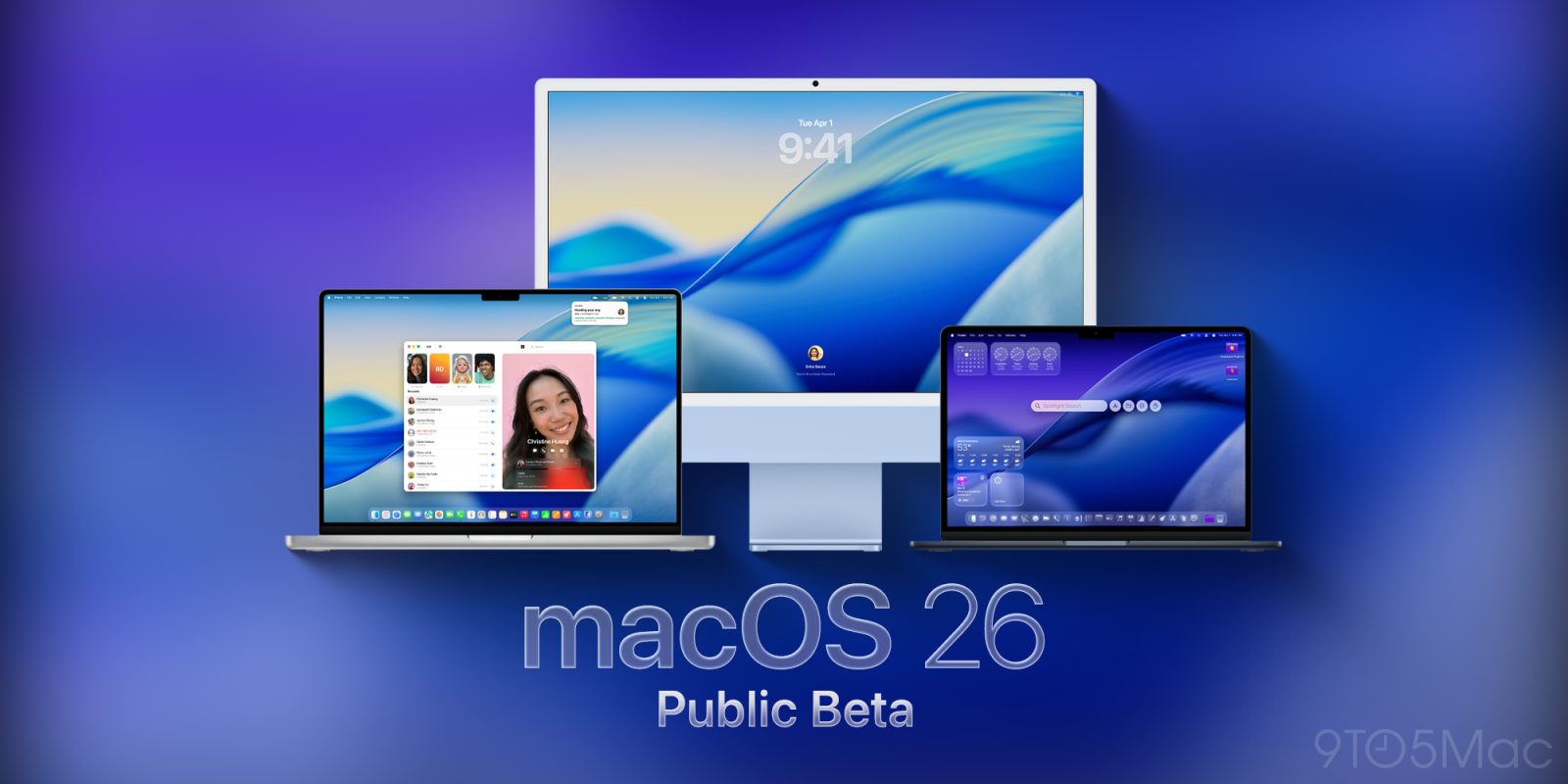
Apple has rolled out the fifth public beta of macOS Tahoe 26, continuing its weekly release schedule for public and developer betas ahead of the official launch next month. Here’s how to install it.
First things first: should you install the beta?
You probably know the drill: Betas can be unpredictably buggy. Even if something works on one release, it is not guaranteed to work on the next.
Of course, your mileage may vary. But if you decide to install the beta, strongly consider Apple’s advice to “install it on a secondary system or device, or on a secondary partition on your Mac”. Otherwise, make sure you back up your Mac before making the jump.
How to install macOS Tahoe 26 public beta 5
To install, the first thing you have to do is enroll in Apple’s public beta program at https://beta.apple.com/. Once you’re done, here’s the step-by-step:
- Open System Settings
- Go to General ⇾ Software Update
- Click the ‘i’ icon next to Beta Updates
- From the dropdown menu in the top-right, select the macOS Tahoe 26 Public Beta
- Hit ‘Done’
For a recap of 9to5Mac’s public beta previews, check out these stories:
- HomePod 26 public beta launches with these new features
- iOS 26 public beta now available with new design and more
- iPadOS 26 public beta is here, and full of powerful new features
- macOS Tahoe 26 public beta now available, here’s everything new, install guide
- watchOS 26 public beta brings smarter workouts and app upgrades
- tvOS 26 public beta is now available, here’s all the new features for Apple TV
Are you running the public beta? What has your experience been like? Let us know in the comments.
Limited time Mac deals on Amazon
- MacBook Pro, 14-inch, M4, 16GB/512GB: $1,299 (19% off)
- Mac mini (M4) 16GB/256GB: $499 (17% off)
- Studio Display, Nano-Texture Glass, VESA Mount Adapter: $1,649 (13% off)
- MacBook Air, 15-inch, M4, 16GB/256GB: $999 (was $1,199)


FTC: We use income earning auto affiliate links. More.


Comments