
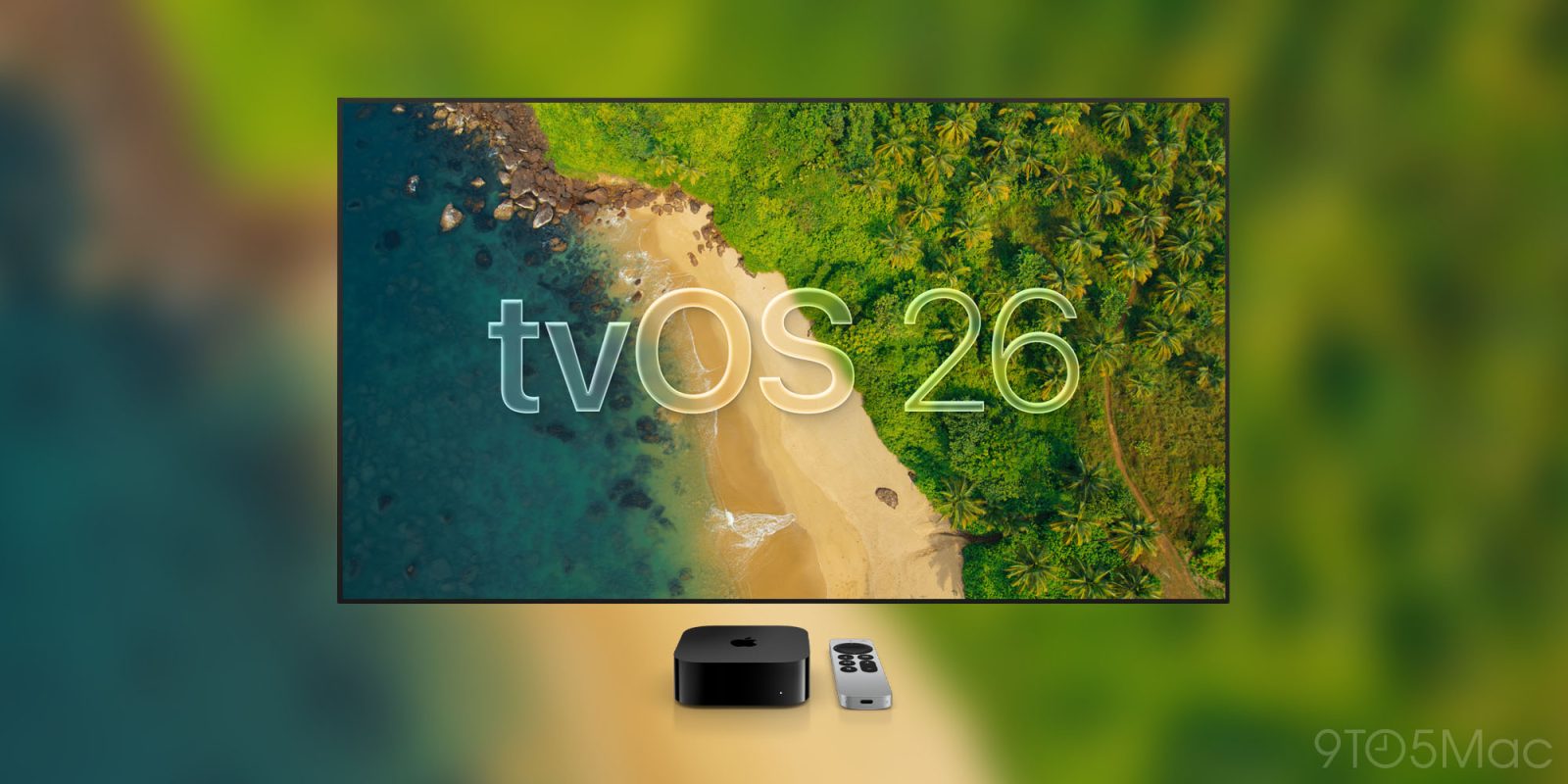
tvOS 26 launched earlier this week with a variety of new features for Apple TV 4K users, and one of the highlights for me is a screen saver feature that I’ve always wanted.
tvOS 26 lets you enable or disable individual aerial screen savers
If you own an Apple TV 4K, you know that screen savers are one of the device’s best features.
That may sound silly, but for a product that mainly exists to stream video content, it’s the niceties like Apple’s aerial screen savers that set it apart.
In tvOS 26, Apple has added beautiful new aerial screen savers that were captured across India.
But what excites me most about screen savers in tvOS 26 is a separate upgrade entirely.
Now, you can manually choose which aerial screen savers do and don’t appear.
By navigating to the Screen Saver menu inside Settings, you can open Aerials to find the option: ‘Choose Aerials.’
From here, the four types of aerials are listed:
- Cityscape
- Earth
- Landscape
- Underwater
With tvOS 26, you can enable and disable whichever screen savers you like or don’t like from each category.
Essentially, this lets you create a custom Apple TV 4K ‘playlist’ of screen savers that will be cycled through moving forward.
Ever since the Apple TV and tvOS first launched aerial screen savers, there have been some that I loved and others I wasn’t a big fan of. For example, some of the Underwater options can be a little terrifying, while others are gorgeous.
Previously, while you could disable entire categories of aerials, there was never a similar option for individual screen savers.
But now that tvOS 26 is here, you can customize screen savers to suit your exact preferences.
Have you used the new screen saver customization option in tvOS 26? Let us know in the comments.
Best Apple TV 4K accessories
- AirPods Pro 3
- Anti-slip silicone case for Siri Remote, AirTag compatible
- TotalMount for mounting Apple TV
- iPhone Continuity Camera mount for Apple TV


FTC: We use income earning auto affiliate links. More.



Comments