
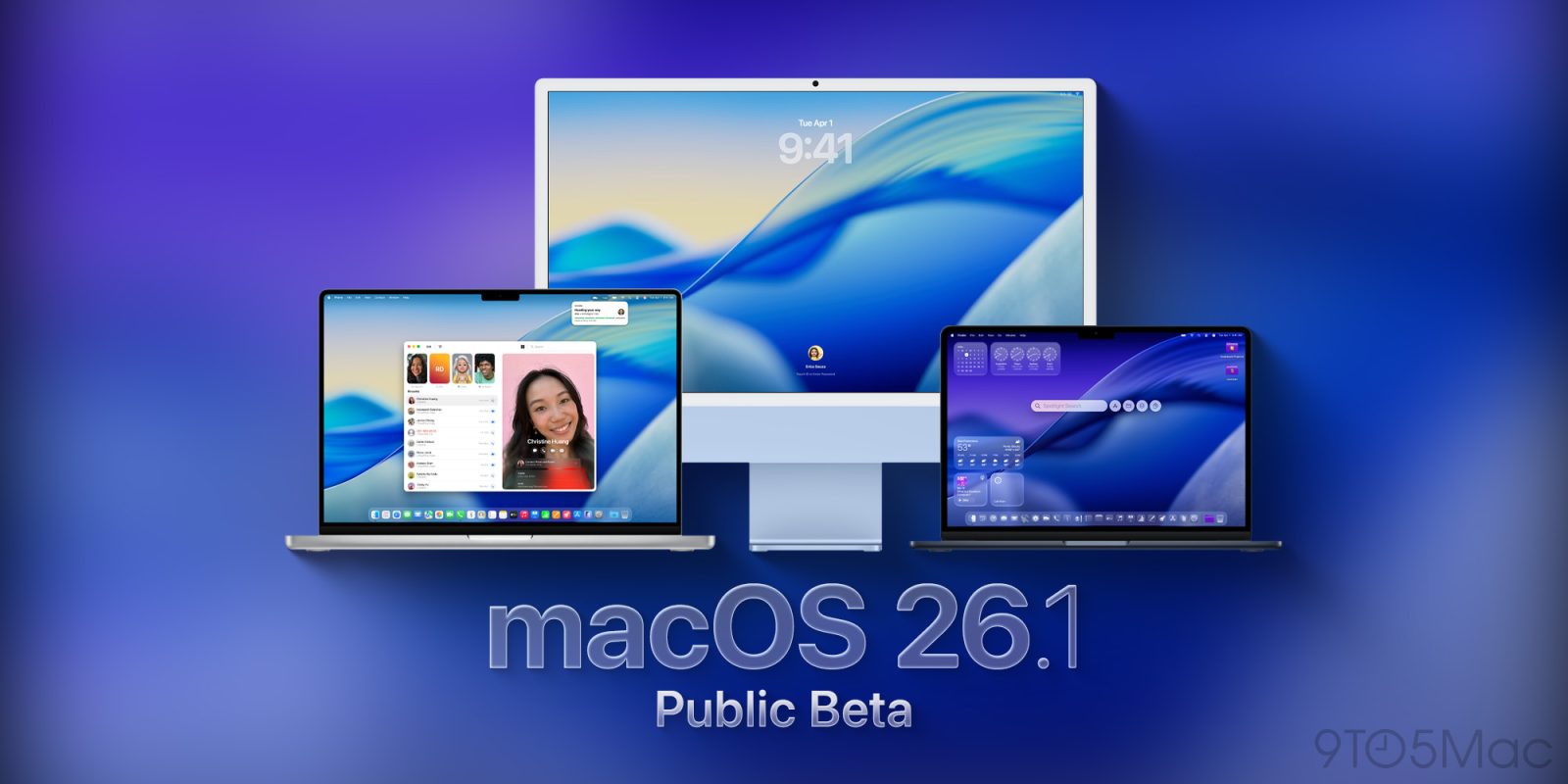
After releasing the first developer beta for macOS 26.1, Apple is now rolling out the first public betas for the upcoming system. Here’s how you can install it.
First, a word of advice
If you’ve been happy with macOS 26, you might want to consider skipping this beta, as it doesn’t seem to bring many user-facing features. After the release of developer beta 1, we reported a few under-the-hood changes, such as Apple laying the groundwork for adopting Anthropic’s MCP protocol, and to introduce new third-party models to Image Playground, but beyond that, not much has changed.
In case you decide to install the public beta, strongly consider Apple’s advice to “install it on a secondary system or device, or on a secondary partition on your Mac”. Otherwise, make sure you back up your Mac before making the jump.
How to install macOS Tahoe 26.1 public beta 1
To install, the first thing you have to do is enroll in Apple’s public beta program at https://beta.apple.com/. Once you’re done, here’s the step-by-step:
- Open System Settings
- Go to General ⇾ Software Update
- Click the ‘i’ icon next to Beta Updates
- From the dropdown menu in the top-right, select the macOS Tahoe 26 Public Beta
- Hit ‘Done’
What to expect from macOS Tahoe 26.1
Based on this week’s findings, Apple seems to be taking the next few weeks to set macOS 26.1 up for bigger updates later in the cycle. Today’s public beta build is 25B5042k, which is the same as developer beta 1.
Are you running the public beta? What has your experience been like? Let us know in the comments.
Accessory deals on Amazon
- Wireless CarPlay adapter
- AirPods Pro 3
- Apple AirTag 4 Pack
- Apple AirTag
- Beats USB-C to USB-C Woven Short Cable


FTC: We use income earning auto affiliate links. More.


Comments