
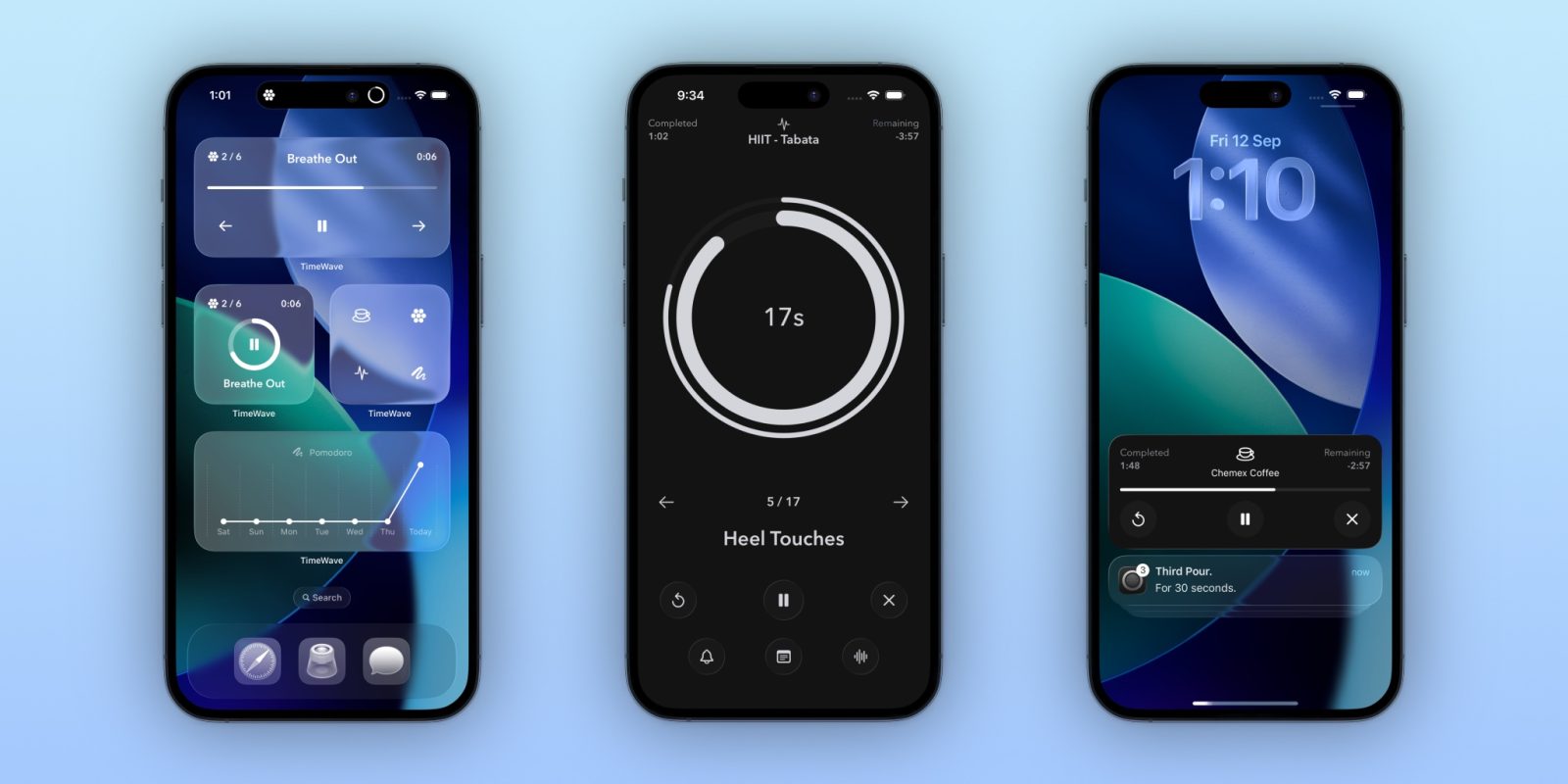
Welcome to Indie App Spotlight. This is a weekly 9to5Mac series where we showcase the latest apps in the indie app world. If you’re a developer and would like your app featured, get in contact.
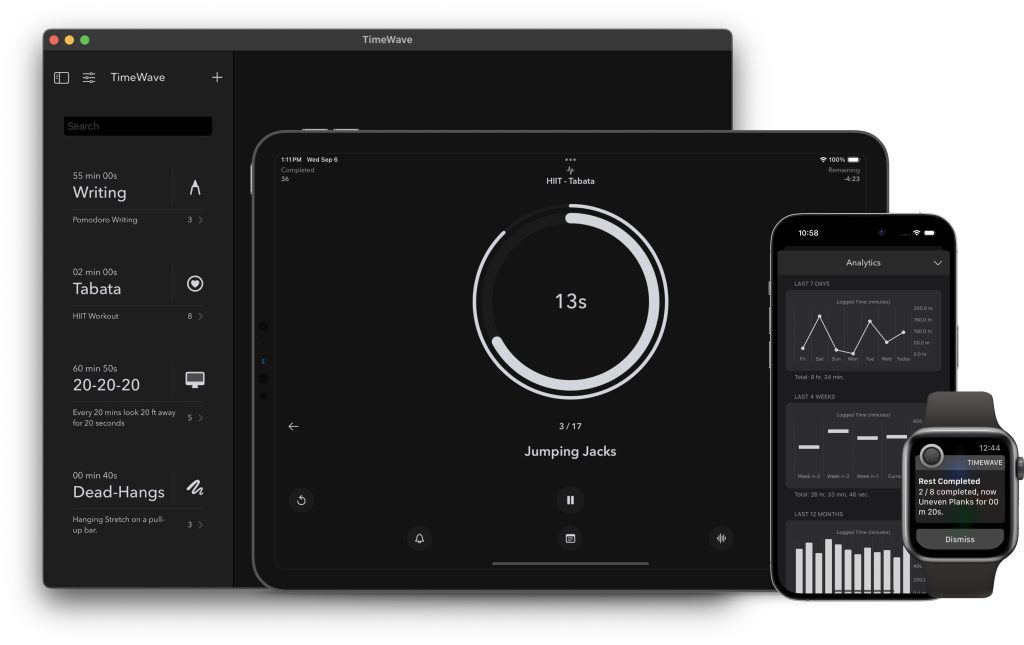
TimeWave is a comprehensive timer app that lets you do a lot more than Apple’s stock Clock app can do. In short, it allows you to create flowing timers – allowing you to have back to back timers for sequential tasks. It allows you to easily focus on your work at hand.
Top features
First and foremost, TimeWave features a clean and simple design – and its been updated for Liquid Glass. The app’s interface is built around a black and white color scheme, with hints of Liquid Glass on buttons and menu elements. Liquid Glass really comes to life on its widgets, though.
Outside of the design, TimeWave is an incredibly robust timer app. Even without building out custom flowing timers, the app has a number of built in chain timer options, including meditation, pomodoro (for focus), 20-20-20 (to make you more aware of your screen usage), and more.
It also supports live activities for keeping you in the loop on your timers, and it offers Siri Shortcuts integration for building out workflows as you please. It’s on iPhone, iPad, Mac, and Apple Watch.
Download the app
TimeWave is available for free on the App Store for devices running iOS 17, macOS 14, watchOS 10, and later. In the free version, you’re limited to the built in timer flows featured in the app’s store.
To build your own completely custom flows, you’ll need TimeWave Premium, which is available for $1.99/month, $9.99/year, or $24.99/lifetime.
All in all, if you’re looking for a timer app that can handle everything you throw at it, TimeWave is a great choice.
The best holiday discounts for Apple products:
- AirPods Pro 3 – $199 ($50 off)
- M4 MacBook Air – $749 ($250 off!)
- iPad Air 11″ – $449 ($150 off)
- M4 Mac mini – $479 ($120 off!)
- Apple Watch SE 3 – $199 ($50 off)
- Apple Watch Ultra 2 – $549 ($250 off!)
Follow Michael: X/Twitter, Bluesky, Instagram


FTC: We use income earning auto affiliate links. More.





Comments