
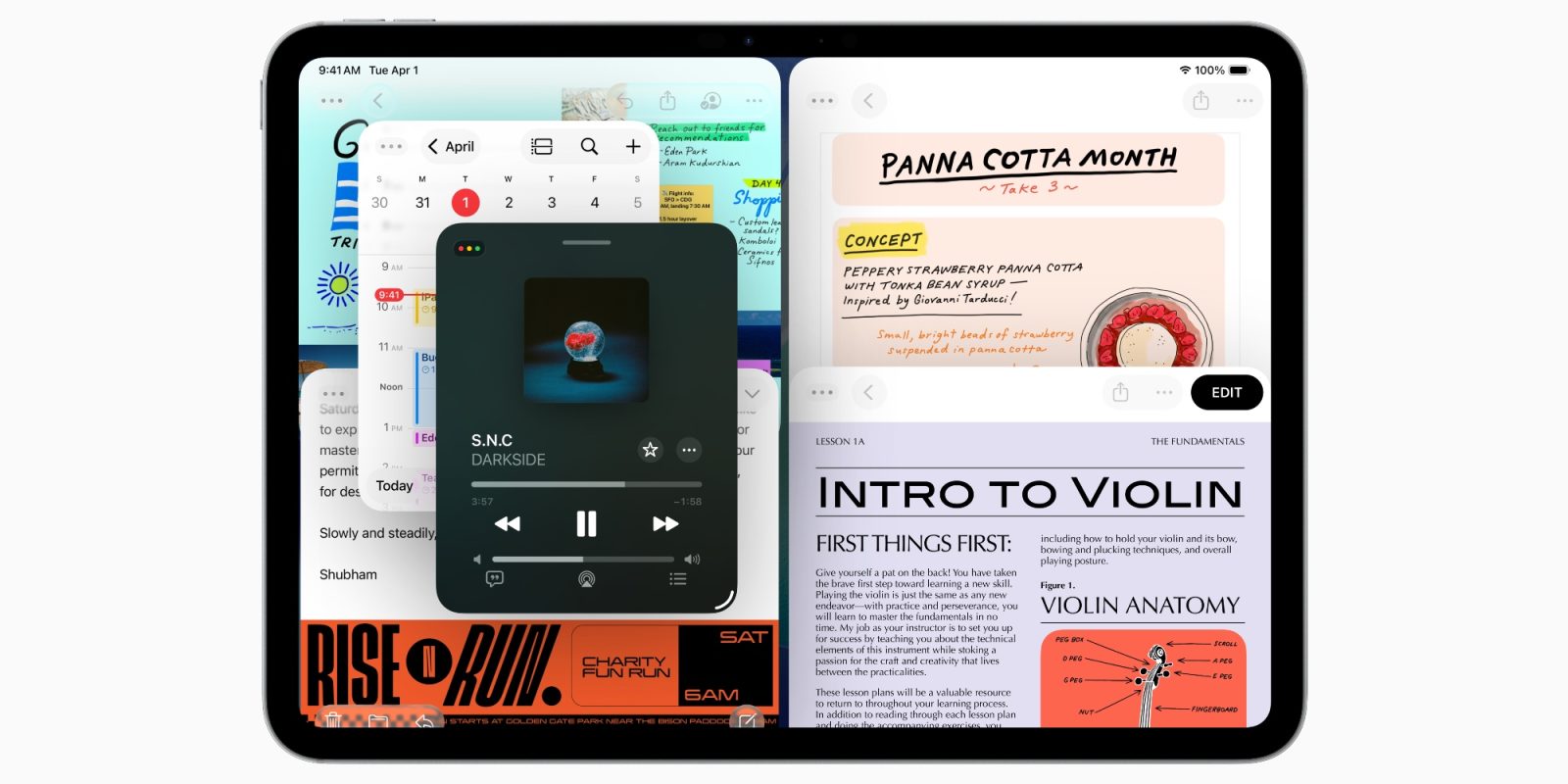
iPadOS 26 is a huge upgrade for iPad, especially in areas of productivity. Alongside new windowing and multitasking features, dock and files changes, there’s a new iPadOS 26 capability for apps that pro users will love: Background Tasks.
Background Tasks is a new iPadOS 26 capability for apps
When the iPad first launched, it was heavily inspired by the iPhone and iOS.
Over time, iPad form factors have evolved and so too has iPadOS, the iPad’s own custom spin on iOS.
But one lingering holdover from the product’s iPhone-inspired origins has been its limitations on performing processes in the background.
Essentially, for the sake of preserving battery life, iOS and iPadOS will aggressively ‘pause’ an app when it’s no longer actively on screen.
This can be especially problematic for time-consuming tasks.
If you use a Mac and start exporting a file in Final Cut Pro, once the export begins you can immediately switch apps and start doing something else while the export completes. Not so on the iPad—at least, not until now.
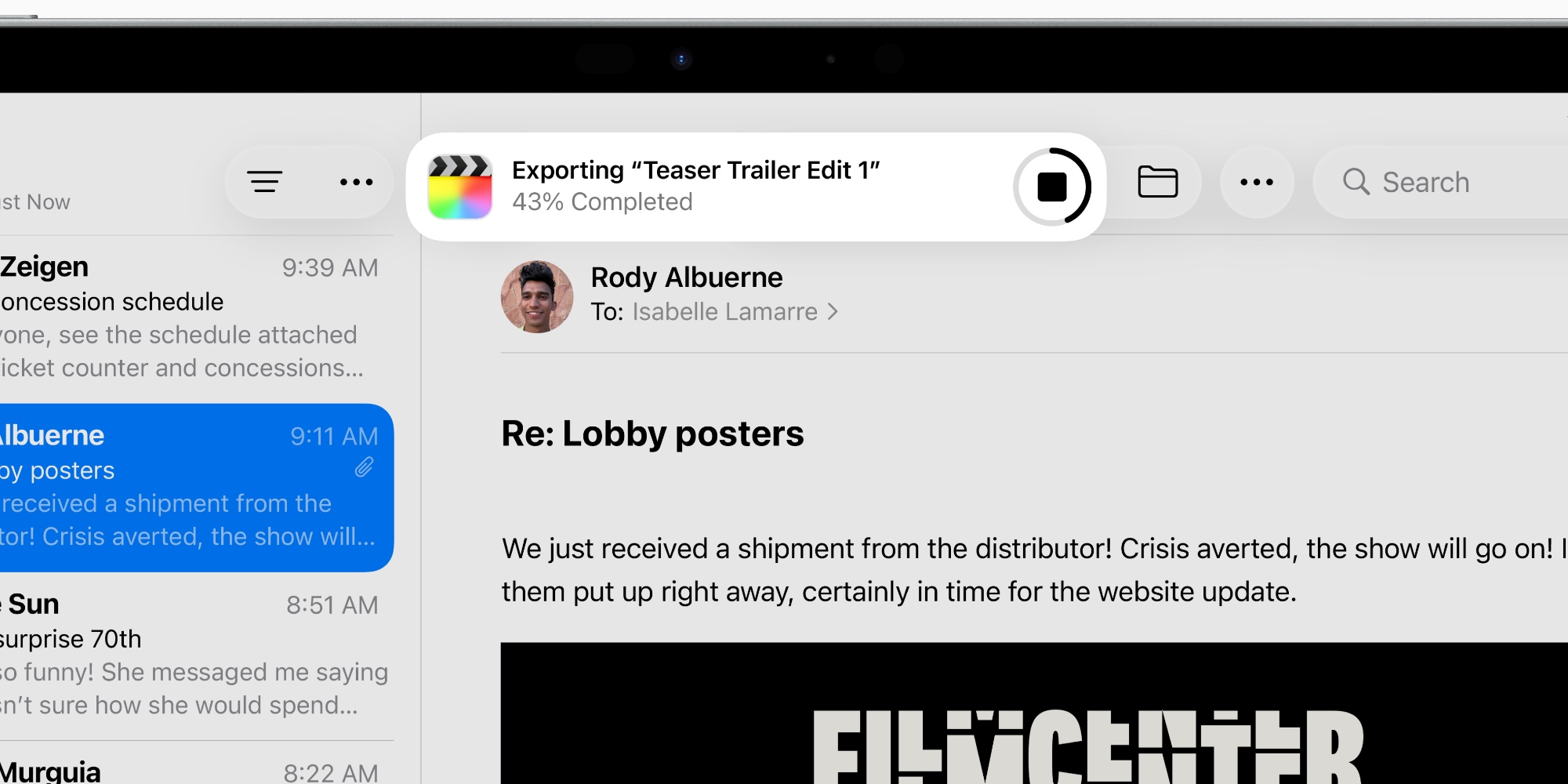
Background Tasks is a new iPadOS 26 feature that lets apps run extended processes in the background.
iPadOS 26 unlocks the ability to perform computationally intensive Background Tasks. When users start a long-running process in an app, Background Tasks will show up with Live Activities, giving users complete control and a clear sense of what is running. And developers can use an updated Background Tasks API that allows users to perform long-running tasks from their apps, too.
Some example tasks given by Apple include:
- Exporting video in a film-editing app, or audio in a digital audio workstation (DAW)
- Creating thumbnails for a new batch of photo uploads
- Applying visual filters (HDR, etc) or compressing images for social media posts
Apps can now complete lengthy processes when they’re not on screen
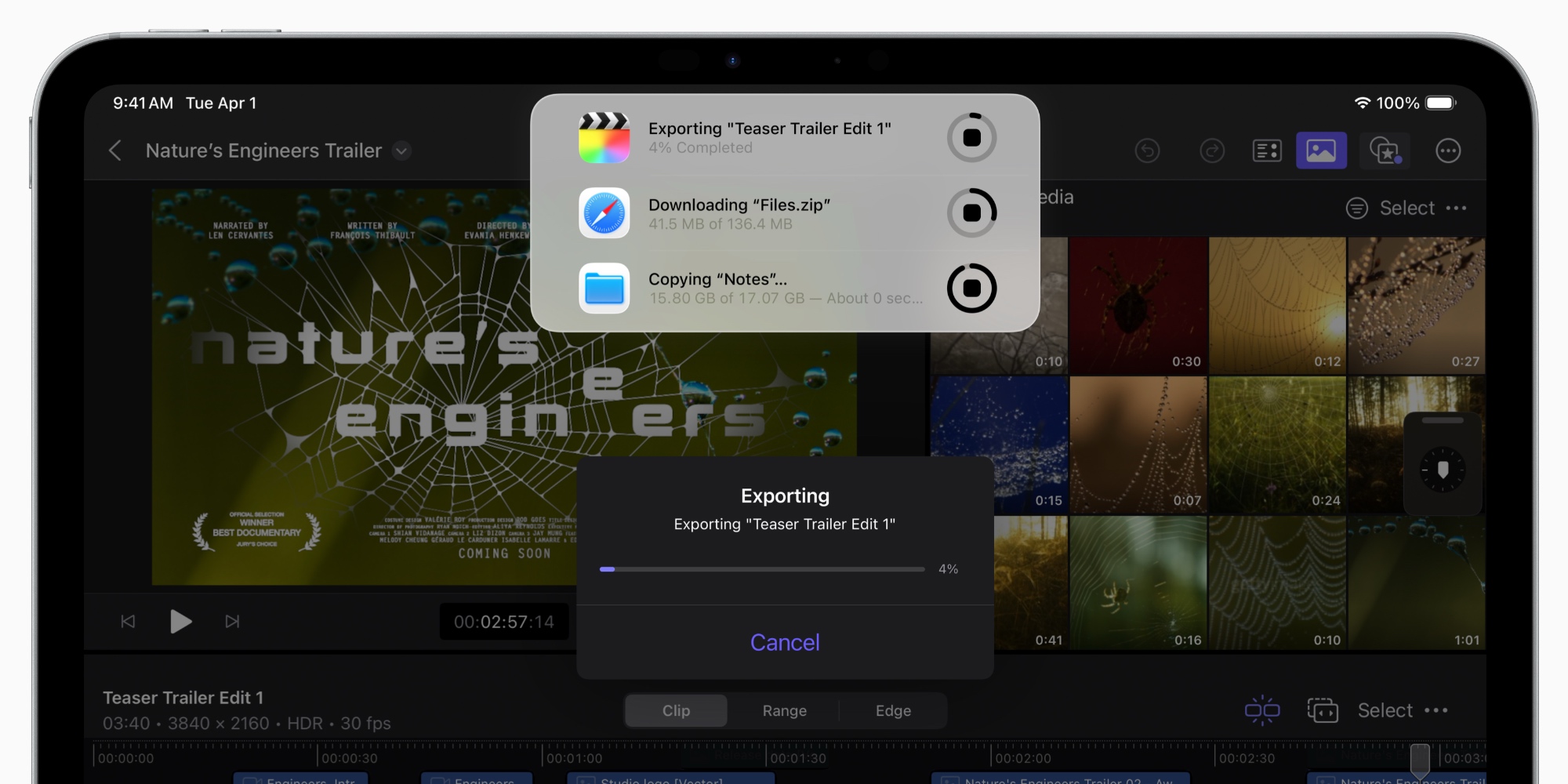
Power users like being productive, and waiting around for an app to complete a lengthy process is not productive.
Before iPadOS 26, leaving an app to do something else would fairly quickly result in that app getting suspended. Meaning, whatever tasks it was performing in the background would get cut off.
But for apps that support Background Tasks in iPadOS 26, the system will now allow those processes to continue uninterrupted until they’re complete.
As a user, you’ll see a Live Activity appear at the top of the screen to indicate the task is still happening. And you won’t have to wait around in the app to ensure it finishes the job.
This feature does require developers to update their code to support it, but hopefully in time it becomes the norm for pro apps on the iPad.
Have you used any apps that support Background Tasks in iPadOS 26? Which ones? Let us know in the comments.
Best iPad accessories
- Apple Pencil Pro (now only $99, down from $129)
- 100W USB-C power adapter for fast charging
- AirPods Pro 3
- tomtoc Tablet sleeve bag for protection and style
- Baseus 10ft USB-C cable for extended reach


FTC: We use income earning auto affiliate links. More.



Comments