
Welcome to Indie App Spotlight. This is a weekly 9to5Mac series where we showcase the latest apps in the indie app world. If you’re a developer and would like your app featured, get in contact.
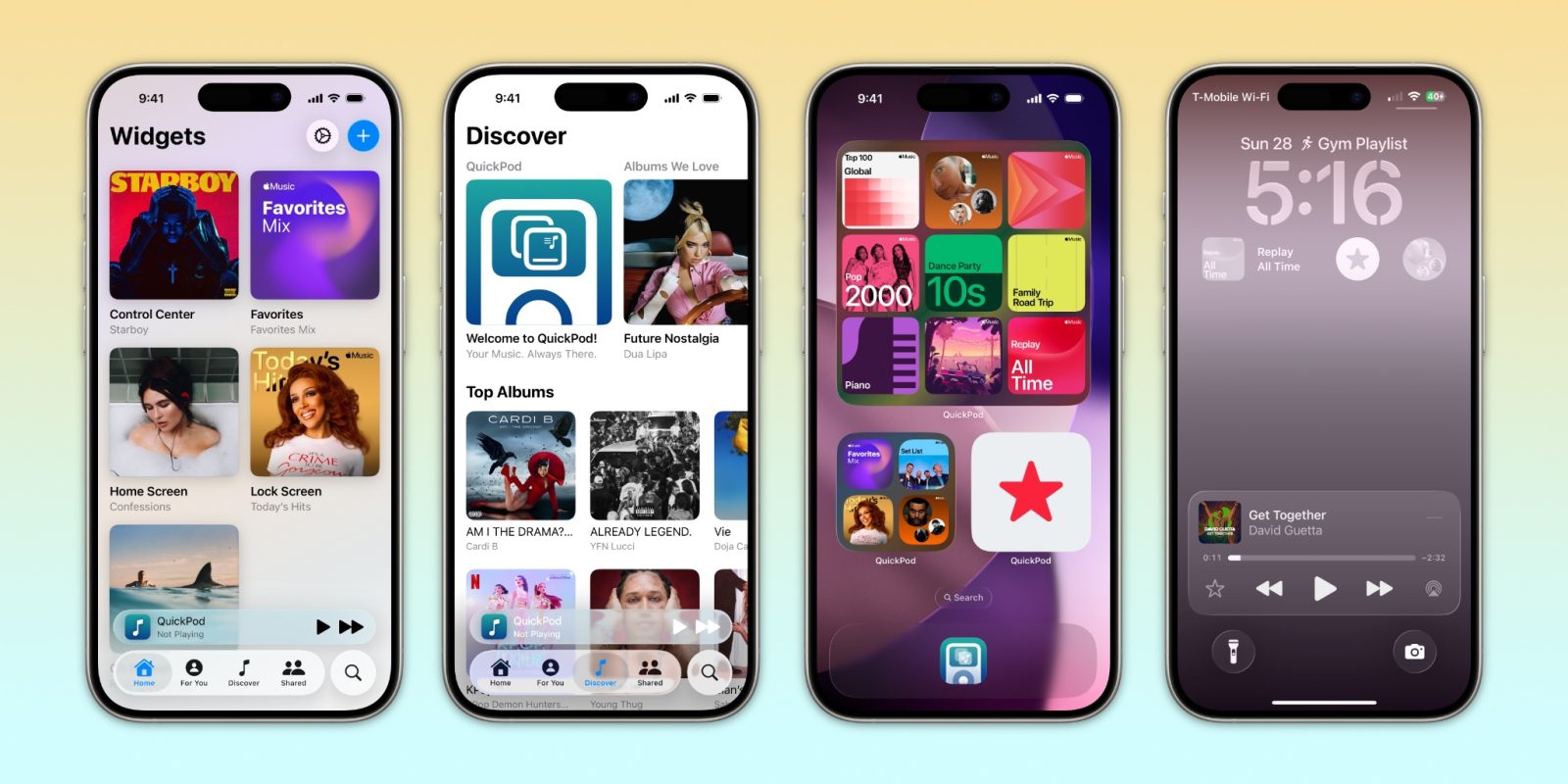
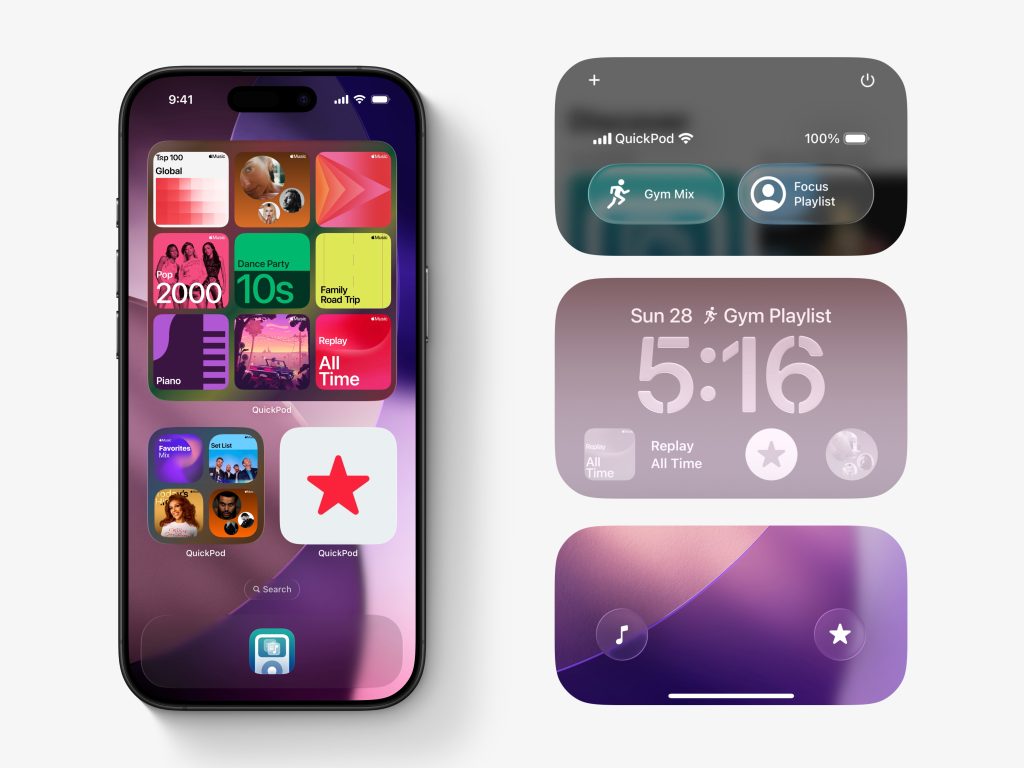
QuickPod takes your music listening experience on your iPhone to the next level. With its intuitive widgets, as well as support for both Apple Music and Spotify, you can have an integrated music listening experience across your iPhone or iPad’s home screen, lock screen, and control center.
Top features
QuickPod offers more than just widgets for Apple Music and Spotify. It also has a built in Apple Music experience, allowing you to find songs and albums that you’d like. From there, you can listen to music (all without needing to open Apple Music) – or create your widgets. The entire app is designed around Liquid Glass, so it’ll feel right at home.
As for widgets, you can make them for your favorite playlists, stations, or albums. You also have the choice of using local library items. If you’re a QuickPod Pro user, you can customize the look of the widget – beyond just the typical cover. Widgets come in all sorts of shapes and sizes, so you can meet your needs. As soon as you tap on a widget, it’ll play what it’s set to.
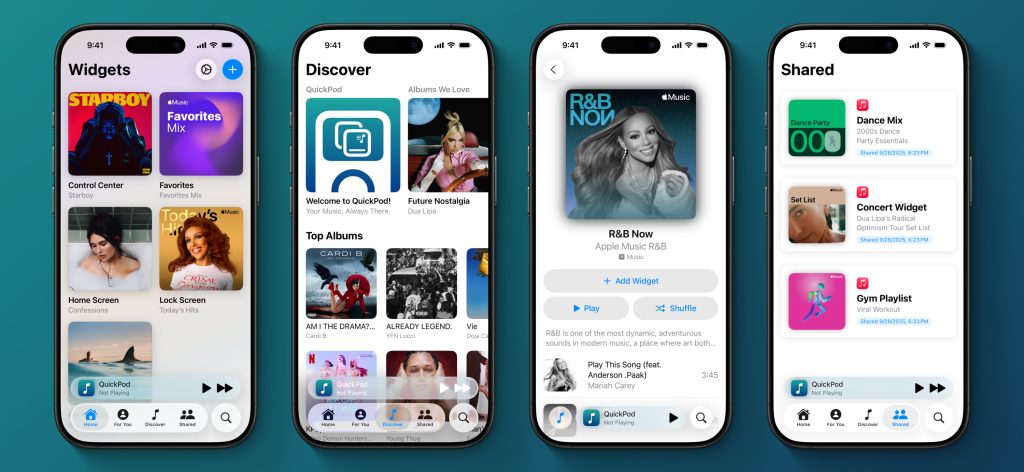
Last but not least, there’s a nifty little feature to share your widgets with other people, that way they can all partake in your music tastes right from their home screens as well.
Download the app
QuickPod is available for free on the App Store, and with the free version you can create up to one widget to give the app a try. For the full experience, you’ll need QuickPod Pro, which’ll run you between $1.99 and $3.99, depending on your generosity. It’s a one time purchase, and QuickPod is available on devices running iOS 18 and later. For CarPlay widgets, you’ll need to be running iOS 26.
My favorite Apple accessory recommendations:
- Anker MagSafe/Qi2 Ultra-Slim Battery Pack
- AirPods Pro 3 (2x ANC vs AirPods Pro 2!)
- Anker Nano 45W Fast Charger with Smart Display
- Anker 3-in-1 Prime 25W MagSafe Charging Stand
- Logitech MX Master 4 Mouse for Mac
- Satechi OntheGo 7-in-1 USB-C hub
Follow Michael: X/Twitter, Bluesky, Instagram


FTC: We use income earning auto affiliate links. More.




Comments