
Channels is a powerful and fan-favorite cord-cutting app that makes it easy to watch, record, and organize TV shows and movies.
Channels 7.0 is rolling out now for iPhone, iPad, and Apple TV, and it’s full of new features and changes to celebrate the app’s 10th anniversary.
Channels 7.0 update
Channels, for those unfamiliar, lets you watch and record live TV from anywhere. This includes via an antenna or cable with a TV tuner or via an existing streaming TV service. For instance, if you subscribe to Fubo TV, you can sign in to your Fubo account in Channels to watch and record everything in a single app.
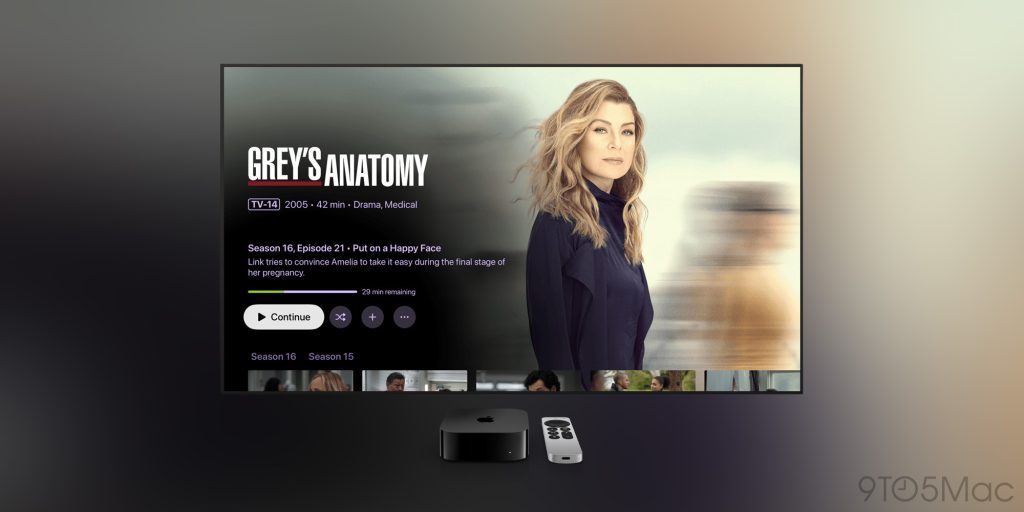
As the Channels team outlines in a blog post, Channels 7.0 is full of rich new art and refreshed layouts to improve the browsing experience.
Channels now displays beautiful backdrops, logos, cast & crew information, and more. But it’s not just about looking good, these new layouts do an even better job of helping you discover your library.
For movies in your Channels library, the layout makes it easier to view things like cast, directors, and writers.
- Explore movies in your library from the same cast, directors, or writers
- Browse and watch any Extras you have added for the movie
- Jump to other movies in the same franchise
- Explore Library Collections the movie belongs to
- Browse similar movies from your library
Similar new features are available for TV shows in your Channels library, including easier access to the next unwatched episode in a series.
Plus, all of the backdrops and logos you see in the new Channels design are fully customizable.
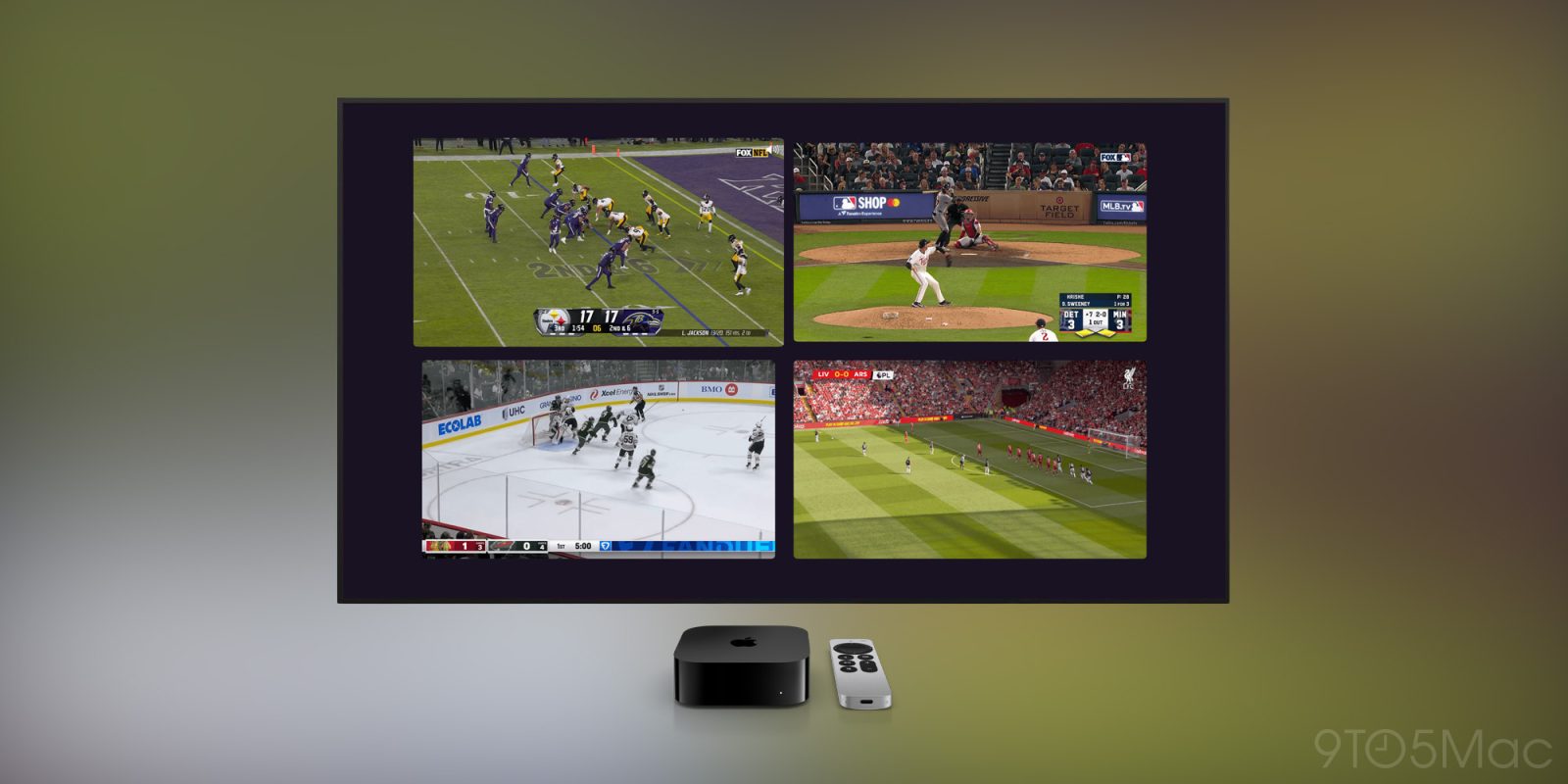
The biggest change, however, is the addition of Multiview support for Channels on Apple TV 4K and iPad. You can now watch up to four live TV channels at once in the app:
Available on Apple TV 4K and iPad, Multiview lets you keep an eye on multiple games, news channels, or any live TV you want. Launch it via the context menu of anything in your Guide or On Now. Add more channels with the built in Quick Guide.
Multiview supports multiple layouts to give you as many options as the number of channels you’re watching! You can manage any of the channels by selecting and holding them with your remote.
Channels has a dedicated support page with more details about Multiview support.
Finally, Channels also now offers intro and credits detection, so you can skip the intro and outro on whatever you’re watching. This feature is “not quite ready for prime time,” though, so you’ll need to manually opt-in via the Channels app if you’d like to try it.
You can learn more on the Channels website and check out the app on the App Store.
My favorite Apple TV products:
- Apple TV 4K
- Case for Apple TV remote with AirTag built-in
- Hide your Apple TV behind your TV
- Belkin mount for FaceTime on Apple TV
Follow Chance: Threads, Bluesky, Instagram, and Mastodon.


FTC: We use income earning auto affiliate links. More.



Comments