
iOS 26.1 launched this week, bringing changes not only for iPhone but also AirPods. That’s because Live Translation has expanded significantly. Here’s what’s new for AirPods in iOS 26.1.
AirPods Live Translation supports five new languages in iOS 26.1
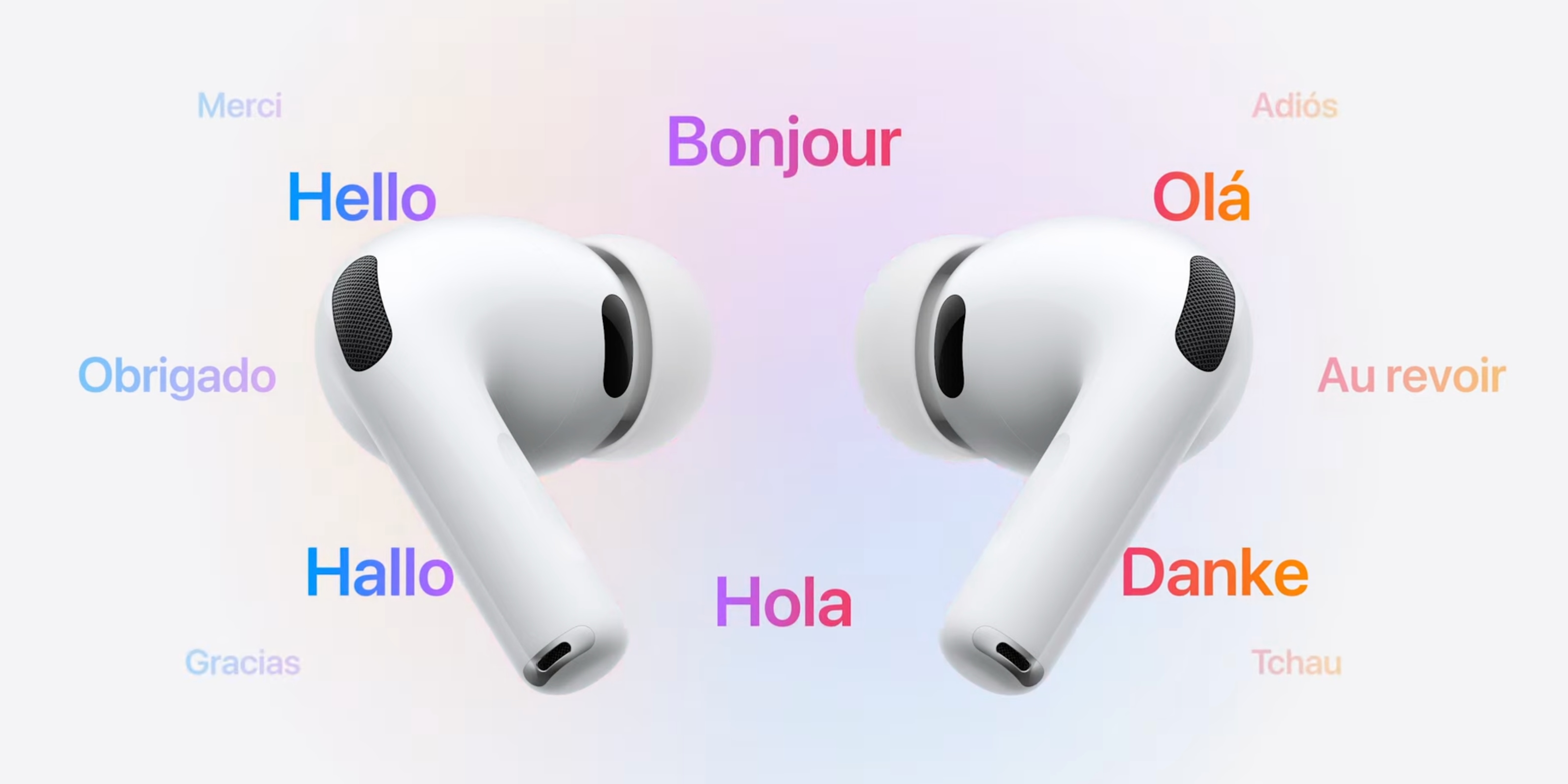
Apple’s most recent AirPods upgrade is also one of the product’s most powerful features.
Live Translation launched in September alongside the AirPods Pro 3 unveiling, but the feature is also compatible with:
- AirPods Pro 2
- AirPods 4 with Active Noise Cancellation
At launch, Live Translation was limited to the following supported languages: English (US and UK), French, German, Portuguese (Brazil), and Spanish (Spain).
But in iOS 26.1, this new AirPods feature has expanded significantly.
New supported languages include:
- Chinese (Mandarin, simplified)
- Chinese (Mandarin, traditional)
- Italian
- Japanese
- Korean
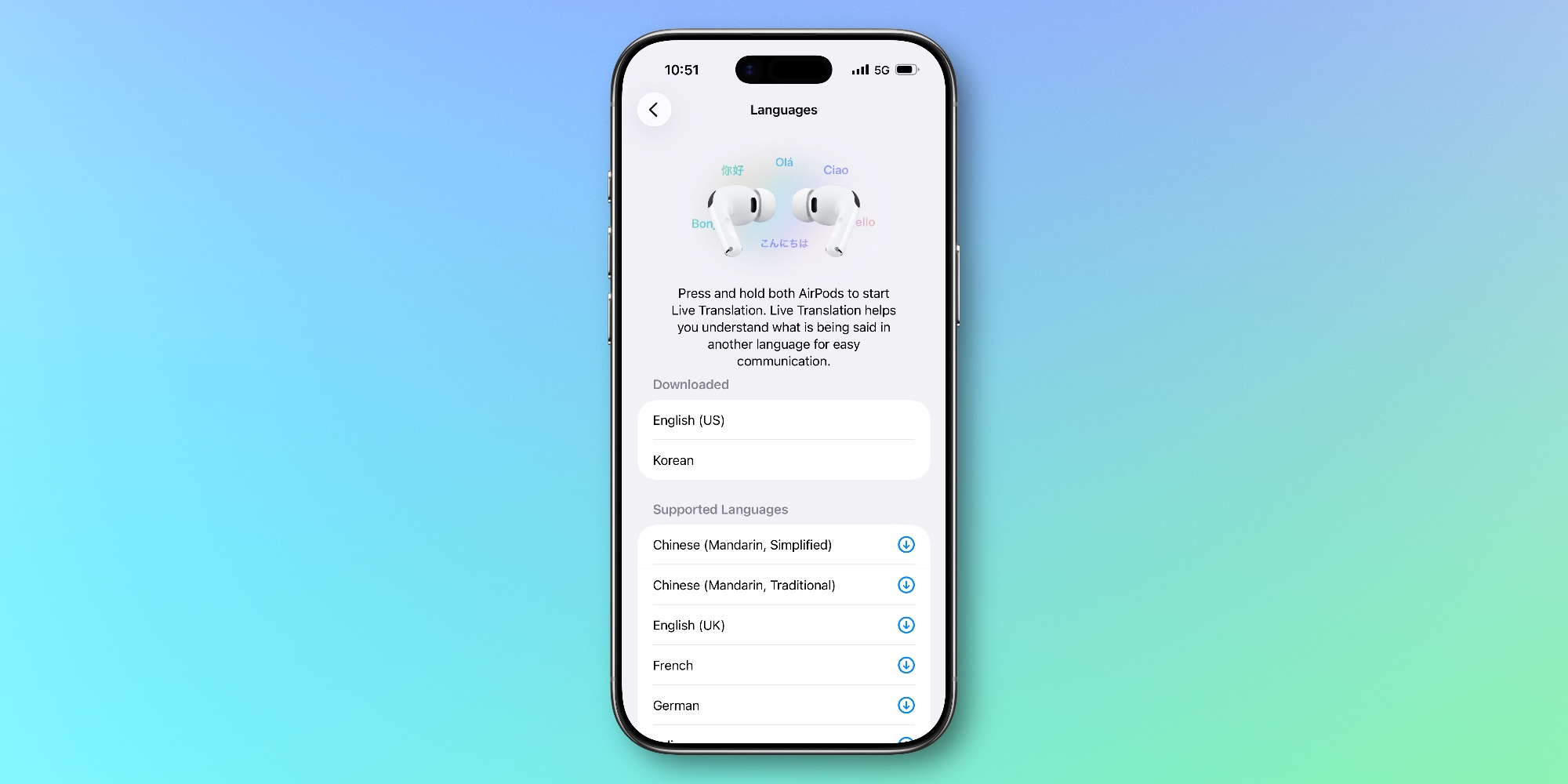
With these five additions, the number of supported Live Translation languages nearly doubles, with 11 options total.
To enable a specific language, you’ll need to open the Settings app in iOS 26.1 and go to your AirPods’ settings screen.
From there, scroll down and find the ‘Languages’ menu under the ‘Translation (Beta)’ heading.
Here, you’ll see all the supported languages and options to download each one that you want access to.
In order to use Live Translation with AirPods, you also need an Apple Intelligence-compatible iPhone model. Supported models include iPhone 17 and 17 Pro, iPhone Air, iPhone 16 and 16 Pro, and iPhone 15 Pro.
You can find Apple’s full list of requirements here for AirPods Live Translation.
Have you used Live Translation with AirPods yet? What’s your experience been like? Let us know in the comments.
Best AirPods Pro accessories
- Memory foam AirPods Pro eartips for a more comfortable fit
- AirFly Pro 2 for connecting AirPods to standard headphone jacks
- Belemay leather case for AirPods Pro
- Magnetic strap neckband for preventing lost AirPods


FTC: We use income earning auto affiliate links. More.




Comments