
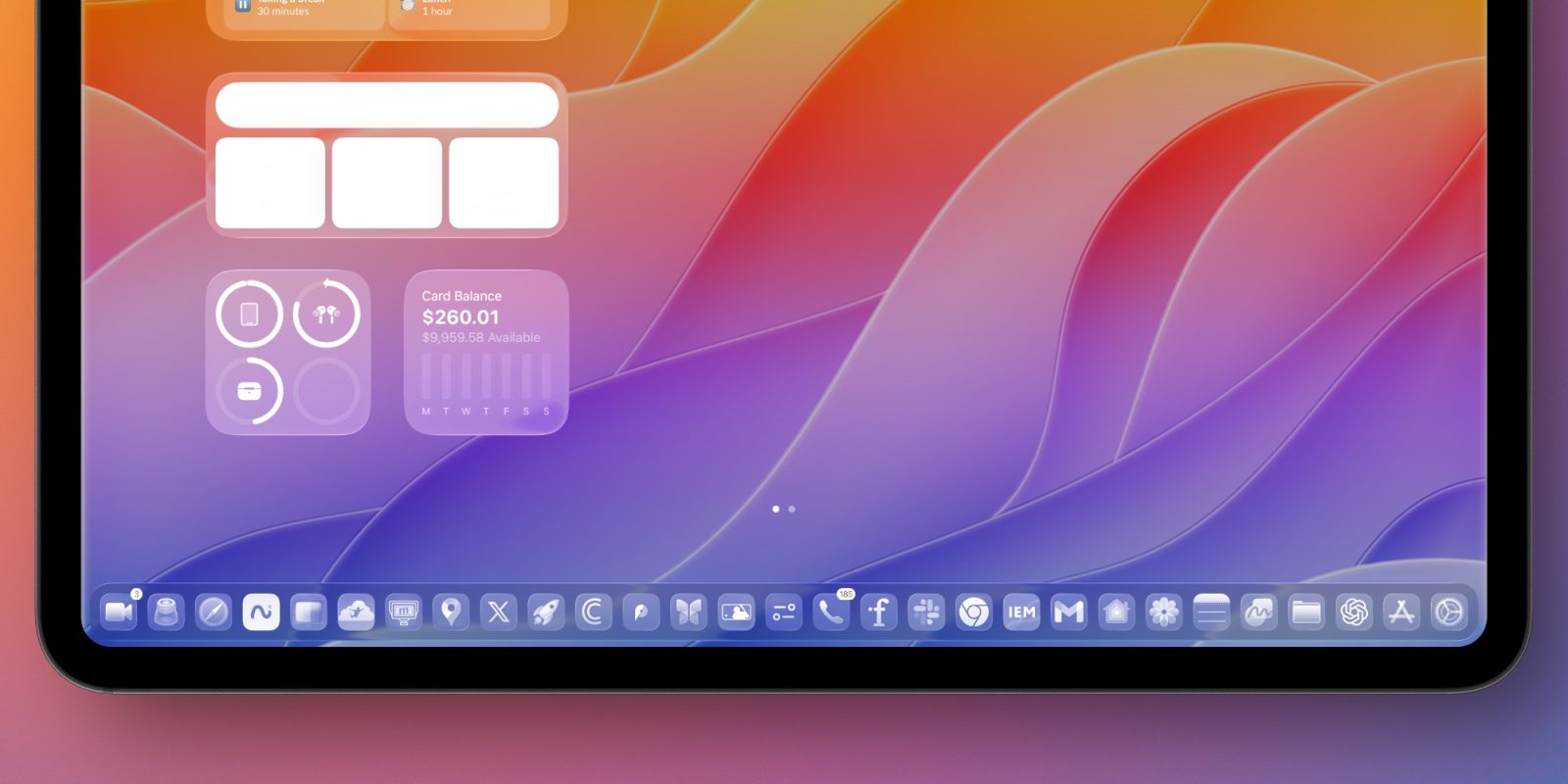
iPadOS 26 is a huge update for iPad users, with a bigger roster of productivity upgrades than ever before. Here are three new iPadOS 26 features I’ve been really loving on my iPad Pro.
#1: New windowing system
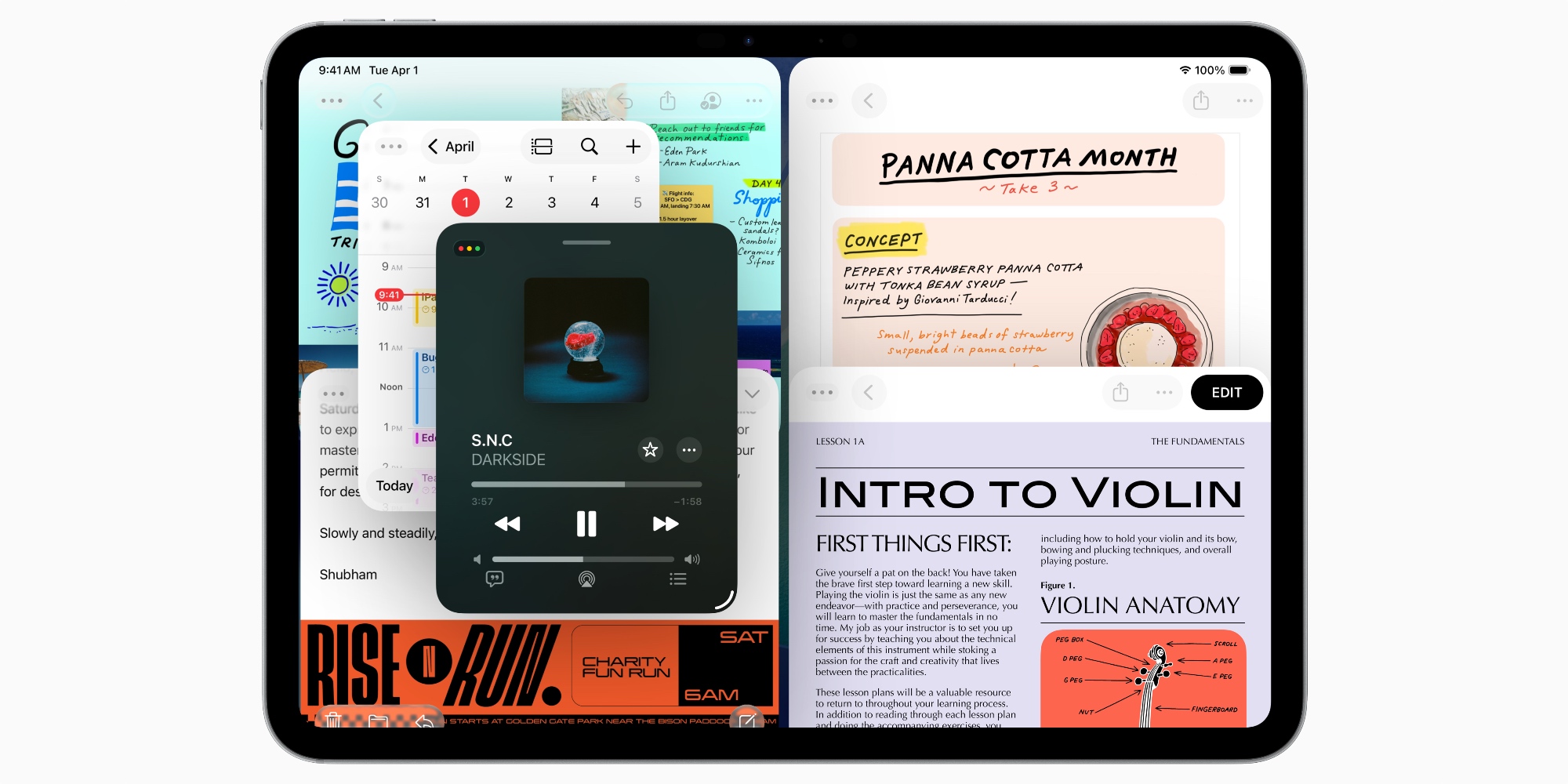
It’s the top marketing feature, but iPadOS 26’s new windowing system has easily been the standout new feature for me personally too.
My 13-inch iPad Pro can now have up to 12 apps on screen at a time. But the bigger upgrade for me isn’t actually the sheer number of apps. It’s being able to freely resize apps to the exact size I want, put them in the exact position I want, and have them stay that way every time I open them.
Unlike some iPad users, I was largely content with the previous multitasking system in iPadOS 18. I’d gotten used to keeping one main app fullscreen, then using Slide Over to pop in and out of other apps.
But I’ve loved having the freedom to use apps in all different shapes and sizes based on my exact needs, and place them on-screen anywhere I like.
I still wish iPadOS 26.1’s Slide Over supported more than one app at a time, but overall I’m very happy with the new windowing system.
#2: Dock upgrades
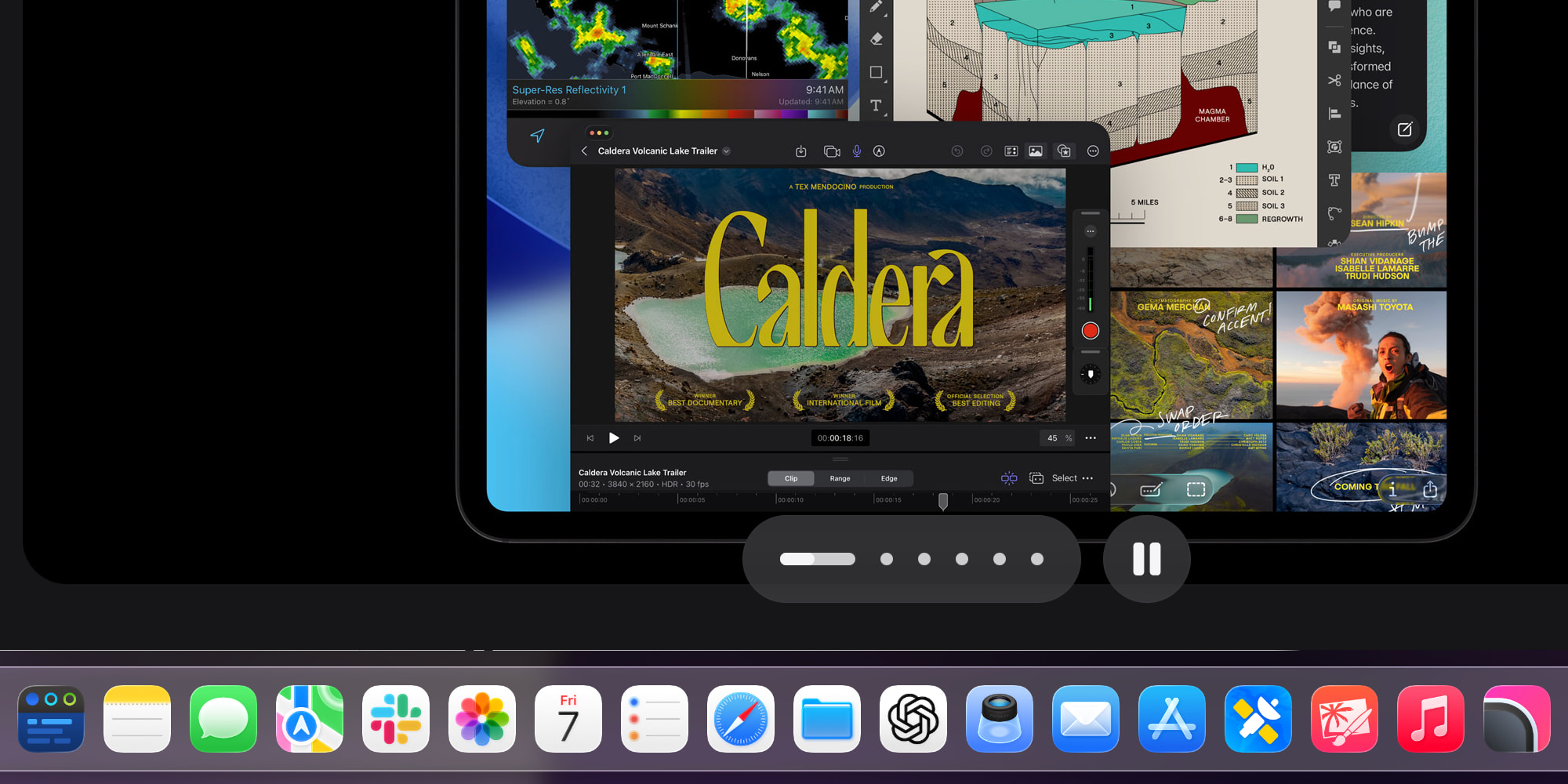
The dock has long been the iPad’s central hub for getting things done. In previous OS versions, it was the best way to multitask via drag and drop gestures. But in iPadOS 26, it’s even more powerful.
Three dock upgrades are at the top of my list of favorites:
- keeping the dock always on-screen
- support for holding way more apps
- folders from the Files app
The ability to have the dock visible at all times has made a big difference for me. It makes my iPad feel more Mac-like than ever, and switching between apps is now faster than ever too.
Similarly, it’s been fantastic not being so limited on the number of apps the dock can hold. Being able to store nearly double the number of apps as before, plus folders from the Files app, is a huge upgrade.
#3: Menu bar
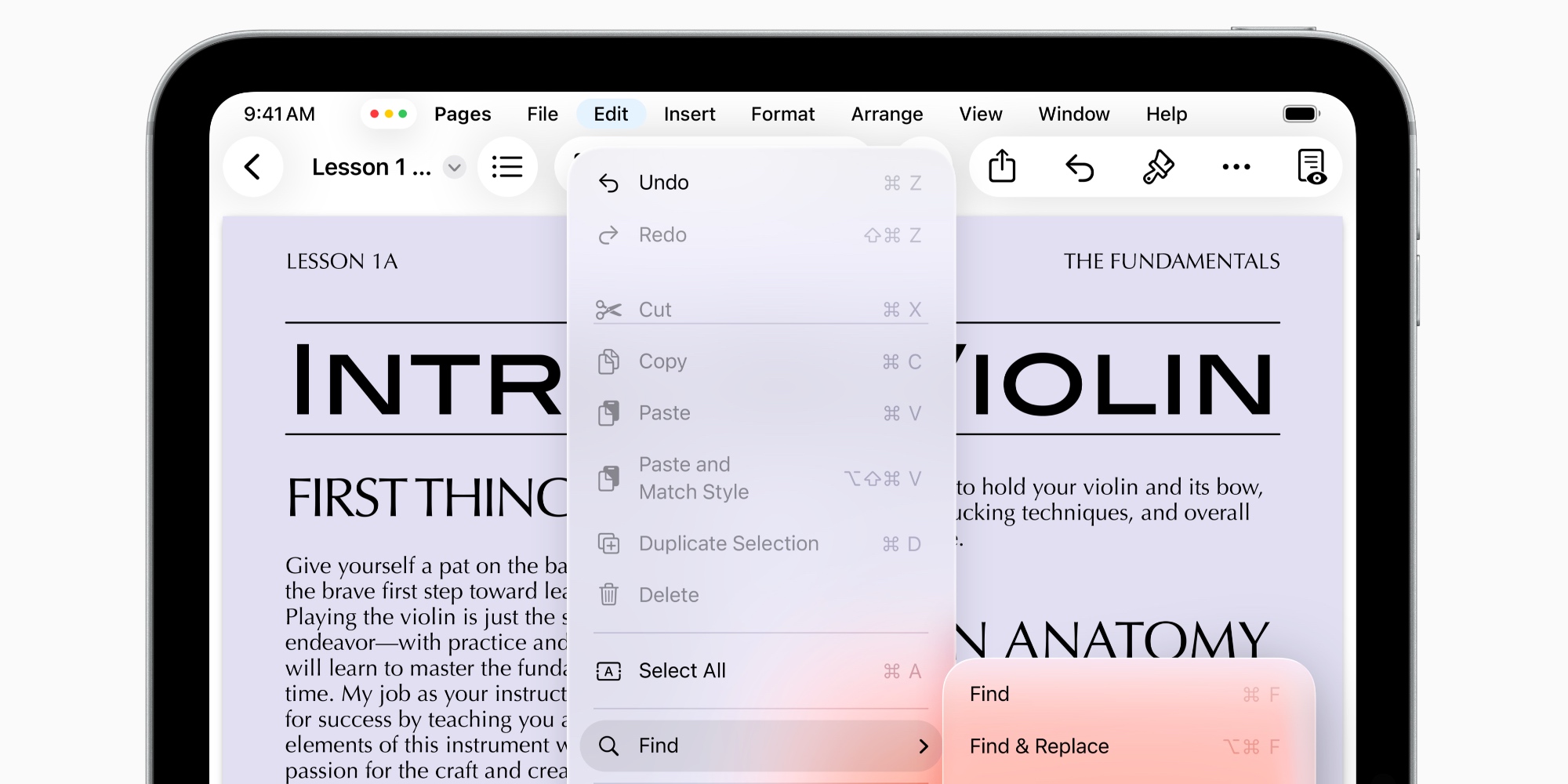
No, it’s not a full-fledged menu bar like on the Mac. But iPadOS 26’s new menu bar for apps has proven an valuable addition for me.
In the iPad’s early days, iPad apps were largely just blown-up versions of iPhone apps. Since the iPad Pro and iPadOS formally launched though, Apple has pushed toward making them much more powerful.
Top comment by Mike Brighton
Being able to choose and save as a default the app that a file type will open in - saves so much hassle. Might seem like a small thing but I punched the air when I discovered this!
The problem, though, is that there wasn’t always a great way to expose that power in an app’s UI.
Hence, iPadOS 26’s new menu bar. The menu bar offers apps (and their developers) a dedicated place to show users everything the app is capable of.
I’ve loved poking around the menu bar inside my go-to apps to discover all the various controls and keyboard shortcuts I didn’t realize existed. It’s made working from an iPad more seamless than ever.
What are your favorite new iPadOS 26 features? Let us know in the comments.
Best iPad accessories
- Apple Pencil Pro (now only $99, down from $129)
- 100W USB-C power adapter for fast charging
- AirPods Pro 3
- tomtoc Tablet sleeve bag for protection and style
- Baseus 10ft USB-C cable for extended reach


FTC: We use income earning auto affiliate links. More.



Comments