
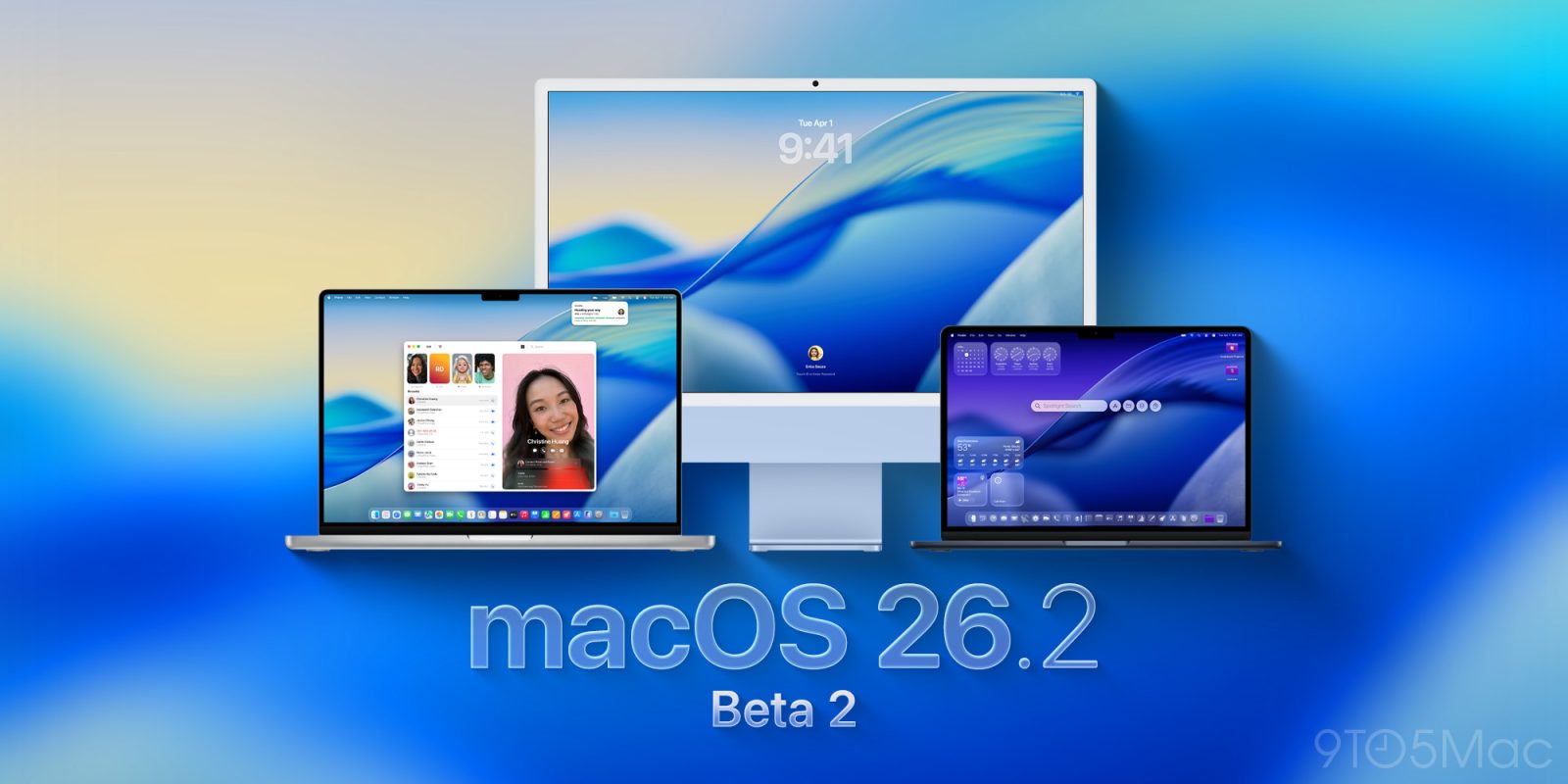
Less than a week after releasing beta 1, Apple is now rolling out macOS Tahoe 26.2 developer beta 2. Here’s what to expect, including a new feature for video calls.
New Edge Light effect introduced in beta 2
Contrary to last week, when the first macOS 26.2 beta was rolled out with a few days’ delay compared with the other developer betas, Apple has just rolled out the new test version alongside its counterparts.
Also in contrast with iOS 26.1 developer beta 1, the first macOS 26.2 beta didn’t bring user-facing features and changes, which initially suggested that Apple would take this release to focus on stability and bug fixes.
However, beta 2 introduces a new “Edge Light” effect, which adds a virtual light around the edges of your Mac display during video calls. You can read more about the new feature here.
With macOS 26.2, Apple is also expected to continue the work towards implementing system-level MCP support and expand on the initial groundwork to support third-party AI providers on Image Playground beyond ChatGPT.
The build number rolling out to developers right now is 25C5037j.
How to install the new beta
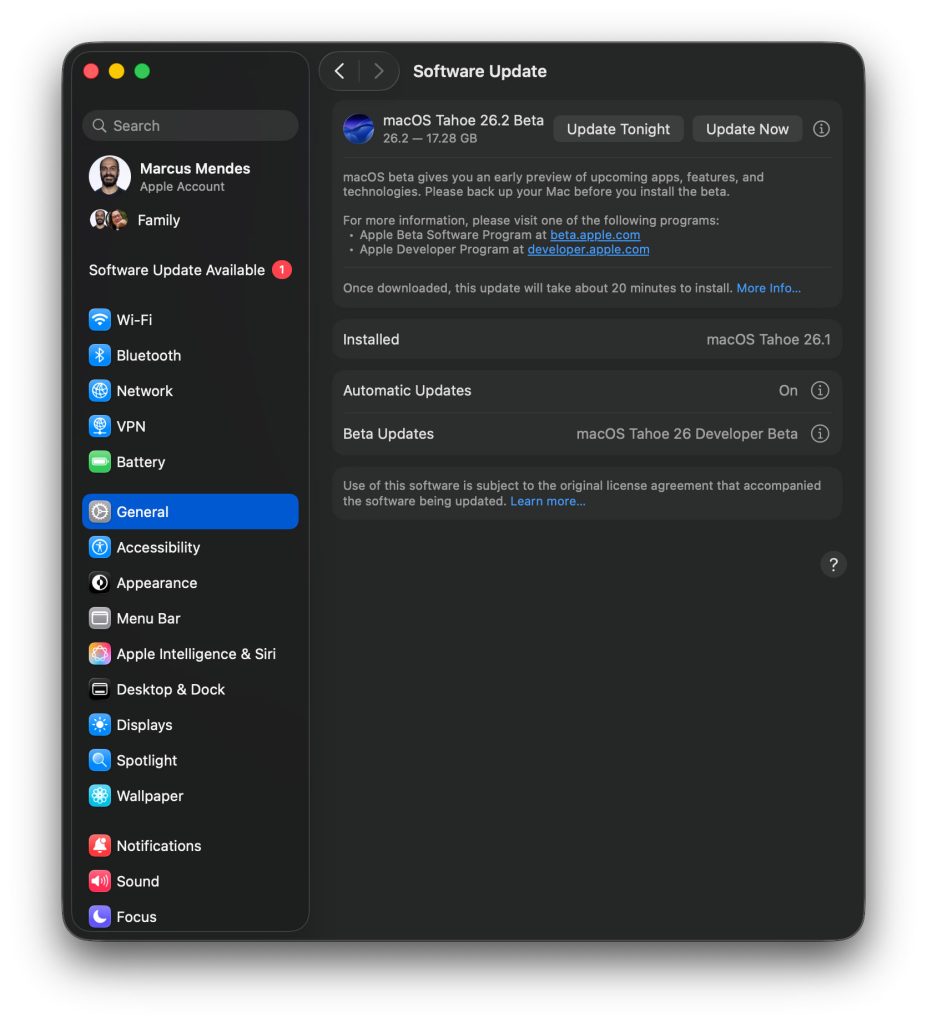
Here’s how to install the macOS Tahoe 26.2 developer beta 2:
- Backup your Mac
- Open System Settings
- Go to General ⇾ Software Update
- Click the ‘i’ icon next to Beta Updates
- From the dropdown menu in the top-right, select the macOS Developer Tahoe Beta
- Hit ‘Done’
Did you spot any changes in today’s beta? Let us know in the comments.
Accessory deals on Amazon
- Apple AirTag 4 Pack
- Beats USB-C to USB-C Woven Short Cable
- Logitech MX Master 4
- AirPods Pro 3
- Wireless CarPlay adapter
- iPhone Air Ultraslim Magsafe Power Bank


FTC: We use income earning auto affiliate links. More.



Comments