
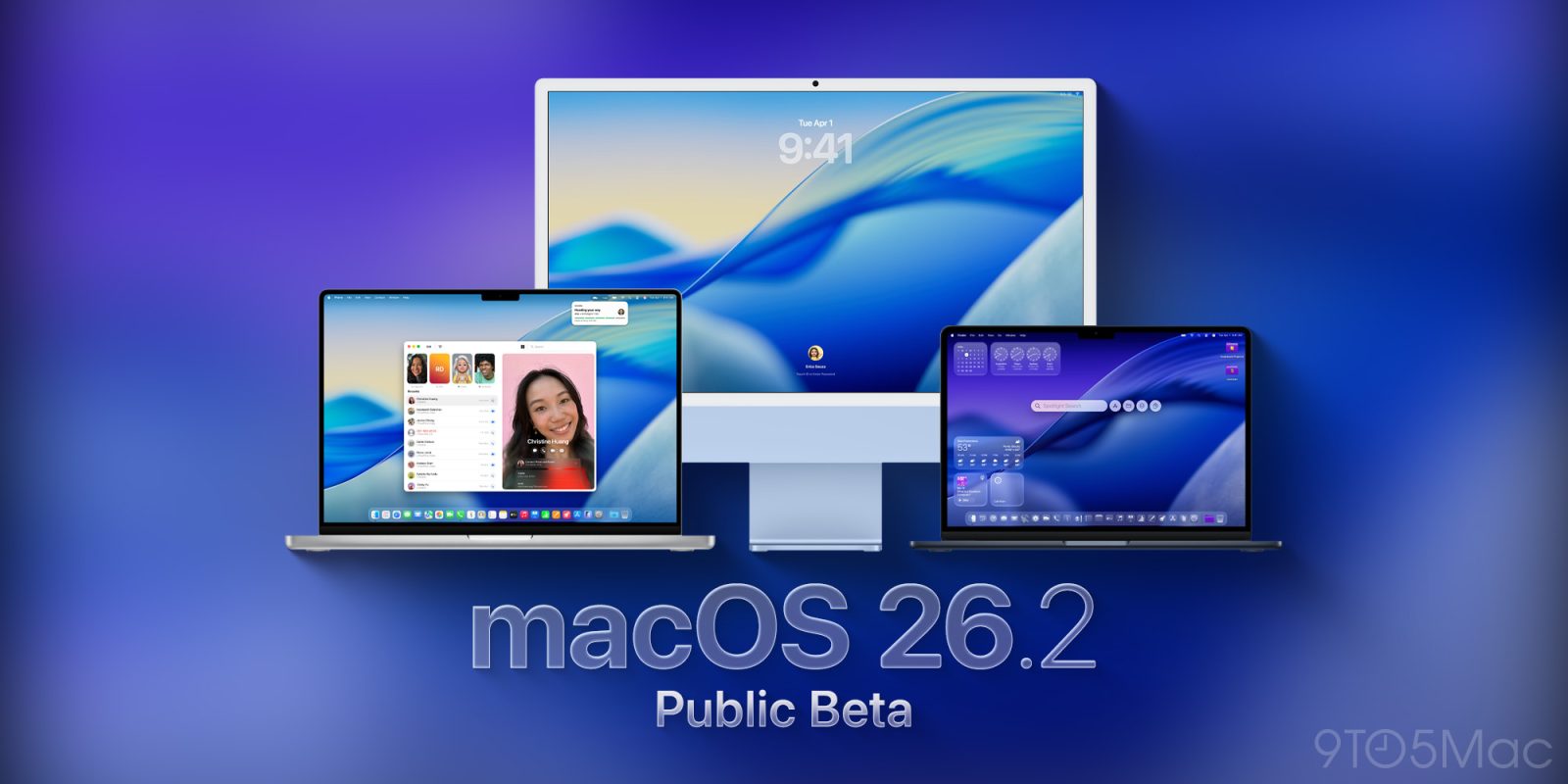
macOS public beta testers can now download macOS Tahoe 26.2 beta 2, which introduces a clever feature for video calls. Here’s what’s new.
New Edge Light effect
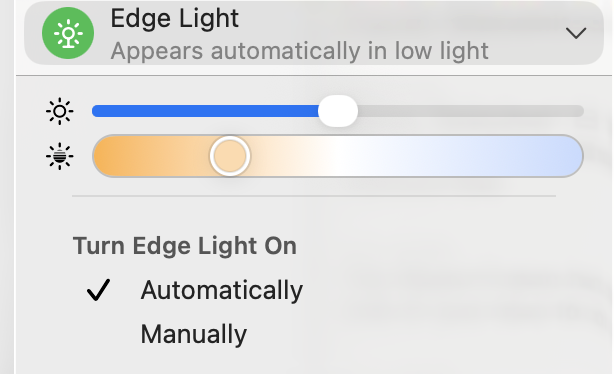
Apple released macOS Tahoe 26.2 developer beta 2 yesterday, with a new “Edge Light” feature that can light up the edges of the display when the user is on a video call.

The feature allows the user to control the thickness and the temperature (blue, neutral, amber) of the edge light, and the result is similar to an actual ring light, which has become common for streams and overall video calls in recent years.
Other than the new Edge Light effect, beta 2 doesn’t appear to include any other user-facing changes, But we are still digging through, and will report back if we find noteworthy tidbits.
The build version rolling out right now is 25C5037j, which is the same as the developer beta 2.
How to install macOS Tahoe 26.2 public beta 2
To install, the first thing you have to do is enroll in Apple’s public beta program at https://beta.apple.com/. Once you’re done, here’s the step-by-step:
- Open System Settings
- Go to General ⇾ Software Update
- Click the ‘i’ icon next to Beta Updates
- From the dropdown menu in the top-right, select the macOS Tahoe 26 Public Beta
- Hit ‘Done’
What has your experience with macOS Tahoe been so far? Let us know in the comments.
Accessory deals on Amazon
- iPhone Air Ultraslim Magsafe Power Bank
- Apple AirTag 4 Pack
- Beats USB-C to USB-C Woven Short Cable
- Logitech MX Master 4
- AirPods Pro 3
- Wireless CarPlay adapter


FTC: We use income earning auto affiliate links. More.



Comments