
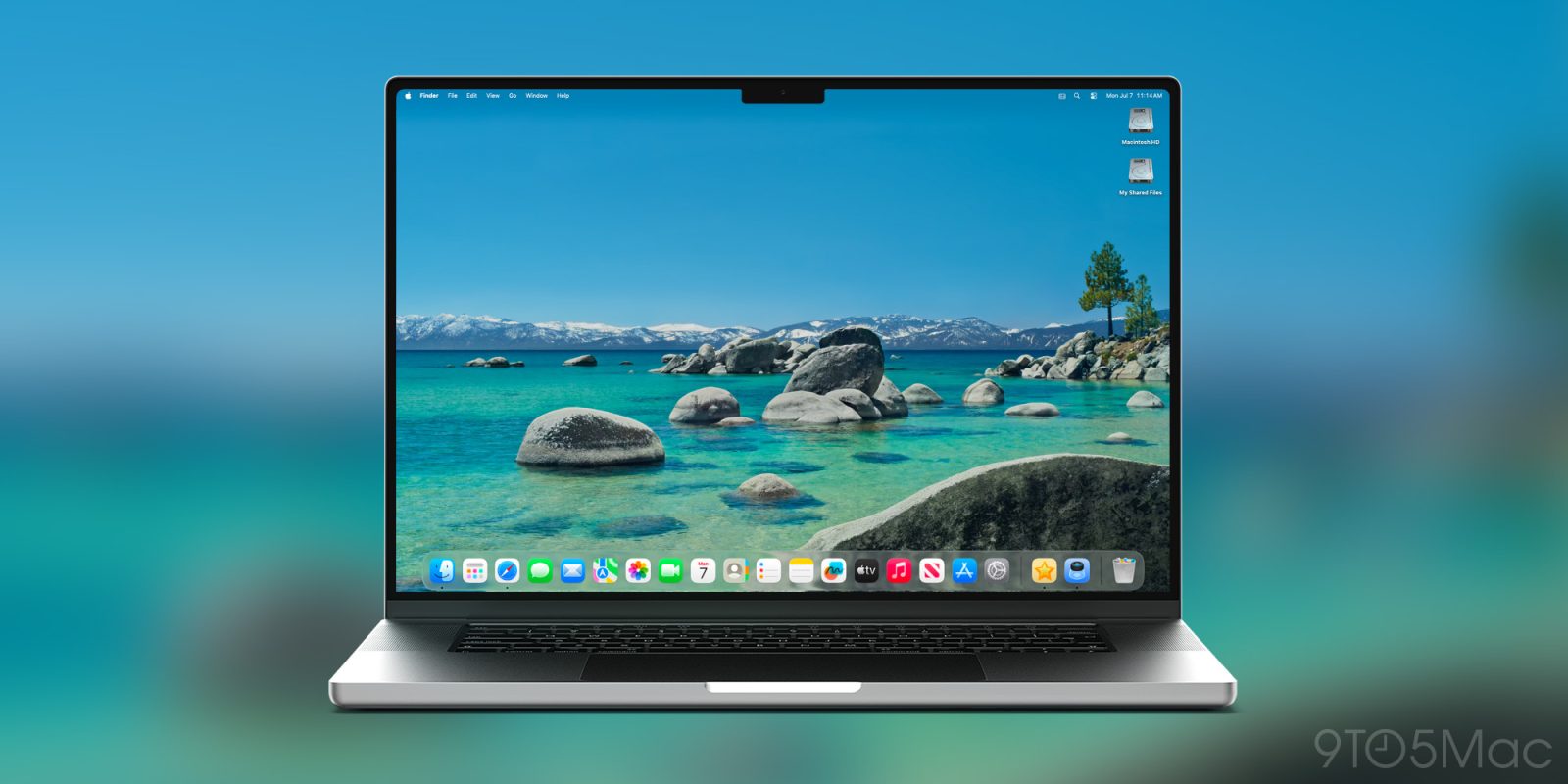
macOS Tahoe 26.2 is launching next month for all users, here’s an overview of three new features it brings to the Mac.
#1: Edge Light for video calls
Video calls have been around for years, but in a world where a lot more work can now be done remotely, they’ve grown even more important of late.
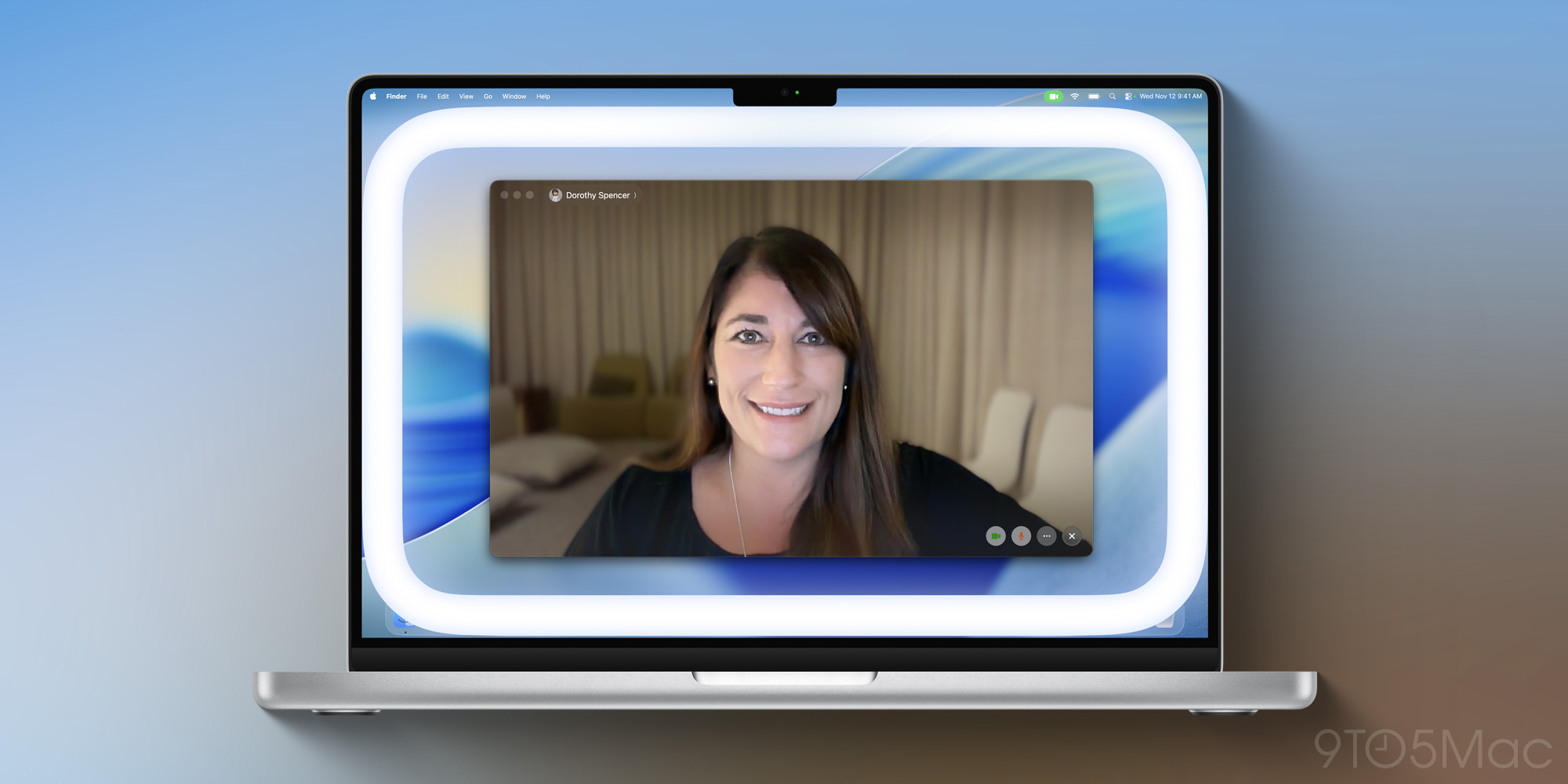
In macOS 26.2, Apple adds a brand new Edge Light feature meant to improve your video calls.
Here’s how it works, per 9to5Mac’s Editor-in-Chief Chance Miller:
Edge Light is a video effect that essentially aims to replicate the experience of using a ring light while on video calls. It adds a virtual light around the edges of your Mac display to illuminate your face if you’re in a dark room.
The feature, however, is also far more intelligent than using a traditional ring light. Using the Neural Engine in your Mac, Edge Light can detect your face, size, and where you’re located in the frame to ensure accurate lighting. The Image Signal Processor, meanwhile, is able to fine-tune the light to precisely adjust the brightness of Edge Light to match your exact environment.
You can turn Edge Light on and off manually to your liking, but anyone with a 2024 Mac or newer can also have it activate automatically in dimmer environments.
Edge Light requires a Mac with Apple silicon, so anything with an M1 chip or later will do. And in a nice touch, it will even work with external cameras and the Apple Studio Display.
#2: Thunderbolt 5-powered Mac clusters
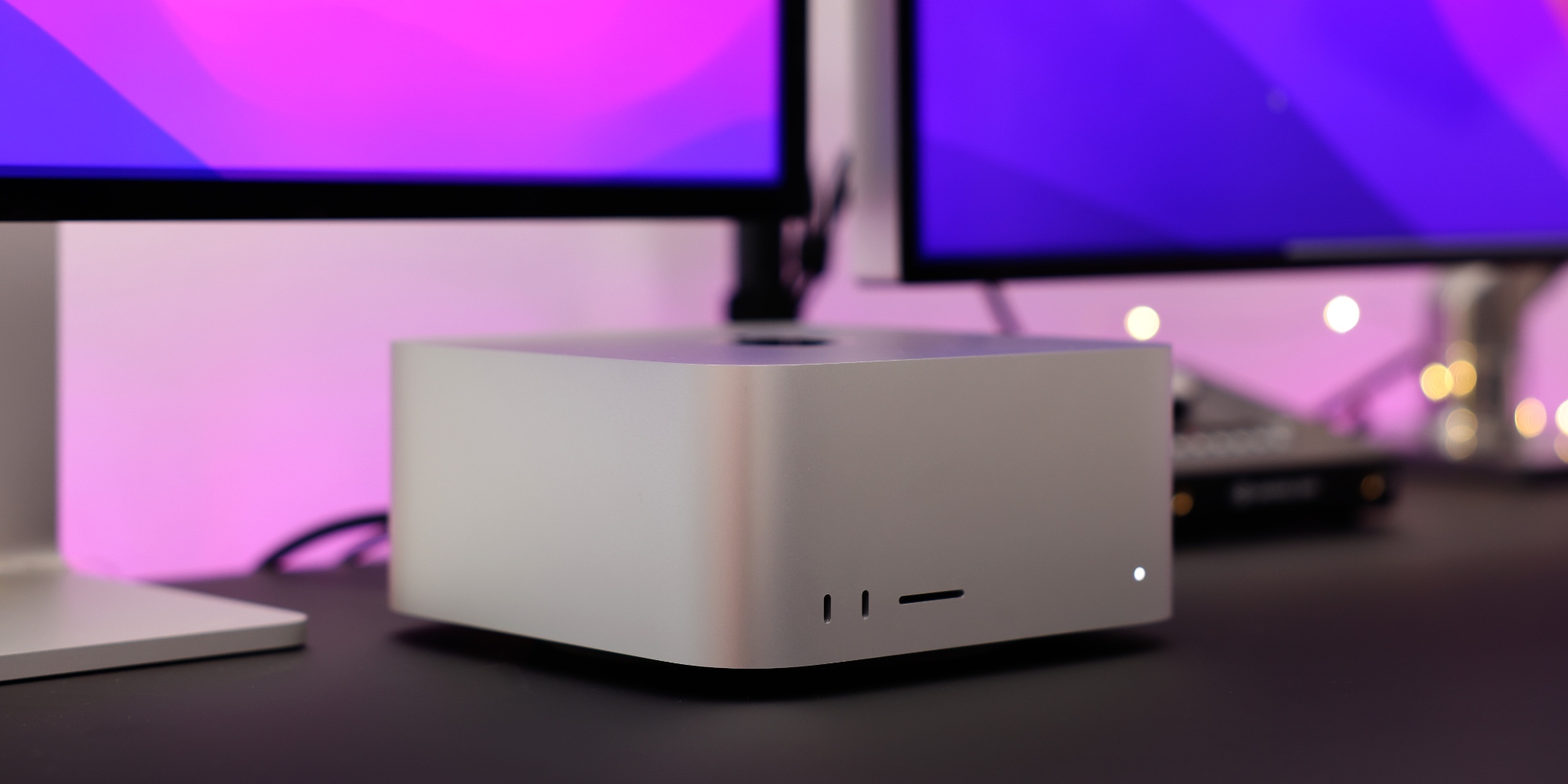
Apple reportedly has no current plans to ship a new Mac Pro. But as my colleague Ben notes, there’s an adequate software alternative coming for pros thanks to macOS 26.2.
This new feature doesn’t exactly have mass-market appeal, but if you want to build your own AI supercomputer using a cluster of Macs, it’s time to get excited.
Devindra Hardawar writes at Engadget:
Apple is introducing a new low-latency feature that lets you connect several Macs together using Thunderbolt 5. For developers and researchers, it’s a potentially useful way to create powerful AI supercomputers that can run massive local models. That allows four Mac Studios, which can each run up to 512GB of unified memory, to run the 1 trillion parameter Kimi-K2-Thinking model far more efficiently than PCs with power-hungry GPUs.
While we’ve seen Thunderbolt Mac clusters before, they were limited by slower Thunderbolt speeds, especially if they required a hub (which could reduce speeds to 10 Gb/s). Apple’s new feature allows for the full Thunderbolt 5 connectivity of up to 80Gb/s. The clustering capability also isn’t just limited to the pricey Mac Studio, it will also work with the M4 Pro Mac mini and M4 Pro/Max MacBook Pro. Developers won’t need any special hardware to build clusters, just standard Thunderbolt 5 cables and compatible Macs.
Engadget also notes that macOS Tahoe 26.2 provides MLX (Apple’s machine learning framework) full access to the M5 chip’s new neural accelerators. That should make the upcoming M5 Ultra Mac Studio a powerhouse for AI tasks.
#3: Urgent reminders
Apple’s Reminders app adds a great new feature in macOS 26.2 and iOS 26.2: Urgent reminders.
Whenever you create a reminder with a due time, you’ll now see an option to mark that reminder as ‘Urgent.’
It’s a simple toggle in the details view that will trigger an alarm on your iPhone or iPad when the time comes. You’ll then be able to snooze it for nine minutes or mark it complete.
That’s right: the macOS feature works alongside your iPhone or iPad to ensure you don’t miss an important alert. When setting up your first ‘Urgent’ reminder on the Mac, you’ll be given instructions to follow on your iPhone to ensure the alarm goes off there.
I’ve been loving the new alarm feature in iOS 26.2. While it would be great to have the option to make alarms trigger on the Mac directly, I suspect most people would prefer an iPhone alarm anyways. It’s the main device that goes with us everywhere.
Which new macOS 26.2 features do you expect to use personally? Let us know in the comments.
Best Mac accessories
- 100W USB-C power adapter for fast charging
- tomtoc protective MacBook sleeve bag
- AirPods Pro 3
- Twelve South aluminum laptop stand for MacBooks
- Anker Docking Station USB-C with Ethernet, HDMI, SD, more


FTC: We use income earning auto affiliate links. More.


Comments