
iOS 26 is a major update for iPhone, but it also adds a bunch of new AirPods features—especially for anyone with AirPods Pro 3 or AirPods Pro 2. Here’s everything new.
iOS 26 adds up to seven new AirPods features, but AirPods Pro benefit the most

Every year, Apple introduces new features for AirPods via its latest major iPhone update.
This year, many of those additions are exclusive to AirPods Pro 3, AirPods Pro 2, and AirPods 4 with ANC.
Here’s a full list of iOS 26’s new AirPods features, followed by the details:
- Battery charging notifications
- Automatic switching for CarPlay
- Live Translation
- Automatic pausing when you fall asleep
- Studio-quality audio recording
- Camera Remote
- Enhanced voice quality on calls
No matter which AirPods you have, iOS 26 brings two new features for all.
- Joining a variety of other battery-related features, iOS 26 adds AirPods charging reminders via notifications. You’ll get notified when your AirPods case is getting low, and when it’s been fully charged.
- One of my favorite AirPods features, automatic switching, was previously never available for CarPlay. But now in iOS 26, you can have your AirPods Bluetooth connection automatically transfer to and from the car.
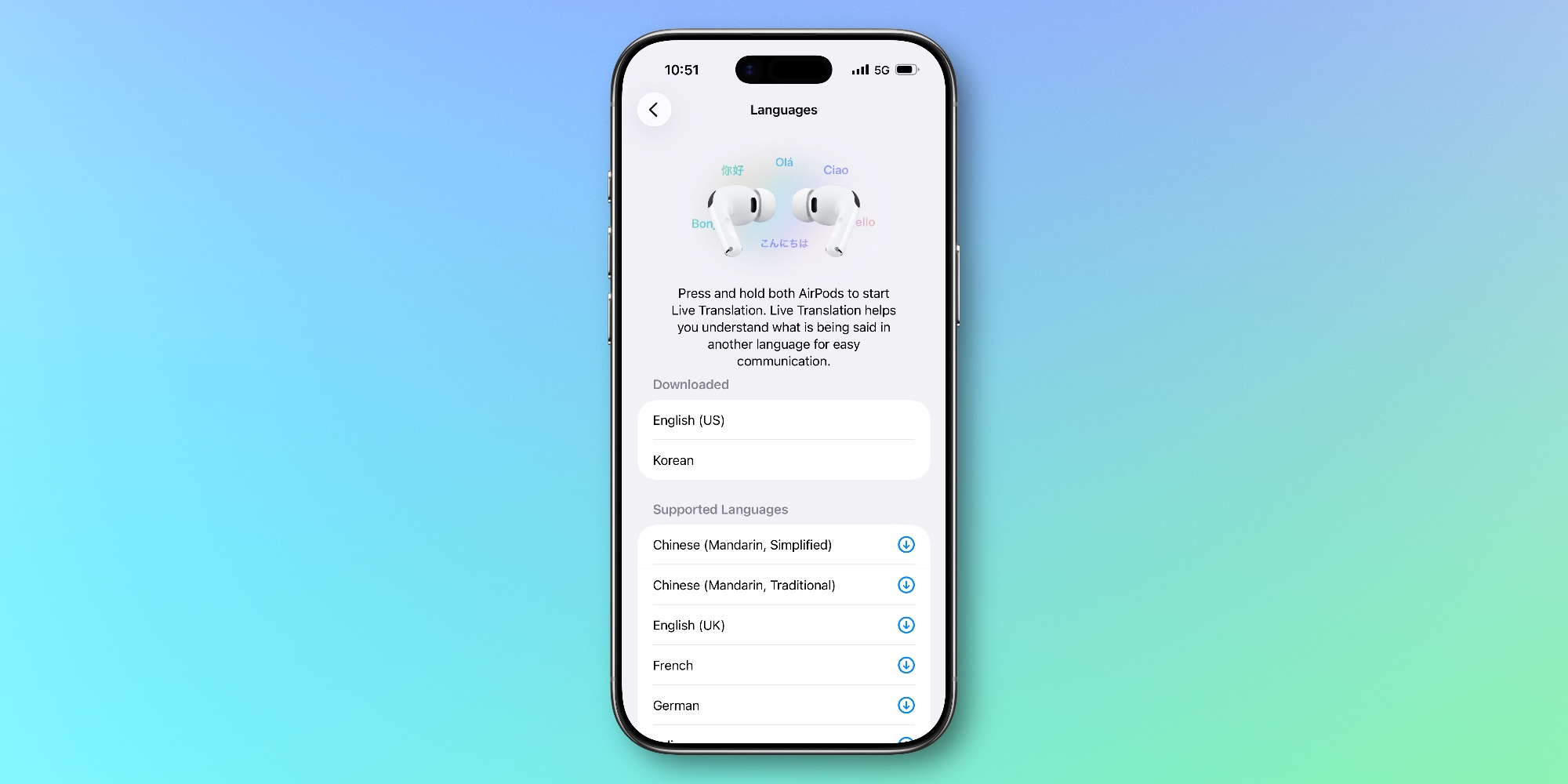
If you have AirPods Pro 3, AirPods Pro 2, or AirPods 4 with ANC, you’ll also gain five more additions in iOS 26.
Live Translation is a powerful Apple Intelligence capability to hold in-person conversations with someone who speaks a different language than your own.
Regularly fall asleep with AirPods in your ears? Now, Apple can detect that and automatically pause what you were listening to. Not so important for music, but potentially a killer feature for podcasts and audiobooks.
Camera Remote works similarly to the Apple Watch’s Camera Remote app. Essentially, you can capture a photo or video by squeezing your AirPods’ stem. This can be configured in Settings.
Ever record audio with your AirPods? Thanks to what Apple calls ‘studio-quality audio recording,’ that recording should sound much better than ever before.
Finally, with enhanced voice quality on calls, iOS 26 gives AirPods an improvement to one of their most common use cases.
AirPods features in iOS 26: wrap-up
Apple has consistently shipped new AirPods features via firmware that don’t require a hardware update. However, this year with iOS 26 we’re seeing more new features exclusive to newer hardware models than ever before.
I’m glad, though, to see AirPods Pro 2 still receive all the latest updates despite being over three years old. And I expect we’ll see similar years-long support for AirPods Pro 3 as well.
Even if your AirPods only support a couple of the latest features, iOS 26 is full of other exciting upgrades on your iPhone that should merit an upgrade.
For an overview of how the AirPods firmware updates process happens, you’ll find full details here.
Which new AirPods features have you been enjoying most? Let us know in the comments.
Best AirPods deals and accessories
- AirPods Pro 3 (now only $219, down from $249)
- AirPods Max (now only $429, down from $549)
- Magnetic strap neckband for preventing lost AirPods
- Memory foam AirPods Pro eartips for a more comfortable fit
- AirFly Pro 2 for connecting AirPods to standard headphone jacks


FTC: We use income earning auto affiliate links. More.



Comments