
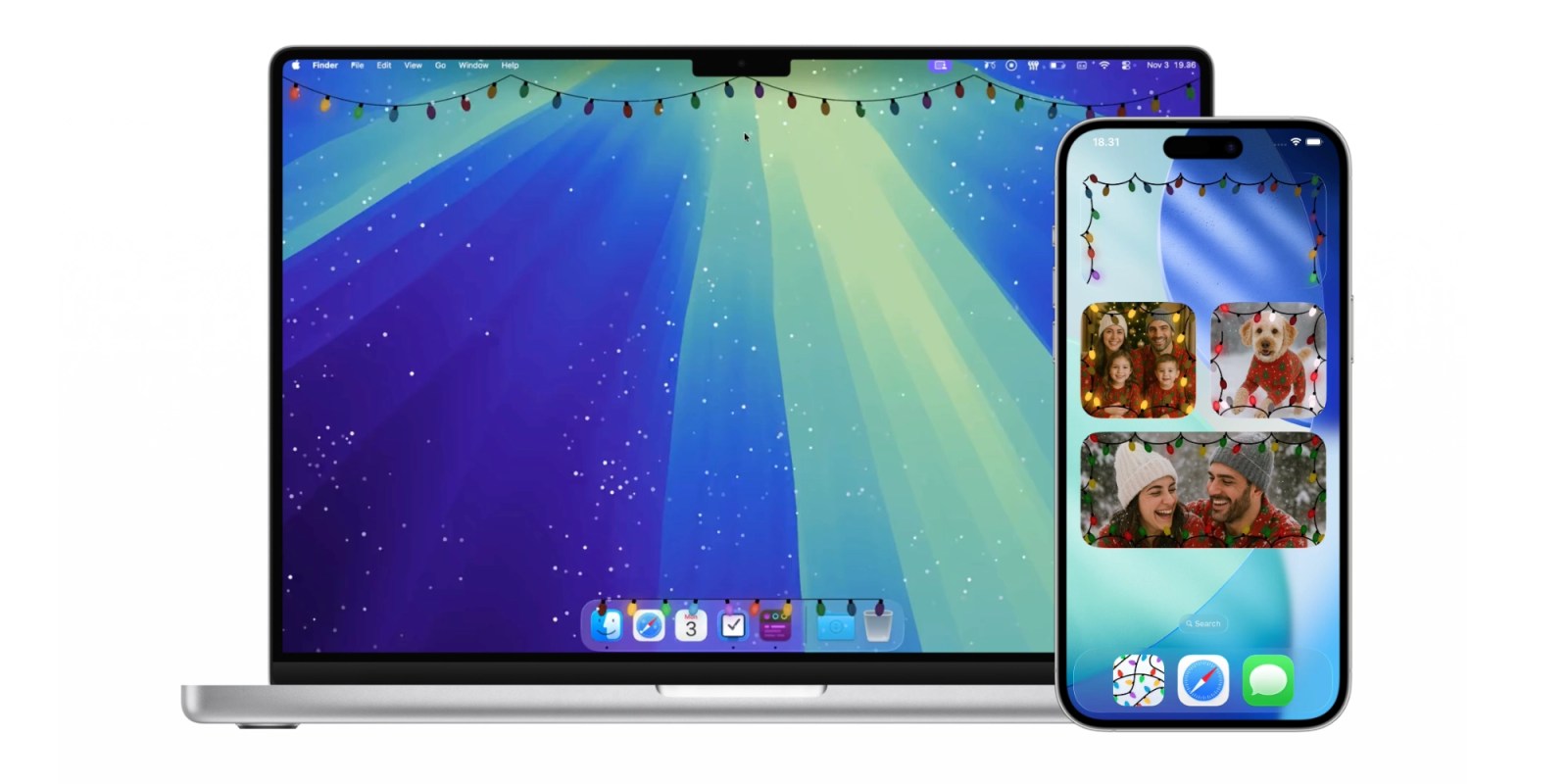
A year ago, Festivitas charmed us by hanging Christmas lights from the Mac’s menu bar and Dock. Now Festivitas is back with two new features for macOS and the first version for iPhone and iPad.
This year, Festivitas brings a delightful snowfall effect to your Mac in addition to the animated Christmas lights. The app lets you adjust snow amount, flake size, fall speed, and wind direction. You can optionally let your mouse interact with the falling snowflakes.

Meanwhile, Shortcuts support enables even more new features for the app.
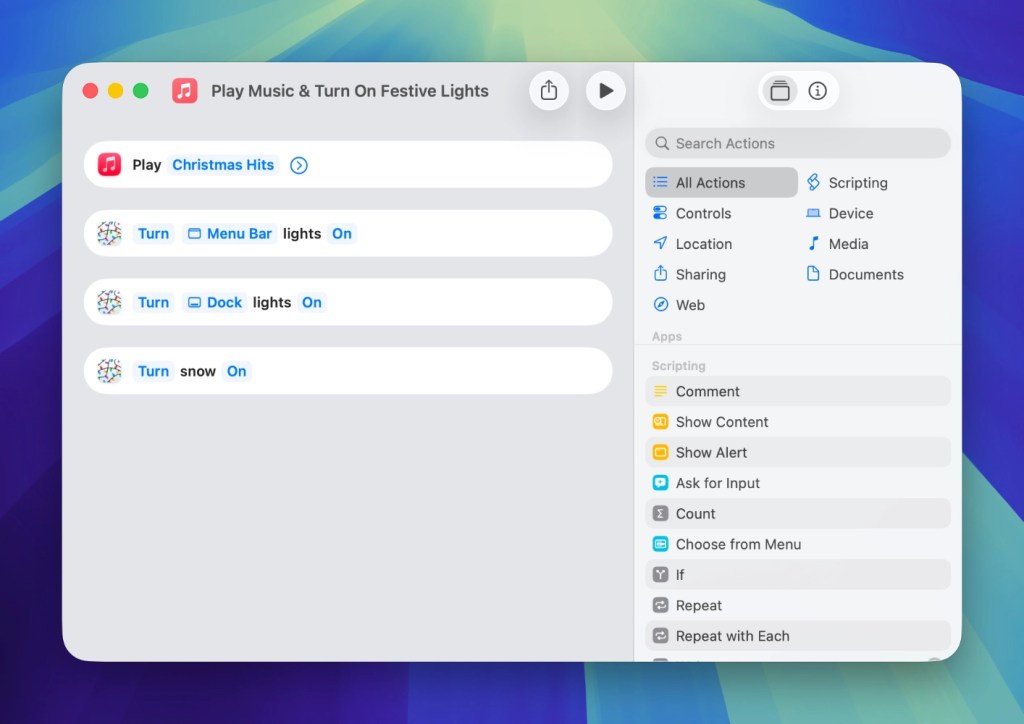
For example, you can schedule snowfall based on time or even your weather forecast. Shortcuts also lets you create automations like playing Christmas music and turning on the Dock and menu bar lights in the evening. You can even assign specific snowfall settings with Shortcuts to toggle the weather as you like.
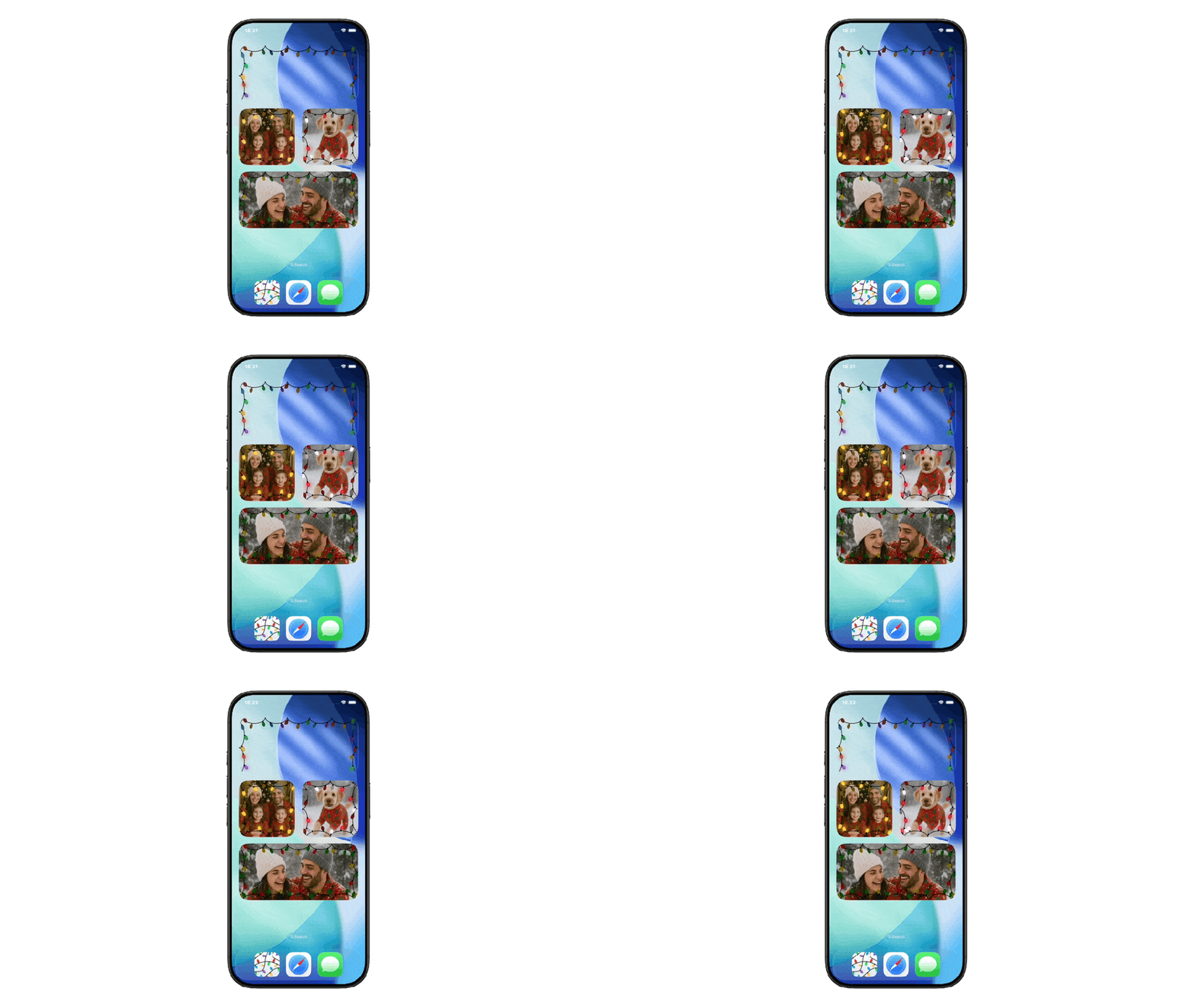
Lastly, Festivitas is now available on the iPhone and iPad. The app lets you add customizable, animated Christmas lights to your screen. Festivitas widgets can be transparent or include photos.
Visit festivitas.app to start using Festivitas and add a bit of cheer to your Mac, iPhone, and iPad.
Do more with your iPhone
Apple AirTag 2 | Add Find My tracking to anything
Beats USB-A to USB-C Cable | The official CarPlay cable


FTC: We use income earning auto affiliate links. More.


Comments