
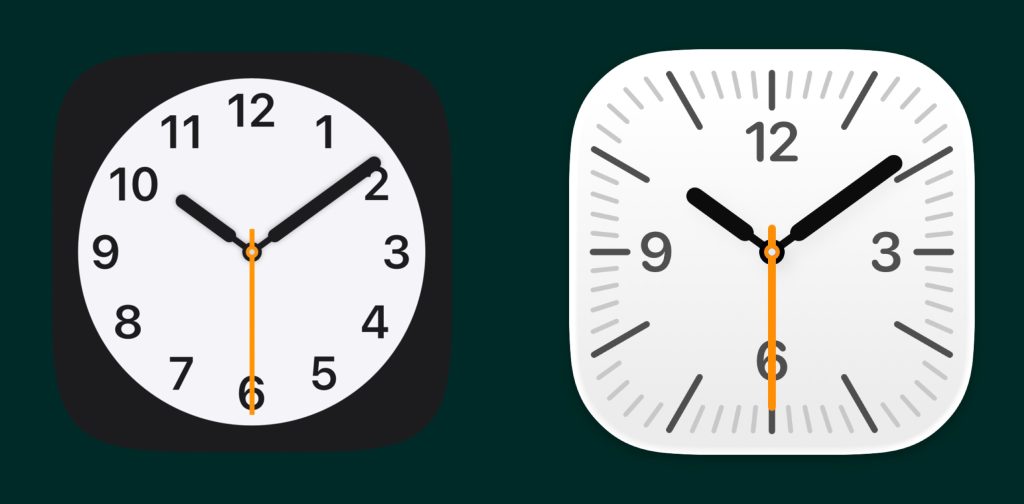
Starting with iOS 26.1, Apple has updated the Clock app icon to work a lot more like an Apple Watch.
Since iOS 7, Apple has animated the Clock app icon with the current time when viewed on the home screen. The icon even includes a sweeping seconds hand that moves in a smooth, continuous motion like a mechanical clock.
In iOS 26.1, Apple changed how the Clock app icon’s seconds hand moves in low power mode. Instead of continuously moving, the seconds hand ticks with each second like a quartz clock.
It’s quite subtle, very clever, and somewhat similar to how the Apple Watch works.
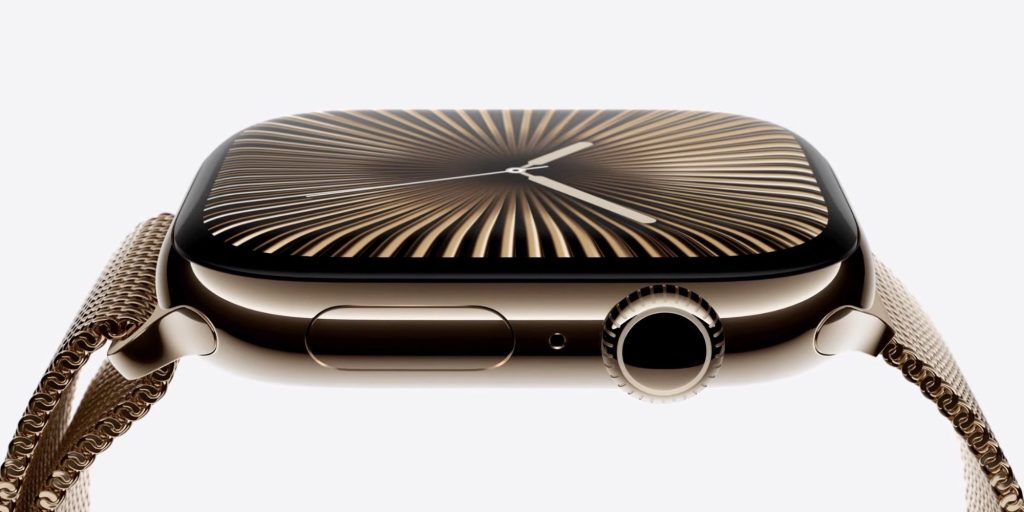
Apple Watch uses a seconds hand with continuous motion when the watch face is active. The seconds hand goes away when the watch face is dimmed with always on mode.
But that changed with Apple Watch Series 10/11 and Ultra 3. Instead of disappearing, the seconds hand still shows up in always on mode. Instead of a sweeping motion, it ticks in this lower power state.
Personally, I prefer the ticking second hand in all scenarios and wish Apple Watch included the option. There’s something more peaceful to me about ticking each second instead of continuously moving.
Anyway, you can see the new Clock app icon behavior for yourself with iOS 26.1 and later. Apple released iOS 26.1 earlier this month with a number of more noticeable changes.
Do more with your iPhone
Apple AirTag 2 | Add Find My tracking to anything
Beats USB-A to USB-C Cable | The official CarPlay cable


FTC: We use income earning auto affiliate links. More.


Comments