
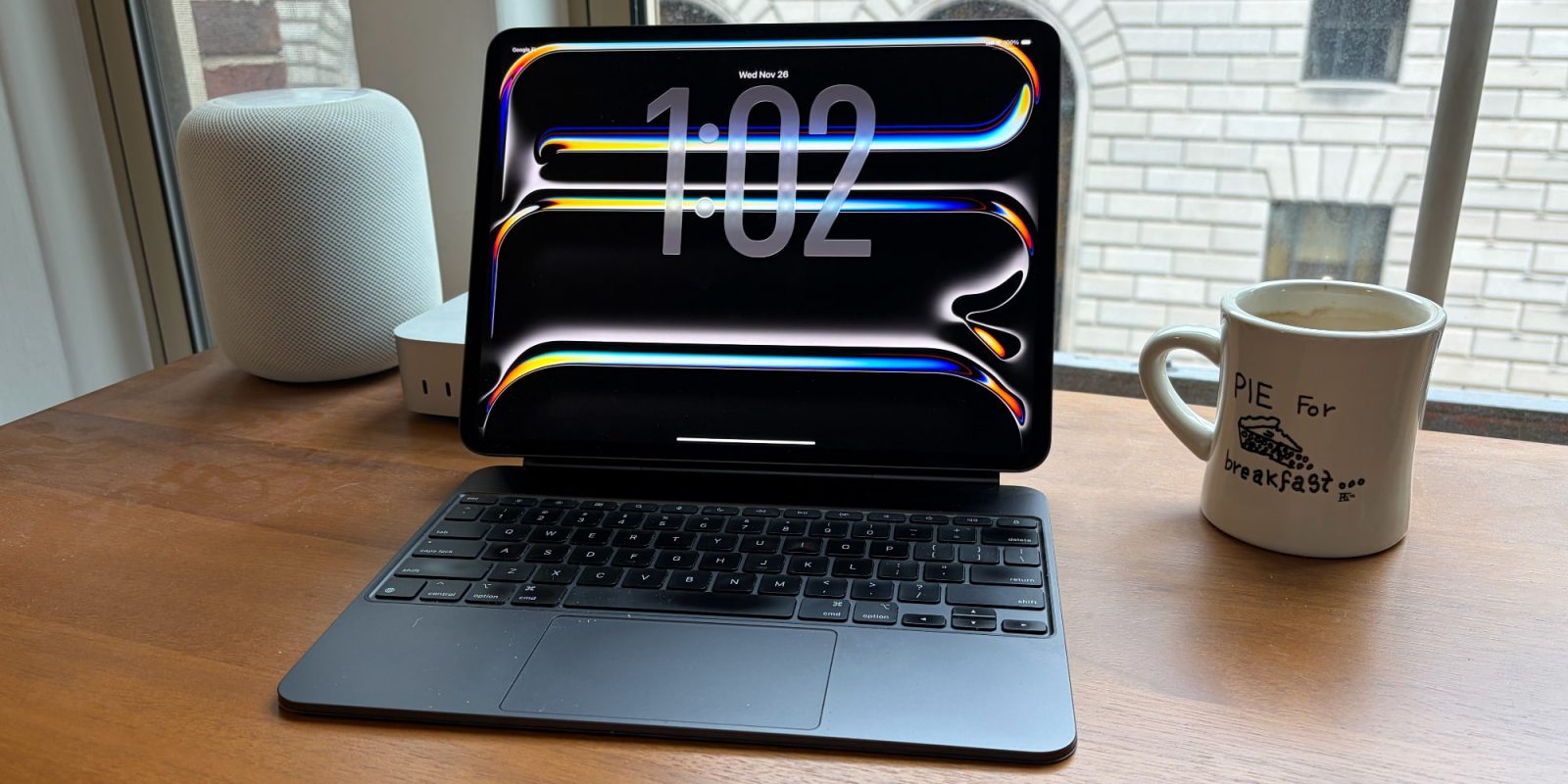
Apple’s M5 iPad Pro launched last month, and I upgraded from an M4 iPad Pro. My first impressions of the new model were positive, but here’s how my 13-inch M5 iPad Pro has held up after a full month of use.
M5 iPad Pro: The little things really do add up
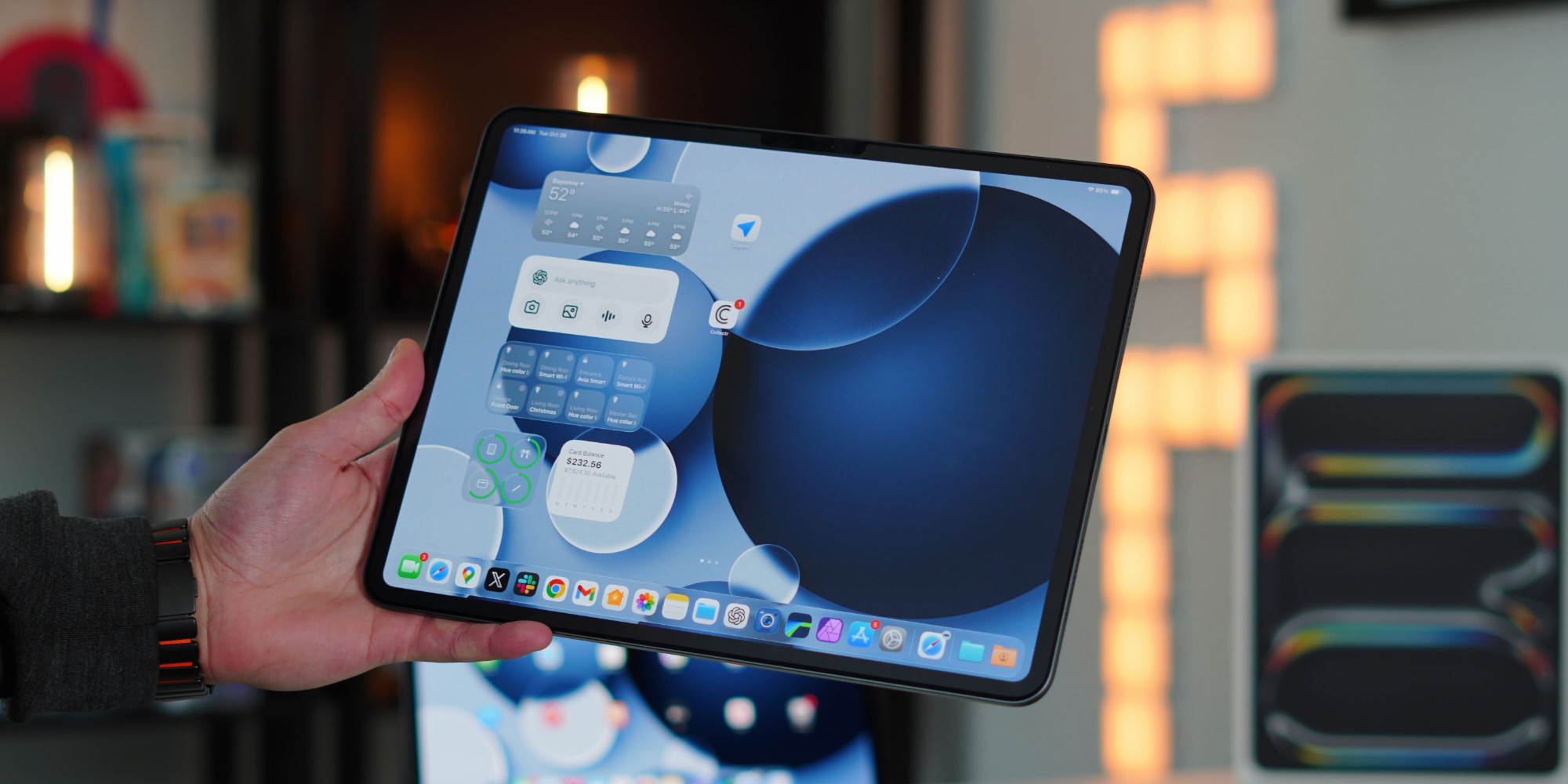
Looking at a side-by-side comparison of the M5 iPad Pro and the M4 model, the changes can seem pretty incremental.
There’s no big external redesign, and not many flashy upgrades beyond the M5 chip.
But after a month of use with my 13-inch model, I’ve found that all of the smaller changes truly do add up.
Here’s a full rundown of what’s actually new:
- M5 chip
- faster RAM, and more of it
- C1X 5G modem
- N1 wireless chip
- fast charging
- battery gains on cellular
- 120Hz external display support
Not much in the list stands out as a “must have,” especially if you own an M4 model already.
But as someone who depends on the M5 iPad Pro to get my work done all day, every day, I’ve been very pleasantly surprised by the new model.
New M5 and C1X chips bring performance and efficiency gains
Apple put its new C1X modem in the iPad Pro, and so far it’s offered excellent performance.
I typically work on cellular for hours every day, and while I haven’t done formal testing, my cellular connection has been better than ever. Not that I had any complaints about the M4 model, but the M5 connection has been even more reliable for me.
I’ve also very much noticed battery life gains from C1X’s improved efficiency. I know some of the improvement is due to having a fresh battery, but I’m confident that doesn’t account for the full gains I’m seeing.
I used to be fairly battery-conscious, particularly when working away from home for lengthy periods on cellular. But now I don’t have to be. The M5 iPad Pro’s battery life has been a significant upgrade for my specific uses.
Apple technically doesn’t advertise better battery life on the M5 iPad Pro’s specs page, but its announcement press release says C1X offers active cellular users “up to 30 percent less power usage than iPad Pro with M4.”
Outside of C1X, the new M5 chip and RAM upgrades have absolutely made iPadOS 26 feel snappier and smoother than before.
Gone are the stutters and performance slowdowns I sometimes encountered on my M4. This iPad feels better optimized for Apple’s iPadOS upgrades than last year’s model.
Finally, I’ll mention fast charging as another welcome improvement. Even though battery life has been far less of an issue than on my M4 model, the M5 iPad Pro’s support for fast charging has served me well on many occasions when I was home for brief windows before heading out to work remotely again.
Future proof, but not like prior iPad Pro models
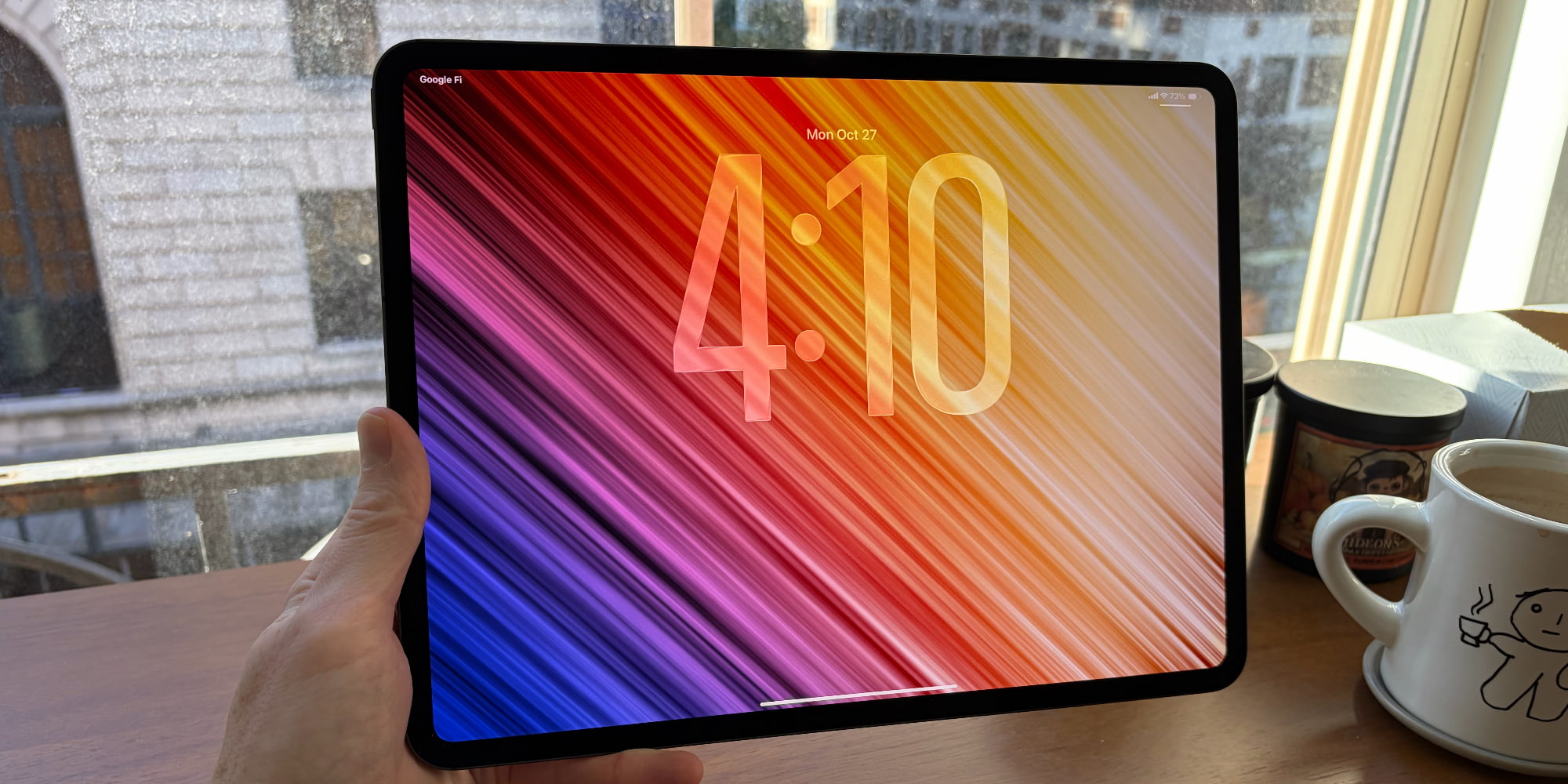
One common theme with reviews of prior iPad Pro models was that the hardware was so far ahead of the software, it was “future proof.”
The same term applies to the M5 iPad Pro, but in a more positive and unique way.
iPadOS 26 finally matches the power of the iPad Pro’s hardware, and 26.1 and 26.2 take things even further.
For the first time ever, the iPad Pro hardware and software are a fitting match.
But the new M5 chip, RAM upgrades, and cutting-edge C1X and N1 chips also set the M5 iPad Pro up for a bright future.
Whatever new features and upgrades Apple has in store for iPadOS, this iPad is ready for them. It has computing headroom that prior models arguably lack on the latest OS.
If you’re coming from an older iPad, the M5 iPad Pro is a fantastic upgrade. If you already own the M4, you probably want to pass on the M5 to get more value out of your current model.
But for me at least and my specific needs, the M5 iPad Pro has been a better-than-expected upgrade.
Have you been using the M5 iPad Pro? What’s your product review? Let us know in the comments.
Best iPad Pro accessories
- AirPods Pro 3 (now only $219, down from $249)
- Apple Pencil Pro (now only $95, down from $129)
- 100W USB-C power adapter for fast charging
- tomtoc Tablet sleeve bag for protection and style
- Baseus 10ft USB-C cable for extended reach


FTC: We use income earning auto affiliate links. More.



Comments