
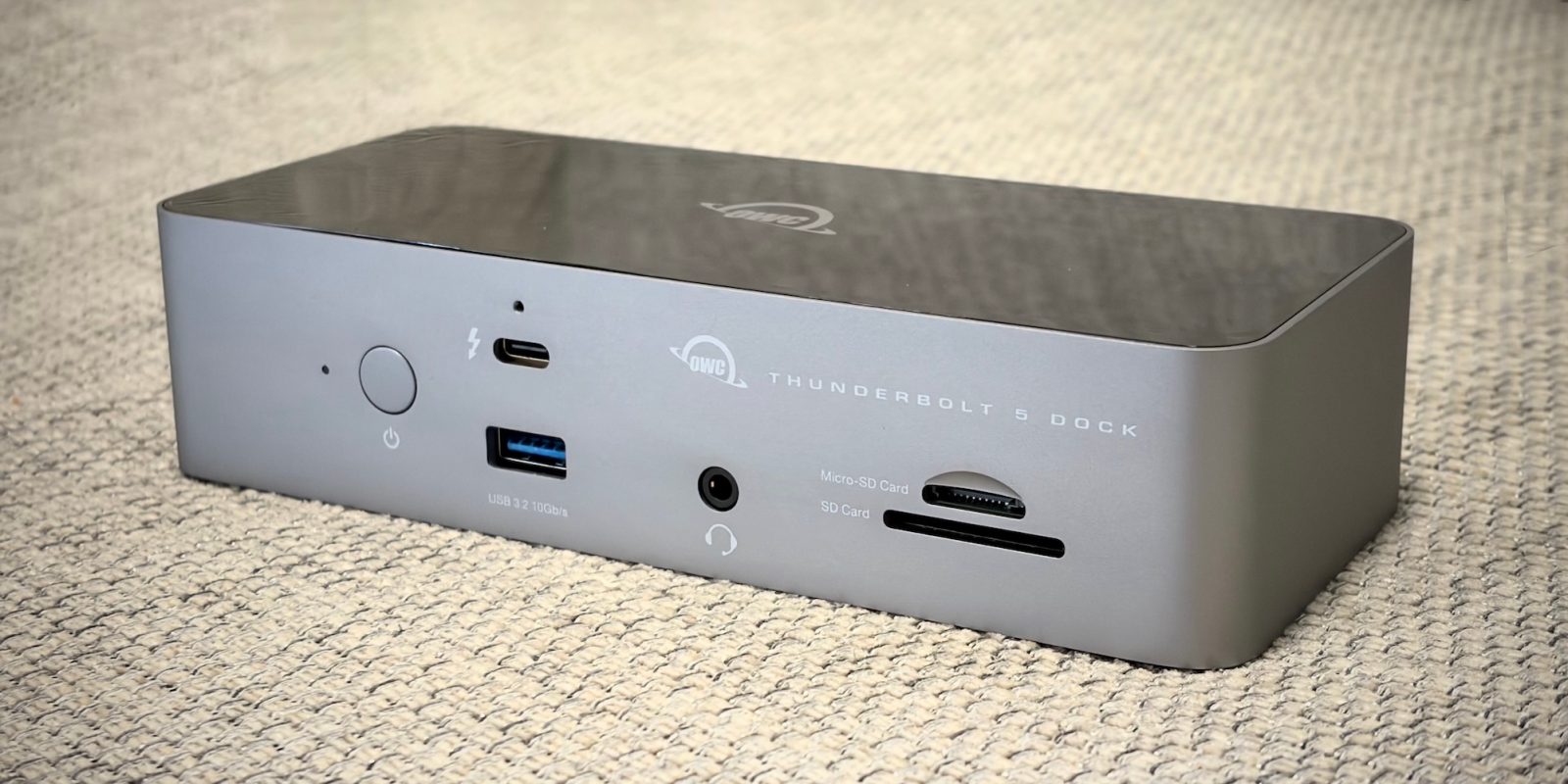
While I don’t have a bunch of Thunderbolt 5 compatible gear yet, that transition is coming promising blisteringly-fast data transfer speeds and even more bandwidth for high-res external displays.
The 11-port OWC Thunderbolt 5 dock (on sale for 15% off for Black Friday) makes the convenient single cable desk lifestyle even better, with access to higher throughputs. By plugging in your MacBook Pro to the dock with a Thunderbolt 5 cable, you can connect to fast external storage, 2.5Gb Ethernet, up to two 6K displays, keep your laptop battery charged with 140 W power delivery, and access even more I/O peripherals …
My previous dock was a 14-port Thunderbolt 3 model by OWC. The new 11-port model is significantly smaller in size, so it fits better in my desk setup, while offering much higher data bandwidth thanks to Thunderbolt 5.
In a chassis that measures only about 18 centimetres across, the I/O is densely packed. On the back, you have three USB-C ports with Thunderbolt 5 maximum performance; one of these is the ‘host’ port that you plug your laptop into.
You also have a 2.5Gb Ethernet port and two USB-A ports, one capable of 10Gbps and one capable of 5Gbps speeds, useful for peripherals like wired keyboards or mice. The front features another full-speed Thunderbolt 5 USB-C port, another 10 Gbps USB-A port, a headphone jack, and a SD card and micro-SD card slot.
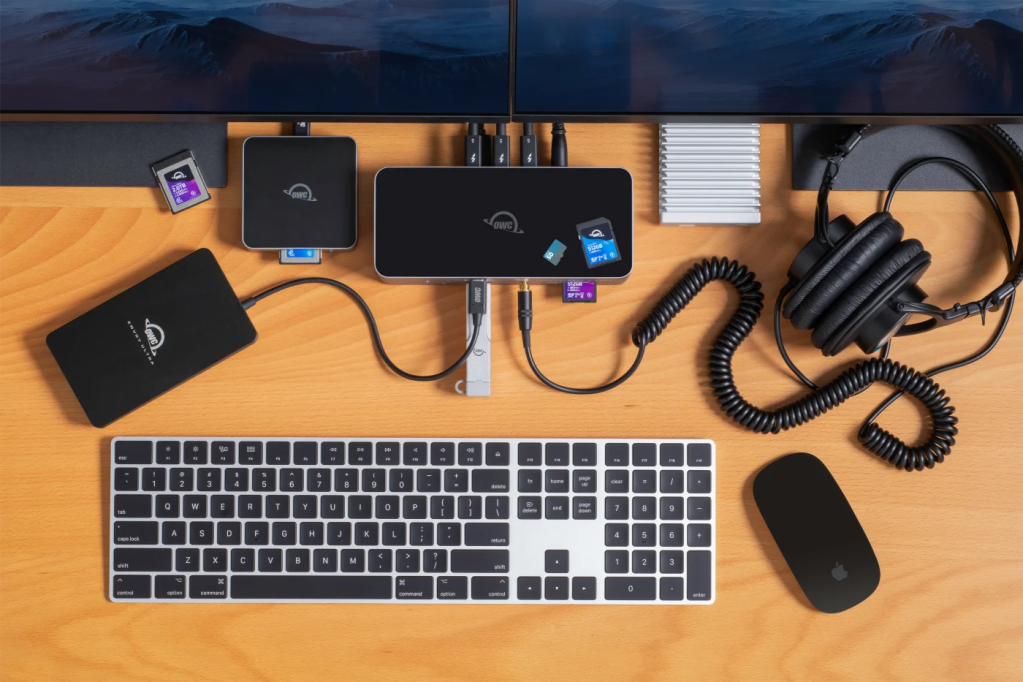
The power supply ensures all your connected accessories can draw plenty of power. The laptop itself can pull 140 watts, enough to fast charge a 16-inch MacBook Pro. Each Thunderbolt 5 port can provide 15 watts, so many connected external drives won’t need additional power. Also, the USB-A ports gives 7.5 watts each.
If you have more than eleven things to plug in, you can take advantage of Thunderbolt daisy chaining. But for me, this more than suffices. I have wired Ethernet for my home network, wired keyboard and mouse, an external SSD and my external display all going through this one box. I set my laptop on my desk, plug into the OWC dock, and everything springs to life with no hassle.
Apart from the faster Ethernet port, I am not really able to use the maximum top data speeds that Thunderbolt 5 enables. I simply don’t have other Thunderbolt 5-capable accessories yet. But of course, the ports are backwards compatible with standard USB-C, Thunderbolt 3 and Thunderbolt 4 as well. And I’m future-proofed for when I inevitably add a Thunderbolt 5 storage bay to my set up down the road.
Unfortunately, the biggest downside of Thunderbolt gear remains — the steep price of admission. This OWC Thunderbolt 5 dock sells for $329, although it is 15% off right now for Black Friday. But that’s still pretty expensive. However, if you can amortise these purchases across many years, I feel like the convenience makes it worth it.
I have found OWC gear to be very reliable, and never experience bugs or glitches with macOS when using it. My previous TB3 dock has chugged along quite happily for six years and counting, and I’d expect this Thunderbolt 5 version to do the same.
A couple of gotchas to be aware of: the OWC dock comes with a 1 meter TB5 cable in the box, but your desk arrangement might necessitate using a longer cable. The problem is it’s actually quite hard to find longer TB5 cables currently, and good quality long-length Thunderbolt 4 cables don’t come cheap.
Also, the front-facing power button on the dock has an accompanying LED that glows white to indicate power is being sent. This light cannot be disabled, which may be an annoying distraction, especially for people who want to use the dock sitting directly on their desktop. I use a desk shelf to keep it out of sight.
And finally — this is more on Apple than OWC — you cannot actually use the theoretical maximum possible display bandwidth of this dock, when connected to a MacBook. The display firmware inside Apple Silicon Macs limits each physical Thunderbolt port to driving a maximum of two external displays. That means you can do 2 6K displays at 60 Hz, two 4K displays at 144Hz, or one 8K at 60Hz … whereas if you used the OWC dock with a modern Windows PC, you could output to three displays simultaneously.


FTC: We use income earning auto affiliate links. More.



Comments