
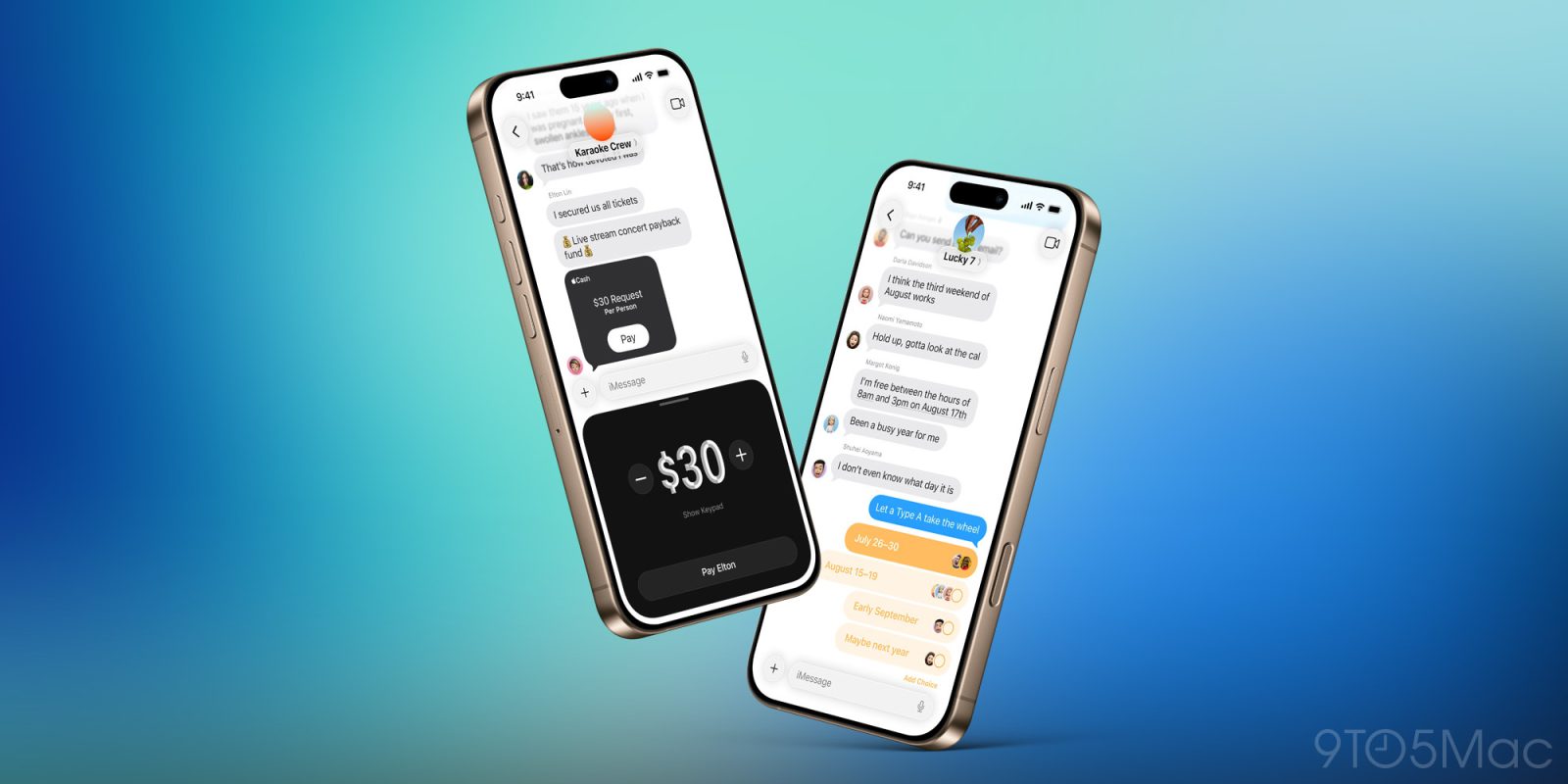
iOS 26 is packed full of changes for iPhone users, including five great new group chat features in the Messages app. Here’s what’s new.
#1: Typing indicators
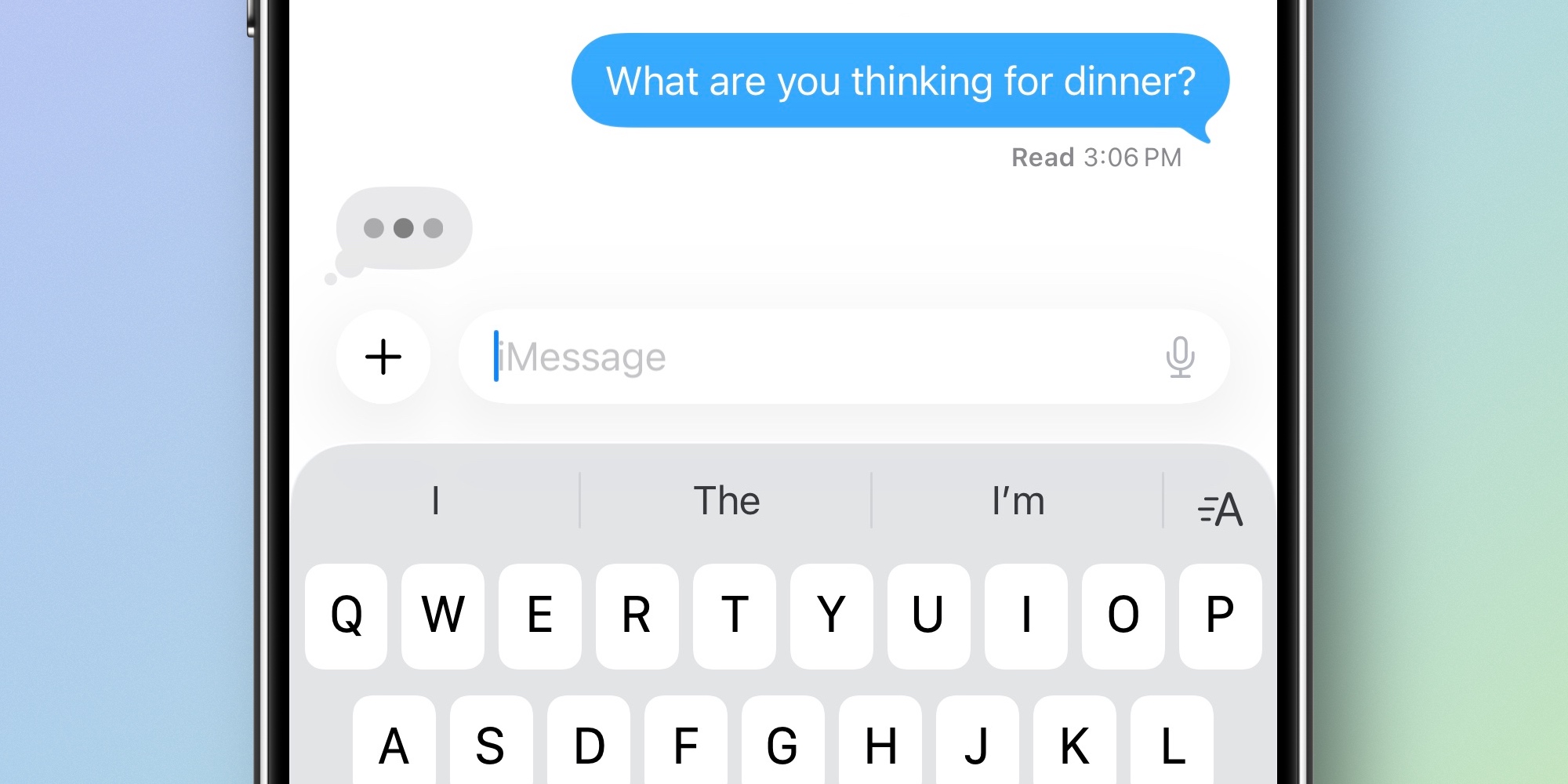
Typing indicators have been a key iMessage features for years, but they used to only apply to one-on-one conversations.
Now in iOS 26, group chats benefit from typing indicators too when users are running the latest update.
It was a long time coming, but it’s great to see typing indicators finally expand to groups.
#2: Polls

Need a quick way to get input from a group? Polls are iOS 26’s new solution.
Hidden behind the ‘+’ button in Messages’ lower-left corner, you’ll see a Polls button. Create a poll to gauge friends’ or family members’ availability, meal preferences, or anything else you might want to know.
If your iPhone supports Apple Intelligence, you’ll even see Poll suggestions appear inside the row above the software keyboard.
#3: Apple Cash for groups
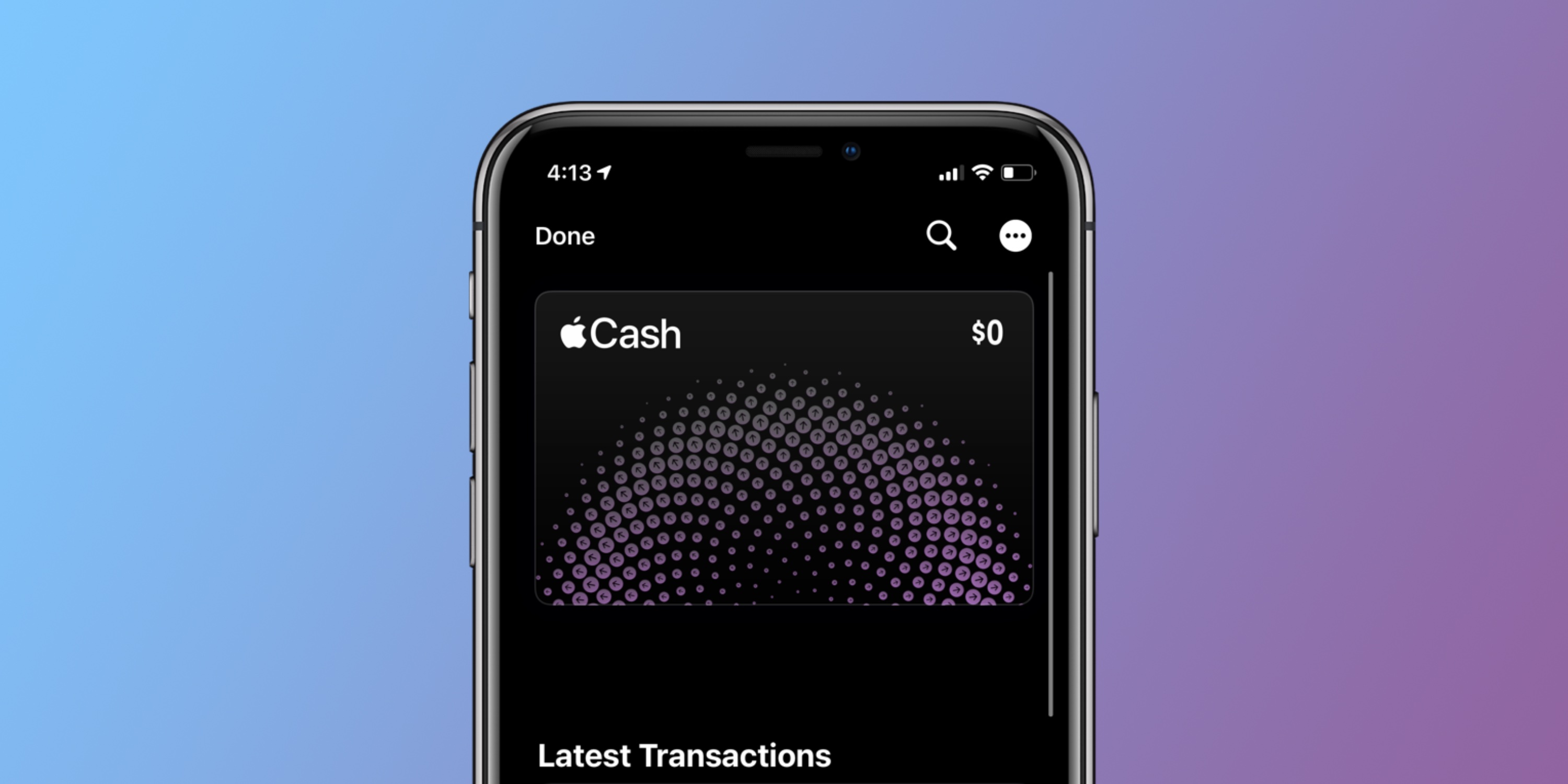
Apple Cash is an easy, secure way to send and request payments from Apple users.
In iOS 18, Apple Cash was only available in Messages for solo conversations. But now in iOS 26, group chats are supported too.
Whether you’re settling up after a group trip, a meal out, or any other occasion, Apple Cash makes that easy to do right inside Messages.
#4: Backgrounds
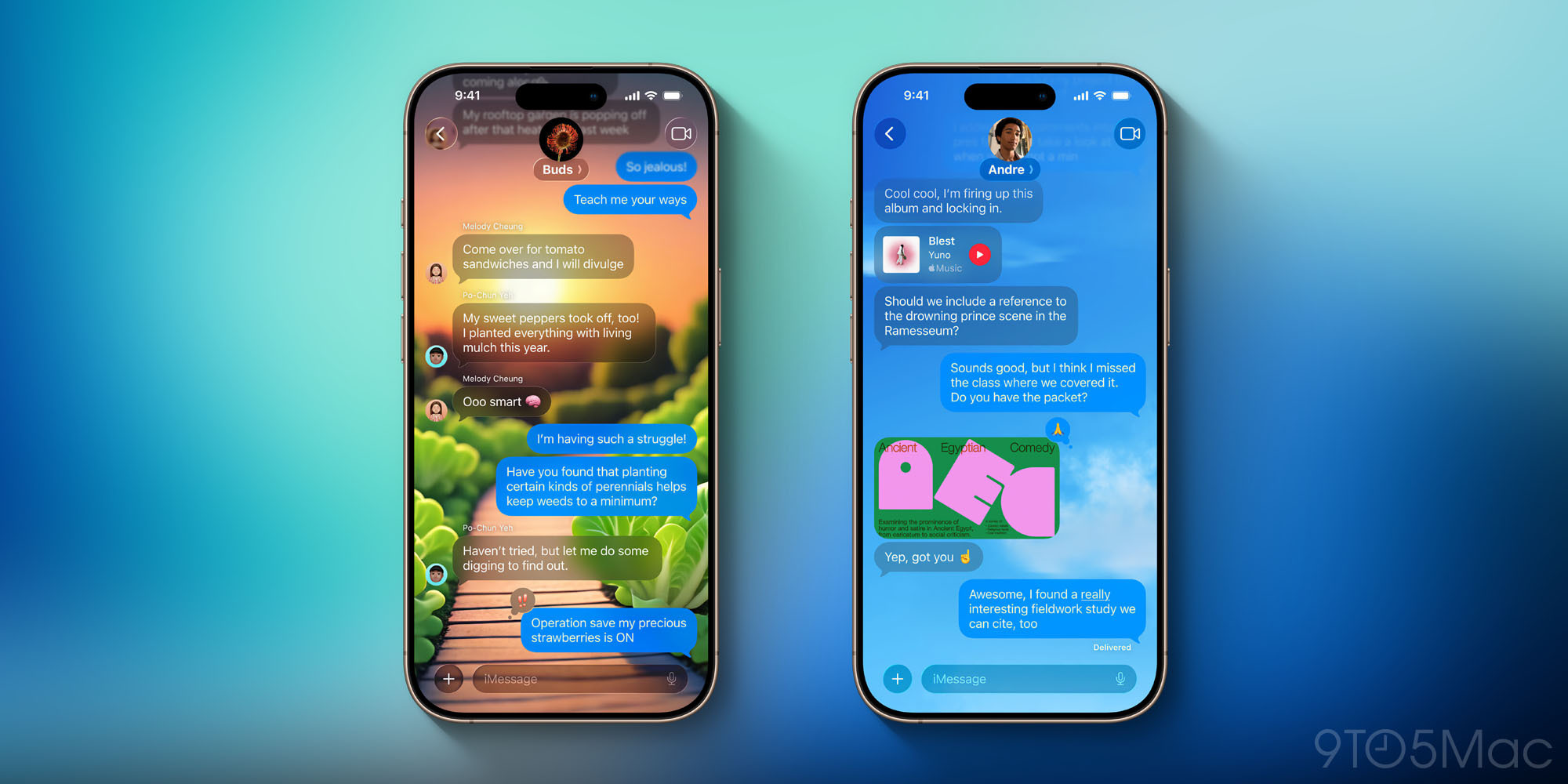
Want to add some visual flare to a group chat? Backgrounds are a new iOS 26 option.
Tap the group icon at the top of the screen to open the details view, where you’ll see a Backgrounds section.
Choose from a selection of built-in backgrounds, or you can use any of your photos as a background, or create something new via Image Playground.
Note: whatever background you set will be visible for all group chat members, not just you.
#5: Add contact button

Group chats often have a mix of participants you already know and some who are new to you.
In iOS 26, Apple has made it easier to add unknown numbers from a group to your personal contacts.
Just tap the group icon at the top, then you’ll see a list of all current members. For anyone not yet in your contacts, you’ll now see an ‘Add to Contacts’ button. This makes it easy to quickly save their contact.
Which of iOS 26’s new group chat features in Messages are your favorites? Let us know in the comments.
Best iPhone accessories
- AirPods Pro 3 (now only $219, down from $249)
- 10-year AirTag battery case 2-pack
- MagSafe Car Mount for iPhone
- 100W USB-C fast charging power adapter
- AirTag 4-pack (now only $65, down from $99)


FTC: We use income earning auto affiliate links. More.



Comments