
Most of the major streaming music services now offer their own version of the annual Spotify Wrapped feature, providing insights into our most listened to songs and artists.
Yesterday saw the unveiling of Apple Music Replay 2025, after YouTube Music rolled out its own take, and now Spotify Wrapped 2025 has landed – this year with a new party feature …
Things kick off with Your 2025 Wrapped. This shows you the songs, albums, and artists you most frequently listen to over the course of the past year. A “Your Stories” button presents all of this information in a customized animation.
Beyond your own tastes, you can also see the most popular music and podcasts listened to by Spotify users as a whole. The top five artists globally are:
- Bad Bunny
- Taylor Swift
- The Weeknd
- Drake
- Billie Eilish
Wrapped Party
But this year comes with a brand new feature, Wrapped Party.
This year, Wrapped isn’t just all over social feeds. It’s showing up in group chats and taking over hangouts, too.
With Wrapped Party, a mobile-only experience, your listening data become a live competition you can play with friends. It’s the newest way to level up Wrapped, making it even more fun.
You can throw a Wrapped Party with one other friend or up to 9 other friends. The more friends, the more details you might unlock as a group in your party.
Here’s how to host one:
- Create the party. Start things off by setting up your Wrapped Party and becoming the host.
- Make it your own. You can update your profile image and name and rename your party. Keep in mind that updates made to your profile image and name are also reflected on your Spotify account profile.
- Invite your friends. Share a unique party link or code to bring everyone together. Don’t forget to remind them that they need to join live or they’ll miss the fun.
- Start the party and control the flow. As the host, you decide when things kick off and keep the experience moving.
- Customize your party. Use the emoji feature to react to what others reveal. You can also hand off hosting duties to someone else if you prefer.
If you receive an invitation, just tap the link to open the app then tap Join Party. You’ll be prompted to ensure that your name and photo are up to date and will then enter a waiting room. You’ll be automatically admitted once your host starts the party.
Once the party is underway, you will be able to see a whole bunch of facts about the tastes of your fellow partygoers.
See who streamed the most minutes, who discovered the rarest listen, and who discovered the most new artists this year. Spot the friend who was most obsessed with their top artist and find out whom you’re most (or least) musically compatible with.
Each Wrapped Party pulls from a pool of several unique awards that celebrate your group’s one-of-a-kind listening habits. The mix of awards changes based on who and how many friends are in the party, so no two parties are ever the same.
Highlighted accessories
- Official Apple Store on Amazon
- Apple 40W Dynamic Power Adapter for iPhone 17
- Official Apple iPhone Air cases and bumpers
- iPhone Air MagSafe Battery
- Official iPhone Air case
- Official iPhone 17 cases
- Official iPhone 17 Pro cases and Pro Max cases
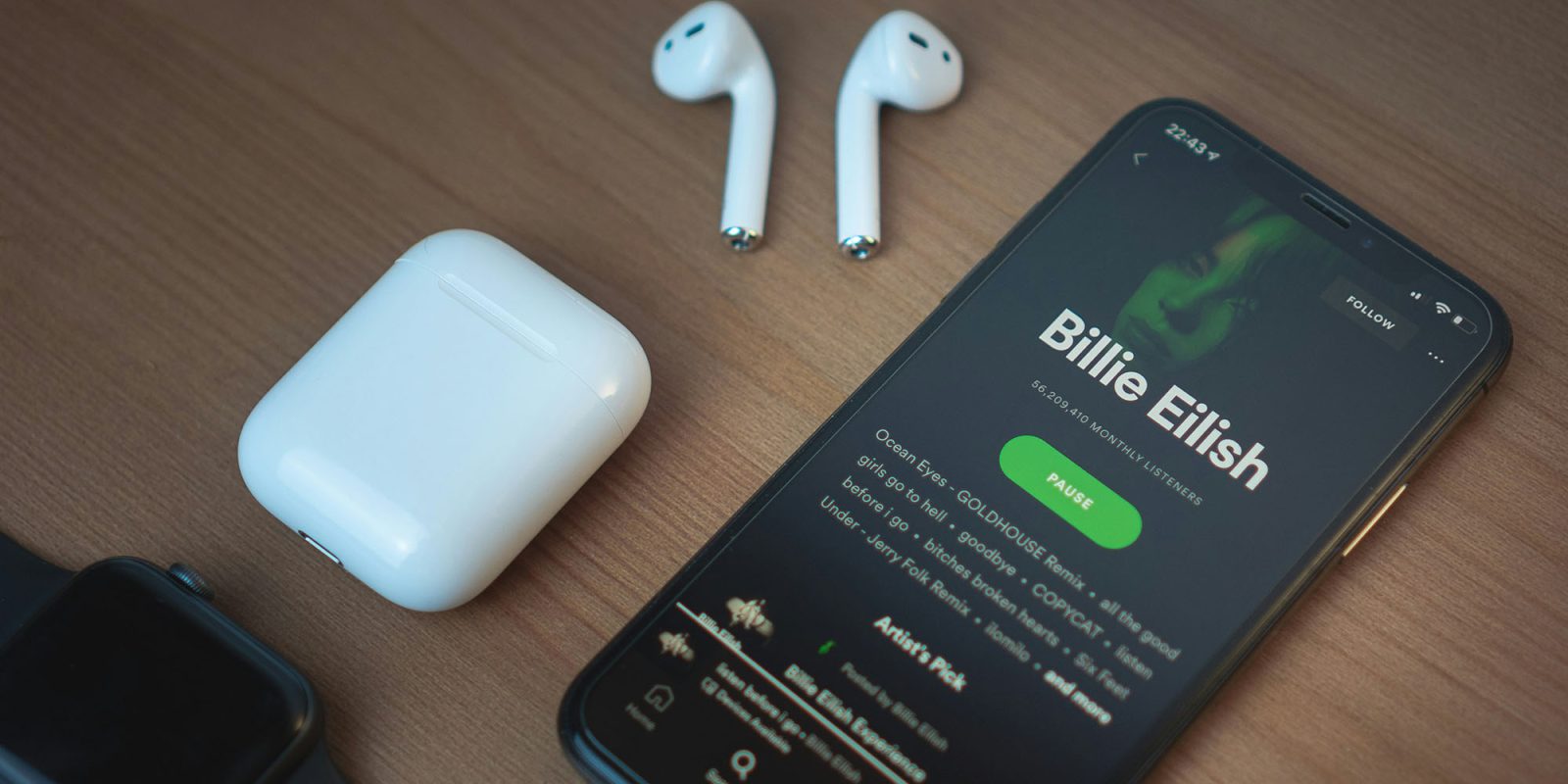
Photo by Cezar Sampaio on Unsplash


FTC: We use income earning auto affiliate links. More.


Comments