
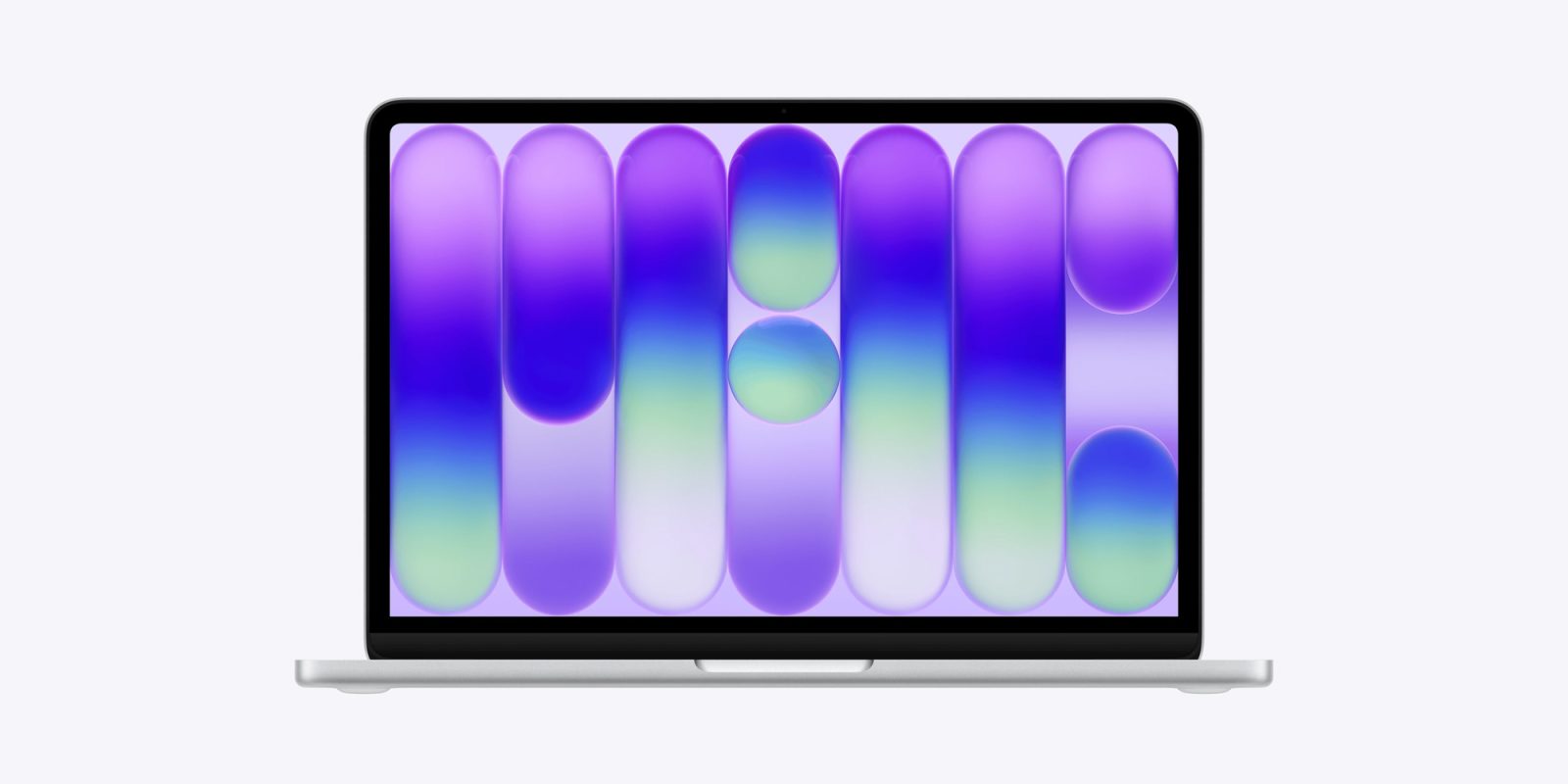
You know the drill: new devices, new wallpapers. If you liked the MacBook Neo’s new default wallpapers, you can download them below.
Did you spot the hidden word?
Below are the full-resolution wallpapers extracted from macOS 26.3.1. Previously. Alternatively, you can head over to Basic Apple Guy’s website, where they’ve published a gallery with the full set upscaled from Apple’s USDZ files used for the new Macs’ AR previews.




Be sure to right-click the images and download them to get the full-resolution versions.
To set the images as your wallpaper, do the following, per Apple’s support guide:
- Go to the System Settings app on your Mac.
- Click Wallpaper in the sidebar. (You may need to scroll down.)
- Scroll down to Your Photos, click the Add Photo button
- Choose File, select a file, then click Open. (You can also drag an image from your desktop or a folder onto the thumbnail at the top of Wallpaper settings)
You can also choose custom wallpaper without opening Wallpaper settings.
- Control-click the image above, then choose Use Image as Desktop Wallpaper.
- Use an image you saved on your Mac: Click in the Dock to open a Finder window. Control-click the image file, then click Set Desktop Picture.
Did you like the MacBook Neo’s default wallpapers? Let us know in the comments.
Accessory deals on Amazon
- AirPods Pro 3
- AirTag (2nd Generation) – 4 Pack
- Apple Watch Series 11
- Wireless CarPlay adapter
- Logitech MX Master 4


FTC: We use income earning auto affiliate links. More.




Comments