
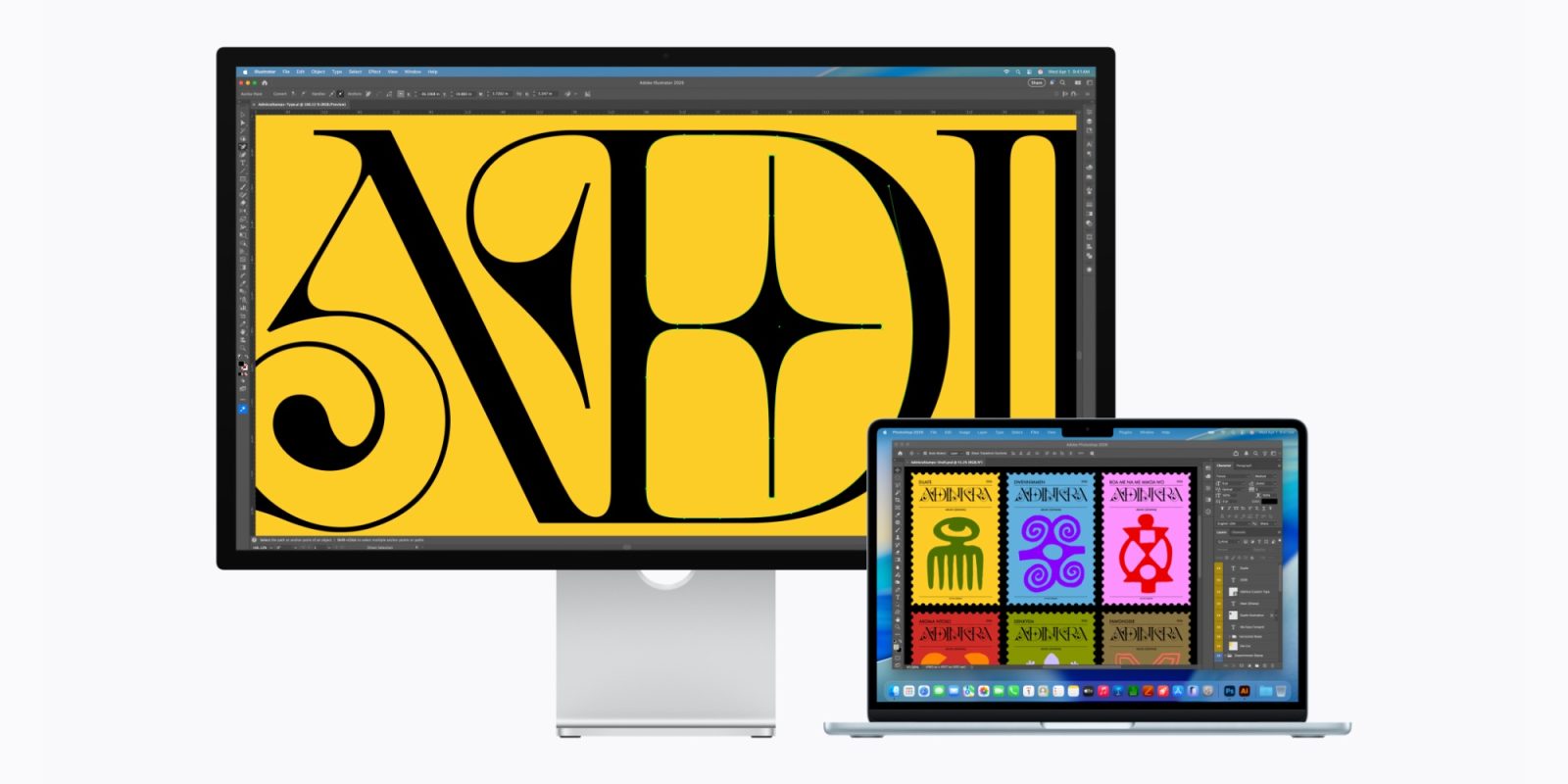
Apple’s new Studio Display and Studio Display XDR are now available for pre-order, but if you want to connect a MacBook Neo or Intel Mac, you may need to look elsewhere.
Update: Apple has confirmed to 9to5Mac that the MacBook Neo is compatible with the new Studio Displays, but will be scaled to 4K 60Hz.
Apple’s website excludes MacBook Neo and Intel Macs from Studio Display compatibility lists
You can now order a new Studio Display or Studio Display XDR for delivery next Wednesday, March 11.
All of the differences between the two Apple displays can be found in our comparison below:
There’s an important compatibility note worth mentioning, especially as pertains to Apple’s newest, flashiest Mac: the MacBook Neo.
Per Apple’s website, neither the MacBook Neo nor any Intel Macs appear to be compatible with Apple’s latest displays.
The technical specifications pages for both the Studio Display and Studio Display XDR omit the MacBook Neo and all Intel Macs from their supported device lists.
Studio Display is compatible with the following Mac models with Apple silicon and macOS Tahoe 26.3.1 or later:
- 16-inch MacBook Pro (2021 and later)
- 14-inch MacBook Pro (2021 and later)
- 13-inch MacBook Pro (M1, 2020 and later)
- 15-inch MacBook Air (2023 and later)
- 13-inch MacBook Air (M1, 2020 and later)
- Mac Studio (2022 and later)
- Mac mini (2020 and later)
- Mac Pro (2023 and later)
- 24-inch iMac (2021 and later)
Studio Display is compatible with the following iPad models with iPadOS 26.3.1 or later:
- iPad Pro (M4 and M5)
- iPad Pro 12.9-inch (3rd–6th generation)
- iPad Pro 11-inch (1st–4th generation)
- iPad Air (M2, M3, and M4)
- iPad Air (5th generation)
The lack of support for Intel Macs is clearly no accident. It’s possible, however, that the MacBook Neo being omitted is simply the result of the Studio Displays being announced a day earlier.
If that’s the case, hopefully Apple will update the tech spec pages soon to add the MacBook Neo to each list.
For now though, if you’re buying both a MacBook Neo and Apple display today, you may end up disappointed.
Are you interested in using a MacBook Neo or Intel Mac with Apple’s new Studio Display? Let us know in the comments.
Best Mac accessories
- AirPods Pro 3 (limited-time $219 price)
- 100W USB-C power adapter for fast charging
- tomtoc protective MacBook sleeve bag
- Twelve South aluminum laptop stand for MacBooks
- Anker Docking Station USB-C with Ethernet, HDMI, SD, more


FTC: We use income earning auto affiliate links. More.



Comments