
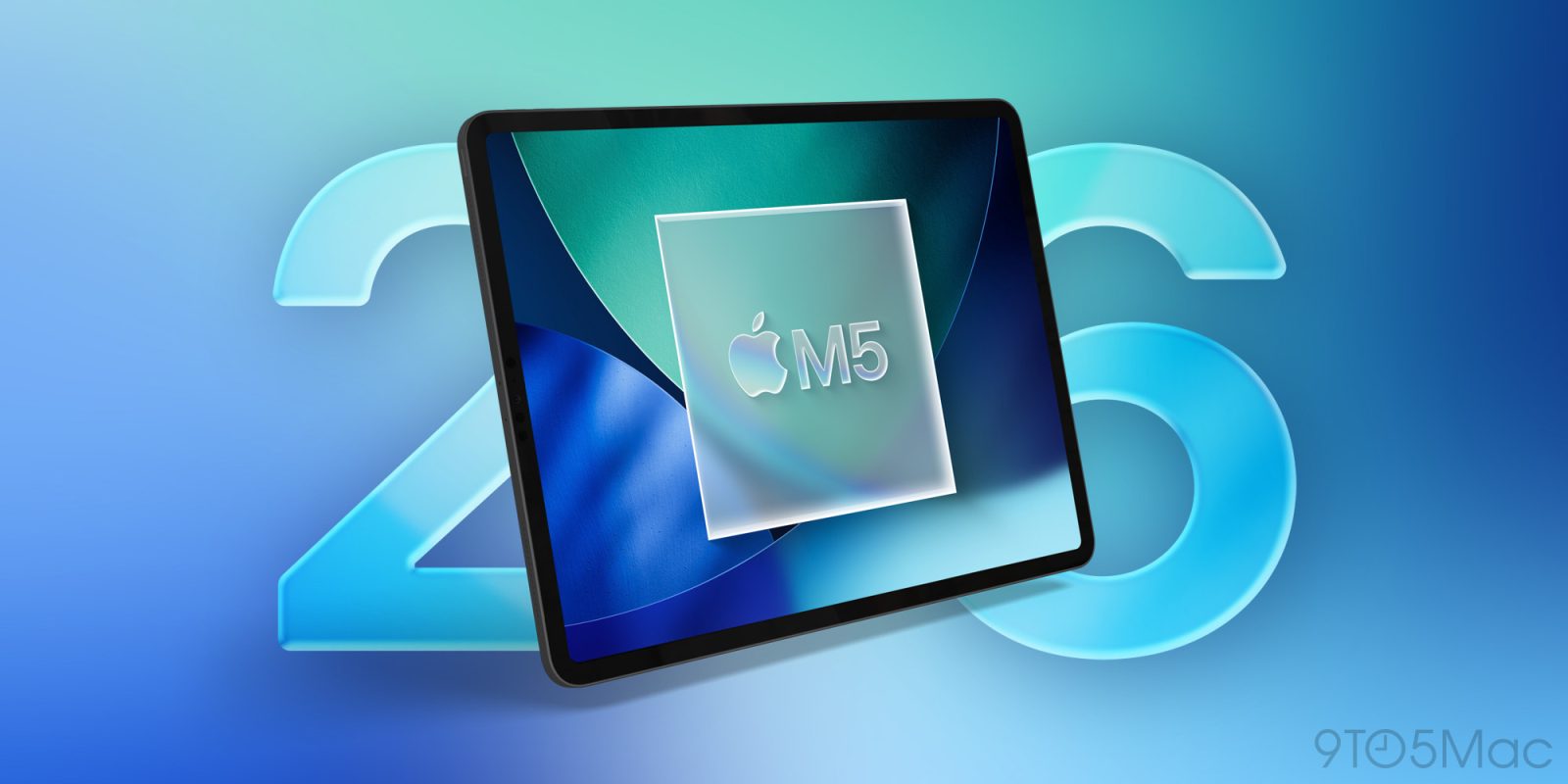
Apple is launching a brand new M5 iPad Pro this fall, alongside its biggest iPad software release ever in iPadOS 26. Here are the iPadOS 26 features that have me excited to get a new iPad.
New iPad Pro hardware will offer the best iPadOS 26 experience
For years, iPad users have been asking for software that truly takes advantage of the increasingly powerful iPad hardware.
iPadOS 26 is Apple’s long-awaited answer.
I’ve been using an iPad since the first model launched in 2010, and the iPad Pro has been my primary computer since 2015.
Though I have some small iPadOS 26 complaints (mainly the removal of Slide Over), overall what Apple’s pulled off this year is a huge upgrade.
I use an M4 iPad Pro, which arrived last year with a new hardware design and major internal and external changes.
The forthcoming M5 model isn’t expected to have as many changes. But I’m still excited for the new model because of what iPadOS 26 makes possible.
Windowing capabilities
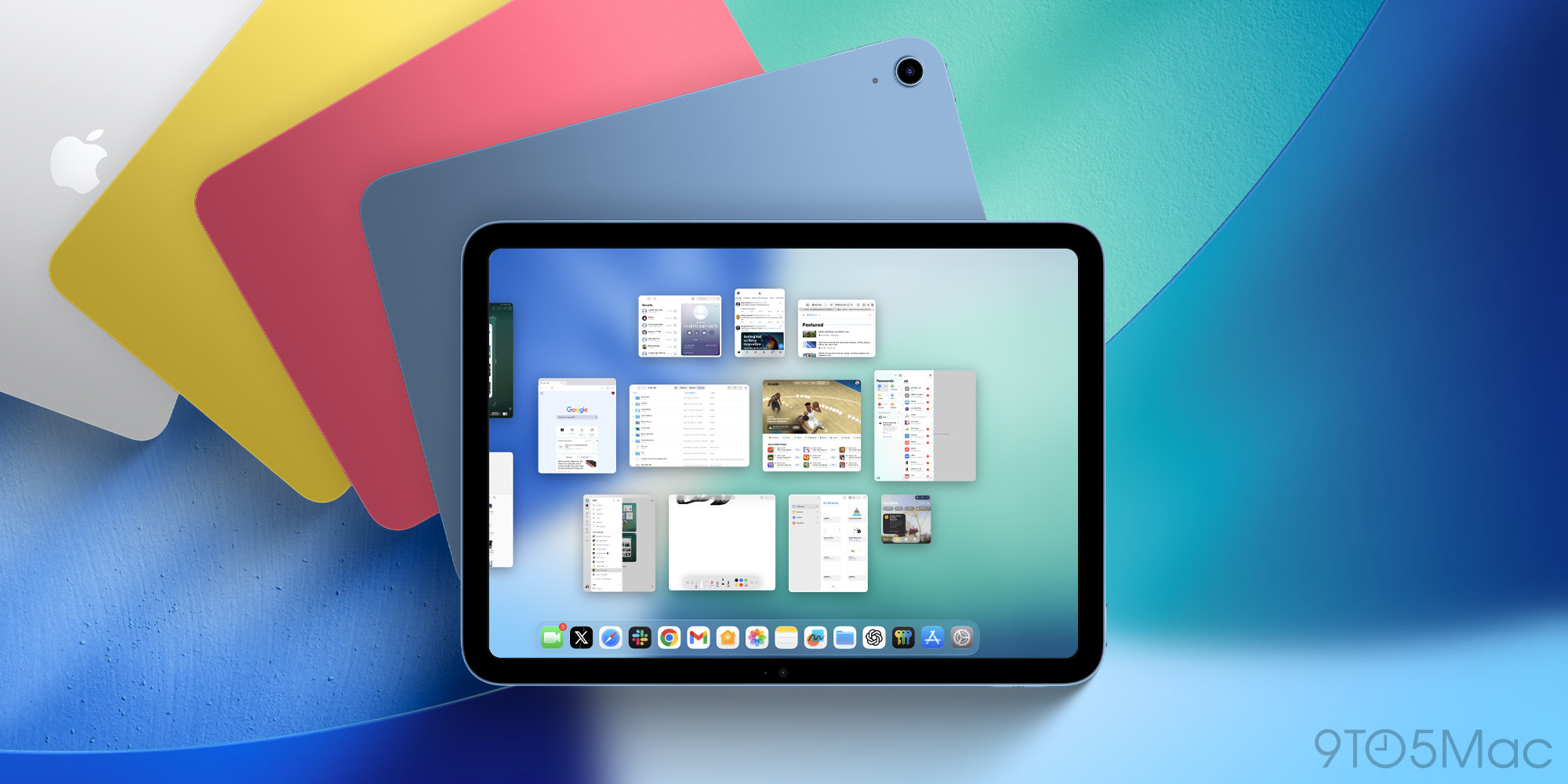
iPadOS 26 lets me freely resize app windows to whatever size I want, and keep as many as 12 apps on-screen at once—far more than I’ll realistically need.
I can also have several different windows running for each app, all of different sizes to suit my workflows best. These apps can be on-screen, or hidden behind other windows, or minimized macOS-style, or quit altogether. And when I need them again, they’re exactly the size they were before.
All of these new capabilities, which the Mac has long supported, are clearly taxing on the iPad’s hardware.
The smoother, more seamlessly I can manage all of these windows, the better.
We don’t yet know how big of an upgrade the M5 chip will be, but I already know that any ounce of performance gain I can get will be worth it.
Dock improvements
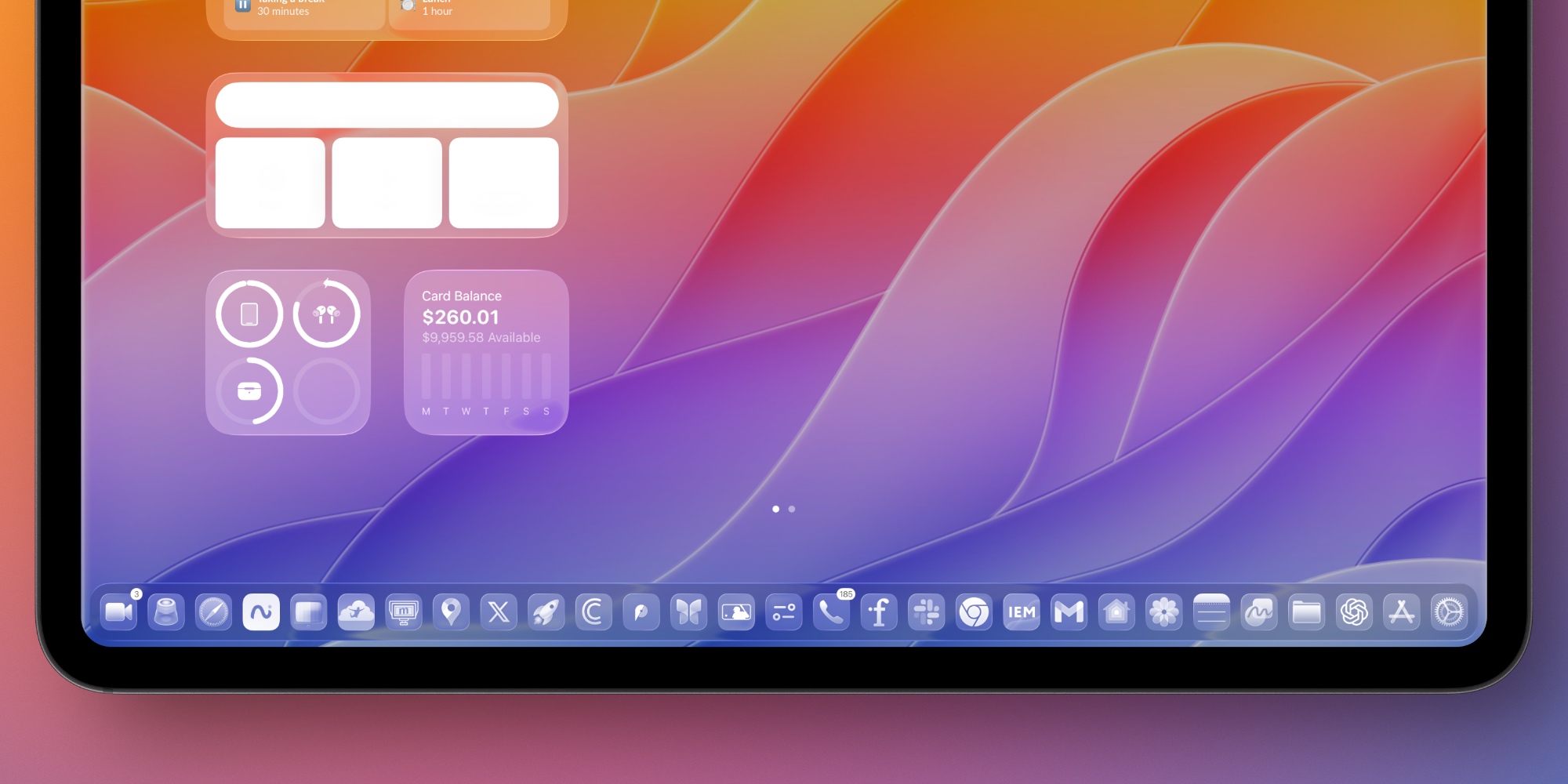
iPadOS 26 also encourages working with a larger set of apps than ever thanks to the upgraded dock.
For the first time, you can choose to keep the dock on screen at all times—just like on the Mac.
And while iPadOS previously only let you store around 15 apps in the dock (depending on your iPad’s size), iPadOS 26 massively increases the limit.
My 13-inch iPad Pro now lets me put 29 apps in the dock.
Plus, folders from the Files app can be put in the dock too, which thanks to drag and drop support has proven very helpful for my workflows.
Upgraded Stage Manager
I never liked Stage Manager in previous versions of iPadOS. I much preferred the classic Split View and Slide Over system for multitasking.
But in iPadOS 26, Apple has made Stage Manager far more useful to me—and I suspect a lot of other users.
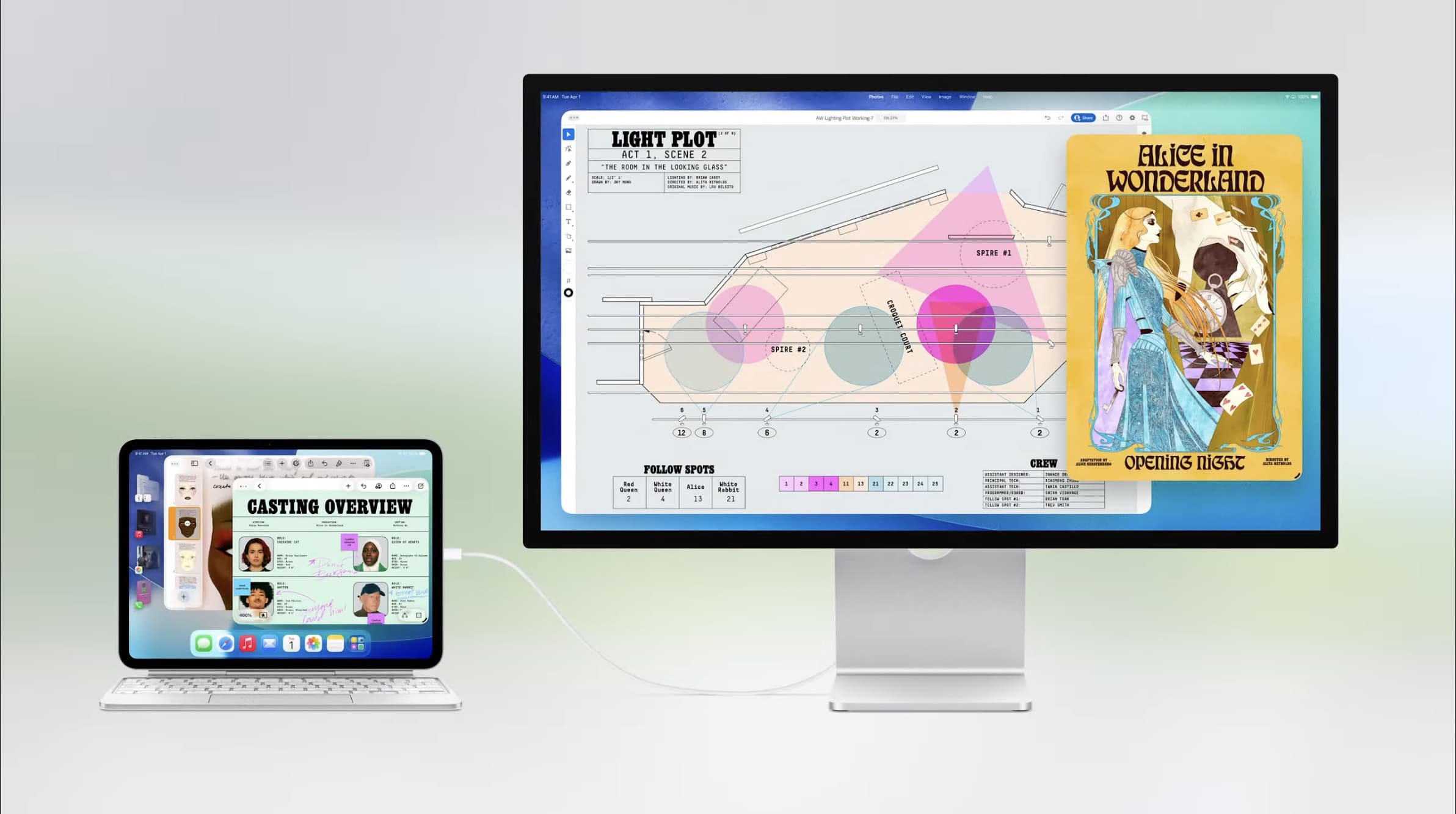
Stage Manager now supports the new windowing capabilities of iPadOS 26, while offering several distinct “stages” or “spaces” to organize your work.
So if you want to create one stage for a specific work project, complete with its own assortment of pre-set app windows, and have separate stages for other projects, Stage Manager can make that happen.
Top comment by Ryan W
“All of these new capabilities, which the Mac has long supported, are clearly taxing on the iPad’s hardware.”
Absolutely zero evidence of this, but okay, clearly.
When Apple first announced that Stage Manager was sticking around, I couldn’t understand why. But by removing many of its former restrictions, Apple has made the feature more useful than before and far more like its macOS equivalent.
iPadOS 26 and M5 iPad Pro: wrap-up
The iPad Pro is the most important Apple device in my life. So any new hardware upgrade will always be of interest to me.
But thanks to iPadOS 26, the M5 iPad Pro has instantly become a much more exciting update. Now that iPadOS has unlocked new productivity powers, I’m ready for a cutting-edge iPad model that takes even better advantage of them.
Does iPadOS 26 make you want to buy a new iPad? Let us know in the comments.
Best iPad accessories
- Apple Pencil Pro (now only $99, down from $129)
- AirPods Pro 2 (now only $169, down from $249)
- 100W USB-C power adapter for fast charging
- tomtoc Tablet sleeve bag for protection and style
- Baseus 10ft USB-C cable for extended reach


FTC: We use income earning auto affiliate links. More.


Comments