
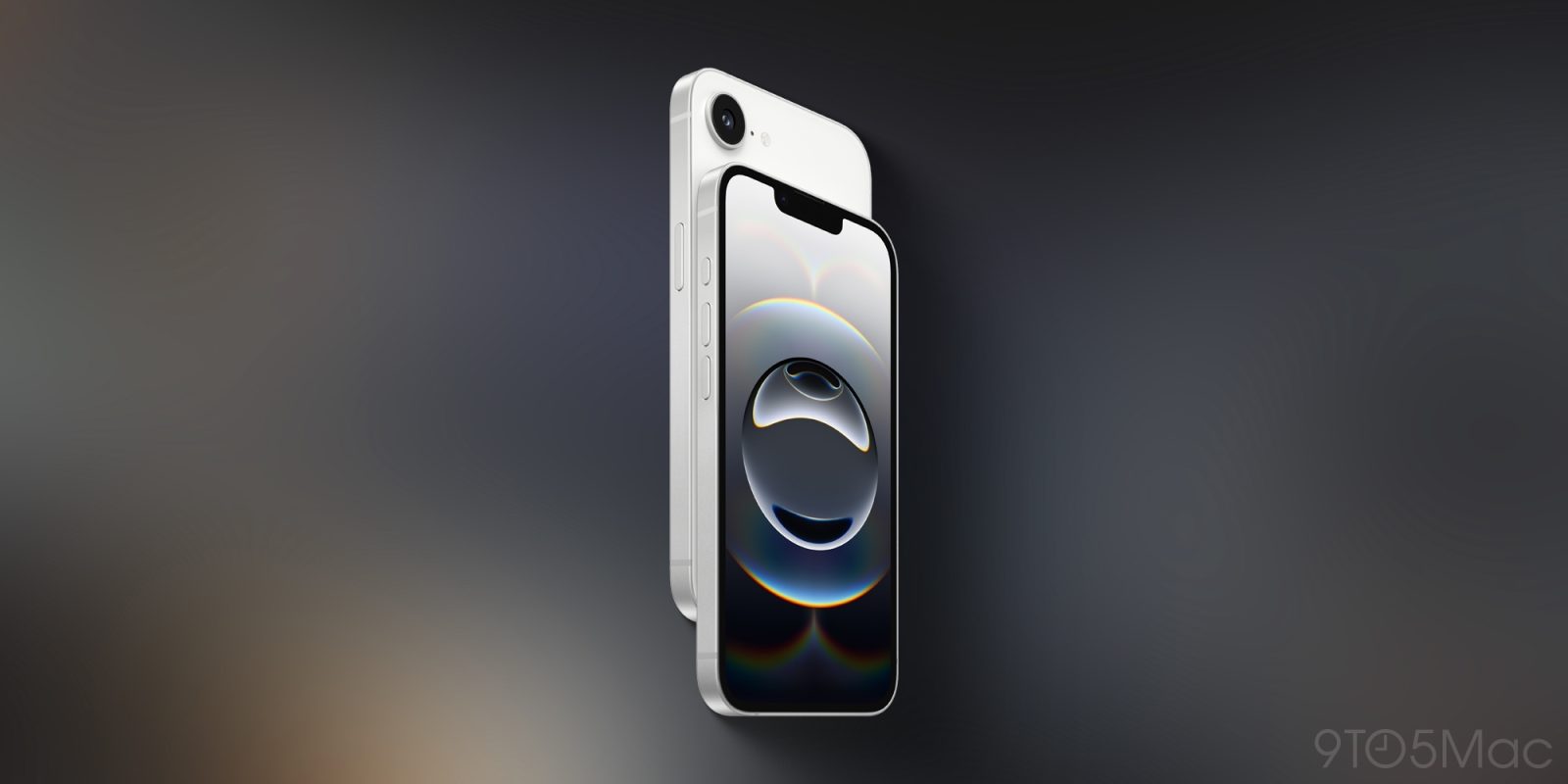
If you’re among the thousands planning to trade in a current phone for a new iPhone 17, iPhone Air, or iPhone 17 Pro, remembering to turn off this setting will save you an entire hour at the Apple Store.
Turn off Stolen Device Protection, but be careful
In late 2023, Apple announced the Stolen Device Protection feature, partly in response to a Wall Street Journal article in which Joanna Stern brought attention to an increasingly common iPhone theft strategy.
The strategy involved attackers who observed users typing in their iPhone passcode at a bar or other public place. Once they stole the device, they used that passcode to change the Apple Account password.
With Stolen Device Protection turned on, Apple introduced a one-hour delay over a biometric verification to allow a sensitive change, such as turning off Find My.
More importantly, Apple applies the one-hour delay only in public places, since it can automatically infer a user’s home and work locations.
This means that if you plan on trading in your iPhone, you should consider turning off Stolen Device Protection ahead of time, since you will need to go through a series of steps, including turning off Find My, and signing out of iCloud.
Just be extra careful on your way to the Apple Store, as your device will obviously be more vulnerable than if it had Stolen Device Protection turned on.
How to turn off Stolen Device Protection
Here are Apple’s official steps to turn the feature off:
- Go to Settings, then tap Face ID & Passcode.
- Enter your device passcode.
- Tap Stolen Device Protection, then turn Stolen Device Protection off.
Be sure to check Apple’s support article on Stolen Device Protection for a more comprehensive look at how the feature works.
Looking to trade in your iPhone to upgrade to iPhone 17 or iPhone Air? Be sure to check out 9to5Mac’s official trade-in partner to check how much your device is worth.
Accessory deals on Amazon
- AirPods Pro 3
- iPhone Air MagSafe Battery
- Apple AirTag 4 Pack
- Apple AirTag
- Beats USB-C to USB-C Woven Short Cable
- Wireless CarPlay adapter


FTC: We use income earning auto affiliate links. More.



Comments