
The M5 MacBook Air launches tomorrow, and the first reviews are now available. Here’s what reviewers are saying.
Apple’s mid-tier MacBook is plenty powerful with M5 chip
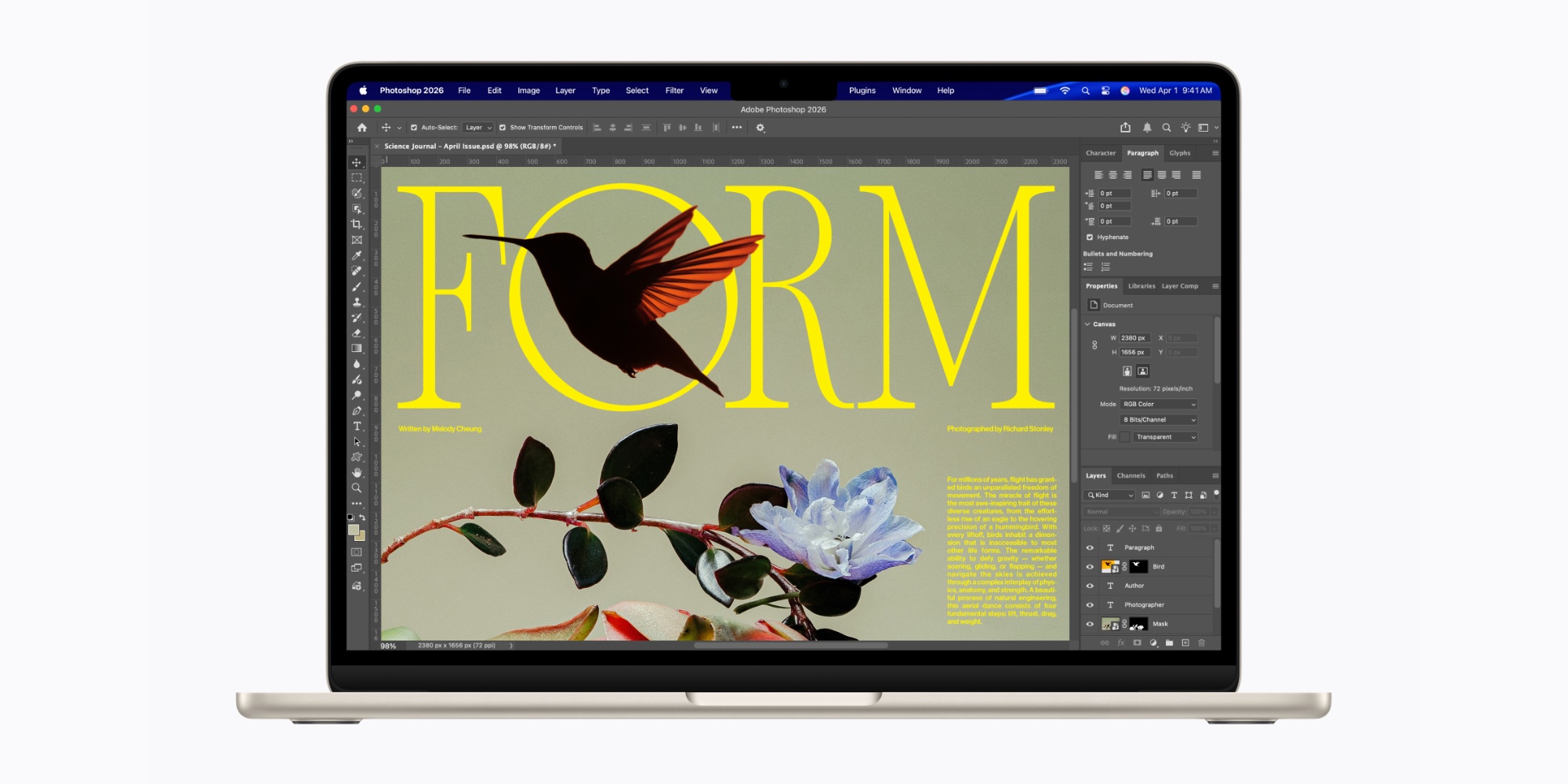
MacBook Air now sits between the much more affordable, less powerful MacBook Neo, and the higher-end MacBook Pro. But reviews make clear that the M5 MacBook Air is still a powerhouse in its own right.
Lance Ulanoff writes at TechRadar:
I found the new 13-inch MacBook Air M5 more than capable of some pretty heavy-duty tasks.
I started by opening Lightroom and loading in some raw images. Then I launched Final Cut Pro and imported an 8K 30 fps video, and then made three copies and started editing a video in which all four videos could play at once. Next, I loaded Pixelmater Pro and edited a photo. I also installed Chrome and opened 25 tabs (tuned to TechRadar, of course). After that, I installed and started playing Lies of P. Finally, I installed Steam and downloaded Inzoi, a rich, open-world SIM that sort of overwhelmed me with its choices and scope.
The MacBook Air just kept going. At one point, I got a system message indicating that Inzoi was eating a lot of system processes and battery, and that I should consider switching to low power, but when I exited the game the battery was still near 90%. Overall, I found it difficult to stress the M5 and its 16GB of RAM.
For specific comparisons to the M4, Tom’s Guide shared a couple test results. Tony Polanco writes:
On Geekbench 6, which measures overall CPU performance, it pulled in a solid multi-core result of 17,276. That’s a noticeable jump over last year’s model (14,921)…In our Handbrake test, which tasks the laptop with transcoding a 4K video to 1080p, the MacBook Air M5 finished in 4 minutes and 34 seconds. That’s over 20 seconds faster than the previous model
These are modest improvements. But as noted by Dan Moren at Six Colors, M5 offers especially strong gains for anyone with an older MacBook Air.
He says, “go back to the M3, M2, M1, and you’re talking jumps in the 38 percent, 57 percent, and 75 percent range for single-core performance.”
Faster SSD speeds exceed Apple’s claims

Another M5 MacBook Air change that contributes to performance gains is the faster SSD.
Apple claims the latest-gen SSD is up to 2x faster than the M4 model. And reviewers confirmed that—and more.
Dan Moren writes at Six Colors:
One place you will find a noticeable bump is in storage. The Air now starts at 512GB of SSD storage, double that of its predecessor, and offers up to 4TB, the same maximum as all but the M5 Max-configured MacBook Pros. That capacity increase comes with a speed improvement as well: Apple says the new SSDs are twice as fast as the previous generation and my tests concur. Compared to my personal M4 MacBook Air, the M5 registered read speed improvements of 125 percent, and an extraordinary 219 percent improvement in write speed, according to Blackmagic’s disk tests. So impressive were those numbers, I ran AmorphousDiskMark as a comparison and came away with ones that were even better: 250 percent improvement at minimum.
M5 MacBook Air: Who should upgrade?
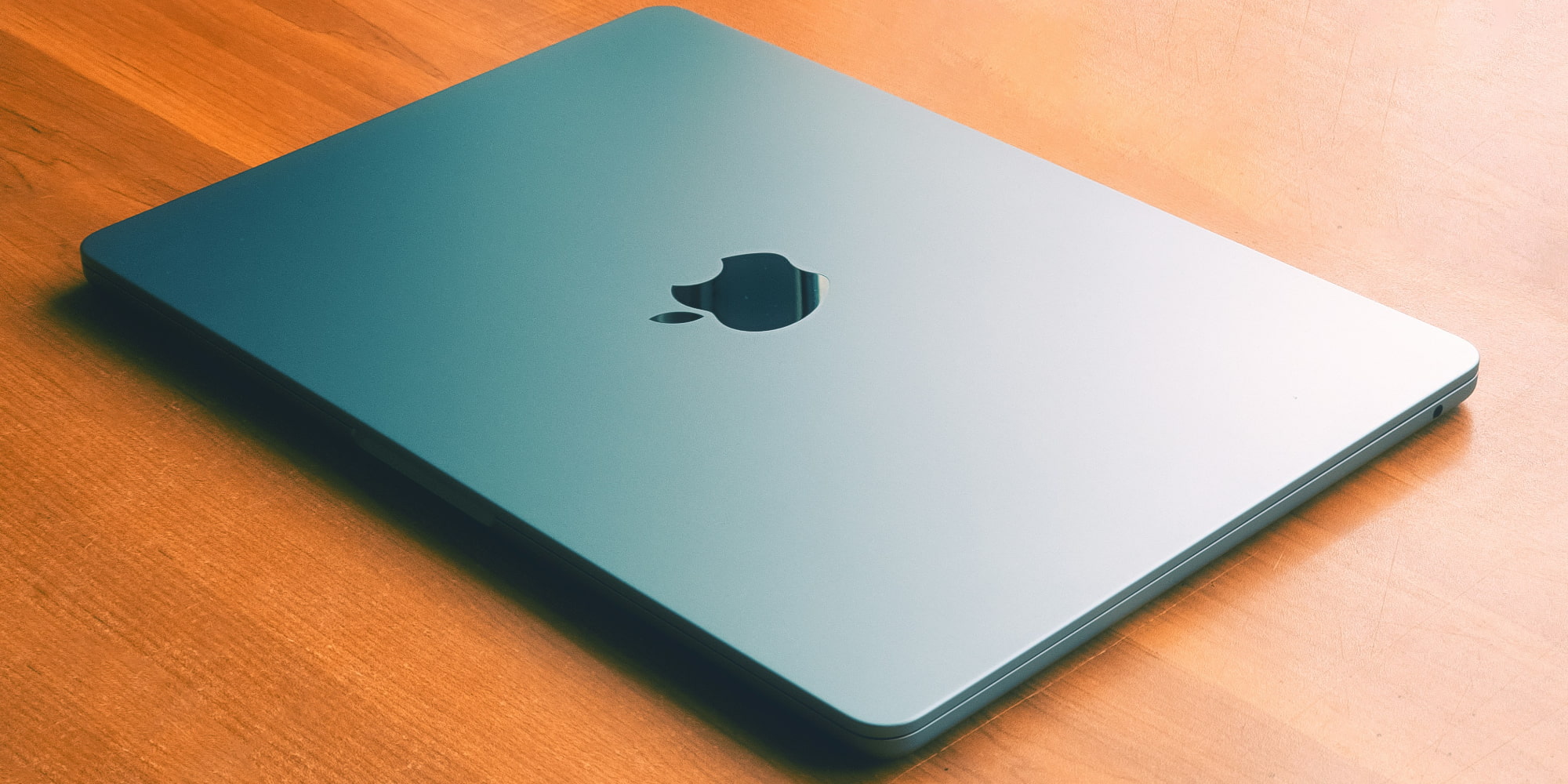
The new M5 model isn’t meant to entice users of the M4 MacBook Air. It only offers a few changes when compared to last year’s model.
However, reviewers generally suggested that anyone with an M2 or older could see worthwhile improvement.
Zarif Ali writes at Pocket-lint:
If you are using an M2 Air or older model, this is where you should consider upgrading if your workflow requires it. The M5 offers a meaningful enough improvement in chip headroom, memory bandwidth, and storage baseline to make the generational jump worthwhile if your current machine is showing strain. For anyone on an M1 Air or an Intel-based MacBook, the M5 represents a transformation in everyday responsiveness, AI capability, and longevity that no incremental update framing can adequately capture.
Are you planning to upgrade to an M5 MacBook Air? What’s your current model? Let us know in the comments.
Best Mac accessories
- AirPods Pro 3 (limited-time $224 price)
- 100W USB-C power adapter for fast charging
- tomtoc protective MacBook sleeve bag
- Twelve South aluminum laptop stand for MacBooks
- Anker Docking Station USB-C with Ethernet, HDMI, SD, more


FTC: We use income earning auto affiliate links. More.


Comments