
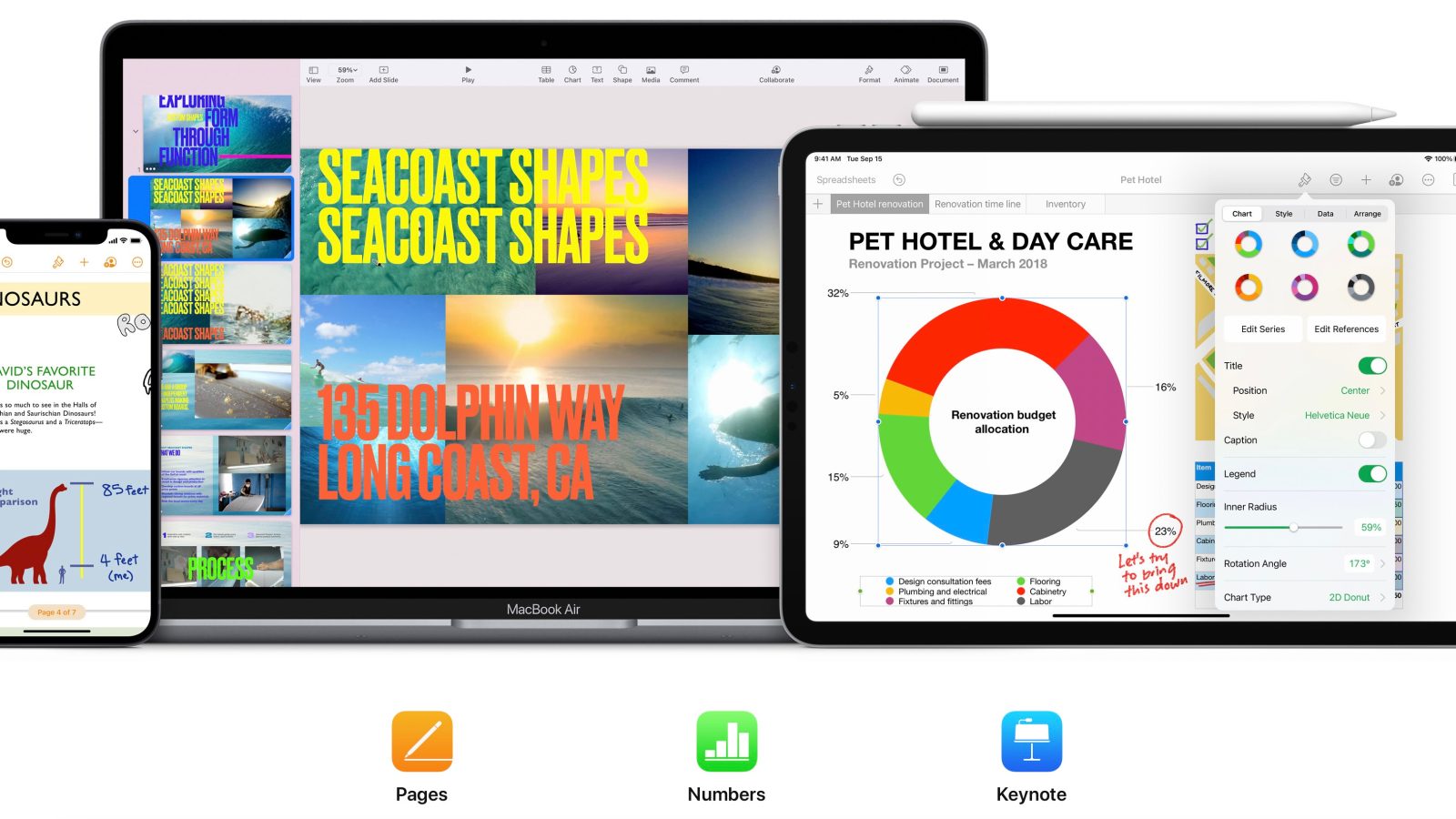
Apple is updating its iWork suite of productivity apps with new features that require iOS 18.4. This includes version 14.4 of Pages, Keynote, and Numbers for iPhone and iPad.
iWork 14.4 for iOS and iPadOS
Pages for iPhone and iPad, version 14.4:
Screen View on iPad displays text, images, and other elements in a continuous flow optimized to fit your screen
Make text edits using Writing Tools directly in your document (requires Apple Intelligence and iOS or iPadOS 18.4)
Add additional pages into a word-processing document more easily
Export documents into other formats using Shortcuts (requires iOS or iPadOS 18.4)
Improved copy and paste with Freeform (requires iOS or iPadOS 18.4)
Keynote for iPhone and iPad, version 14.4:
Make text edits using Writing Tools directly in your presentation (requires Apple Intelligence and iOS or iPadOS 18.4)
Export presentations into other formats using Shortcuts (requires iOS or iPadOS 18.4)
Improved copy and paste with Freeform (requires iOS or iPadOS 18.4)
Numbers for iPhone and iPad, version 14.4:
Use over 30 new advanced functions including LET, LAMBDA, FILTER, SORT, and UNIQUE
See results from a single formula across multiple cells using spilling arrays
Make text edits using Writing Tools directly in your spreadsheet (requires Apple Intelligence and iOS or iPadOS 18.4)
Export spreadsheets into other formats using Shortcuts (requires iOS or iPadOS 18.4)
Improved copy and paste with Freeform (requires iOS or iPadOS 18.4)
Improved compatibility when importing or exporting Microsoft Excel spreadsheets
iWork 14.4 for macOS
Pages for Mac, version 14.4:
Make text edits using Writing Tools directly in your document (requires Apple Intelligence and macOS 15.4)
Add additional pages into a word-processing document more easily
Export documents into other formats using Shortcuts (requires macOS 15.4)
Improved copy and paste with Freeform (requires macOS 15.4)
Keynote for Mac, version 14.4:
Make text edits using Writing Tools directly in your presentation (requires Apple Intelligence and macOS 15.4)
Export presentations into other formats using Shortcuts (requires macOS 15.4)
Improved copy and paste with Freeform (requires macOS 15.4)
Numbers for Mac, version 14.4:
Use over 30 new advanced functions including LET, LAMBDA, FILTER, SORT, and UNIQUE
See results from a single formula across multiple cells using spilling arrays
Make text edits using Writing Tools directly in your spreadsheet (requires Apple Intelligence and macOS 15.4)
Export spreadsheets into other formats using Shortcuts (requires macOS 15.4)
Improved copy and paste with Freeform (requires macOS 15.4)
Improved compatibility when importing or exporting Microsoft Excel spreadsheets
Find the latest versions of each app in the iWork suite on the App Store today.
Do more with your iPhone
Apple AirTag 2 | Add Find My tracking to anything
Beats USB-A to USB-C Cable | The official CarPlay cable


FTC: We use income earning auto affiliate links. More.



Comments