Jeff is the head of video content production for 9to5. He joined 9to5Mac in 2016, producing videos, walkthroughs, how-tos, written tutorials, and reviews. He takes pride in explaining things simply, clearly, and concisely. Jeff’s videos have been watched hundreds of millions of times by people seeking to learn more about today’s tech. Subscribe to 9to5Mac on YouTube to catch Jeff’s latest videos.
iOS Decoded is Jeff’s flagship video series that breaks down what’s new in iOS betas, including behind-the-scenes deep dives into undiscovered features and exclusive details on the iOS roadmap.
Jeff also produces a weekly podcast, alongside co-host Fernando Silva, entitled 9to5Mac Overtime. A video-first podcast, 9to5Mac Overtime airs weekly on our YouTube channel, but can also be enjoyed in audio form via Apple Podcasts, or your podcast app of choice.
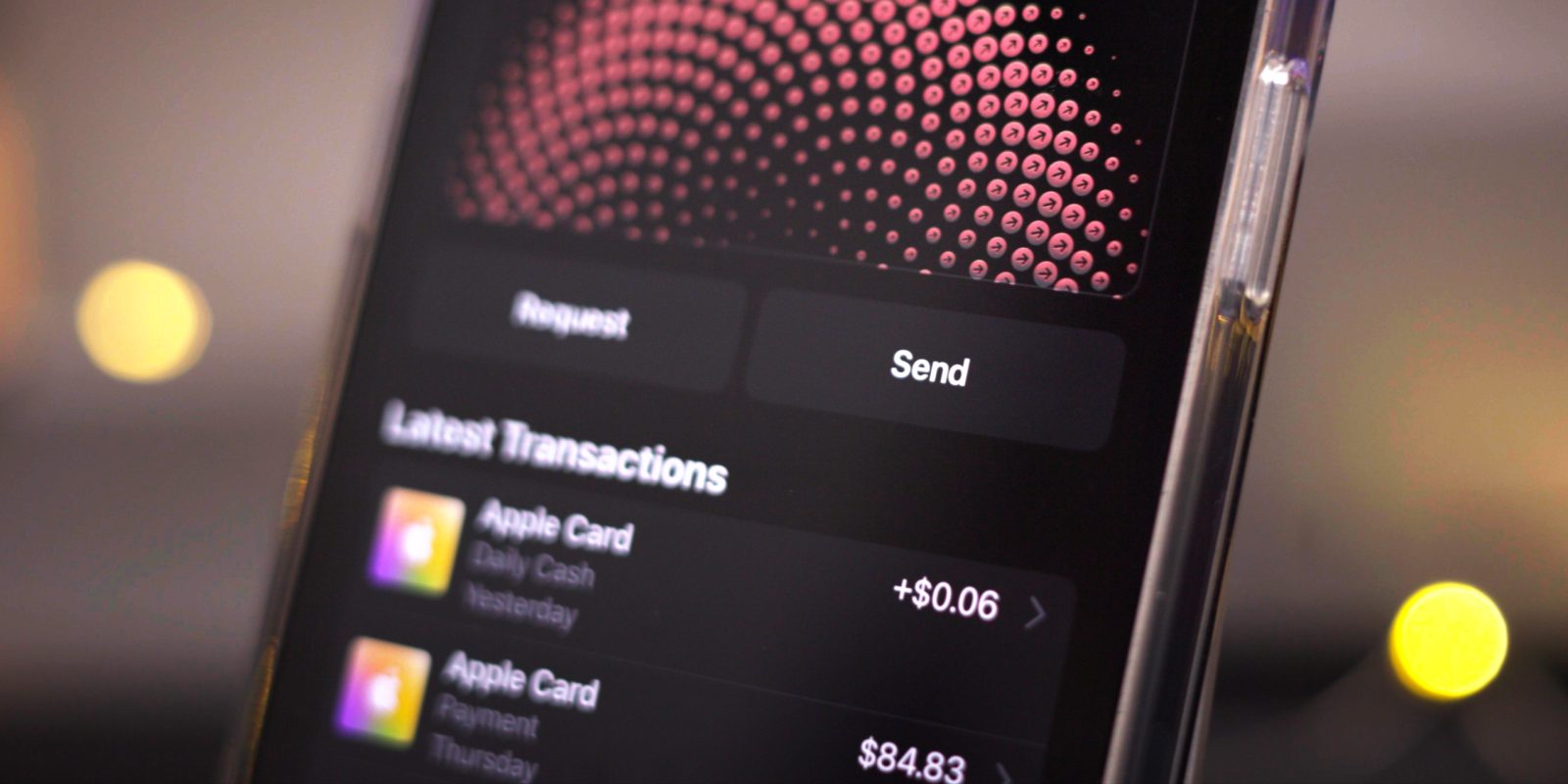
On Monday Apple officially rolled out iOS 16.4 to the public, and it’s not hyperbole to say that’s it’s a huge release with tons of new changes, features, emoji, bug fixes, and more. In this hands-on video, I take a look at over 50 new features. Be sure to subscribe to 9to5Mac on YouTubefor more videos like this.
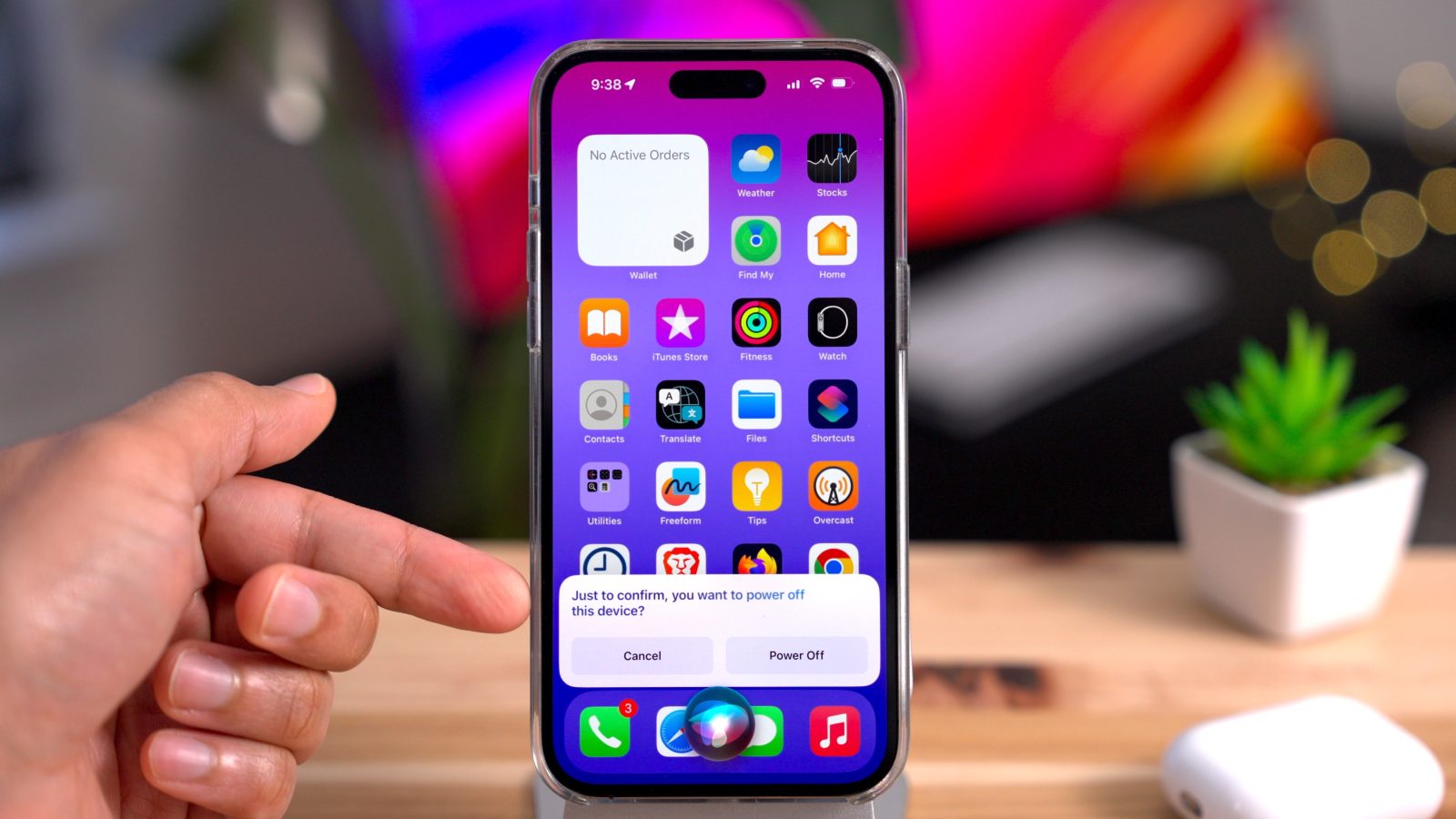
iOS 16.5 developer beta 1 doesn’t appear to contain many new features and changes, but there is at least one new feature that will surely make some users happy – the ability to ask Siri to start a screen recording.
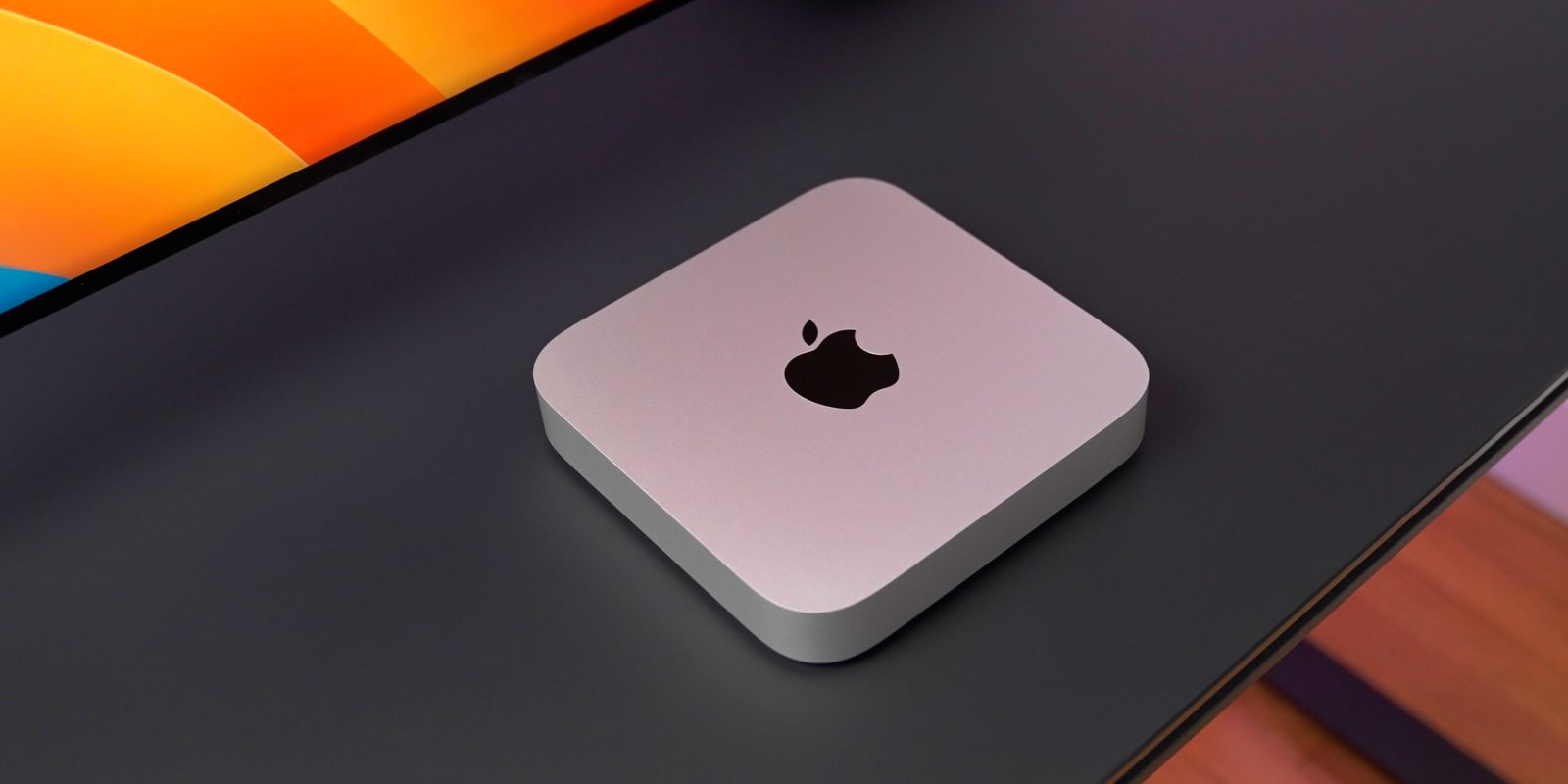
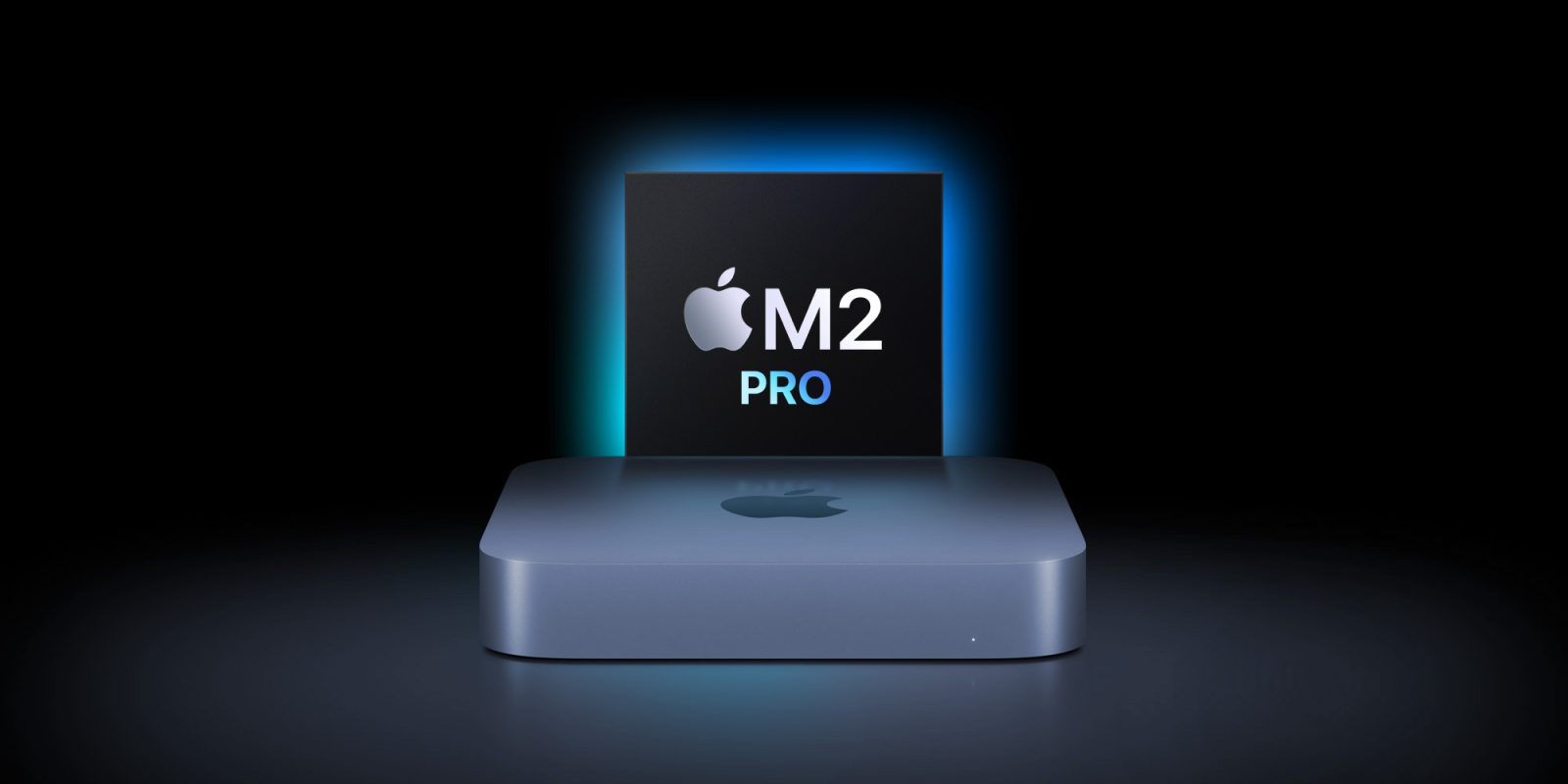
Back in the Intel days, the Mac mini’s small stature resulted in huge performance tradeoffs. In the past, you could have a small footprint, or you could have high performance, but you couldn’t have both. Apple Silicon has totally changed the game in that respect, and that’s further emphasized with the Mac mini featuring M2 Pro. Watch my hands-on experience with Apple’s diminutive beast, and be sure to subscribe to 9to5Mac on YouTube for more hands-on videos.
We’re still waiting on the Mac Pro, but two things are a must if it’s going to live up to the high expectations set by its predecessors: (1) It must be the most powerful Mac, and (2) it must be the most customizable Mac. 9to5mac has found a new “ComputeModule” device class in Apple’s iOS 16.4 developer disk image in the Xcode 16.4 beta release last week, and it could be the missing piece to Apple’s modular Mac Pro plans… or it could be a processor box for the Apple Reality Pro headset, or perhaps even a Raspberry Pi-like device. Let’s take a closer look.
Are there Windows-exclusive apps that you need to run but don’t have access to a dedicated Windows machine? If you’re still using an Intel-based Mac, Boot Camp remains a popular option, but if you’ve transitioned to Apple Silicon Macs, Boot Camp, a native method for running Windows on a Mac, is no longer an option.
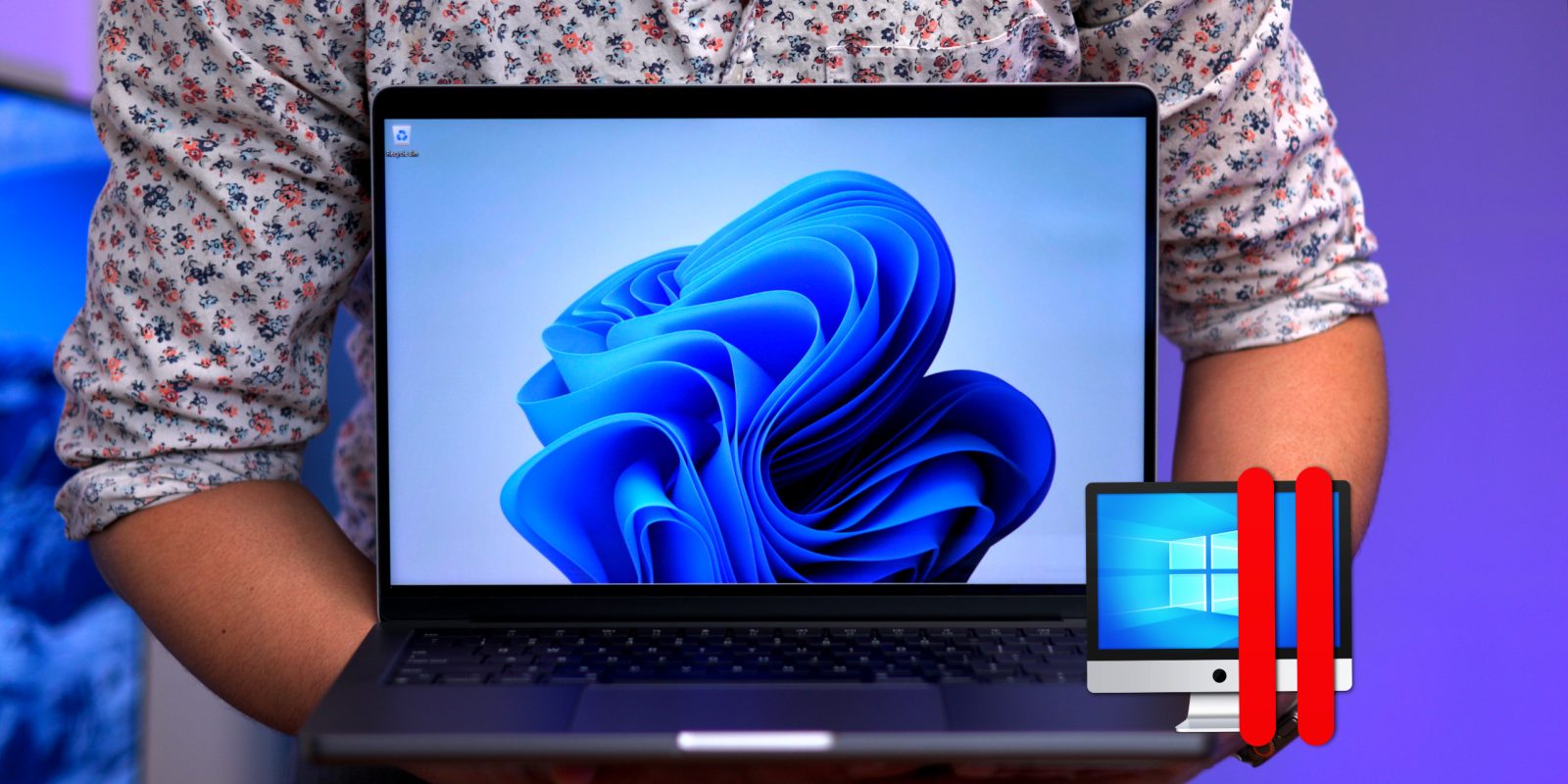
Fortunately, Microsoft has put considerable effort into developing Windows 11 for ARM architecture, which Apple uses for its M-series chips in today’s Macs. Parallels Desktop for Mac — optimized for Apple Silicon — emulates PC hardware, allowing users to deploy a Windows 11 virtual machine in just a few clicks.
In this step-by-step walkthrough, we’ll show you how easy it is to get Windows 11 running on your Mac and also discuss some of the potential caveats and configuration notes. Be sure to subscribe to 9to5mac on YouTube for more videos like this.
Apple rolled out hardware security key support in iOS 16.3, but what are they, and should you consider using them? Watch my hands-on video walkthrough as I explain why Apple added hardware security key support for Apple IDs, showcase how to use hardware security keys, and answer some frequently asked questions.
This written walkthrough explains a lot about security keys, but the video walkthrough embedded in this post is more in-depth, touches on additional platforms like macOS, and showcases features that I don’t touch on here. If you’re keenly interested in security keys, be sure to give it a watch, and perhaps consider subscribing to the channel for more in-depth analysis.
If you’ve been an iPhone user for any significant amount of time, chances are you’re well-versed in managing the iOS Home Screen. Seasoned veterans have no-doubt adopted best practices for managing Home Screen apps icons, interfacing with the App Library, widgets, etc. But here’s my challenge: Even if you consider yourself to be a Home Screen expert, you’ll likely find at least a few tips in this guide that you didn’t know before.
And if you’re new to the iPhone? Then this nearly one-hour walkthrough will help you wrangle the iOS Home Screen like never before in 4K60p HDR. Watch our hands-on video, and be sure to subscribe to 9to5mac on YouTube for more videos like this.
Earlier this week Apple officially released iOS 16.3 updates for iOS, iPadOS, and HomePod. The update brings several noteworthy changes and enhancements to these devices, headlined by support for hardware security keys for Apple IDs and the global rollout of Advanced Data Protection.
iOS 16.3 also paves the way for the new second-generation HomePod, which is scheduled to be released on February 3. But even if you don’t plan on dropping $299 for Apple’s newest smart speaker, you’ll be pleased to learn that iOS 16.3 includes enhancements for the first-generation HomePod and the HomePod mini. Watch my hands-on video walkthroughs for a visual breakdown of what’s new.
With today’s availability of the 2023 Mac mini and MacBook Pro, two machines with the ability to drive 8K displays, Apple has published guidance on how to use these high-resolution displays with your Mac. In addition, these new Macs support higher 4K refresh rates up to 240Hz and expanded support for variable refresh rates (VRR).
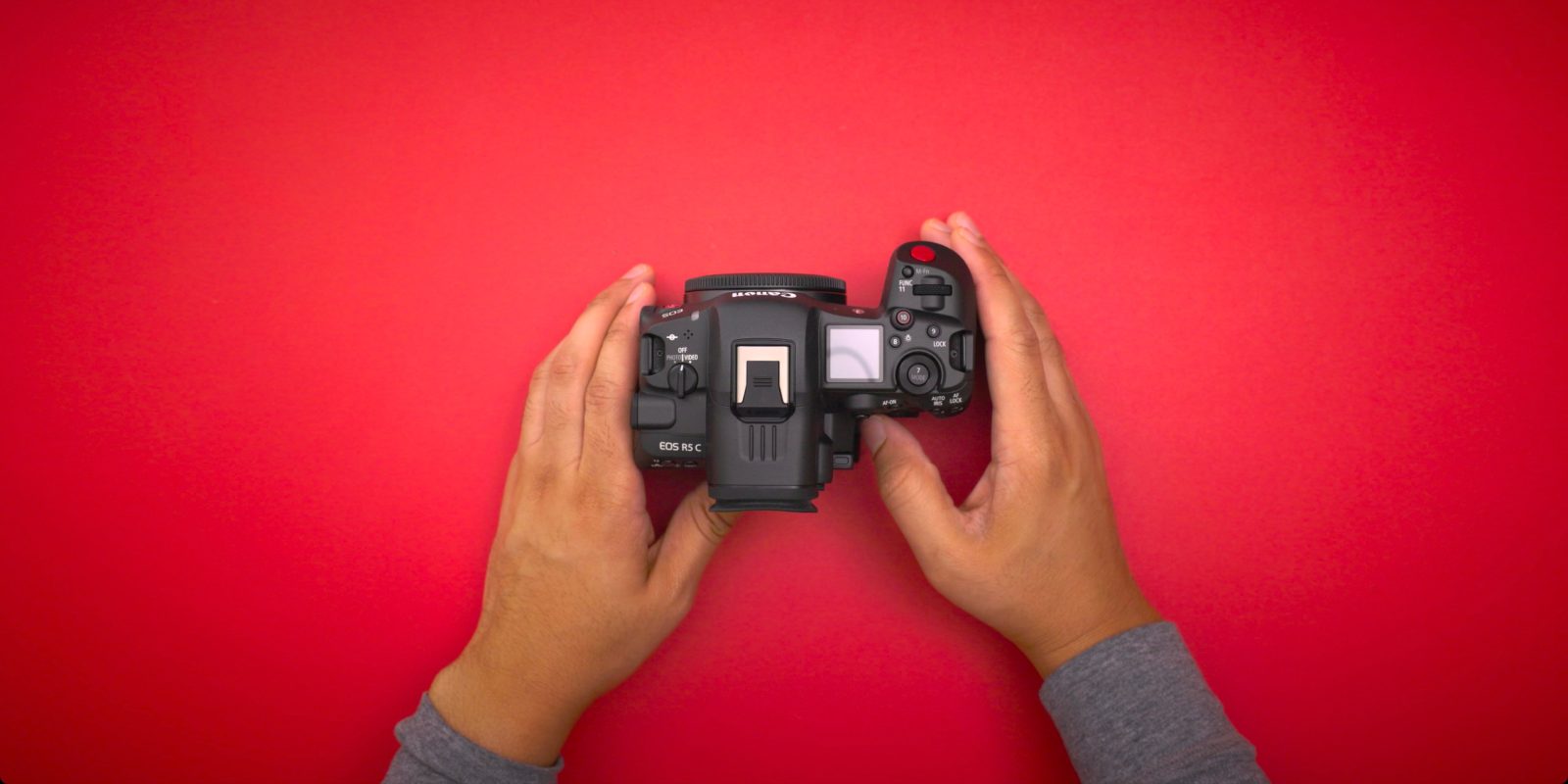
Up until recently, I’d been using the Canon R5 as my day-to-day camera for photos and videos. Although I was able to make it work, things like overheating made it a little less than ideal for recording long form content, such as the in-depth video walkthroughs of iOS updates that I like to do. Canon’s recently released R5 C addresses the overheating problems, but also provides quite a few enhancements that Mac users, and Canon enthusiasts in general will appreciate.
I’ve been working on formulating my Mac Studio review for a couple of weeks, and I’ve finally been able to spend enough time with the machine to share my thoughts about Apple’s most powerful desktop offering.
I’ve had the opportunity to test both the high-end Mac Studio with M1 Ultra system on a chip, along with the entry-level M1 Max base model. Is the Mac Studio a worthwhile purchase for those looking for a desktop solution? Should you splurge for the M1 Ultra? Watch my hands-on video walkthrough as I share my observations and findings, and be sure to subscribe to 9to5Mac on YouTube for more Mac Studio-related videos.
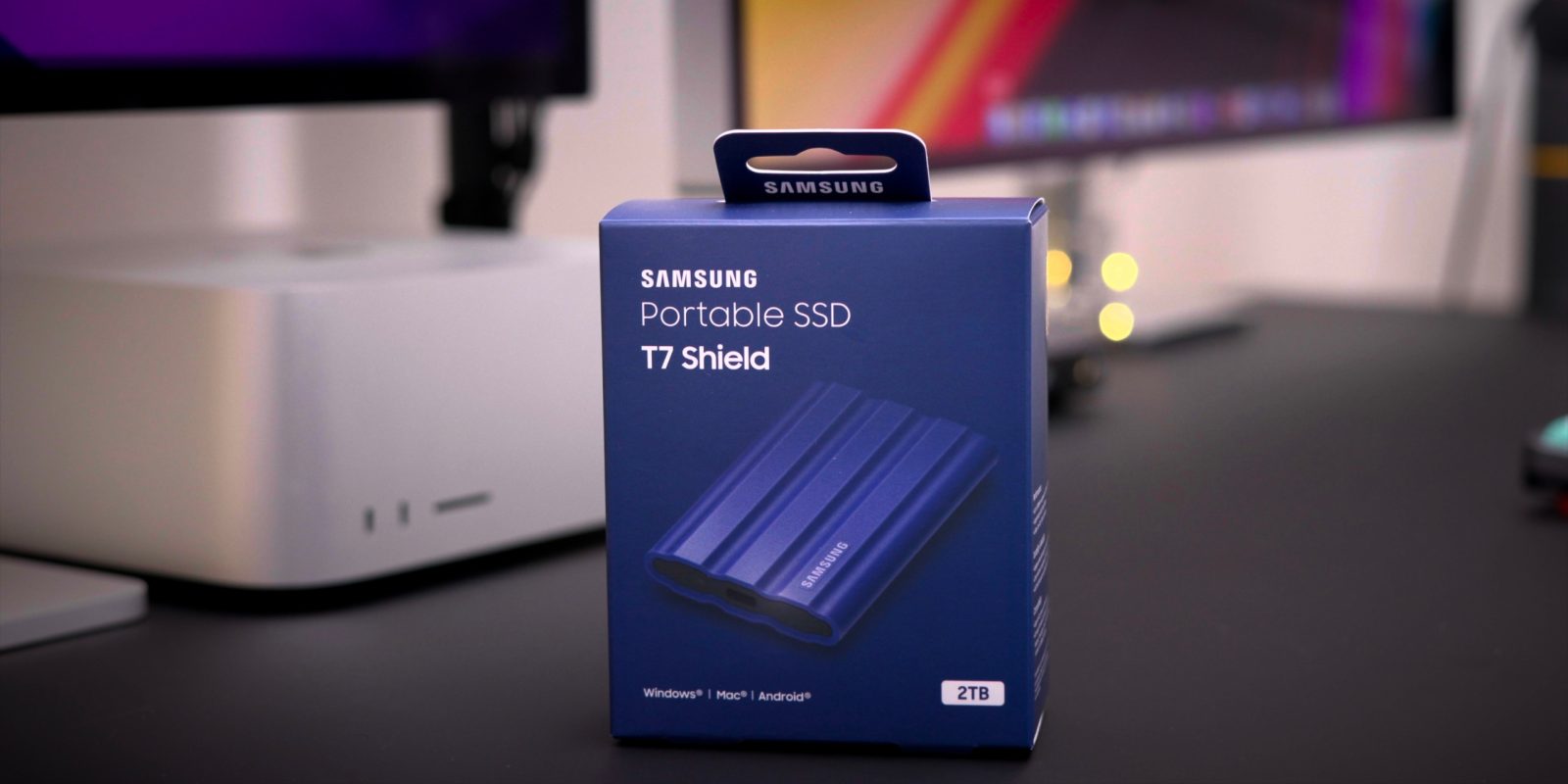
Samsung continues to diversify its venerable T-series line of SSDs and today is launching its new T7 Shield portable SSD with a rugged rubberized exterior and substantial dust and water protection. The T7 Shield isn’t much larger or heavier than the standard T7 or security-focused T7 Touch, but it brings the added protection from the elements that some active users may require.
Back in 1999 the first version of Final Cut Pro was revealed at the NAB show in Las Vegas. 23 years later, with the 2022 NAB show in Las Vegas just days away, a collective of editors are backing an open letter to Apple CEO Tim Cook seeking improvements to the popular NLE. The open letter asks Apple to do a better job of promoting Final Cut Pro publicly, along with adding a few remaining features that are needed for wider industry adoption.
During today’s DaVinci Resolve Cloud Update livestream, Blackmagic Design revealed brand new hardware products called Cloud Store. A DropBox-enabled high-performance network storage solution designed for film and TV productions, Cloud Store makes it easy for multiple editors to work on the same projects simultaneously.
If Blackmagic’s Cloud Store design seems familiar, it’s not just you. The unit features the same design as Blackmagic’s eGPU and eGPU Pro products that it launched a few years back for Intel Macs. Although the units look nearly identical on the outside, the machine’s guts, I/O, and overall capability, as you might imagine, is wildly different.
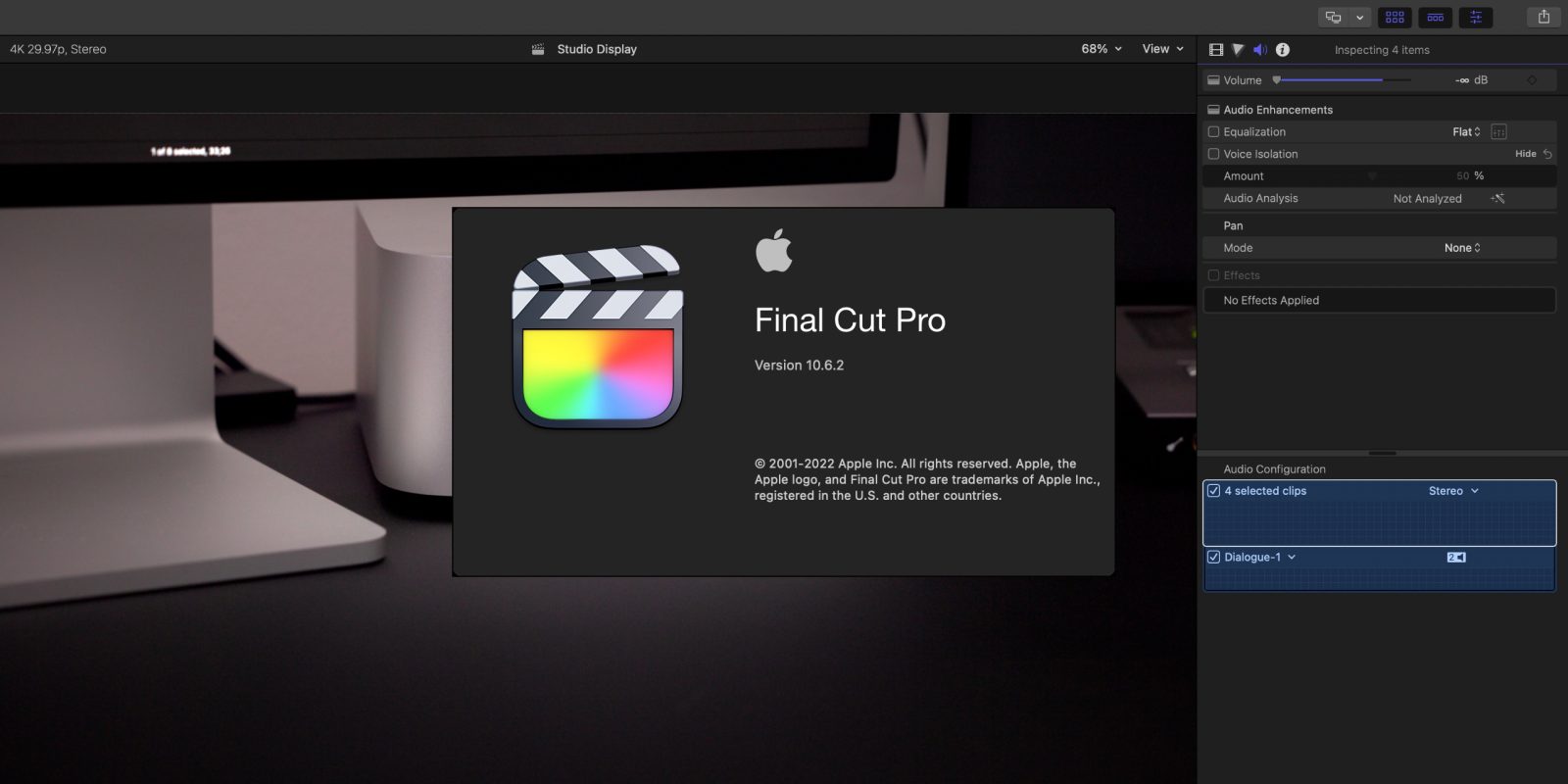
Apple has released the latest version of Final Cut Pro, version 10.6.2. The FCP update includes two primary new features – Duplicate Detection and Voice Isolation. Duplicate Detection is a feature that will be much appreciated for those editing long-form content and documentaries, while Voice Isolation wields machine learning to help isolate voice frequencies.
Final Cut Pro 10.6.2 and updates to its companion apps – Motion and Compressor – are now available for download on the Mac App Store right now.
Yesterday Apple released iOS 15.5 and iPadOS 15.5 beta to developers, and it’s likely that the public beta release isn’t far behind. While not packed with new features and changes like iOS 15.4, this latest beta release comes with a modest amount of updates and enhancements.
In this hands-on video, I take a look at half-a-dozen new iOS 15.5 beta 1 changes and features. Be sure to subscribe to 9to5Mac on YouTube for more iOS video walkthroughs.
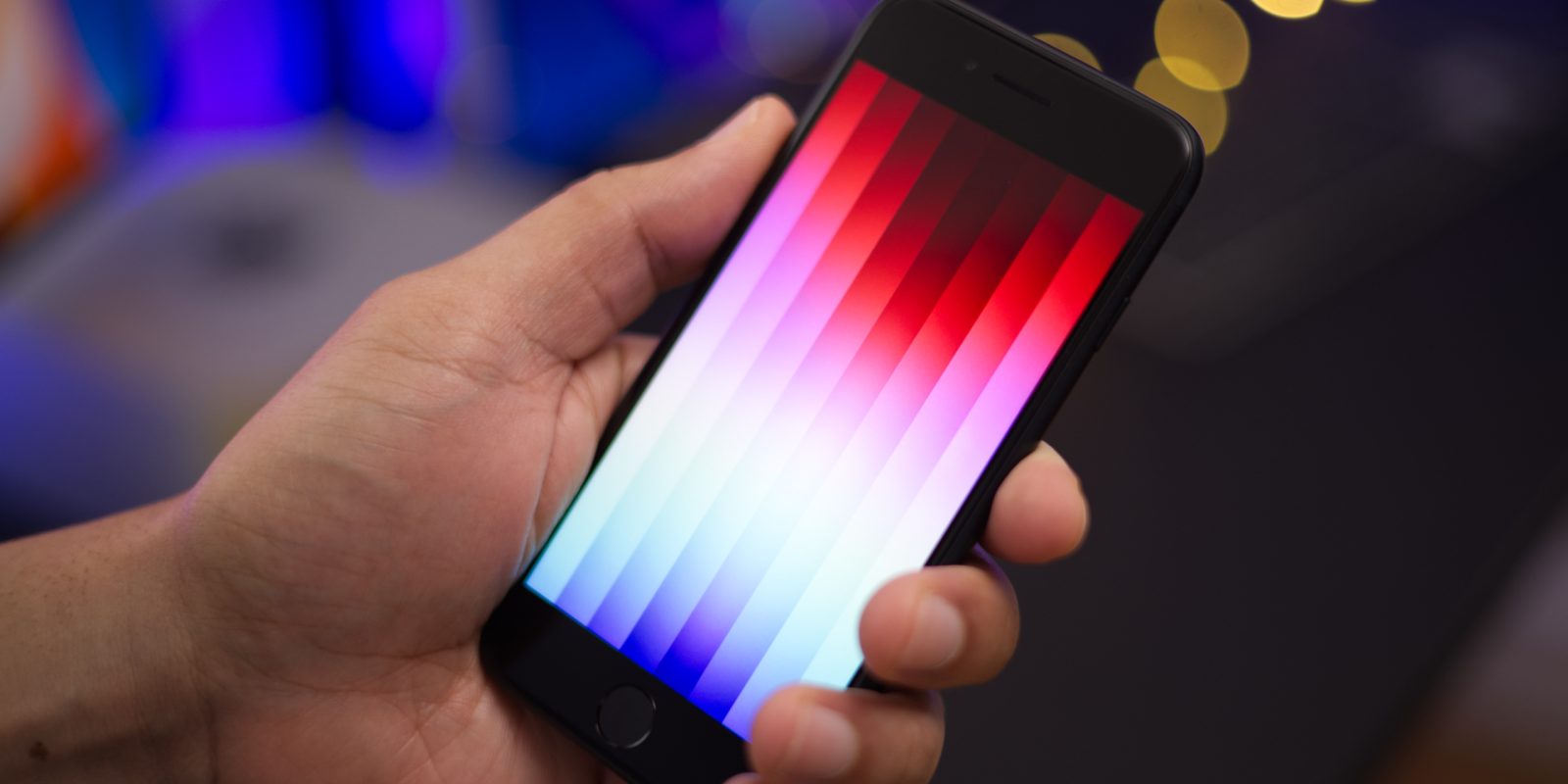
The third-generation iPhone SE recently arrived with several updates that make it an appealing option for first-time iPhone users, or users on a budget. Although it costs slightly more than its direct predecessor, it’s the most cost-conscious brand new iPhone model that Apple sells.
In this hands-on iPhone SE 3 top features video, we take a look at what’s new, compare it to the previous-generation iPhone SE 2, and discuss some not-so-good features as well. We also consider why it may be better to consider purchasing an iPhone 11 instead, which can be had for just $70 more. Be sure to subscribe to 9to5Mac on YouTube for more iPhone SE 3 videos.
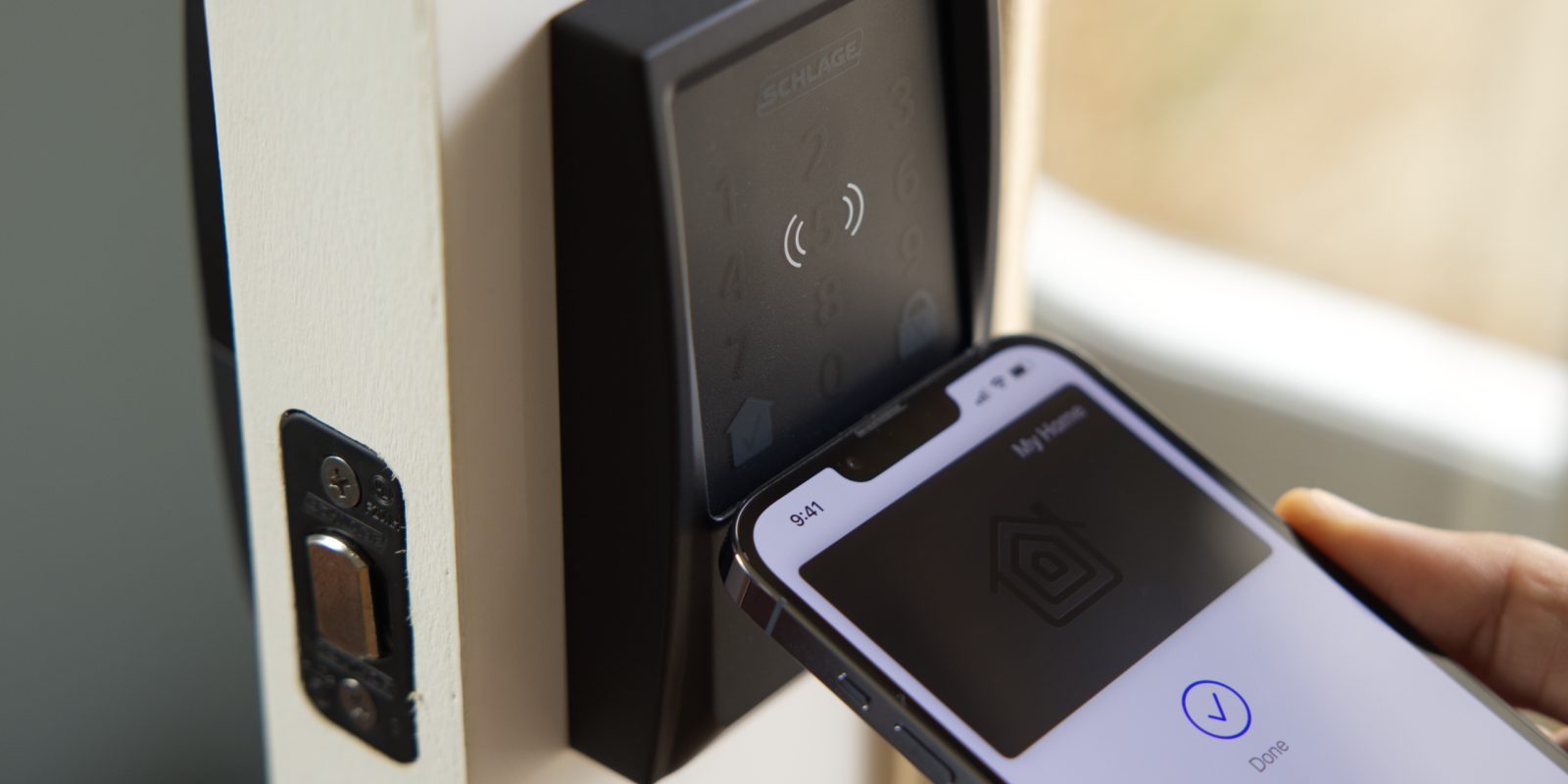
After my Schlage Encode Plus review, I concluded that it was the most full-featured smart lock that I’d tried thus far. With standard HomeKit support in tow, in addition to new NFC-powered Apple home key support, it’s easy for me to recommend the Encode Plus as the best smart lock for Apple users.
The only lingering question from my hands-on review was release timing. Up until now, Schlage would only note that its flagship smart lock was arriving this spring, but we now know the exact date of its release and availability. The Encode Plus is available to purchase starting today at homedepot.com for $299.99.
As you’ll see in my hands-on video, home key is a great way to access your home with your iPhone or Apple Watch via just a tap. Let’s take a closer look at what the Schlage Encode Plus and Apple’s home key technology have to offer!
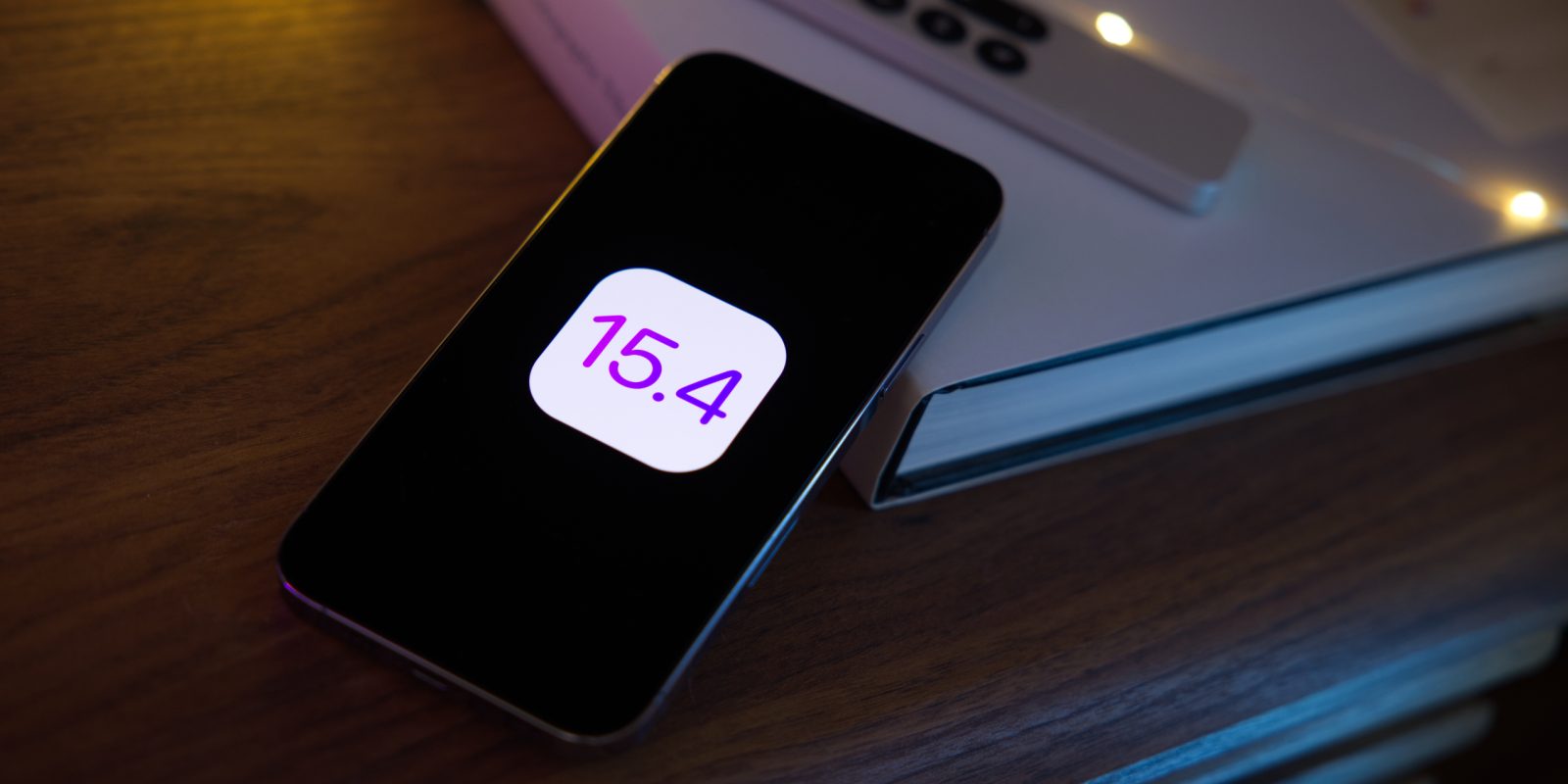
Apple yesterday shipped the final public versions of iOS 15.4 and iPadOS 15.4. The releases include many iOS 15.4 changes and features, along with several noteworthy updates. Included is the ability to unlock your iPhone while wearing a mask, support for Universal Control on the iPad for those running the macOS 12.3 beta, brand new emoji, a new Apple Wallet widget, and tons more.
In this hands-on video walkthrough, we take a look at over 40 new iOS 15.4 changes and features. Be sure to subscribe to 9to5mac on YouTube for more hands-on videos.
Apple’s new Studio Display is unsurprisingly proving to be very popular among Apple faithful, as evident from the slipping shipment times that are pushing orders back to April.
The Studio Display is compatible with a large swath of Mac computers, dating back to the 2016 MacBook Pro, alongside a few USB-C-enabled iPads as well. But conspicuously missing is support for the previous-generation iPad Air and the latest iPad mini, both of which sport USB-C ports. Why the lack of support for these devices?
During its Peek Performance event, Apple took a lot of time discussing how much better its new Apple Silicon-powered Mac Studio performs compared to the Mac Pro, but that hasn’t stopped it from working with AMD to usher in new MPX modules.
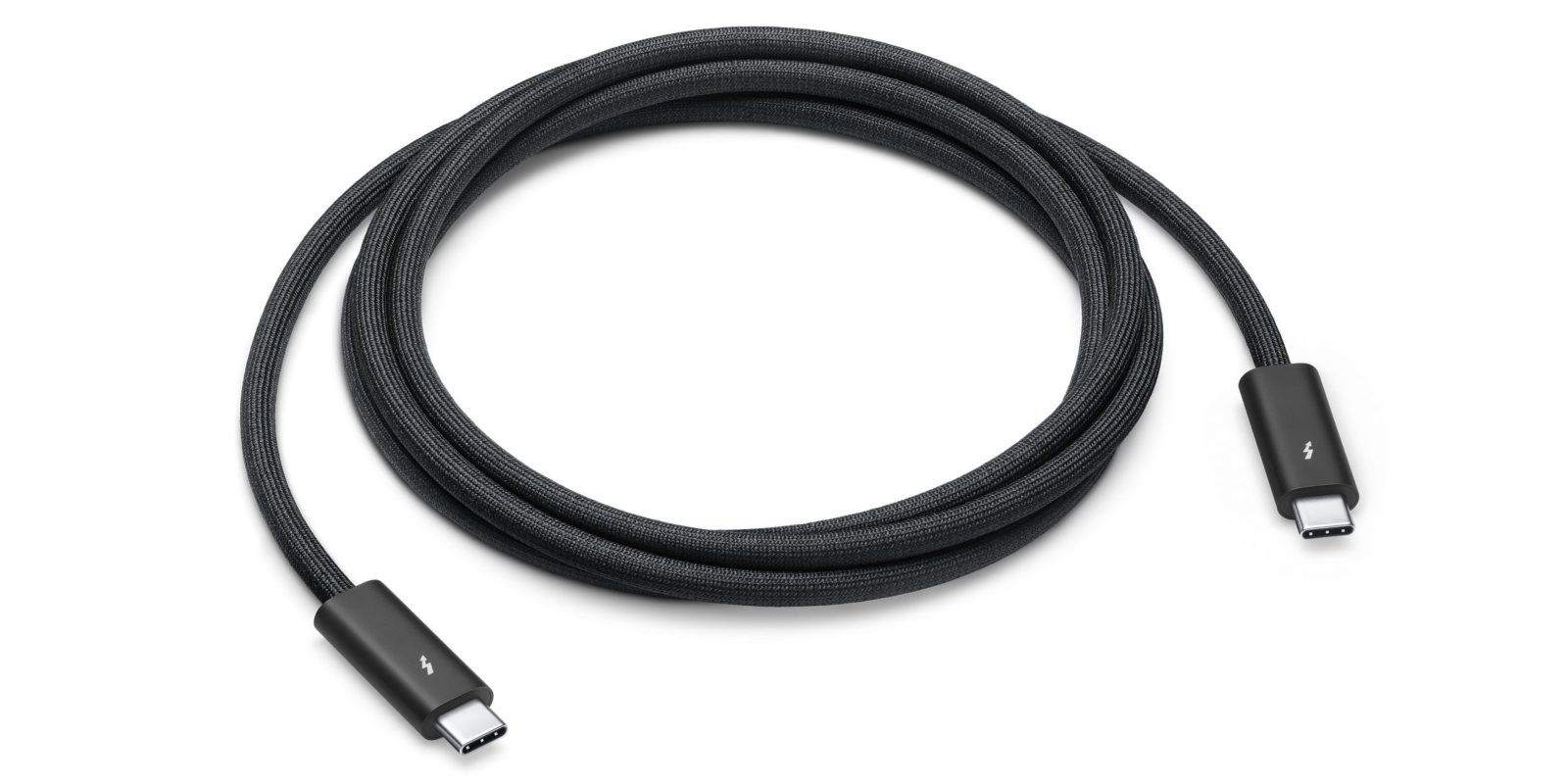
The Mac Studio doesn’t ship with a Thunderbolt cable in the box, but the Studio Display does. Apple includes a 1-meter cable with its new $1599 5K display, which is significantly shorter than the sold-separately cable option.
In addition, Apple has an upcoming Thunderbolt 4 Pro Cable that’s nearly 10 feet long. That cable, which is marked as coming soon, will retail for $159.00.
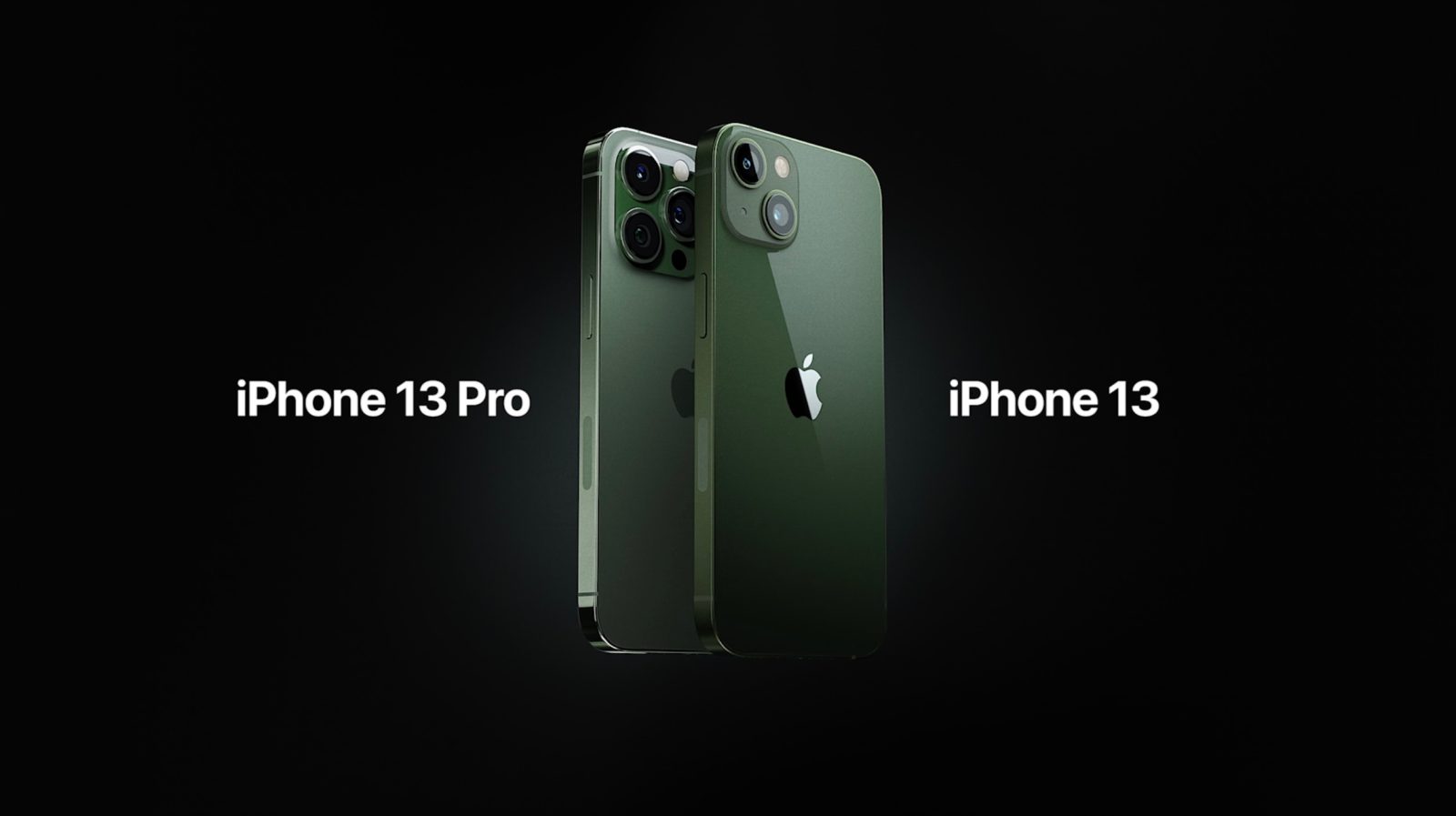
Today during its Peek Performance event, Apple took the wraps off new green iPhone 13 color updates for both the standard version and iPhone 13 Pro. The updates — green for iPhone 13, and alpine green for iPhone 13 Pro — follows last year’s mid-cycle release of the iPhone 12 in a special purple version.
Last minute rumors suggested that we’d see an iPhone 13 with a special green colorway during today’s event, and now that rumor has proved true. Learn more about the green iPhone 13 and alpine green iPhone 13 Pro inside.