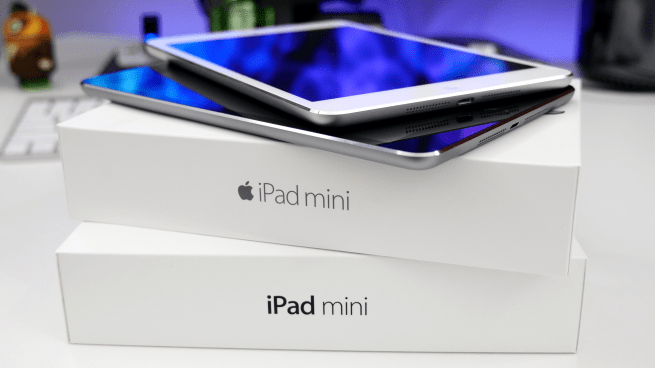
Along with Apple’s iPad Air 2, the iPad mini 3 also hit store shelves during a silent weekday release. If you don’t currently own an iPad mini, it’s probably a better time than ever to pick one up, but I wouldn’t really recommend getting Apple’s latest and greatest. Let me tell you why…
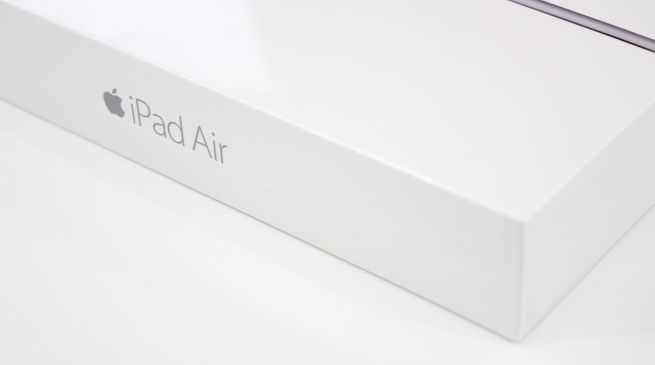
Today we’re taking a look at Apple’s fastest and thinnest tablet to date. The iPad Air 2 is more than just a pretty shell. This tablet packs some decent performance over its predecessor. While we haven’t had enough time with it to put together a full review, there are some main points we wanted to go over.
First up, this thing is crazy thin. Apple wasn’t exaggerating when claiming that it was thinner than a pencil. It’s 18 percent thinner than the iPad Air measuring a mere 6.1mm in thickness. This may not be a good thing for everyone, but for the most part it was comfortable to hold while playing games, watching movies, or any other tablet-based task. I’d hate to sound redundant, but damn this iPad is thin. Anyway, let’s jump in and take a look…
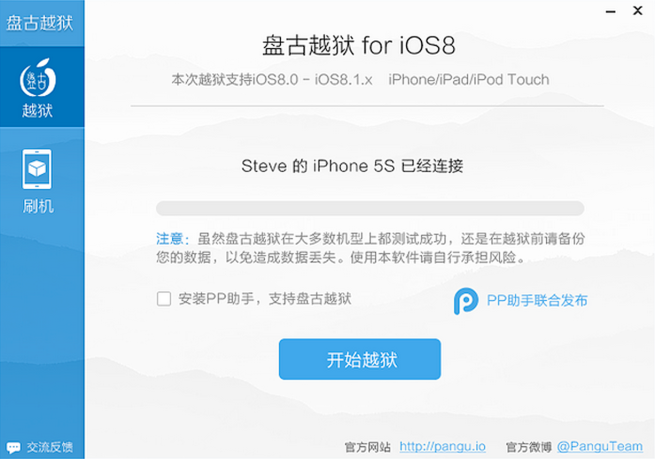
It wasn’t too long ago when the Pangu jailbreak team took the scene by storm with it’s iOS 7.1.x jailbreak tool release. It was quite unexpected because no on had really heard of Pangu prior to the surprise. Turns out the team was very talented and they’re all set to reach another milestone…
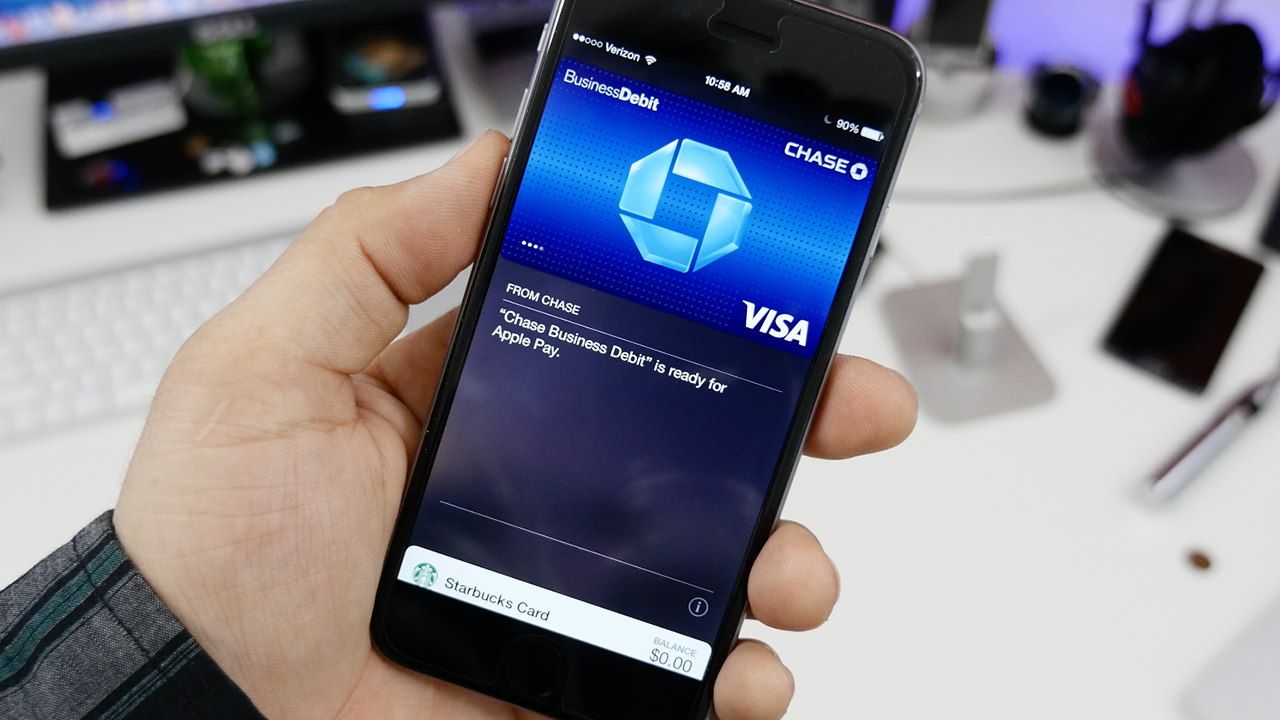
Apple has released iOS 8.1 and with that, we have Apple Pay support. This is Apple’s new mobile payment platform that takes advantage of the NFC capabilities of iPhone 6 and iPhone 6 Plus. This will allow you to make purchases in stores that support Apple Pay using supported cards from a growing list of banks. Setting up Apple Pay is very simple and we’ve put together a quick tutorial to walk you through the process…
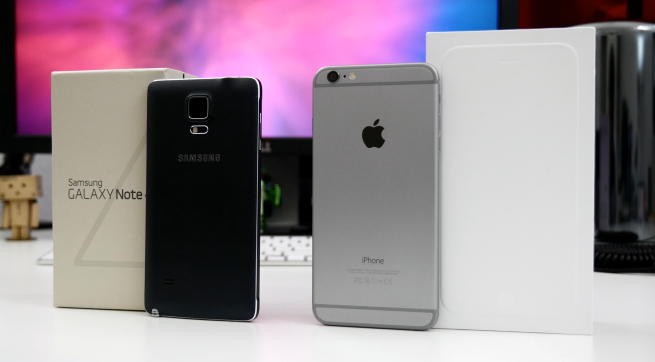
Today we’re going to be comparing Apple’s iPhone 6 Plus to Samsung’s Galaxy Note 4. I realized that there are a limited range of “comparisons” that can happen between these two devices, but we’re going to touch on some of the most important factors between the two such as design, software, features, and cameras.
I’m not going to make this a battle between iOS and Android as many people have their own preferences which lead them to one platform or another. Either way, these two devices are shaping up to be the most coveted large screen smartphones of 2014 and it makes sense to compare them and help you make an informed decision…
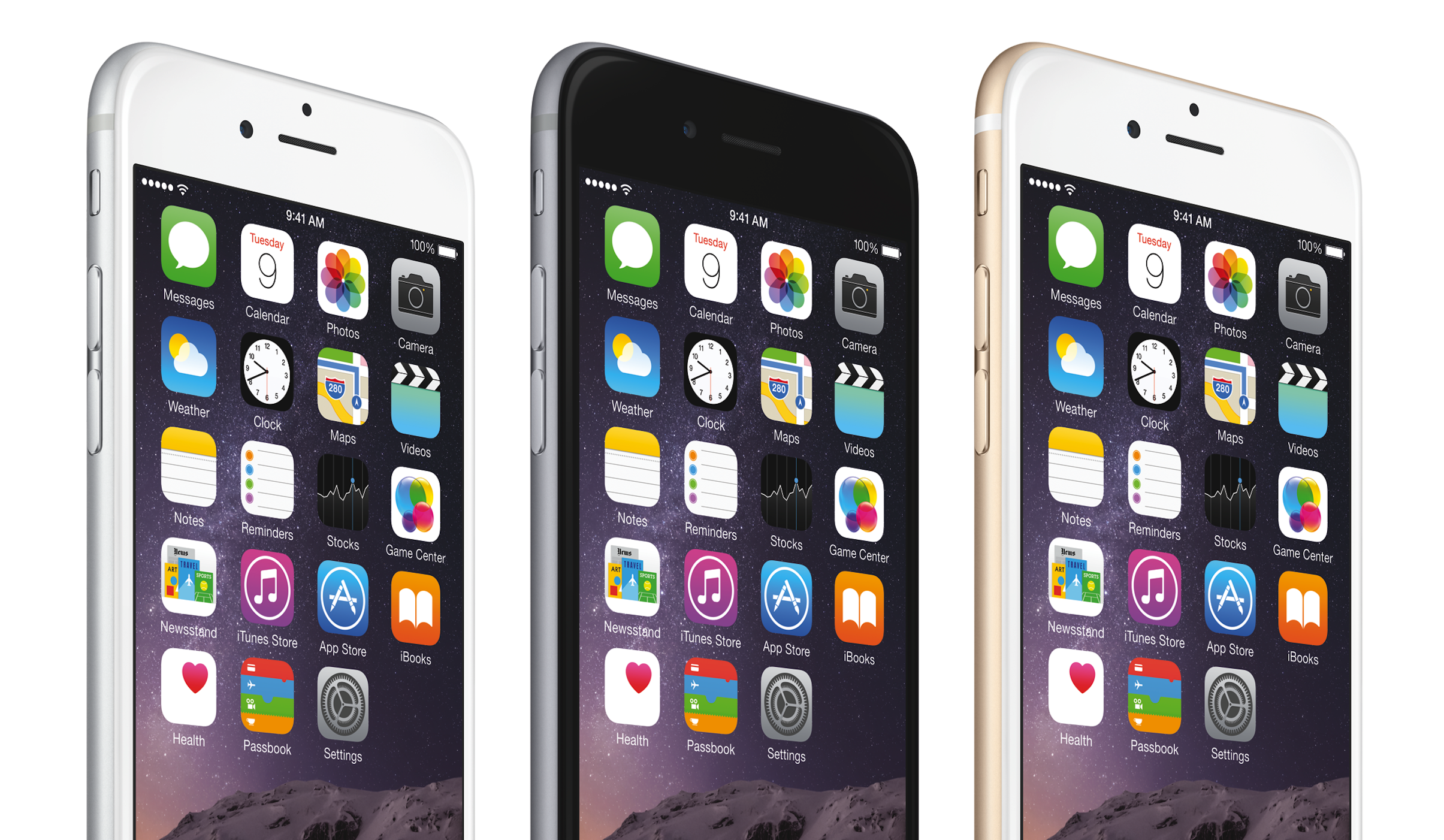
What can I say about the iPhone 6 that you don’t know or haven’t already assumed? Not much, actually. It’s running iOS 8, has a great camera, thinner design, and a handful of features that make it different from last year’s iPhone.
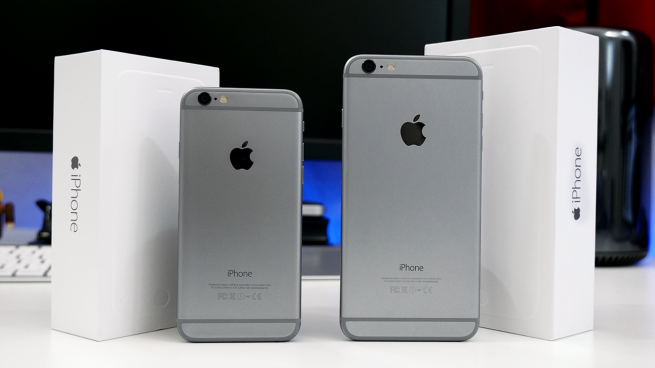
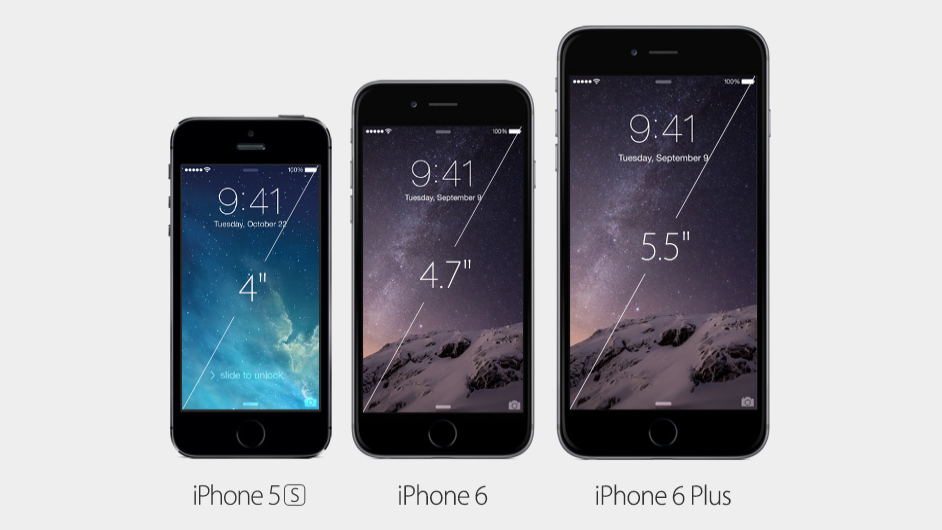
This year, Apple has bumped up the display size and released two models. We have the 4.7-inch iPhone 6 and 5.5-Inch iPhone 6 Plus, but if you were paying attention to the rumor mill leading up to the launch, these two models probably weren’t a surprise. That being said, there are still some points I’d like to make about both devices, but instead of creating two reviews, I think it’s safe to combine them so that you can find out which one is right for you…
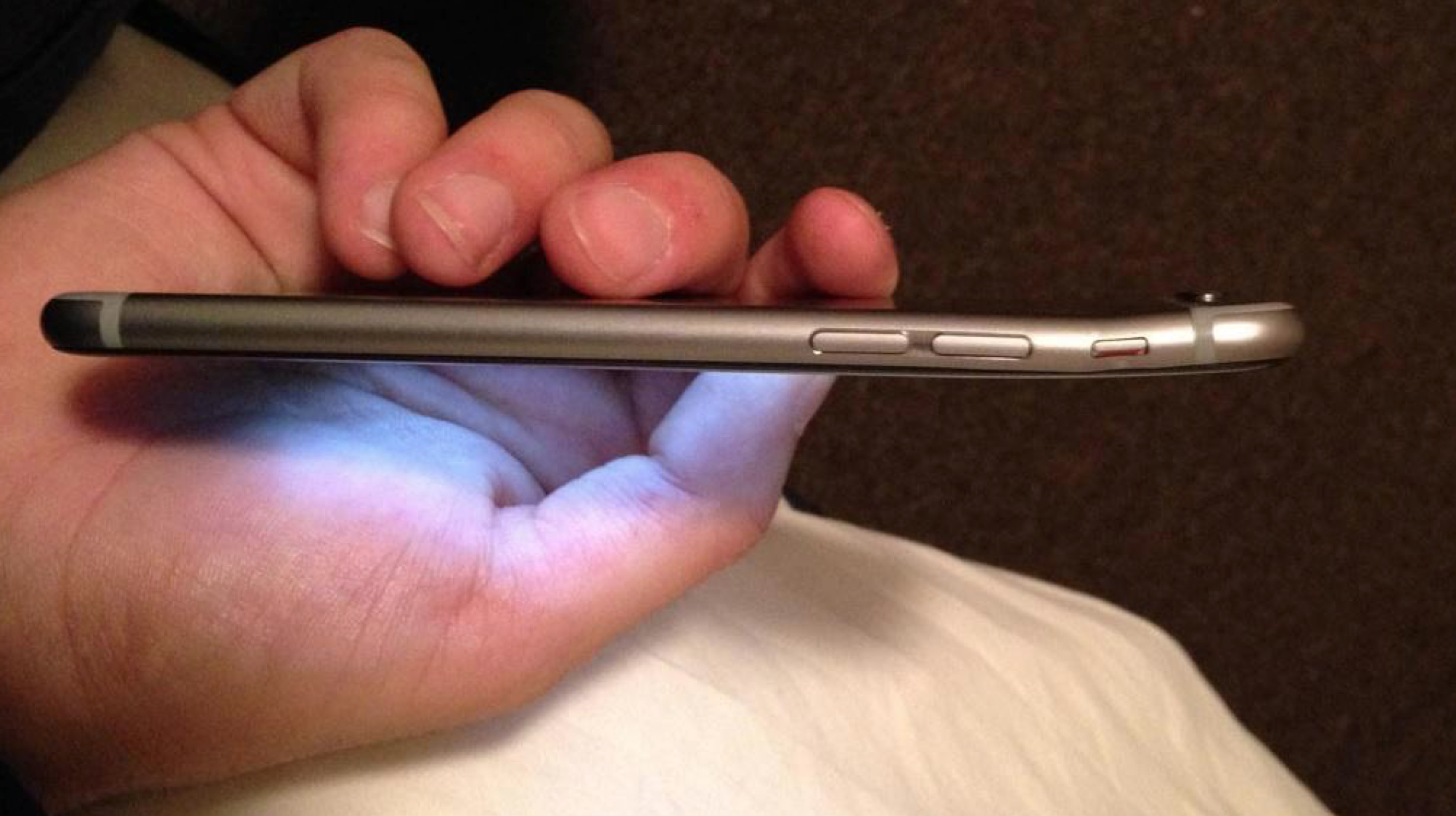
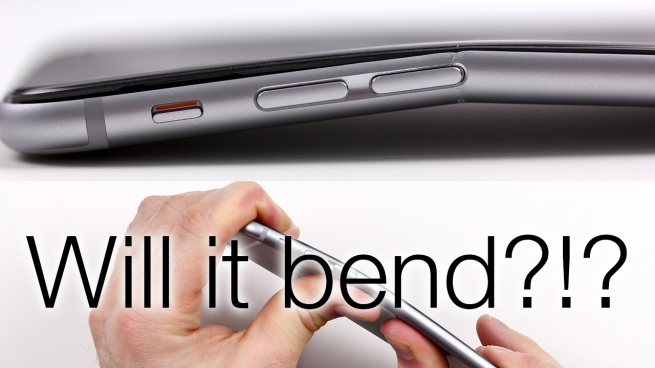
Last week, #BendGate took the Internet by storm. I’m sure you’re all familiar with it by now, but if not, BendGate was created from an alleged bending issue with Apple’s iPhone 6 Plus. There’s a specific weak point on the inside of the chassis right beneath the volume buttons that allows it to bend very easily with pressure added in the right place. To most, it may seem like a non-issue, but a single video sparked one of the biggest viral moments this year in tech… Expand Expanding Close
The Internet recently exploded with reports of the iPhone 6 Plus’ bendable body. Unofficially dubbed “Bendgate” this problem seems to occur when the device is in pockets and other tight areas that apply pressure on the chassis of the iPhone 6 Plus. This is probably a small issue when you look at the big picture and ones that other metal phones including previous iPhones also experience. Over 10 million iPhones have been sold since its Sept. 19 launch, but we’ve only seen a handful of legit Bendgate issues in the wild. The question is, does this actually bother you?
With recent reports of the iPhone 6 Plus suffering from a bendable body while in pockets and other tight places, YouTuber Lewis from Unbox Therapy decided to put together a proper “bend test” and see what all of the fuss is about. Obviously this is going to be an extreme situation, but as others have specified it doesn’t take much to bend Apple’s new phablet…
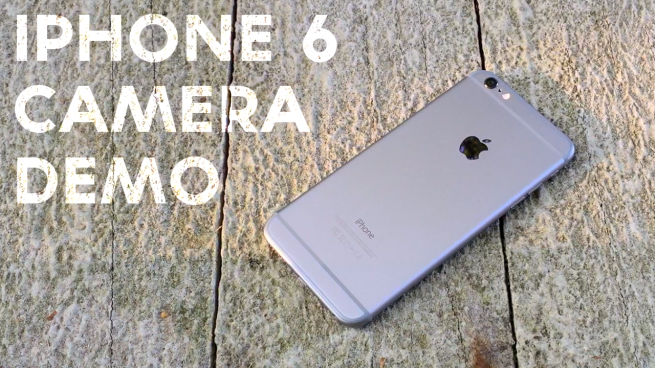
With the iPhone 6 and 6 Plus, Apple made several improvements to the camera quality. It’s still packing an 8-megapixel sensor (f2.2 aperture), but there are a few new features that make the iPhone 6 and 6 Plus camera stand out. There’s a certain level of quality that most people expect when shooting video or photos with an iPhone, but this cinematic camera demo takes it to another level…
It’s iPhone season once again and most of us are faced with a tough decision. Should you upgrade or wait around another year for a better device? That may be a tough decision, but it’s always easier to see the pros and cons of both sides with a good old-fashioned comparison.
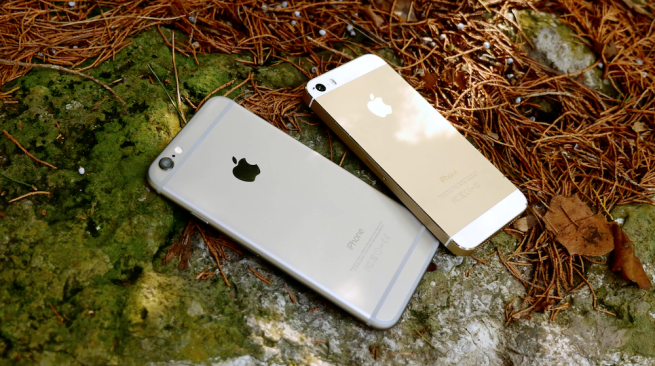
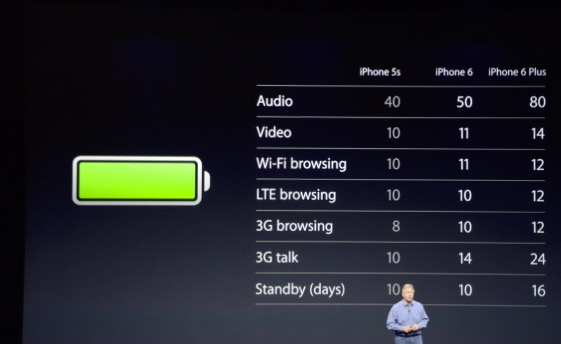
We’re taking a look at Apple’s new iPhone 6, iPhone 6 Plus, and last year’s iPhone 5s and going over the details and specifications for each device. Knowing the facts is half of the battle, but hopefully this will help you see the benefits from each side…
Keeping your home screen organized can sometimes be a difficult task. Folders are great, but what if you’re looking for a deeper level of order? Luckily, we’ve seen a few glitches over time that have helped.
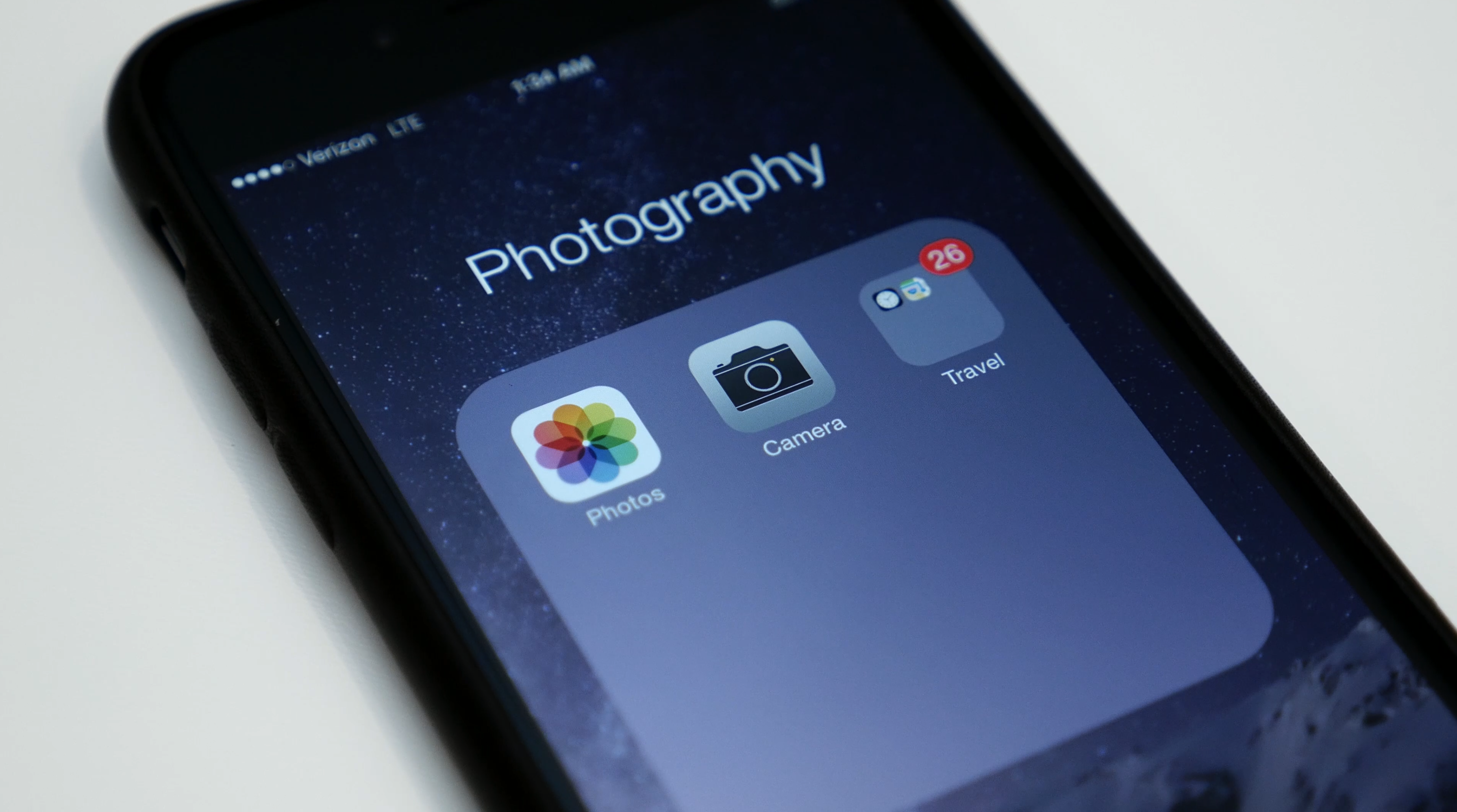
Hidden in iOS 8 is a glitch that allows you to nest folders within folders. This can be helpful if you’d like to sub-categorize apps within folders or hide various stock apps in iOS 8 (because there are a lot of them). Nesting folders on iOS 8 is easy to do and completely reversible…
Along with the launch of the 4.7-inch iPhone 6, Apple also released a much larger 5.5-inch iPhone 6 Plus. Because of the larger display on this device, you can expect a much larger form factor, but there are a few benefits that go along with it as well…
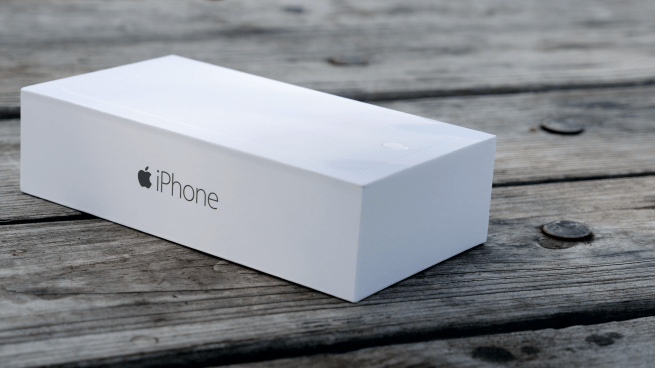
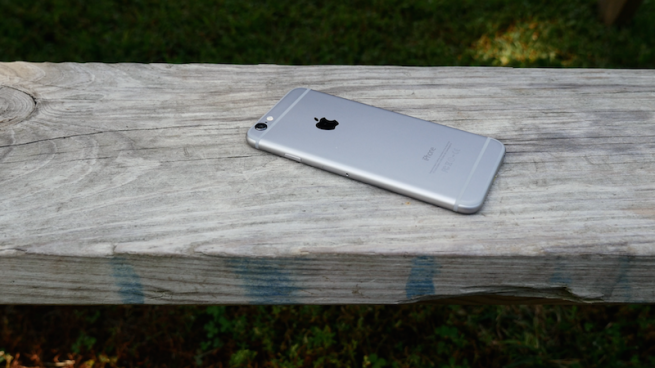
Today we’re taking a look at Apple’s iPhone 6. Anxious fans queued up at Apple Stores across the world to get their hands on the latest and greatest from Cupertino. Apple has bumped up the display size to 4.7-inches on the iPhone 6 and also added a 5.5-inch iPhone 6 Plus model for phablet fans. For a closer look, be sure to check out our first impressions video…
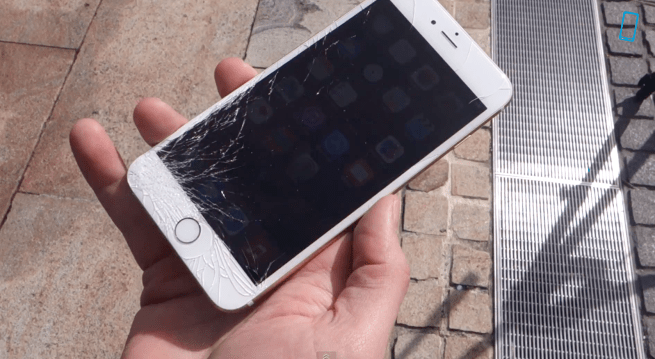
Youtuber PhoneBuff has managed to get his hands on an iPhone 6 and 6 Plus at an Apple Store in Australia. In the video below, PhoneBuff puts these two devices through the ultimate torture test. Each device is dropped once on its back, on its side, and its face.
So it’s finally here. Apple has released iOS 8 to the masses and as you would expect, a decent amount of features come along with that. We’ve previously detailed our favorite hidden features in iOS 8, but today we’re letting it all out. We’ve put together a list of our top 20 favorite iOS 8 features that you can look forward to after updating…
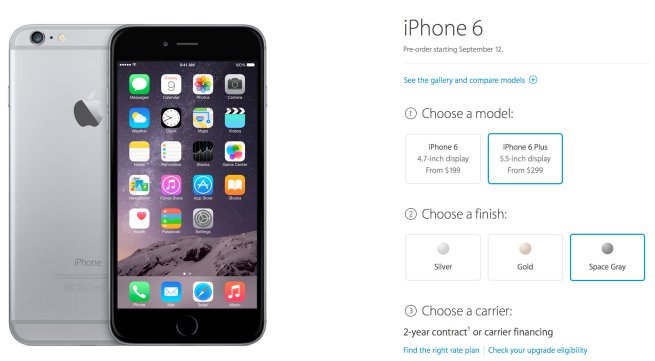
It’s iPhone buying season again and this year we’re faced with a very tough decision. Apple recently unveiled the iPhone 6 and iPhone 6 Plus at its press event on Sept. 9, 2014 and as many rumors indicated, we now have a 4.7-inch model and a 5.5-inch model. Normally our choice would be narrowed down between color and capacity, but this year it’s much more than that…
Pre-orders for the iPhone 6 will start at 12:01 a.m. PDT and will be available to purchase in Apple Stores on Sept. 19th, 2014, but what isn’t widely known is that it looks like Apple is kicking off Personal Pickup availability starting with preorders as well. This means that you’ll be able to preorder an iPhone 6 and select a store in your area and pick it up on launch day….
The day we’ve all been waiting for is finally here. Apple has officially introduced its new iPhone lineup and announced an entirely new product in the wearables department. There was quite a bit of information between most of the major announcements from today, and because of that, we thought it would be helpful to condense the “need to know” information into a short video…
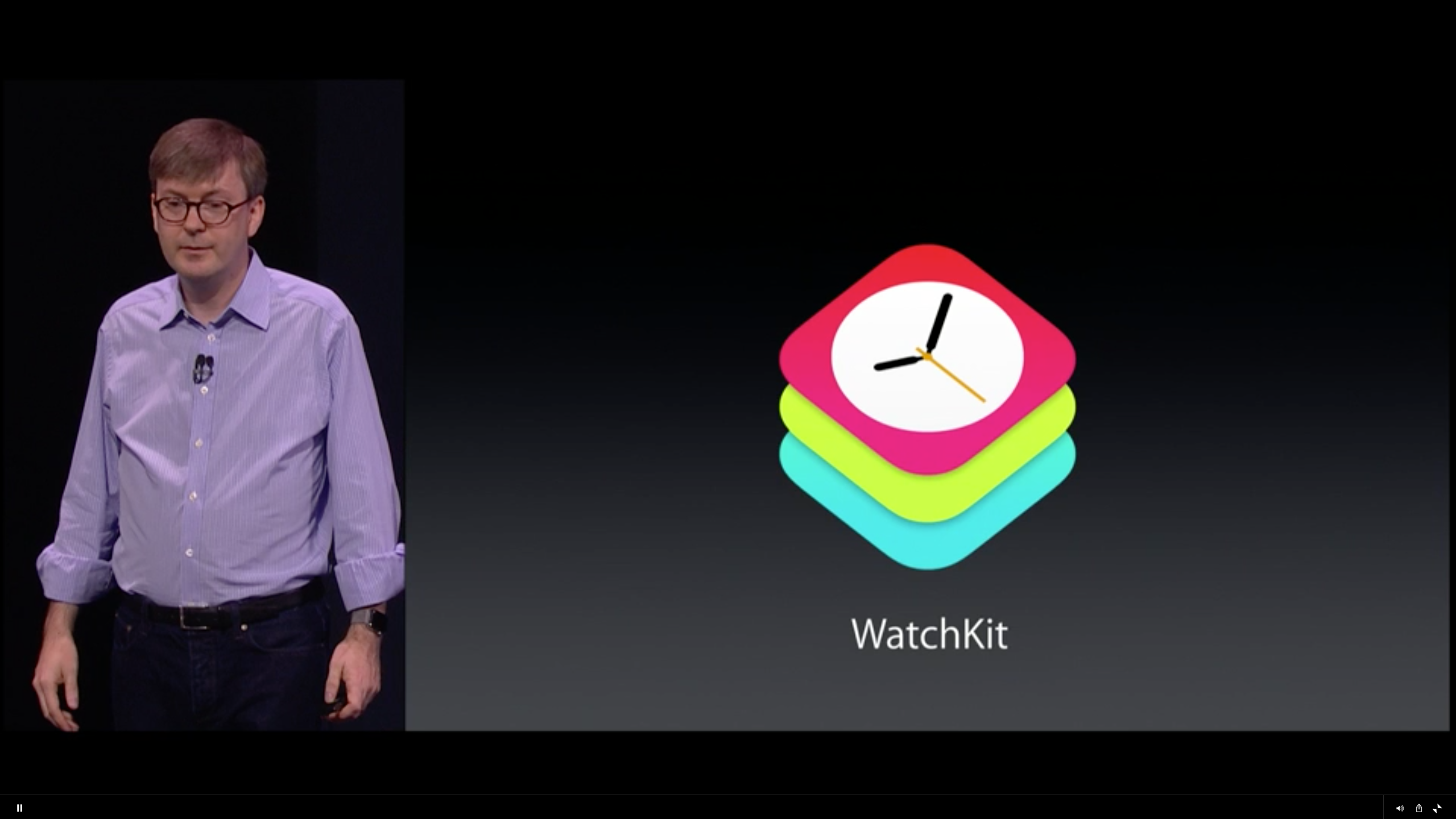
After the unveiling of Apple Watch during the Sept. 9 iPhone launch event, Apple announced WatchKit for Apple Watch. This is a new development kit will allow developers to create interesting and exciting ways to use the Apple Watch hardware and software in their apps.
WatchKit allows integration for Actionable notifications, WatchKit apps, and Glances. During the keynote, Apple demonstrated Facebook and Twitter functionality with Apple Watch along with other apps with the ability to unlock a hotel door, get transit directions, post to Pinterest, find your car, change the temperature with a Honeywell thermostat, and use Nike fitness features. All of these features and functionality will exist within individual Apple Watch apps.
During the iPhone 6 launch event, Apple announced that the 1.3 million apps available on the App Store should “just work” on the new iPhone 6 and iPhone 6 Plus that are expected to be released soon. This is possible thanks to the Auto Layout that was introduced at WWDC…