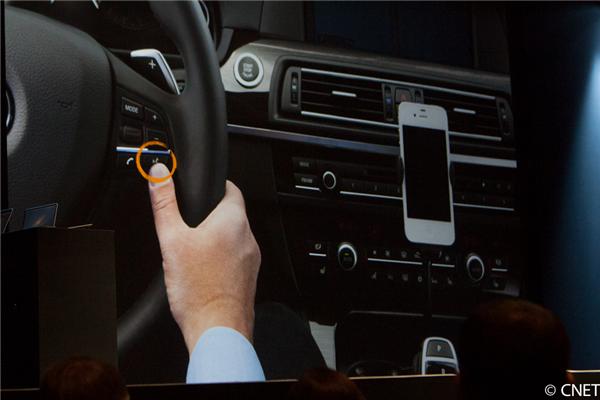
During its opening keynote at the Worldwide Developers Conference, Apple announced Siri would gain an all-new “Eyes Free” feature as part of iOS 6. Eyes Free lets automakers include a button on their automobiles that allows drivers to initiate Siri for sending messages, making calls, setting reminders, launching apps, and accessing a slew of information from inside of the car without picking up the device. Apple revealed nine automakers will adopt Eyes Free, but it gave no more information. This evening, GM Authority reported that GM would be one of the first to include the technology in its automobiles. The company is starting with its Chevy Spark and Sonic, which are two compacts with a budget in mind. The publication could not provide an exact date of arrival for the technology in GM’s vehicles, but it should be available within the next year.
The Spark and Sonic now feature Chevy’s MyLink that allows drivers to connect their car with any smartphone. It has roughly 60 commands, which is not that much, but Siri could definitely add a long-list of commands for those who have an iOS device.
Eyes Free should resemble how other hands-free packages work on automobiles. An Eyes Free button will be included on the steering wheel, so users can activate and speak to any iPhone or iPad that is connected over Bluetooth. Siri will do all the processing work.
The other nine automakers announced as partners include BMW, Mercedes, Land Rover, Jaguar, Audi, Toyota, Chrysler, and Honda. We will look out for when more information becomes available over the next year. (via CNET)
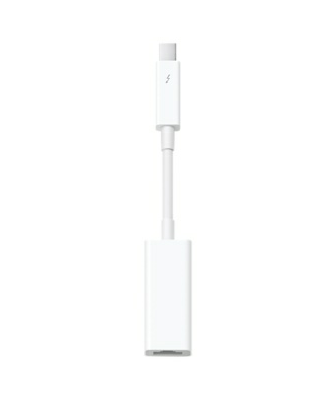
Adds support for the Apple Thunderbolt to Gigabit Ethernet Adapter
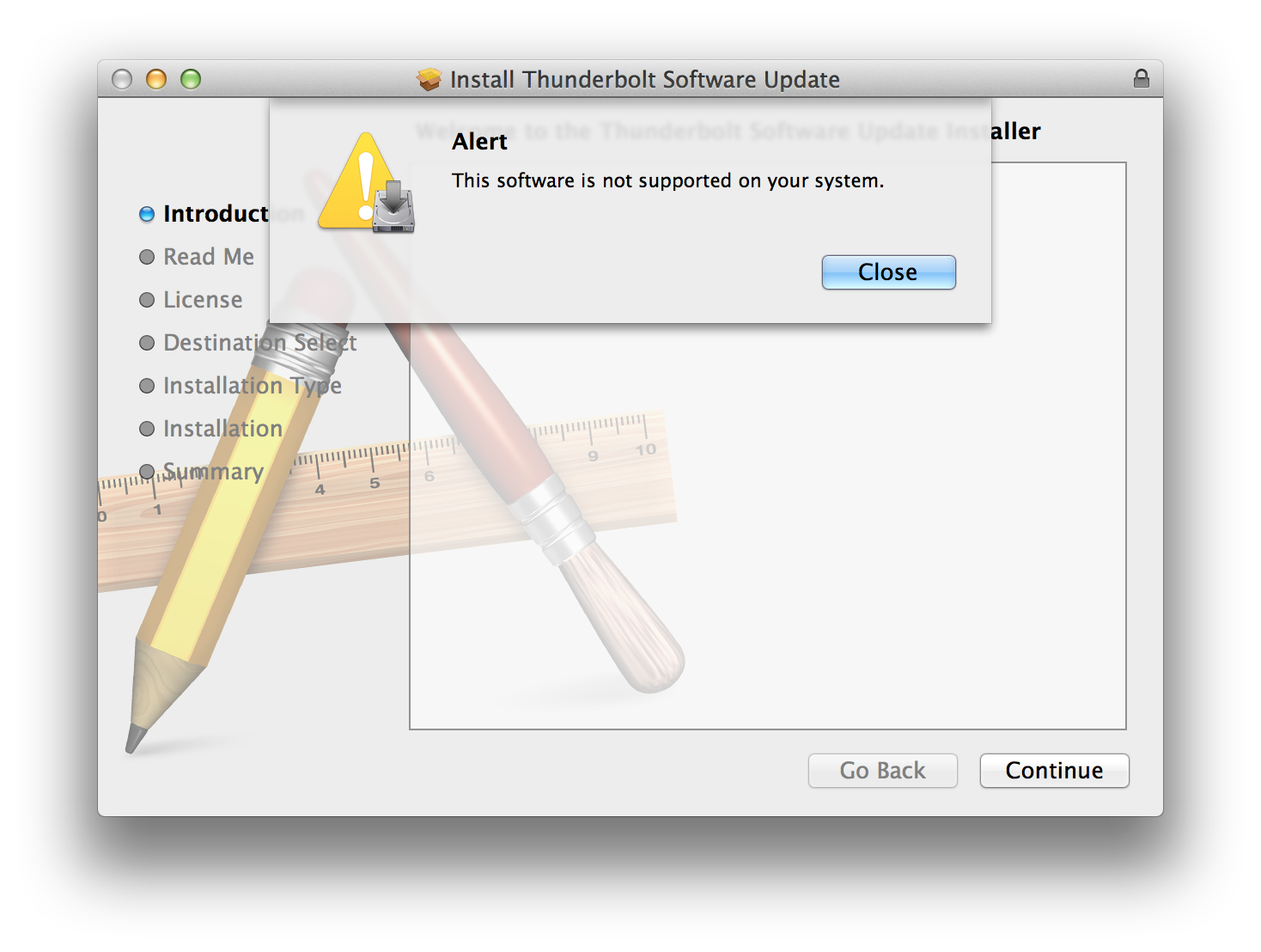
It does not destroy your Mac like Apple’s previous try at this update. Interestingly, it also does not support the new Retina MacBook Pro. Go grab it in Software Update on supported machines.
We told you about our affection for Hackintoshs before. With the recent Mac Pro spec refresh disappointing many and not taking advantage of modern technology such as Thunderbolt, USB3, SATA3 or just about anything less than three-years-old, maybe it is time to consider building one.
Lifehacker’s Adam Dachis compiled a long list of parts that will allow you to build a Hackintosh that matches or exceeds the new Mac Pro’s specs on the cheap (though we are not sure how a Core i7 3.4GHzis going to do versus a Mac Pro Xeon!). Here are the parts to build the base Mac Pro for only $1,148 instead of $2,499:
Calling Safari for iPad “a miserable experience,” Mozilla’s Alex Limi showed a prototype of a new browser for the iPad called “Junior” during a recent presentation. Junior takes a different approach from traditional browsers by ridding an address and search bar on the main screen and going with a full-screen experience instead. Do not worry, though. Key features are still available by clicking a plus button on the right side of the page to get access to recently visited pages, bookmarks, and a URL/search bar.
It is not a bad concept when you think about it, because one of the iPad’s best use cases is consuming content. I think a full-screen experience would really allow more content-consuming. As you would expect, Mozilla will not be able to use its own engine, but it will rather have to follow Apple’s rules and base the browser on Web-kit. Perhaps the greatest feature Junior encompasses is its multiple user accounts, which is great since more than one person usually uses iPads.
It will be interesting to see what the final product of the browser will look like and if the full-screen experience will actually work out. We do not expect it to ship anytime soon, because the company still looks to have a lot of work ahead of them.
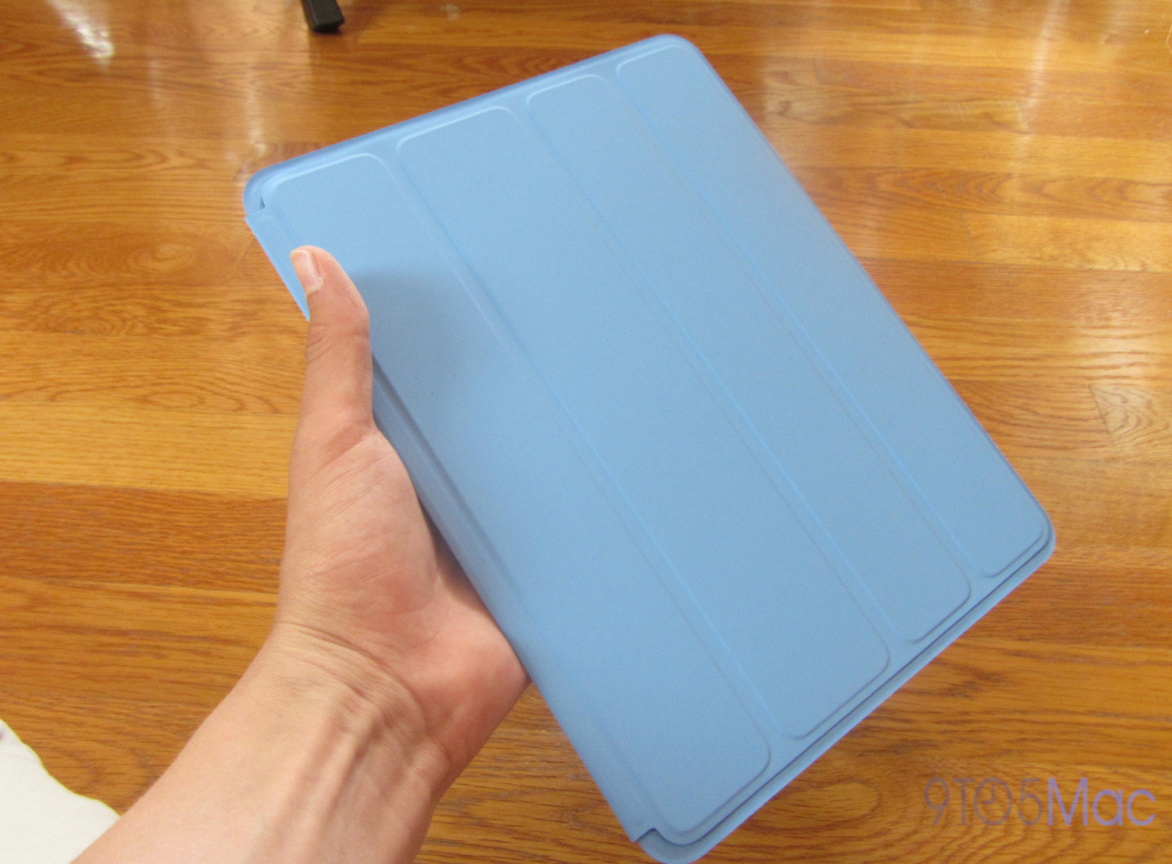
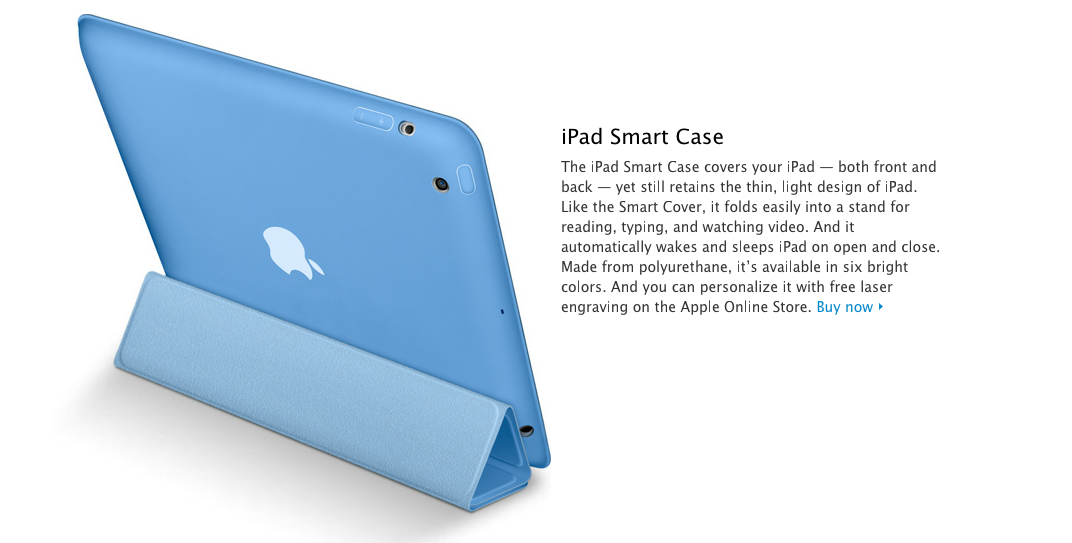
A few hours before the opening keynote at this year’s Worldwide Developers Conference, we reported that Apple was set to unveil an all-new iPad. We did not get a product demo at the keynote. Fast-forward a few hours after the event, and the Polyurethane Case appeared on the Apple Store. As an alternative to the Smart Cover that unveiled with the iPad 2, which provides only screen protection, the Smart Case offers full back and front protection for $10 more than the $39 Smart Cover. It is available in six colors (without tax at Adorama), and free engraving is available if ordered online. So, is the Smart Case the case you need to protect your iPad? Read on for the full review (including video) below.
A new biopic titled “jOBS,” which stars Ashton Kutcher as Steve Jobs, Matthew Modine as John Sculley, and other popular actors, will portray the early days of Apple and life of late co-founder Jobs. It is set come out sometime soon. While we already saw Ashton Kutcher in character, we now have a look at a couple other characters on set, including John Sculley and Bill Gates. Pacific Coast News snapped a few photographs of the actors filming inside Jobs’ childhood Los Altos home, and DailyMail grabbed the photos above and below.
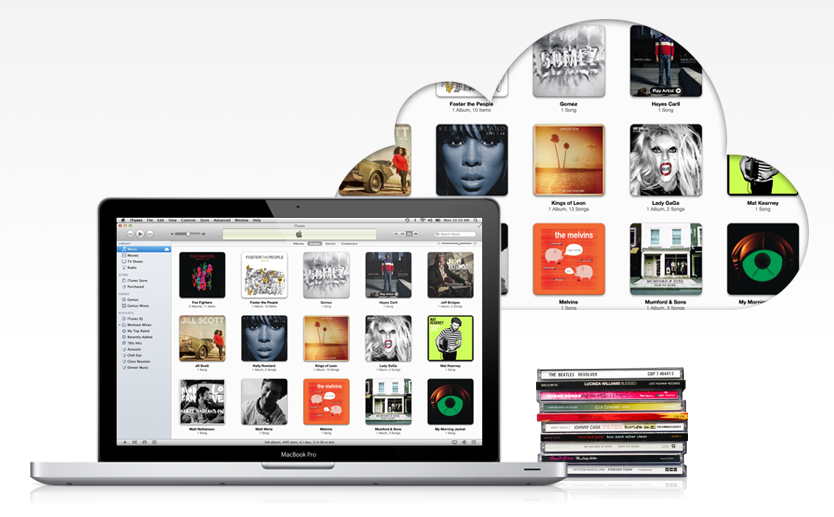
After iOS 6 hit the Developer Center on Monday, its new features began to come out. Apple n Apps found a new feature today that involves Apple’s iTunes Match, which launched last November as a way to scan and match tracks in users’ iTunes library to all of their devices. One of the downfalls of iTunes Match was its absence of streaming music. Songs had to be downloaded and could not be played from the cloud. With iOS 6, however, songs stored on iTunes Match can be streamed. This leaves out any need to download songs to your device. Since iTunes Match is $24.99 a year, Apple should have always included this feature. Perhaps this will encourage some to ditch Spotify and others, which cost roughly $10 a month. Do not be mistaken, though. You still have to purchase the music to stream it.
Another small change came to Siri that makes her pretty social:
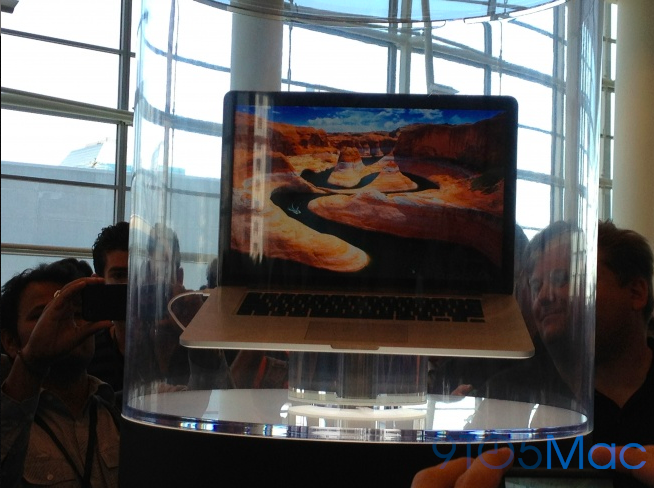
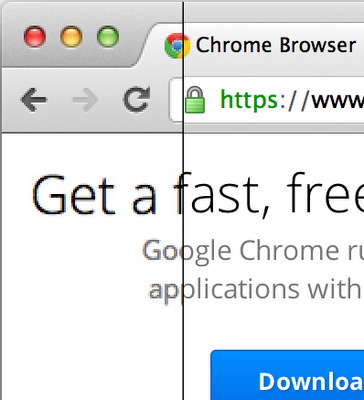
Early reviews of the new Retina MacBook Pro suggest its Retina resolution looks great—on apps that support it. All of Apple’s stock apps feature the high-resolution quality that we have all been craving; however, third-party apps have yet to support it. There is one in particular that needs it quick, and that is Google Chrome. Luckily, the folks in Mountain View just announced Retina resolution is coming to the web browser “in the next few weeks.” For those who cannot wait, they can check out the “basic high-resolution” support in Google’s Chrome Canary (developer build).
Apple aired a commercial this evening titled “Every Dimension.” It shows off the 15.4-inch Retina MacBook Pro that released yesterday. It looks like the company is ready to push its $2,199 laptop to the masses, but who can afford it? Read more about it in yesterday’s coverage of the Worldwide Developers Conference. Have any of you picked it up?
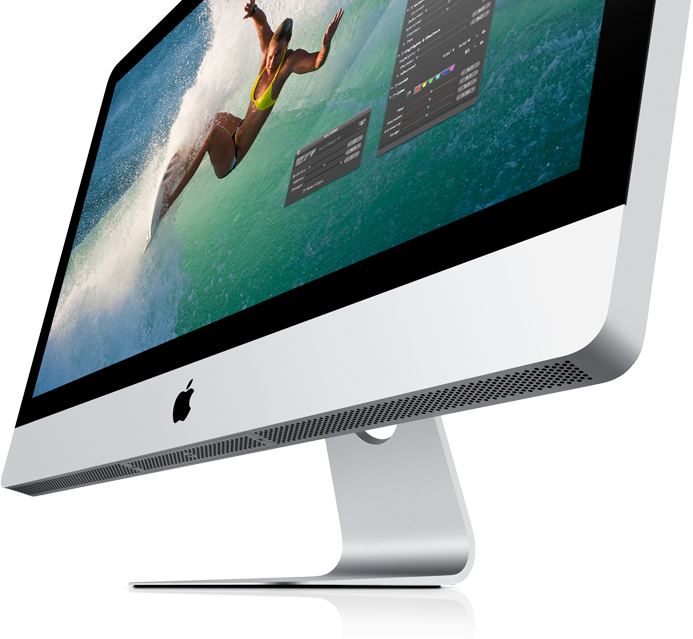
A day after the iMac and Mac Pro (besides a spec-bump that popped up in the store) were neglected from this year’s slew of Mac announcements, an Apple spokesperson confirmed to Forbes that new models and new designs of the iMac and Mac Proare likely to release in 2013. Connie Guglielmo said today:
An Apple spokesman just told me that new models and new designs of the Mac Pro, as well as the iMac desktop, are in the works and will likely be released in 2013.
This confirms what New York Times’ columnist David Pogue said yesterday:
Many Apple observers also wonder if Apple thinks that desktop computers are dead, since not a word was said about the iMac and Mac Pro. An executive did assure me, however, that new models and new designs are under way, probably for release in 2013.
Thanks for your email. Our Pro customers like you are really important to us. Although we didn’t have a chance to talk about a new Mac Pro at today’s event, don’t worry as we’re working on something really great for later next year. We also updated the current model today.
We’ve been continuing to update Final Cut Pro X with revolutionary pro features like industry leading multi-cam support and we just updated Aperture with incredible new image adjustment features.
We also announced a MacBook Pro with a Retina Display that is a great solution for many pros.
Tim
2013 seems like a long time to wait?
UPDATE: An Apple spokesperson clarified this is Mac Pro ONLY.
During the opening keynote of WWDC 2012 that took place this afternoon, Apple announced a slew of new features in Mountain Lion, Apple’s next Mac OS that is set to ship next month for $19.99. Earlier this evening, Apple released Developer Preview 4, giving us a first look at the new features. Namely, the new features include Facebook integration through the entire operating system, Apple’s new Mac Dictation feature that works much like it does on iOS, 1080 AirPlay mirroring, and several UI enhancements throughout. The additions definitely make the operating system feel like it’s ready to ship, as a GM is most likely coming out in the coming weeks. Let’s talk specifics.
When developers first got their hands on Mountain Lion earlier this Spring, Twitter was integrated throughout the entire OS. Now, Apple has now become sort-of buddies with Facebook, which now brings integration across Mac and iOS. Apple has added a Facebook login under the “Mail, Contacts, and Calendars” setting in System Preferences (note: developers have to download a separate .dmg to enable). Notifications for Facebook now appear in Notification Center and appears with the various sharing methods that are now present in Mountain Lion. For instance, you can just click the share button in a number of apps to simply post links and such to Twitter and Facebook. Safari is where this type of sharing is big. Speaking of Safari, it has gotten a nice makeover in Mountain Lion, with a huge Javascript boost and new features like Smart Search Field (think Google Chrome Omnibar), a new iCloud Tabs that keeps your tabs and bookmarks synced across your devices, and a new Tab View feature that lets you swipe through the tabs loaded on your other devices. As for when Facebook integration will actually hit the masses, it won’t be actually until this Fall, we learned this evening. It’s upsetting that it’s actually not going to be included at Mountain Lion’s launch.
We’re really excited for the new Dictation feature that allows you to natively speak to your Mac by simply just right clicking the microphone button. Apple says this feature works throughout Mountain Lion, “even in Microsoft Office.” From there you just speak natively, like saying “9to5mac.com” into Safari. We know you type it a lot, so why not make it easier by just saying it.. But seriously, it’s really cool.
If you have an Apple TV, you’re going to love Apple’s new AirPlay Mirroring, which allows you to mirror what’s on your Mac in a 1080p stream to your Apple TV, allowing everybody to look what your working on. This feature is perfect for meetings, getting rid of the need for expensive projectors.
Other minor enhancements included in the new Mountain Lion build are Game Center, better feature integration for Chinese users, and a whopping list of 1,700 APIs that give developers a little more flexibility when developing their apps. The Game Center is a lot like the Game Center featured on iOS, allowing you to share scores and more with the friends you’ve added on the social network. Speaking of the Chinese features, Apple has added an all new Chinese dictionary, integration with the popular Baidu search in Safari, and the ability to hook up with various popular Chinese email providers in Mail. As for UI tweaks, Notification Center has been given a new logo, a larger amount of space when it’s opened, and Mountain Lion’s dock has been given a bit of a tweak — looking quite nice.
Mountain Lion is sure to feature a ton of great features when it hits next month. Check out our tour of the new features we just discussed in the gallery that Sonny Dickson helped us build, below:
Apple released an update for the MacBook Pros that it just released this afternoon. The 1.06GB update brings a fix that improves graphics stability, external display support, and USB 3 device support.
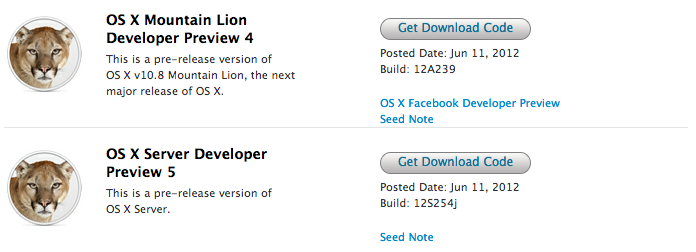
Just after its opening keynote this afternoon, Apple released OS X Mountain Lion Developer Preview 4 (build 12A239) and Server Preview 5 (build 12S254j) to developers. Unlike previous developer previews of Mountain Lion, Apple does not ask developers to look into any certain issues, perhaps because Mountain Lion is going to ship in July for $19.99 (a GM to come soon?). Apple also does not list any issues out of the ordinary, as you can see in the release note after the break.
For those looking to test the new Facebook integration announced today (much like Twitter) within Mountain Lion, you could download a separate .dmg from the Developer Center titled “OS X Facebook Developer Preview.” If you are registered with Apple’s paid developer program, you can get the Mountain Lion update on the Developer Center now. For those who are not, it does not look like you will be waiting much longer to play with this latest beast. Let us know if you find anything: tips@9to5mac.com.
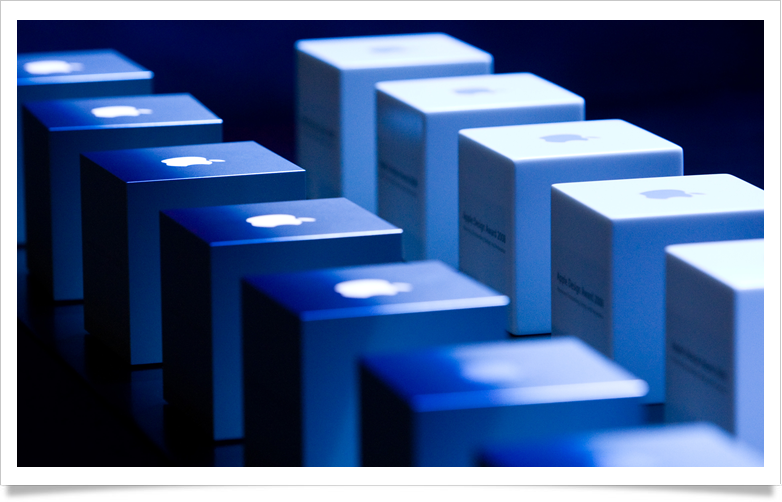
Apple announced its 2012 Apple Design Award winners this afternoon at Moscone West after the opening keynote. Apple opened this year’s award nominations in late April, but today we get a look at who won. The winners received a hefty load of prizes, including: a special lanyard to commemorate the event, a new MacBook Air, a new third-generation iPad, an iPod touch, and the good-looking ADA trophy seen in the image above. You can check out the list of apps compiled byMacStories below.
In wake of today’s announcement about Mountain Lion becoming available in July for $19.99 to consumers, Google released a small update to Chrome for Mac (viaThe Next Web). The update adds stability for developers running Mountain Lion. It also provides the newest version of Flash Player (version 11.3).
The Stable channel has been updated to 19.0.1084.56 for Mac. This build contains a new version of Flash Player (11.3), in addition to more patches to support transitioning to OSX Mountain Lion.
You can download the latest version of Chrome for Mac here.
Apple just uploadedits all-new iOS 6 beta on the Developer Center for paid developers to check out. We installed the beta on our devices to sift through the latest iOS, including Apple’s new Maps and revamped stores. You can check out the full gallery below as we add more:
In typical fashion, Apple just posted the full video to its 2012 Worldwide Developers Conference keynote. The video is available (here) for Safari users and it looks like Chrome and Firefox users will have to wait a bit.
Flyover and turn-by-turn navigation are a couple of the coolest features within Apple’s new Maps. However, the two highlighted features will only be available on the iPhone 4S, iPad 2, and the new iPad. This leaves the iPhone 4 and first-generation iPad out-to-dry. Apple outlined the news on its website:
Some features may not be available in all countries or all areas. Flyover and turn-by-turn navigation will be available only on iPhone 4S and iPad 2 or later. Cellular data charges may apply.
Apple just posted the iOS 6 beta, iTunes 10.6.3, Apple TV software beta, Xcode 4.5 Developer Preview, and the Find My iPhone and Find My Friends betas for iOS on the Developer Center.
Apple just confirmed its 2012 “Back to School” promotion—that we posted about earlier this morning—starts tomorrow. Apple will offer a $100 App Store card for Mac purchases and $50 for iPad purchases.
As we predicted just before the WWDC Keynote, Apple has unveiled the new iPad Smart Case on its website. The new case covers both the front and back of the device, while maintaining the iPad’s thin design, available in Dark Gray, Light Gray, Pink, Green, Blue and Red.
It will ship in six colors and offer optional, free laser engraving.
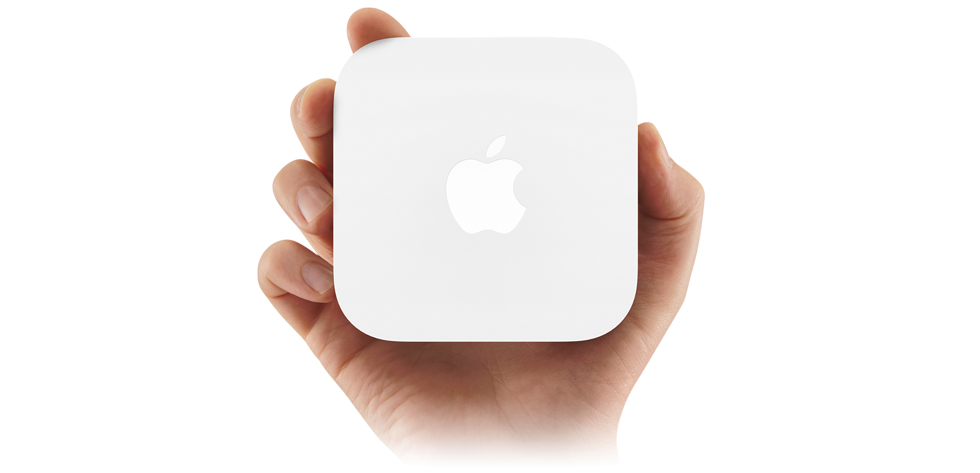
Apple just unveiled its new AirPort Express on its online store at the conclusion of its WWDC keynote. The new router features dual-band 2.4GHz and 5GHz 802.11n Wi-Fi for $99. Besides the new bands, the new Express does not seem to feature any new updates, except that it does seem to look closer to an Apple TV — in white. The update Express keeps the same USB 2.0 and 3.5mm headphone jack that it has always carried. You can check it out on the Apple Online Store now. Expand Expanding Close