How-to

See All Stories

A collection of tutorials, tips, and tricks from the 9to5Mac team helping you fix and get the most out of your favorite gear.

9to5Mac How To tutorials

Top tutorials and guides

iPhone how-tos

Mac how-tos

iPad how-tos

Apple Watch how-tos

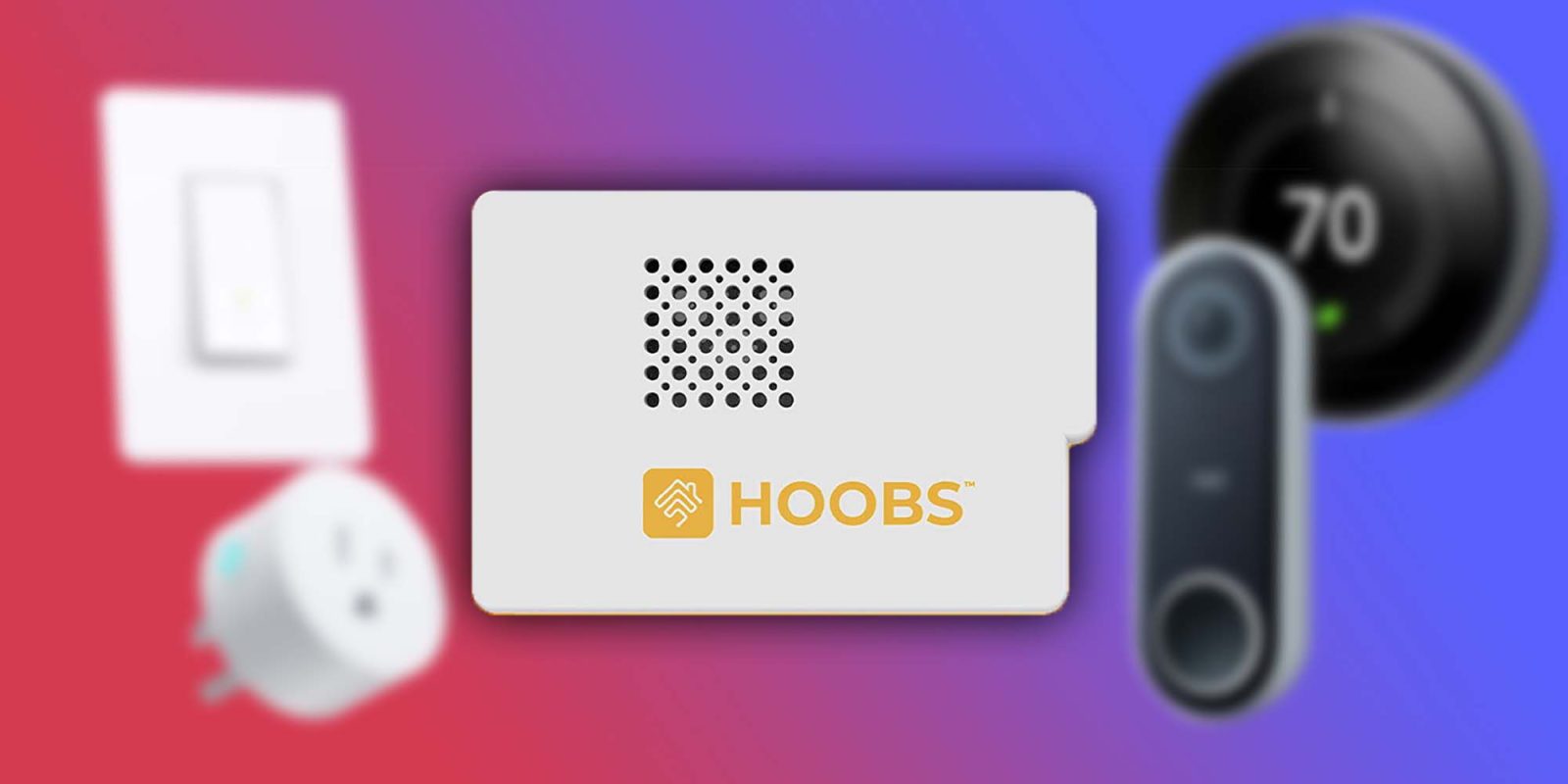
Unify your smart home with HOOBS – bring unsupported devices into Apple’s HomeKit [Video]

Homebridge

HomeKit’s ecosystem is fantastic, but the directly compatible devices can get expensive – especially if you already have incompatible devices at home that you need to replace. $25 for a smart plug, $40 for a door sensor – it really adds up quickly. There are plenty of other smart home devices available on Amazon, from $6 smart plugs to $25 cameras, outside the HomeKit ecosystem. Thankfully, many of these otherwise unsupported devices can be brought into HomeKit with the use of Homebridge software.

Expand Expanding Close

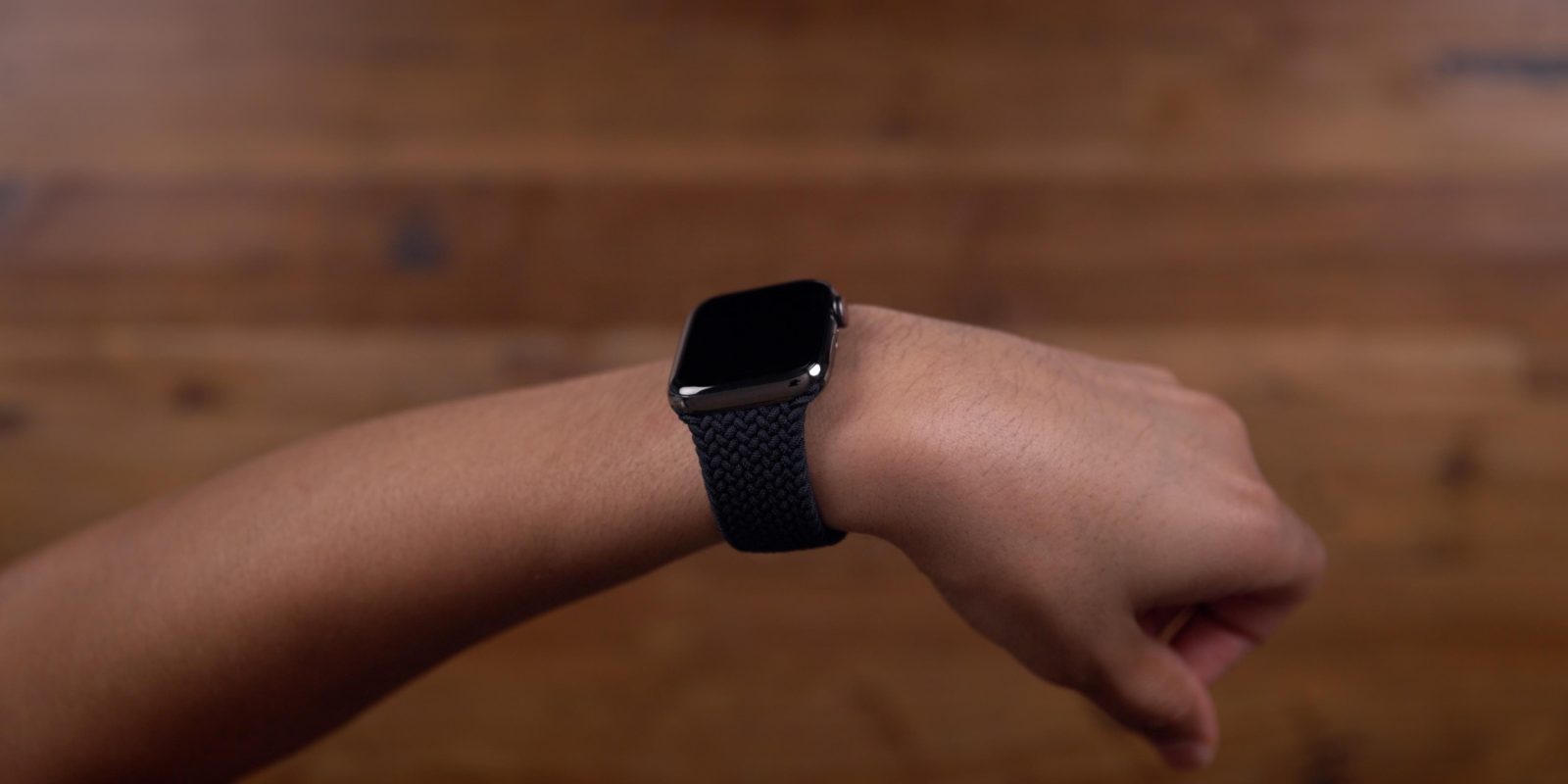
Apple Watch: Four advanced health features you’re probably not using

Apple Health features

Beyond Apple Watch’s ability to track basic activities like steps and exercise, more sophisticated features like ECG, high/low heart rate warnings, and fall detection offer a lot of value and have gained mainstream attention. But flying under the radar, Apple Watch has several lesser-known important capabilities that measure everything from current to future overall health, likelihood of mortality, and your base metabolic rate. Let’s look at four hidden Apple Watch health features you’re probably not using.

Expand Expanding Close

It’s easier than you think to live stream to YouTube and Twitch from a Mac

live stream mac youtube twitch

The popularity of live streaming has soared since the beginning of 2020. Everything from video games to music to chess is live online from creators with followings large and small. While Macs are not the traditional streaming computer, it is entirely possible to become a successful live streamer on one of these devices.  

Expand Expanding Close

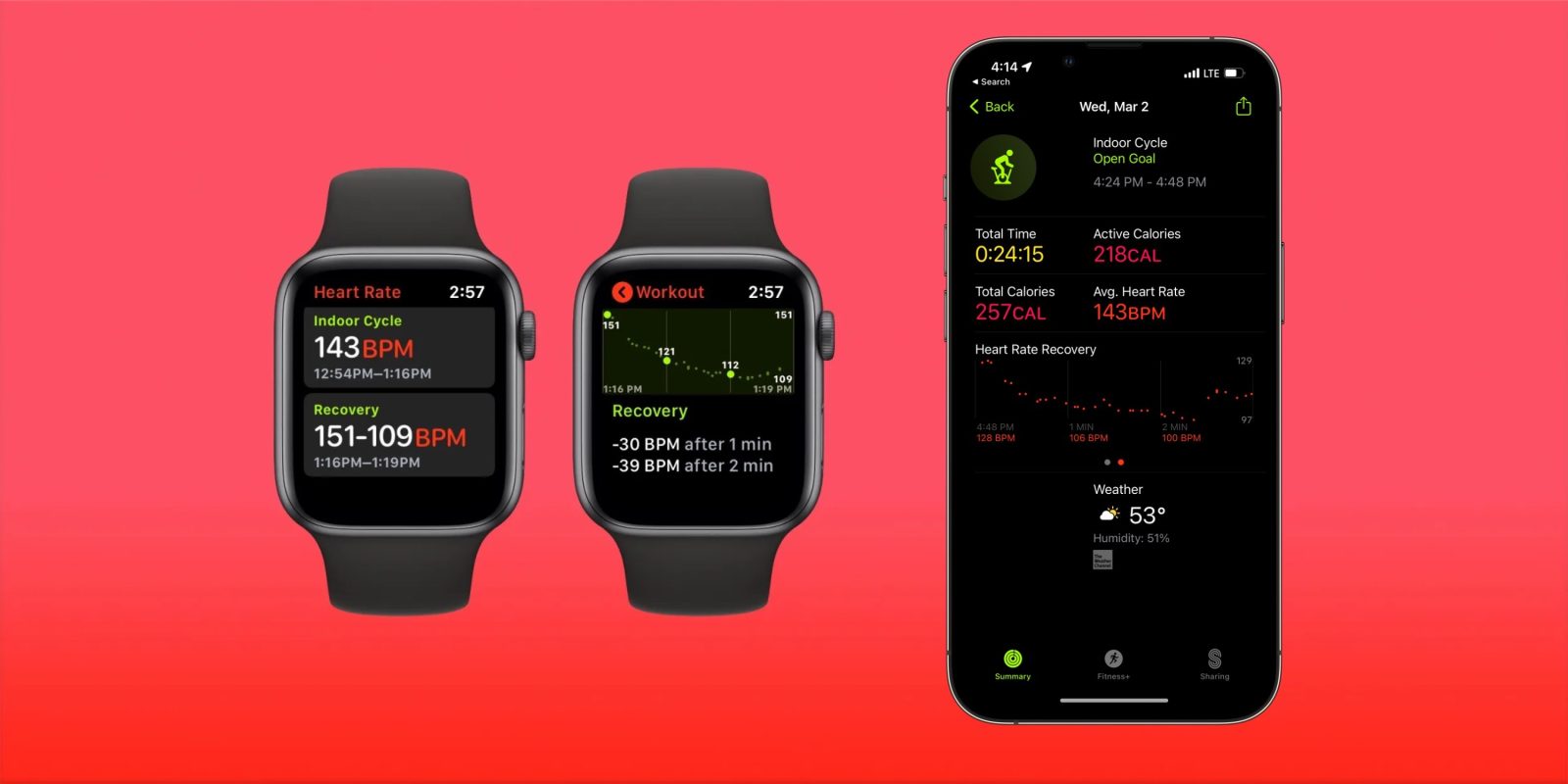
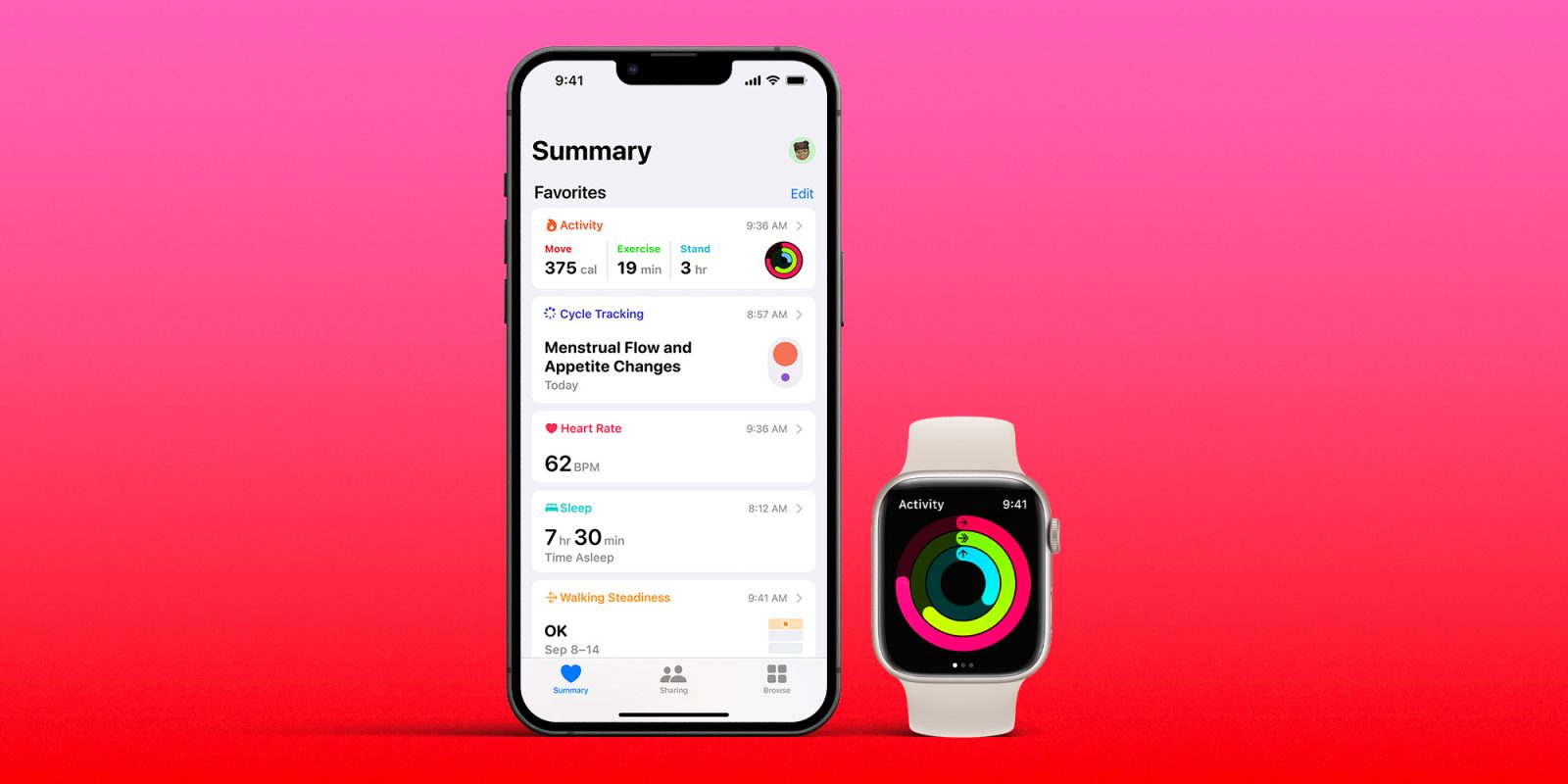
How to get the most out of Apple Health on iPhone and Apple Watch

Apple health

Apple’s Health app features a lot of information and can be overwhelming to the average user. It integrates with other apps to give you an overall summary of your health in one place. When used between iPhone and Apple Watch, it can be a useful tool in maintaining your optimal wellbeing. 

Here’s how you can navigate Apple Health a bit better.

Expand Expanding Close

Here’s how to use Apple Reminders to forget less and organize your tasks

Reminders app

The Reminders app is a fantastic tool developed by Apple that is free and easy to use. Underutilized by many, this app can be a game changer for those looking for help in the organization department. Through iCloud’s capabilities, you can use the Reminders app across Apple Watch, iPhone, iPad, and Mac. 

Here are some tips on how to better use one of Apple’s popular organization tools.

Expand Expanding Close