How-to

See All Stories

A collection of tutorials, tips, and tricks from the 9to5Mac team helping you fix and get the most out of your favorite gear.

9to5Mac How To tutorials

Top tutorials and guides

iPhone how-tos

Mac how-tos

iPad how-tos

Apple Watch how-tos

iPhone how to use Face ID with mask

iPhone: How to improve Face ID with a mask, including Apple Watch Unlock feature

Wearing a face mask usually renders iPhone’s Face ID unusable. Even though it sounds like a first-world problem, there are a lot of people, including medical professionals, who would value Face ID on iPhone to work while wearing protective equipment. Read on for how to use Face ID with a mask including the option to unlock your iPhone with Apple Watch when Face ID detects you’re wearing a mask.


Expand
Expanding
Close

Mac: How to dial in privacy and security with new macOS Monterey features

How to customize Mac privacy in macOS Monterey

9to5Mac is brought to you by MacStadium. Migrate to M1 easier with Orka and MacStadium. Orchestrate macOS VMs with Kubernetes in a mixed cluster of M1 and Intel Macs. Watch the tech preview and sign up to be a beta participant.

Along with the shinier features that launched with macOS Monterey are several subtle ones to help keep your Mac secure and private. Let’s look at how to customize and use Mac privacy features in the latest version of macOS.

Expand Expanding Close

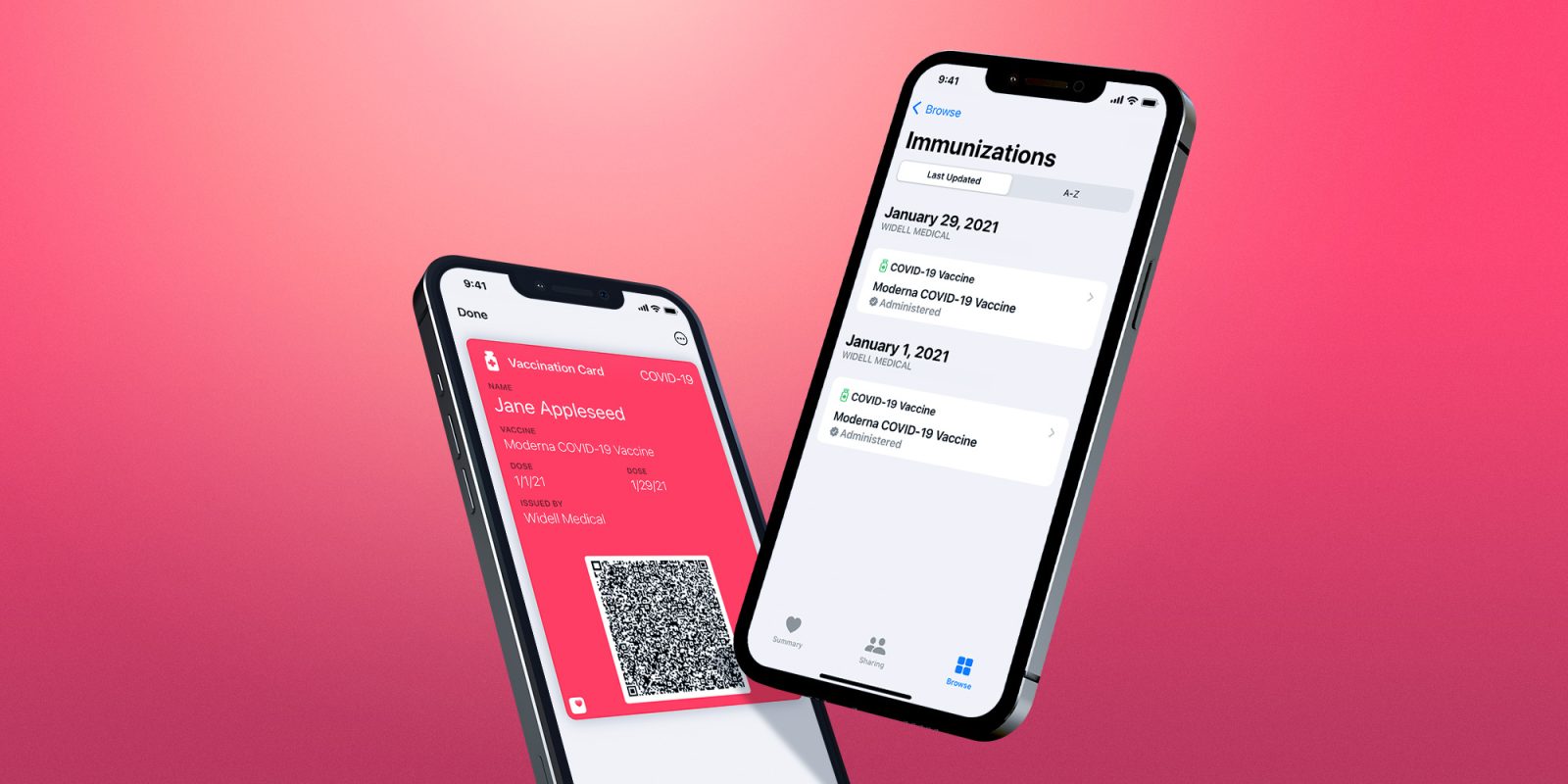
How to add your COVID-19 vaccine records to Apple Health and Wallet on your iPhone

covid-19 vaccine apple health

Last fall, Apple rolled out the ability to store verifiable COVID-19 vaccination information in the Apple Health and Wallet applications. Since then, adoption among healthcare providers and health technology infrastructure companies has been slow but is finally starting to pick up.

Head below for more details on how to store your COVID-19 vaccine records in Apple Health and Apple Wallet.

Expand Expanding Close

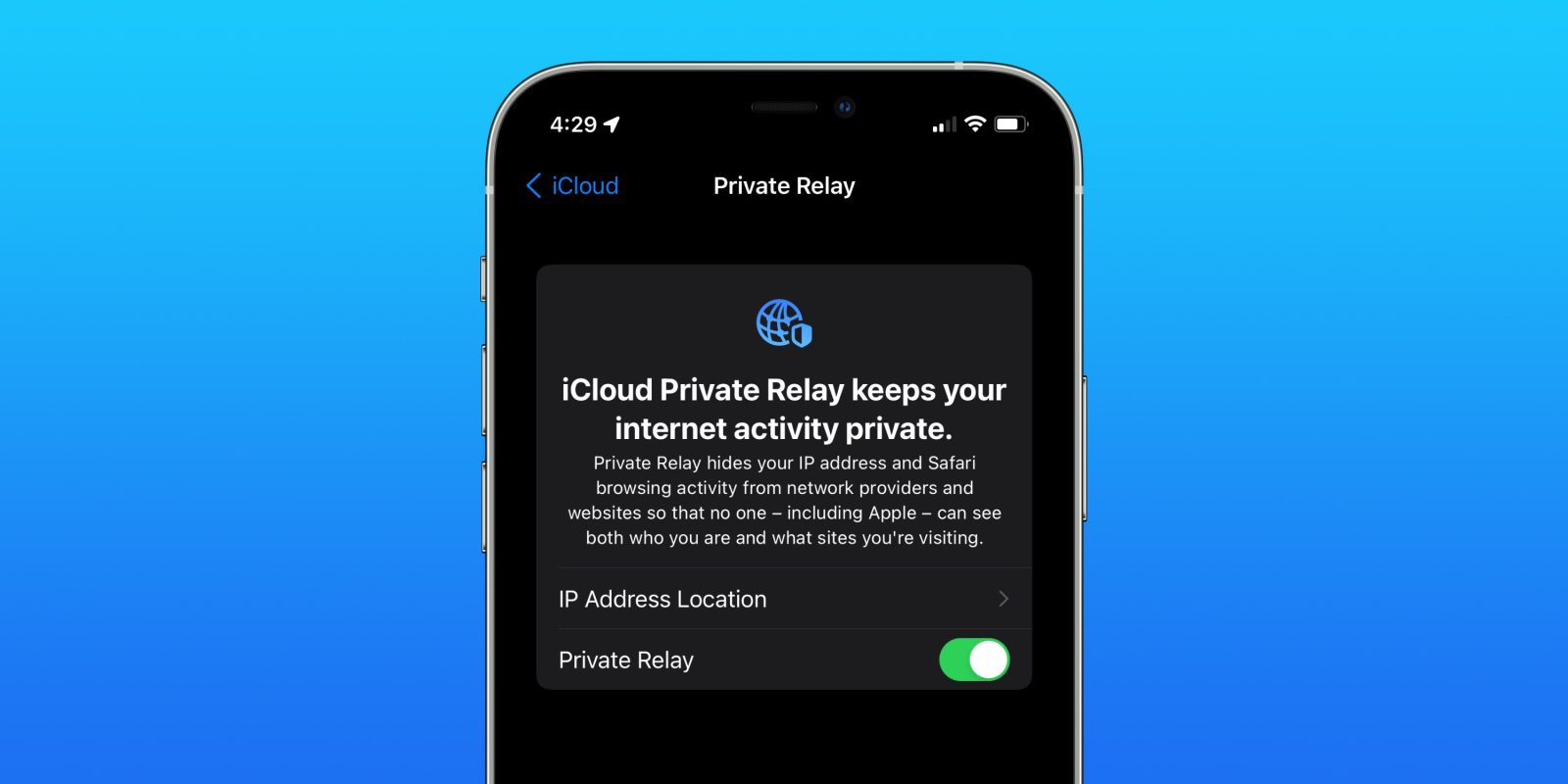
iOS 15.2 offers custom control to hide your email address; here’s how it works

Apple brings some advanced features to iCloud with iOS 15, including iCloud Private Relay, the ability to use more cameras with HomeKit Secure Video, and total control to keep your email private. Let’s look at the latter — here’s how to use Hide My Email with iPhone and iPad now that it’s officially launched with iOS 15.2.

Expand Expanding Close

How to upgrade the camera experience with Macro mode on iPhone 13 Pro

How to enable macro toggle on iPhone 13 Pro walkthrough

iPhone 13 Pro and Pro Max cameras come with a new Macro mode that’s quite impressive. However, it originally shipped with a design that automatically kicked in, with no option to manually control it. Now with iOS 15.2, there’s an easy way to control the feature. Read on for how to enable the Macro toggle on iPhone 13 Pro and also make your preference the default.

Expand Expanding Close