How-to

See All Stories

A collection of tutorials, tips, and tricks from the 9to5Mac team helping you fix and get the most out of your favorite gear.

9to5Mac How To tutorials

Top tutorials and guides

iPhone how-tos

Mac how-tos

iPad how-tos

Apple Watch how-tos

How to AirPlay content to your Mac

How to AirPlay to Mac with macOS Monterey

9to5Mac is brought to you by MacStadium. Migrate to M1 easier with Orka and MacStadium. Orchestrate macOS VMs with Kubernetes in a mixed cluster of M1 and Intel Macs. Watch the tech preview and sign up to be a beta participant.

One of the neat ways macOS Monterey upgrades Apple desktops and notebooks is turning them into AirPlay targets. Follow along for how to AirPlay to Mac including what hardware works with the new feature and how to enable it with older devices.

Expand Expanding Close

How to see what apps are doing in the background with iPhone App Privacy Report

Apple has included a new privacy tool with the arrival of iOS 15.2 that expands on the features it’s rolled out recently like app privacy labels and app tracking transparency. Follow along for how to turn on iPhone App Privacy Report to understand what your apps are up to when it comes to data access, sensor access, and network activity.

Expand Expanding Close

Here’s how to use macOS Monterey’s most useful new feature: Live Text

9to5Mac is brought to you by MacStadium. Migrate to M1 easier with Orka and MacStadium. Orchestrate macOS VMs with Kubernetes in a mixed cluster of M1 and Intel Macs. Watch the tech preview and sign up to be a beta participant.

One of the hallmark new features available in macOS Monterey is Live Text. As Apple puts it, this features makes text “completely interactive in your photos,” allowing you to copy and paste it, use lookup, translation, and more. Head below for the full details on how Live Text works.

Expand Expanding Close
How to watch A Charlie Brown Thanksgiving and Christmas

Here’s how to watch A Charlie Brown Thanksgiving on Apple TV+

After a partnership between Apple TV+ and Peanuts kicked off in 2019 with Snoopy in Space, Apple bought the rights to the beloved Peanuts Charlie Brown holiday specials. While they are exclusive to Apple TV+, there are limited broadcast dates on PBS. Read on for how to watch A Charlie Brown Thanksgiving and A Charlie Brown Christmas even if you don’t want to pay for Apple TV+.

Expand Expanding Close

How to use the new password manager and 2FA features in macOS Monterey

Safari password manager

9to5Mac is brought to you by CleanMyMac X. Find hidden junk, large old folders, unused apps, and heavy memory consumers. You can also use CleanMyMac X to remove malware, unwanted pop-ups, and virus extensions. Try it for free

One of the subtle and valuable additions with macOS Monterey (and iOS 15) is an upgraded password manager in Safari. While there’s not a standalone app yet, a major improvement is the ability to generate and autofill two-factor authentication (2FA) codes. Let’s look at how to use the Safari password manager and 2FA features in macOS Monterey.

Expand Expanding Close

How to create a bootable macOS Monterey USB Install drive [Video]

In this hands-on video walkthrough, I’ll show you how to turn an eligible USB drive, one that you may already have laying around the house, into a handy macOS Monterey install disk. This is useful for facilitating upgrades to Monterey across multiple Mac computers. Be sure to subscribe to 9to5Mac on YouTube for more Mac-centric guides, tutorials, and how-tos.

Expand Expanding Close

Here’s how the new iPhone Focus mode works in iOS 15

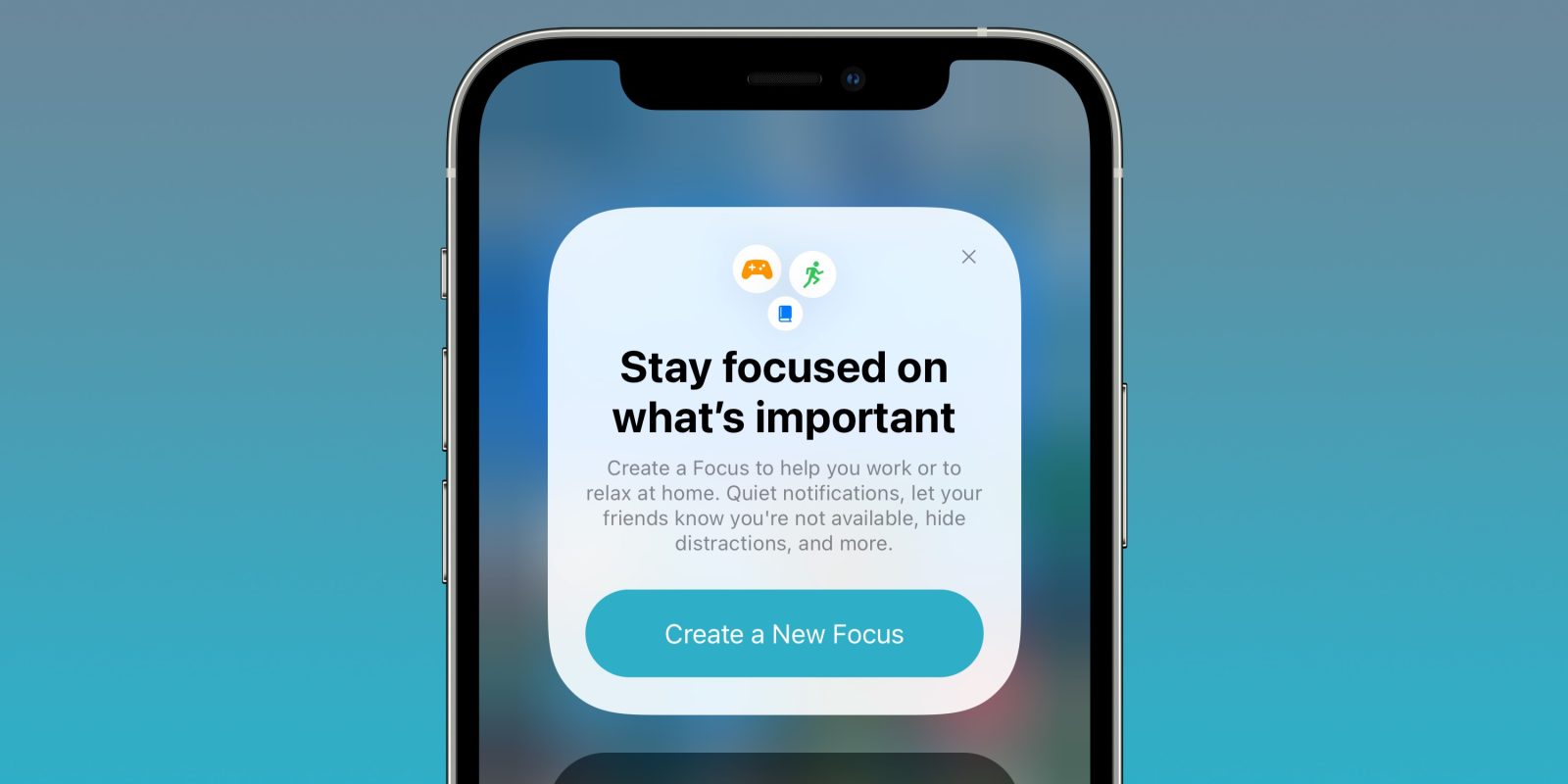
Apple is looking to help users minimize distractions with the all-new Focus mode in iOS 15 (also supported by Mac, iPad, and Apple Watch). The feature has the ability to set notification, call, and message filters, auto-reply to others when you’re not available, and comes with handy customization and automation. Let’s dive into how iPhone Focus works in iOS 15.

Expand Expanding Close

Here’s what’s new with the redesigned Safari in macOS Monterey and how it works

Safari in macOS Monterey walkthrough

9to5Mac is brought to you by CleanMyMac X. Find hidden junk, large old folders, unused apps, and heavy memory consumers. You can also use CleanMyMac X to remove malware, unwanted pop-ups, and virus extensions. Try it for free.

Apple features a redesigned Safari with macOS Monterey but as it happens, the biggest UI change isn’t seen with the default version. Let’s jump into what’s changed, what’s new, and how Safari in macOS Monterey looks and works.

Expand Expanding Close