How-to

See All Stories

A collection of tutorials, tips, and tricks from the 9to5Mac team helping you fix and get the most out of your favorite gear.

9to5Mac How To tutorials

Top tutorials and guides

iPhone how-tos

Mac how-tos

iPad how-tos

Apple Watch how-tos

Here’s how to upgrade your Mac to macOS Monterey

How to install macOS Monterey

9to5Mac is brought to you by CleanMyMac X. Find hidden junk, large old folders, unused apps, and heavy memory consumers. You can also use CleanMyMac X to remove malware, unwanted pop-ups, and virus extensions. Try it for free

Want to check out all the new features and changes landing with macOS 12 Monterey? Follow along for how to install macOS Monterey on your Mac to get going with Shortcuts, the new Safari, Focus mode, AirPlay to Mac, and much more. We’ll also look at Mac hardware compatibility, how much disk space you’ll need, and Monterey’s stability.

Expand Expanding Close

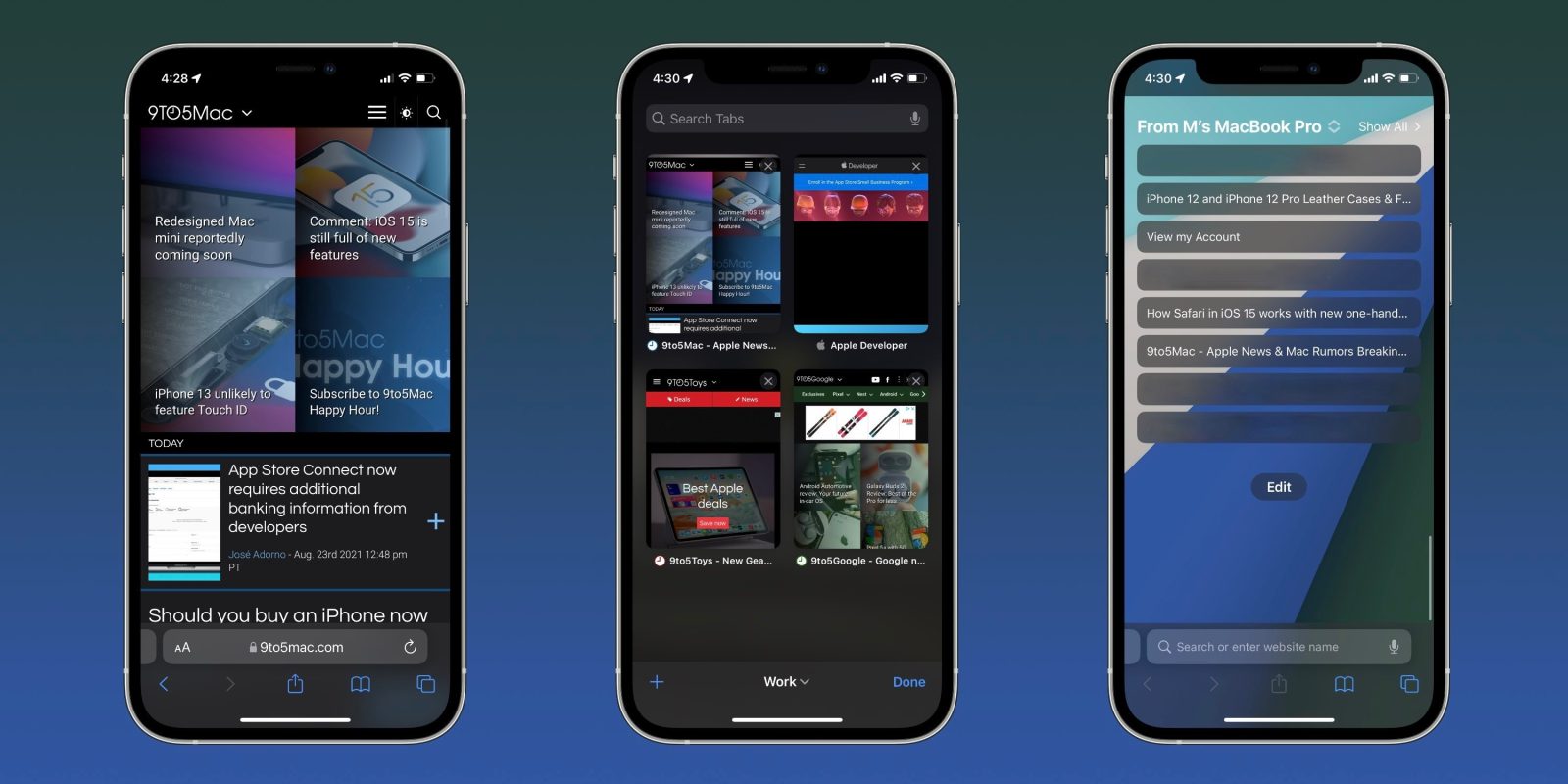
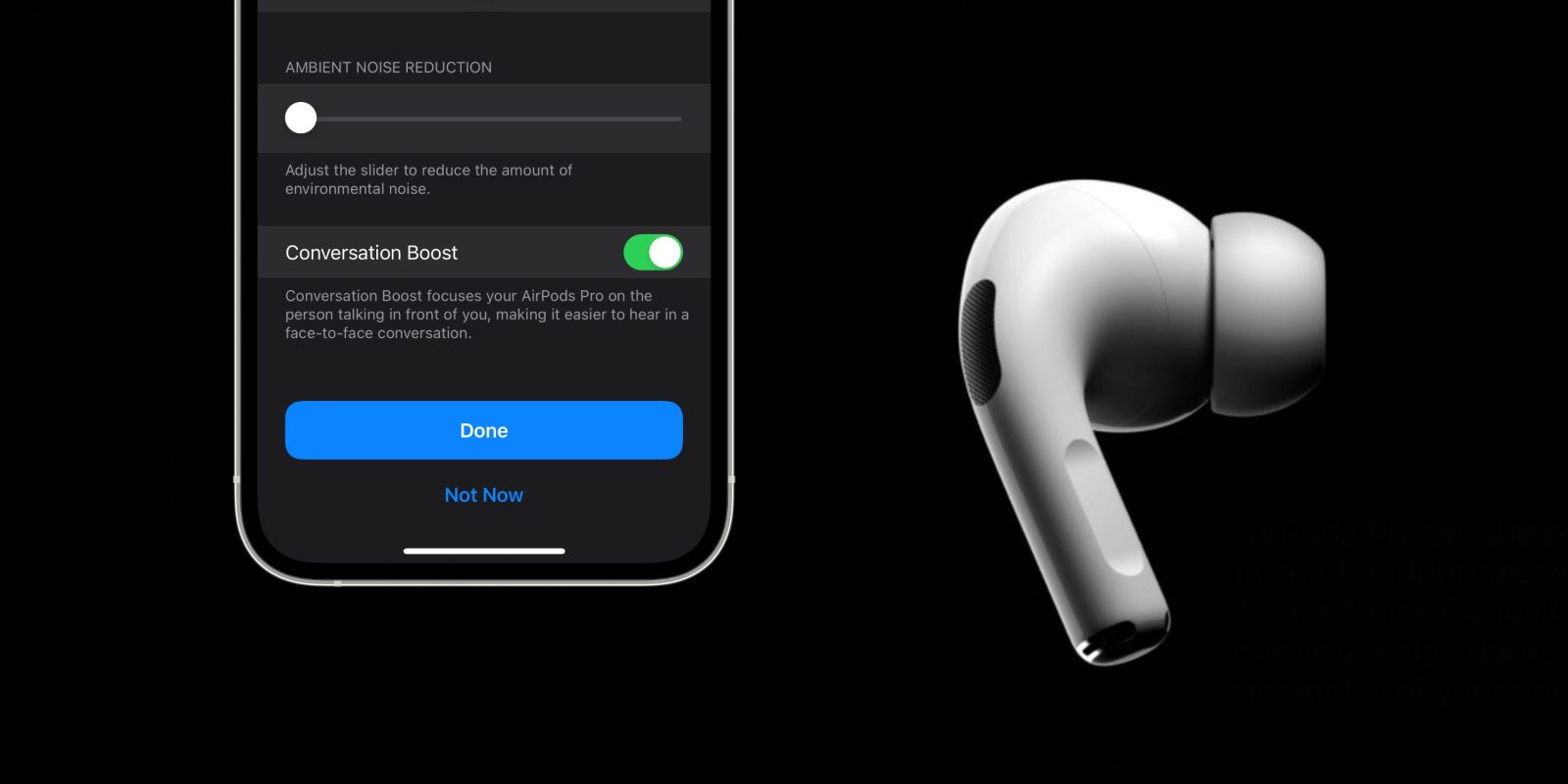
iOS 15 brings new Announce Notifications feature for Siri, here’s how it works

iOS 15 expands on the previously available “Announce Messages” and “Announce Calls” features with the ability to have Siri “Announce Notifications” from first- and third-party apps. The functionality works with certain AirPods and Beats headphones as well as CarPlay, and there’s also the ability to customize which apps can use the feature.

Expand Expanding Close

PSA: If you’re trading in for a new MacBook Pro, upgrade to Monterey for the new system restore feature

If you’re planning on trading in an existing Mac toward the new MacBook Pro next week, you’ll want to install macOS Monterey when it’s released on Monday. Monterey comes with an all-new “erase all contents and settings” feature that makes it easier than ever to prepare a Mac for a trade-in or if you’re planning to sell it.

Expand Expanding Close

How-to: Power off, force restart iPhone 13, enable recovery mode, DFU mode, etc. [Video]

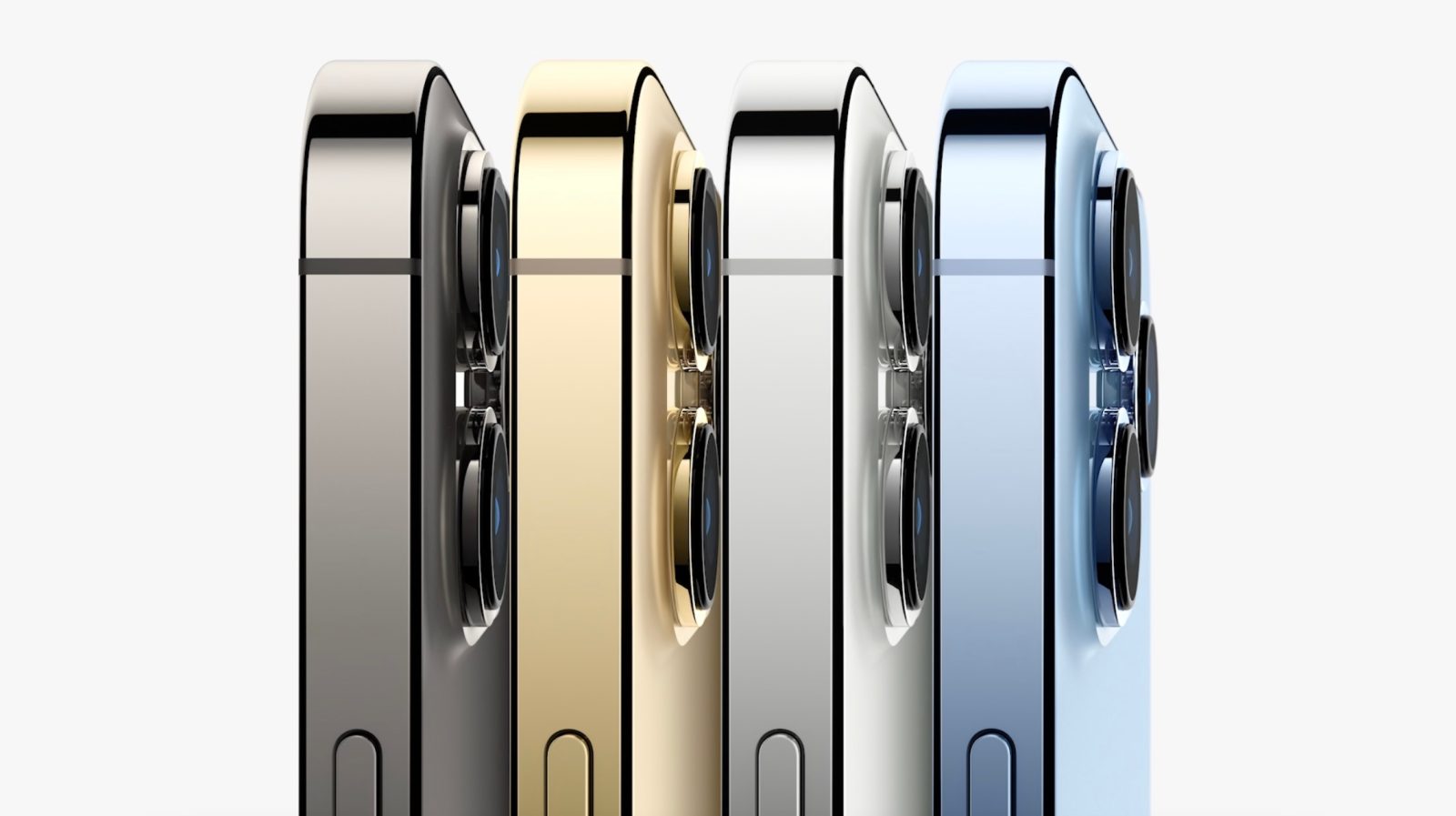
Last week Apple released four new iPhone models: the iPhone 13, iPhone 13 mini, iPhone 13 Pro, and iPhone 13 Pro Max. Like all iPhones that Apple sells these days, with the exception of the iPhone SE, feature “edge to edge” displays, and lack a physical Home button. For these modern devices, you’ll utilize the Volume buttons and Side buttons to facilitate force restarts, invoke recovery mode, enter DFU mode, and more. Watch our hands-on video walkthrough for the details.

Expand Expanding Close

What time will Apple release iOS 15 to the public?

When does iOS 15 come out?

Apple took the wraps off iOS 15 at WWDC in June with beta testing happening since then for developers and the public. With September 20 right around the corner, the official release for the latest iPhone software is close and comes with an all-new Safari, Focus mode, Live Text, redesigned Notifications, Background Sounds, and more. Let’s look at answering the question “when does iOS 15 come out?”

Update 9/20 10 am PT: iOS 15 is now officially available for all users.

Expand Expanding Close

Here’s how the new iPad mini compares to the iPad mini 5 and iPad Air

new iPad mini vs iPad mini 5

After a two and a half year wait since the last update, a totally redesigned iPad mini has officially arrived alongside the iPhone 13. The exciting overhaul for Apple’s compact tablet comes with a larger all-screen design, USB-C, the A15 Bionic chip, camera upgrades, 5G, Apple Pencil gen 2 support, and much more. Read on for a detailed look at the new iPad mini vs the iPad mini 5 and iPad Air.

Expand Expanding Close