How-to

See All Stories

A collection of tutorials, tips, and tricks from the 9to5Mac team helping you fix and get the most out of your favorite gear.

9to5Mac How To tutorials

Top tutorials and guides

iPhone how-tos

Mac how-tos

iPad how-tos

Apple Watch how-tos

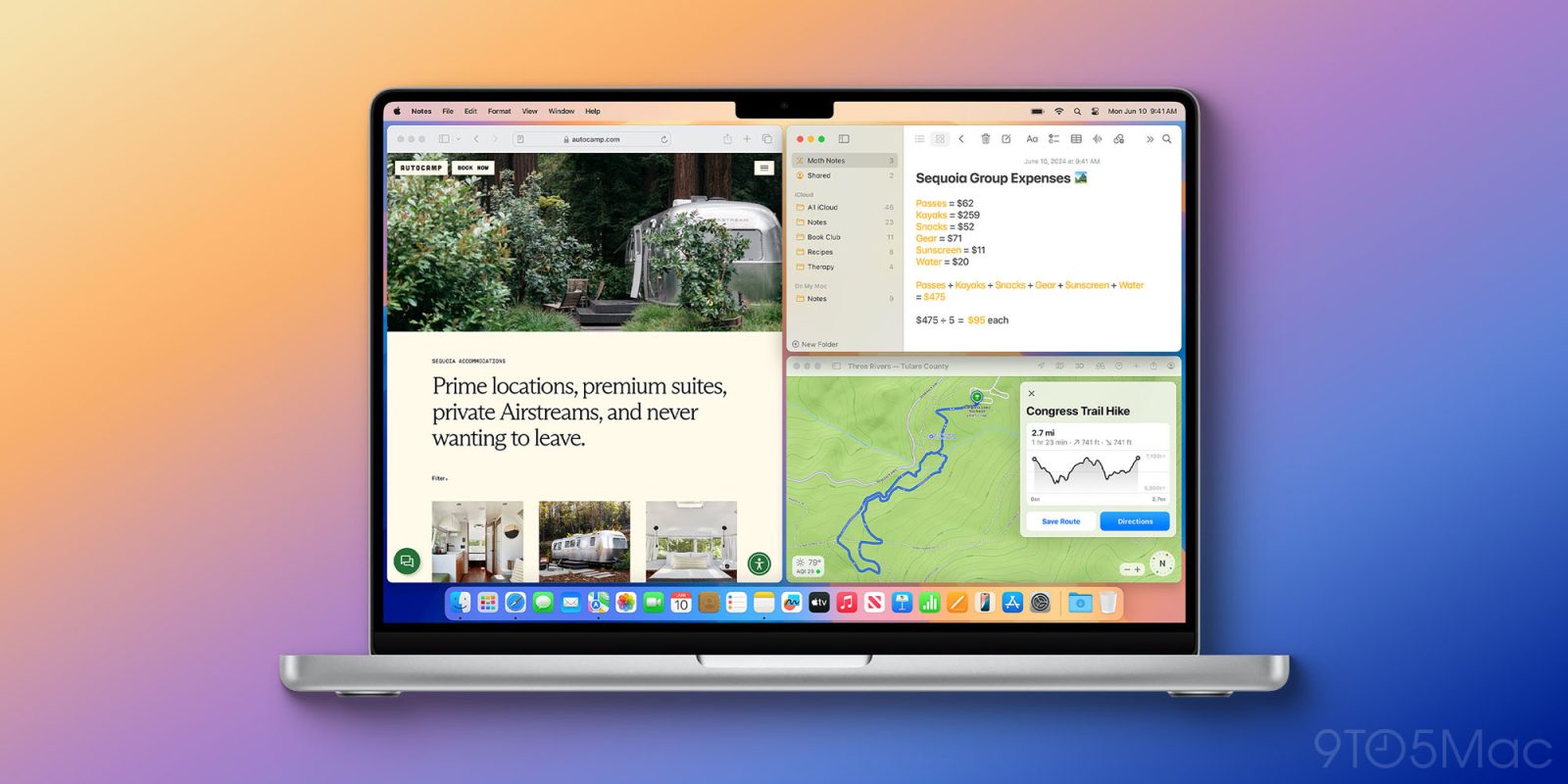
Here’s how to use automatic window tiling in macOS Sequoia including keyboard shortcuts

use automatic window tiling macOS Sequoia

macOS Sequoia comes with a simple but very useful new native tool: automatic window tiling. The new feature can be invoked in several different ways and comes with keyboard shortcuts. Here’s how to use automatic window tiling in macOS Sequoia (and also how to turn it off).


9to5Mac is brought to you by the all-new iMazing 3. The world’s most trusted app for managing Apple devices from a Mac or PC is now even betterTry it now.

Expand Expanding Close

Apple shares how to protect your Apple ID, avoid phishing, social engineering, and other scams

How to protect Apple ID account avoid phishing scams

Scams like phishing and social engineering are continuing to grow with some specifically targeting Apple users. With that in mind, Apple has shared a new support document with official tips on how to protect your Apple ID and other online accounts, how to spot and report scam emails, calls, and more.

Expand Expanding Close

How to turn on double tap-like gesture control on almost any Apple Watch

use double tap on any Apple Watch

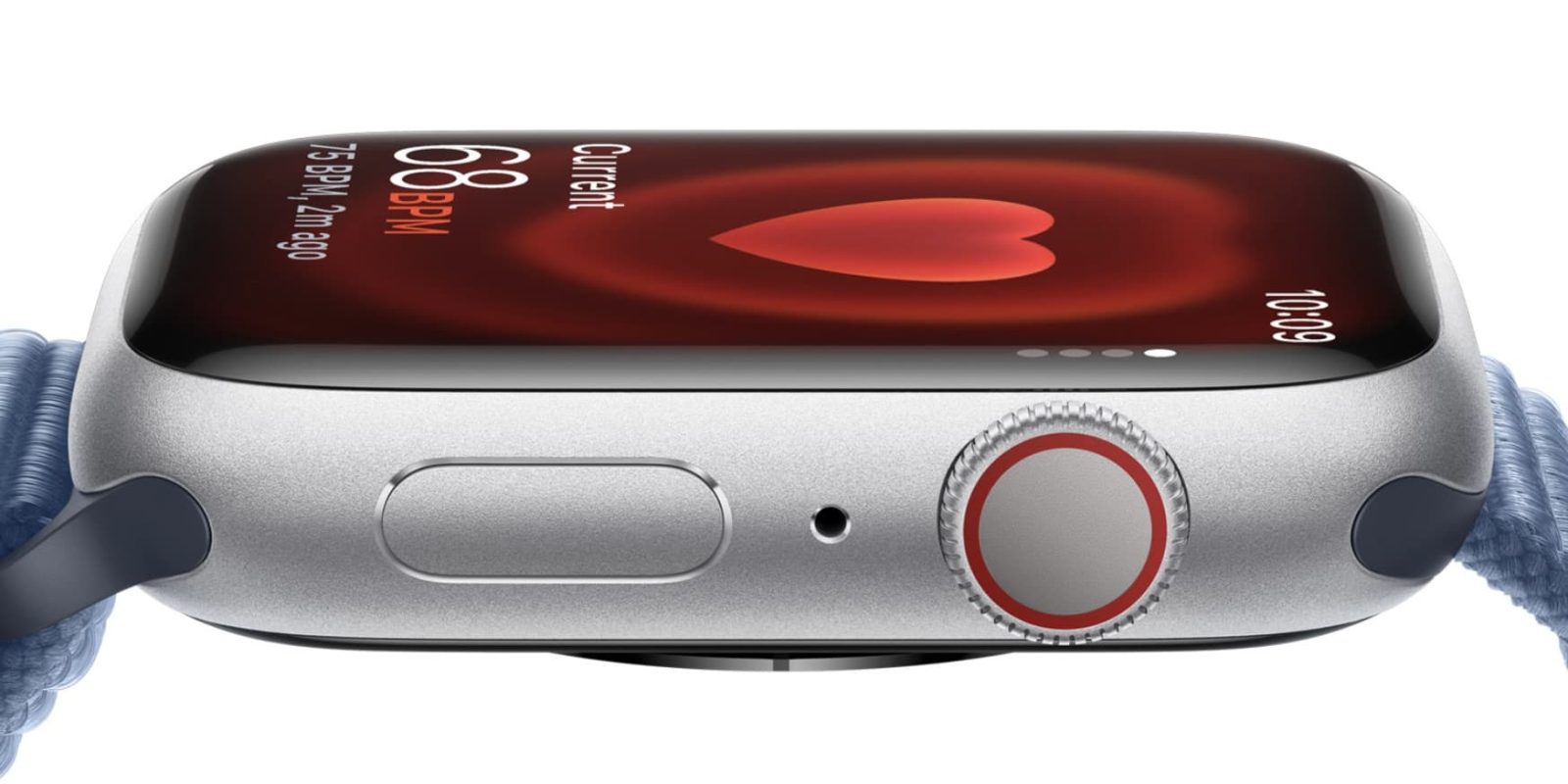
One of the main new features of the Apple Watch Series 9 and Ultra 2 is something called “double tap” which lets users control the wearable by pinching their thumb and pointer finger. While the full functionality and new UI of the feature are indeed limited to the newest hardware, anyone with Apple Watch Series 3 and later can turn on double tap-like gestures to get the feature working for many of the same use cases right now, here’s how.

Expand Expanding Close

How to check if your iPhone has 5G Standalone turned on and is working

5G Standalone turned on iPhone

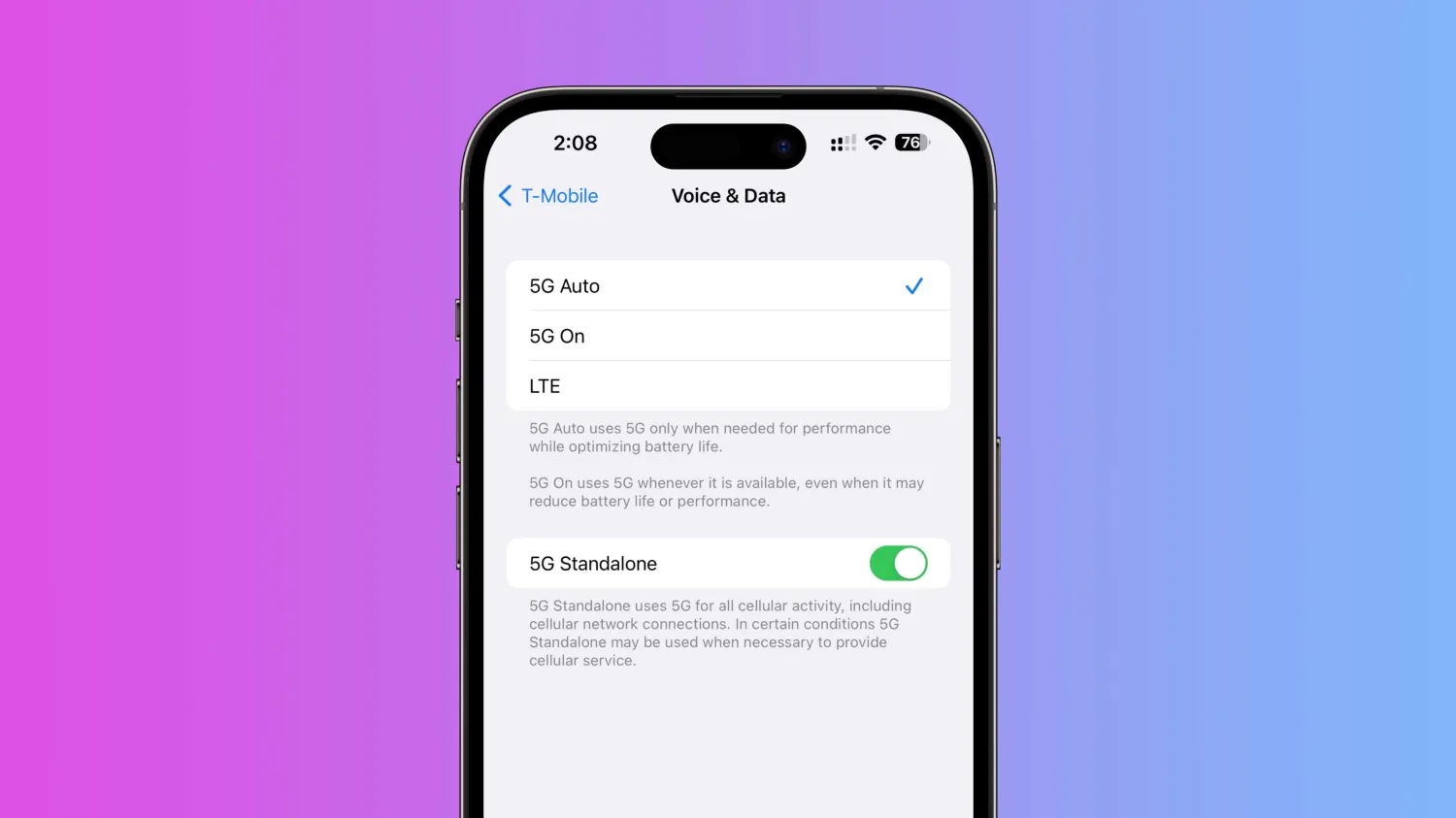
Included with iOS is the capability for iPhone to use T-Mobile’s 5G Standalone coverage in the US (in addition to other carriers globally). The option can offer speeds as fast speeds 3 Gbps using the power of carrier aggregation. Here’s how to make sure 5G Standalone is turned on with iPhone and how to verify your cellular connection stats.

Expand Expanding Close

iPhone 13 Pro vs 15 Pro: Enough changes to upgrade?

iPhone 13 Pro vs 15 Pro comparison

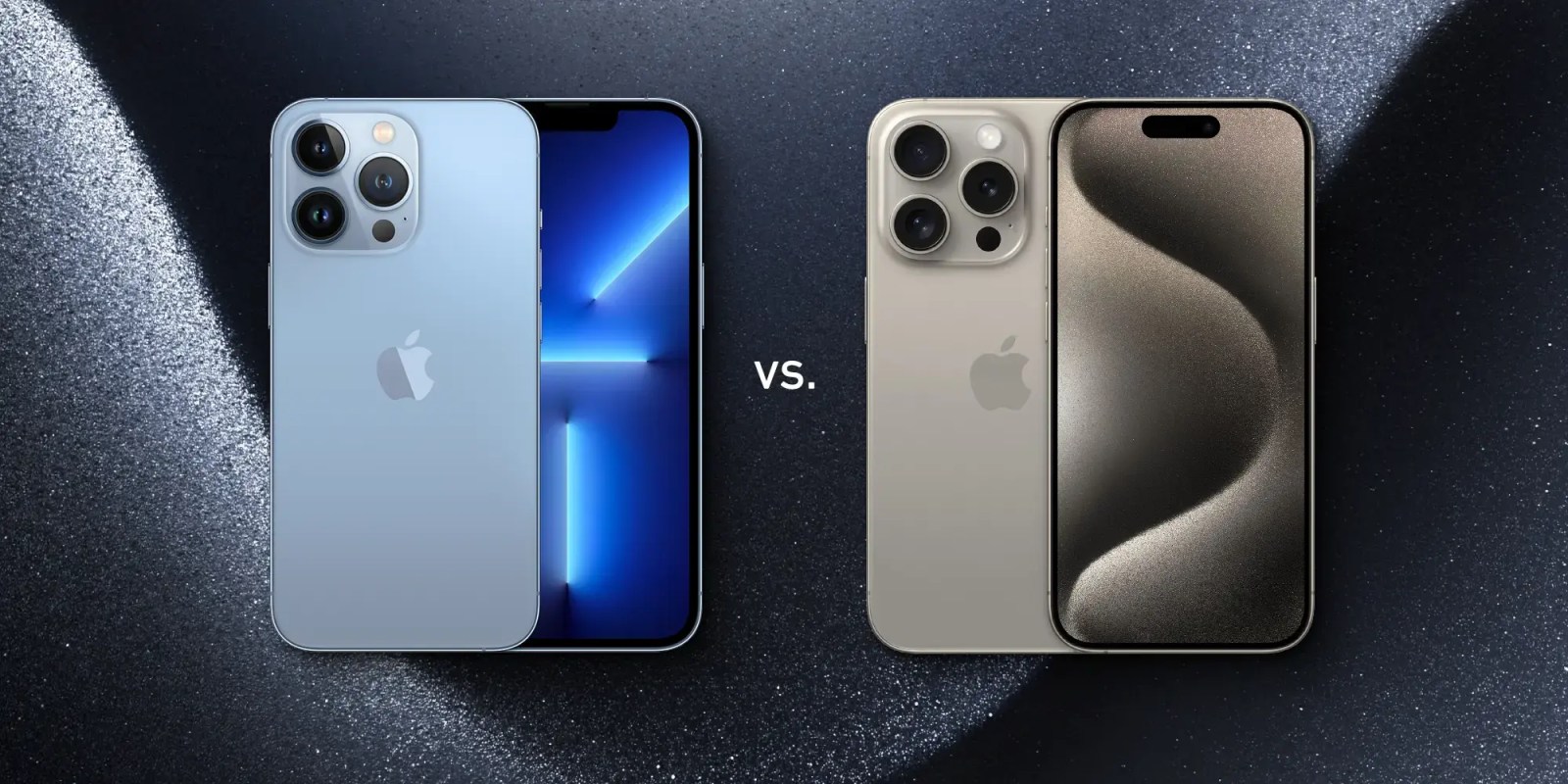
iPhone 15 Pro and Pro Max are Apple’s latest high-end smartphones that come with a range of new capabilities. But are they worth the upgrade if you already have an iPhone 13 Pro? Read along for an in-depth look at the iPhone 13 Pro vs 15 Pro for everything new and different.

Update June 2024: During the announcement of Apple Intelligence, we learned the new AI features will only be available with iPhone 15 Pro/Max and later. That marks a major new distinction between Apple’s smartphones.

Expand Expanding Close

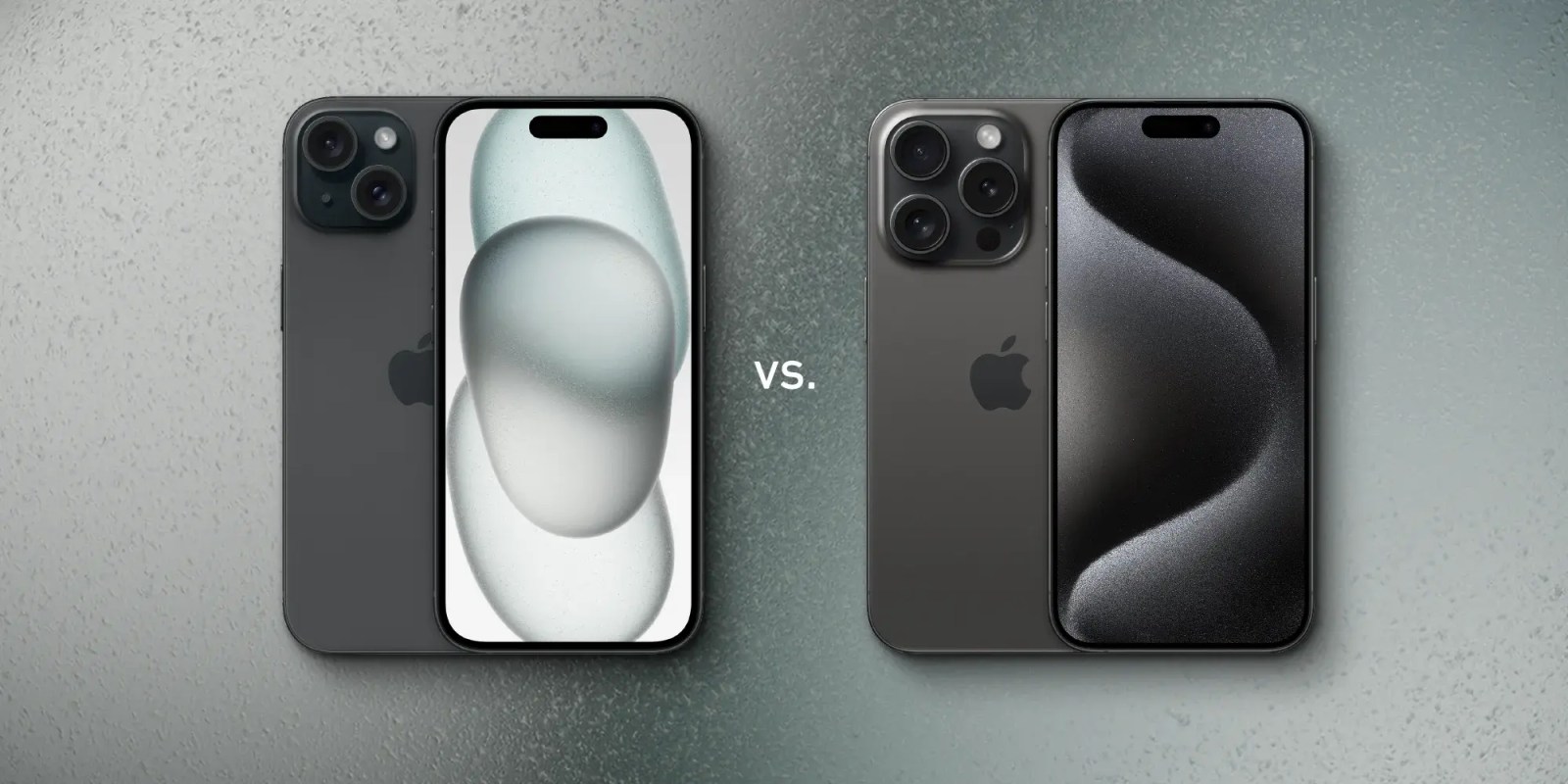
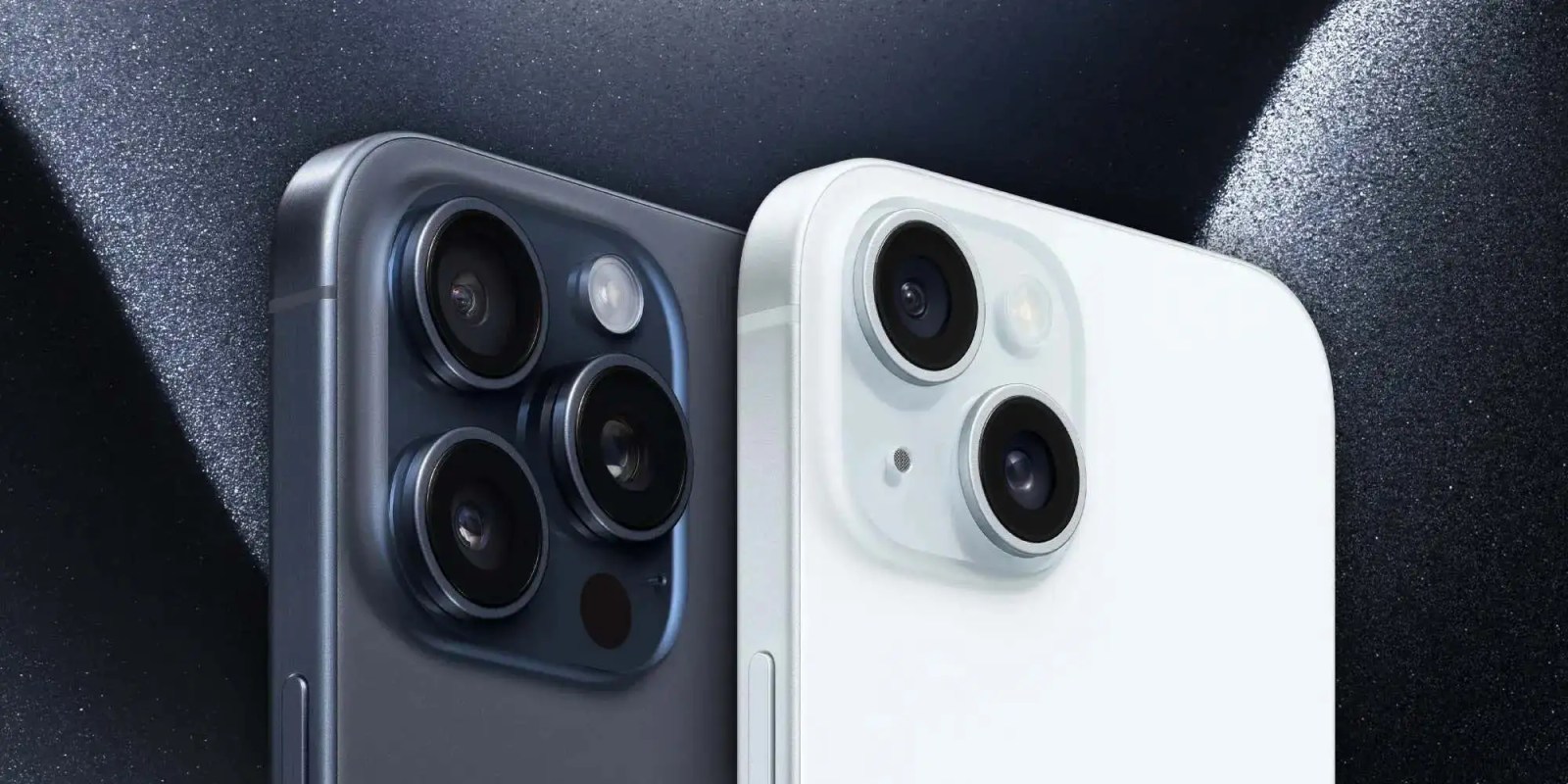
iPhone 15 vs 15 Pro: Everything that’s different and buyer’s guide

iPhone-15-vs-15-pro-comparison

iPhone 15 and iPhone 15 Pro are Apple’s latest and greatest devices. While the iPhone 15 Pro is naturally more feature-rich and powerful, it may be overkill for many. And the iPhone 15 has gained pro features of its own this year like the Dynamic Island, 48MP main camera, and more. Follow along for a deep dive into the iPhone 15 vs 15 Pro for all the differences and advice on which to buy for yourself or someone else.

Update June 2024: During the announcement of Apple Intelligence, we learned the new AI features will only be available with iPhone 15 Pro/Max and later. That marks a major new distinction between Apple’s smartphones.

Expand Expanding Close

How to manage and track all of your Apple and App Store subscriptions

App Store payment

This story is brought to you by Copilot Money, the best money tracker for iOS and macOS that gives you full financial clarity. Try Copilot Money today to track your App Store subscriptions and use the code 9TO5MAC to get a 2-month free trial.


Curious about what services you’re subscribed to through Apple’s App Store? Or maybe you want to cancel a trial right after signing up so you don’t forget? Read along for how to track and manage your Apple and App Store subscriptions.

Apple has made it seamless to subscribe to services through your Apple ID. But the flipside is it’s easy to forget what you’re paying for, what’s on a trial, monthly, or yearly subscription.

Expand Expanding Close

How to get color text in the Apple Notes app – in iOS 17 and iOS 18 [U]

Color text in Apple Notes (seen here on an iPhone)

I recently had to Google how to get color text in the Apple Notes app, because the way to do this in iOS 17 is rather deeply hidden!

Especially if you want to do it in the iPhone or iPad app, you have to use one of three workarounds, because – strangely – the feature isn’t directly supported …

Update: Color text highlighting is now supported in iOS 18 beta 1, with some limitations. See the end of the piece for details.

Expand Expanding Close