iOS 18

See All Stories

iOS 18 brings much needed features to Journal app [Video]

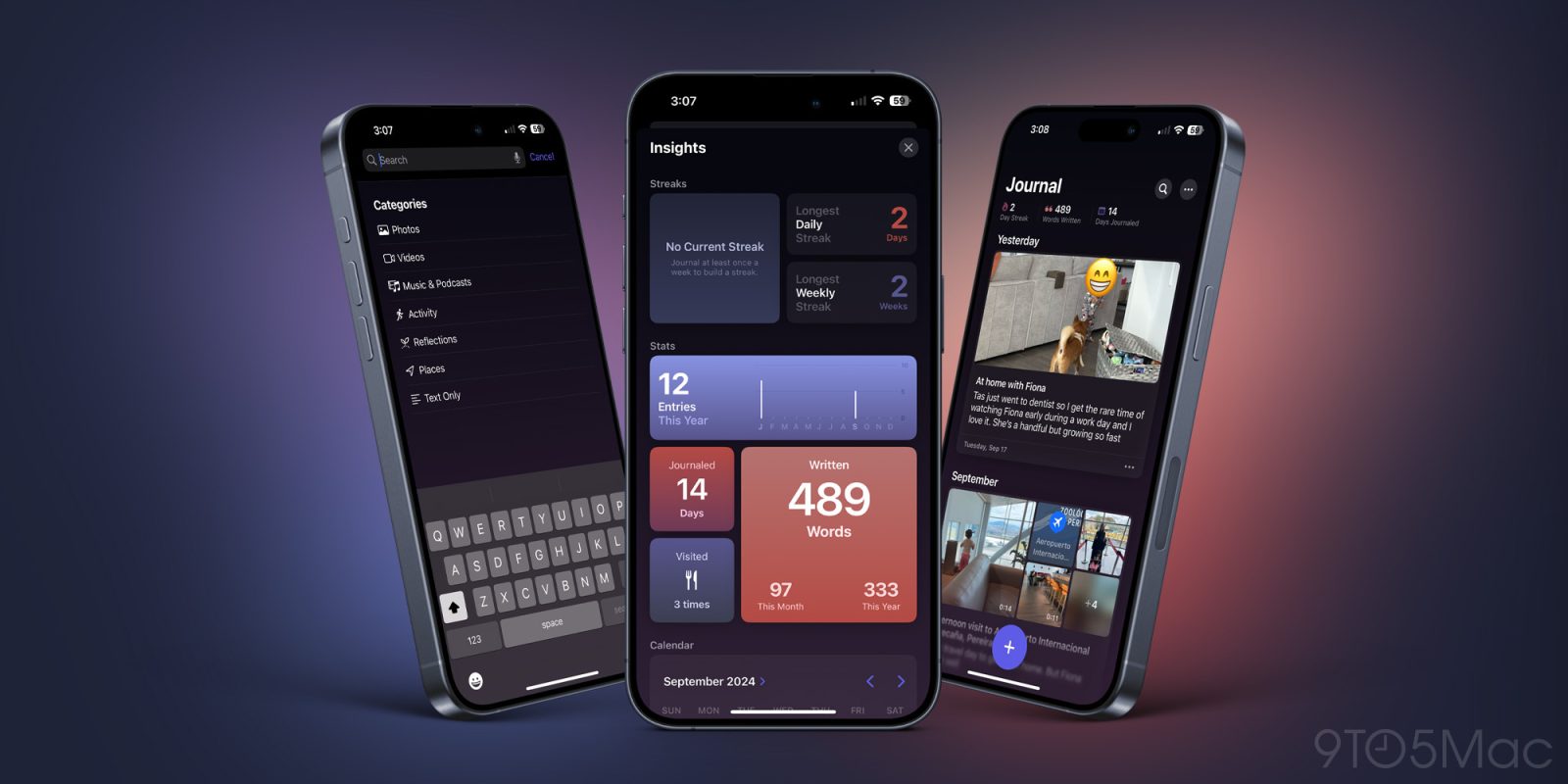
Last year, Apple introduced its brand new Journal App alongside its iOS 17.2 update. It was a very basic app with one real function: inputting journal entries in chronological order. While customers welcomed the new free app, many pretty basic features were missing. There was no search functionality, no password protection, and no additional insights that could be seen. Just one continuous feed for your journal entries. But, it looks as though Apple listened to our feedback and added a few new features to the iOS 18 version of the Journal App. Here are all the changes you can use today!

Expand Expanding Close

iOS 18 hidden apps are findable, if you know where to look

iOS 18 Hidden apps

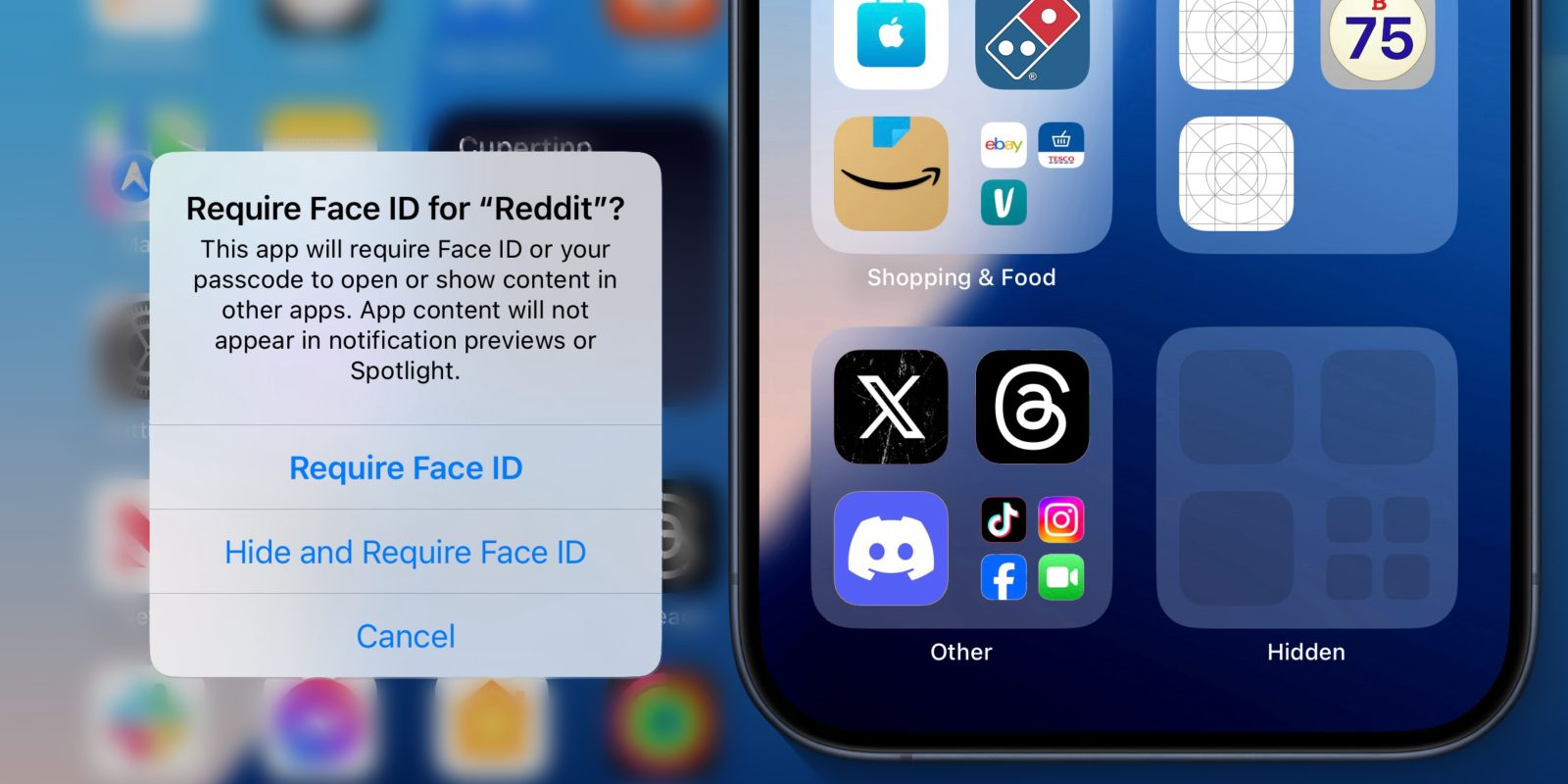
iOS 18 includes a new feature where you can choose to require Face ID to open an app, or go one step further and hide it from your device altogether. This second option removes the icon from the home screen, and places the app in a specially obscured Hidden folder in the App Library.

Biometrics are normally required to even see the contents of this hidden folder, before you can access one of the apps hidden inside it. However, now that iOS 18 has been released to the world, users are discovering ways to find out which apps have been hidden, with no Face ID required.

Expand Expanding Close
iOS 18 bug in Messages causes repeated app crash, fix can require data loss [Update: Fixed]

Update: iOS 18.0.1 for iPhone resolves the issue as mentioned in the release notes.


There’s an unfortunate bug in Apple’s latest software update that you should know about. The bug occurs in the Messages app on iOS 18. For now, the fix could require data loss. However, you can avoid potential data loss before a fix is in place if you know how to avoid it.

Expand Expanding Close

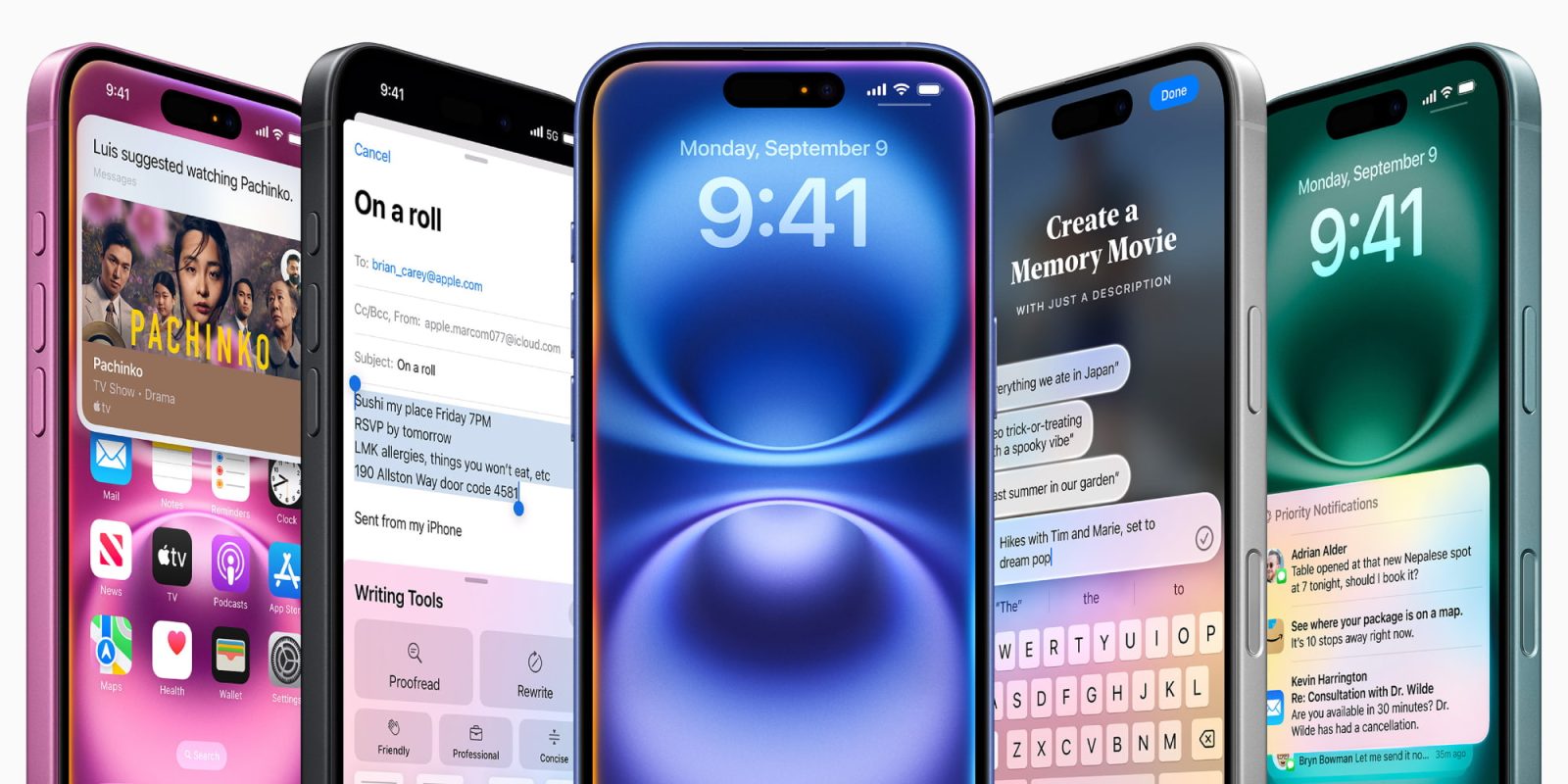
Apple announces expanded language support for Apple Intelligence coming in 2025

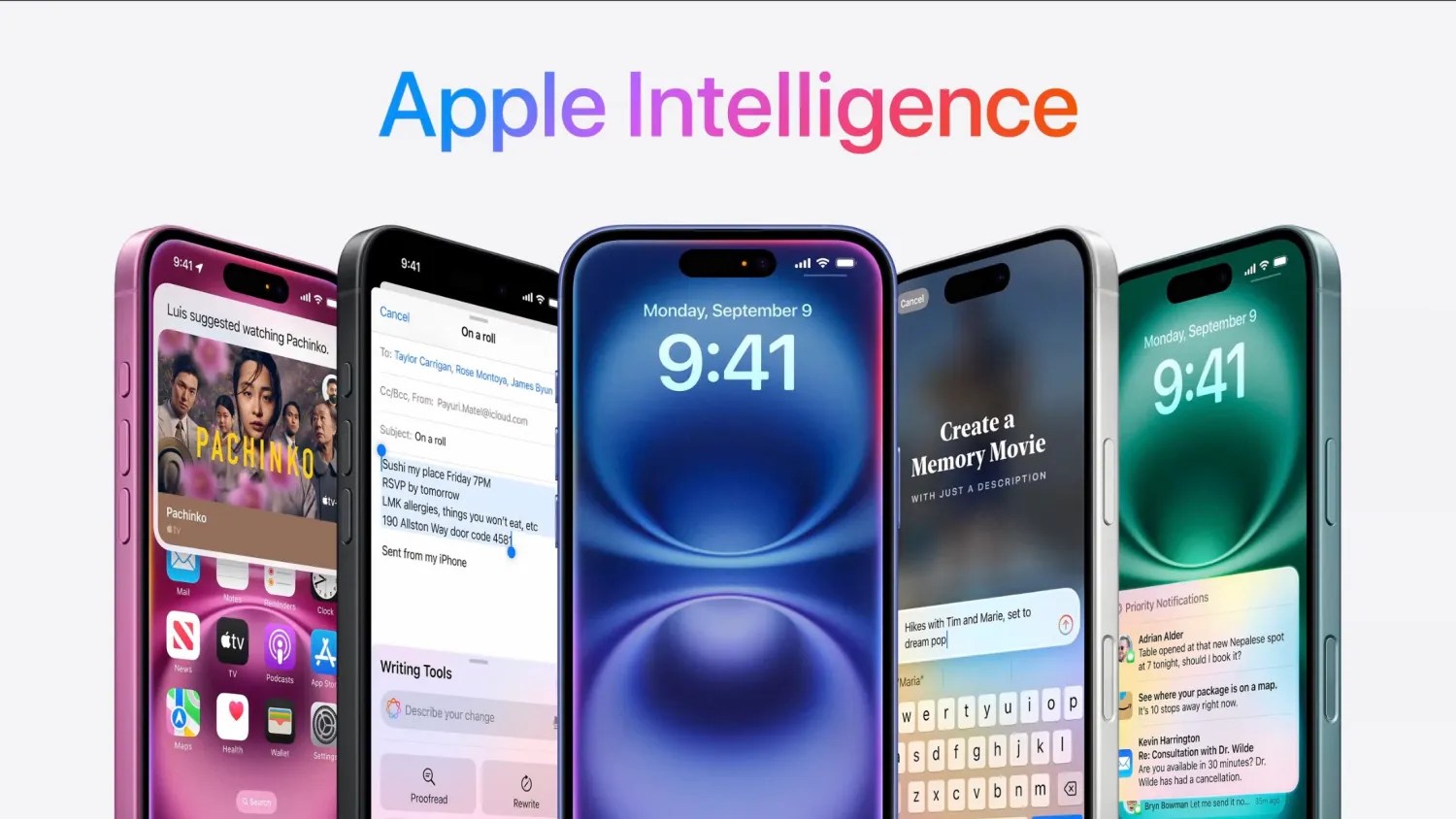
Today, Apple has announced even more languages that Apple Intelligence will support over the course of the next year.

The first Apple Intelligence features will launch exclusively in US English, in October with the release of iOS 18.1. Additional languages and more capabilities will roll out over the next year. Here’s what we know so far as to the announced language support …

Expand Expanding Close
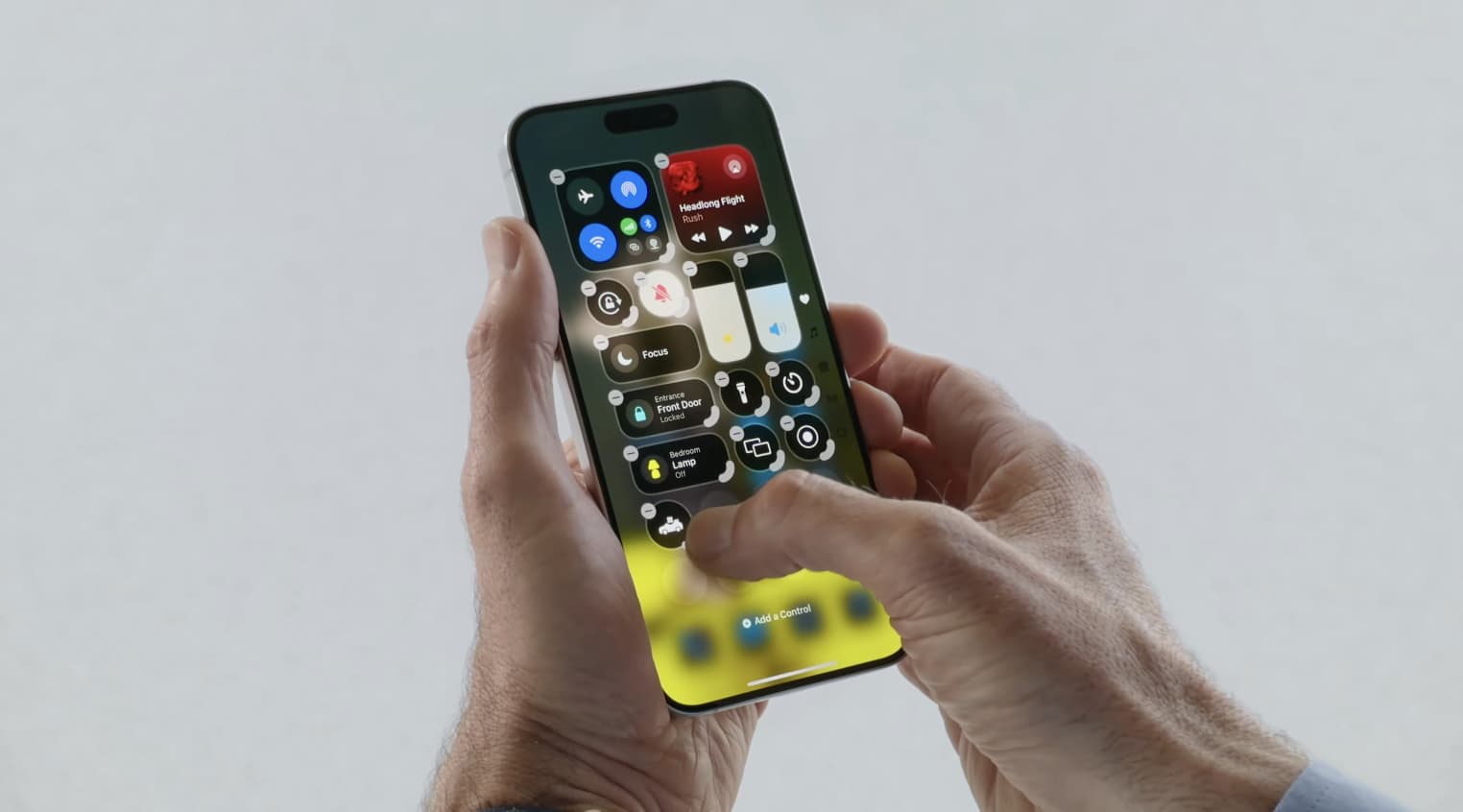
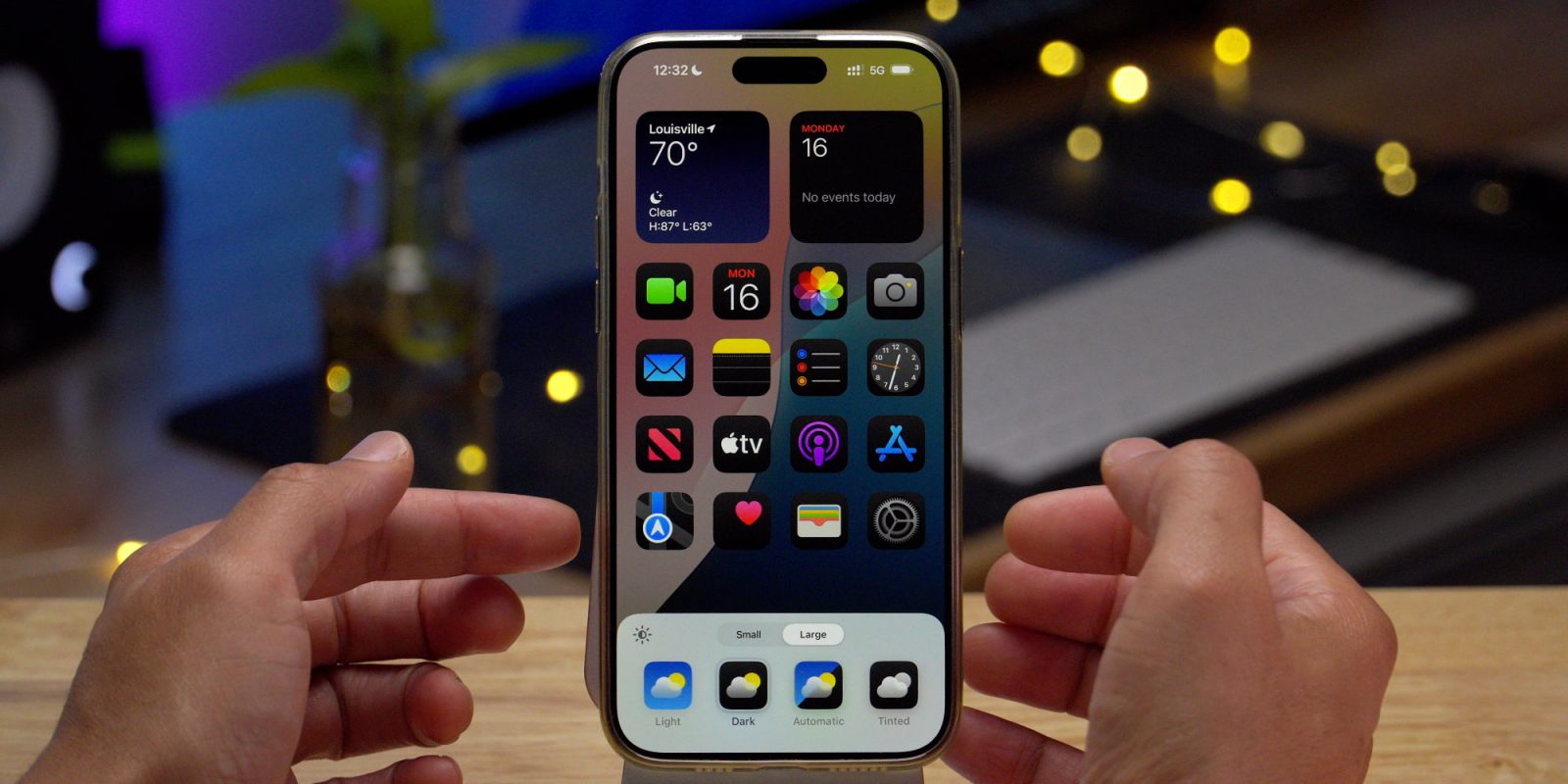
Customize your iPhone with iOS 18 and these new features

Customize iOS 18 features

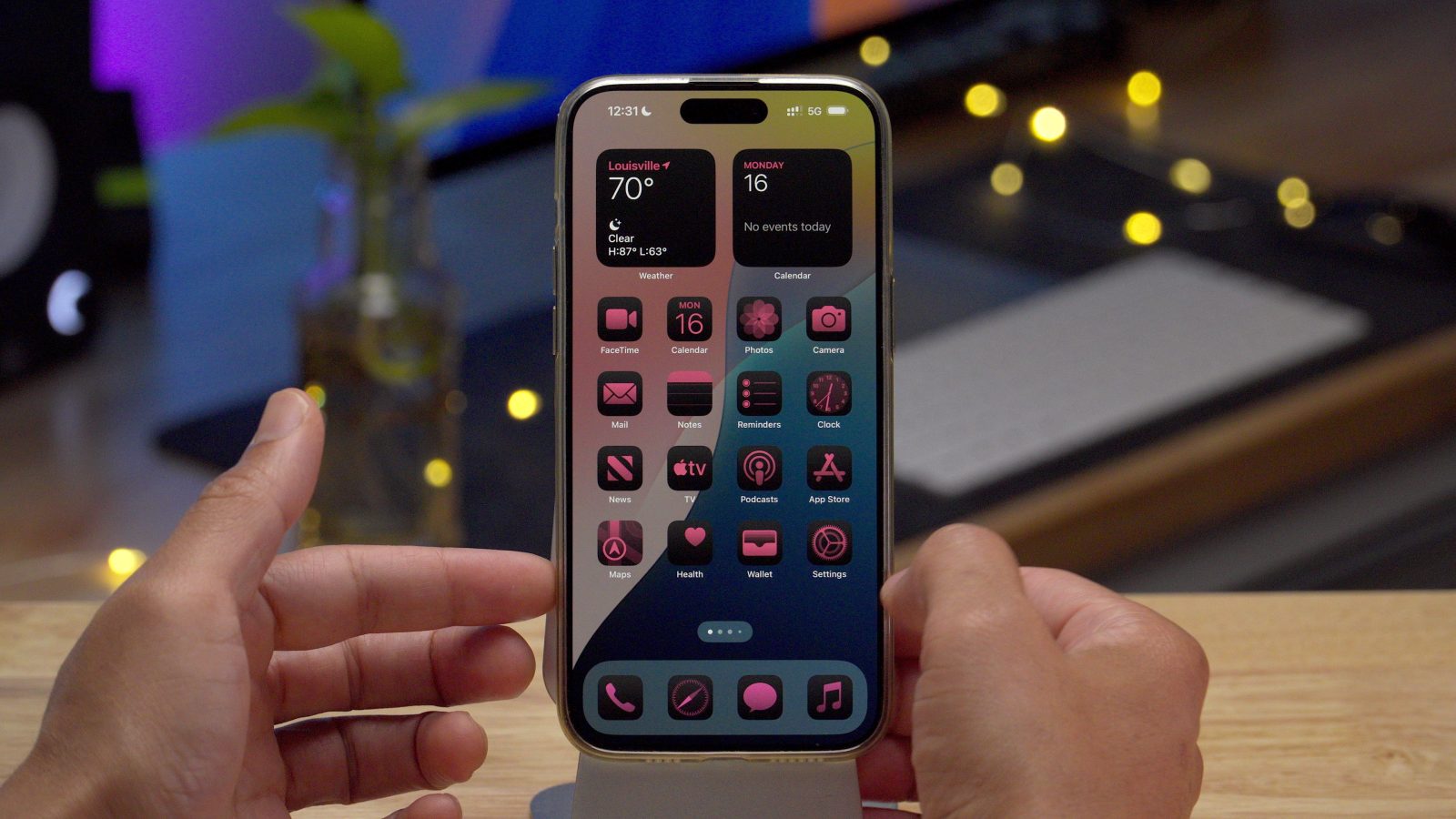
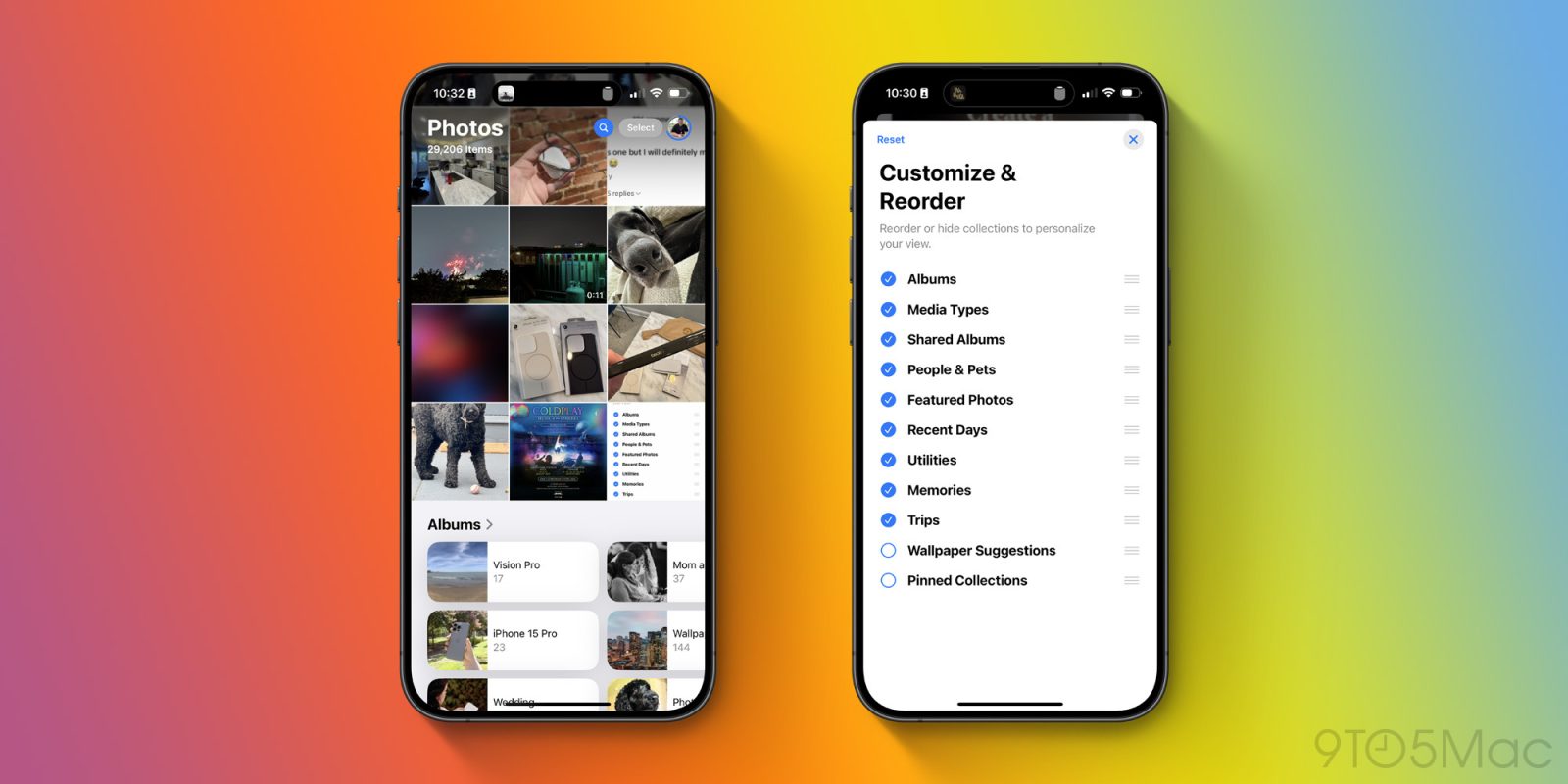
iOS 18 was just released, enabling you to personalize your iPhone experience like never before. There are new tools for arranging apps and widgets, changing your app icon colors, customizing Control Center, replacing the flashlight and camera buttons, and more. Apple has even made several of its individual apps newly customizable, like Photos. Get ready to customize your iPhone like never before in iOS 18. Here’s how.

Expand Expanding Close

iPhone 16 firmware can now be restored wirelessly from another iPhone

iPhone 16 firmware can now be restored wirelessly from another iPhone

It’s been a long time since Apple has been working on a system to let users wirelessly recover and restore the firmware of their devices. This was first introduced for Apple Watch with iOS 15.4 and watchOS 8.5, and then expanded to Apple TV with iOS 17 and tvOS 17. Now with iOS 18, Apple is finally bringing this system to the iPhone 16 lineup.

Expand Expanding Close

iOS 18: How to add a Bluetooth toggle to Control Center on iPhone

iOS 18 Bluetooth in Control Center

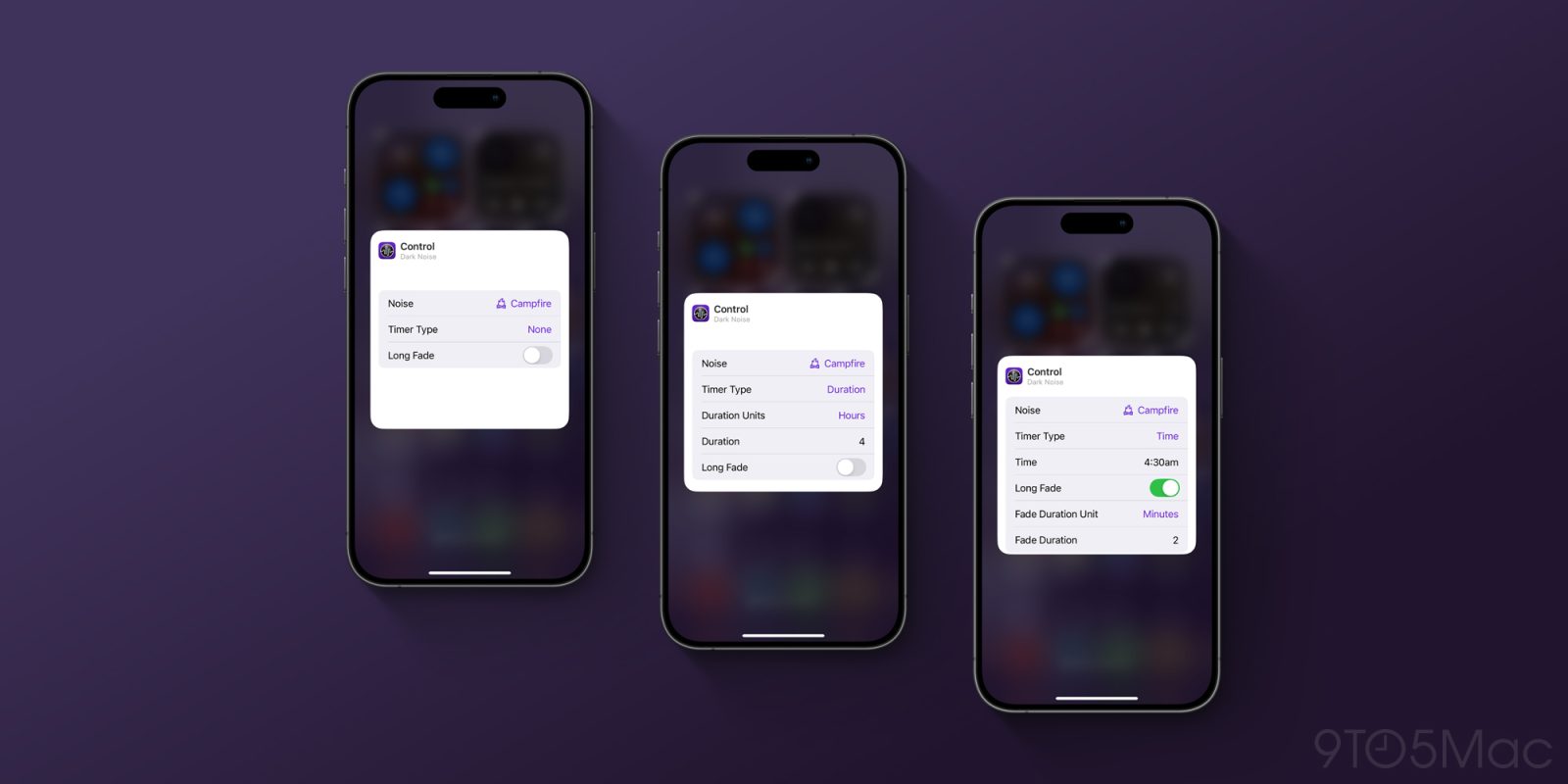
iOS 18 brings a big change to Control Center on your iPhone. With iOS 18, Control Center has a bunch of new controls and now flows over multiple pages. This includes changes to the Connectivity widget, which puts the Bluetooth toggle behind a second tap.

By default, to access Bluetooth settings, you must first tap on the corner of the 2×2 widget to open a full-screen group of toggles. You can then change Bluetooth. However, if you want a Bluetooth toggle available at the top level, toggleable with a single tap just like iOS 17, you can add it back yourself. Here’s how.

Expand Expanding Close
iOS 18 finally adds T9 dialling on iPhone

T9 dialling on iOS 18

A long-requested feature for Android users switching to iPhone is the addition of T9 dialling. This is a shortcut to dialling phone numbers from your address book, by typing in letters on the keypad.

For instance, to call John you’d press 5 6 4 (for J O H). On many Samsung and other Android phones, this would search for the closest alphabetical match to a person’s name in your contacts. iPhone has not had this feature … until now with iOS 18.

Expand Expanding Close