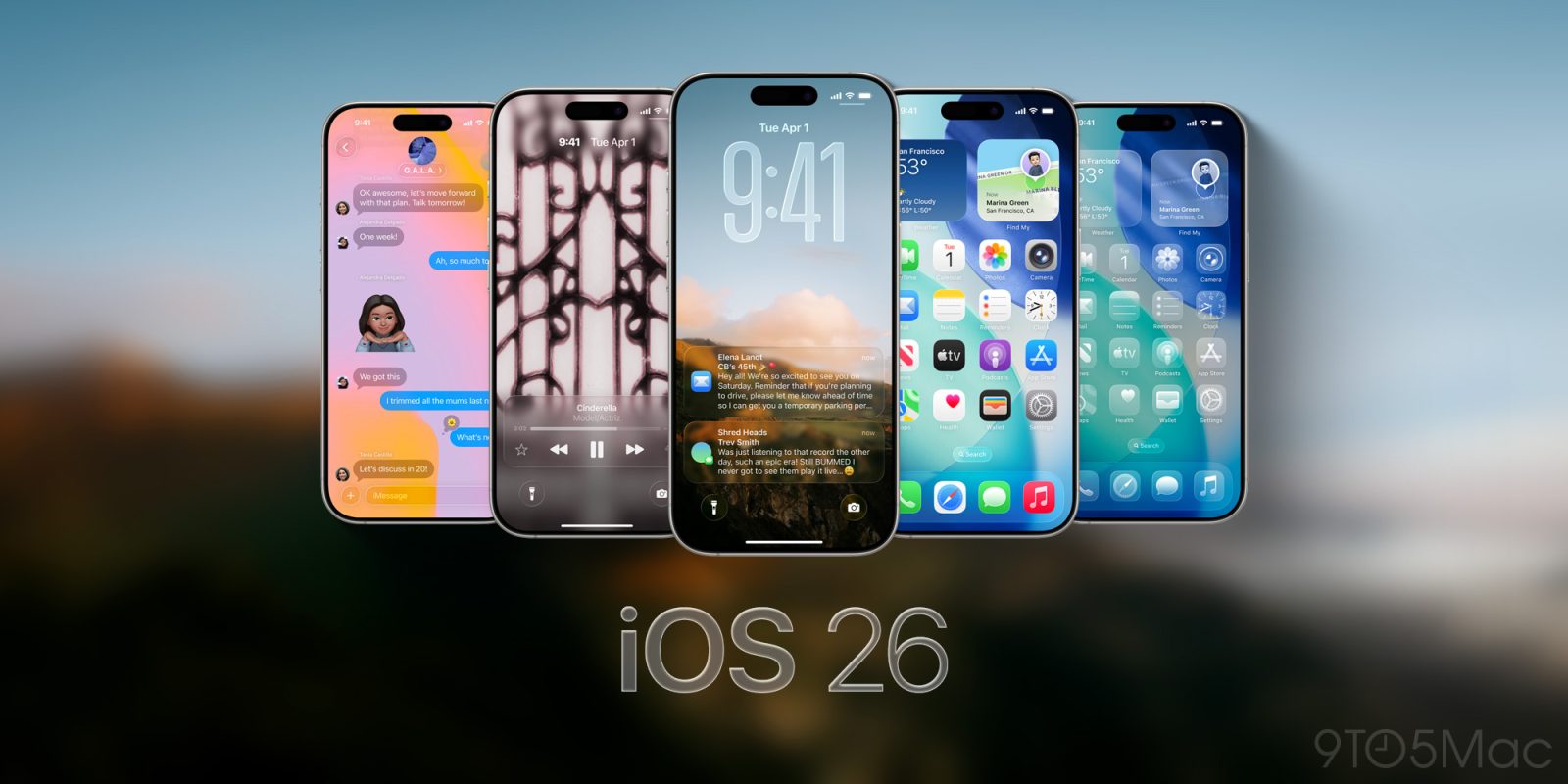
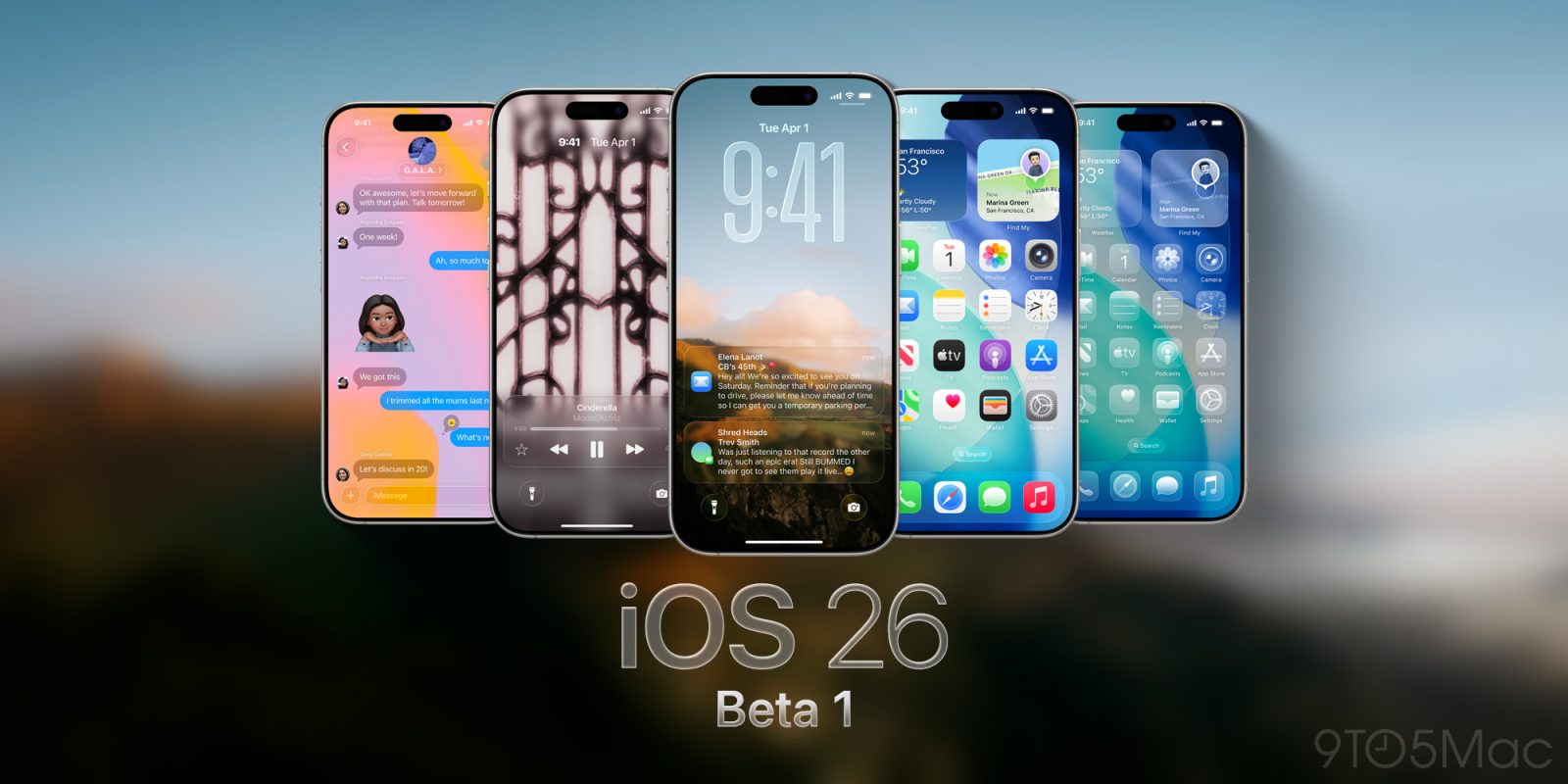
Apple unveiled iOS 26 last week at WWDC 2025. While Liquid Glass and iPadOS certainly stole the show, there’s a number of smaller features for iPhone users that I think a lot of people will still enjoy, and I’ll be diving into them here.
CarPlay’s evolution has in several ways been a disappointment since the “next generation” of CarPlay was first previewed in 2022. But all of a sudden, in the span of a mere month, CarPlay’s future looks brighter than it has in years—in part because of a redefinition of what that future will be.
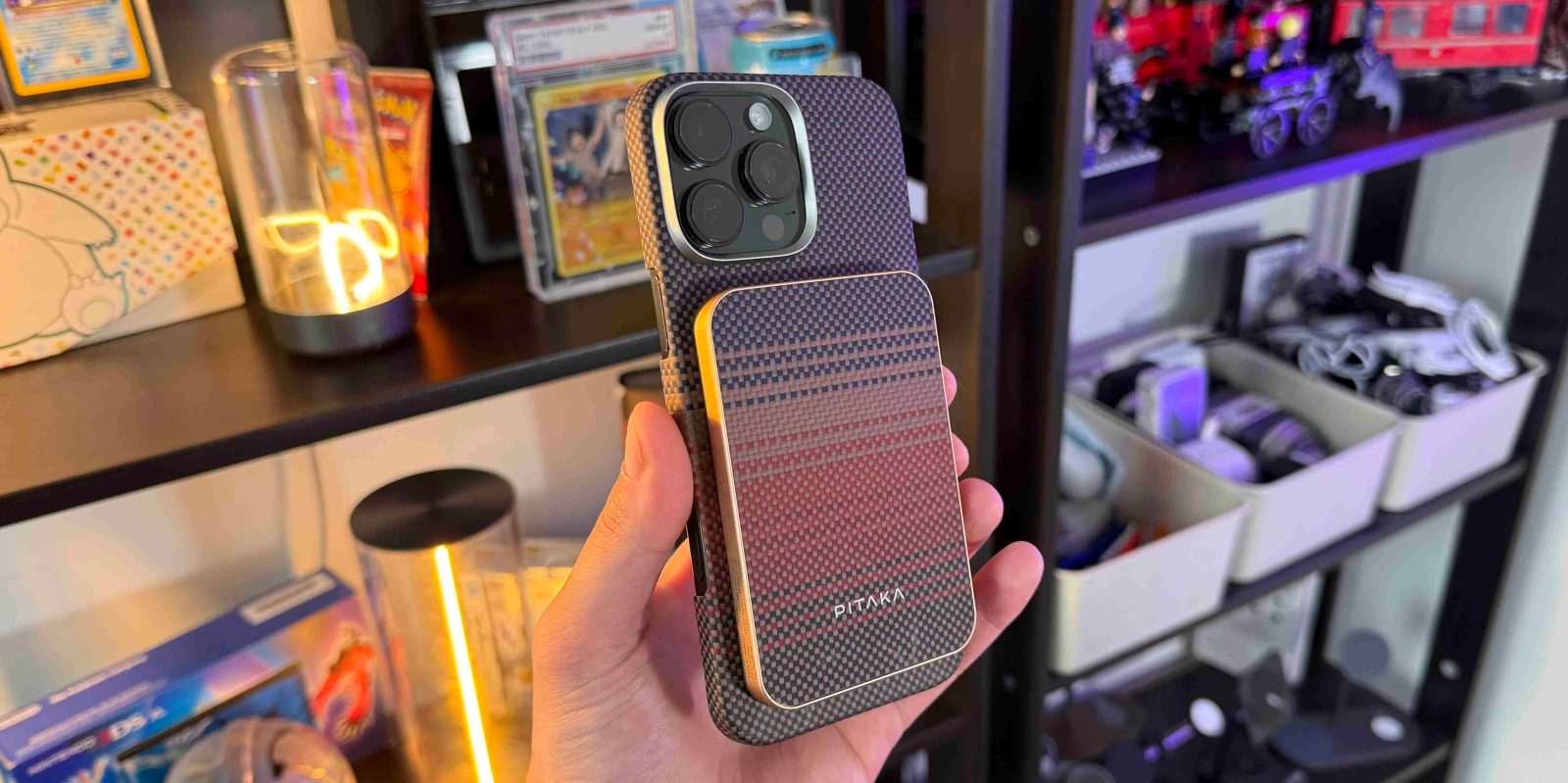
We are now in 2025, and there are so many MagSafe battery packs out there. Some are multifunctional, others have software touches, some can charge your phone fast, and they all have differentiators to help you decide. But sometimes you just want a beautiful-looking MagSafe battery pack that does all the main things great, while also looking slim, sleek, and stylish. That is precisely what Pitaka was able to do with their new aramid fiber magnetic power bank. Here is what you should know.
Apple Intelligence doesn’t (yet) offer an official chatbot mode, but in iOS 26 Apple will let power users get a chatbot-style experience via the Shortcuts app. Here’s how it works.
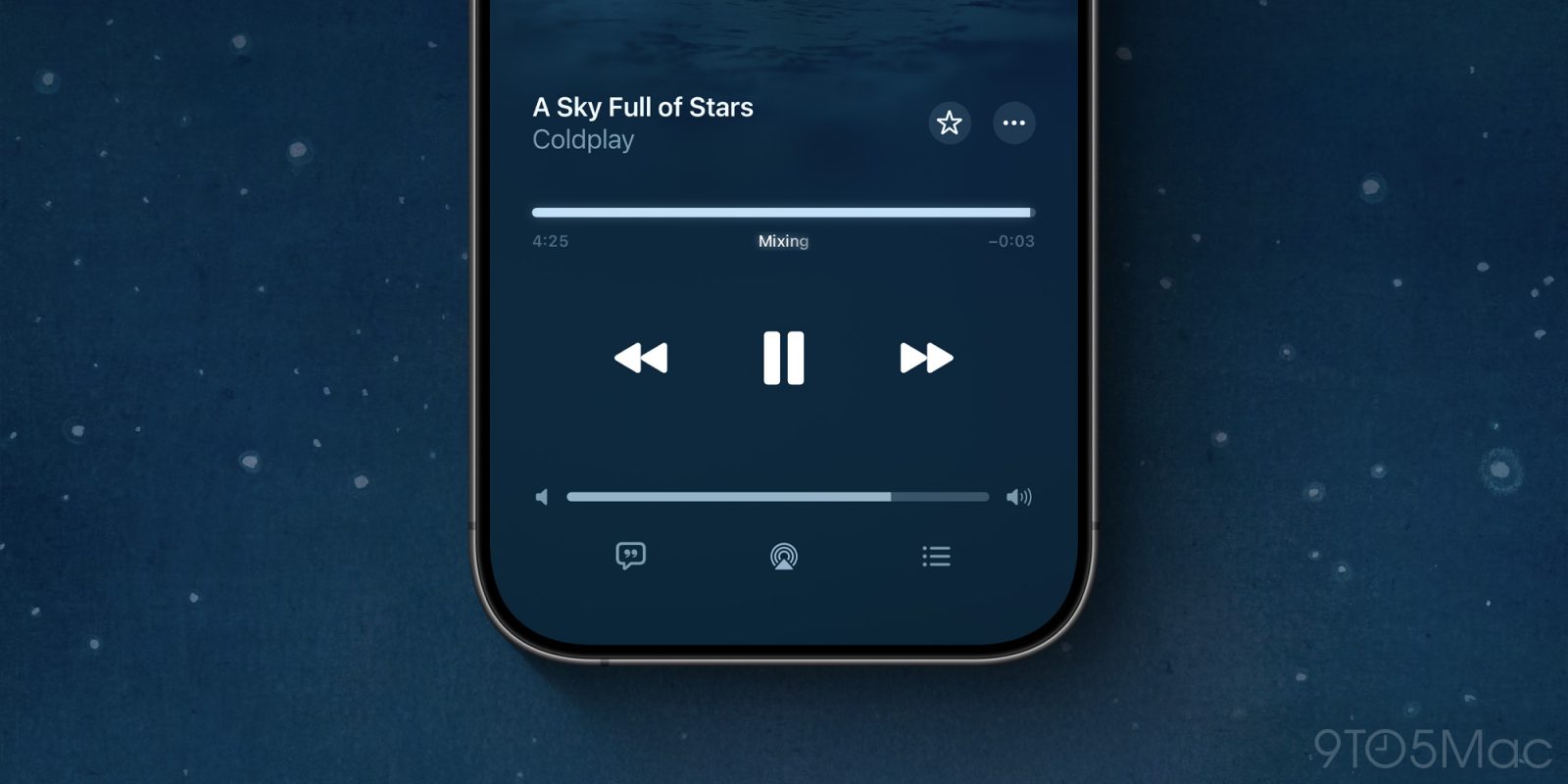
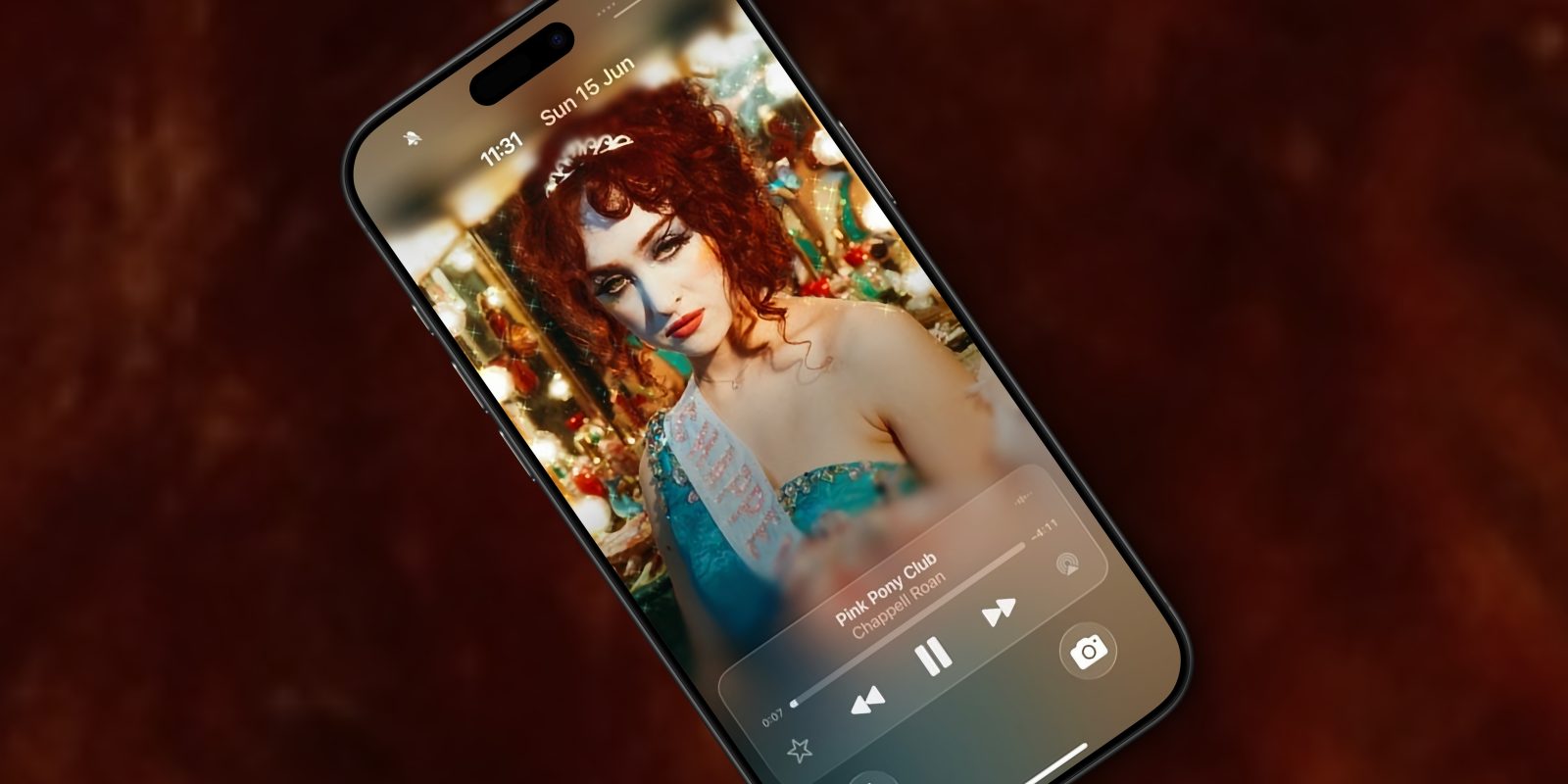
One of the stylish visual changes to the iPhone on iOS 26 is a new layout for the lock screen when music is playing. Artwork can now be animated and shown full-screen on the iPhone display, with playback controls resting on a platter of a liquid glass.
You can try this out right now with Apple Music. Play a song that has animated album art, and lock the phone. But users of third-party music streaming apps like Spotify will also be pleased to know that Apple is opening up this capability as an API, so third-party developers can also adopt it.
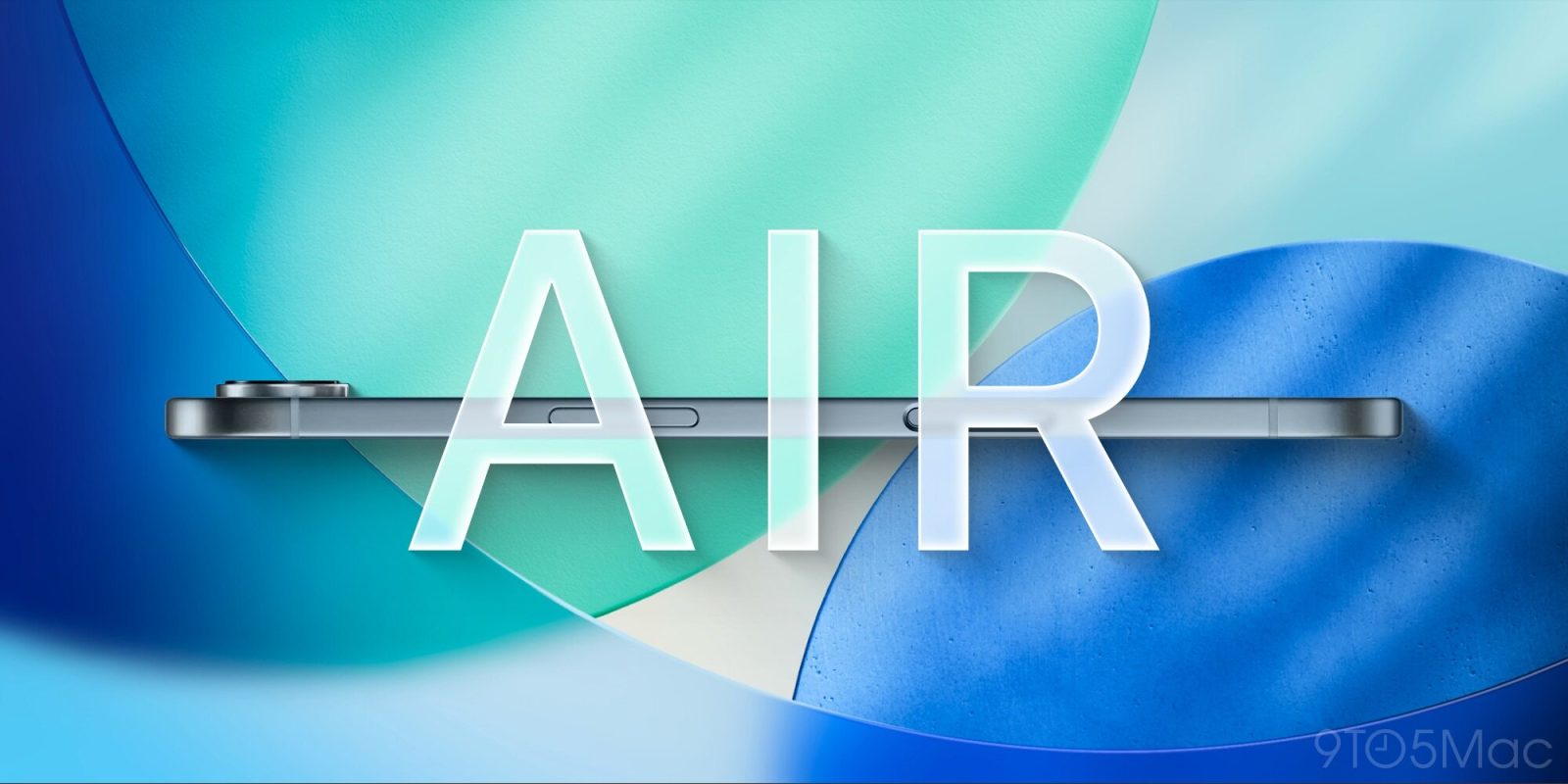
After months of rumors, Apple has officially unveiled its big iOS 26 ‘Liquid Glass’ redesign, and already the new design has made me want the forthcoming iPhone 17 Air more than ever. Here’s why.
It’s finally here. Earlier this week, Apple fully unveiled iOS 26, the next major iPhone software update that will arrive this fall. Here are six new features coming with iOS 26.
Apple unveiled iOS 26 earlier this week alongside the first developer beta, but now it has released a revised build to beta testers for select iPhone models.
WWDC 2025 ends today, and we’ve seen all the new features on offer from Apple’s shiny glassy new iOS 26, iPadOS 26, macOS 26, watchOS 26, and visionOS 26.
The first developer betas are available now, and anyone can sign up to try them – but you probably shouldn’t. If you’re not a developer with sacrificial test devices, exactly how long should you wait in the beta cycle before risking them on your daily drivers … ?
9to5Mac Security Bite is exclusively brought to you by Mosyle, the only Apple Unified Platform.Making Apple devices work-ready and enterprise-safe is all we do. Our unique integrated approach to management and security combines state-of-the-art Apple-specific security solutions for fully automated Hardening & Compliance, Next Generation EDR, AI-powered Zero Trust, and exclusive Privilege Management with the most powerful and modern Apple MDM on the market. The result is a totally automated Apple Unified Platform currently trusted by over 45,000 organizations to make millions of Apple devices work-ready with no effort and at an affordable cost. Request your EXTENDED TRIAL today and understand why Mosyle is everything you need to work with Apple.
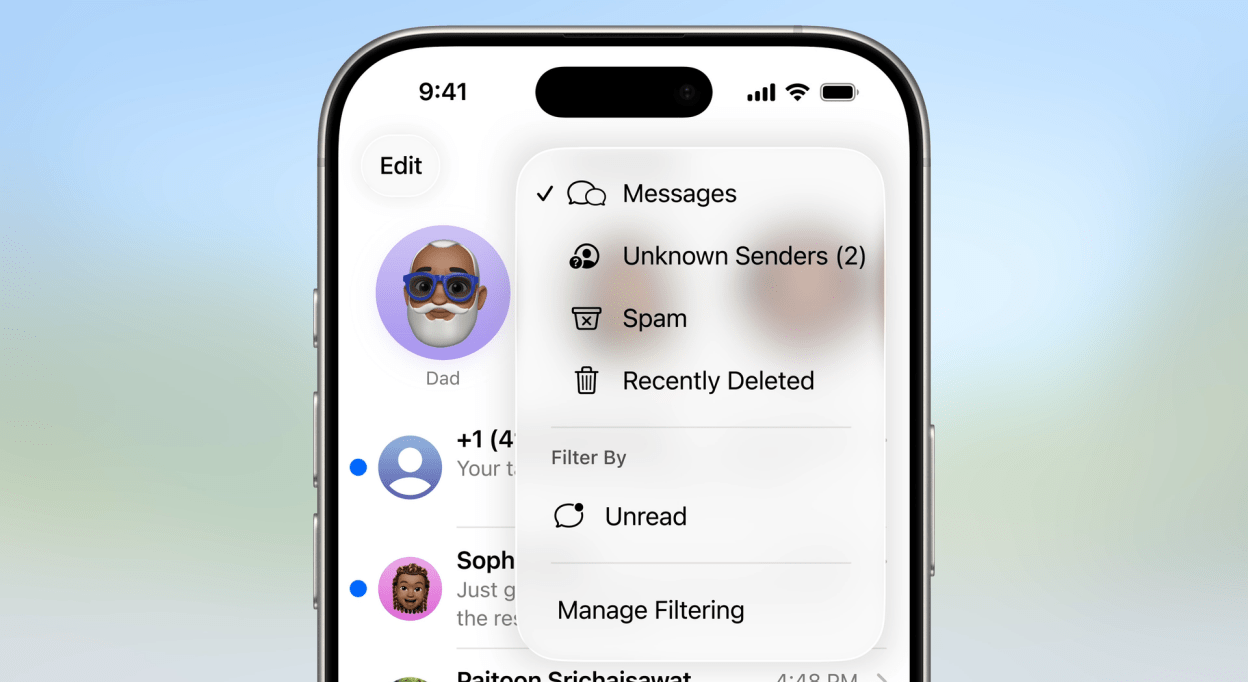
Earlier this week, during its annual WWDC keynote, Apple unveiled a slew of headline features like Liquid Glass, a new Games app, and Visual Intelligence, as well as two major spam protection tools coming to iOS 26 this fall. While I was a little disappointed in the lack of new security or even privacy features, these new tools will change the game for users who receive annoying spam calls and messages on the daily. Here’s how they work.
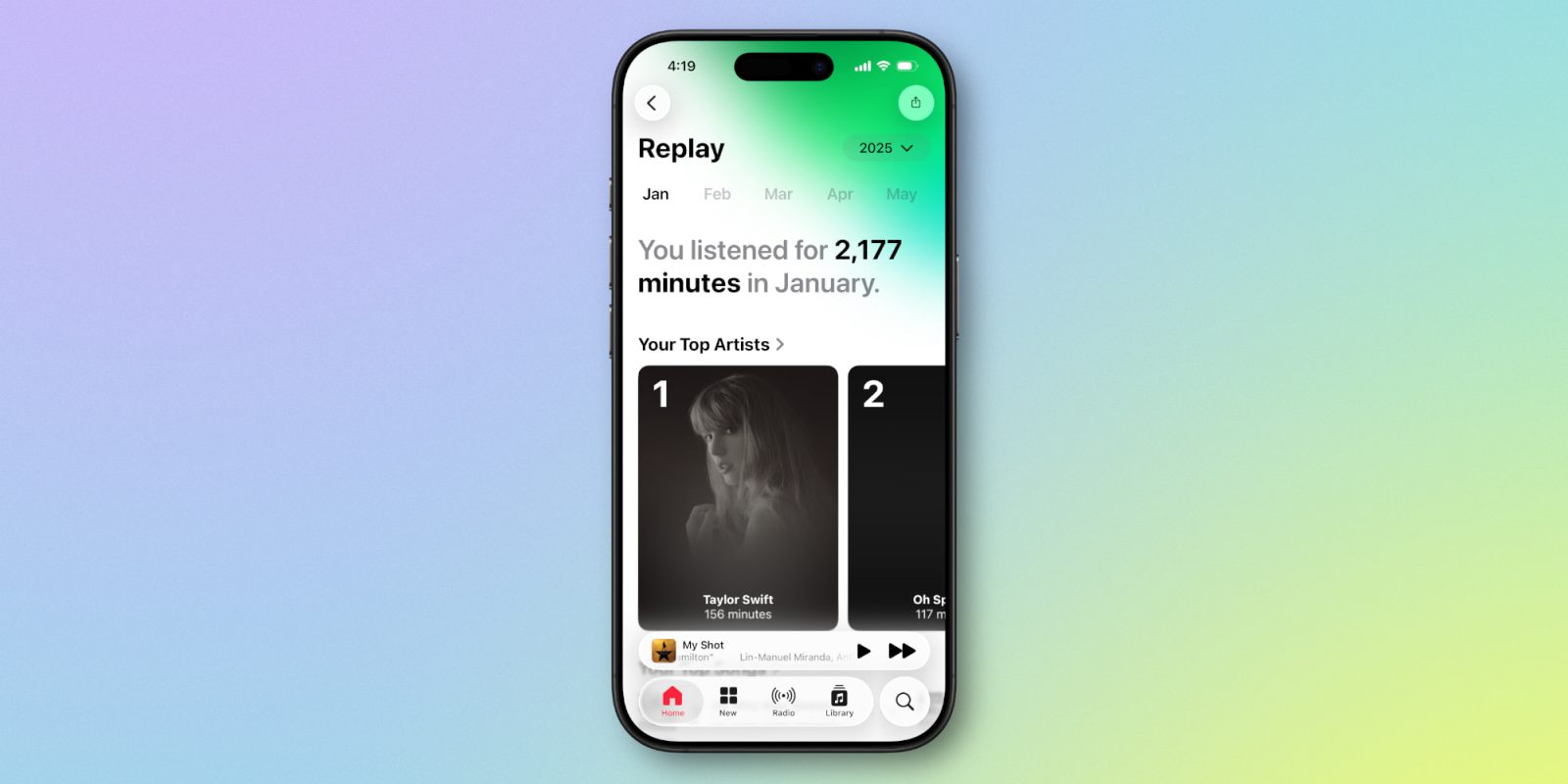
Apple Music benefits from a variety of big and small updates in iOS 26, including one that wasn’t included in the WWDC keynote or press materials: Apple Music Replay is now a fully native in-app experience.
In a new interview, Apple executives have narrowed the timeline of when to expect Siri’s delayed AI upgrades, confirming they will release in 2026 and no sooner. Here are the details.
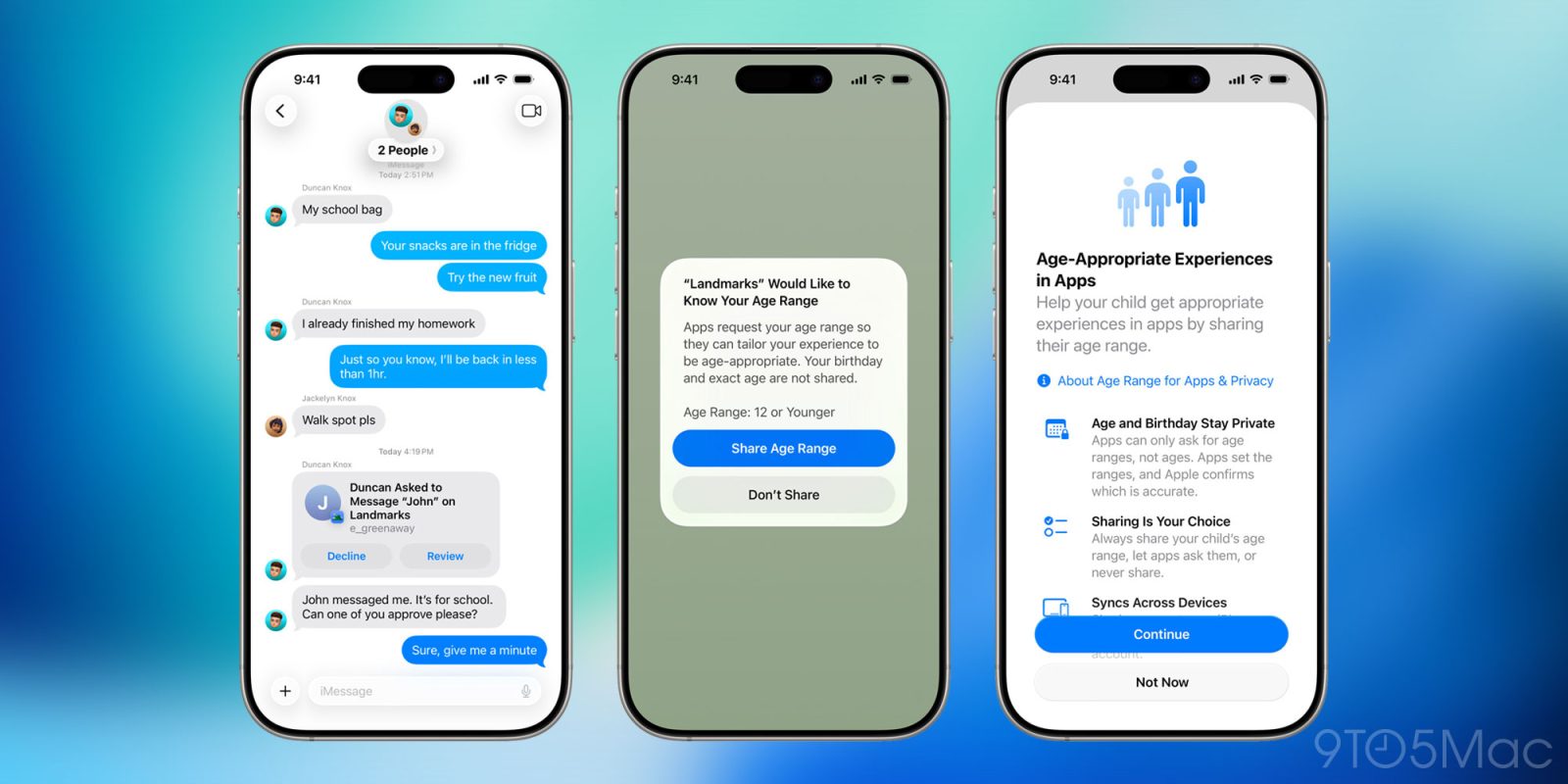
Apple today announced a sweeping set of updates aimed at helping parents protect kids and teens online, as part of its broader push to make Apple platforms safer, more transparent, and more age-aware. Here’s what’s coming.
iOS 26 brings a huge ‘Liquid Glass’ redesign to the iPhone, including several upgrades to the Lock Screen. One new feature that’s sure to prove a hit: Apple Music’s fullscreen artwork that, in some cases, can even make your Lock Screen come alive.
Update: A previous version of this post incorrectly stated that the feature works with any iOS 26-compatible iPhone. It has been updated to clarify that the feature is only supported on iPhone 12 and later.
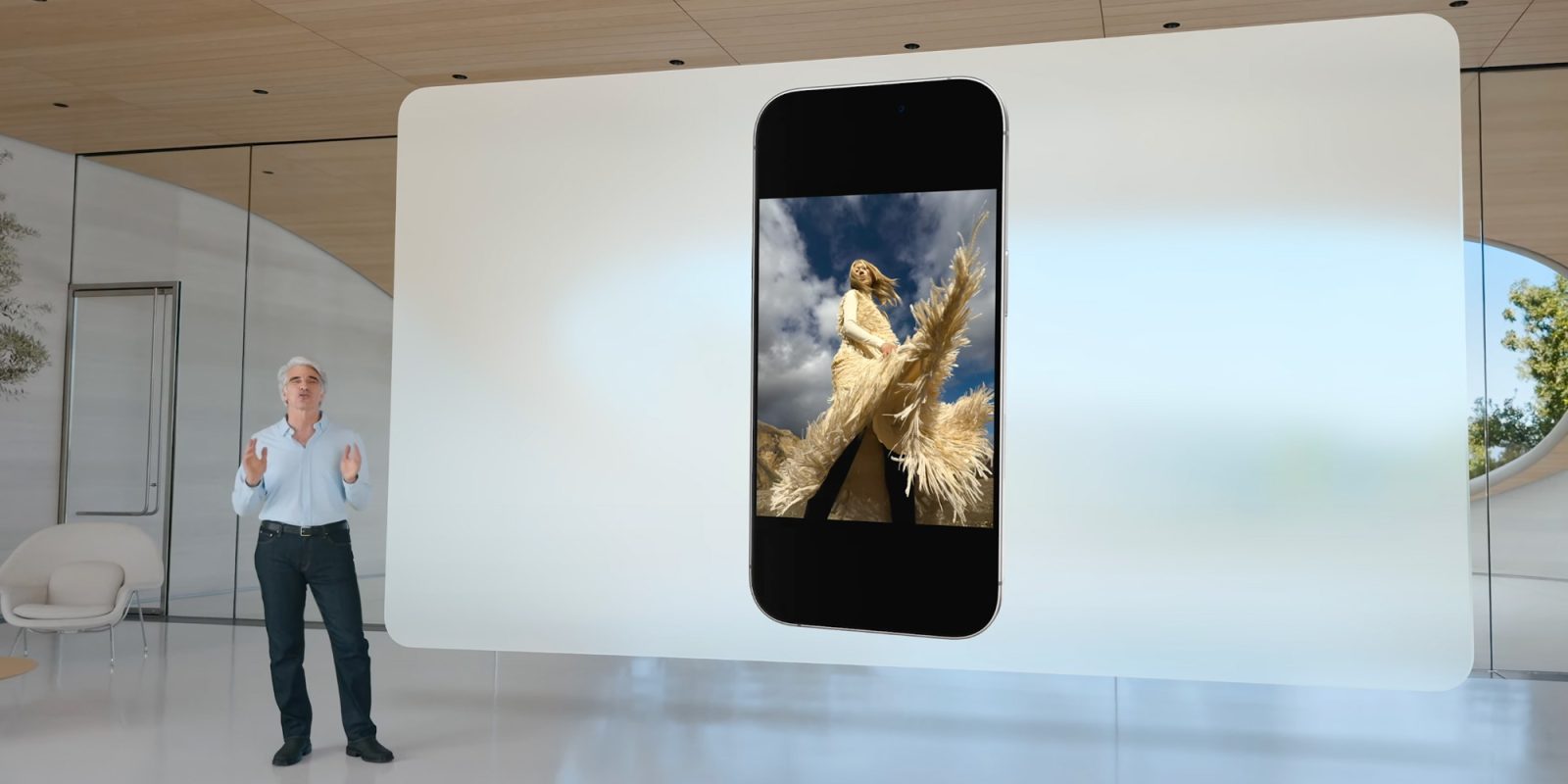
Today, Apple announced Spatial Scenes, a new iOS 26 feature that turns 2D photos into immersive 3D effects. And here’s the good news: even if you don’t have an iPhone compatible with Apple Intelligence, you’ll still get access to it. Here’s how it works.
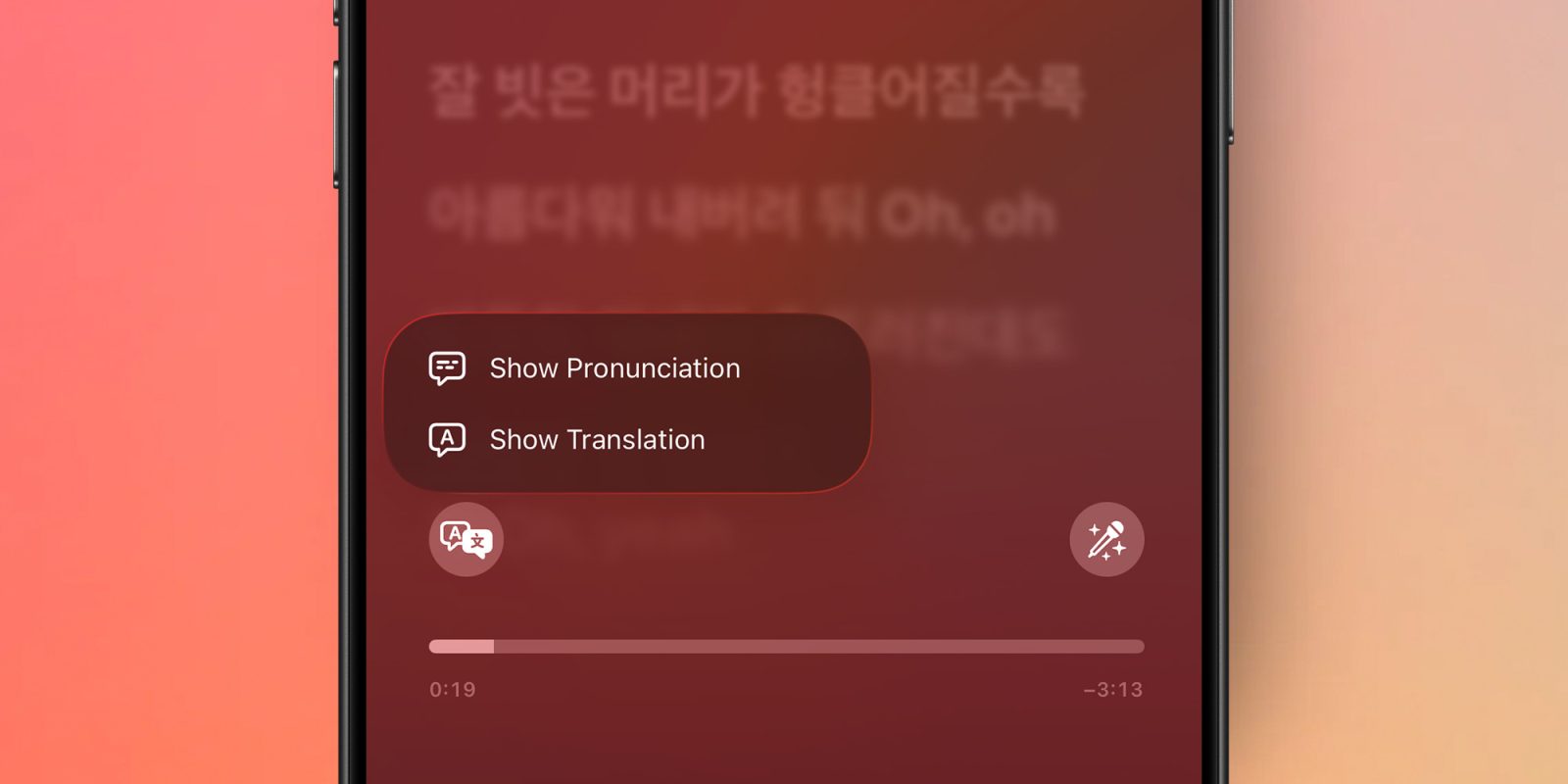
With iOS 26, Apple is making Apple Music a lot more fun to sing along with, especially for fans of international music. The update will introduce two features designed for listeners who enjoy songs in languages they don’t necessarily speak fluently. Here’s how it’ll work.
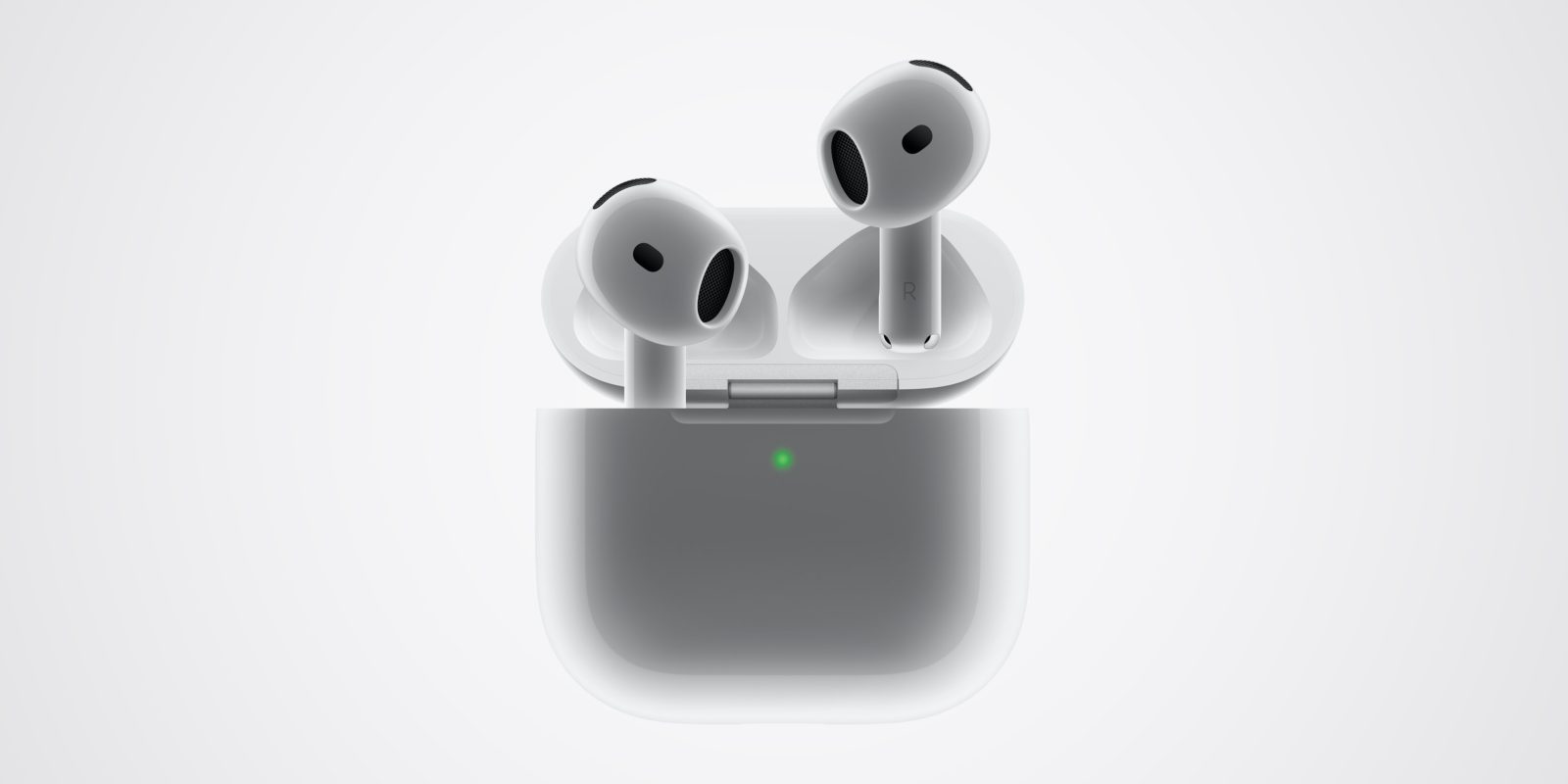
Apple has released new beta firmware for AirPods Pro 2 and AirPods 4, introducing the new iOS 26 features plus a much easier installation process than ever before.
Apple’s Emergency SOS via Satellite service has been slowly expanding from a major emergency role – essentially letting you call in an air ambulance when injured in a remote location – to a broader way of remaining in touch when outside mobile data coverage.
A new satellite-based service spotted in the iOS 26 developer beta will be useful in both extreme situations and more everyday scenarios in areas with poor mobile coverage …
As you might expect, views are mixed, but it’s notable how willing people are to give Apple time to refine the look based on reactions to the early betas …
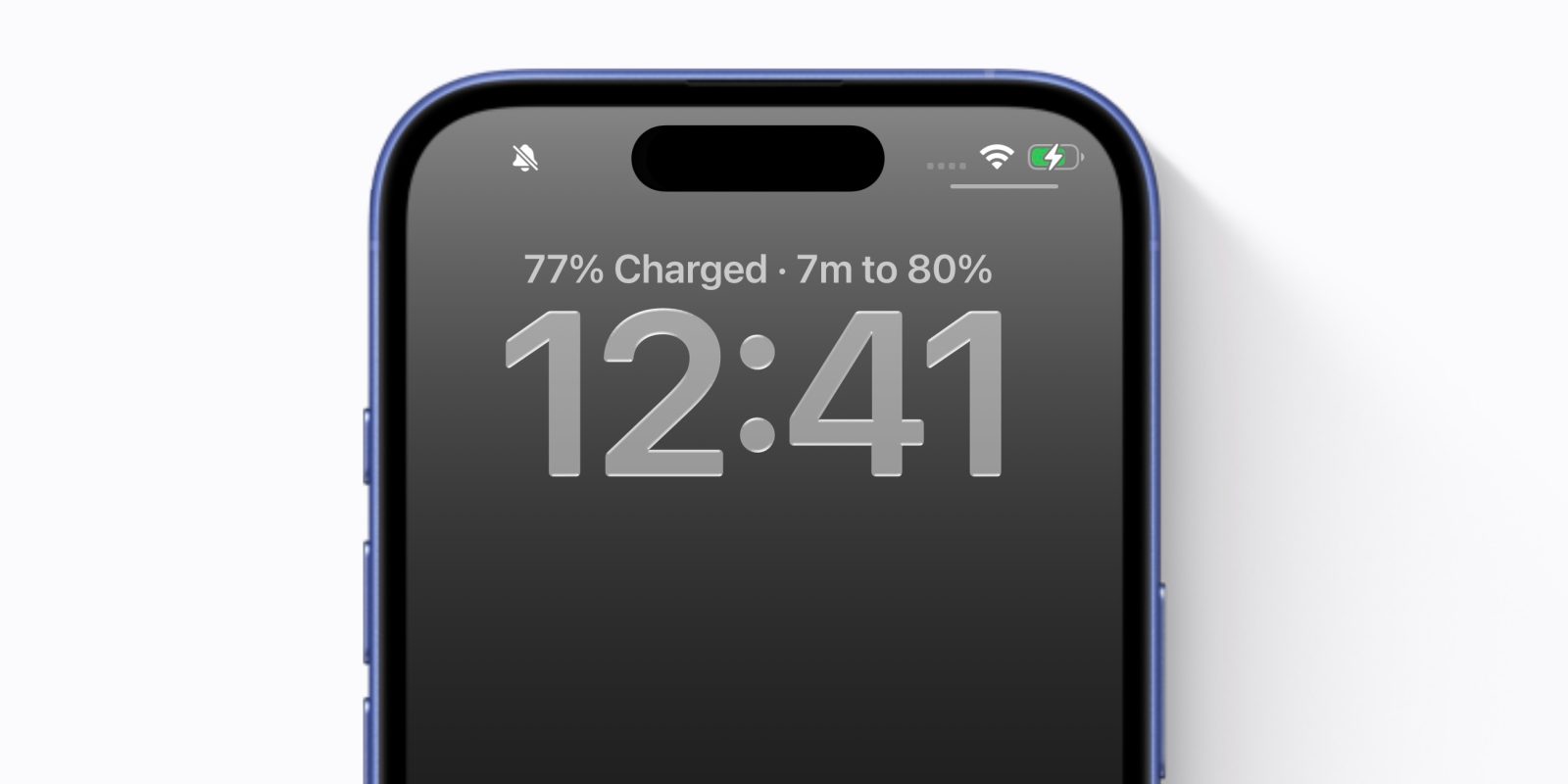
iPhone battery settings get a nice update in iOS 26, including a new intelligent battery saver mode called Adaptive Power. The iPhone will also now track extra battery stats, like your average power consumption throughout the day.
But perhaps the most notable enhancement is that the iPhone can now tell you exactly how long it will take for your battery to charge. Right at the top of your lock screen, when plugged in to power, your phone will now show the estimated time to charge until it hits 80%.
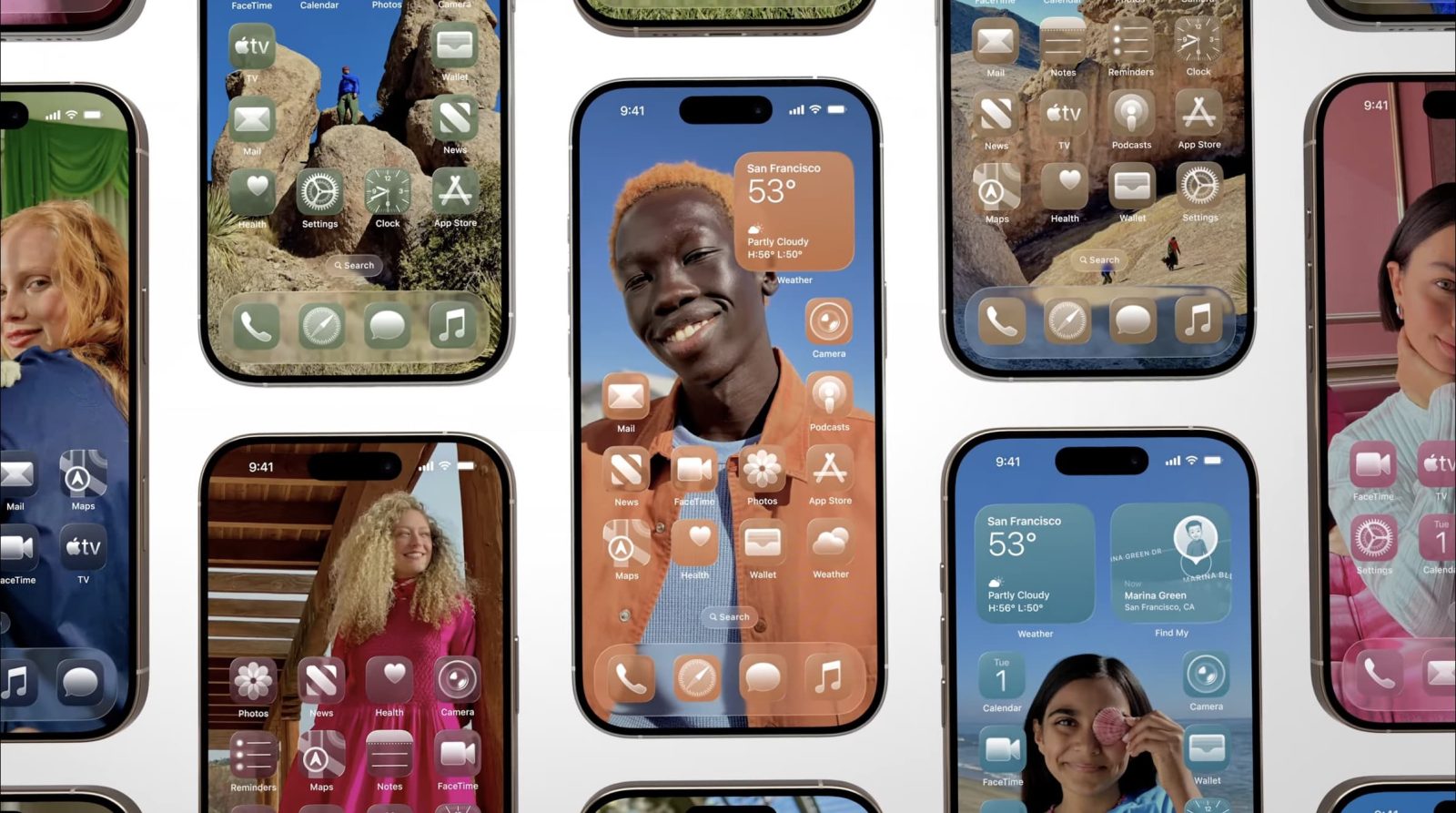
Apple said yesterday that iOS 26 was its biggest update to the look and feel of the iPhone since iOS 7, with the same visual design language used across all the company’s devices.
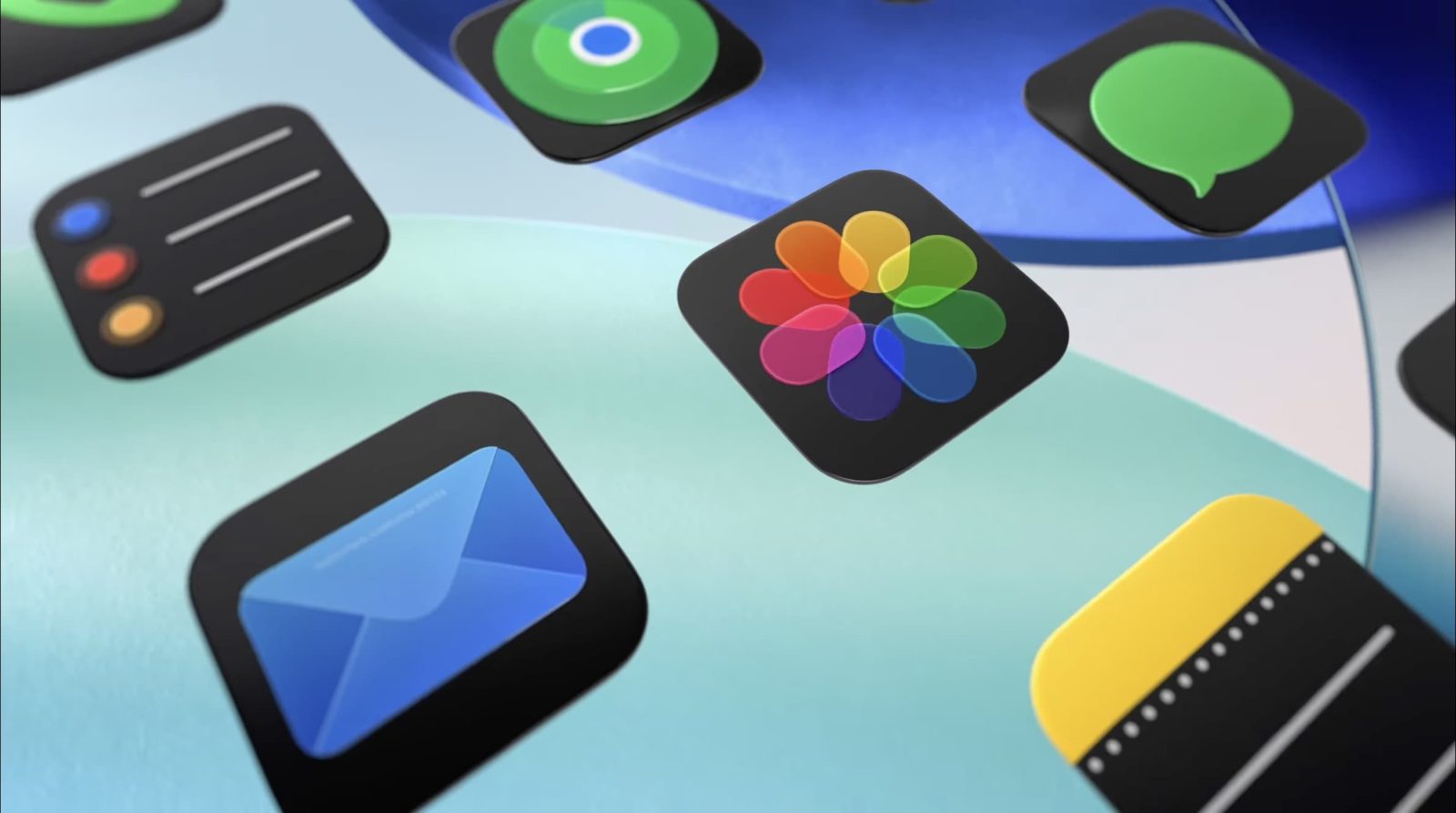
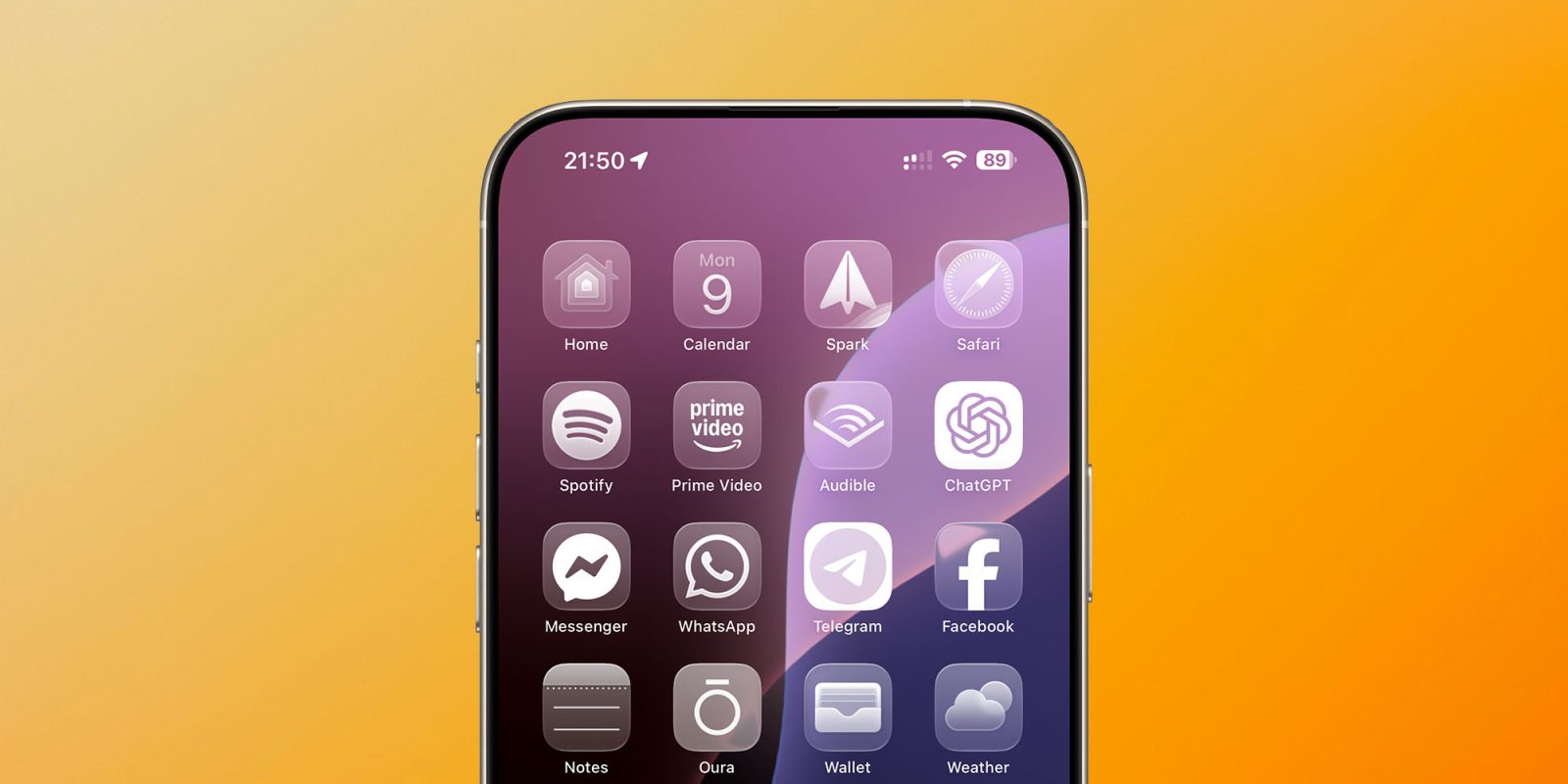
It’s certainly a pretty dramatic change, depending on how far you want to take the look. For example, in addition to the ‘tint’ options we got in iOS 18, there’s a new ‘Clear’ option to make all our app icons monochrome glass – which you can see above …
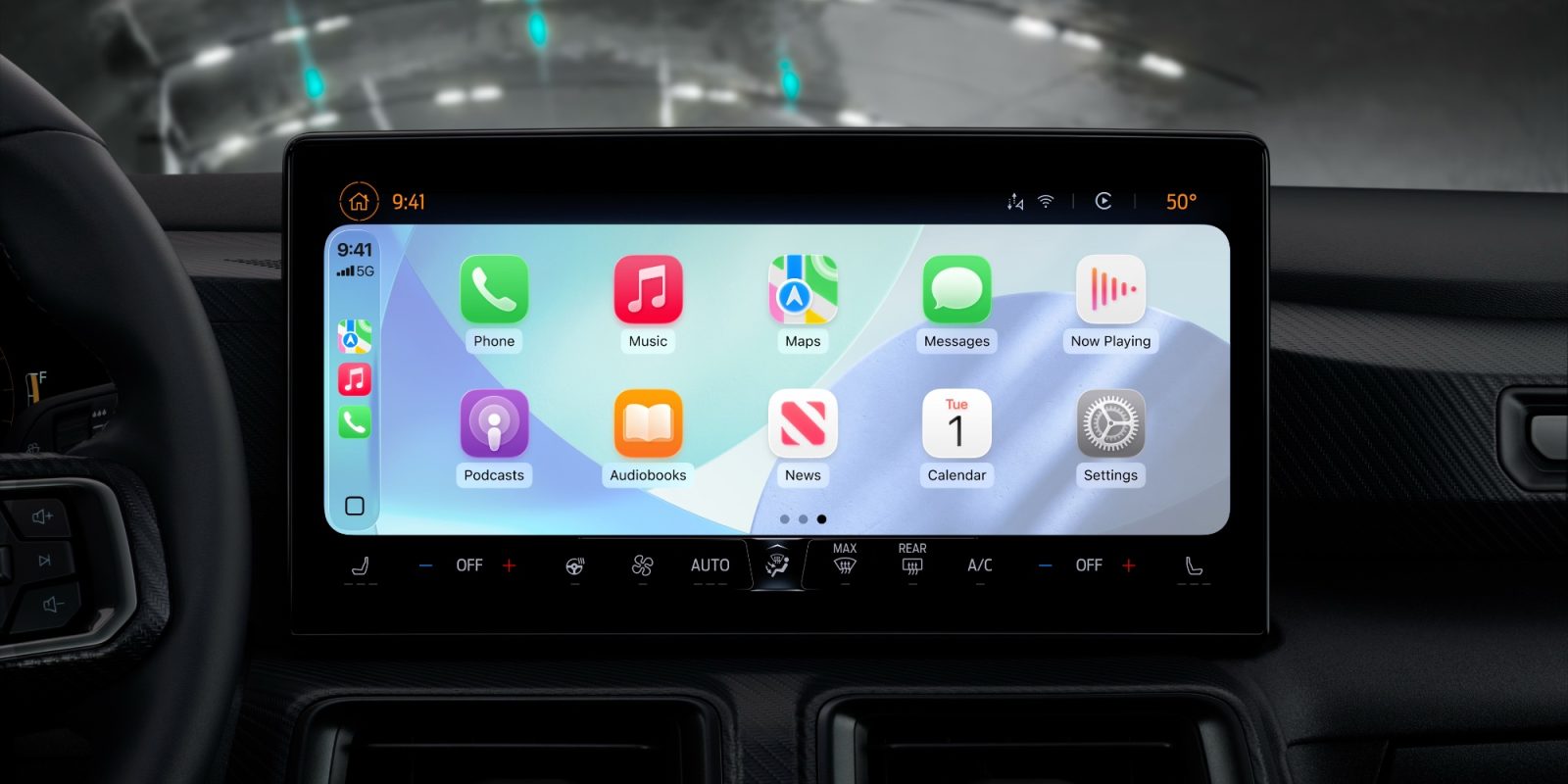
Turns out you don’t need an Aston Martin to have a new CarPlay experience in 2025. That’s because iOS 26 brings a fresh coat of paint and some new features to CarPlay for everyone.
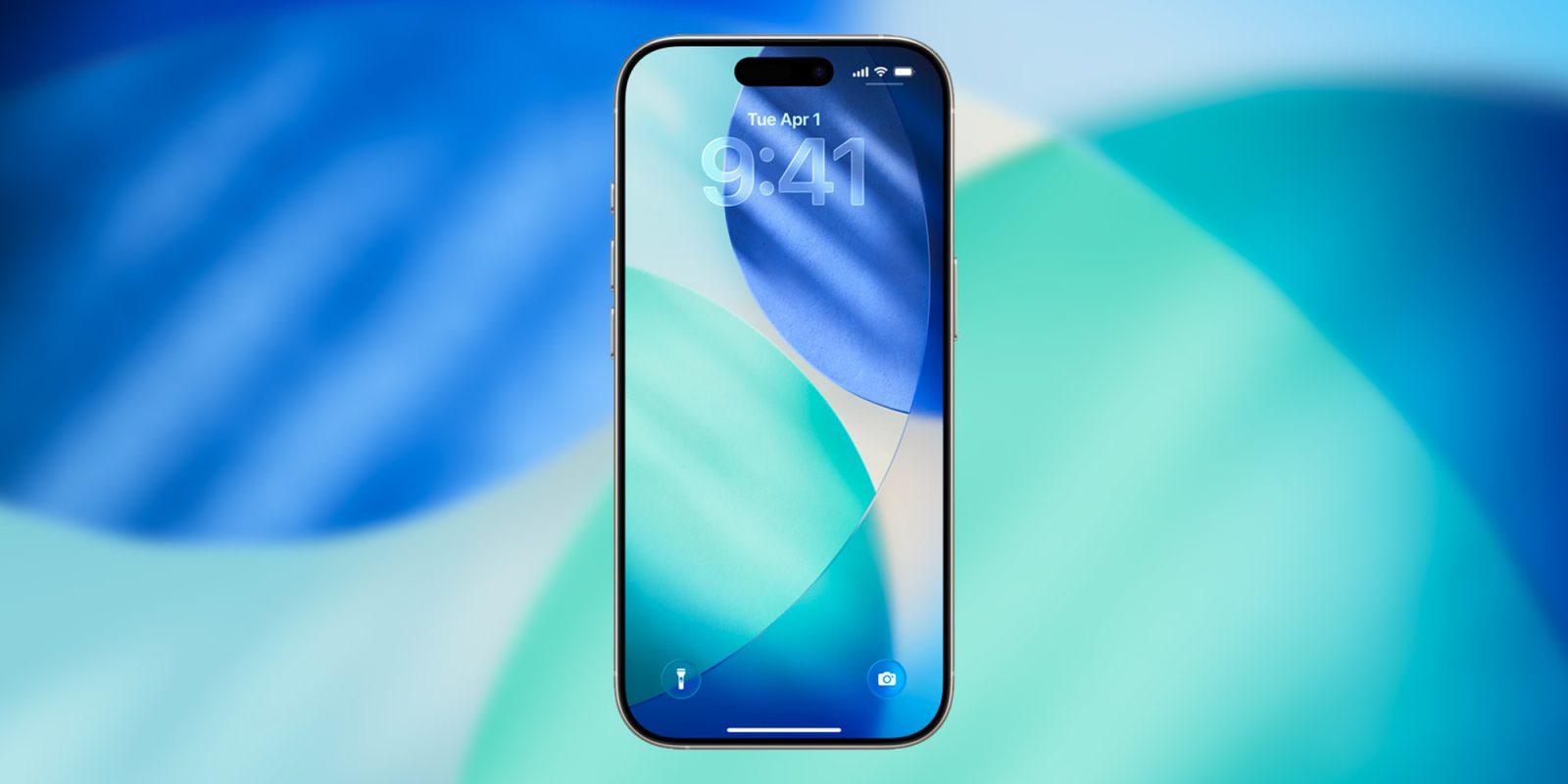
Right after the WWDC 2025 keynote, Apple released the first developer beta for iOS 26. As usual, the new system comes with a fresh set of default wallpapers to match its updated design language, and you can download them right here.