iOS 26

See All Stories

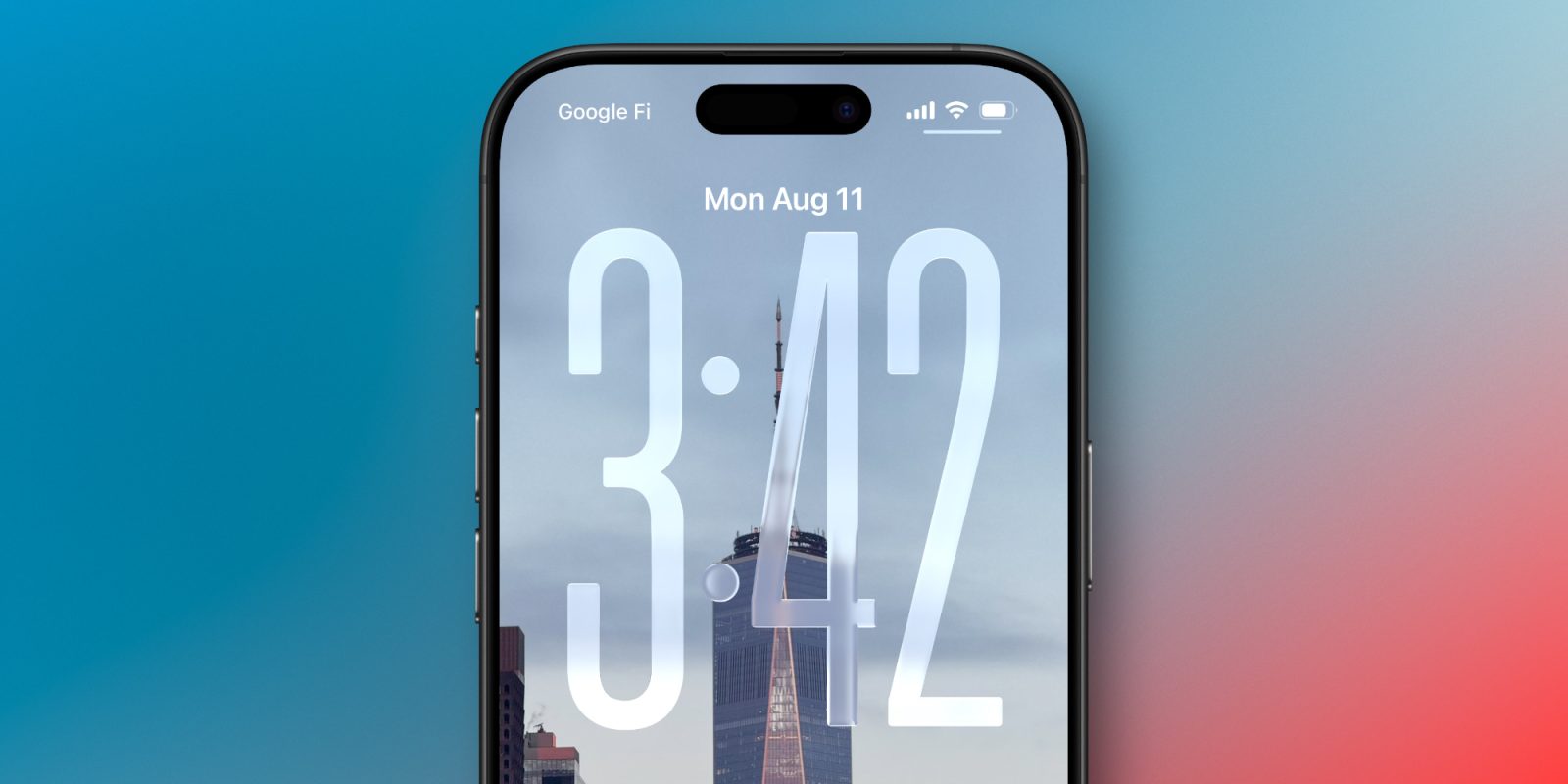
This new lock screen setting will stop your iPhone flashlight from turning off accidentally

The iPhone lock screen flashlight is incredibly handy. But have you ever noticed it turn off randomly while you are holding the phone, seemingly inexplicably?

What is actually happening is the slightest touch on the screen can be interpreted as a swipe to the right to open the camera, which immediately turns off the flashlight feature. An annoying conflict of functionality, if you even realized what was happening. But with iOS 26.1, now you can actually do something to fix it.

Expand Expanding Close
iOS 26.1 beta 4 adds new setting to tone down Liquid Glass transparency

iOS 26 introduced a bold new Liquid Glass design, bringing transparency and fluidity throughout the iPhone’s interface. iPadOS 26 and macOS 26 brought similar designs to the iPad and Mac, respectively.

Not a fan of that design? Well, iOS 26.1 beta 4 is now available, and it introduces a new option to choose a more opaque look for Liquid Glass. The same option is also available on Mac and iPad.

Expand Expanding Close
These key Messages upgrades are still missing from iOS 26, at least for now

Earlier this year, Apple confirmed that it’d be supporting end-to-end encryption with RCS in a future software update. At the time, iOS 18 was still the latest version of iOS – thus implying that the upgrade would come as part of the next round of software – iOS 26.

So far, end-to-end encryption is yet to ship. That’s not the only thing though. The upgrade to end-to-end encryption would’ve also necessitated other major upgrades to the RCS protocol, and as of iOS 26.1 beta, it’s all still missing.

Expand Expanding Close

PSA: If you don’t like the new Preview app on iOS 26, there’s an easy fix for it

With iOS 26, Apple introduced a new app on iPhone and iPad: Preview. This app has been on the Mac for a long time, and as the name suggests, it serves as a system-wide file preview of sorts, that way you don’t need an app to view every file.

While this app may be intuitive on the iPad, I’ve found it rather cumbersome on the iPhone. Luckily, there’s a rather simple fix for it.

Expand Expanding Close