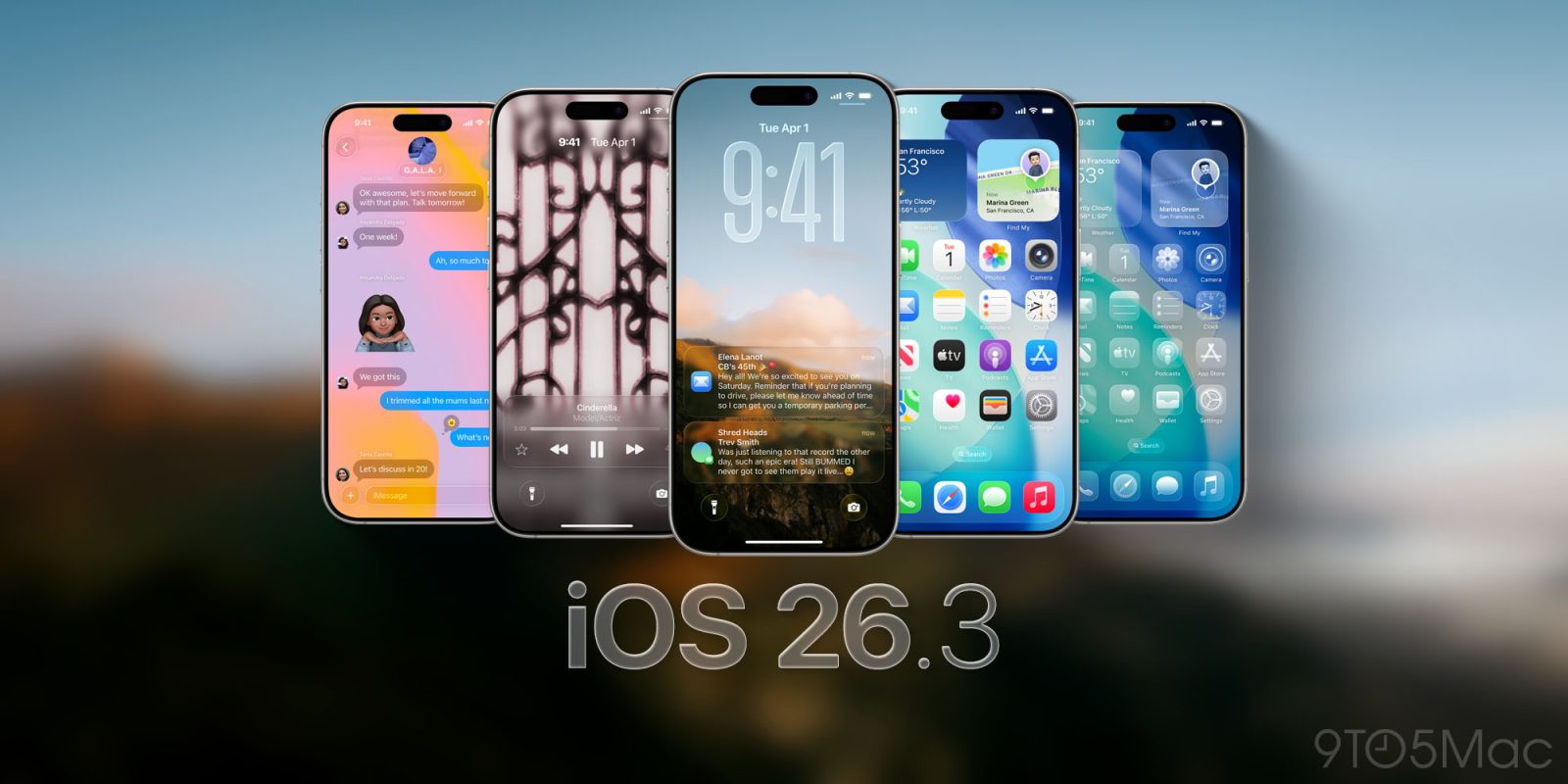
A combination of new code spotted by Macworld and 9to5Mac suggests that Apple may be set to make two iOS 26 security changes which will make iPhones safer.
Historically, Apple has issued security patches as part of a new iOS build. This has two significant disadvantages which can leave many iPhones unprotected against the latest threats for longer than necessary …
With today’s rollout of developer betas for iOS 26.1, iPadOS 26.1, and macOS Tahoe 26.1, Apple began to lay the groundwork for adopting Anthropic’s protocol for agentic AI. Here’s what this means.
With iOS 26 officially launched, Apple is moving forward with iOS 26.1. Apple just released the first beta version of the first major update to iOS 26 for developer beta testers.
9to5Mac Security Bite is exclusively brought to you by Mosyle, the only Apple Unified Platform.Making Apple devices work-ready and enterprise-safe is all we do. Our unique integrated approach to management and security combines state-of-the-art Apple-specific security solutions for fully automated Hardening & Compliance, Next Generation EDR, AI-powered Zero Trust, and exclusive Privilege Management with the most powerful and modern Apple MDM on the market. The result is a totally automated Apple Unified Platform currently trusted by over 45,000 organizations to make millions of Apple devices work-ready with no effort and at an affordable cost. Request your EXTENDED TRIAL today and understand why Mosyle is everything you need to work with Apple.
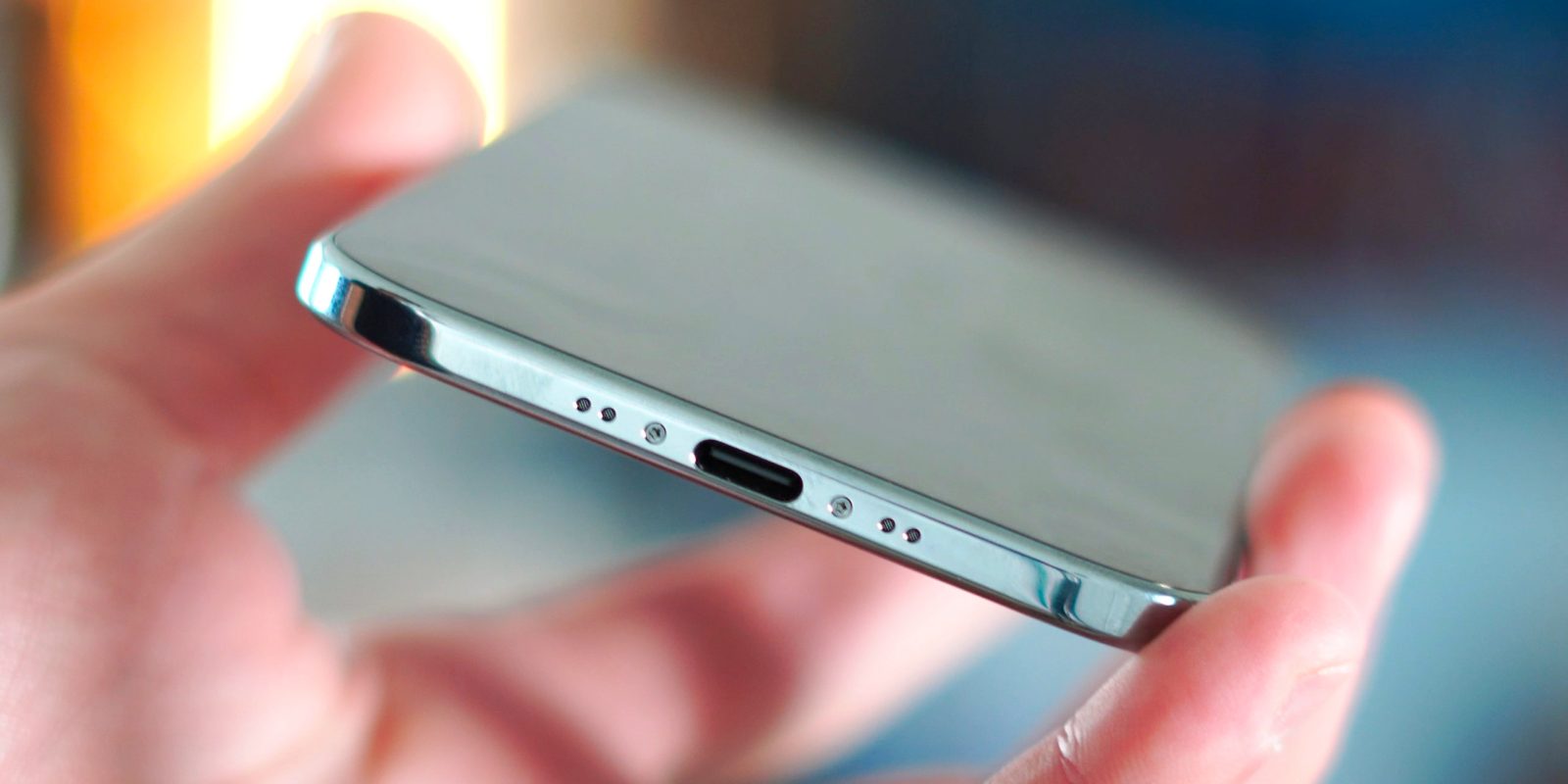
If you upgraded to iOS 26, you know the design changes and visual overhaul of Liquid Glass are undeniably impressive. But from a security perspective, one feature in particular has piqued my interest and seemingly gone under the radar: a new permission setting for wired accessories. This overlooked feature could be one of the most practical defenses Apple has shipped in years.
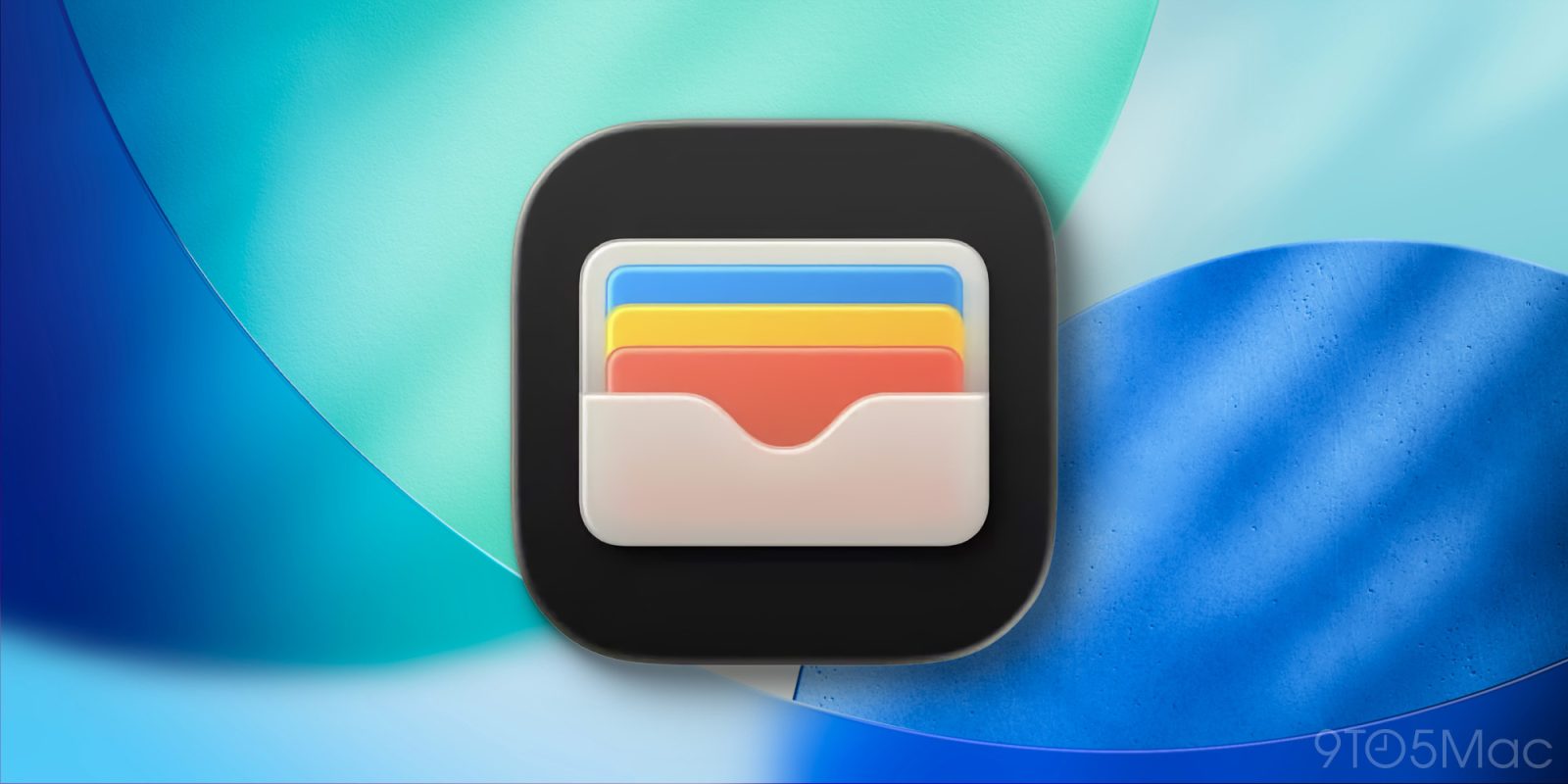
Apple Wallet, like every other iOS 26 app, has gotten some Liquid Glass UI changes this year. But iOS 26 is also an especially packed update for new features coming to Apple Wallet. Here’s what’s new.
It’s been a busy week in the Apple world, between reviews of new iPhones and the release of iOS 26.
One of the highlights of new iOS season every year is Federico Viticci’s in-depth review at MacStories. Given the vast nature of iOS 26 and iPadOS 26 this year, I was even more excited than usual to read his review.
Apple has released a new version of iOS 26 that’s exclusive to its new iPhone 17 Pro and Pro Max arriving in users’ hands tomorrow. Here’s what you should know.
iOS 26 is here, bringing a Liquid Glass redesign and lots of new features for popular apps. The Maps app got some big updates last year, but even more changes have just arrived. Here are the new Apple Maps features available in iOS 26.
iOS 26 is the latest major iPhone update, packing big changes for Apple Wallet, CarPlay, Apple Music, and a variety of new features for the Messages app too. Here’s what’s new in the Messages app with iOS 26.
Apple Intelligence is entering its second year, and iOS 26 adds many new and improved AI features. But despite everything new, there’s surprisingly good news for iPhone storage requirements in the new update.
iOS 26 might be best remembered for its Liquid Glass design, but among many other new features and changes, the update also adds two brand new apps to your iPhone’s Home Screen. Here’s what’s new.
When T-Mobile launched its T-Satellite service back in July, iPhone users were limited to text messaging via satellite – but the company promised that support for selected additional apps would follow.
With the launch of iOS 26, the company has started to make good on that promise, with support for six apps so far. Notably, you don’t need to choose T-Mobile as your carrier in order to subscribe to the service …
Apple’s Wallet app is getting one step closer to actually replacing your physical wallet, thanks to a new iOS 26 feature that’s available for all saved credit and debit cards.
iOS 26 launched this week alongside companion updates for Apple’s other platforms. There are so many new features in each update, it can be easy to miss some of the changes. Fortunately, Apple has published new comprehensive documents outlining every new feature in iOS 26, iPadOS 26, and macOS Tahoe.
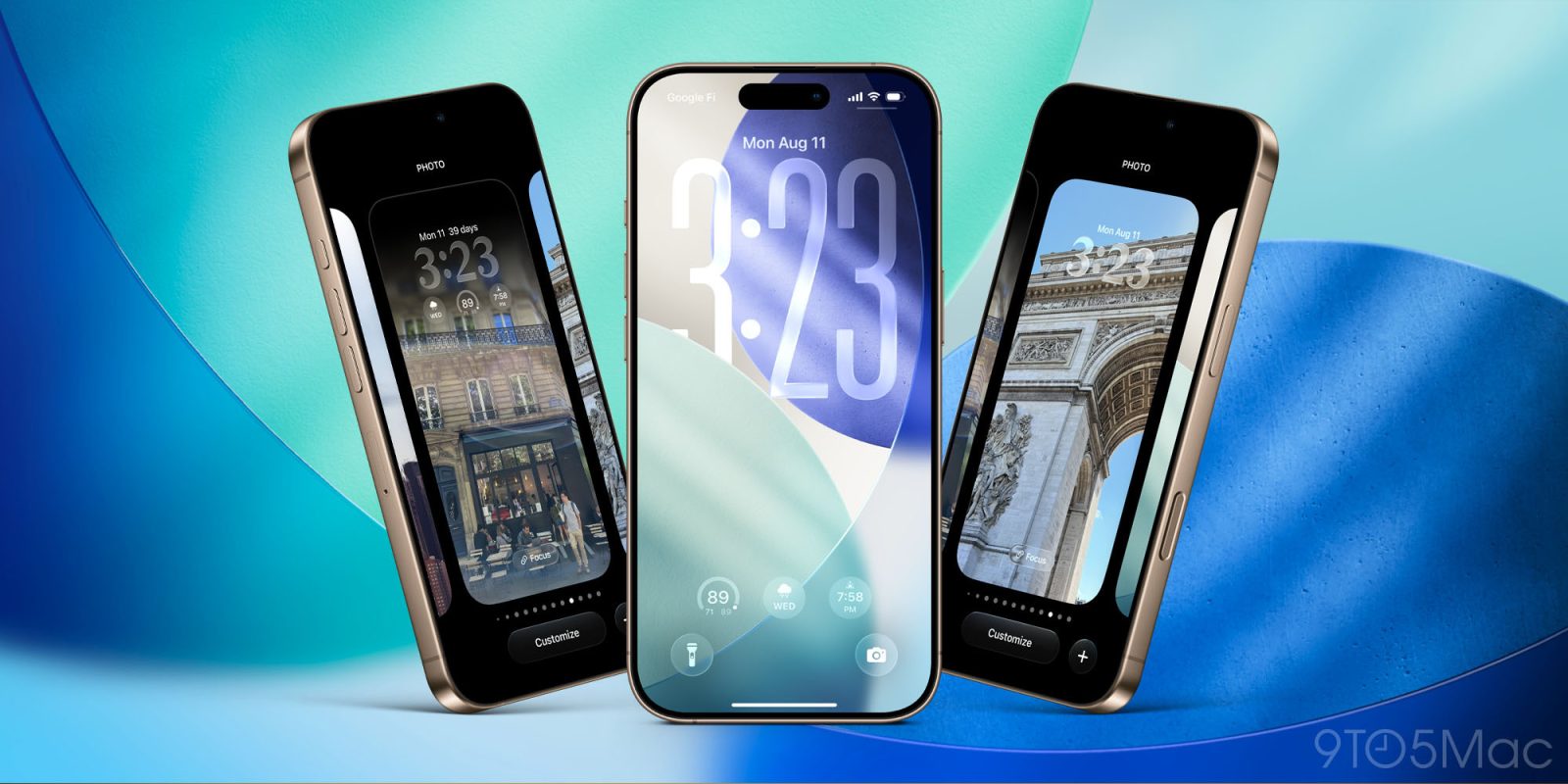
iOS 26 is packed with major changes for the iPhone, including a new Liquid Glass design. But if you’re not a fan of the fresh design, here’s how to make iOS 26 look and feel more like iOS 18 again.
iOS 26 shipped to all users yesterday, but it came with a build number that was different than the RC previously available to beta testers. Now, one day later, Apple has released that public version for beta testers too.
Over the last several years, CarPlay’s new features have been rare and few. But between CarPlay Ultra’s launch and everything new in iOS 26 for standard CarPlay, things have quickly changed. Here’s what’s new in iOS 26, CarPlay’s biggest update in years.
One of the promises of the smart home is that it, in theory, should intelligently adapt and respond to your needs. iOS 26 provides a key upgrade in that department with new Adaptive Temperature features in the Home app to automate your thermostat.
Siri hasn’t had the best year, largely owing to major feature delays amid ever-stronger AI competition. While the big Siri upgrades we’ve been waiting for are reportedly coming next spring, Apple has five surprise new features available now in iOS 26.
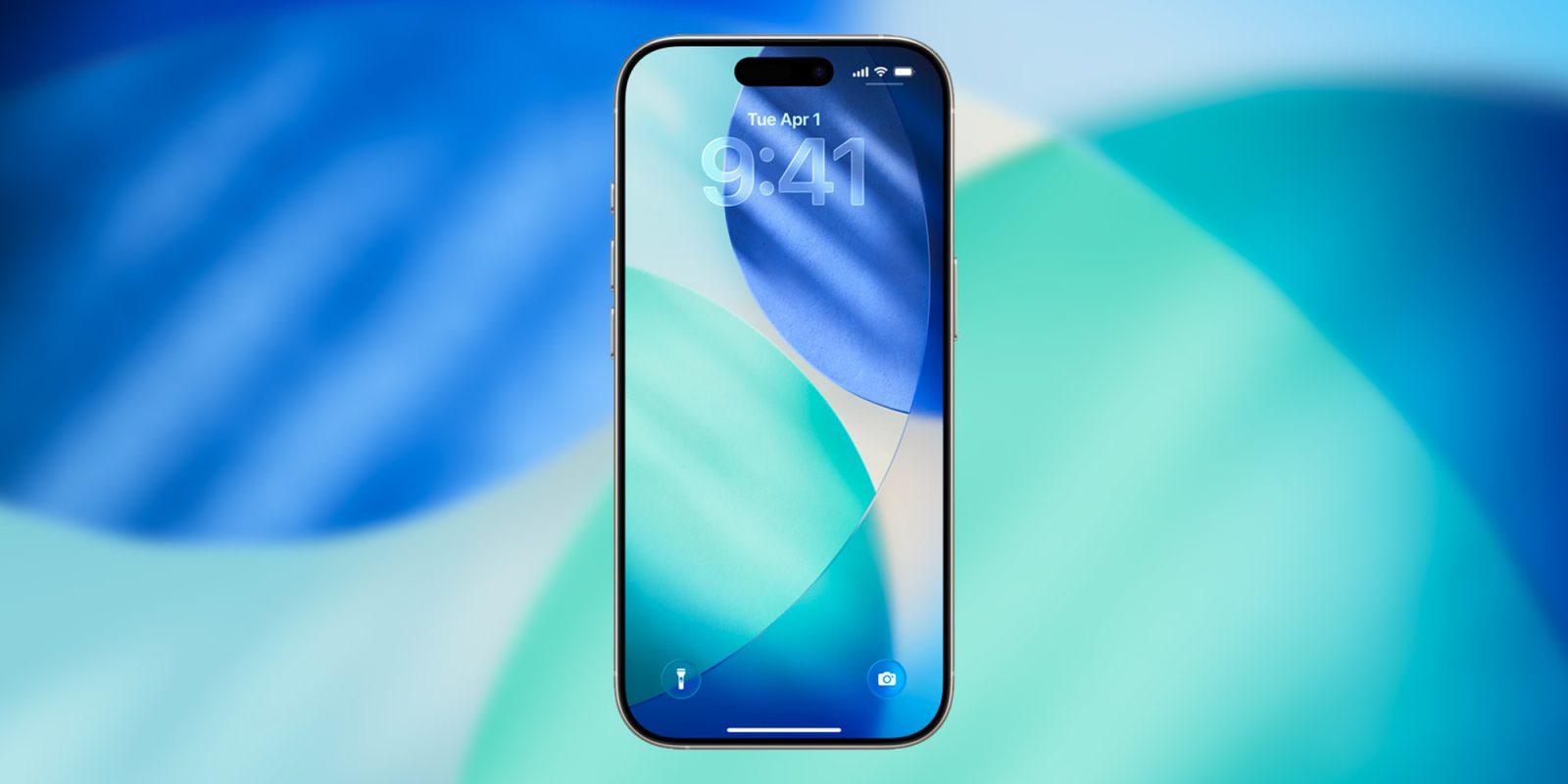
If you’ve just installed iOS 26, the first thing you will, of course, have noticed is the new Liquid Glass user interface. This has proved a somewhat polarizing feature, with some developers arguing it’s not yet ready for primetime.
It certainly takes some getting used to, but overall I’m a fan, and I particularly like some of the small but notable changes …
So, Apple has just released the next major version of its iPhone operating system, called iOS 26. If you have an iPhone model newer than the XS, you can update to iOS 26 for free right now.
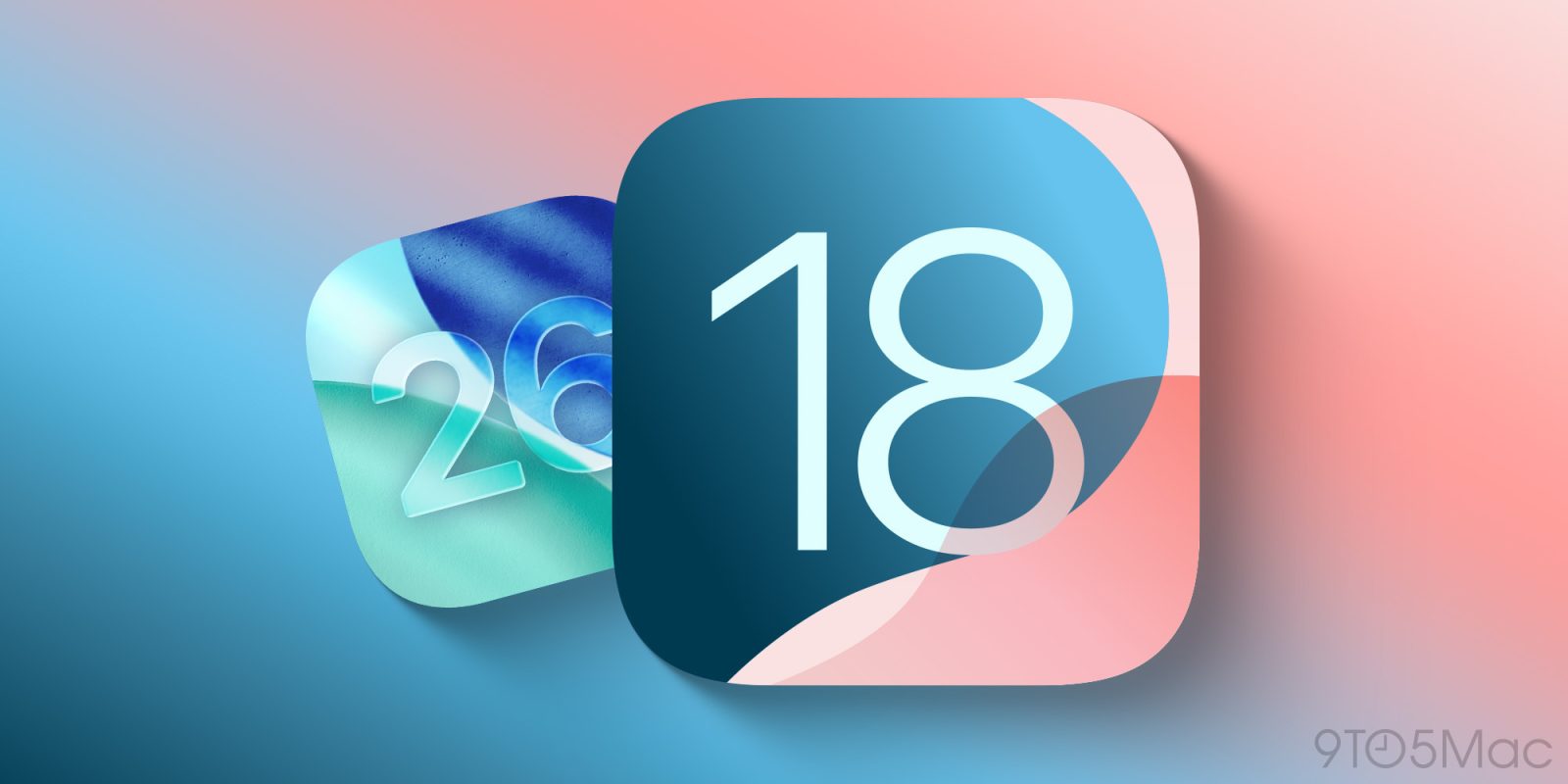
But the previous version number of iOS was iOS 18. So what happened to iOS 19? Why did Apple jump to 26?