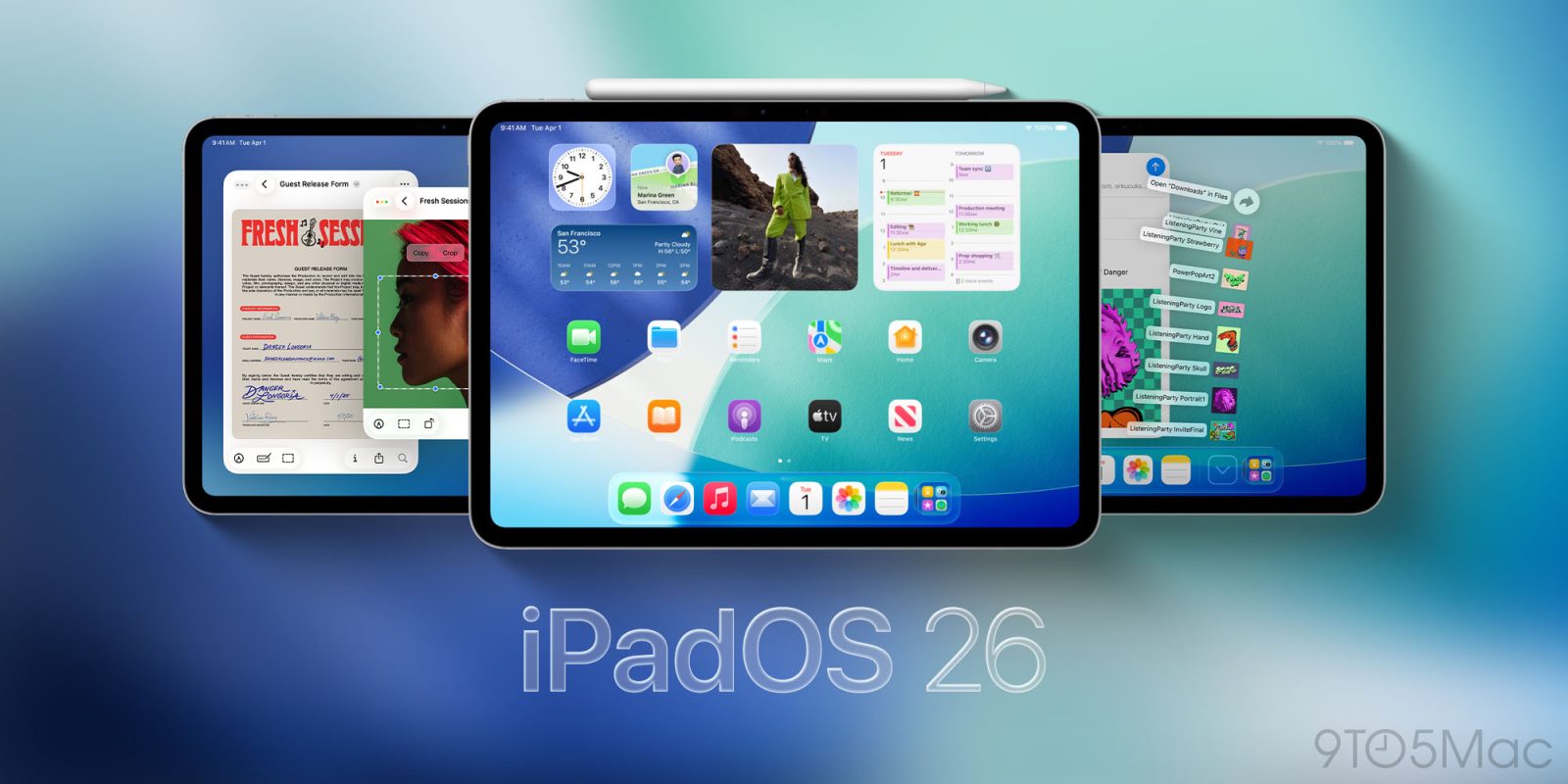
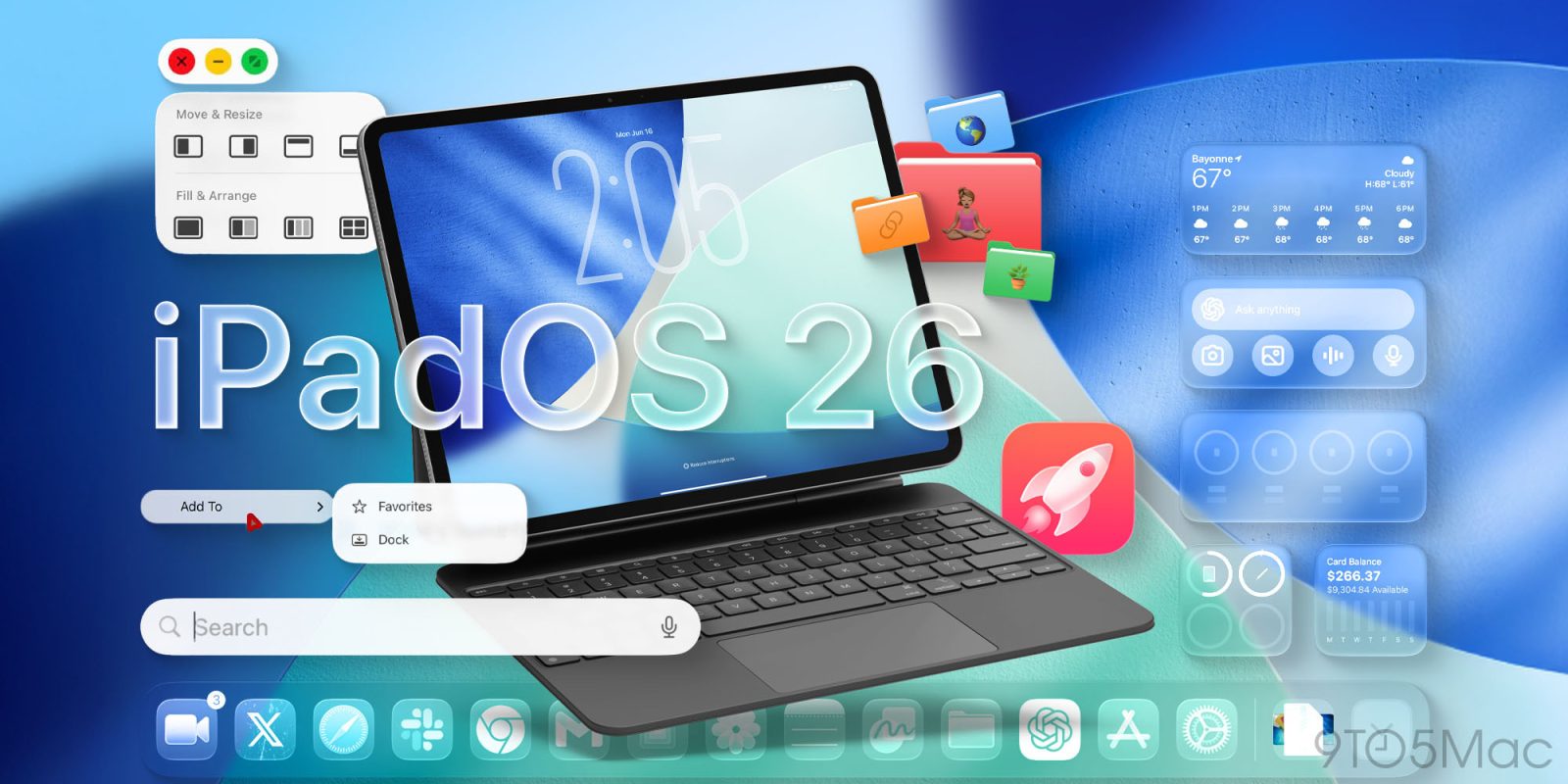
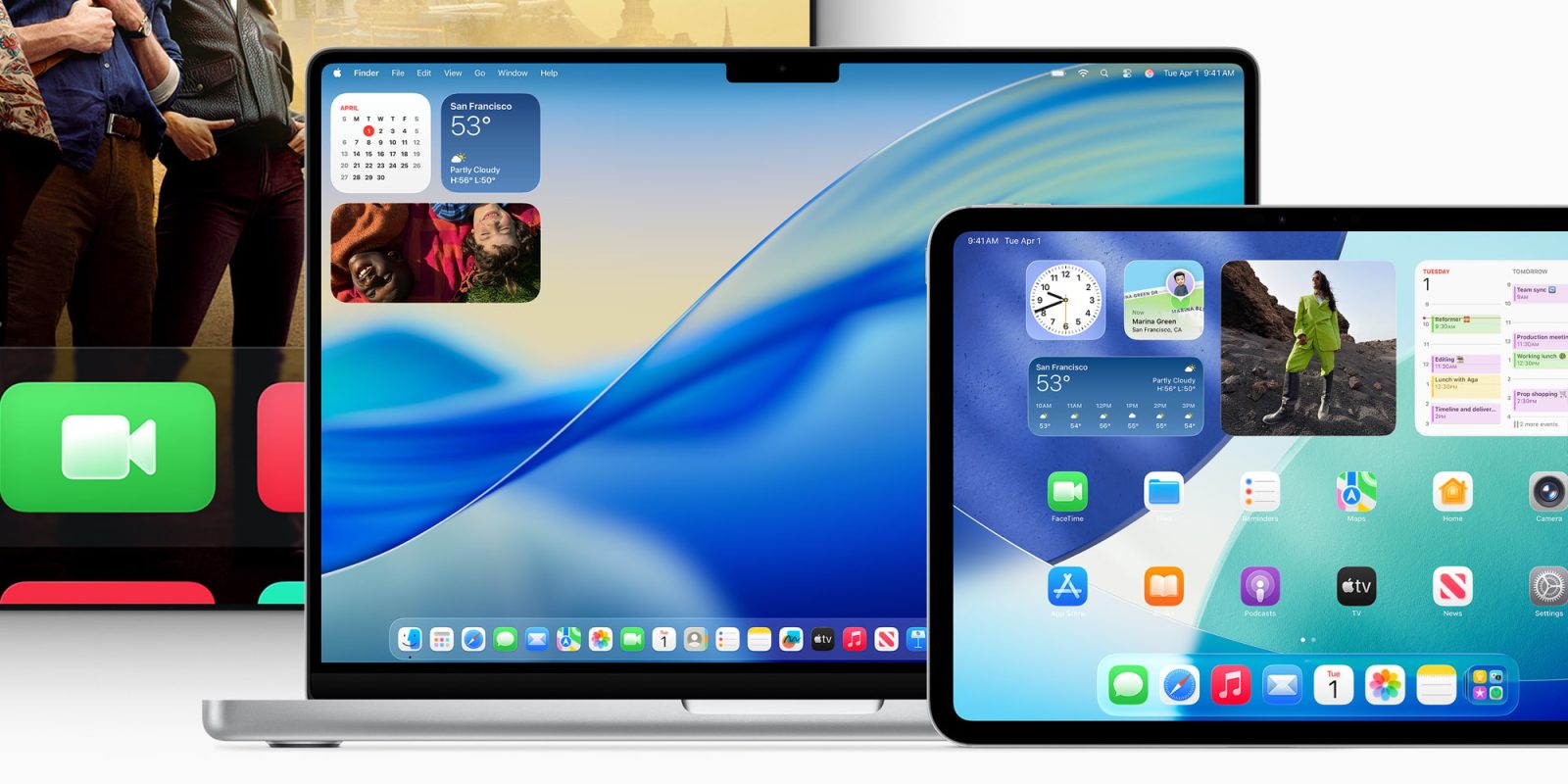
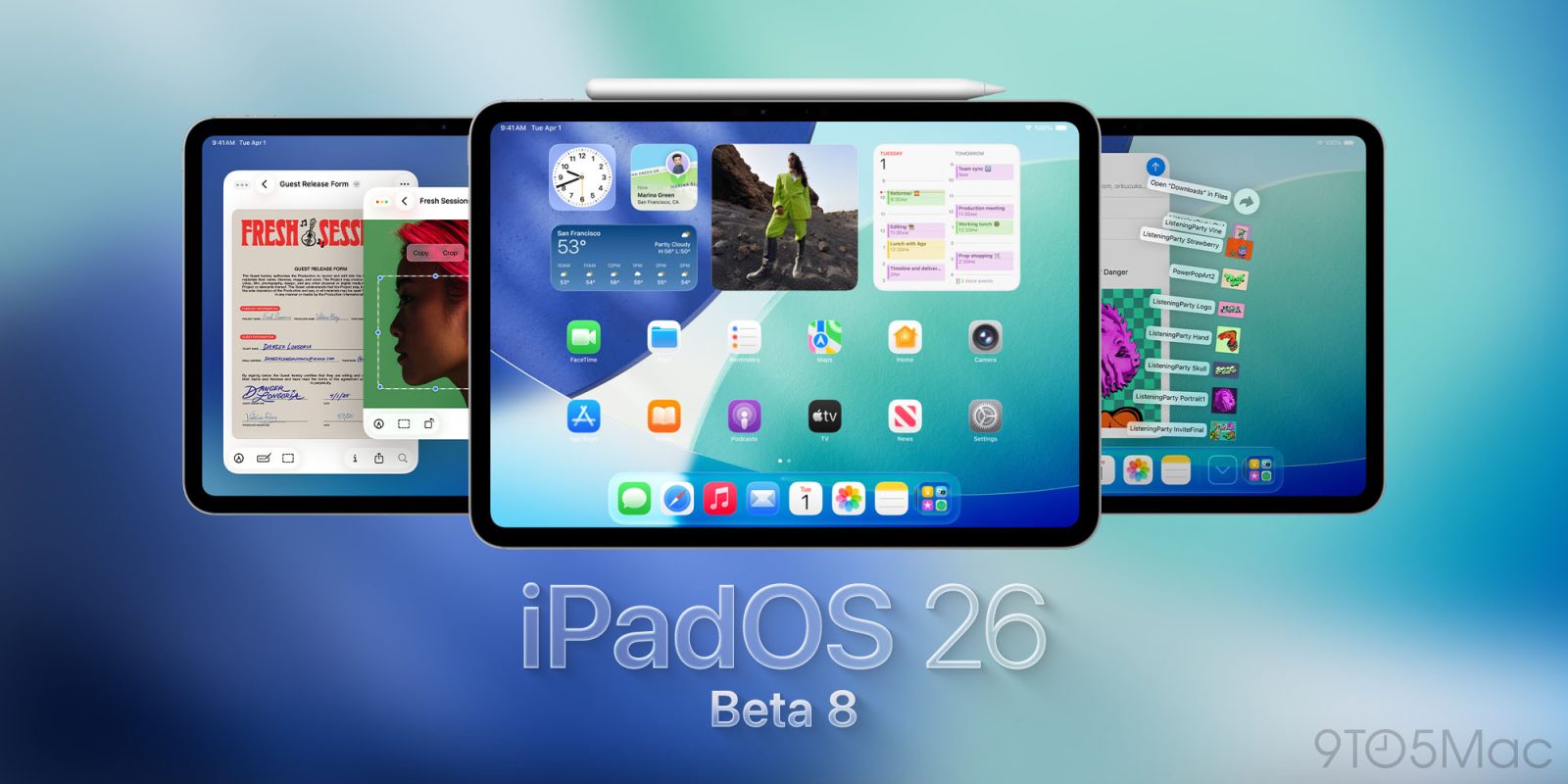
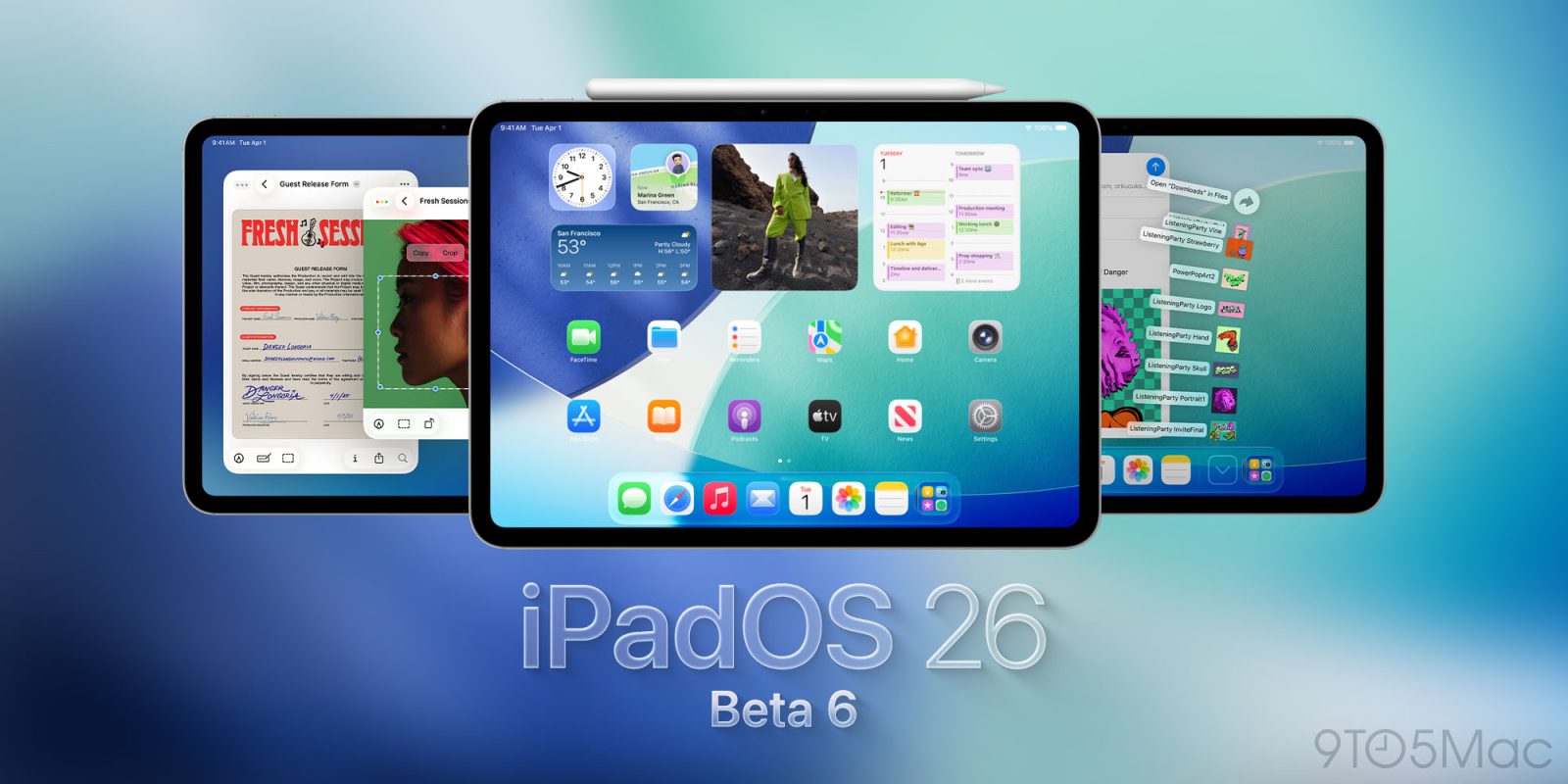
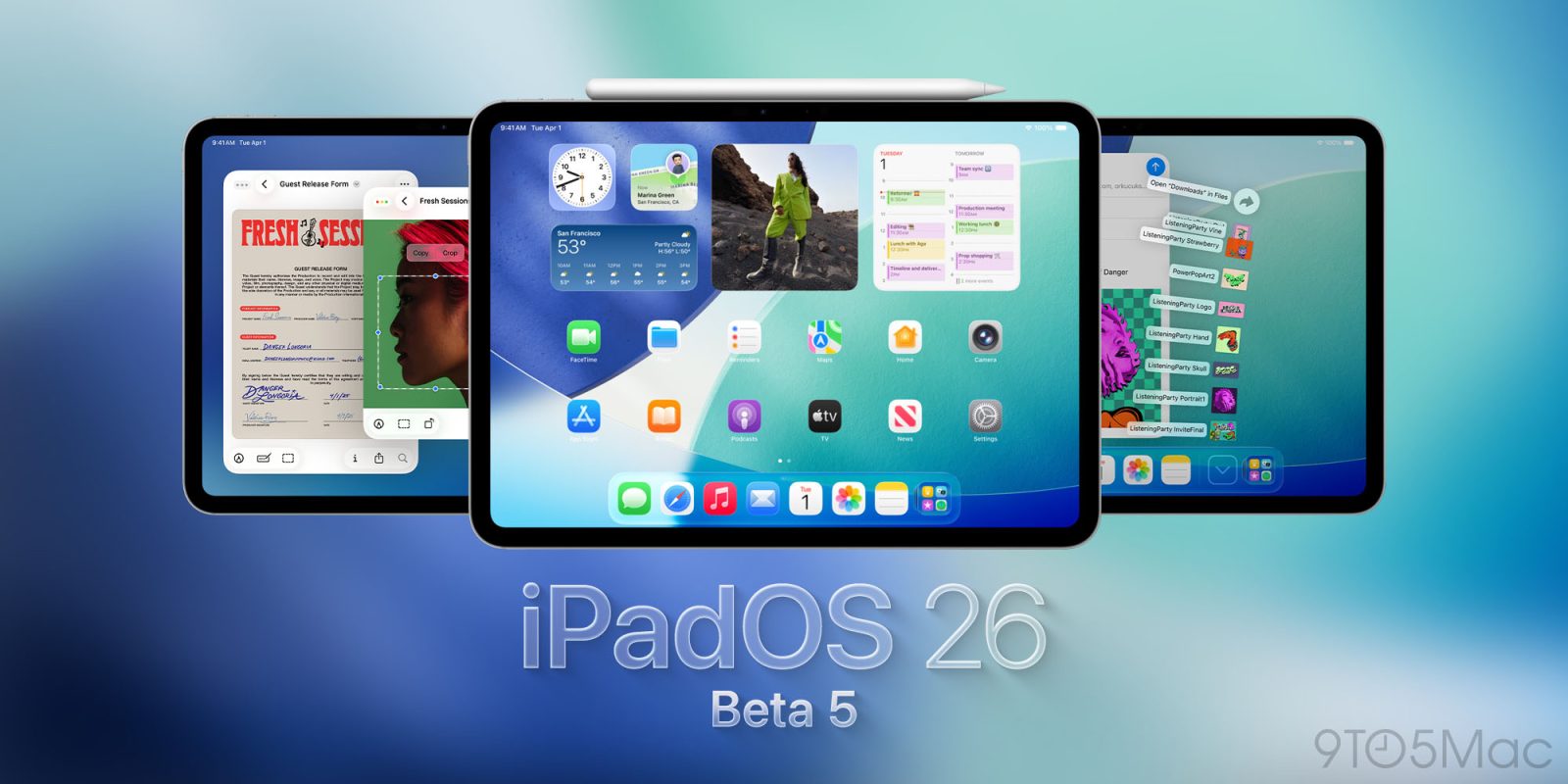
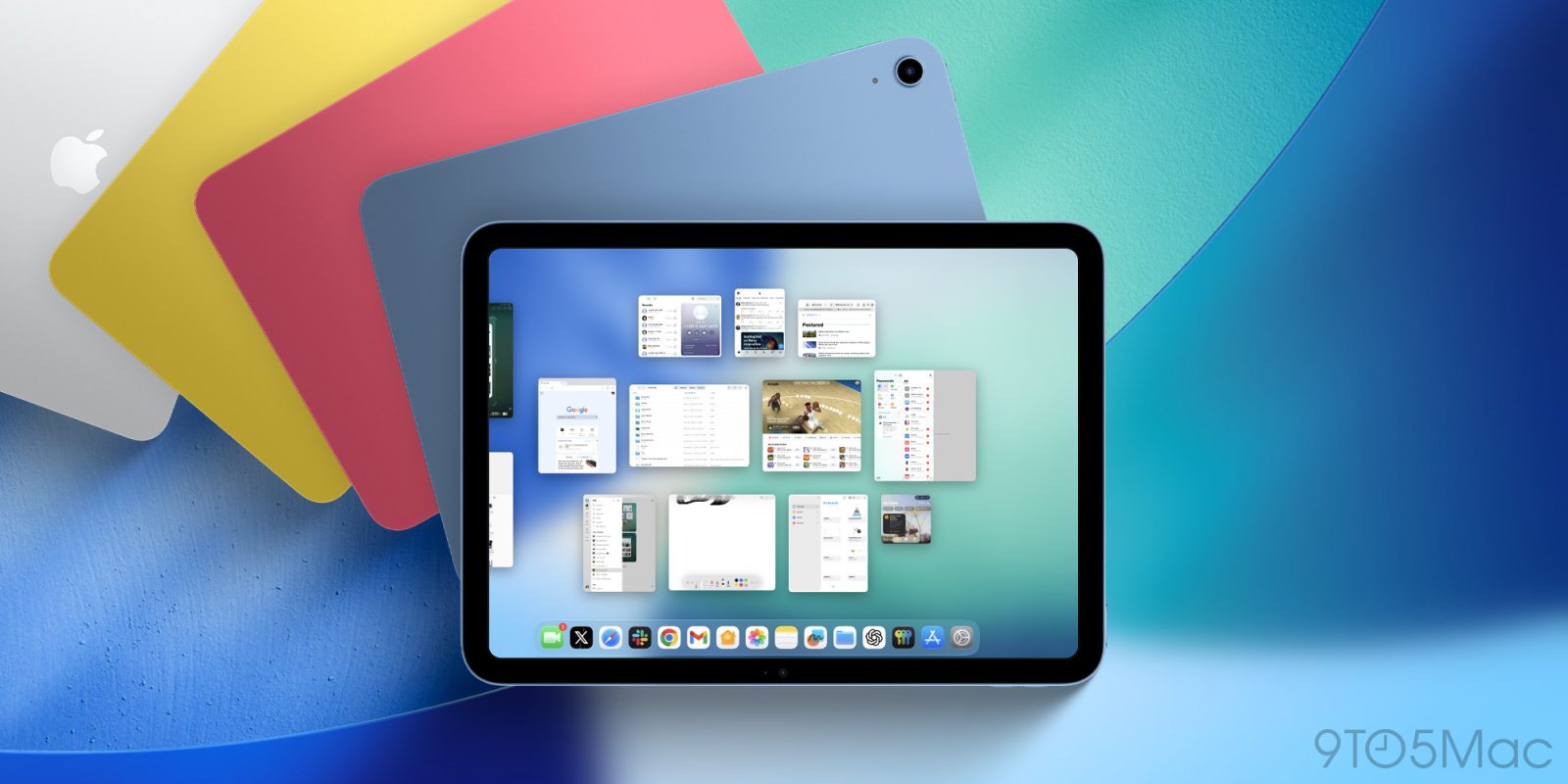
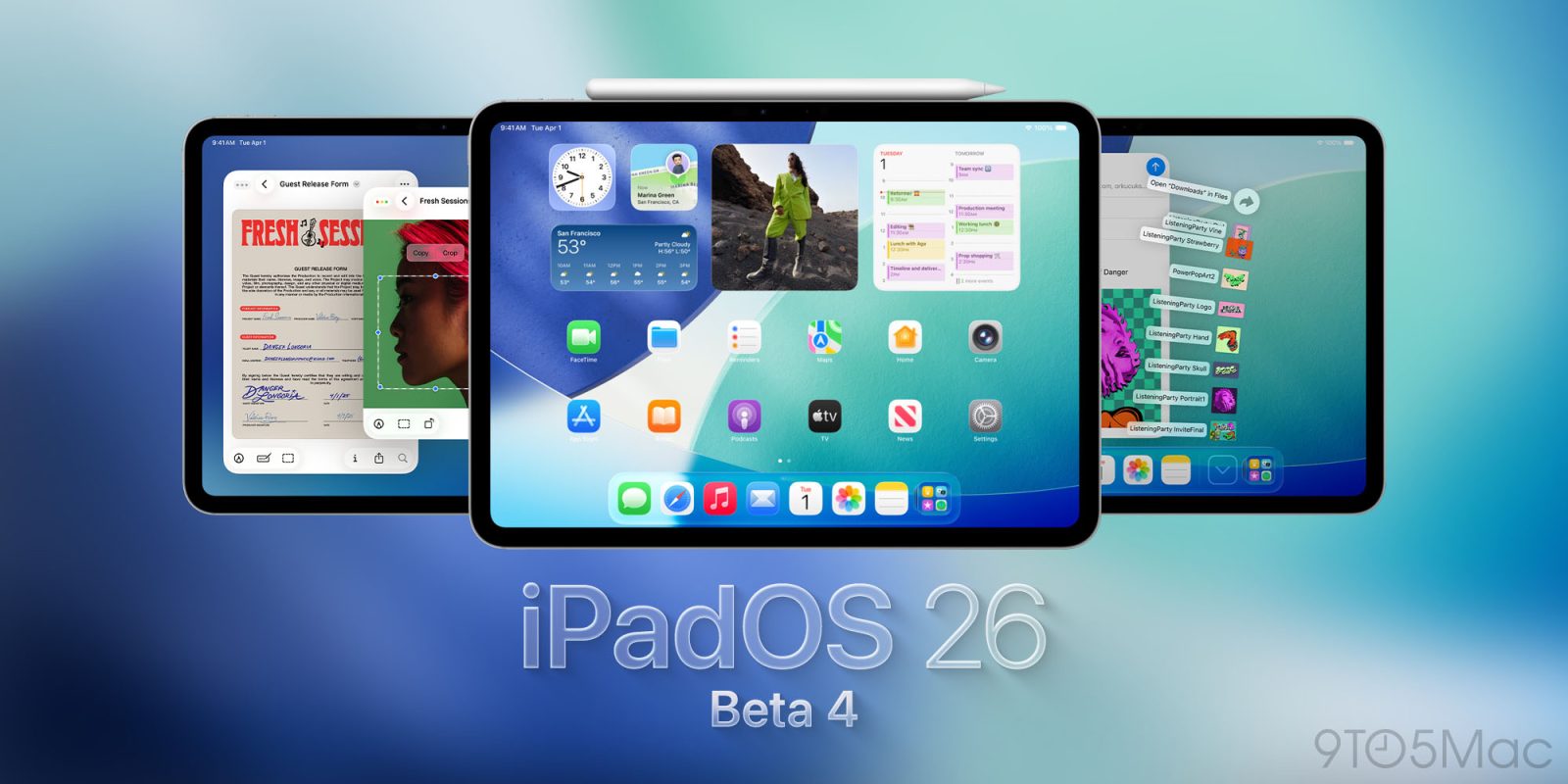
Today, Apple is set to launch iPadOS 26: an incredible new overhaul for the iPad. It brings a Mac-like windowing system, a new Menu bar, the ability to pin folders to the dock, and much, much more.
It makes the iPad feel like a computer for the very first time, making it a better time than ever to pick up a new iPad to pair with the new release.
Following today’s iPhone 17 event, Apple has just released a new wave of software updates for beta testers. The RC (release candidate) versions of macOS Tahoe, iPadOS 26, and more are now available.
Apple’s big ‘Awe dropping’ event was heavy on hardware announcements, but new software got release dates too, including iPadOS 26 which is coming very soon.
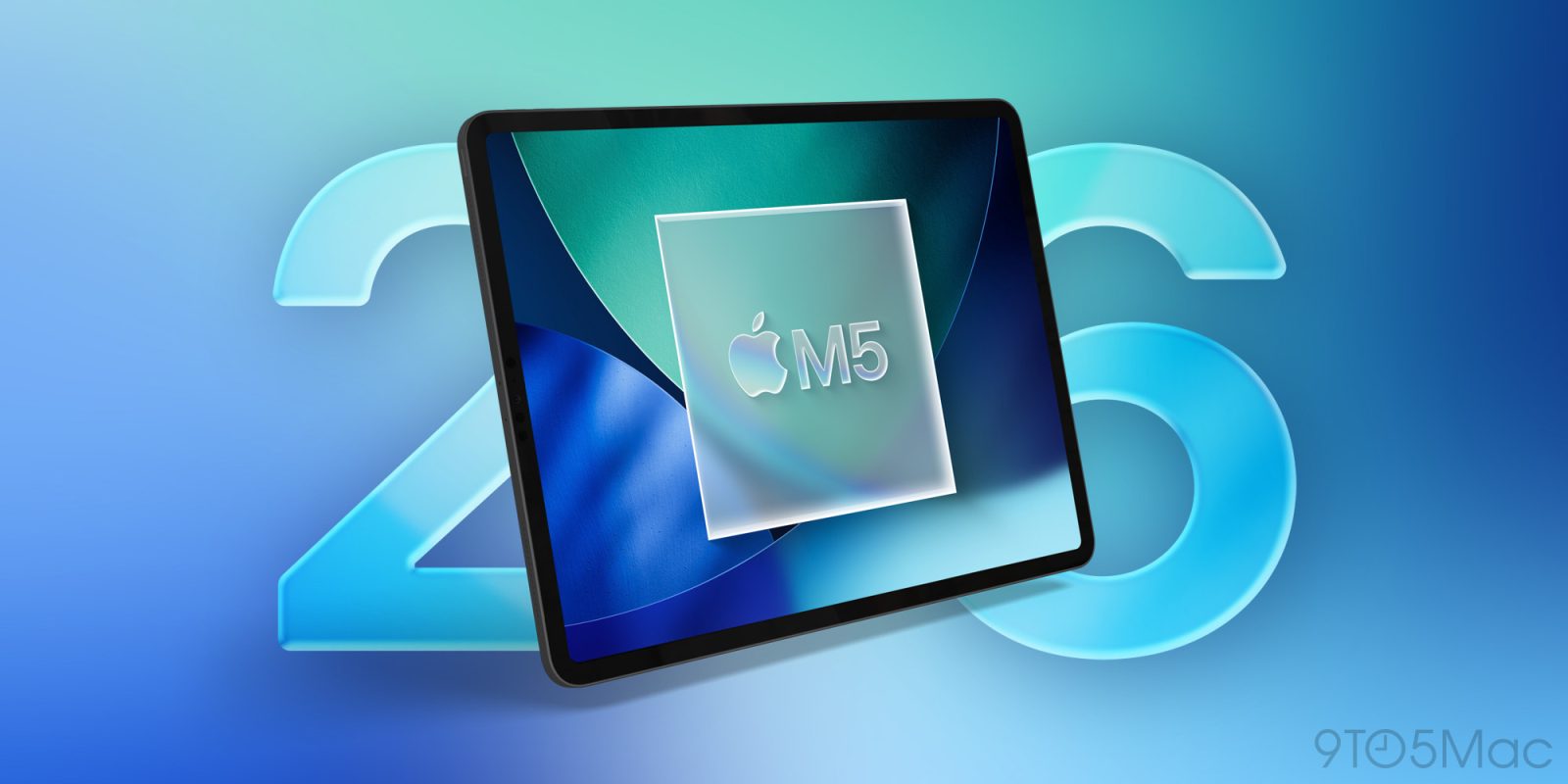
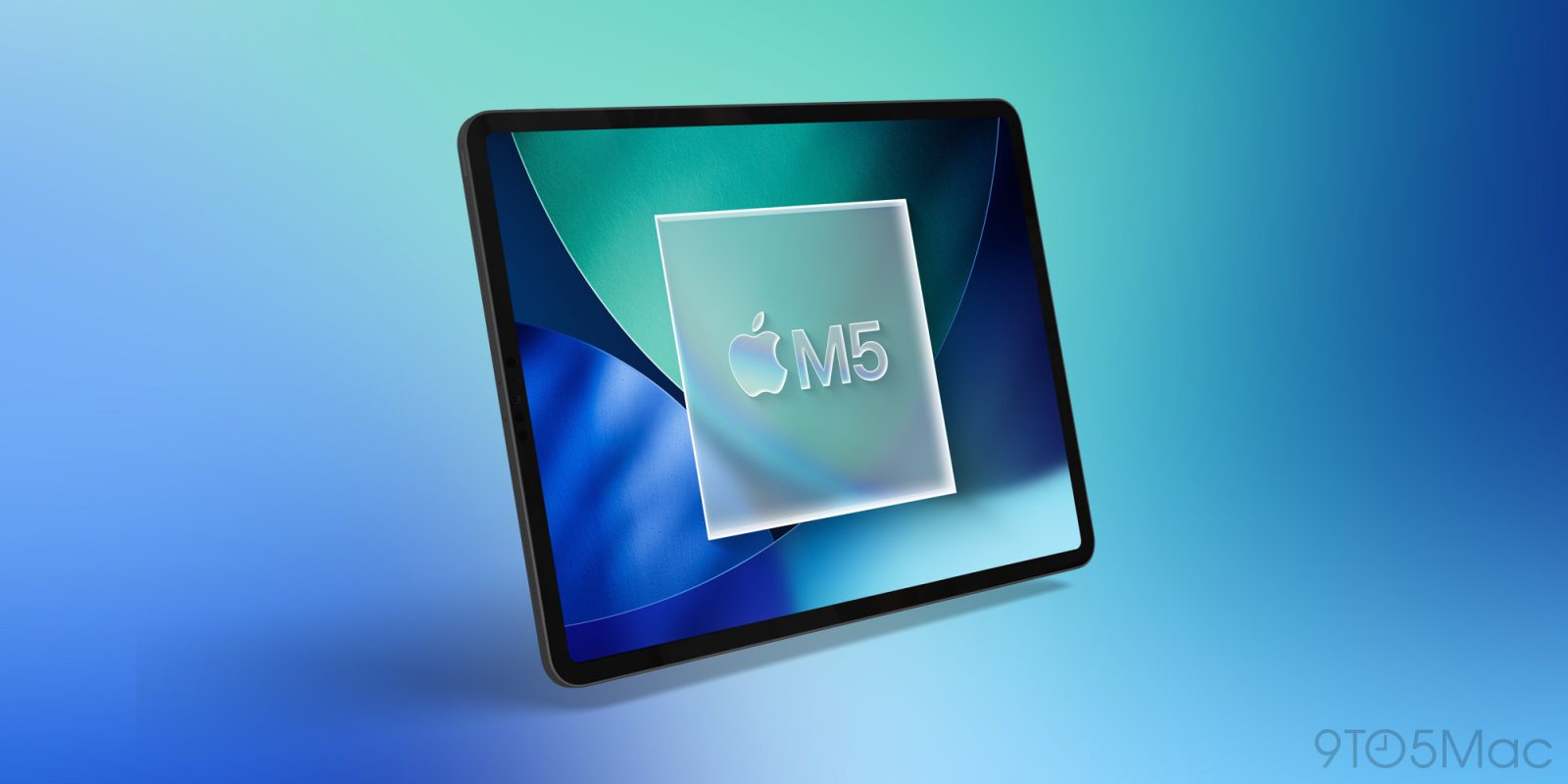
Apple launched the iPad Pro nearly 10 years ago, yet this fall as the M5 iPad Pro arrives powered by iPadOS 26, the company will finally have a great reason for users to go Pro.
The moment Apple announced iPadOS 26, it felt like us iPad users have finally been heard. For years the iPad has always been “almost there”. It had the powerful hardware, but the software made the experience too limited for most people. But now with iPadOS 26, that gap is almost gone. The new windowing system, improved multitasking, and better file management make the iPad feel more like a computer than it ever has before.
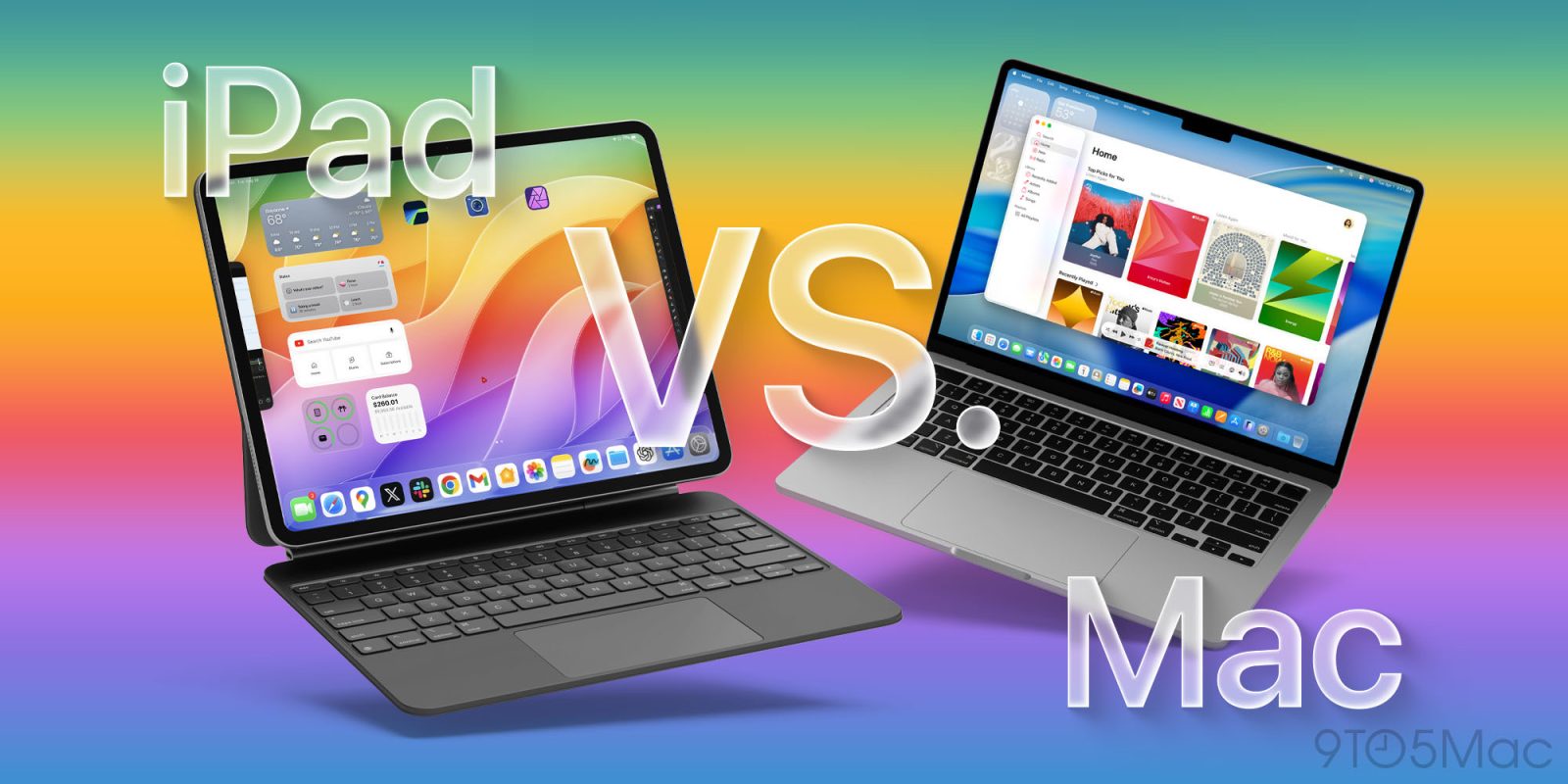
So the next natural question is, can an iPad be your one and only computer? Let’s break this all down.
Apple is launching a brand new M5 iPad Pro this fall, alongside its biggest iPad software release ever in iPadOS 26. Here are the iPadOS 26 features that have me excited to get a new iPad.
The moment Apple announced iPadOS 26 at WWDC, I rushed to install the developer beta on my M4 iPad Pro. And for the first time in years, it felt like Apple was finally putting iPad users first. We got features we’ve been asking for since iPadOS split from iOS: a fresh new look, Mac-like windowing, a smarter Files app, and more.
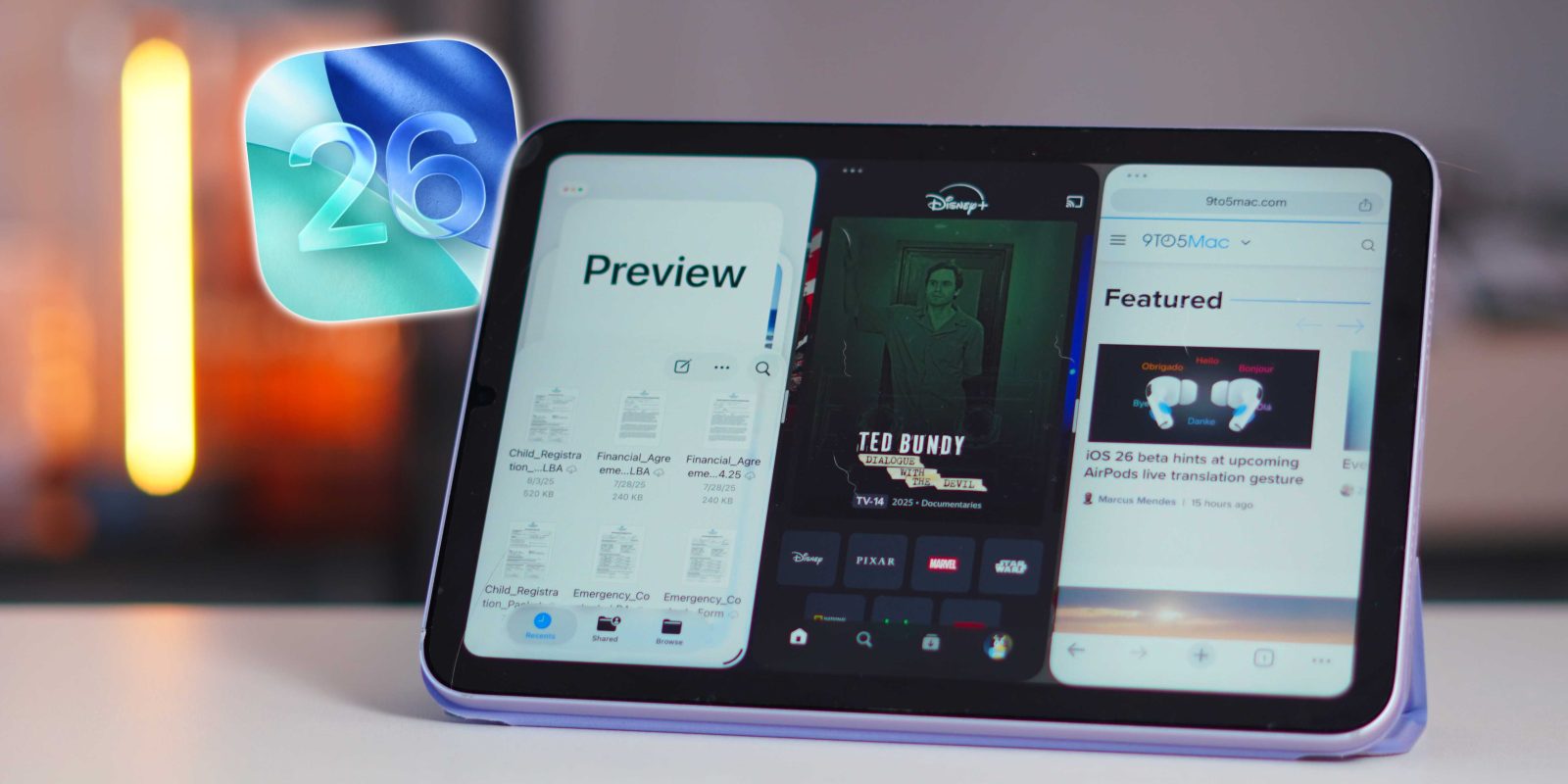
But what surprised me wasn’t the iPad Pro experience. It was just how many iPads supported all of these features, including the iPad mini. After installing iPadOS 26 on the mini, I was blown away by how well it worked. And that got me thinking: if the iPad mini can handle this, what does that mean for the future of the iPhone?
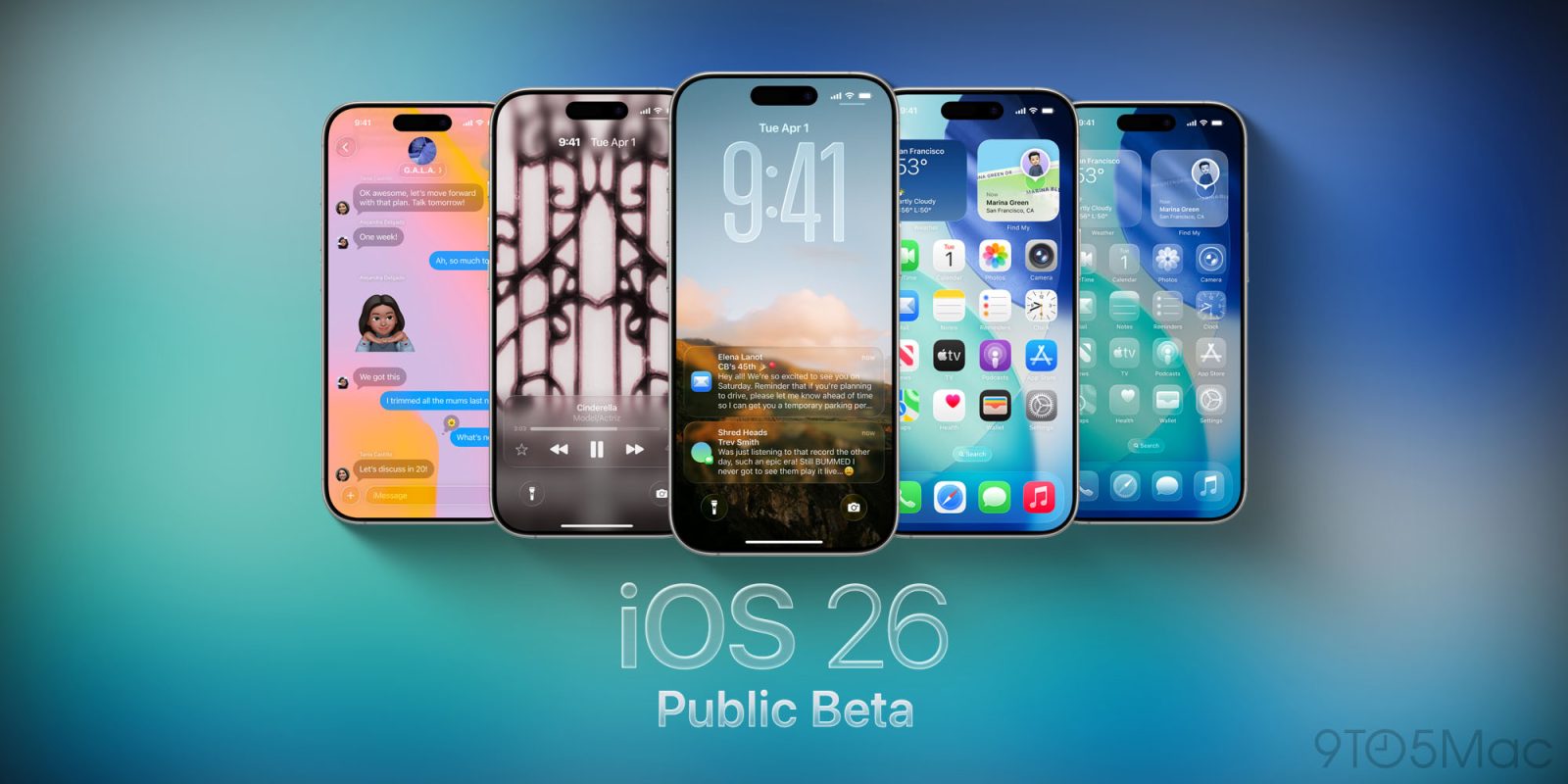
Apple kicked off the iOS 26 and iPadOS 26 public beta just in the nick of time last month. The company met its self-imposed July deadline after shipping four developer betas instead of the usual three. With Apple’s redesign direction back on track, we’re now seeing the second iOS 26 and iPadOS 26 public beta release become available.
iPadOS 26 is packed full of productivity upgrades, including a new windowing system that lets you use far more apps at once than before. And that newfound ability has made an overlooked ‘More Space’ setting significantly more useful.
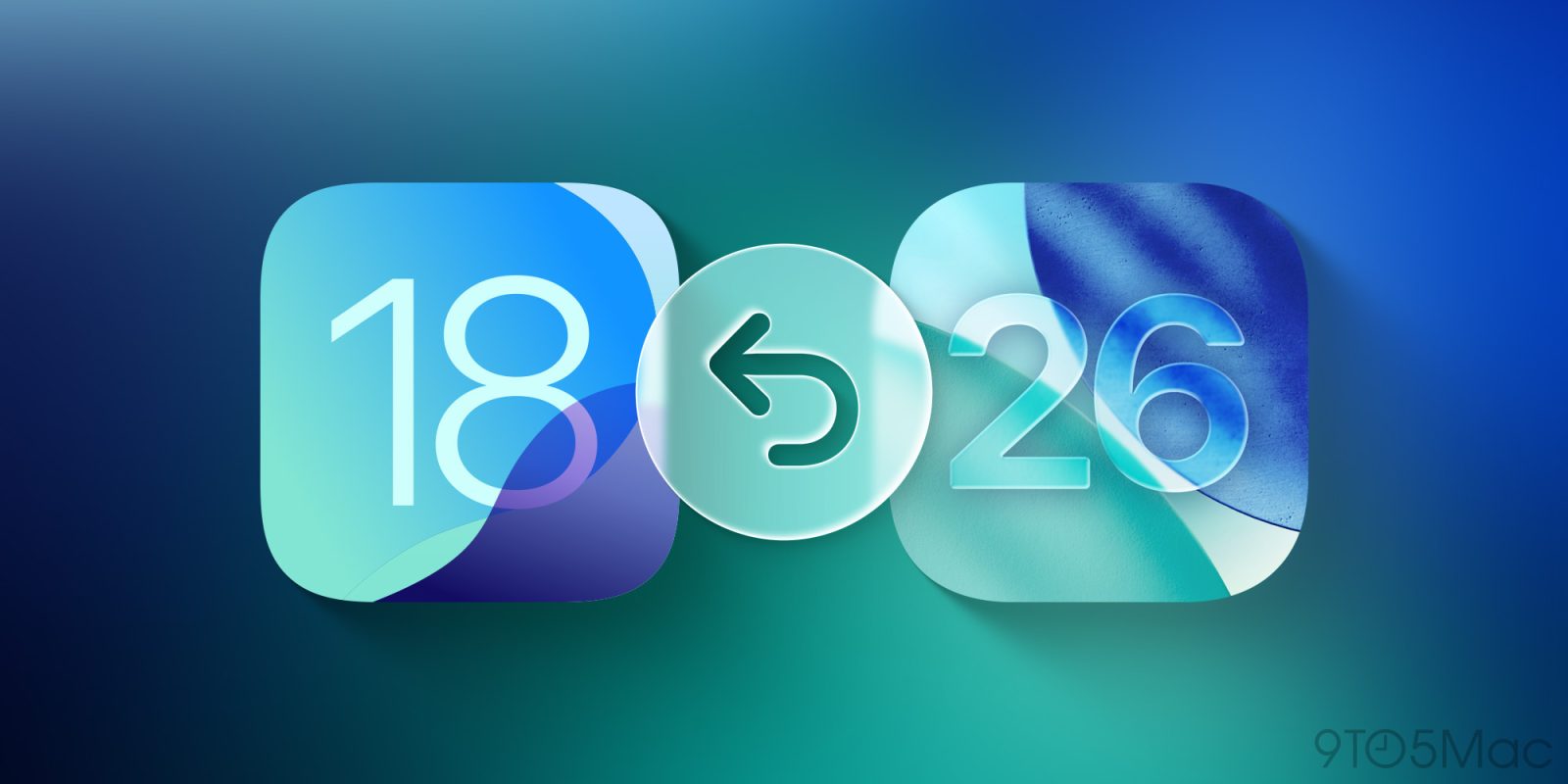
Did you regret installing the iOS 26 beta or the iPadOS 26 beta? Here’s the step-by-step to downgrade your iPhone or iPad to a previous, non-beta version.
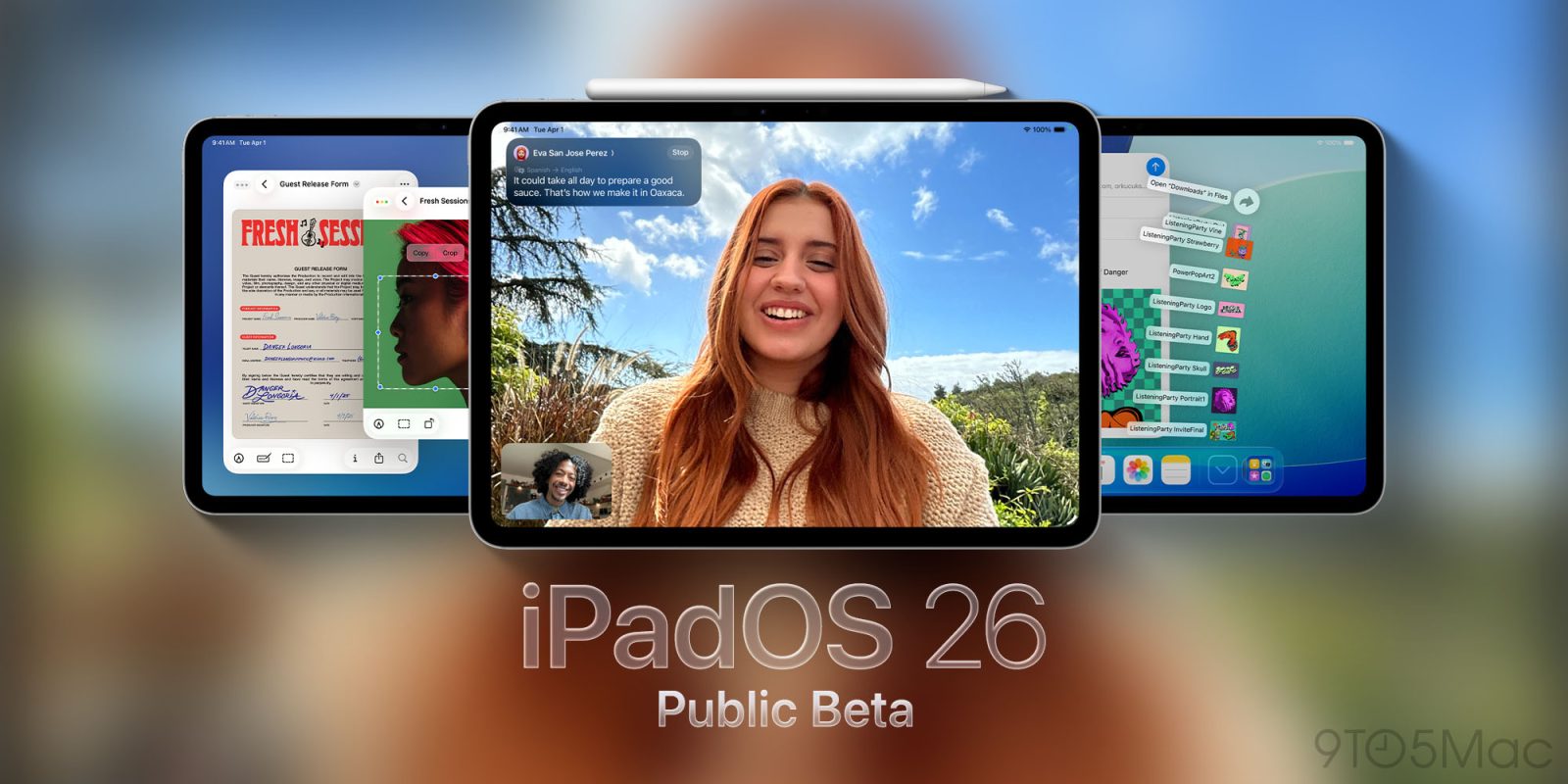
The iPadOS 26 public beta is rolling out now, bringing Apple’s packed new software update to any iPad user ready to take the plunge. Here’s everything new.
Apple has just released iPadOS 26 beta 4 to developers. Today’s release will likely also be the build that gets shipped as the public beta soon. Here’s what to expect.
It’s shaping up to be a big year for the iPad, with iPadOS 26 the biggest productivity update ever and a new iPad Pro coming this fall. Now, a curious rumor about that M5 iPad Pro’s cameras hints at yet another Mac-inspired feature coming to iPad soon.
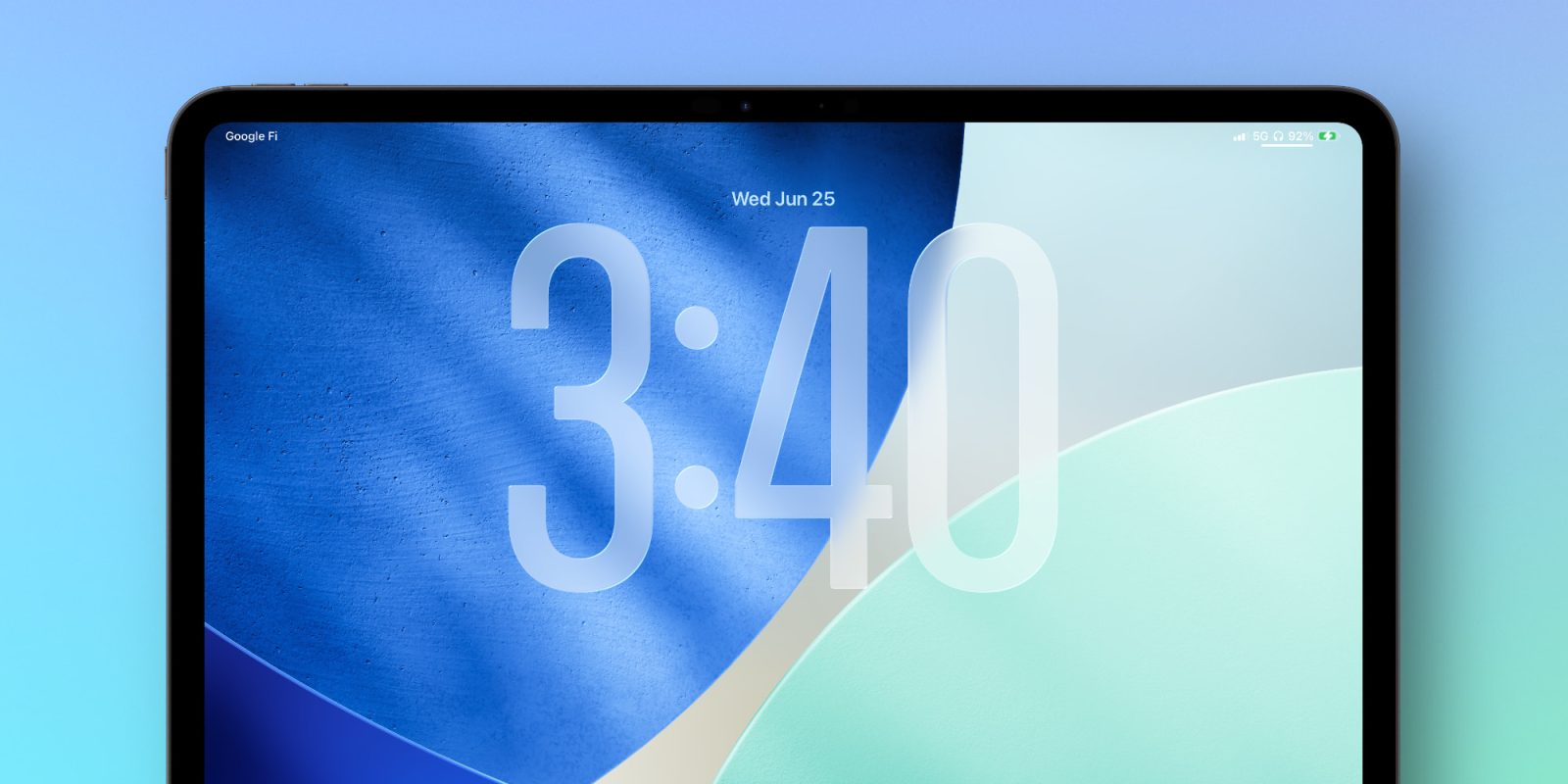
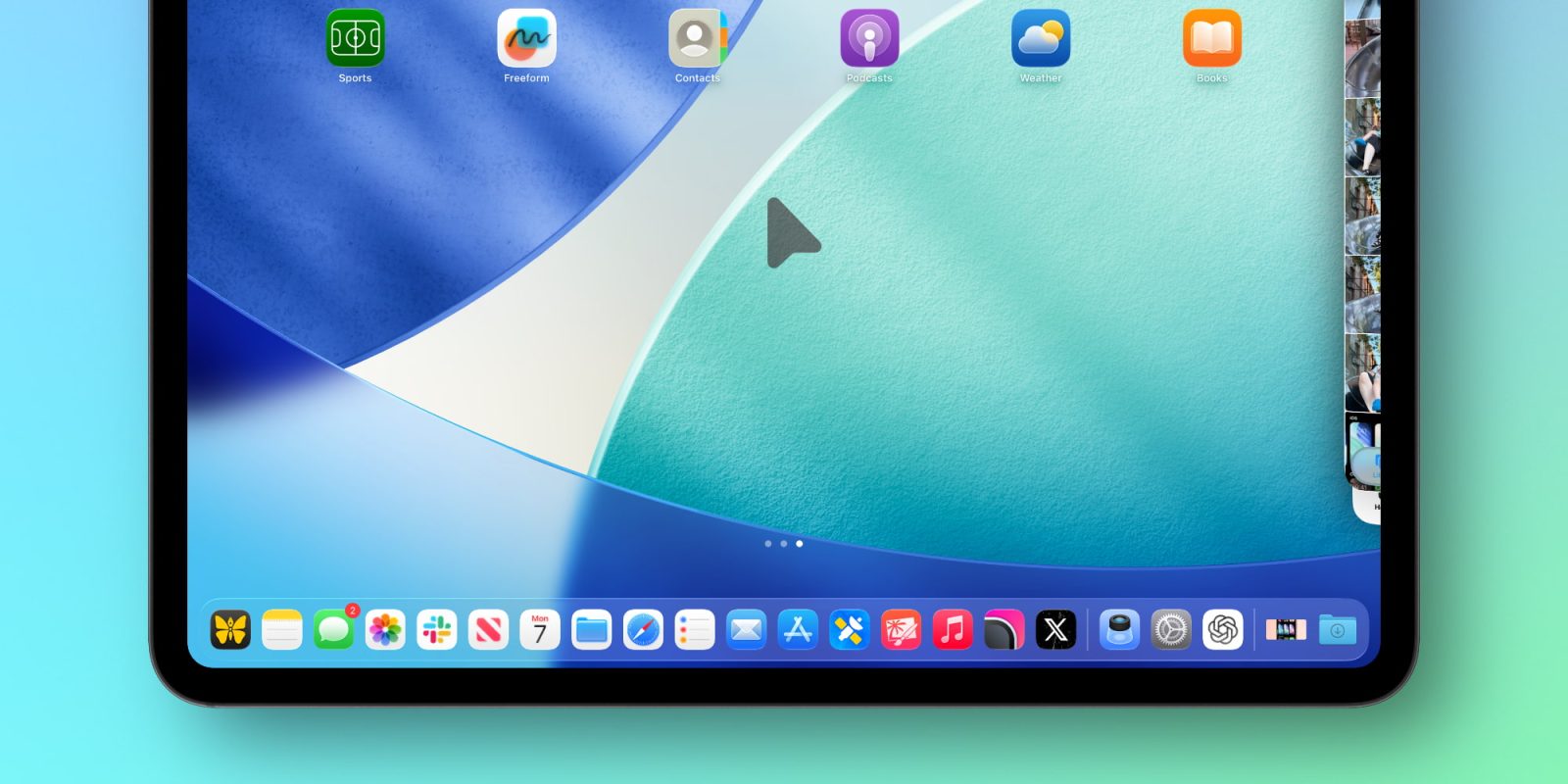
iPadOS 26 beta 3 was just released, and alongside some design updates and new wallpaper options, Apple has given the iPad’s cursor a fun feature inspired by the Mac.
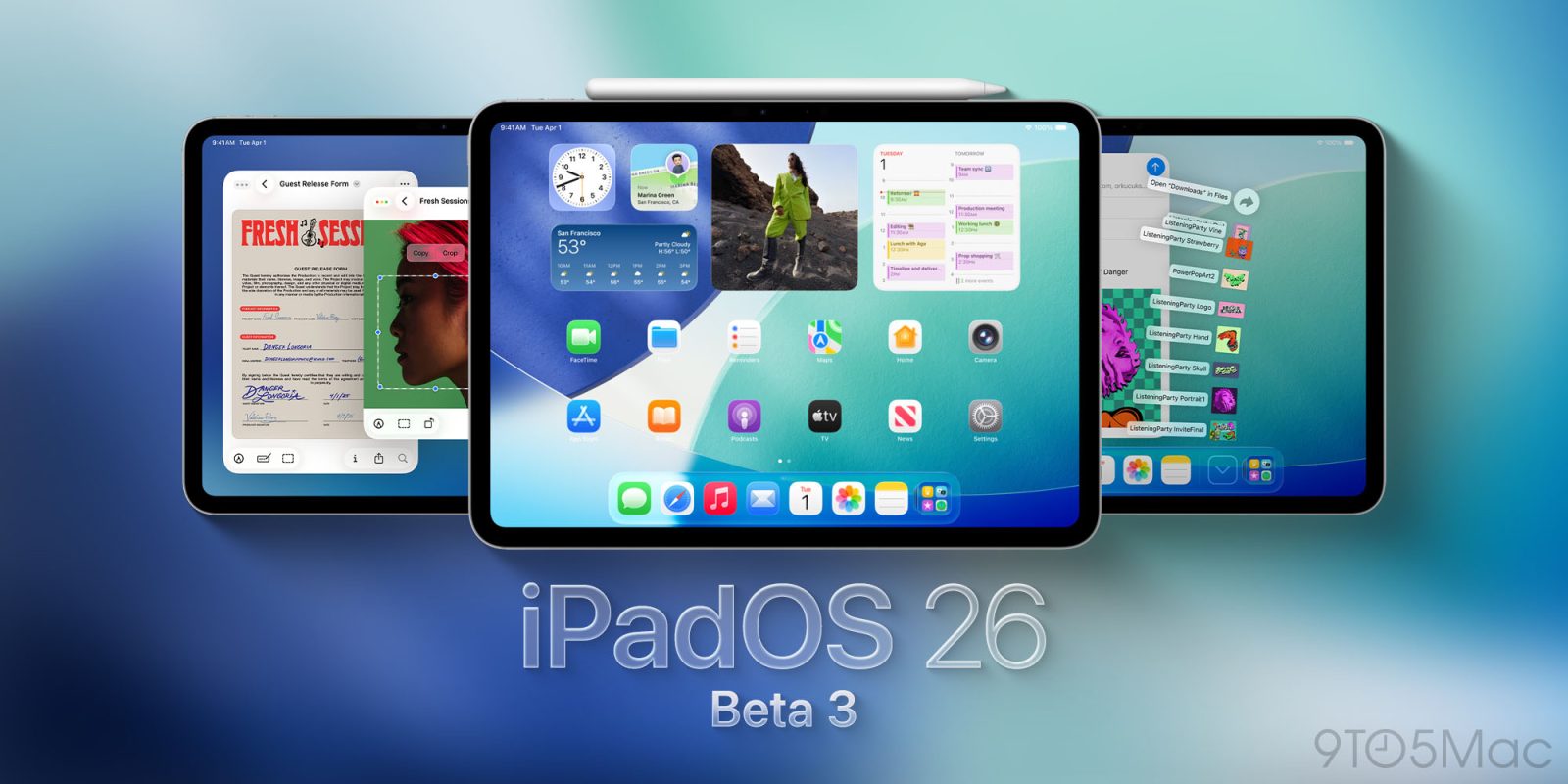
Apple has just released iPadOS 26 beta 3 for developers. Today’s release brings the latest changes to the iPad’s big new OS update ahead of the expected public beta soon.
I wrote a year ago that I hardly use an iPad any more. With one small exception, that remains the case – but iPadOS 26 did have me revisit the question.
That’s because this transforms the device so much that, for the first time, I considered it impossible to argue that the iPad isn’t now a (proper) computer …
Update 6/25/2025: Eight days later, version 36.10.1 on the App Store restores iOS 26 support.
Fortnite returned to the U.S. App Store last month after a five year hiatus over litigation between Epic Games and Apple. As of today, however, Fortnite is as good as gone on iPhones and iPads running the iOS 26 and iPadOS 26 beta.
iPad users have been asking for software that matches the device’s powerful hardware for years, and with iPadOS 26 this year, Apple may be set to truly deliver that. Here’s why iPadOS 26 feels like the major shift we’ve all been asking for.