M4 Mac mini

See All Stories

The M4 Mac mini has completely changed how I view all other desktops [Video]

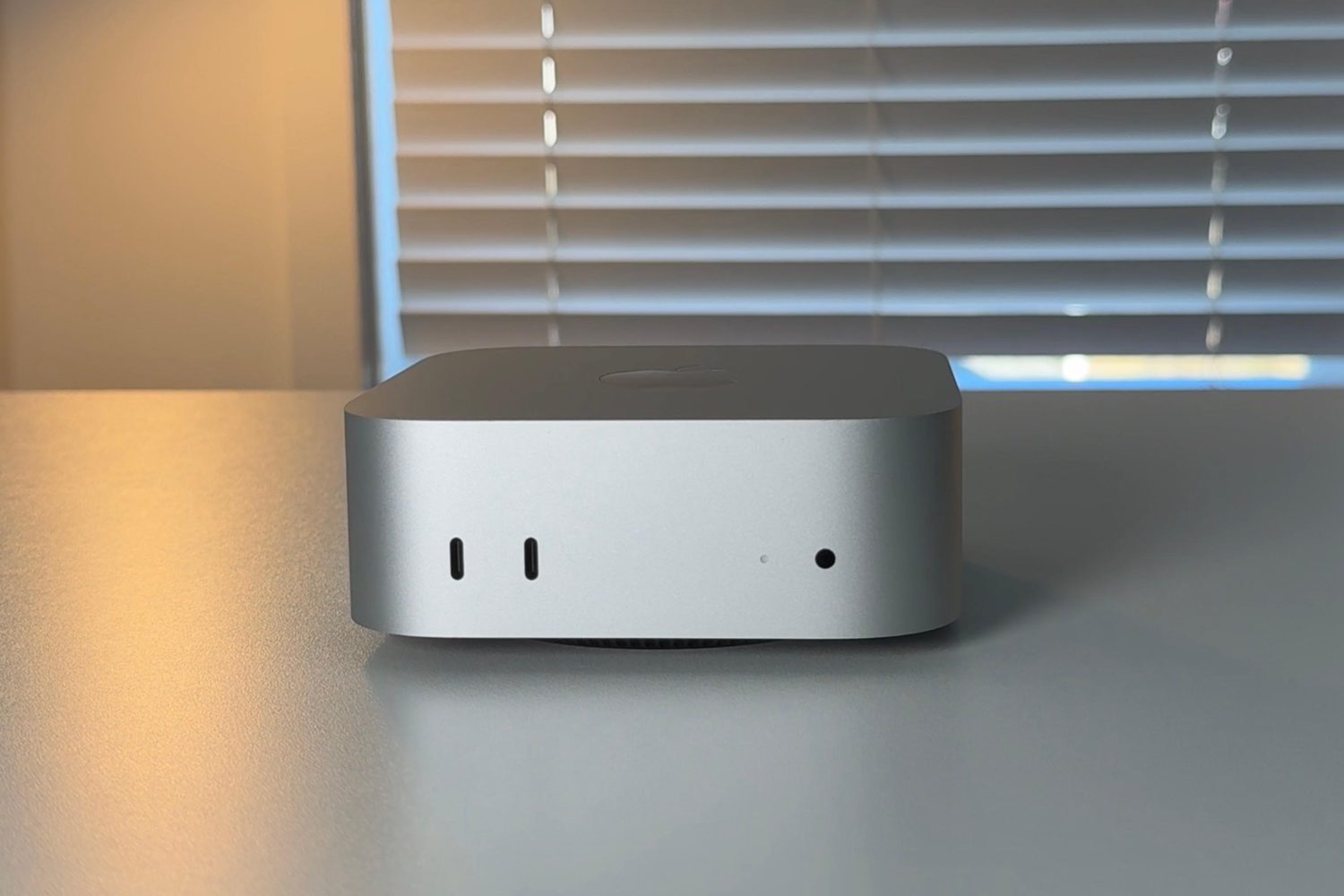
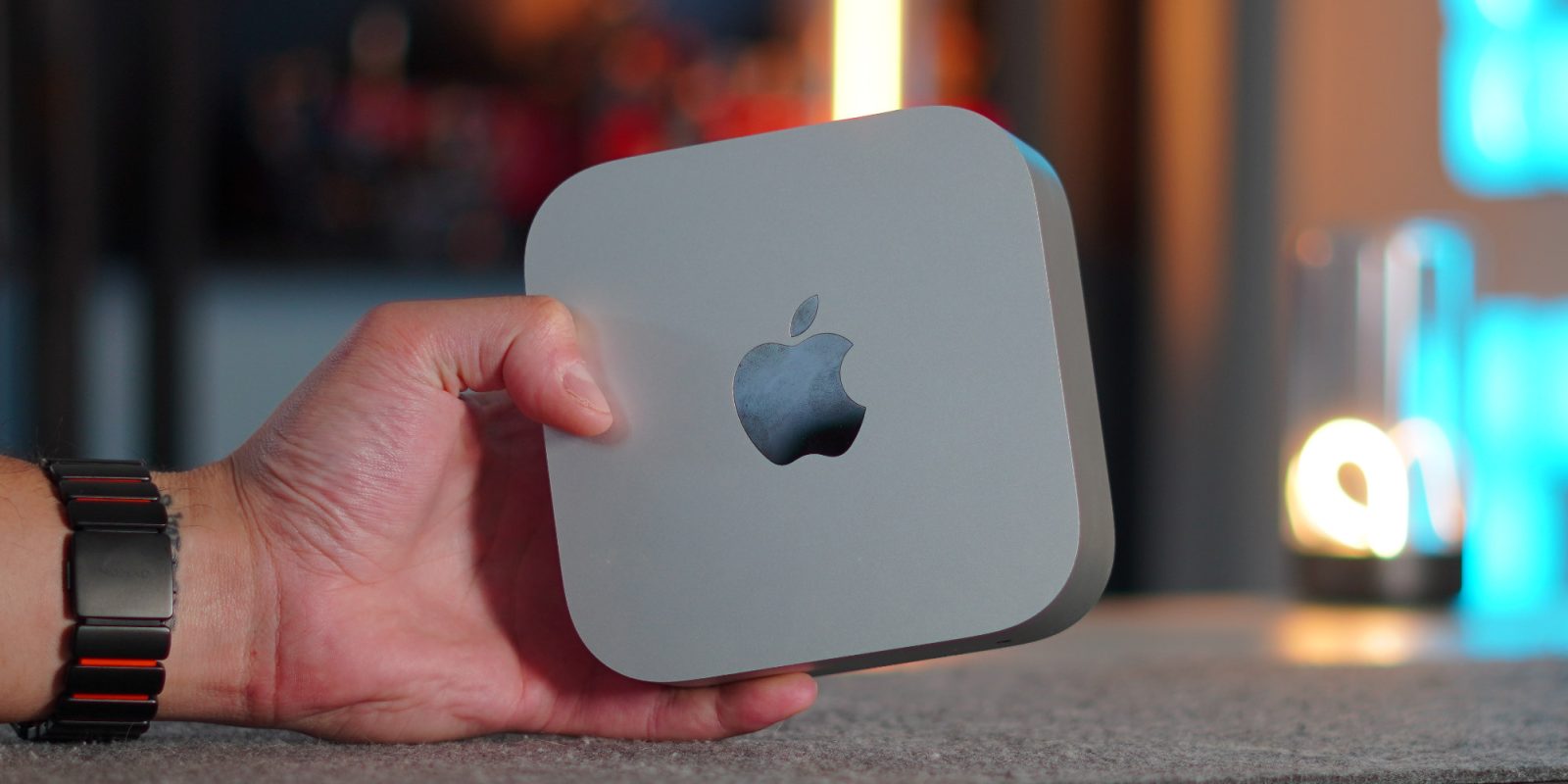
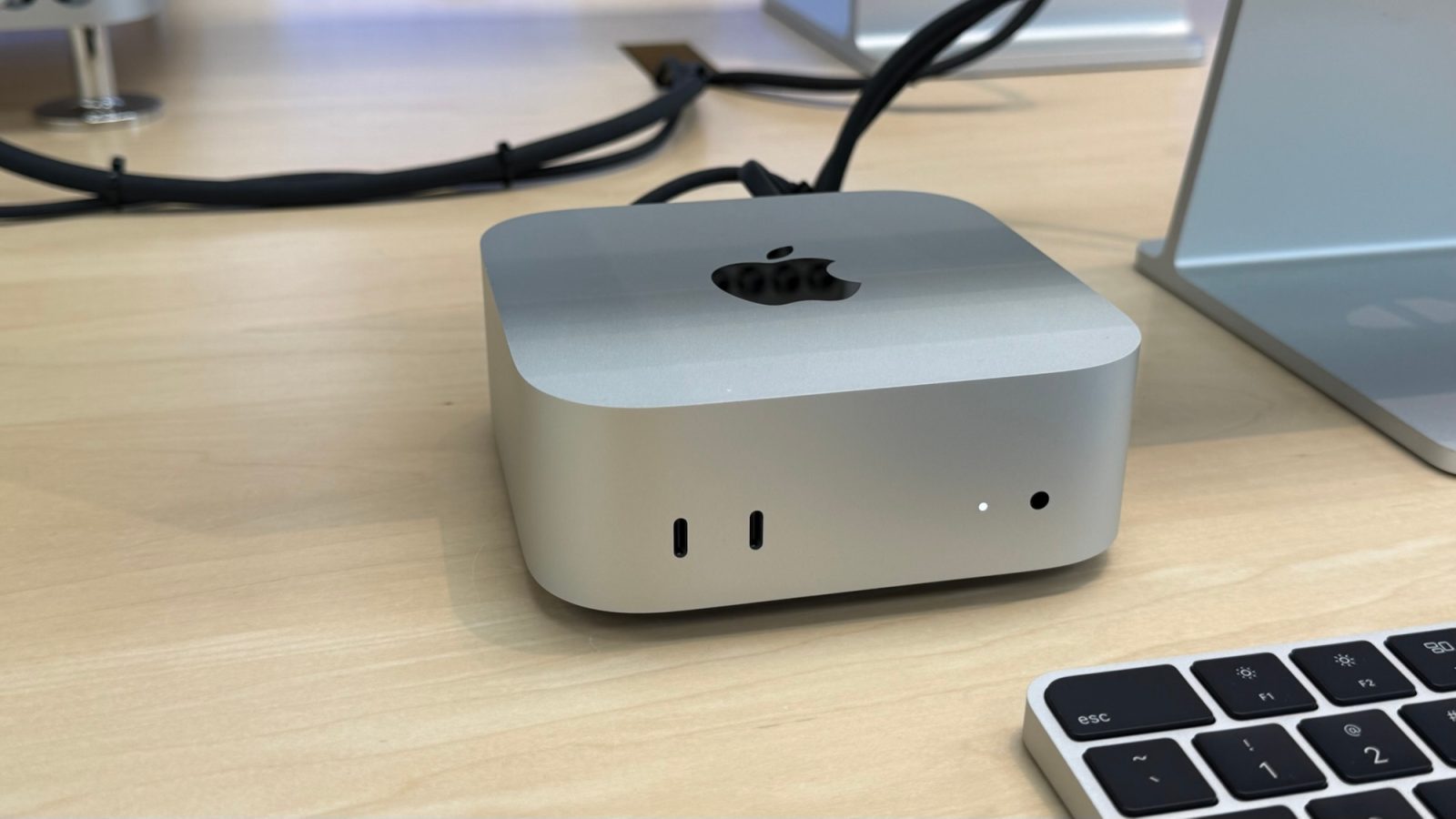
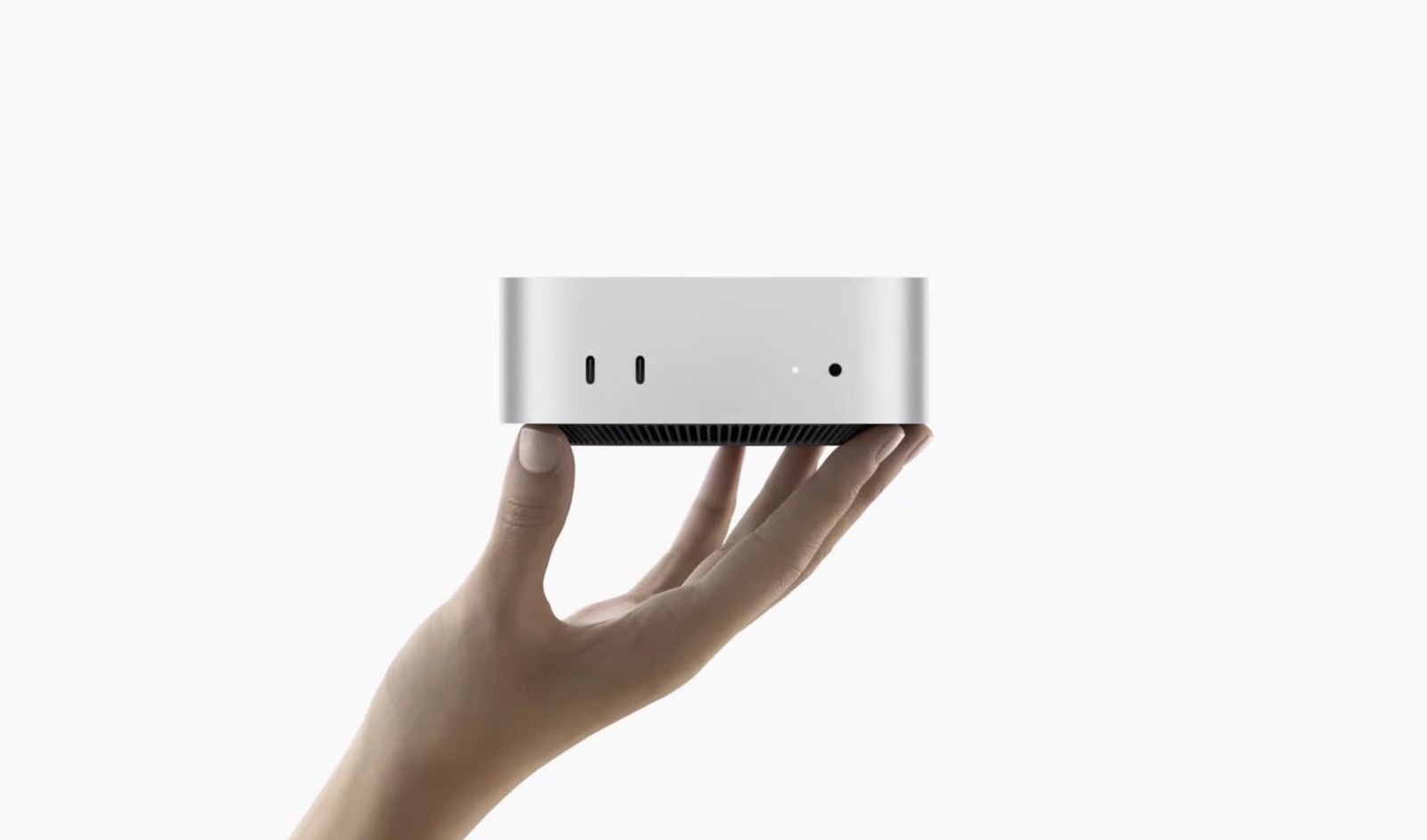
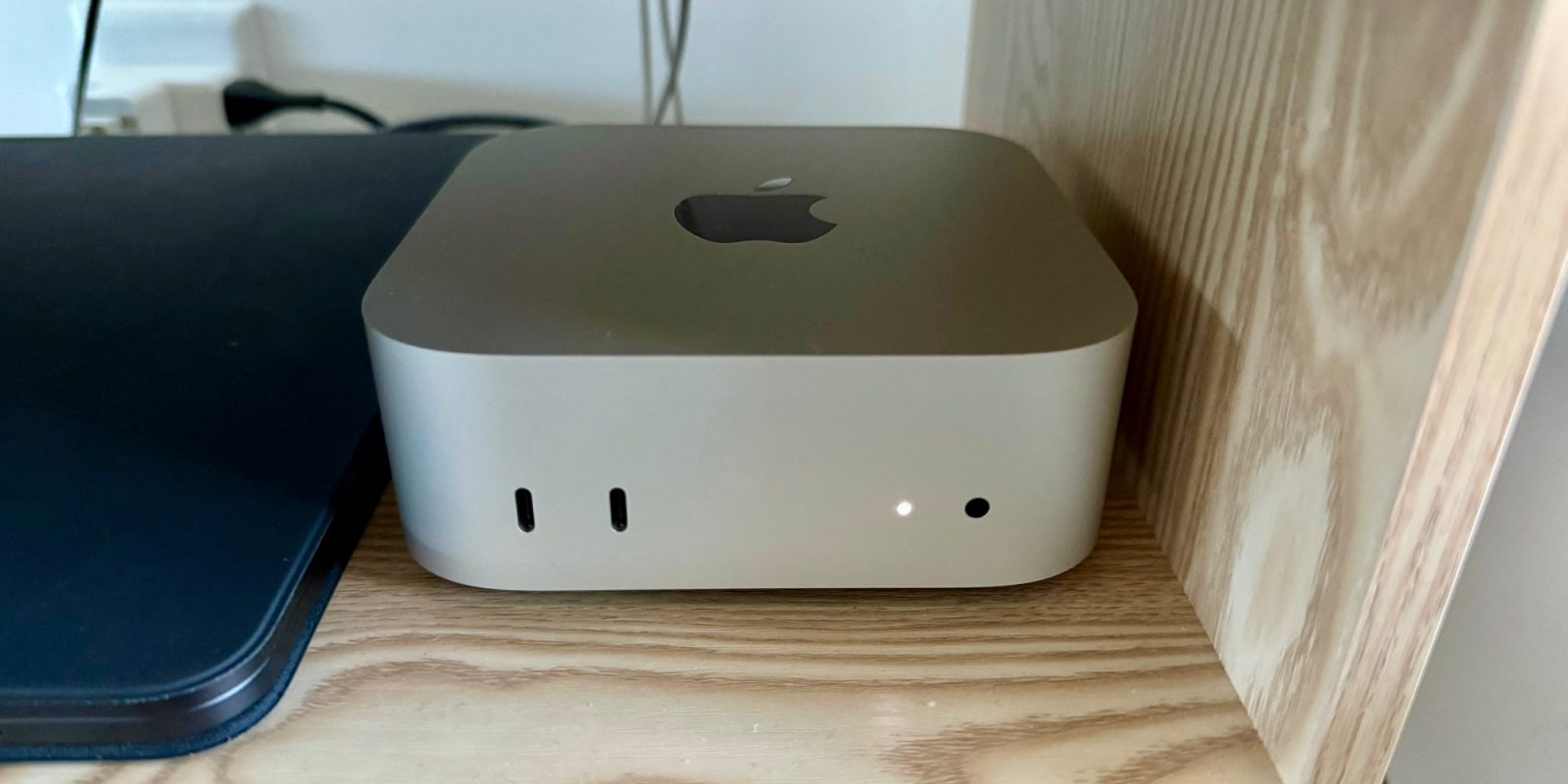
Believe it or not, the M4 Mac mini was released just over a year ago. Apple changed the footprint, design, and form factor to create a compact 5in x 5in x 2in aluminum box with a fan at the bottom. It was a nice upgrade from its predecessor. But, in all honesty, I was not expecting much. I figured it would be a fine computer, especially because Apple debuted it at a $599 price point ($499 now on Amazon). So I thought to myself, there has to be some limitation that everyday users would notice, right? But after using this for an entire year as my main desktop, it has completely distorted how I think about computers and what real value in tech should look like.

Expand Expanding Close
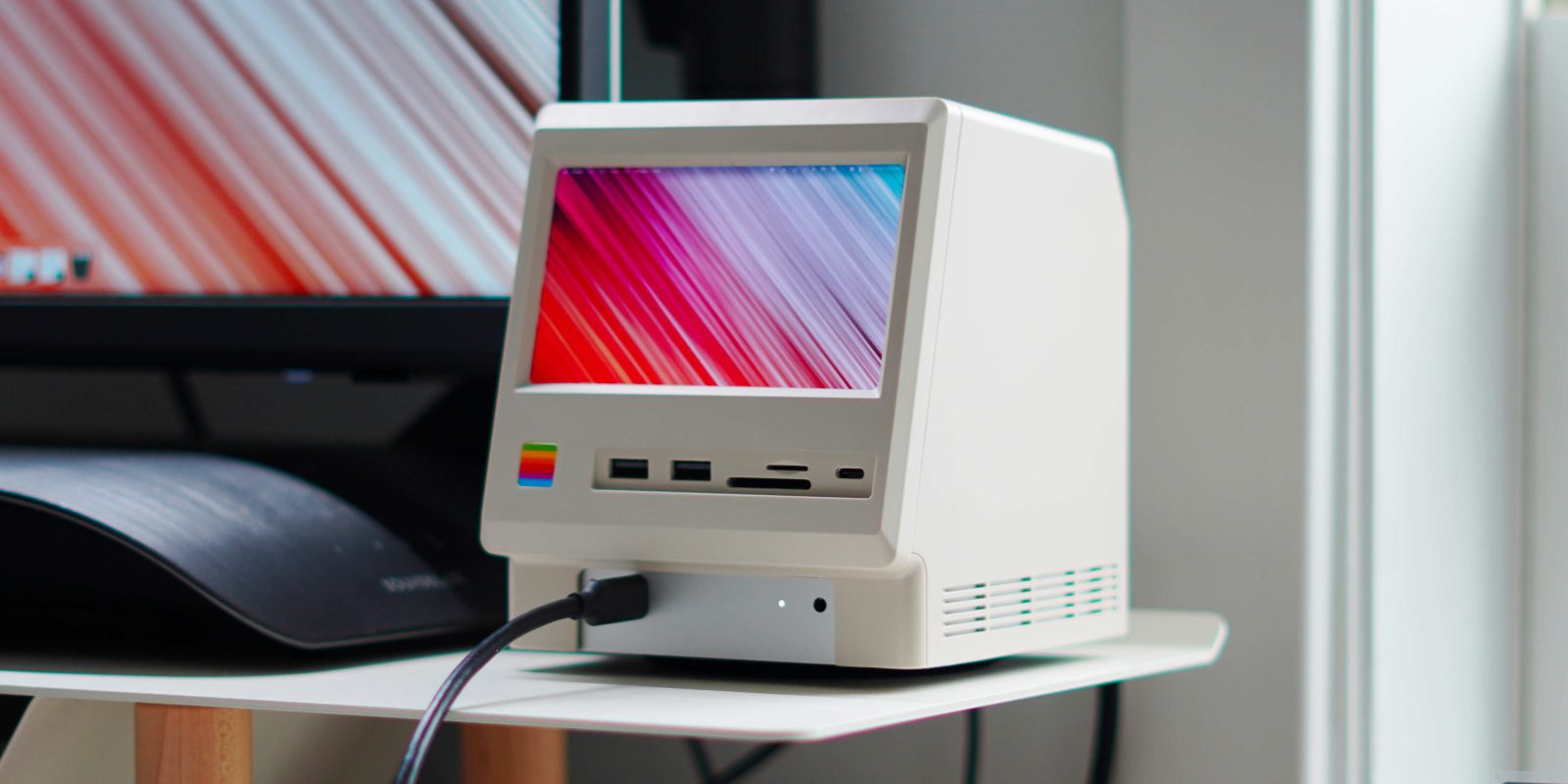
This dock transforms the Mac mini into a retro classic Mac

It’s becoming increasingly rare to find a tech accessory in 2025 that’s both functional and fun to use. As so many of these accessories become more commoditized, they begin to function and look the same, making them fade into the background. So when I saw the Wokyis Retro Docking Station for the M4 Mac mini, I was immediately intrigued. It transforms the Mac mini into something straight out of 1984. On paper, it had all the functions I needed out of a dock, but it was also such a cool-looking product. After using it for three weeks, it checked off every box. Here is what you need to know.

Expand Expanding Close
Satechi’s latest SSD enclosure lets you add 8TB SSD to a Mac mini [Video]

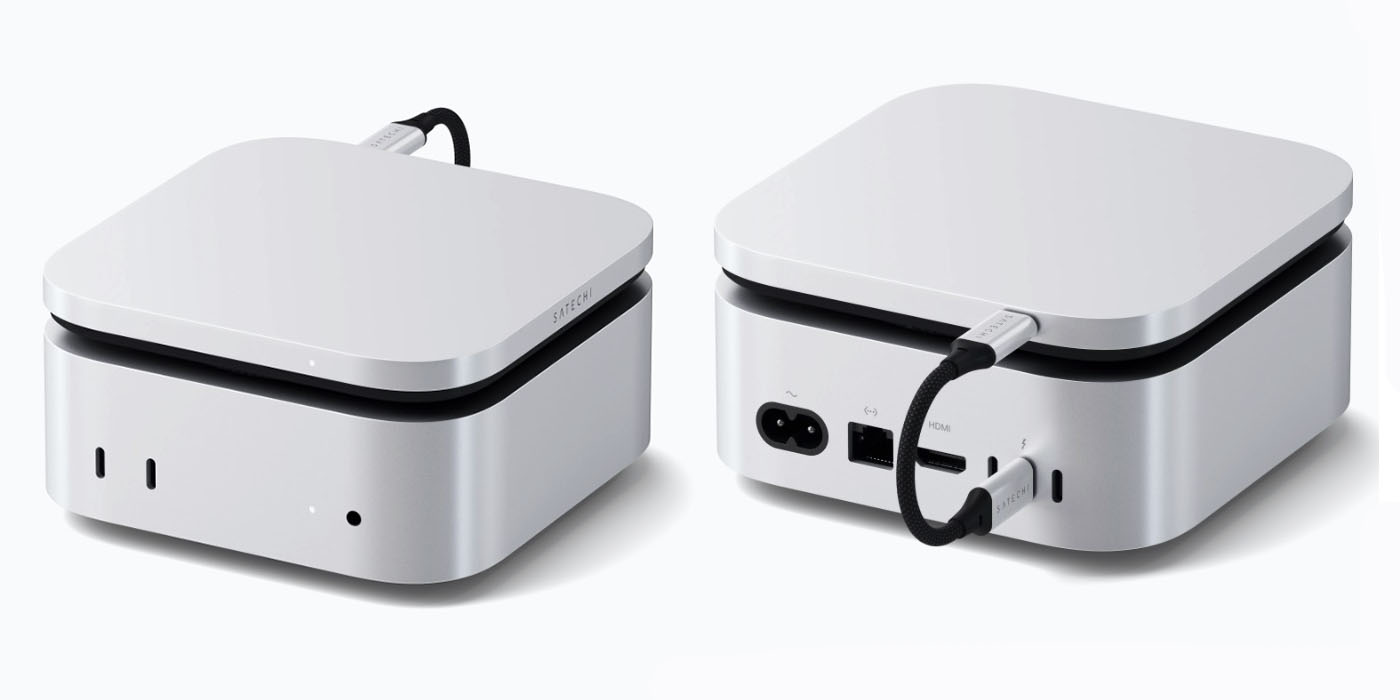
Satechi's latest SSD enclosure, the USB4 Slim NVMe SSD Enclosure, lets you add up to 8TB of SSD storage to any Mac | Front and rear views shown

Satechi’s latest SSD enclosure, the USB4 Slim NVMe SSD Enclosure, lets you add up to 8TB of SSD storage to any Mac – though it is specifically styled to make the perfect addition to an M4 Mac mini. You can currently save $20 to pick one up for $99.

The company says the design is inspired by a now-elderly form of storage: the Apple USB SuperDrive, a now-discontinued external CD and DVD drive …

Expand Expanding Close
How to upgrade the M4 Mac mini SSD and save hundreds [Video]

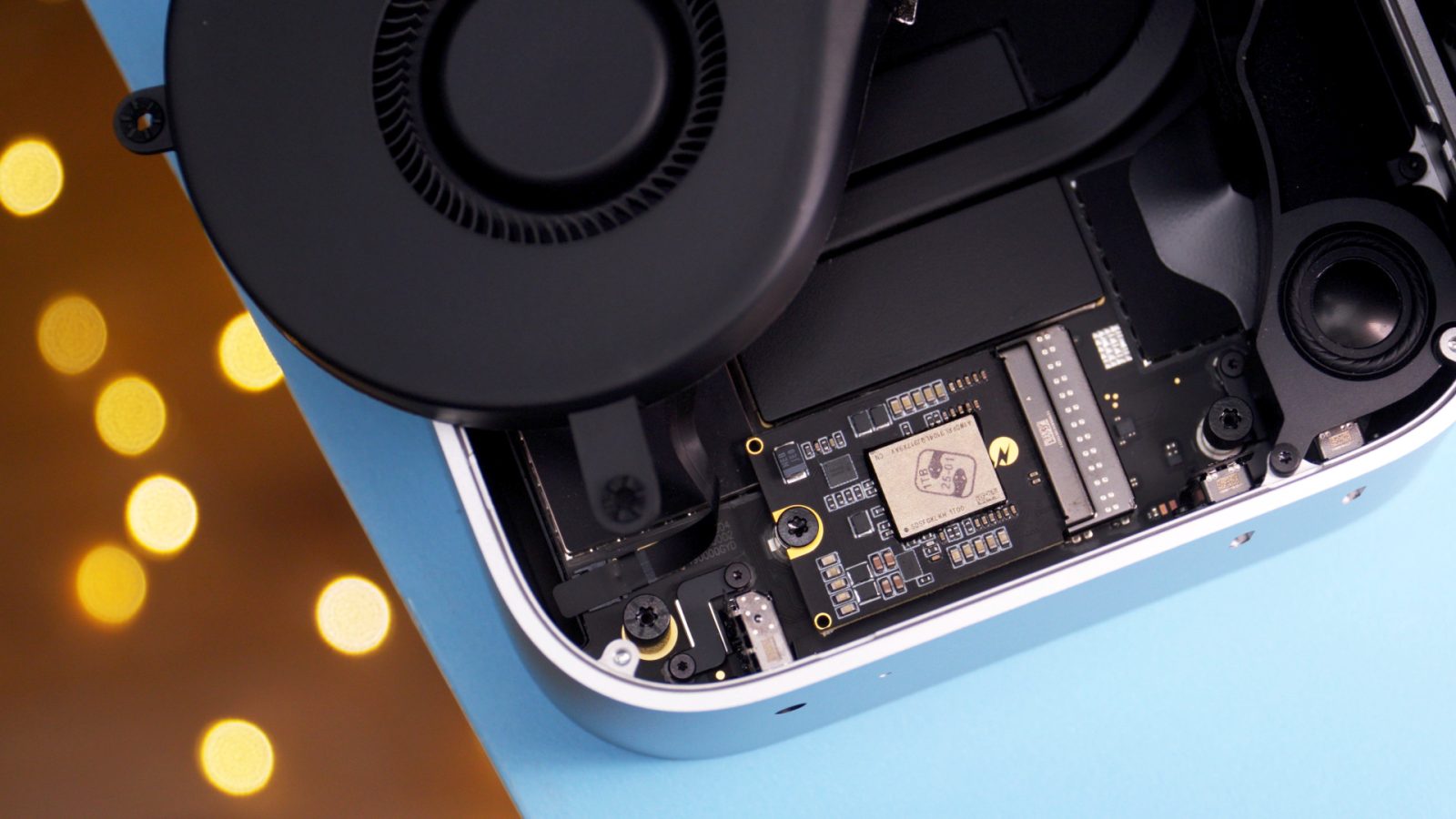
Opened M4 Mac mini with 2TB SSD

The base model M4 Mac mini is one of the best values in Mac computers, but upgrading the storage to the maximum 2TB significantly reduces that value proposition. That’s because Apple charges an insane $800 for the upgrade, turning the budget $600 computer into a $1400 one. In other words, you can purchase two base model Mac minis for less than the price of a single Mac mini with a 2TB upgrade.

But fret not, because Expand Mac mini offers a 2TB upgrade for the M4 Mac mini for just $320 – less than half of what Apple charges. In this hands-on step-by-step video walkthrough, I show you how to upgrade the M4 Mac mini SSD with 2TB of storage. Watch my full video, and be sure to subscribe to 9to5Mac on YouTube for more Mac guides and tutorials.

Expand Expanding Close
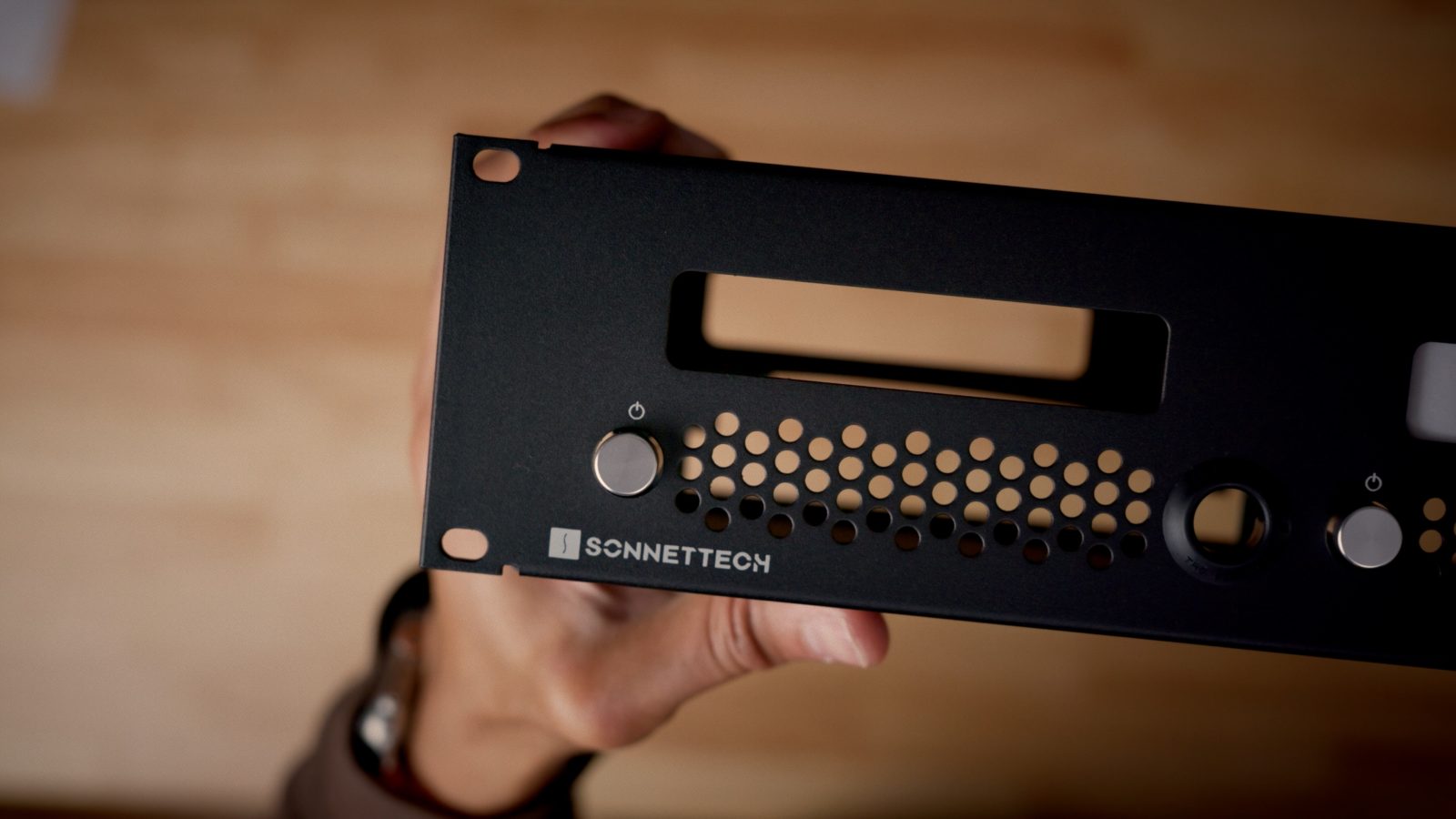
Review: Sonnet MacCuff mini – a well-designed M4 Mac mini mount [Video]

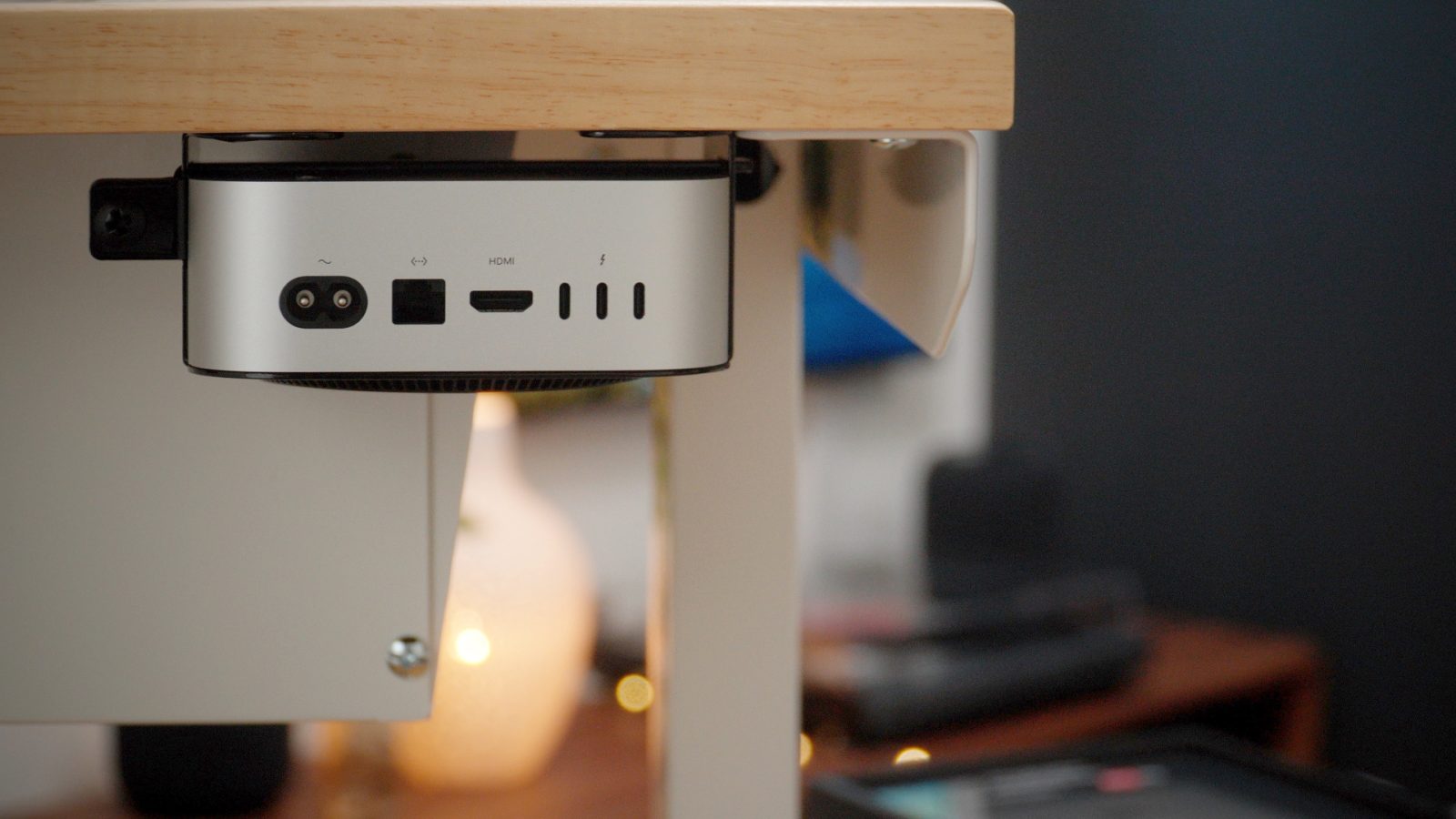
Sonnet’s MacCuff mini is a great way to securely mount your Mac mini under your desk, on a wall, or behind a monitor, allowing you to reclaim precious desktop real estate. I recently tested the MacCuff mini with my 2024 M4 Mac mini, and I was impressed with its build quality, thoughtful design, and ease of use. Watch my hands-on review of the MacCuff mini, and be sure to subscribe to 9to5Mac on YouTube for more videos.

Expand Expanding Close
These accessories helped create my dream MacOS & iPadOS desk setup

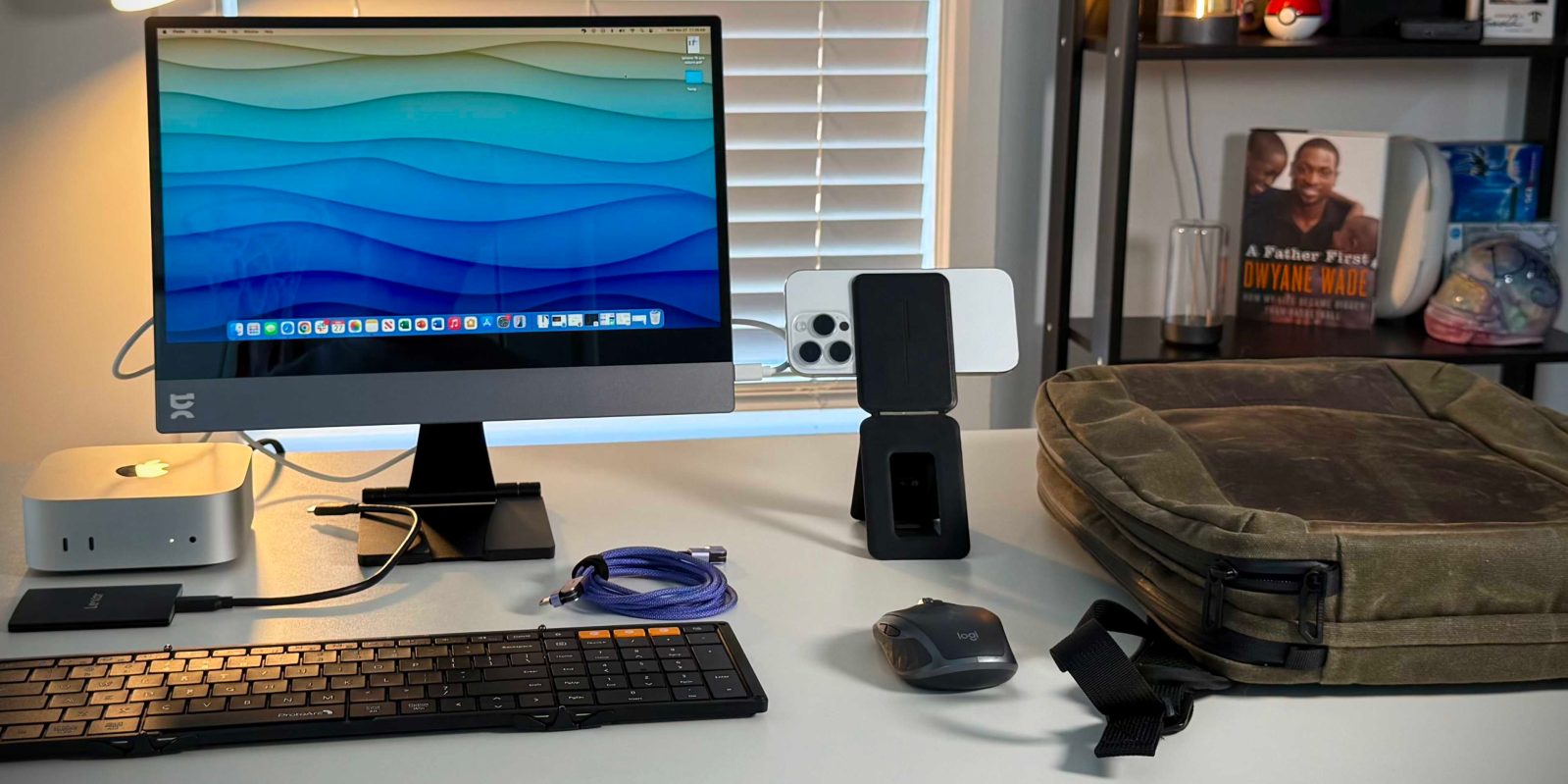
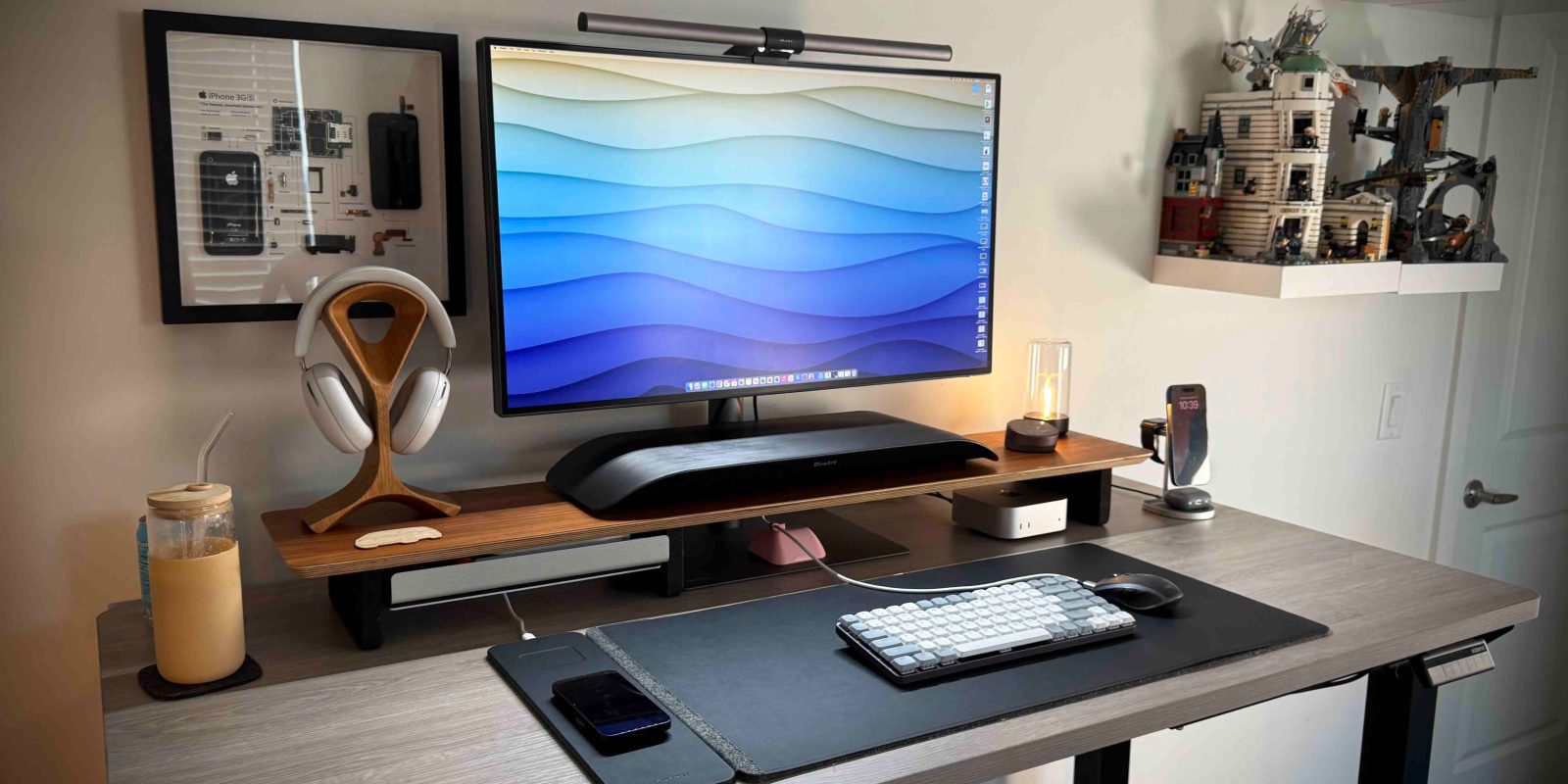
Everyone has a different definition of what a perfect or dream desk setup for them would be. Some people need five external displays; some only need one. Other people need a mechanical keyboard, while others find the clickiness distracting. I have even seen people consider just a laptop on the move as their ideal setup, while others need a dedicated office space. So I wanted to share some of my ideal desk setup accessories that I have recently added that have helped create my personal perfect M4 Mac mini and M4 iPad Pro desk setup. Be sure to leave links to your favorite accessories in the comments!

Expand Expanding Close
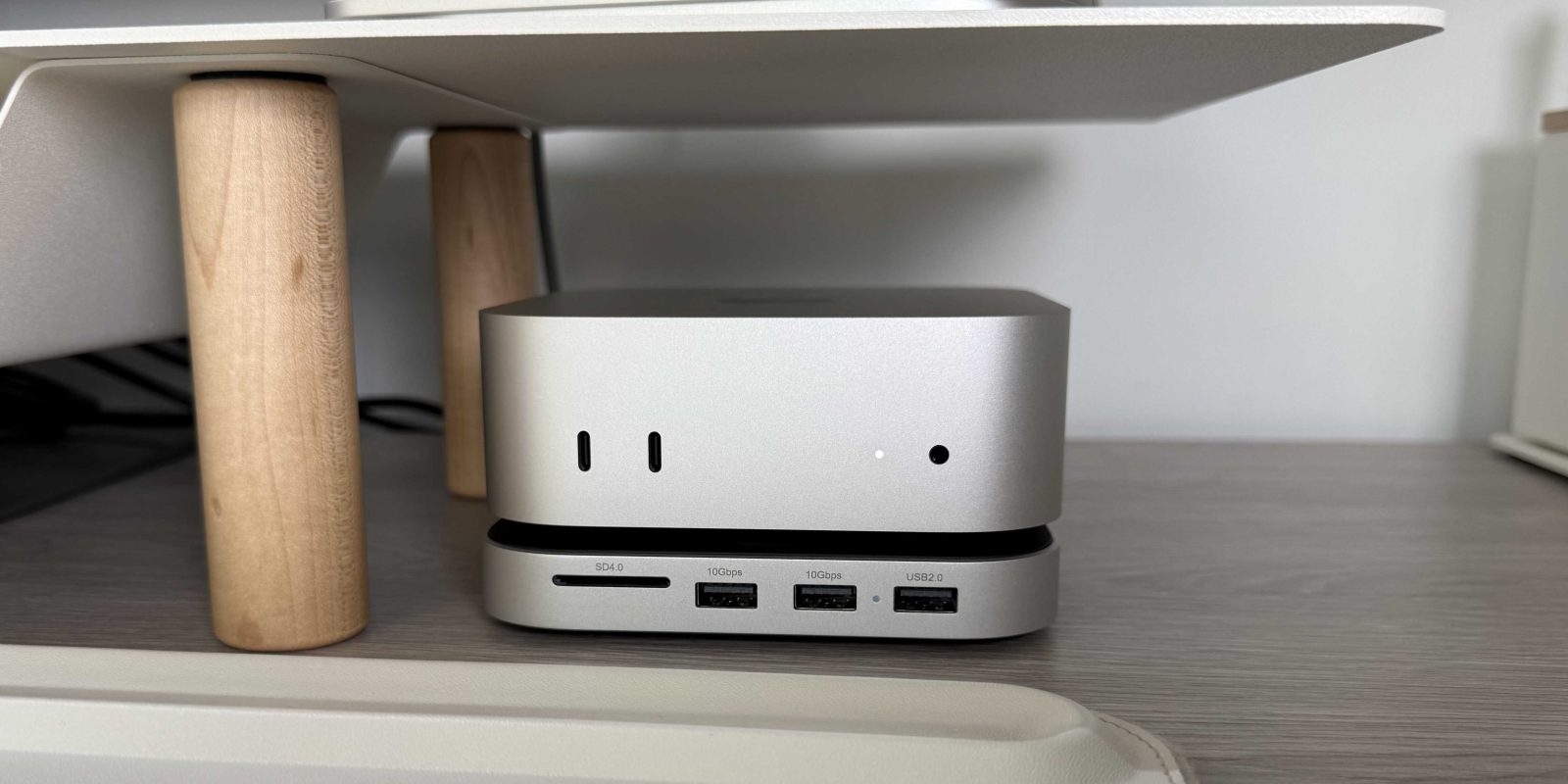
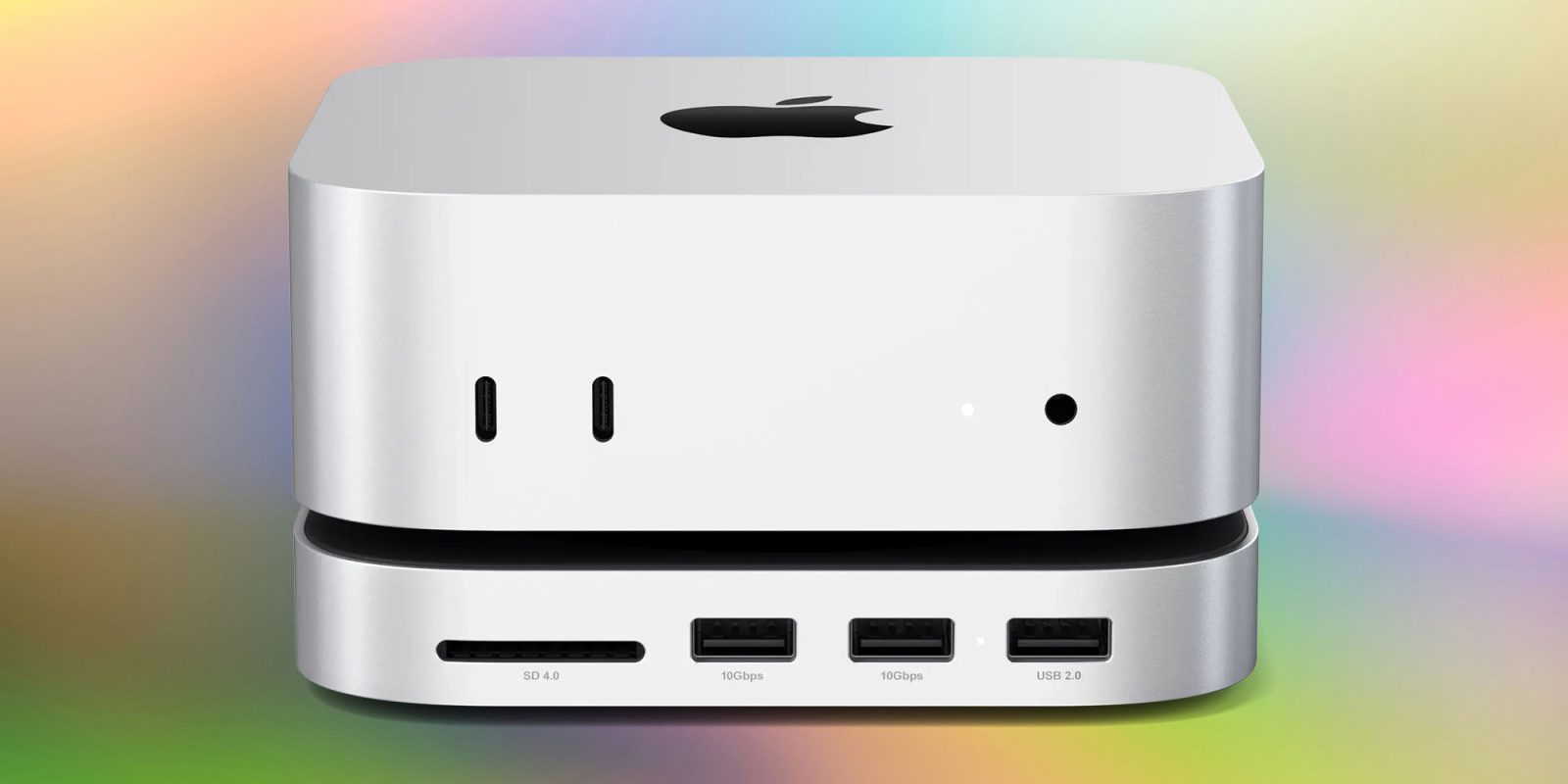
Hands-on: Satechi’s Hub adds ports and hidden storage to your M4 Mac mini

From the moment the M4 Mac mini was released, I knew I wanted Satechi’s stand hub for the Mac mini. I had the original model that worked with the previous form factor Mac mini, and it was great. It added an abundance of ports and storage. And now, after months of waiting, Satechi recreated the hub but with a new M4 Mac mini form factor. Was it worth the wait? Here is the hands-on review.

Expand Expanding Close
Apple now sells tools to repair your M4 Mac mini, MacBook Pro, more

Over the past few years, Apple has been offering more self-repair options than ever before. One evidence of this is the Self Service Repair Store, where you can buy tools and parts for repairing your own Apple devices—even recent ones like an iPhone 16 Pro. And now for the first time, you can buy tools to repair the recent M4 Mac mini, MacBook Pro, and iMac.

Expand Expanding Close
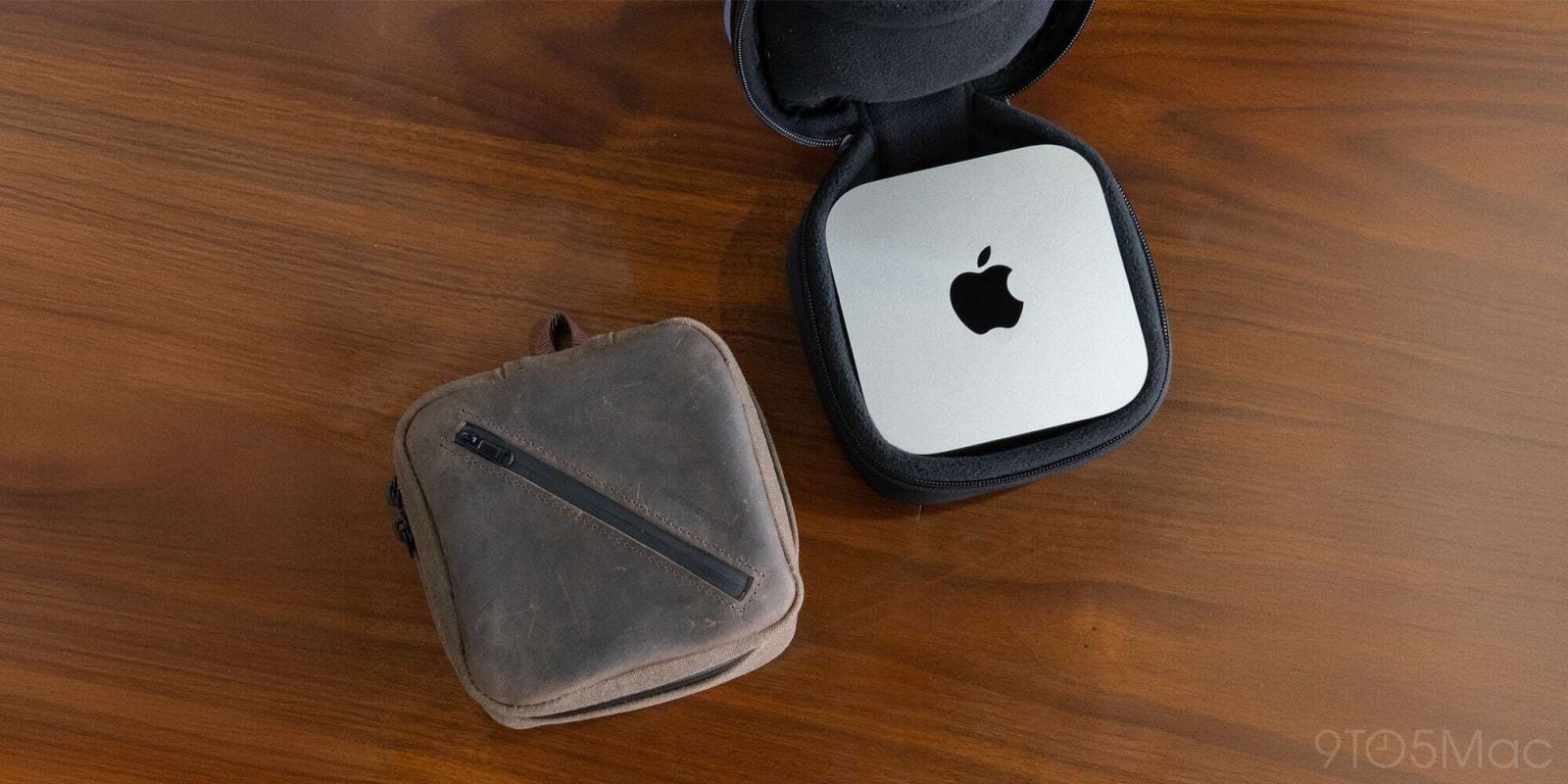
Waterfield launches new travel case tailor made for your M4 Mac Mini

Waterfield Designs, one of my favorite leather goods and bespoke accessories companies, has just released its Shield Case for the M4 Mac Mini. I wrote an article last month about how I turned my Mac Mini into a portable computer, and although I could do that successfully, this new Mac Mini case takes it to a whole new level. This case was made purely for the M4 Mac Mini with protection and accessories in mind. Here is everything you need to know.

Expand Expanding Close
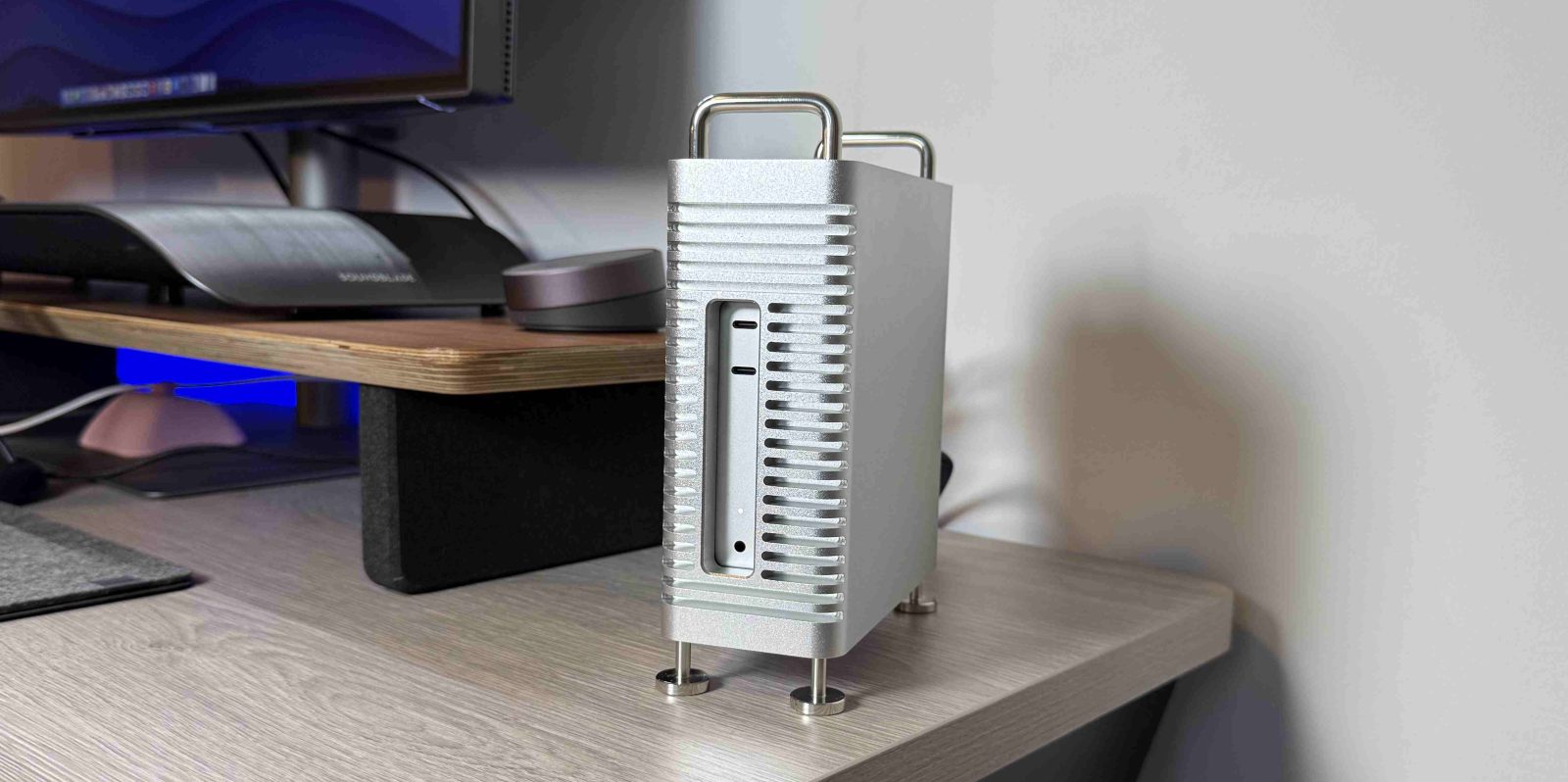
Turn your M4 Mac Mini into a Mini Mac Pro [Hands-on]

I’ve been seeing people give their Mac Minis a serious style upgrade by housing them in enclosures that make them look like mini Mac Pros—and I had to try it out for myself. Enter the Zeera MacForge Gen2, a CNC aluminum case that turns your Mac Mini M4 into a desktop workstation that looks like a shrunken version of Apple’s iconic Mac Pro. And let me tell you, I love the look.

Expand Expanding Close
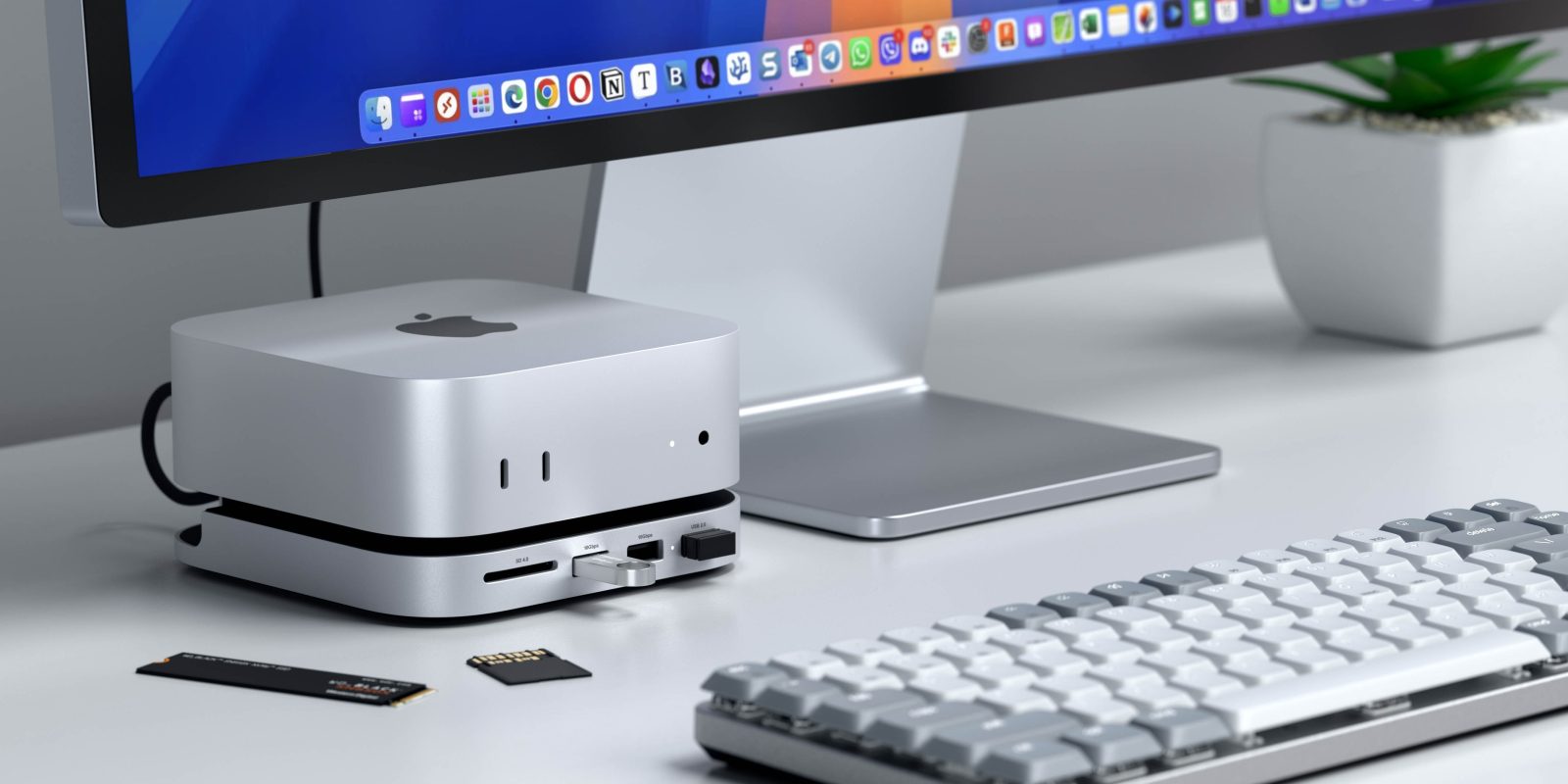
Satechi brings more ports and storage to M4 Mac Mini with new stand & hub unveiled at CES

Satechi has been my go-to for Apple accessories for years. Their hubs, docks, chargers and stands are always sleek, functional, and perfectly matched to Apple’s aesthetic. Now, they’re back with something exciting for Mac Mini M4 users—a new hub and stand with built-in SSD storage, revealed at CES 2025.

Here’s what you need to know!

Expand Expanding Close

How I turned the M4 Mac mini into a travel computer

People have been loving the all-new M4 Mac mini since it was released last month. The combination of power, price, and new smaller form factor has people drooling over what is possible. But for me, the best part was the new size. This had me thinking, can I use this as a mobile desktop solution? The answer is yes, as long as you have the necessary accessories!

Expand Expanding Close

M4 Mac mini two weeks later: The invisible Mac that does it all

M4 Mac mini

I’ve had my M4 Mac mini for two weeks now, and it still seems kind of remarkable that this tiny little box can do so much. My uses for the M4 mini are probably unconventional, but that’s also the beauty of the product: it serves a versatile set of needs, all at a very low price point (now $499). Here are my takeaways after a fortnight of use.

Expand Expanding Close

Satechi M4 Mac mini stand and hub: Up to 4TB extra storage, SD card slot, USB ports

Satechi M4 Mac mini stand and hub

A Satechi M4 Mac mini stand and hub promises to let owners of the new ultra-compact desktop Mac add up to 4TB of fast SSD storage, together with an SD card slot and three USB-A ports.

The upcoming device will be similar to the model already available for the previous generation Mac mini, but don’t expect to take delivery any time soon …

Expand Expanding Close
Here are my M4 Mac mini desk accessory essentials

If you’ve been following our youtube channel, then you might have seen just how impressive the new baseline M4 Mac mini is. Its best feature, and what I like to call its superpower, is the price-to-performance ratio. There is just nothing else like it right now. But part of the reason it is priced at $549 (on Amazon) is because it literally brings nothing besides the computer and the power cable. So, of course, you will need some essential accessories to get you going. Here are my favorite accessories that are both ‘must-haves’ and other accessories which are ‘nice to have’.

Expand Expanding Close

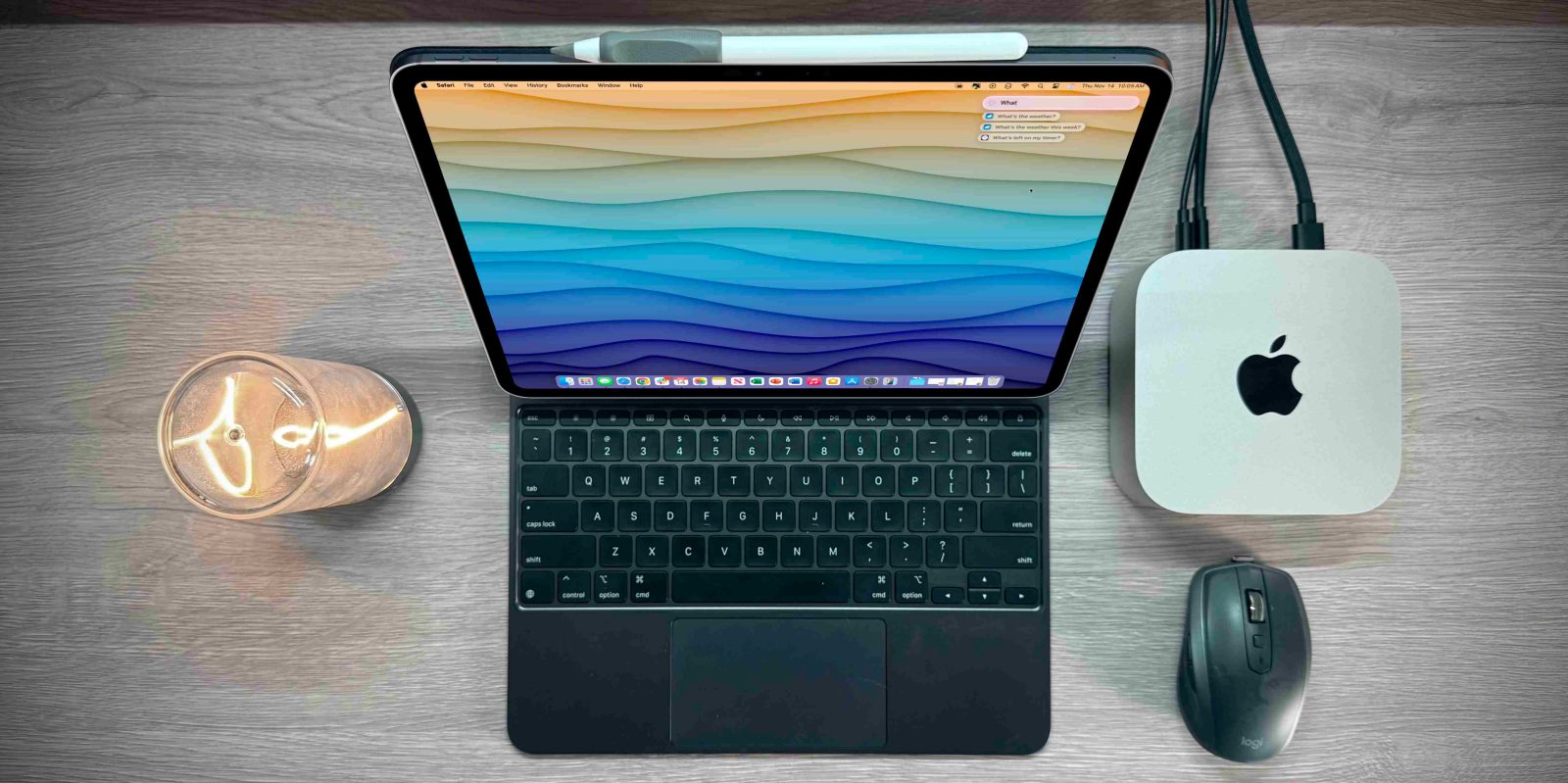
Here is the best way to use your iPad as a mobile Mac mini display

It seems as though the launch and reception of the new M4 Mac mini has been a hit. The combination of sheer power, the tiny size, and, most importantly, the price point is something we really have not seen before. For under $550, on Amazon, its something that just cannot be overlooked. But the new form factor has people drooling at the idea of using the Mac mini as a portable computing solution. So the next question is, can you use your iPad as a mobile display for a Mac mini mobile setup? The answer is yes, and there are two ways to do it!

Expand Expanding Close

iFixit teardown reveals new Mac mini has a ‘repairable future’ despite compact design

iFixit Mac mini teardown

Apple recently announced a new generation of the Mac mini, which introduced a new and much more compact design. We’ve already seen some tidbits about what’s inside this Mac mini, but iFixit has now shared its traditional teardown showing even more details about how Apple built its most compact Mac ever.

Expand Expanding Close

9to5Mac Overtime 033: M4 Mac mini and visionOS 2.2 beta

Fernando and Jeff discuss today’s official availability of the M4 Mac mini, including first impressions and planned use cases. Also, why visionOS 2.2 makes the Apple Vision Pro worth buying if you can get one used for a good price.

9to5Mac Overtime is a weekly video-first podcast exploring fun and interesting observations in the Apple ecosystem, featuring 9to5Mac’s Fernando Silva & Jeff Benjamin. Subscribe to Overtime via Apple Podcasts. You can also watch this episode on YouTube and subscribe to our YouTube channel for more.

Expand Expanding Close