Mac mini

See All Stories

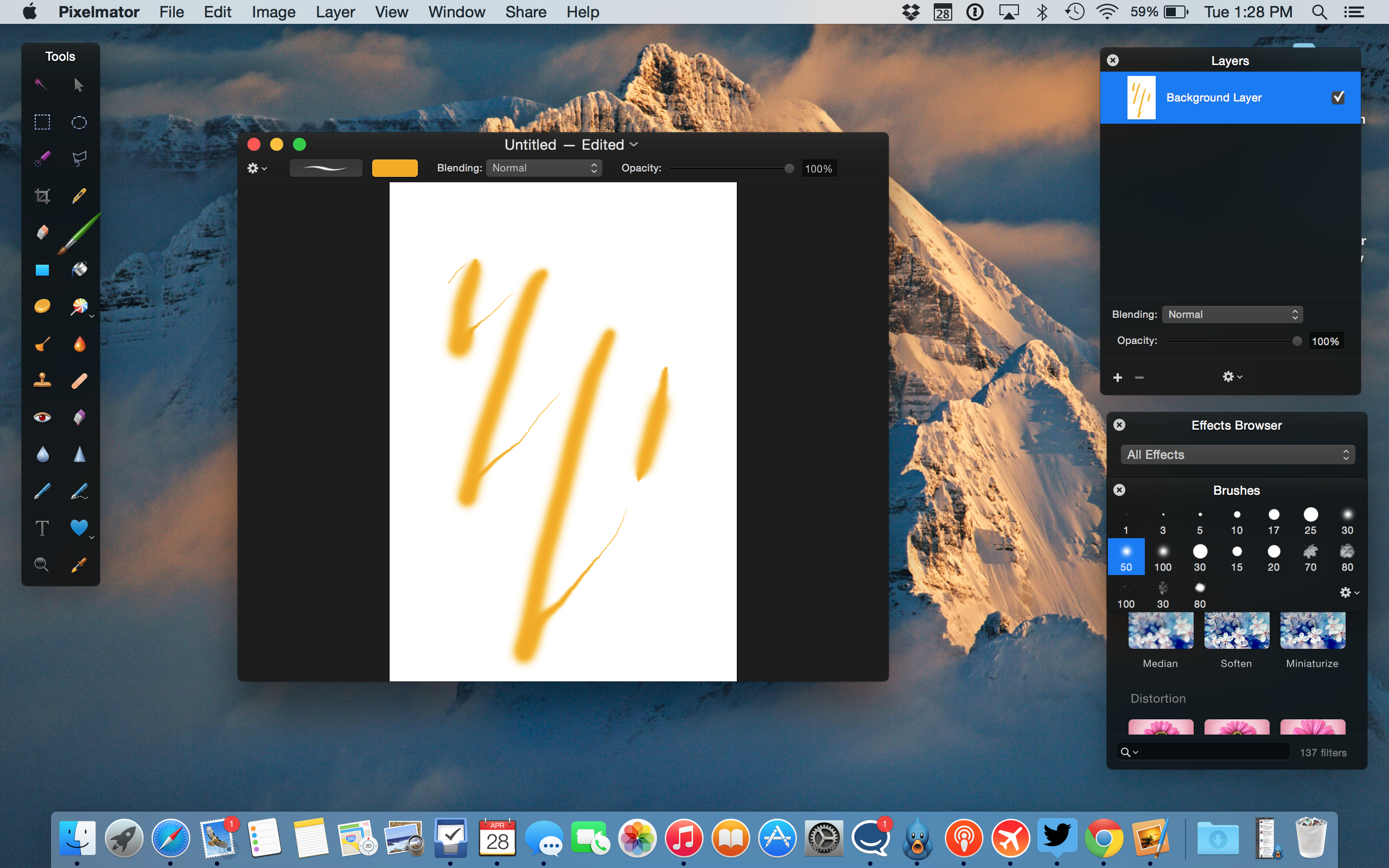
Launched in 2005 as the first sub-$500 Mac — a key in attracting "switchers" from Windows PCs — the Mac mini (now $799 and up from the Apple Store) was most recently redesigned in late 2018.
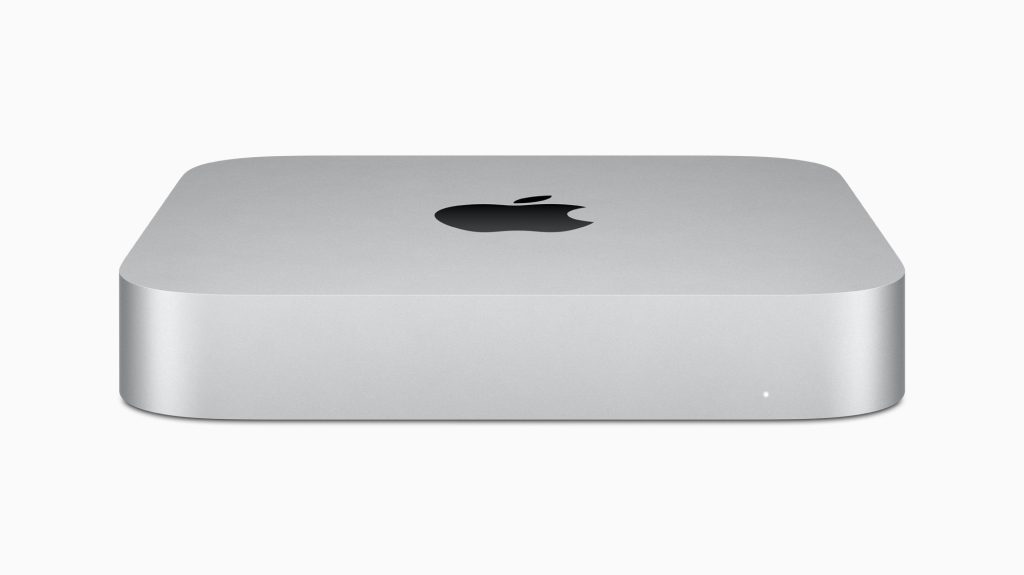
The Mac mini is the gateway for the macOS ecosystem. The most affordable Mac is now one of the most powerful Apple computers. Here’s everything you need to know about it

History

Site default logo image

The Mac mini is one of the oldest products sold by Apple and it’s currently in its fifth generation, feeling as new as ever.

First introduced in 2005, the original Mac mini was equipped with the PowerPC G4 processors. This computer was Apple’s attempt to enter the BYODKM (Bring Your Display, Keyboard, and Mouse) market. This is the only Mac that Apple sells without any accessories. The Mac Pro, for example, doesn’t come with a display, but it ships with the Magic Mouse 2 and the Magic Keyboard with Numeric Keypad.

One year later, in 2006, Apple introduced the second generation with the same design, but with Intel Core processors, as well as support for Bluetooth and Wi-Fi.

The third-generation Mac mini released in June 2010 brought a thinner unibody aluminum case and an HDMI port. Later revisions of this Mac added a Thunderbolt port and Intel Core i5 and i7 processors.

The fourth-generation introduced in October 2018 is still being sold today and is the last one with an Intel processor. This generation includes a darker Space Gray finish, features SSD as standard, and replaces most data ports with USB-C. This is the first Mac mini made with 100% recycled aluminum.

In November 2020, Apple introduced the fifth-generation model based on the Apple Silicon processor with a silver finish of earlier models. This Mac was preceded by the A12Z-based Developer Transition Kit, a prototype used by developers to test what was going to be the first M1 Apple Silicon chip. It came with 16GB of RAM, 512GB of SSD storage, and two USB-C ports.

Mac mini specs: Apple Silicon and Intel models

Apple sells two different Mac minis: one with its newer Apple Silicon chip and a high-spec model with the 8th generation Intel chip.

M1 Mac mini
M1 Mac mini deals

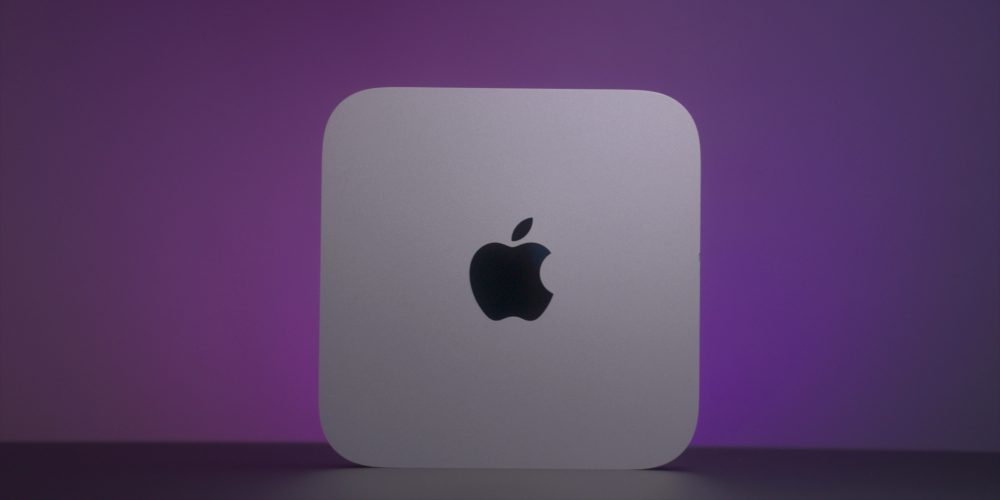
The M1 Apple Silicon Mac mini comes with an 8-core CPU, 8-core GPU, and 16-core Neural engine. It starts with 8GB unified memory and 256GB SSD storage, and it can go up to 16GB of RAM and 2TB of SSD storage. This Mac has two Thunderbolt/USB 4 ports with HDMI 2.0 and Gigabit Ethernet ports and a 3.5 mm headphone jack.

In April 2021, Apple silently updated the M1 model with an optional 10 Gigabit Ethernet port, which was previously only available on the Intel version.

This Mac is also made of 100% recycled aluminum.

Intel Mac mini
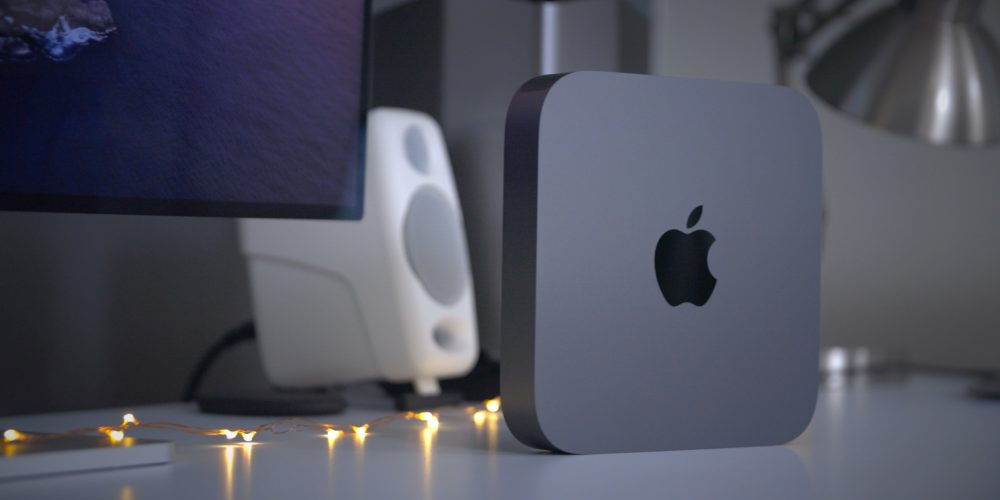
The Intel Mac mini comes with the 8th-generation Intel Core i5, with 8GB of RAM, Intel UHD Graphics 630, and 512GB SSD storage and can go up to the 3.2GHz 6-core 8th-generation Intel Core i7, 64GB of RAM, up to 2TB of SSD storage, and 10 Gigabit Ethernet support.

macOS Big Sur

Site default logo image

The M1 Mac mini first operating system was macOS 11 Big Sur, which introduced a new design to the Mac software and proper optimization for the new processor.

macOS Big Sur also brought the Control Center to the macOS for the first time with quick access to brightness and other quick toggles. The Notification Center in macOS, for example, is now up-to-date with the iOS version, featuring grouping and rich interface styles.

The iOS 14 widget system is also available on macOS and the Messages app for Mac has also been revamped with an inline photo picker and Memoji. The Apple Maps app has also been modernized, now as a  Catalyst app so it shares the same codebase with iOS.

macOS Monterey
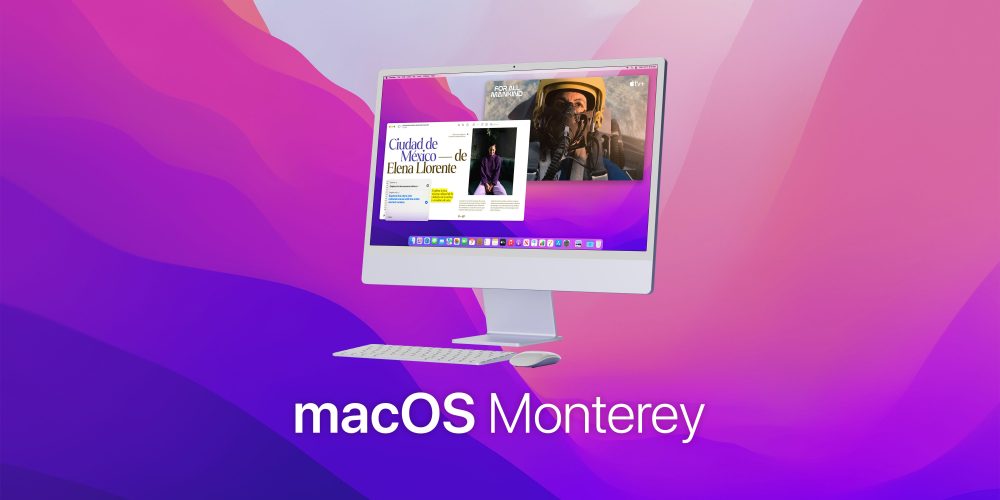
macOS Monterey

During WWDC21, Apple previewed macOS 12 Monterey. On October 25, Apple released Monterey for Mac users. Here are some of its most important features:

  • Shortcuts app now on the Mac;
  • Revamped FaceTime feature;
  • Redesigned Safari;
  • SharePlay feature;
  • Universal Control (currently in beta).

You can read more about macOS 12 Monterey here.

Pricing

The M1 Apple Silicon Mac mini starts at $699 and can go up to $1,699. The Intel model starts at $1,099 and can go up to $2,999.

Apple Silicon

  • 8GB RAM, 256GB storage: $699
  • 8GB RAM, 512GB storage: $899
  • 8GB RAM, 1TB storage: $1,099
  • 8GB RAM, 2TB storage: $1,499

The model with 16GB of RAM, adds $200 to every configuration. You can also get 10 Gigabit Ethernet for $100 more.

Intel

  • i5, 8GB RAM, 512GB storage: $1,099
  • i5, 16GB RAM, 512GB storage: $1,299
  • i5, 32GB RAM, 512GB storage: $1,699
  • i5, 64GB RAM, 512GB storage: $2,099

For the model with Intel Core i7, adds $200. If you want more storage, add $200 for 1TB and $600 for the 2TB option. The 10 Gigabit Ethernet feature is $100 more.

Lower prices may be available from Apple’s official Amazon store.

Mac mini review

Site default logo image

In our M1 Mac mini diary video, we believe that this is a solid buy, even being a first-generation product since it has Apple’s proprietary chip:

Is the M1 Mac mini worth it? Absolutely, as long as you consider the fact that this is the first iteration of the Mac with Apple Silicon, and forthcoming versions will feature more powerful chips, more robust configuration options, and more I/O. But even in its current form, this Mac is the most versatile of any of the machines in Apple’s M1 lineup, and it also happens to be the least expensive. When paired with the right peripherals, the Mac mini shines as one of the best Macs that we’ve seen in quite some time. The more I use it, the more I come to appreciate just how good it is.

Here’s what our video review says about the Intel model:

The 2019 Mac Pro might be the best Mac desktop ever by a long shot, but the Mac mini is the best value desktop Mac, and it remains my favorite desktop Mac to this day. Although I look forward to an eventual CPU upgrade, the 2018 Mac mini, when properly specced, makes for a good workhorse machine for tasks like video editing with Final Cut Pro X.

Deals

Over at 9to5Toys, you can find the best deals on the Mac mini and other Apple products. Download the 9to5Toys iPhone app to receive push notifications for new deals as well.

Mac mini rumors

Site default logo image

There are some rumors about a new Mac mini. According to a Bloomberg report in May 2021, the new Mac mini will feature a next-generation Apple Silicon chip with 8 high-performance cores and 2 efficiency cores. It will also support up to 64 GB RAM and feature more Thunderbolt lanes which support the expanded IO ports. Gurman also believes this computer will launch somewhere in 2022.

In July, Gurman talked about the rumored redesigned Mac mini, which was first corroborated by YouTuber Jon Prosser. Bloomberg’s journalist doesn’t think we’ll see Apple redesigning its entry-level Mac since the Mac Studio looks very similar to it.

I don’t think there’ll be a redesign to the Mac mini. I actually don’t know where the rumors of a redesign came from. I think those are also going to be spec bumps. If you look at the Mac Studio, it looks like a double-height Mac mini.

A new Mac mini is rumored for an Apple event in October.

Review roundup: Sorkin Steve Jobs biopic receives high praise from movie critics, Wozniak likes it too

The official Steve Jobs biopic, written by Aaron Sorkin, was shown at the Telluride Film Festival for a preliminary screening ahead of its cinema debut on October 9th. The reviews are in and seem to be very good indeed. Variety called it “a terrific actors’ showcase and an incorrigibly entertaining ride that looks set to be one of the fall’s early must-see attractions.”

The film is just over two hours long, with Michael Fassbender who plays Jobs, being a standout success. The Guardian described Fassbender playing the lead role as a transformative experience with others already lobbying Fassbender for an Oscar for the part. We’ve compiled some quotes from various reviews below. Apple cofounder Steve Wozniak seems to like the film as well …


Expand
Expanding
Close

Site default logo image

Boot Camp now supports 64-bit Windows 10 on a wide range of Macs dating back to 2012

Apple has announced in a support document that Boot Camp now supports 64-bit versions of Windows 10 on a wide range of Macs dating back to 2012. The updated version of Boot Camp is currently rolling out to Yosemite users – if you haven’t yet received it, it should show up when you use the Mac App Store to check for updates.

Apple gives instructions for performing both a new install and an upgrade from earlier versions of Windows.

Supported Macs are:

  • MacBook Air from Mid 2012
  • MacBook Pro from Mid 2012
  • MacBook Pro with Retina display from Mid 2012
  • iMac from Late 2012
  • Mac mini from Late 2012
  • Mac Pro Late 2013
  • 12-inch MacBook

USB-C is supported on the 12-inch MacBook, in addition to the standard ports which are supported on all compatible models.

Back in March, Apple discontinued Boot Camp support for Windows 7 on the latest MacBook models, requiring Windows 8 and up.

Photo: Jacek Kalużny

Apple ‘Back to School’ promo expected to go international on August 6/7

Apple recently kicked off its ‘Back to School’ promo in the US and Canada, offering customers a free pair of Beats headphones for buying a Mac. The same deal will be rolling out internationally in various countries on either August 6th or 7th (exact date depends on country). Like those in the US and Canada, European customers will be able snag a free pair of Beats Solo2 headphones with a qualifying Mac purchase, or get €200 discount on the Beats Wireless Solo2.

According to French Mac blog Consomac, Angela Ahrendts, the company’s retail chief told employees of its wider rollout plans in a short video:

In the US and in Canada, in our stores and online, it is the season for Back to School. Kids go back to school in these countries earlier than a lot of other countries. It Will Be launching August 6 and August 7 in additional countries, again aligned to When Your kids and your students Actually go back to school.”

It’s expected that European customers will be subject to the same purchase rules as in the States and Canada. They’ll need to buy an iMac, MacBook, MacBook Pro, MacBook Air or Mac Pro with education pricing to get the free Beats. Build-to-order configurations are eligible, but Mac Mini is excluded from the deal.

This is first year Apple has given away Beats products with its Macs for ‘Back to School’ students. Last year, a Mac purchase got you a $100 gift card, and an iPhone or iPad purchase got you a $50 gift card.

Once the deal goes live in Europe, we’ll be sure to update you. As things stand, we’re expecting the roll out to begin in just under two weeks’ time.

Site default logo image

Apple issues Mac mini EFI firmware update 1.8 to address USB keyboard problem


Apple today released a firmware update for the Mac mini to address a USB keyboard-related issue. Labeled Mac mini EFI Firmware Update 1.8, the update is intended for Apple’s previous Mac mini generation (late 2012) released before the most recent hardware refresh.

Specifically, Apple says the update “addresses an issue that may prevent a USB keyboard from being recognized after the system wakes from sleep.” Owners of the late 2012 Mac mini desktop computer can find the firmware update available in the Updates tab of the Mac App Store. The file measures in at just over 4 MB and requires a system restart or directly from Apple.com.

Pixelmator for iPhone and iPad adds ‘Dynamic Touch’ brush strokes, better Repair Tool, more

Site default logo image

Pixelmator for iPhone and iPad has today been updated to version 2.0.2 bringing even more features to the popular image editor for iOS and Mac. This update adds a new kind of brush stroke called Dynamic Touch, which simulates pressure sensitivity by examining the size of the finger input that touches the screen. Larger surface area produces thicker strokes on the canvas. Similarly, using just the tip of a finger results in fine lines in the app.


Expand
Expanding
Close

The best Mac desk, chair, decor, and peripherals for your home office

Like Apple Watches, home offices are “personal” — the look and furniture that work well for one person might not seem “right” to another. But the unified metal and glass aesthetic of Apple products works really well with modern office furniture, and there are also some iconic decor items Apple lovers can incorporate into a home office.

I spend a lot of time working from my home office, and have considered it a work in progress ever since I started building it around an aluminum PowerBook many years ago. Below, you’ll find a collection of items that will help you build a beautiful, practical home office that really spotlights your Apple gear, based on a mix of affordable and small investment-worthy choices…


Expand
Expanding
Close

The Best Mac Accessories and Upgrades

Over the past six months, I’ve published quite a few tutorials to help Mac users improve the performance of older computers, as well as some great guides to the best Mac accessories across a variety of categories. Today, I’m tying them all together in this handy, one-stop roundup of the best Mac accessories and upgrades.

This guide walks you through everything: in one place, you can learn about the best Mac hard drives, RAM upgrades, docks, keyboards, trackpads, stands, bags, and travel accessories out there. And you can also get free apps to improve your Mac’s storage and responsiveness, find plain English explanations of your Mac’s technical specs, and learn about the little security screws Apple uses to tamper-proof its machines. There’s a lot inside, so you may want to bookmark this piece for future reference!…


Expand
Expanding
Close

Pixelmator for Mac adds Force Touch pressure-sensitive painting, even better Repair Tool, more

Site default logo image

The developers behind Pixelmator have just released another free update to the Mac app, available in the Mac App Store ($29.99). Despite the bug-fix identifier, Version 3.3.2 packs some cool enhancements to support Apple’s latest technologies and hardware.

For one, as demoed in the screenshot above, Pixelmator brushes now support Force Touch so you can draw with multiple levels of pressure by pressing harder on the touchpad of your new Retina MacBook (or early 2015 13 inch Retina MacBook Pro). This is useful for quick adjustments although serious painters will still want to use dedicated drawing tablets. The update also adds support for the Photos app and a revamped Repair Tool …


Expand
Expanding
Close

How-To: Choose the best stand or desktop mount for Apple’s iPads and Macs

Apple currently sells more “laptop” than “desktop” Macs, but in reality, most Macs will be used substantially on flat surfaces — desks, tables, and sometimes nightstands. iPads are more lap-friendly, but also tend to get used upright, particularly for watching videos and access in the kitchen. Since I’ve spent a lot of time testing Apple device stands and mounts, I wanted to share what I’ve learned with you, so you can choose the solution that best suits your Mac, iPad, or both at the same time.

Below, I’ve hand-picked options for different types of users, starting with passive MacBook stands such as Twelve South’s BookArc for MacBook Pro ($50). Made from Mac-matching aluminum with gray rubber inserts, BookArc is designed to safely hold a MacBook Pro upright so that its ports and SD card reader are easily accessible. Twelve South also sells a smaller version of BookArc for the MacBook Air, a bigger BookArc for the Mac Pro, and an earthy version called BookArc mod for fans of wood. That’s a rarity, as most Mac and iPad stands are designed to match Apple’s products, as you’ll see inside…


Expand
Expanding
Close

How-To: Decode Apple’s Tech Specs pages before buying a new Mac, Part 2

As I noted in Part 1 of How-To: Decode Apple’s Tech Specs pages before buying a new Mac, Apple has designed the Mac purchasing process to be easy: pick a model, pick the good, better, or best configuration, hand over your cash, and enjoy your computer. Since most people get confused by tech specs — bullet points filled with numbers and acronyms — Apple downplays them in its marketing materials, leaving customers to sort through the details and figure out what most of them mean.

But these specs are really important when you’re shopping for the right Mac for your current and future needs. So I’ve created this How-To guide to walk you through each of Apple’s Tech Specs pages using clear explanations, hopefully enabling you to properly understand what you’re about to buy. Part 1 focused on the “big 5″ Mac specs you really need to know about, and this Part 2 looks at the rest — generally things that remain the same in a given model, regardless of the configuration you choose…


Expand
Expanding
Close

How-To: Decode Apple’s Tech Specs pages before buying a new Mac (Part 1)

Buying a Mac is designed to be easy. Apple has a handful of different models, each generally available in good, better, and best configurations. You’re supposed to start with the specific Mac model that fits your needs, pick a configuration that has the price and features you want, and walk away happy with your purchase. (Better yet, do your research online and save money after ordering from Amazon, or use the product guides off to the bottom right of this page.)

One thing Apple tends to downplay are tech specs — important numbers and acronyms that nonetheless confuse many people. Look carefully on Apple’s web site and you’ll find that there’s a Tech Specs page for every Mac Apple sells; they’re the keys to making an informed Mac purchase that will be right for your current and future needs. My latest How-To is here to walk you through each of Apple’s specs with clear explanations, so you can understand what you’re about to buy. This Part 1 discusses the “big 5” Mac specs you need to know about, and Part 2 tackles the rest


Expand
Expanding
Close

How-To: Boost your Mac’s speed and prolong its useful life with easy RAM upgrades

Site default logo image

As I’ve spotlighted over the past month, the best way to dramatically speed up an older Mac is to replace its old hard drive with a new solid state drive (SSD). The process is super-easy on MacBooks and Mac Pros, surprisingly manageable on iMacs, and challenging on Mac minis, yielding 3X to 5X speed boosts. But there’s another option that can speed things up with relatively little effort or expertise: upgrading your Mac’s RAM.

RAM upgrades are easy and cheap. You can expect to pay $90 or less for enough (Mac-safe) RAM to run OS X Yosemite without hiccups, or $180 for enough RAM to guarantee you won’t need more for years. Installing RAM generally doesn’t void your Mac’s warranty, and except for several models, the only tool you’ll need is a small screwdriver. Below, I’ll walk you through your best options.


Expand
Expanding
Close

Review: iLynx 3 changes the shape and feature set of Moshi’s flagship Mac USB hub

Accessing a Mac’s rear-facing ports can be a hassle, particularly when you’re using short cables. To eliminate that issue, Moshi’s original iLynx combined four USB 2.0 and two FireWire 400 ports into a triangular hub designed primarily to sit in front of an iMac. Later, a cosmetically near-identical sequel called iLynx 800 modestly updated the accessory by updating the ports to FireWire 800.

With FireWire dead and USB 3.0 growing in popularity, there’s a new iLynx in town. iLynx 3 ($60) drops FireWire entirely in favor of an all-USB approach, relying on a combination of USB and wall power to connect up to four devices to your Mac. Read on for the details.


Expand
Expanding
Close

How-To: Update your old MacBook, Mac mini, or Mac Pro hard drive with a fast SSD

My Mac is now silent. After installing a solid state drive (SSD) with no moving parts, the drone of my iMac’s hard drive and fans has given way to such an absence of sound that I only hear the high-pitched squeal of my office lights.

My Mac is now fast. Even with 400GB of available space, OS X Yosemite’s constant hard drive accessing had brought my quad-core, 3.4GHz Core i7 machine to its knees. Now I’m seeing five times the hard drive speeds, apps are loading instantly, and my iMac feels as responsive as the MacBooks and iPads that beat it to the SSD game.

Last week, buoyed by (finally!) reasonable SSD prices and a desire to try a DIY project, I walked through the steps to replace a prior-generation iMac’s hard drive with an SSD. Similarly excited readers have pointed out that older MacBooks and certain other Macs are also easy to upgrade… but at least one Mac (surprise: the Mac mini) is not. So below, I’ll show you some great SSD options that you can install yourself, ask a tech-savvy friend/repair shop to handle for you, or choose as external solutions.


Expand
Expanding
Close

Review: Celluon’s PicoPro is an iPhone 6 Plus-sized, battery-powered HD projector

Site default logo image

I grew up with a front-projector TV the size of a coffee table, later owned a rear-projection TV that was somewhat larger than an adult bicycle, and have since tested projectors shaped like DVD players, Mac minis, and iPhone cases. Pico projectors — generally small enough to fit in pockets — typically struggle the most to prove their practicality. Projectors generally need big, powerful lightbulbs to be seen in anything but the dimmest of rooms, and the smaller they are, the worse they tend to be, particularly as they move further from the surfaces they’re protecting on.

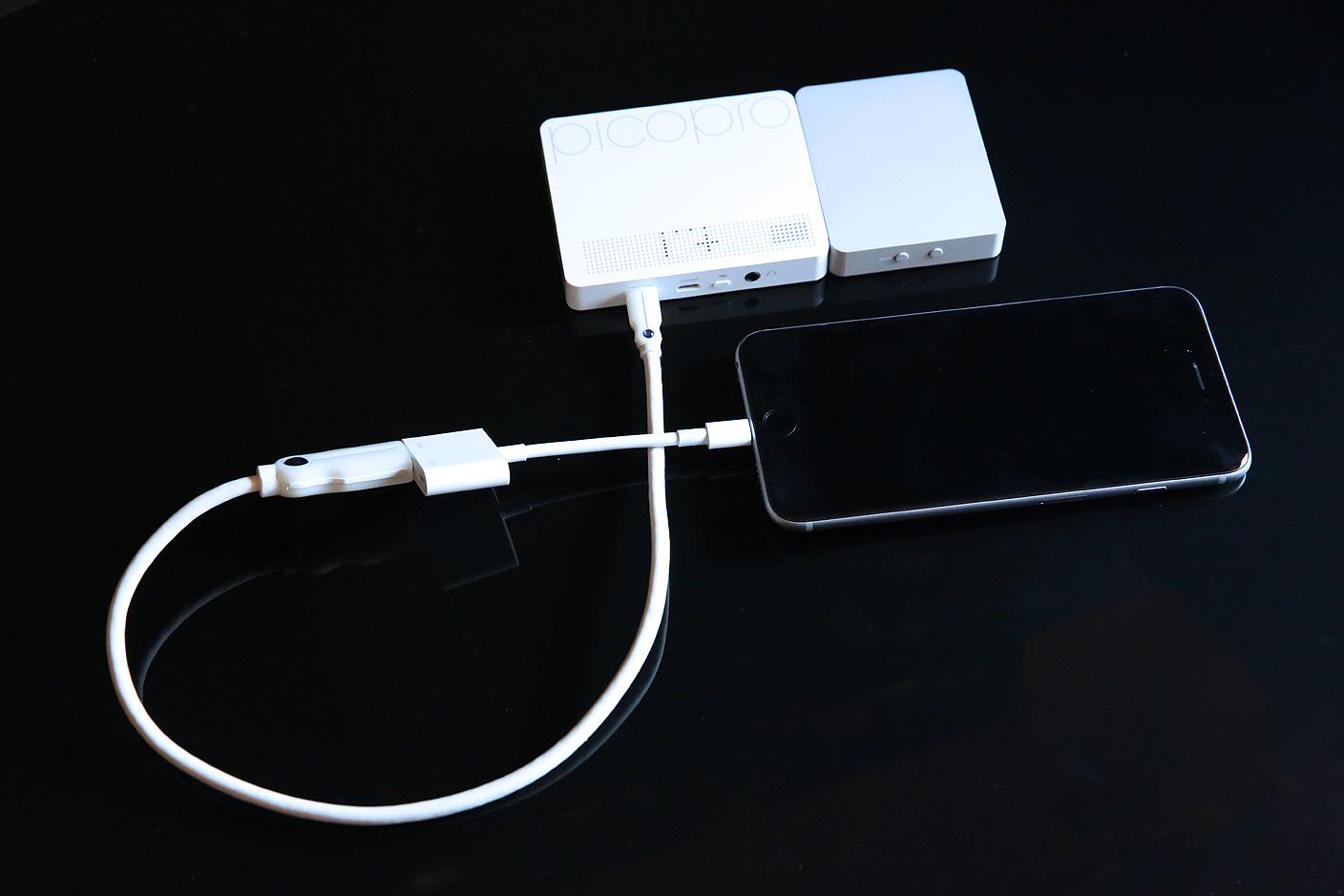
Korean developer Celluon — the company behind breakthrough laser keyboards that can create typing surfaces anywhere — is now trying its hand at pico projectors, and I have to admit that I’m far more impressed than I thought I’d be. PicoPro ($349) packs a high-definition video projector, a battery pack, and wireless capabilities into a 0.55″ thick enclosure with the same footprint as an iPhone 6 Plus. Overall, it’s the best small projector I’ve tested: much easier to use, quiet, and capable of delivering a better complete viewing experience. But like competing pico projectors, it also has some noteworthy limitations that you’ll want to be aware of before jumping in.


Expand
Expanding
Close

Review: Libratone’s second-generation Loop brings Bluetooth to the AirPlay-only Danish speaker family

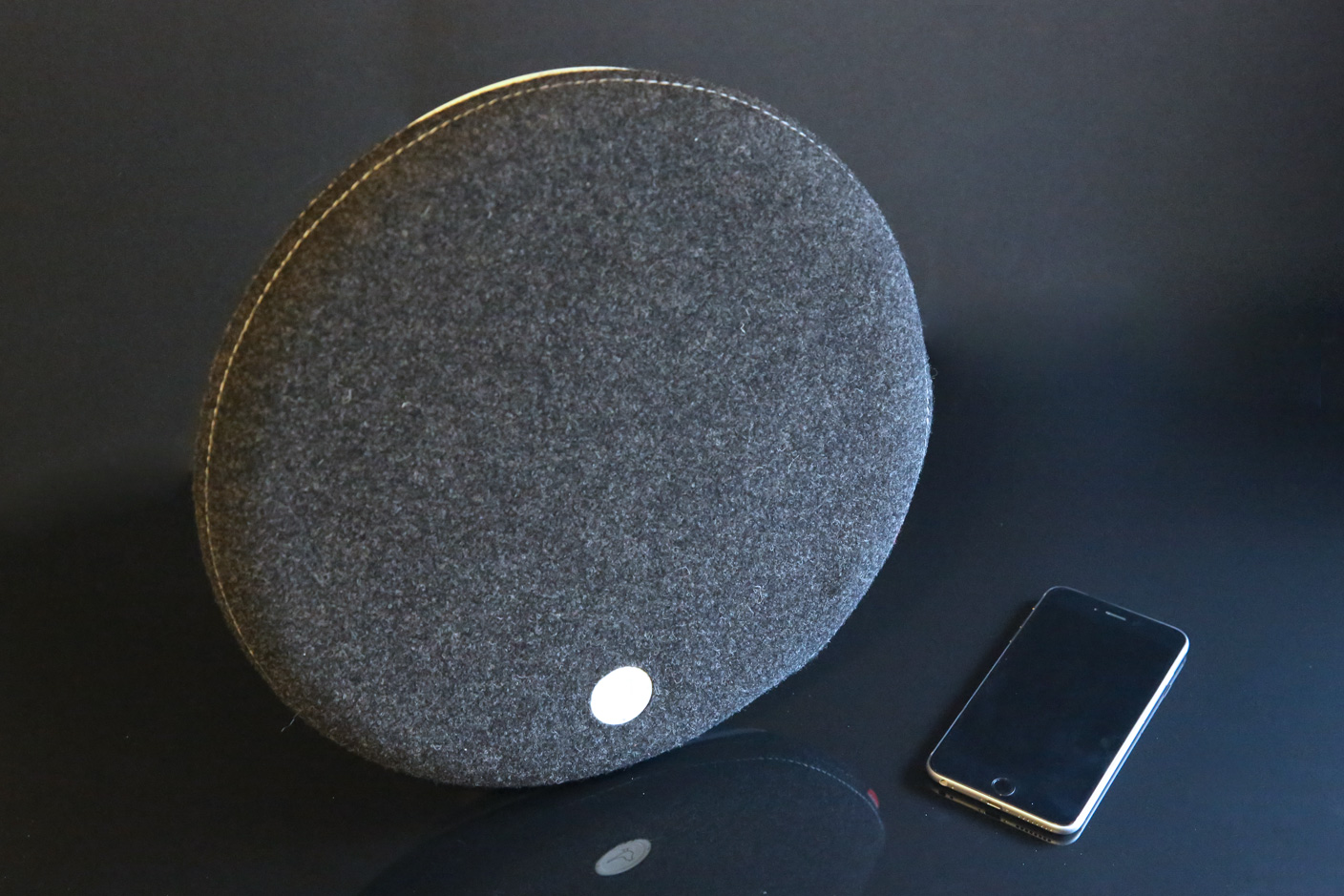
AirPlay isn’t dead as a wireless speaker standard, but it’s not exactly healthy: many models have been discontinued, and new releases have all but stopped. Having previously gone all-in with AirPlay, Danish designer speaker maker Libratone is now rolling out updated versions of its circular Loop, tube-shaped Zipp, and triangular Live systems that augment AirPlay rather than ditching it. The new Libratone Loop ($500) modestly tweaks the prior version to add Bluetooth 4.0 support — a feature that radically increases Loop’s compatibility. Though its high price tag will continue to keep this model out of reach for most consumers, long-awaited and substantial discounts on the prior-generation models (Loop here, Zipp here, Live here) may bolster their appeal.

Having tested the new Loop, my personal feelings are mixed: I applaud Libratone for consistently releasing speakers that look distinctive, working both as design objects and audio systems, but the MSRPs remain somewhat hard to justify given the sonic performance…


Expand
Expanding
Close

Review: CalDigit’s Mac hub Thunderbolt Station 2 competes on pricing, size, and build quality

Site default logo image

Despite USB 3.0’s growing popularity with consumers, Thunderbolt remains a viable alternative for professional users, particularly video makers willing to pay a premium for guaranteed high speeds. Over the past year, several Thunderbolt 2 hubs have come to market — boxes with one Thunderbolt 2 connection to a computer, one for a Thunderbolt accessory, and multiple ports to connect USB, audio, video, and Ethernet accessories. The idea: keep all of your gear hooked up to the hub, then use a single cable to connect it all to your Mac.

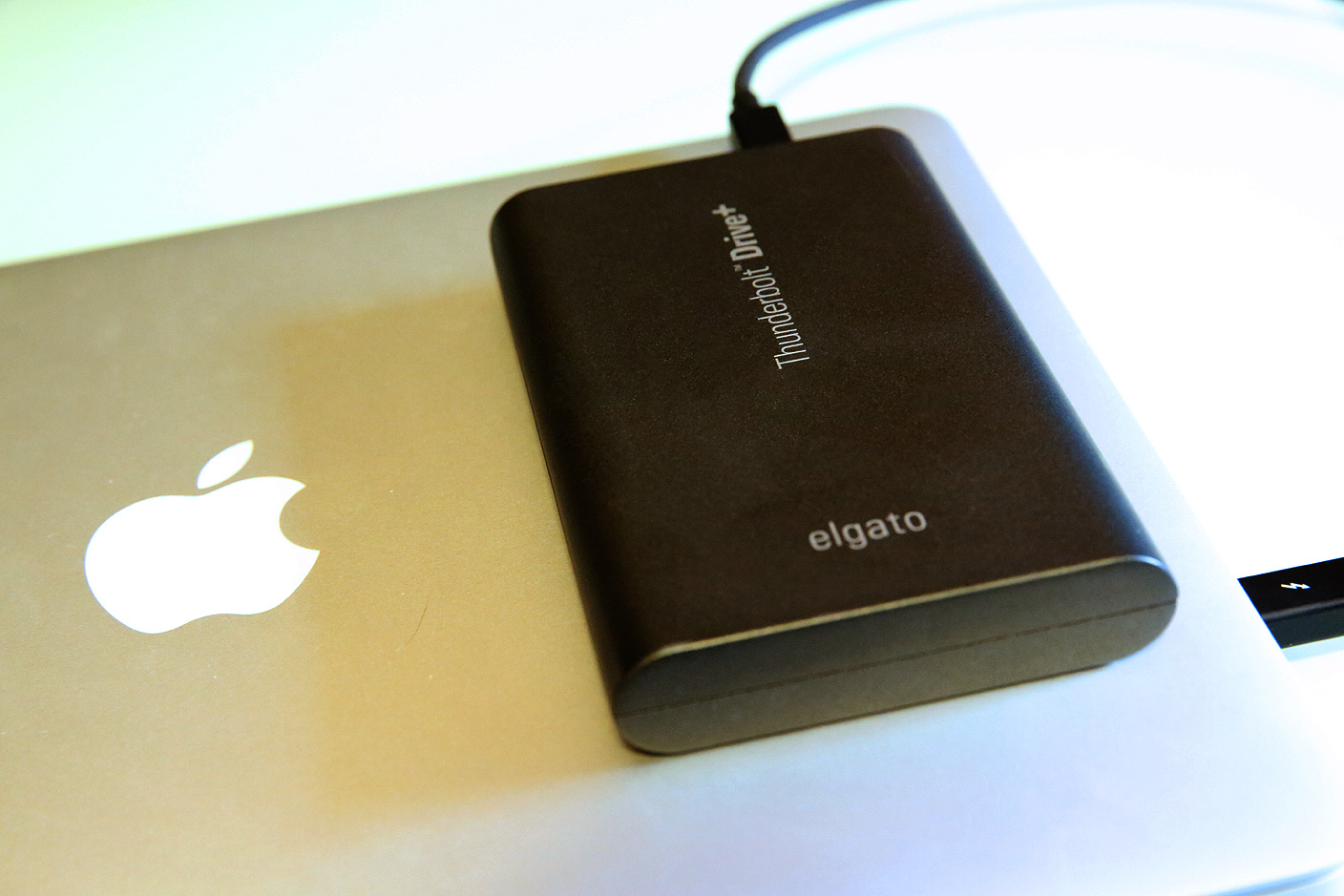
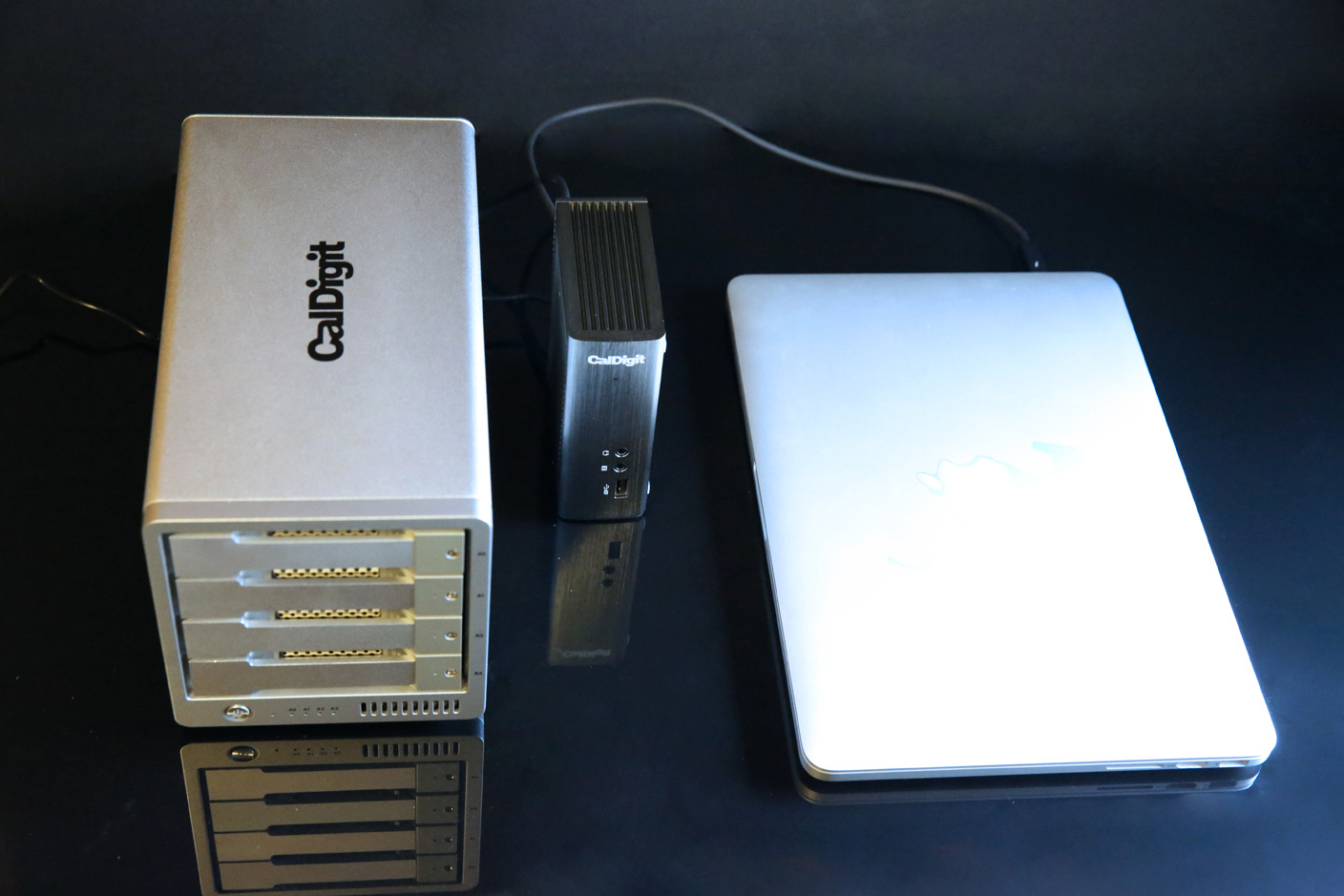
Known for large, heavy, professional-grade Mac accessories, CalDigit has just released Thunderbolt Station 2 ($199), which squeezes the same functionality offered by Belkin’s $300 Thunderbolt 2 Express Dock HD and Elgato’s $230 Thunderbolt 2 Dock (review) into a smaller, denser-feeling enclosure, at a lower MSRP — sort of. In reality, Thunderbolt Station 2 has some very specific benefits and one limitation that place it on par with its competitors, making the choice between them a more personal decision…


Expand
Expanding
Close

Review: LaCie’s Mirror and Seagate’s Seven set new standards for Mac hard drive shininess, thinness

Site default logo image

Until last week, the list of companies making visually stunning external hard drives began and ended with one name: LaCie. Partnered with respected industrial designers including Philippe Starck, LaCie has released more drool-worthy accessories than any other company in the Mac space — and that’s saying something. Numerous design successes led to LaCie’s acquisition by hard drive manufacturer Seagate, and at the 2015 CES, their combination bore fruit: the LaCie brand now has another beautiful hard drive called Mirror ($280), and Seagate debuted a designer hard drive called Seven ($100) — the thinnest 500GB portable drive ever made.

Although they’re cosmetically different and arguably designed to suit different users’ needs, Mirror and Seven have a lot in common, so we’re looking at them together in this review. Read on for photos and our hands-on test results.


Expand
Expanding
Close

Site default logo image

2TB Mac mini quietly made its return over Christmas holidays

Following the launch of the current Mac mini in October of last fall, we noted that Apple had removed an option to purchase the entry-level Mac with 2TB of storage. It appears Apple has listened to feedback, and now users can, once again, buy a Mac mini with 2TB of storage. According to our digging into web archives, the 2TB option returned for the priciest Mac mini model in mid-December, right around the Christmas holidays. The 2TB Fusion Drive upgrade costs a $100 more than the 1TB drive, and it requires the machine to be built-to-order. Thanks, Bartosz for the initial find. 


Expand
Expanding
Close

Pepcom highlights: Yantouch’s Daisy lamp, Zolt’s MagSafe charger, Brookstone’s Bluetooth signal splitter + more

A MagSafe charger smaller than Apple’s but made by a third-party? Ruggedized rubber hard drives from a company known for Mac-matching aluminum enclosures? Synchronized stereo speakers with color-shifting mood lights for your bedroom? Yes, the annual pre-CES Pepcom event took place in Las Vegas last night, and these were just a few of the products we spotted on the floor. Read on for more details…


Expand
Expanding
Close

Seagate and LaCie debut fashionable/wireless hard drives for iOS and Mac ahead of 2015 CES

Seagate and its LaCie subsidiary have announced five new hard drives just ahead of this week’s 2015 CES, including two new iOS-compatible wireless models and three new Mac-only disks. All except one will be available in January from the company’s web sites.

For iOS, the 500GB Seagate Wireless ($130) is an economical and portable, battery-powered hard disk designed to compete with G-Technology’s G-Connect and Western Digital’s My Passport Wireless. Just under 4″ on each side and less than an inch thick, Seagate’s version is designed to look fun, with your choice of green, blue, gray, red, or white matte housings, and uses integrated Wi-Fi to connect with iOS devices and Macs for media playback as well as Android/Windows/Chrome. It runs for nine hours between charges and can connect to 3 devices simultaneously.

[youtube=http://www.youtube.com/watch?v=6qVU2eWvmg8&w=704&h=396]

Seagate Seven ($100) is a Mac-only alternative that promises to be the world’s thinnest portable hard drive. Made from 100% stainless steel, the enclosure is only 7mm thick and includes a USB 3.0 cable for connecting to a computer, giving up wireless in order to achieve its small size. In a break from traditionally boxy or rounded hard drives, Seven is actually slim enough to let you see the contours of the traditional hard disk mechanism inside. Three additional drives are discussed below…


Expand
Expanding
Close

Review: G-Technology’s G-Drive USB is a pro-grade Mac hard drive at consumer prices, in 2TB-6TB sizes


Professional video editors and filmmakers have raved about G-Technology’s hard drives for over a decade. These users — day-one adopters of Apple’s Mac Pro and MacBook Pro computers — need a lot of hard disk space, fast interfaces, and above all else, reliability. Losing part or all of a project can kill a movie, so nothing is left to chance on the storage side. I’m not a video professional, but as a father, my family photos and home videos are some of my most valuable possessions, and I don’t want to lose them to a hard drive failure. Numerous recommendations led me to Hitachi GST subsidiary G-Technology’s G-Drives years ago, and now there’s a new entry-level model that’s affordable enough for everyone: G-Drive USB ($160-$400, available here for $150 and up).

G-Drive USB offers all the capacity, speed and reliability G-Tech drives are known for, but in a smaller enclosure with fewer ports on the back. I’ve been testing one for the past month, and it’s as excellent as the five earlier G-Tech drives I’ve used since 2006. G-Drive USB isn’t the cheapest hard drive around, but when you care about long-term reliability, it’s worth paying a premium for peace of mind.


Expand
Expanding
Close

CalDigit’s Thunderbolt Station 2 starts price war on Thunderbolt 2 docks w/ $170 pre-order, reg. $200

Site default logo image

Looking to grab market share from rival makers of Mac Thunderbolt docks, CalDigit today announced Thunderbolt Station 2, an aggressively-priced Thunderbolt 2 docking hub that promises to surpass earlier Belkin and Elgato units in features and build quality. Redesigned from a prior model, Thunderbolt Station 2 includes the expected twin Thunderbolt 2 ports, three USB 3.0 ports, Ethernet, HDMI and analog audio in/out ports. What’s new are twin eSATA 6G ports and an enclosure that can be mounted vertically or horizontally, saving space on a desk.

With a regular price of $200, it’s already $30 cheaper than Elgato’s Thunderbolt 2 Dock and $100 under Belkin’s Thunderbolt 2 Express Dock HD, but a special $170 pre-order price makes it the most affordable Thunderbolt 2 dock yet.


Expand
Expanding
Close

Hyper’s Black Friday: $50 off the world’s only external MacBook battery, $10 battery packs (Reg. $50), $2 iPad cases (Reg. $30), much more

Site default logo image

Hyper, the brand behind a number of popular Mac and iOS products we’ve reviewed in the past, is today offering its best deals ever for Black Friday. The sale includes big deals on external battery packs and other iOS accessories including the world’s only external MacBook battery.

Some of the notables: A $10 3600 mAh battery pack (Reg. $49), a $20 7200mAh battery pack (Reg. $70), and up to $50 off the company’s external battery for MacBooks. Head below for the full list of deals. 
Expand
Expanding
Close