macOS 26

See All Stories

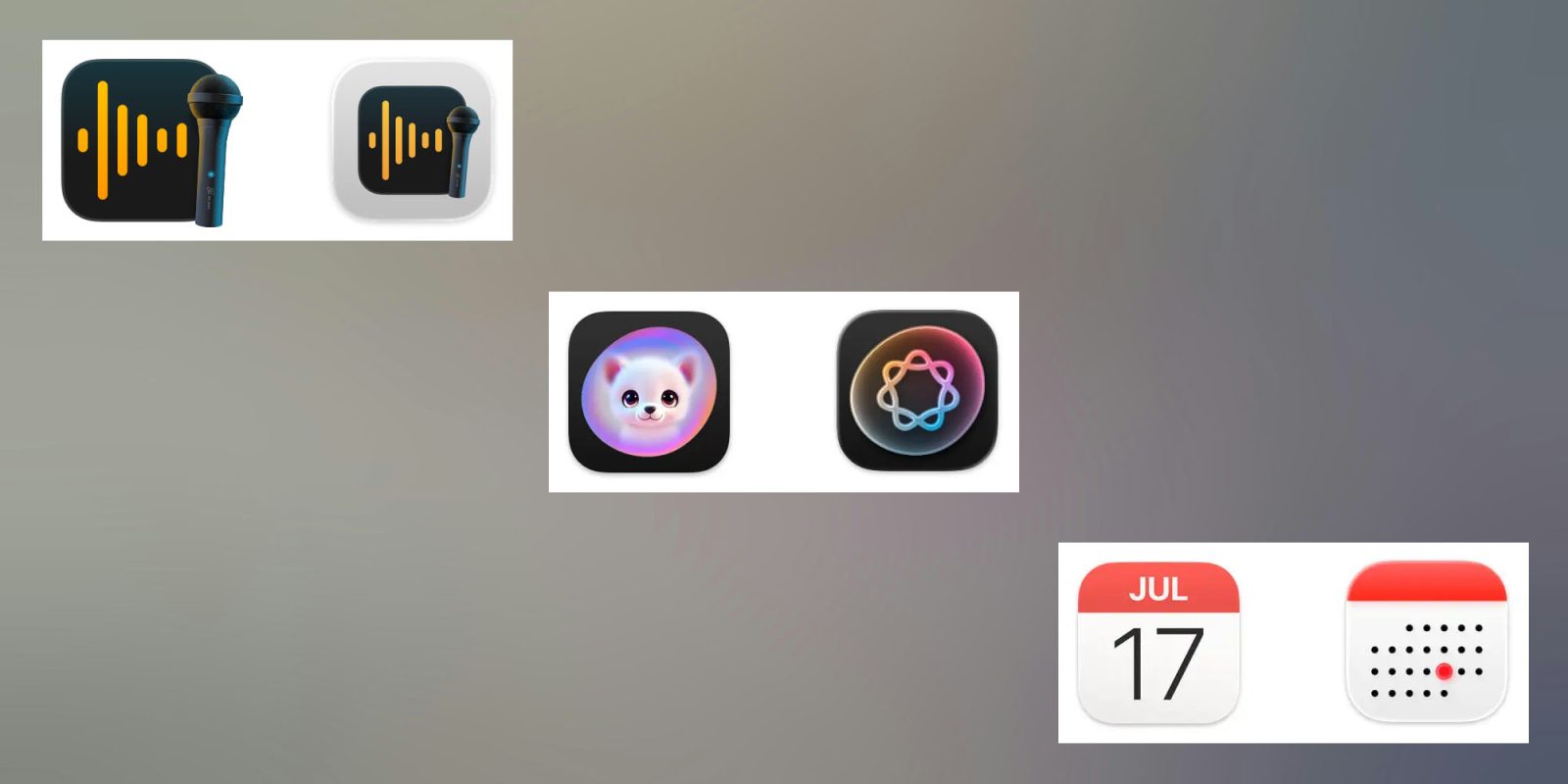
Are the macOS 26 Tahoe icons ‘terrible’ and ‘objectively bad’? [Poll]

Are the MacOS 26 Tahoe icons 'terrible' and 'objectively bad' | Three examples shown on a bland gray background

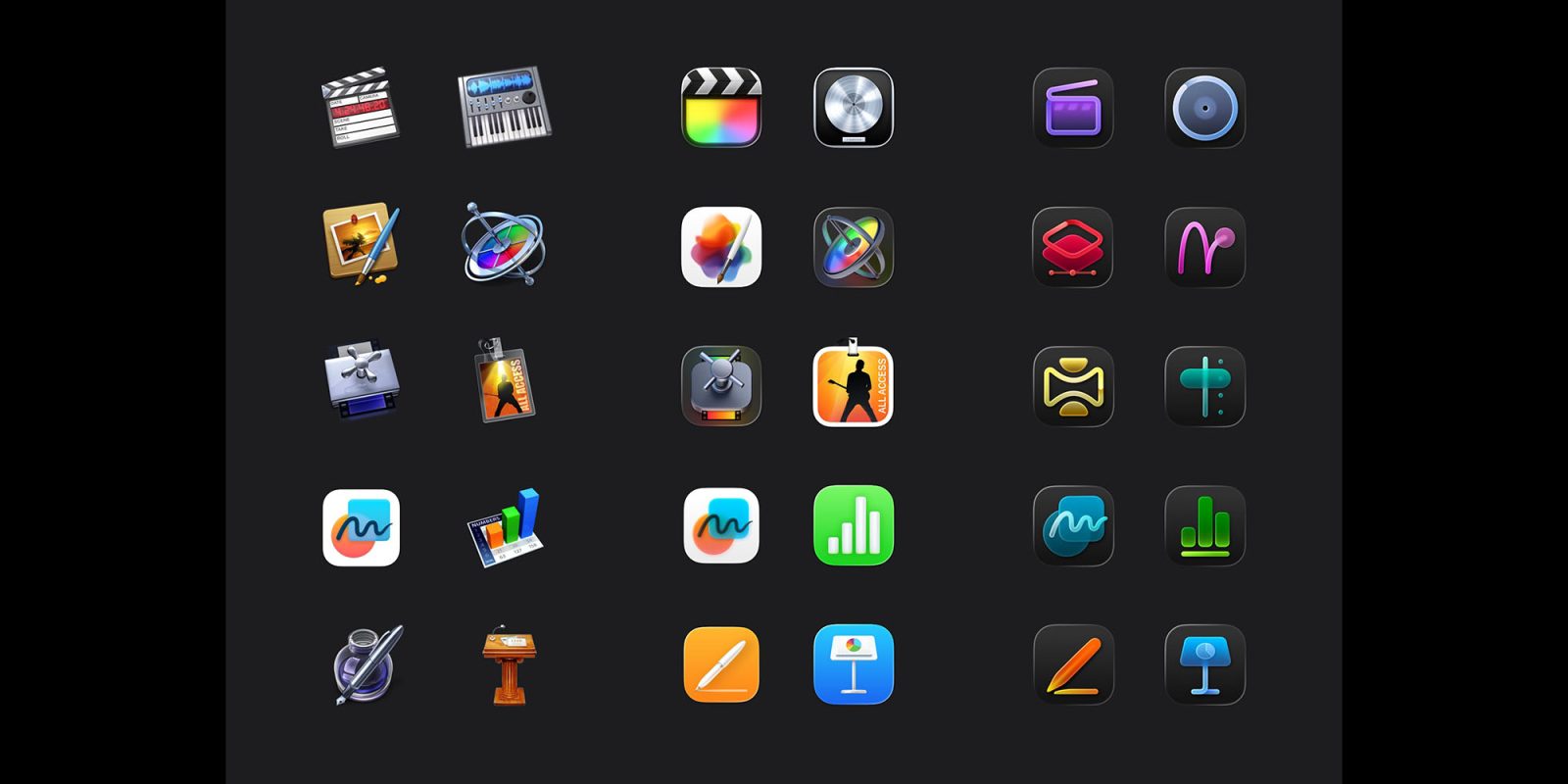
Apple’s Liquid Glass design language has been controversial, to say the least. But it wasn’t just the glass-themed elements that came under fire. One of the macOS 26 Tahoe icons in particular came under fire, with Apple changing the Macintosh HD icon in response.

But some suggest the problems go deeper than this, with the macOS 26 icons as a whole described as “terrible” and “objectively bad” …

Expand Expanding Close

The ultimate guide to turning Liquid Glass down or off across all your Apple devices

The ultimate guide to turning Liquid Glass down or off across all your Apple devices | Apple image showing it on different devices

While I’m generally a fan of the Liquid Glass user interface, not everybody is. For some, it fails usability tests, while others are just not keen on the aesthetics.

Fortunately Apple allows a huge amount of control over the effects, and Adam Engst over at TidBITs has put together the ultimate guide for this …

Expand Expanding Close
Does iPadOS 26 make the iPad a computer? [Video]

The moment Apple announced iPadOS 26, it felt like us iPad users have finally been heard. For years the iPad has always been “almost there”. It had the powerful hardware, but the software made the experience too limited for most people. But now with iPadOS 26, that gap is almost gone. The new windowing system, improved multitasking, and better file management make the iPad feel more like a computer than it ever has before.

So the next natural question is, can an iPad be your one and only computer? Let’s break this all down.

Expand Expanding Close